How to View Messages in the Patient Portal
1. Log-in to the CARE Counseling Patient Portal webpage: https://carecounseling.portal.opusehr.app/welcome
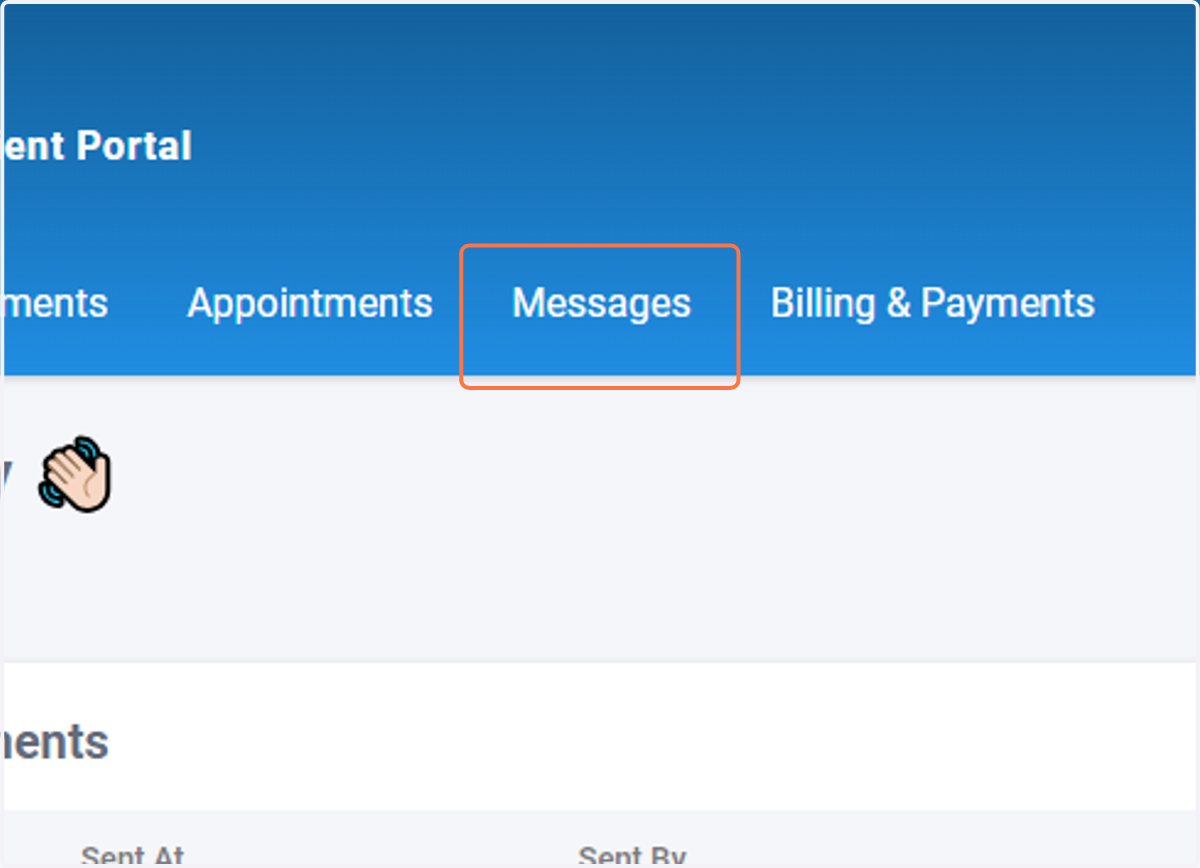
2. Click on Messages
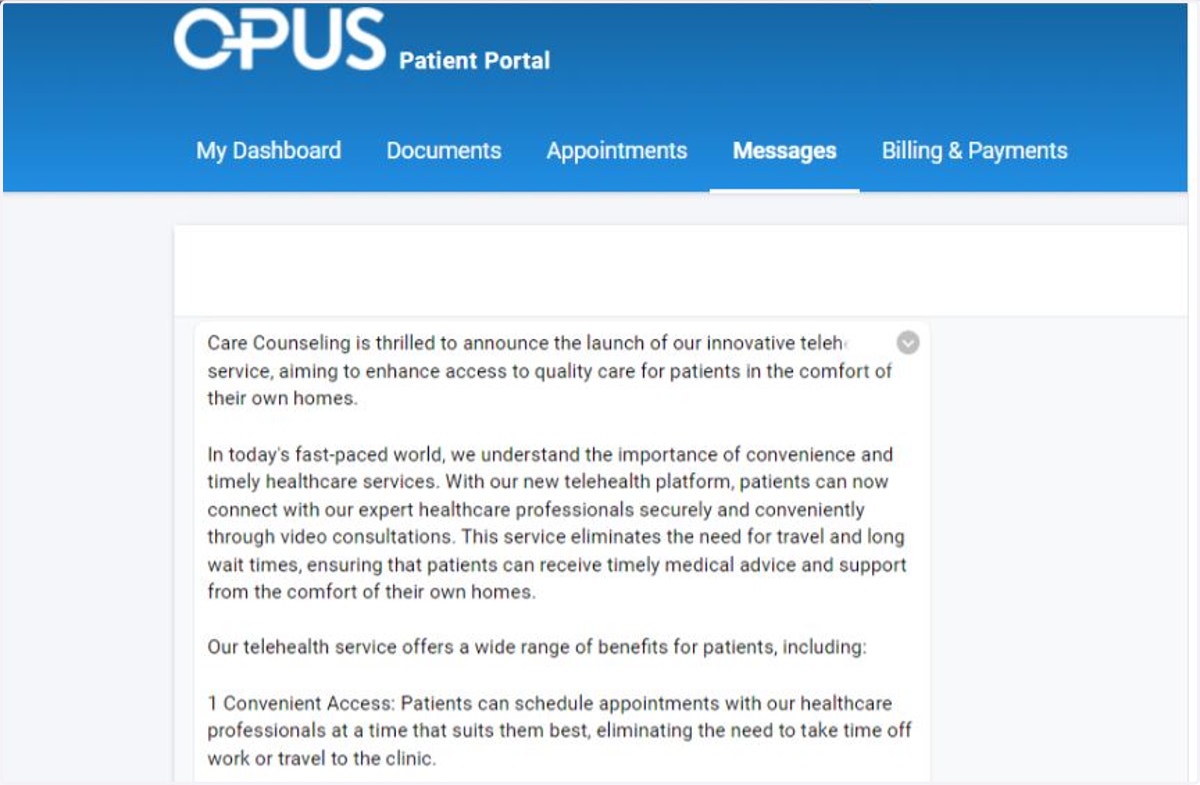
3. Review messages that have been posted to the message board
You cannot message your provider via the portal at this time.