Easy Plugin Installation and Automated WordPress Migration with MigrateGuru Plugin
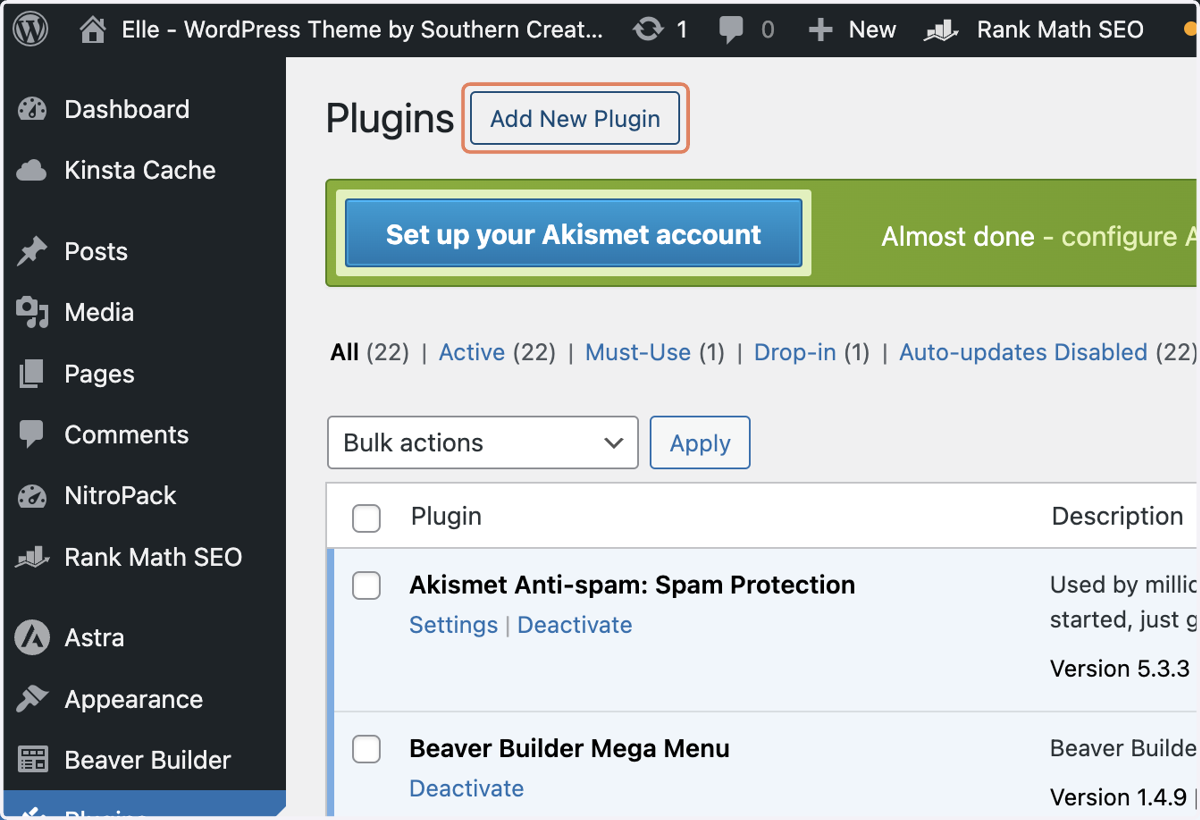
1. Click on Add New Plugin
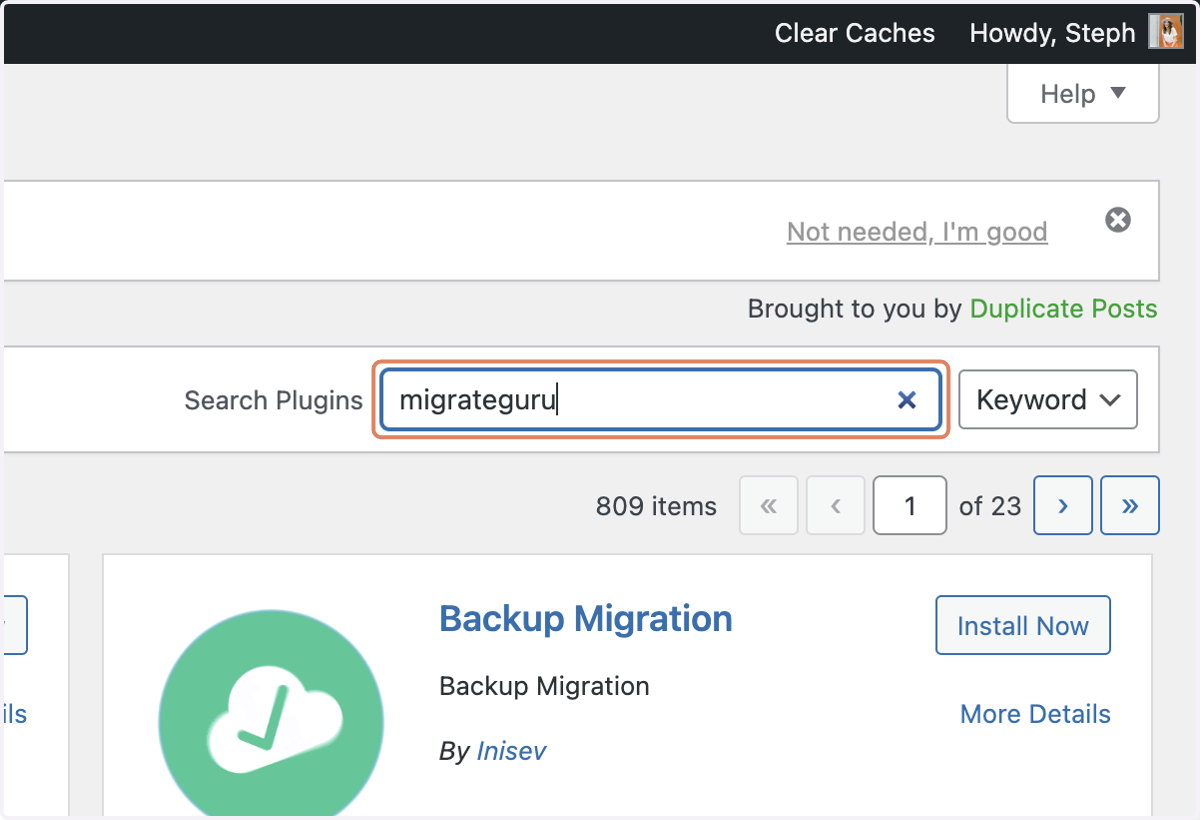
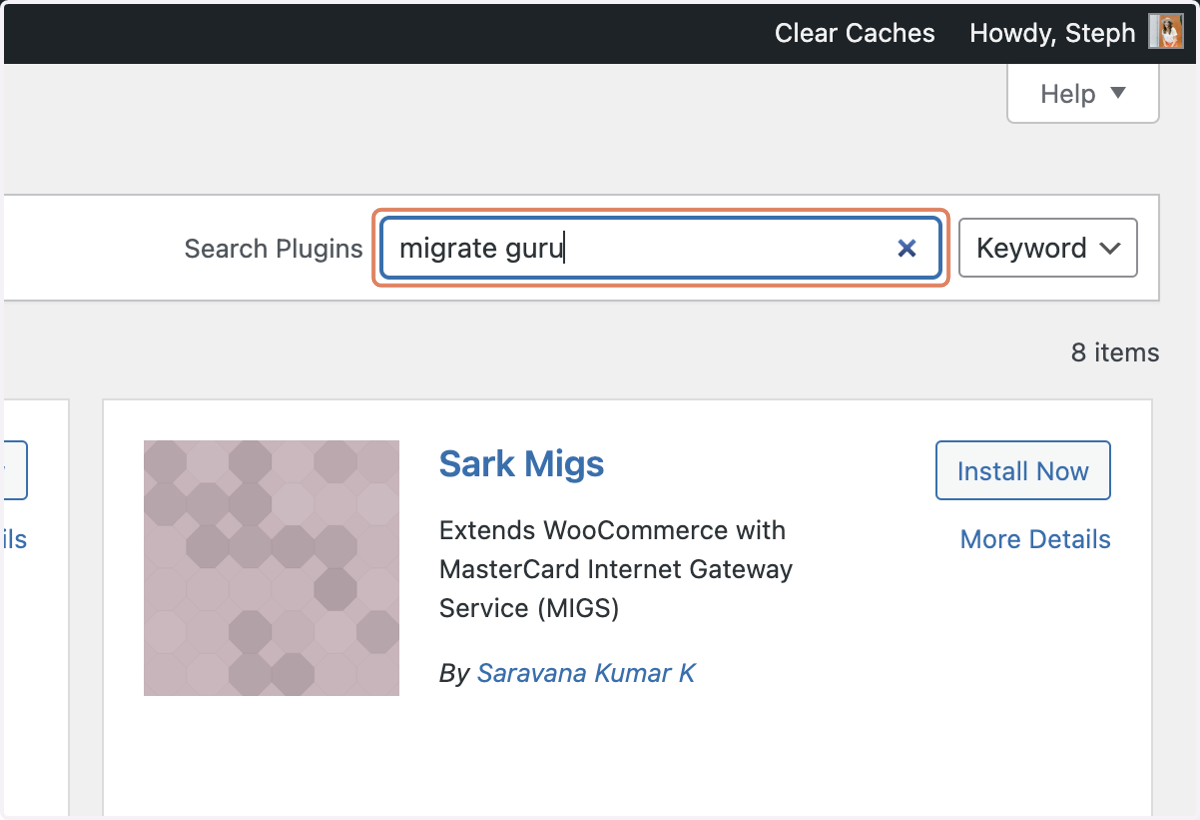
2. Type "migrateguru"
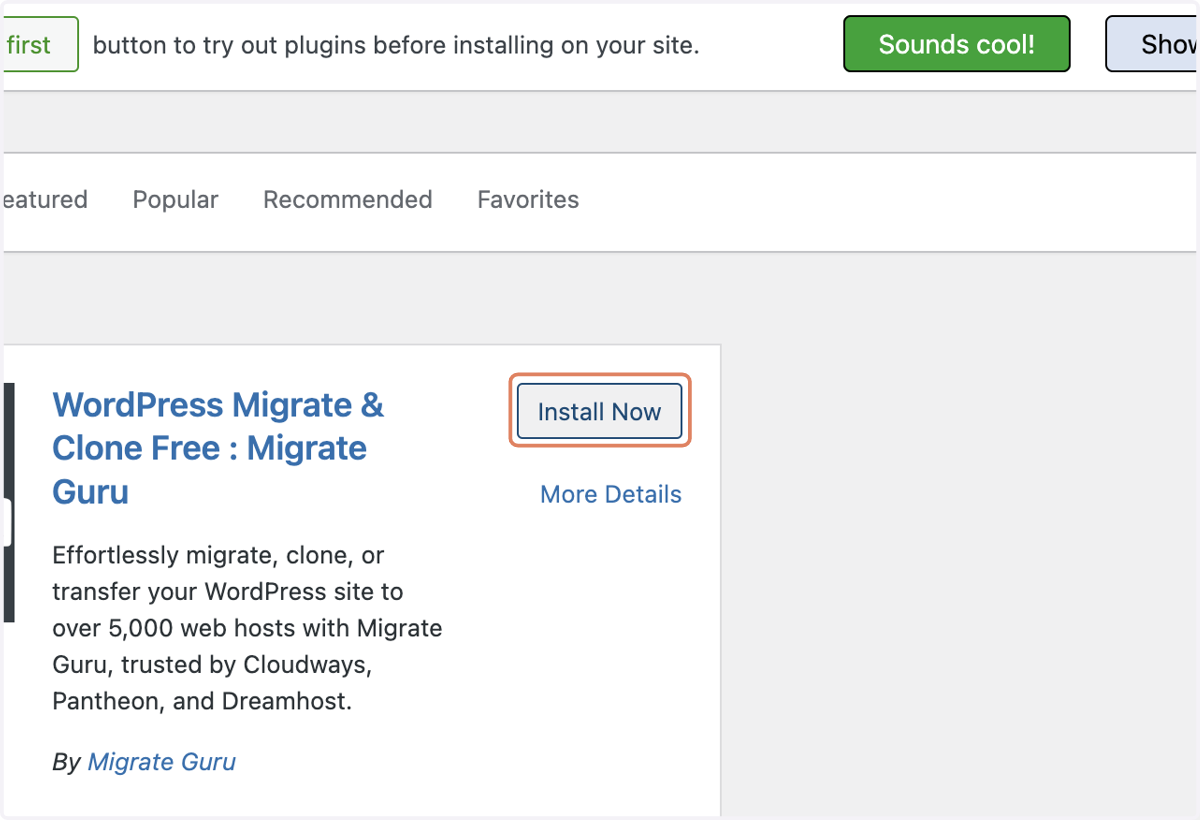
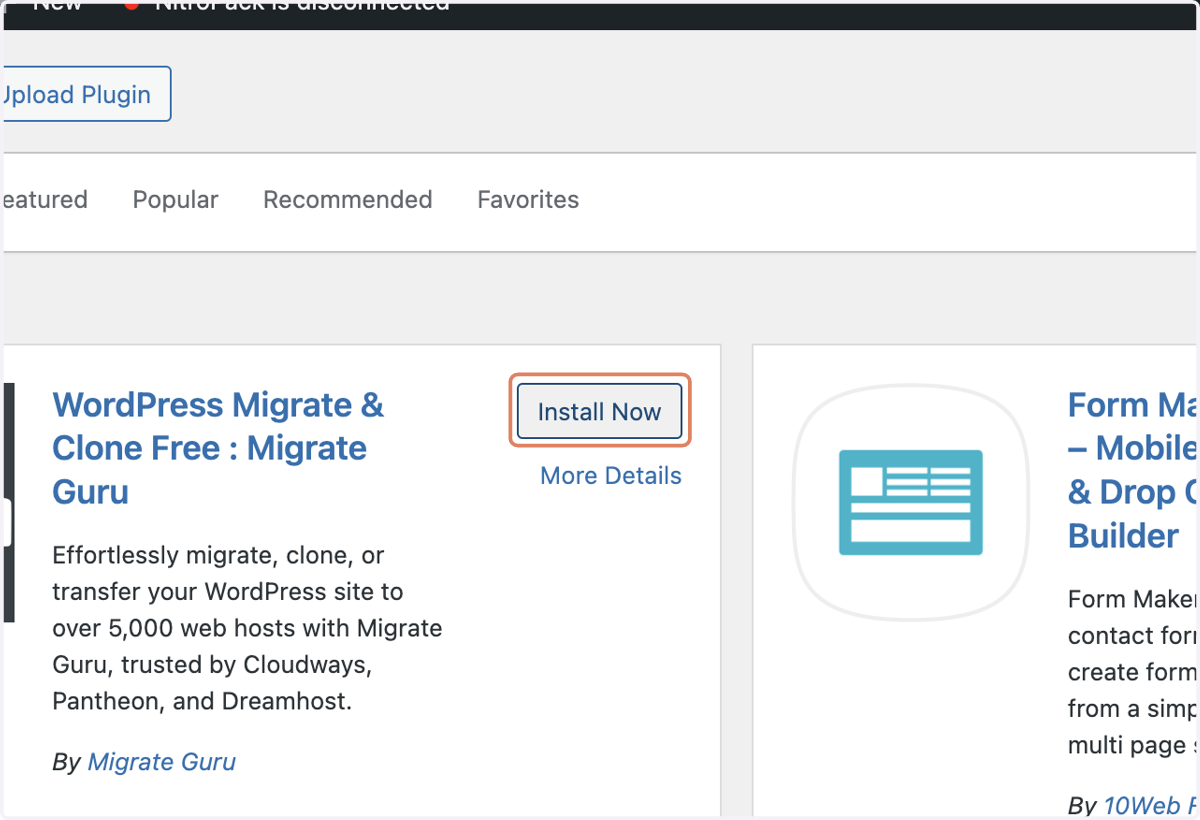
3. Click on Install Now
4. Type your email addr
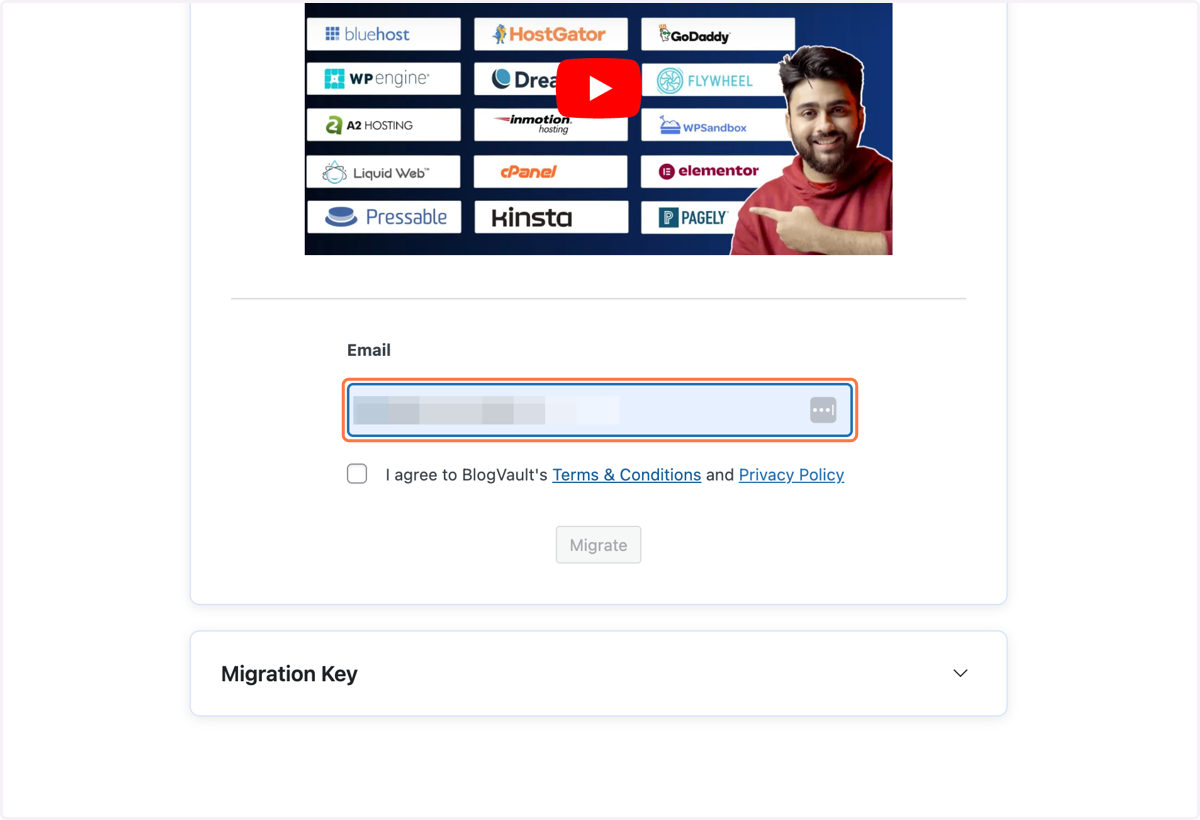
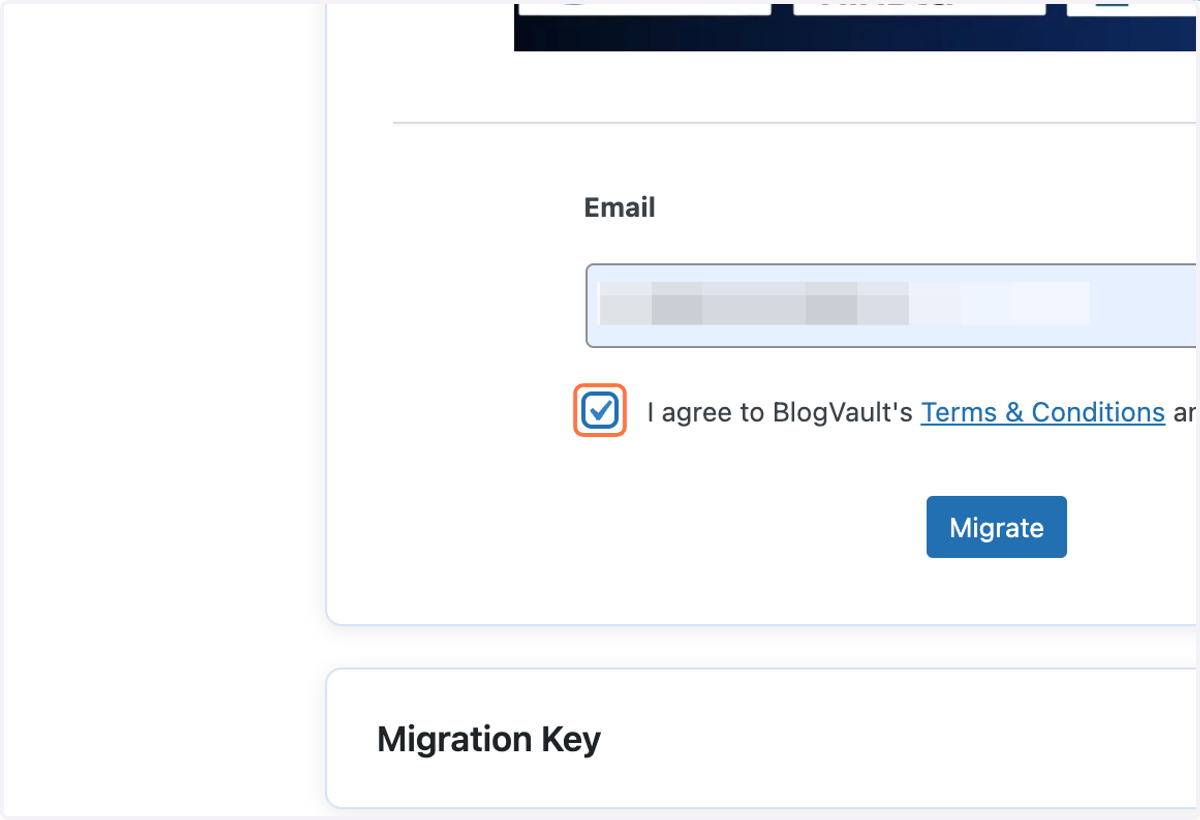
5. Check I agree to BlogVault's Terms & Conditions and Privacy Policy
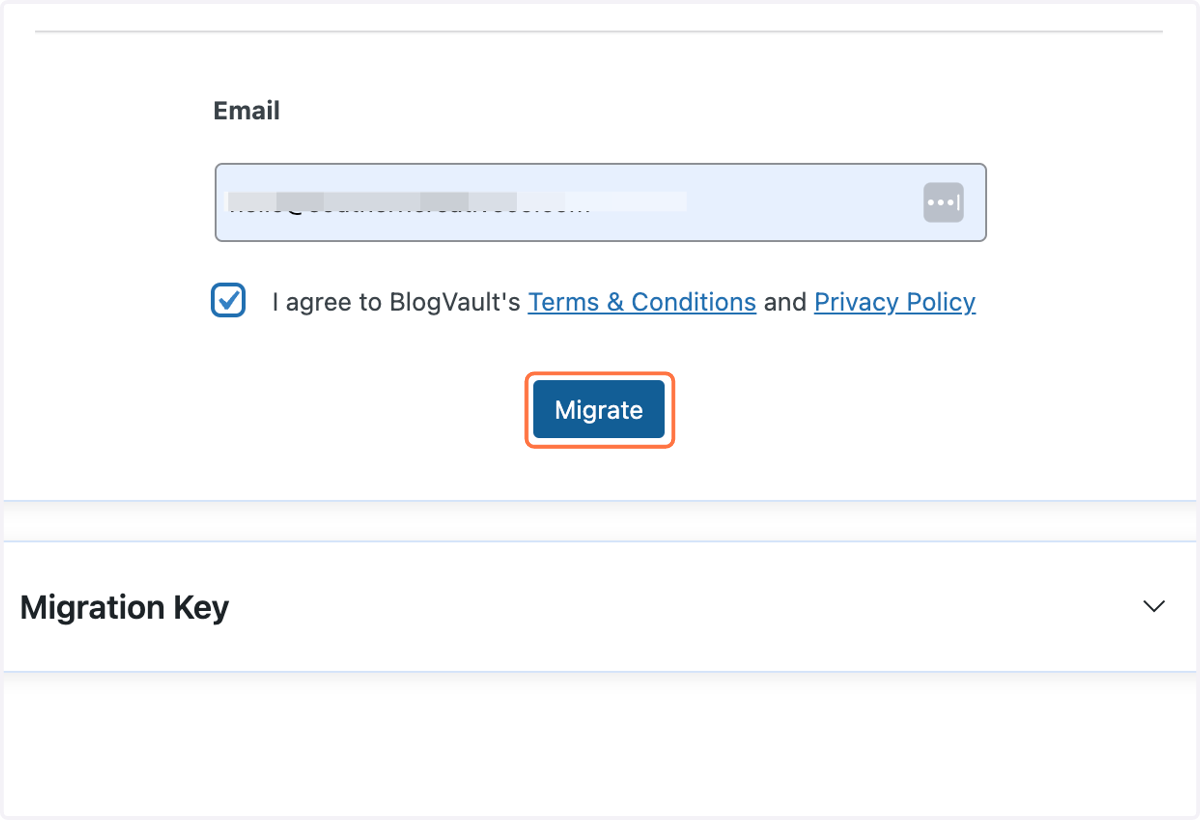
6. Click on Migrate
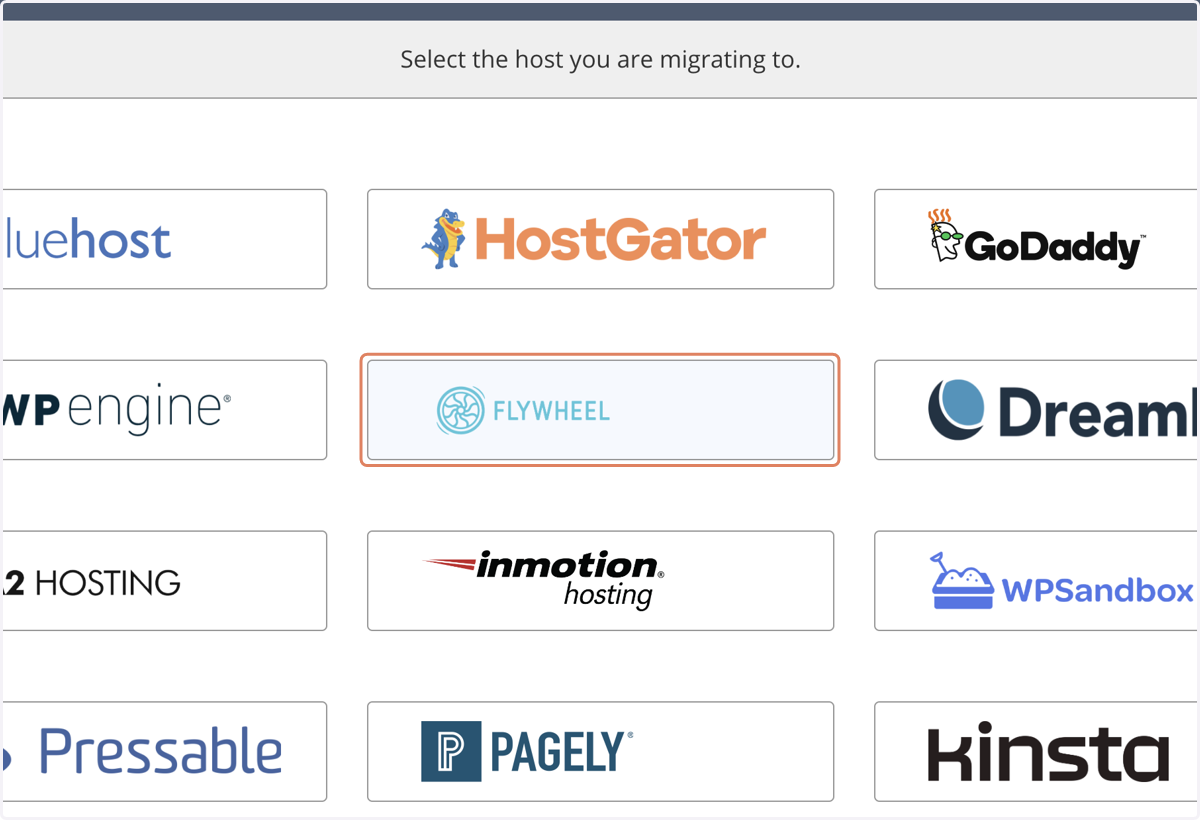
7. Click on your new website host
8. Add the Migrate Guru plugin on your new website
9. Click on Install Now
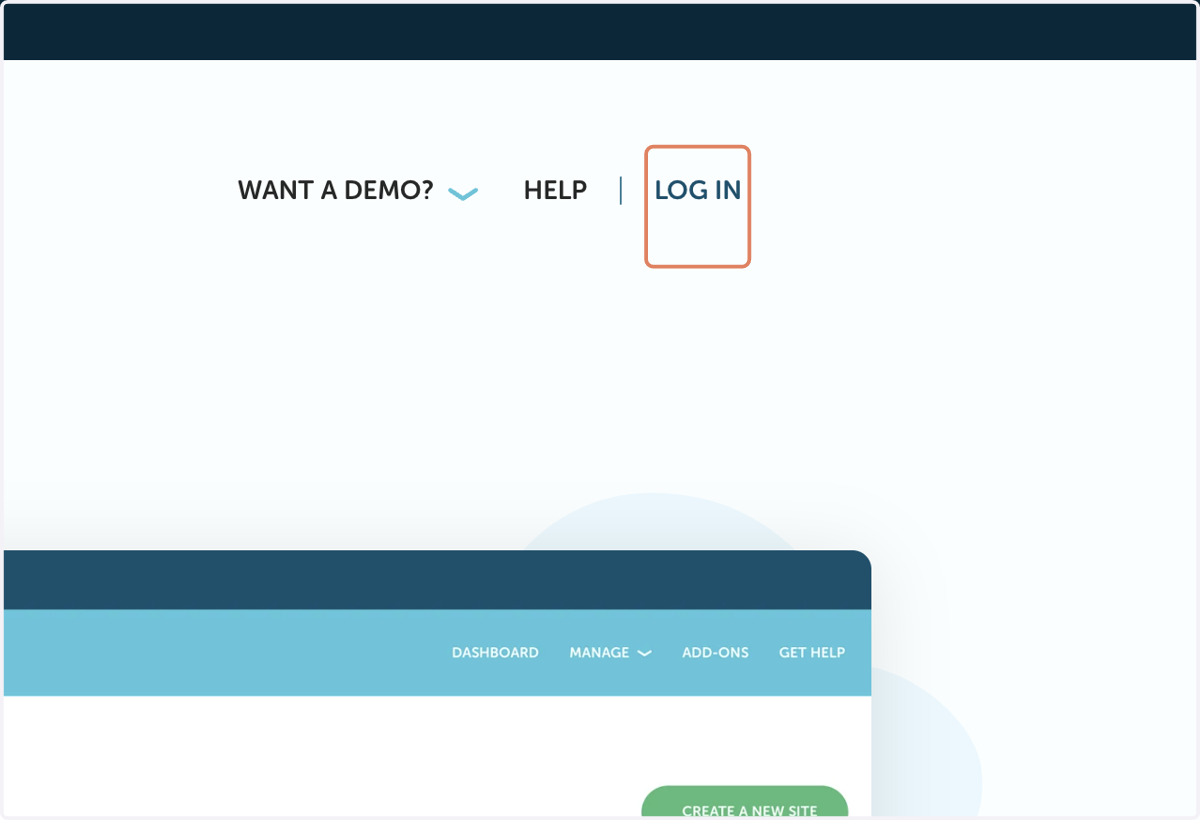
10. Open your new website host + install a WP site if needed
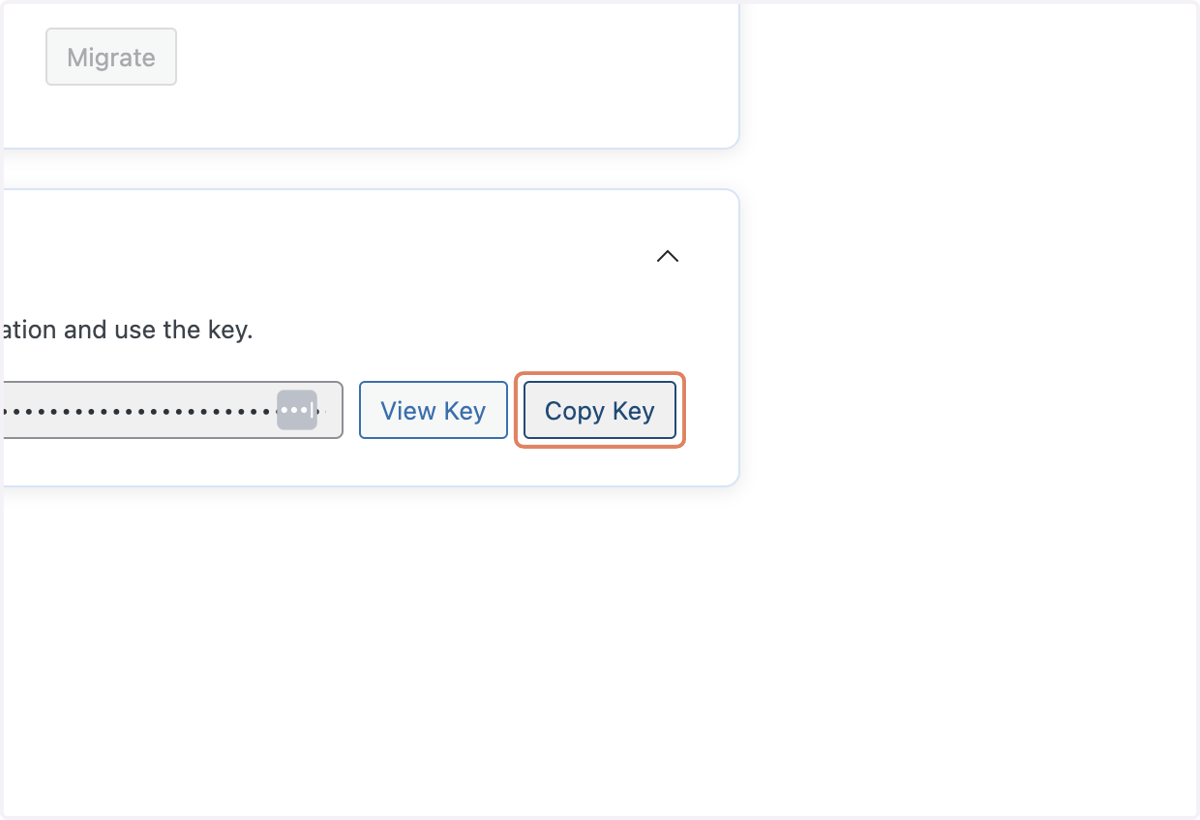
11. Click on Copy Key
12. Copy input
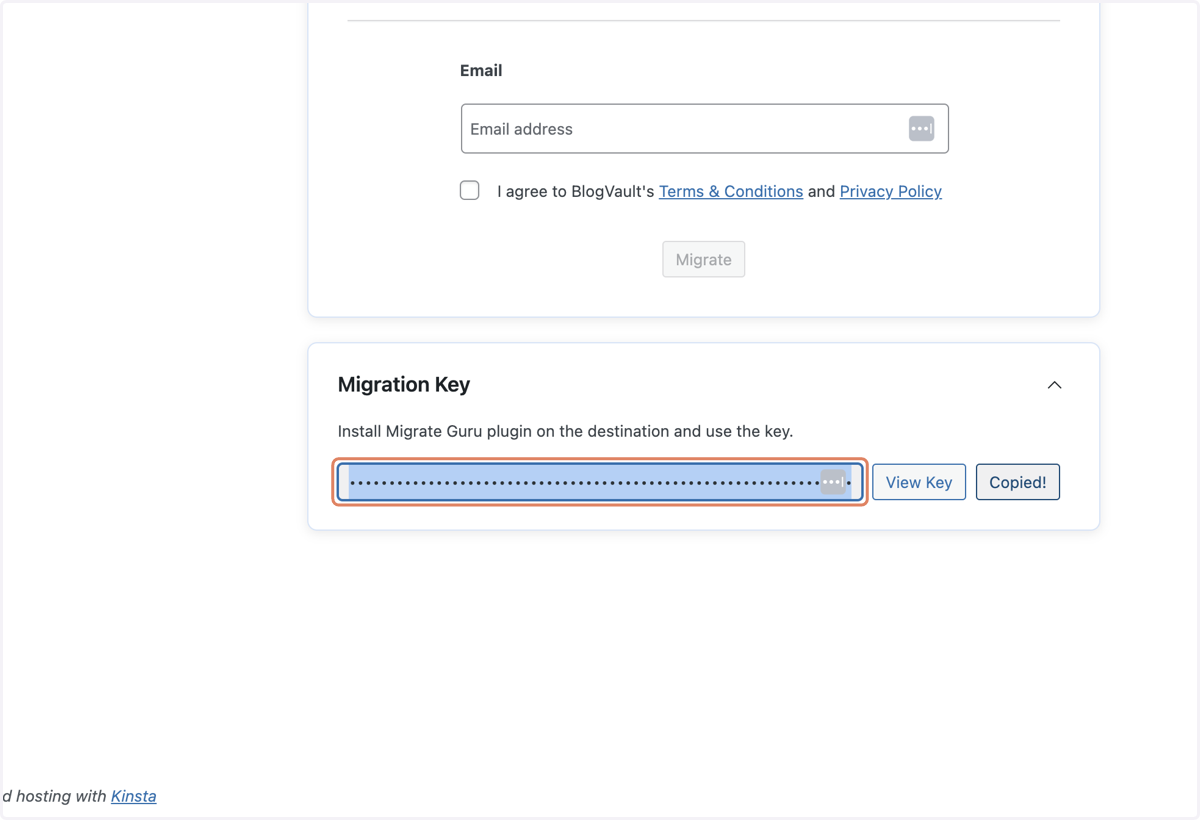
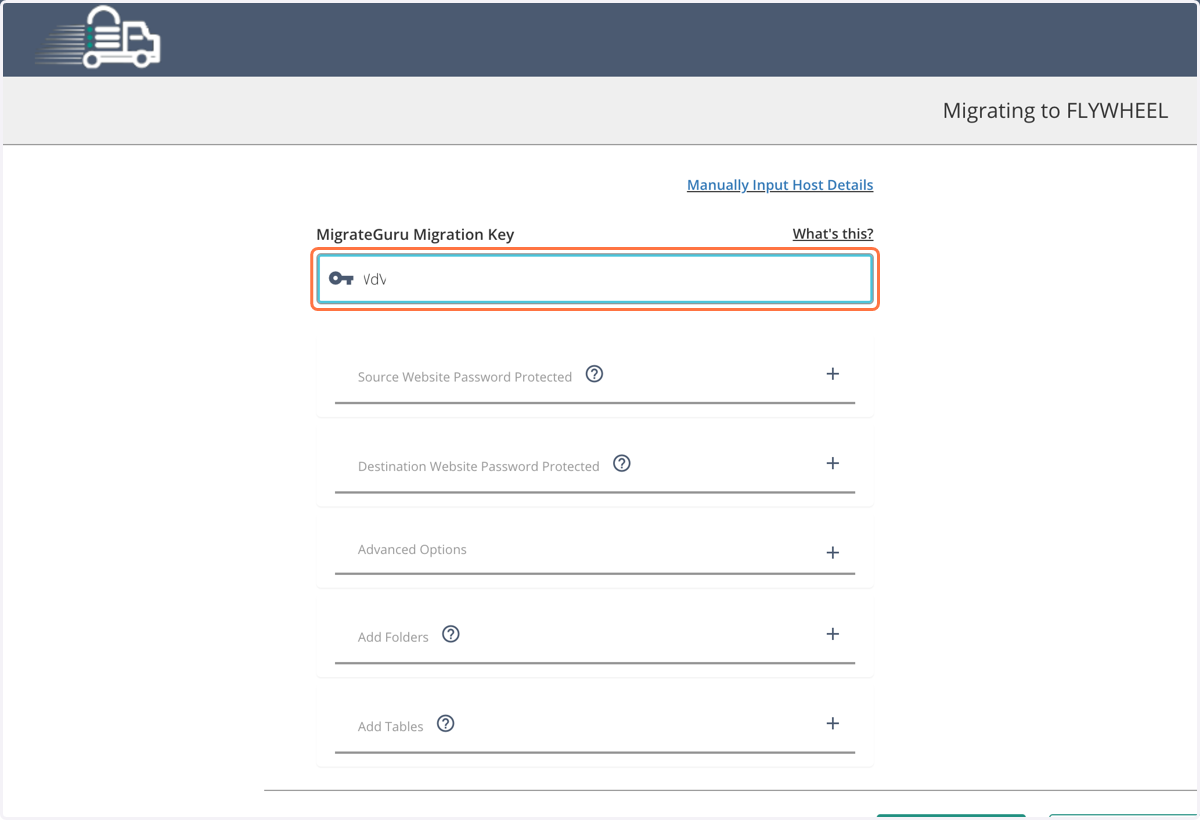
13. Paste selected text into input
14. Click Migrate + wait for the email confirmation