Emailing Single Payer Statements in Yardi Voyager
Yardi Systems, Inc. - Yardi Voyager
1. Navigate to the resident, then click Data/Reports

2. Click on Payer Statement

3. Choose the statement period you'd like to send

4. Select Email Batch
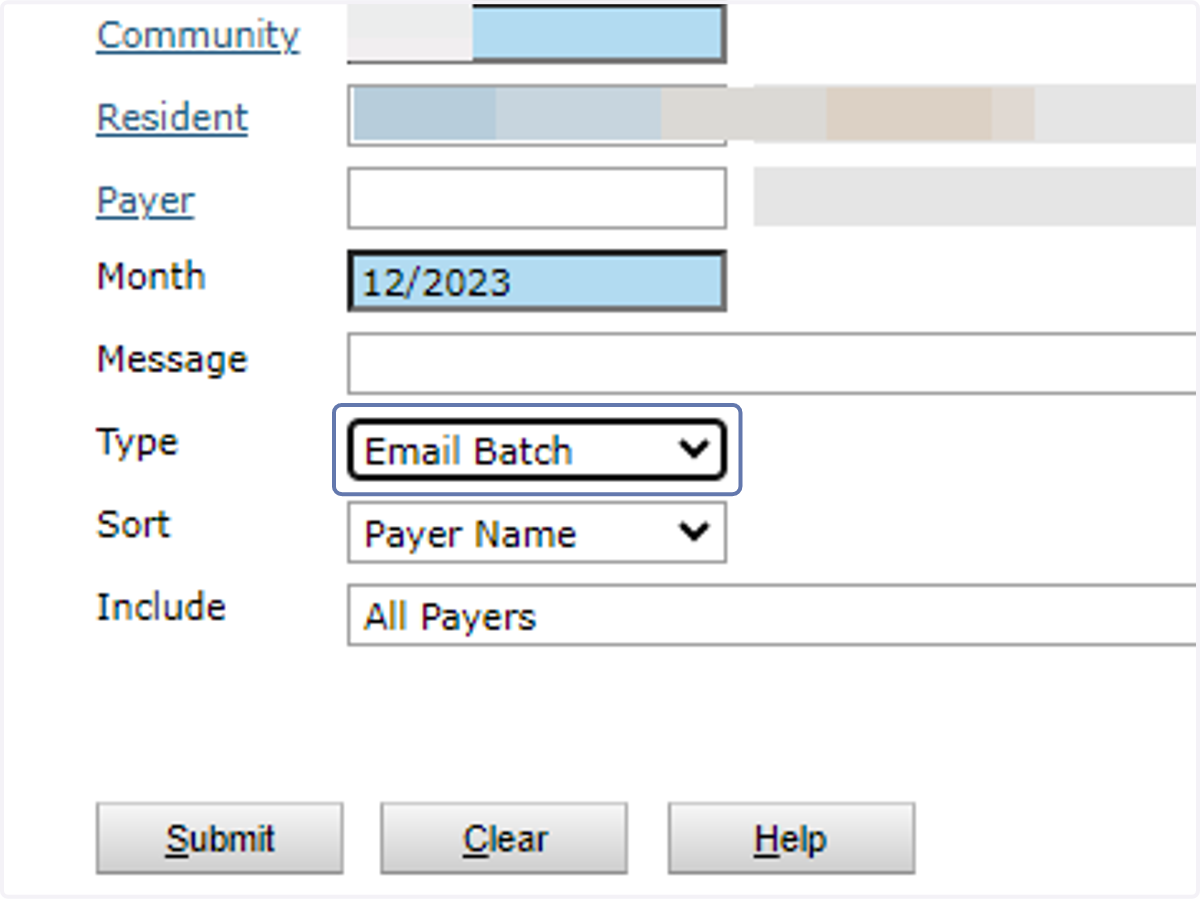
5. Select ePayer Statement Cover

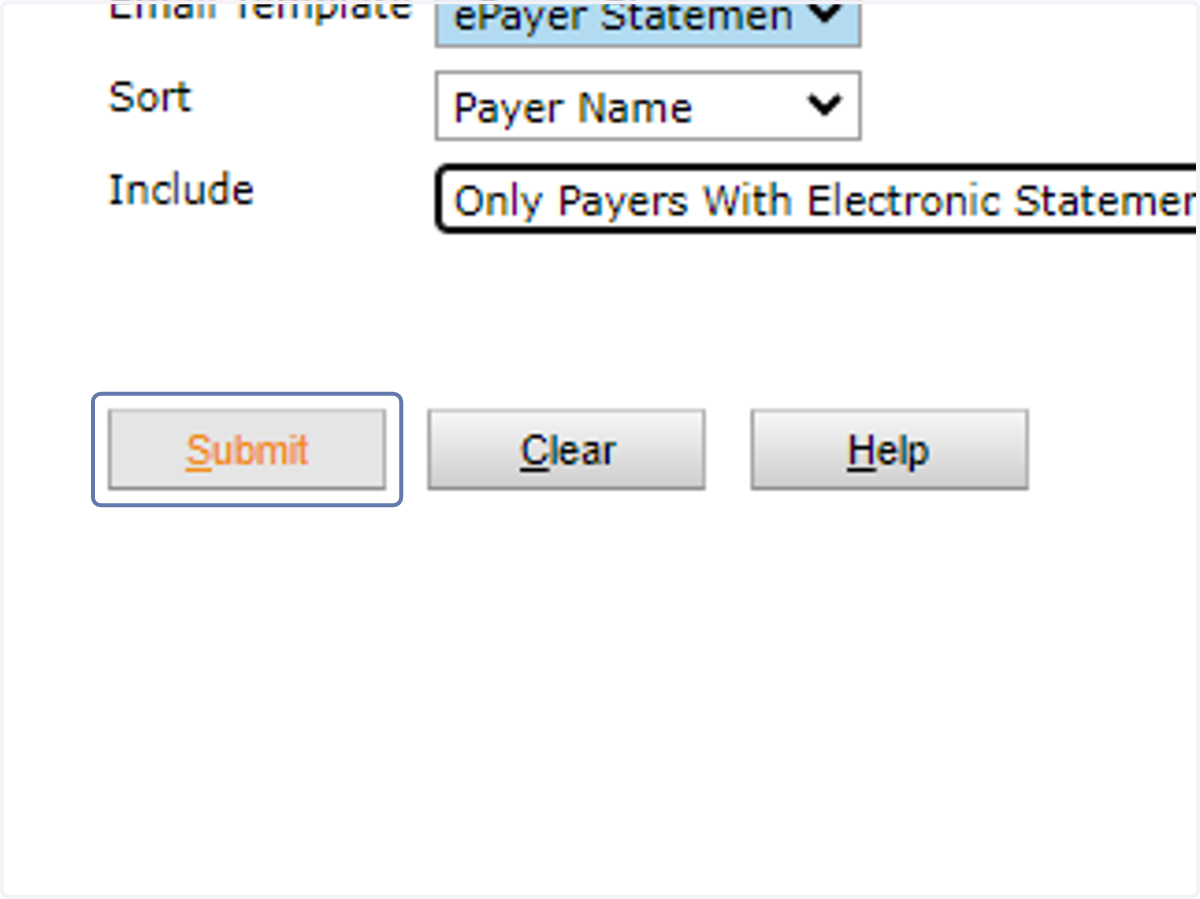
6. Click on Submit
Do not change the Include dropdown
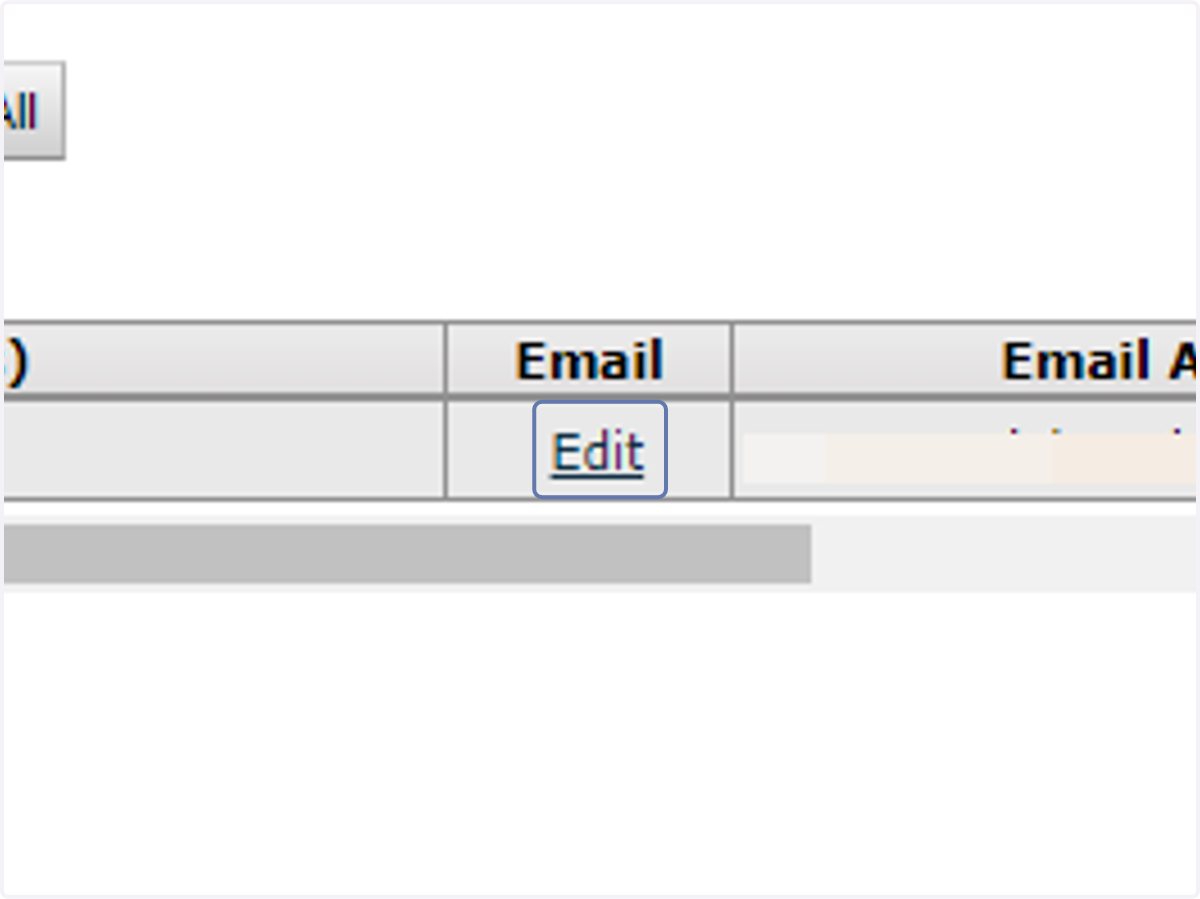
7. Click on Edit
8. Type in the additional email addresses on each line

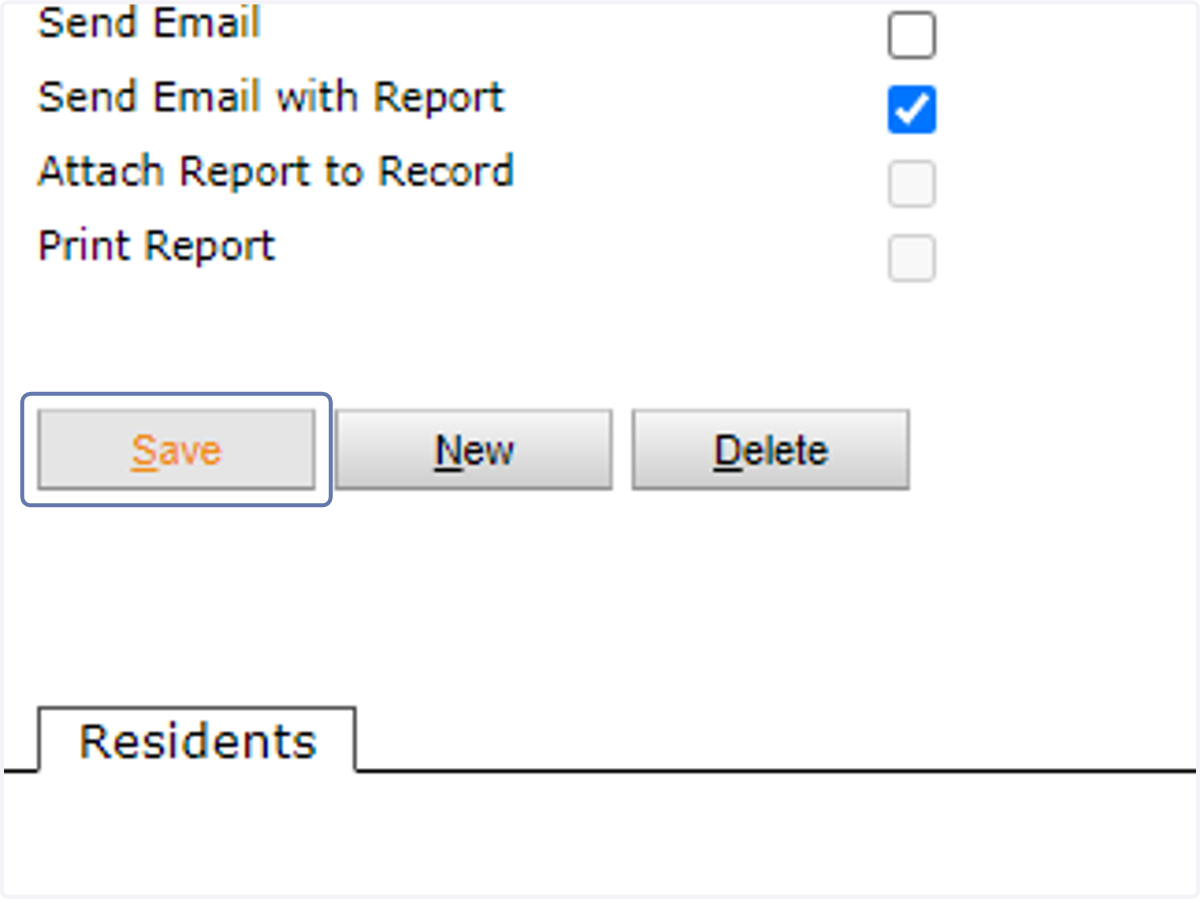
9. Click on Save
(you have to close this page once complete)

10. Check the box under Select

11. Click Save
12. Click Post
