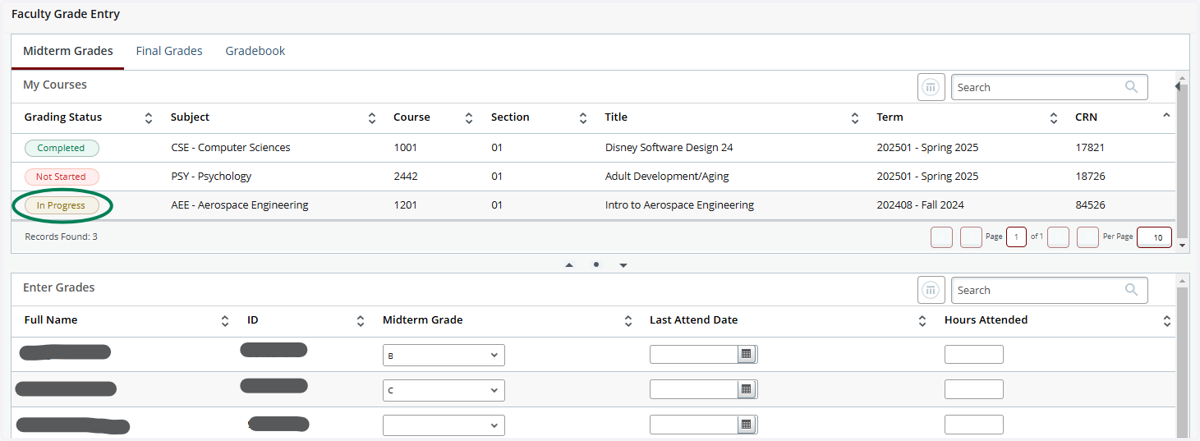
PAWS - How to Enter Midterm and Final Grades
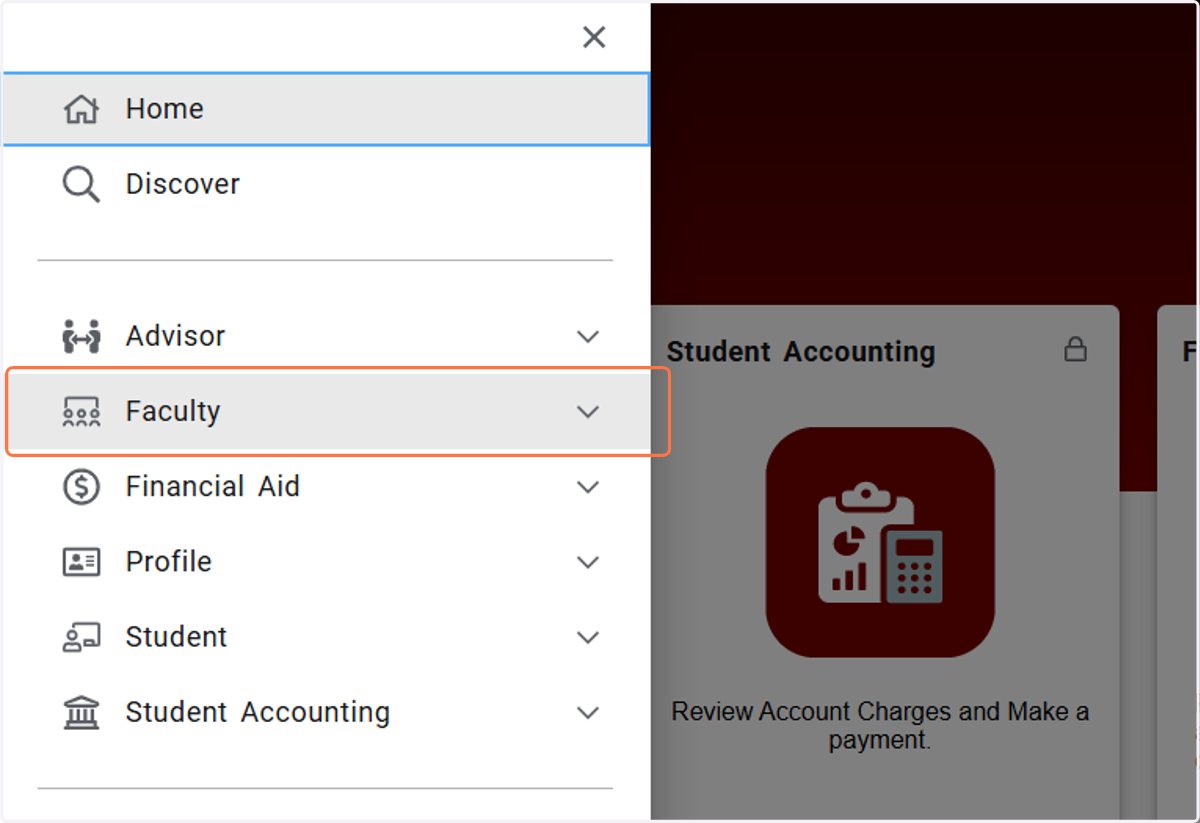
1. Click on Main Menu

2. Click on Faculty
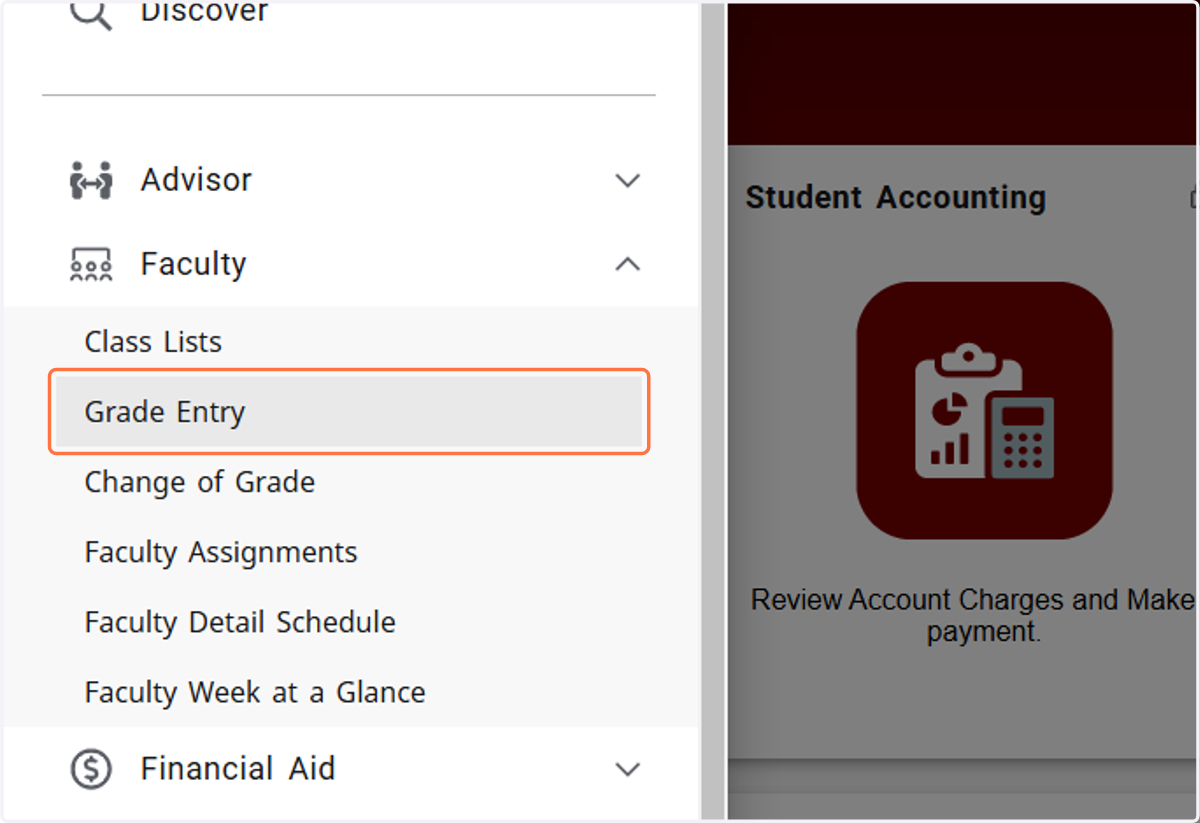
3. Click on Grade Entry
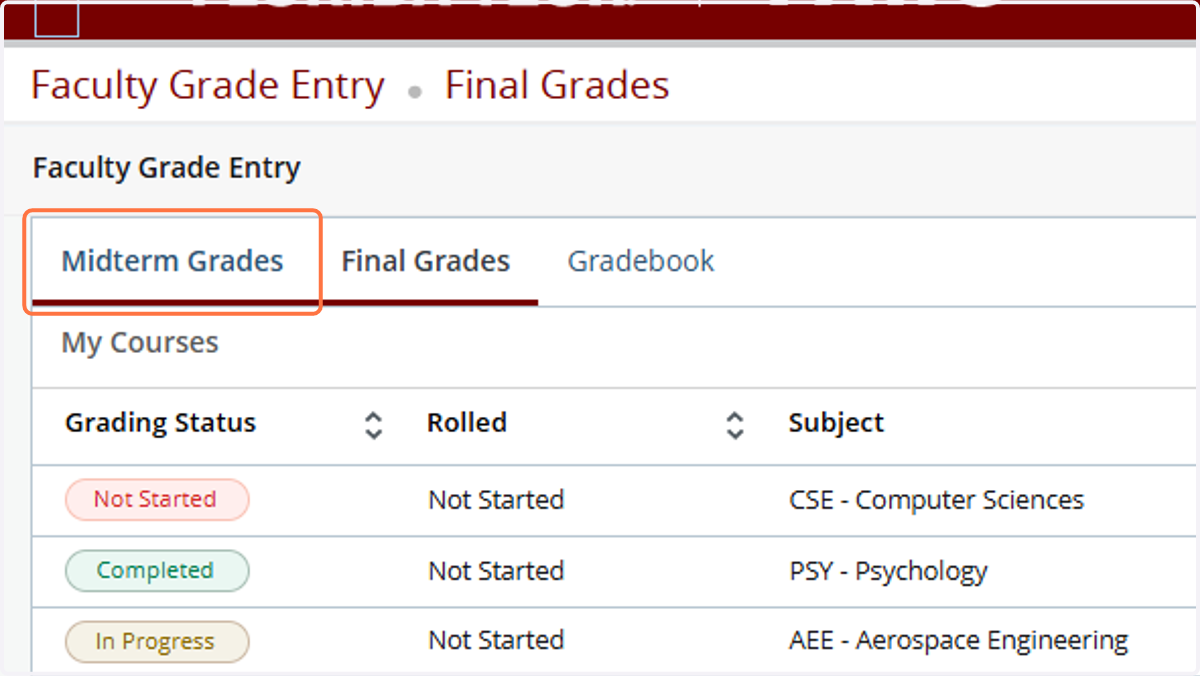
4. This page defaults on the Final Grades tab. Courses that have no grades entered are noted as "Not Started"

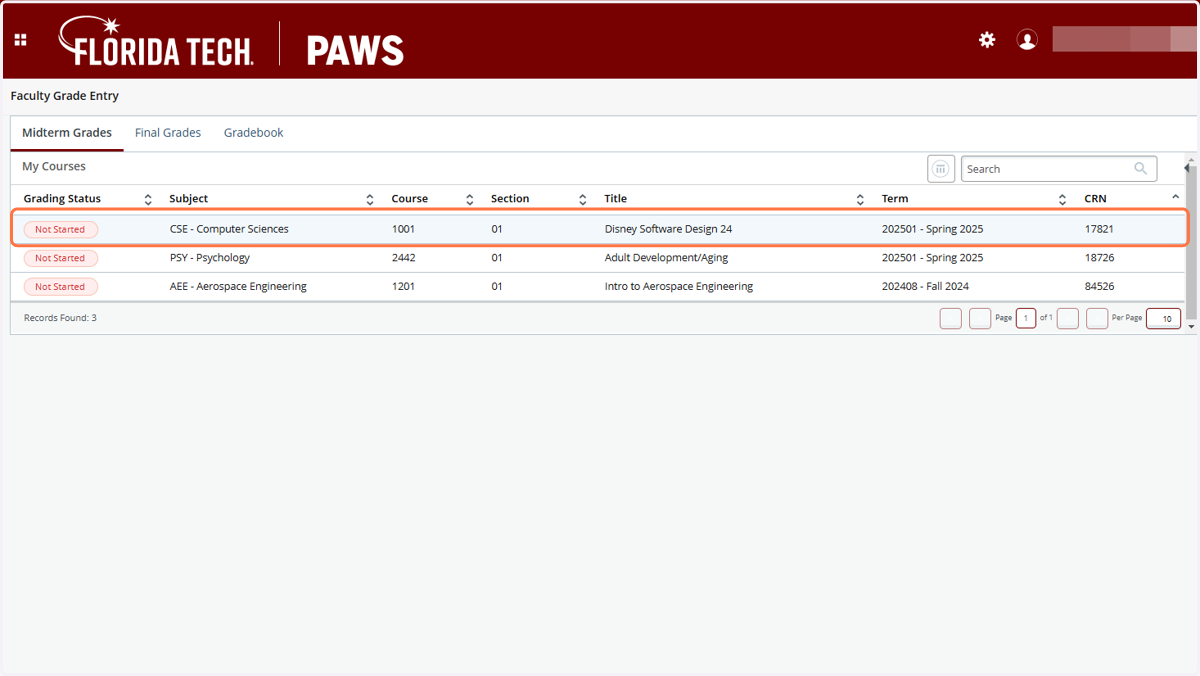
5. If entering Final Grades, stay on the Final Grades tab. For Midterm Grades, Click on Midterm Grades
6. Click on the course you want to enter grades for
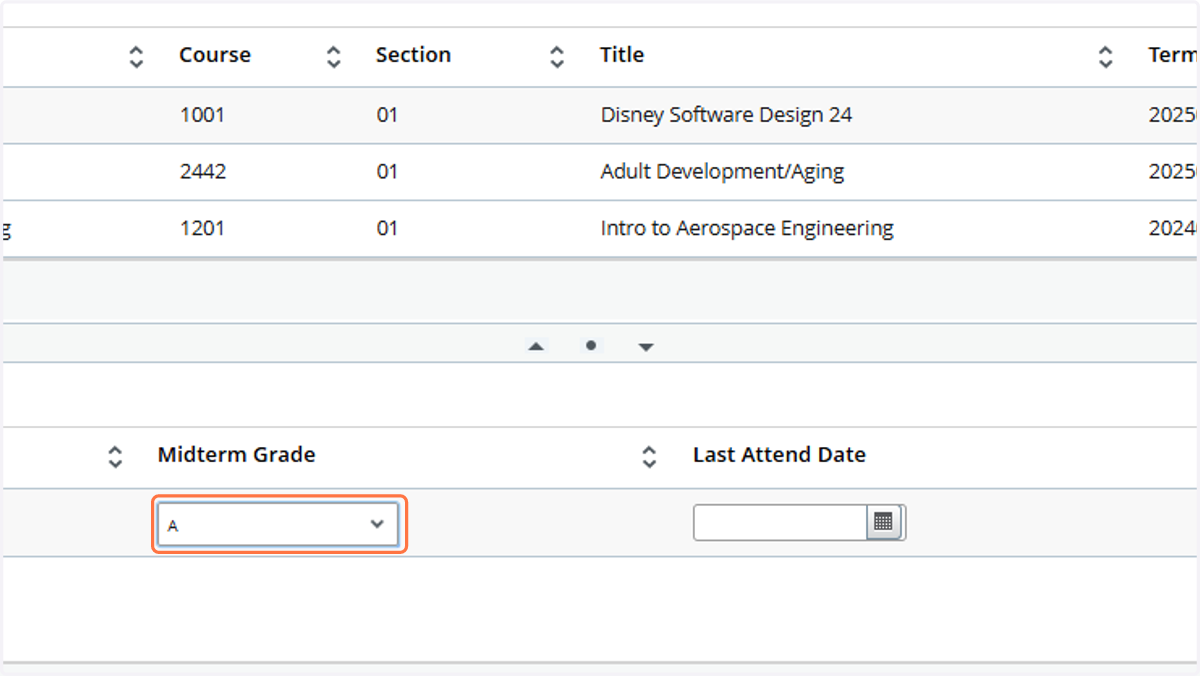
7. Select Midterm Grade
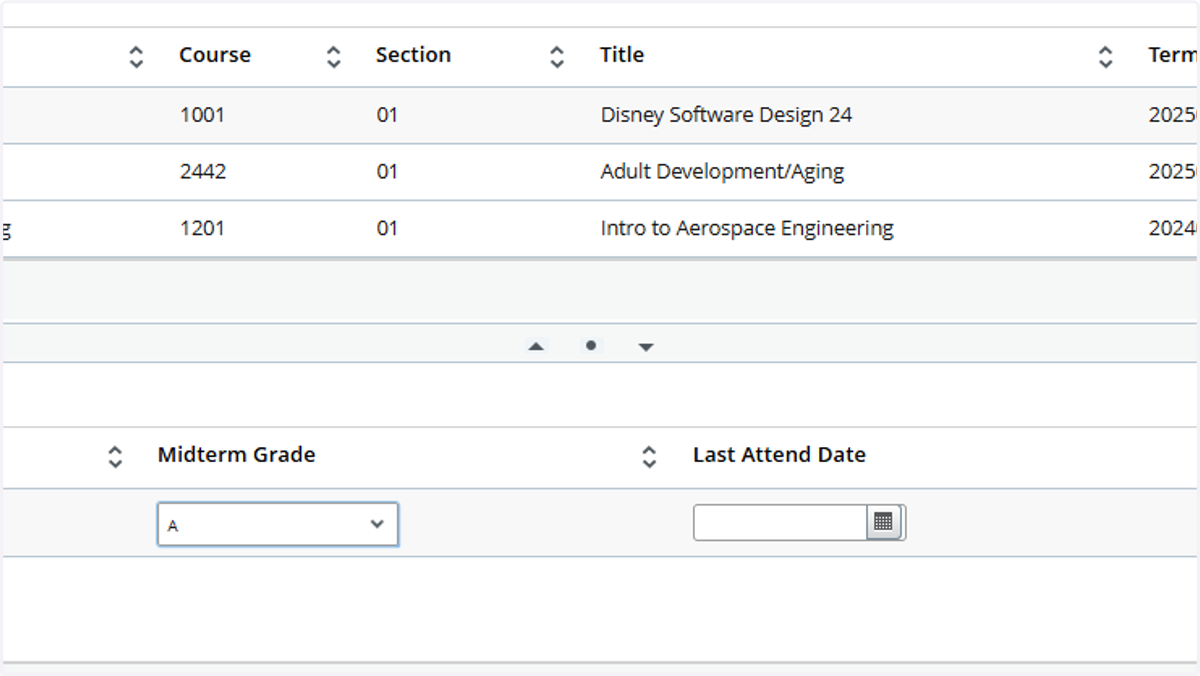
8. Click on Save
9. After all students in the course have grades entered, the course shows as "Completed"
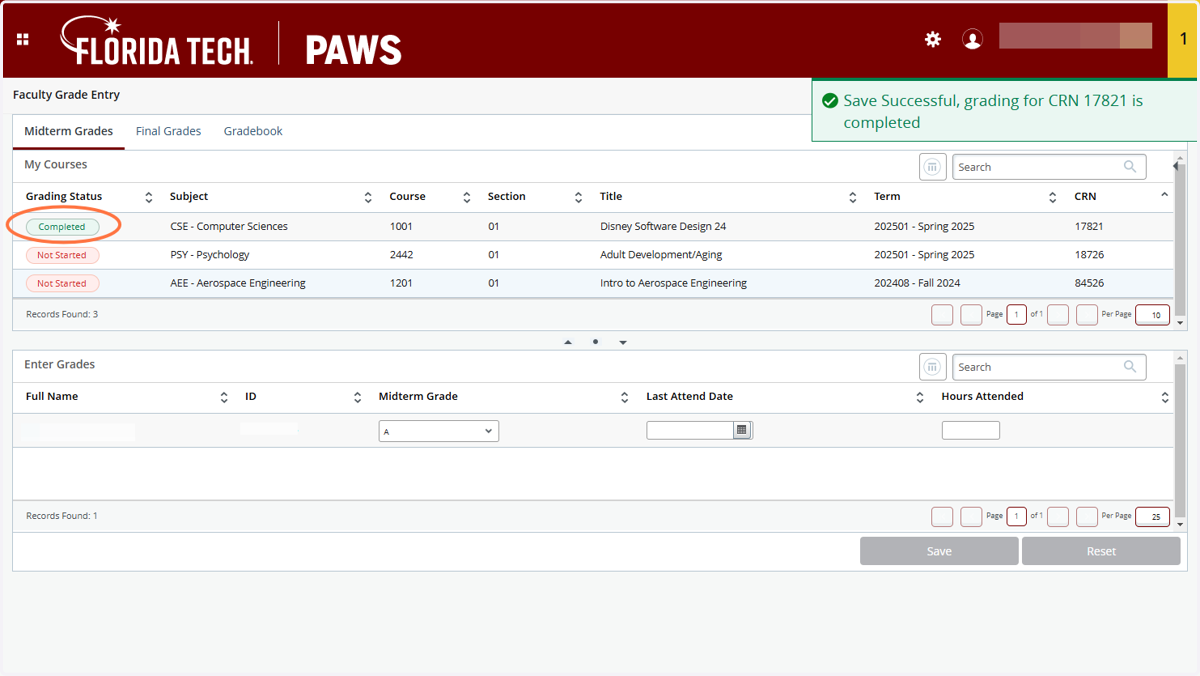
10. The course will show "In Progress" if some, but not all, student grades have been entered.