Conducting a risk assessment
Assessor
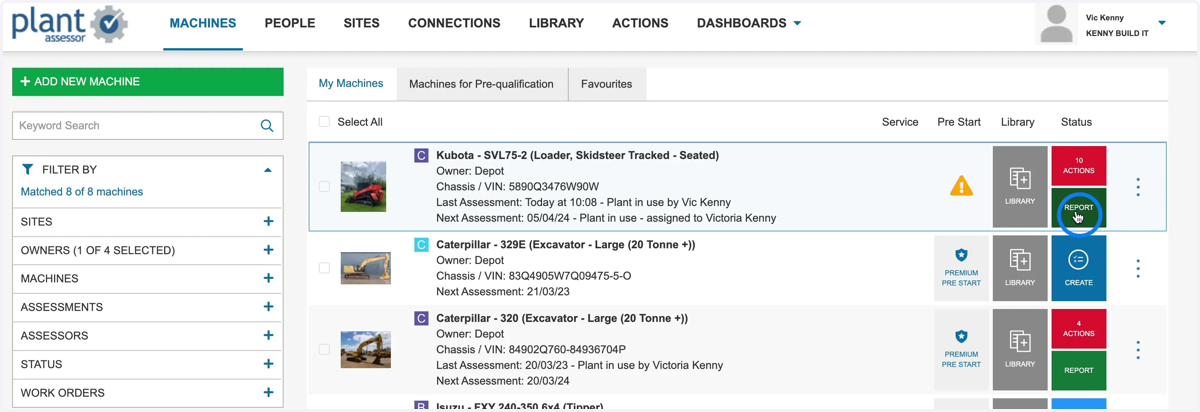
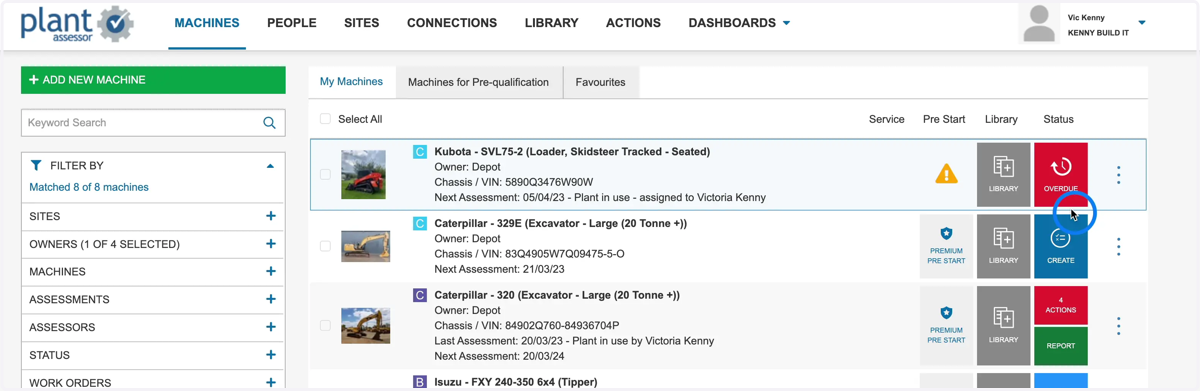
1. Click the Create button next to the machine you would like assess
Note: If an assessment is overdue, it will show up as a red overdue button
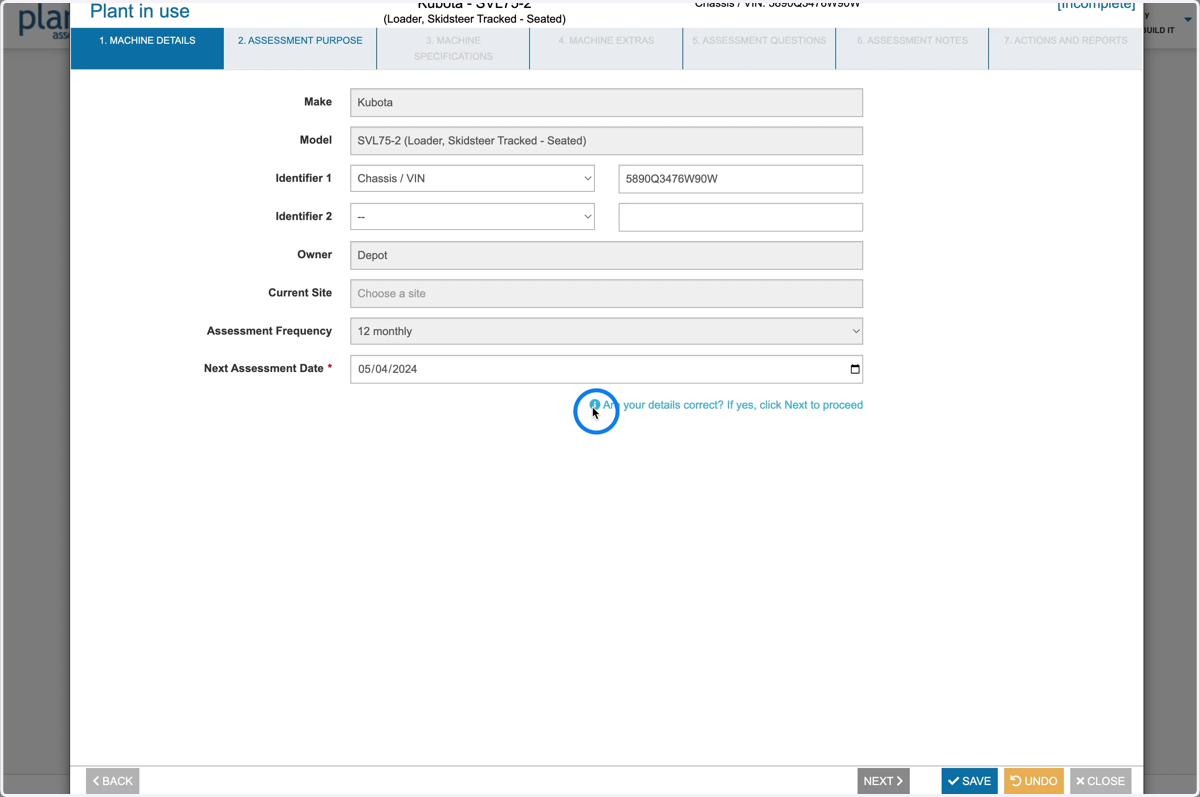
2. Check the machine details are all correct. Click Next
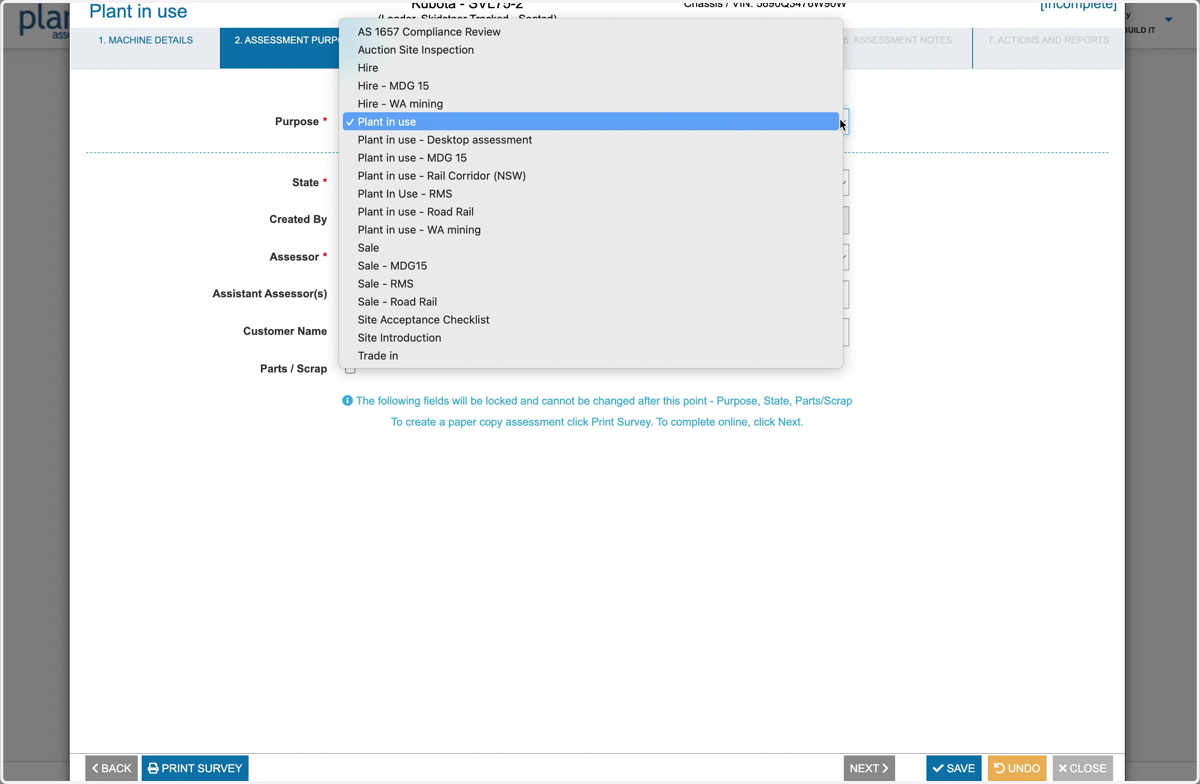
3. Select the purpose of the assessment from the drop down menu
4. Ensure the details of the person doing the assessment are correct. Click Next
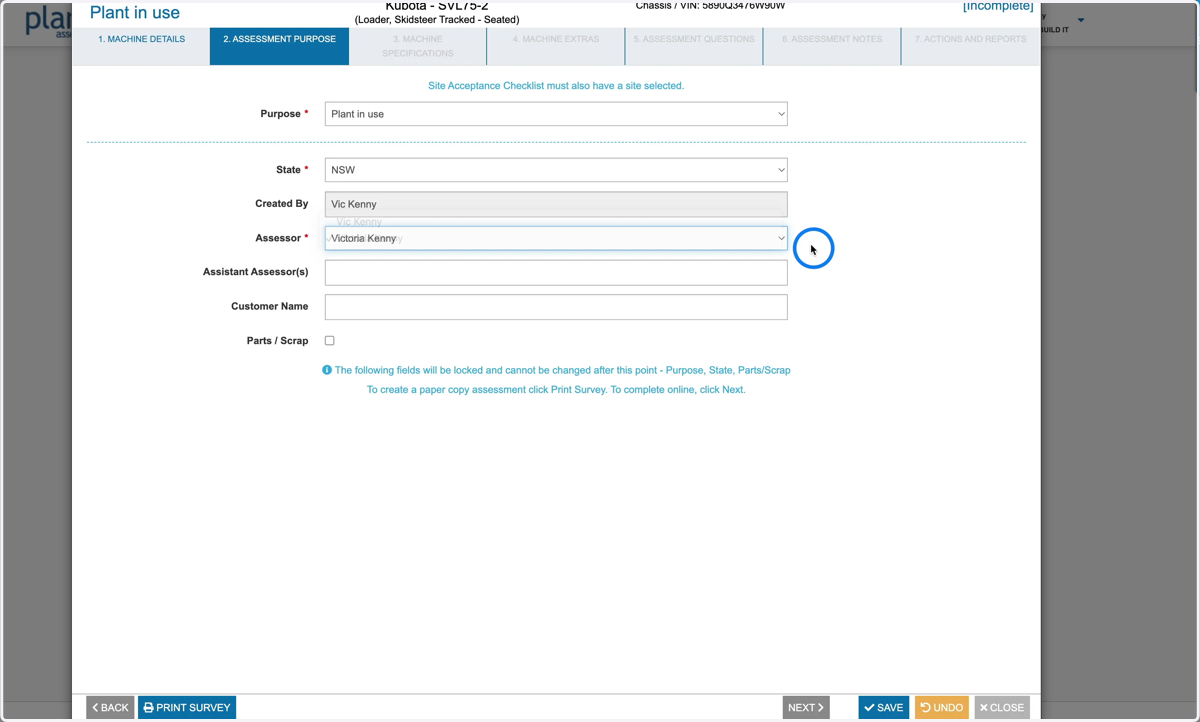
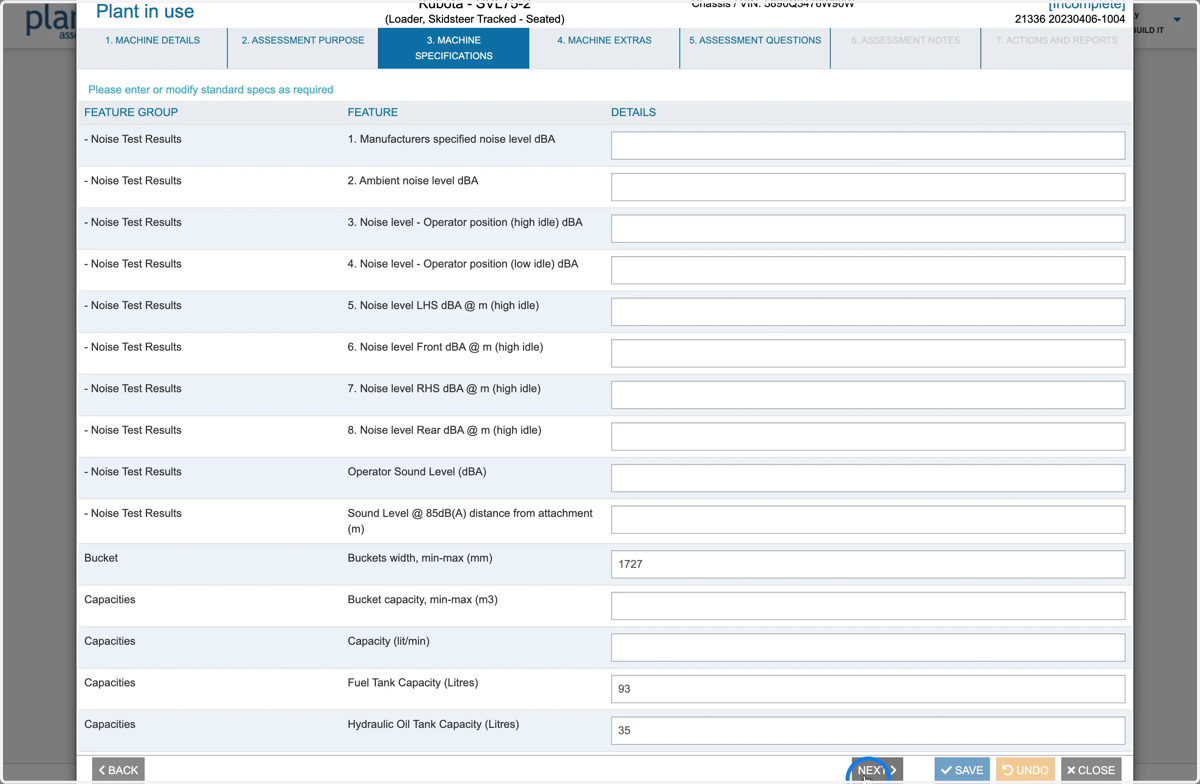
5. Review the machine specifications and add update details relevant to the machine being assessed. Click Next
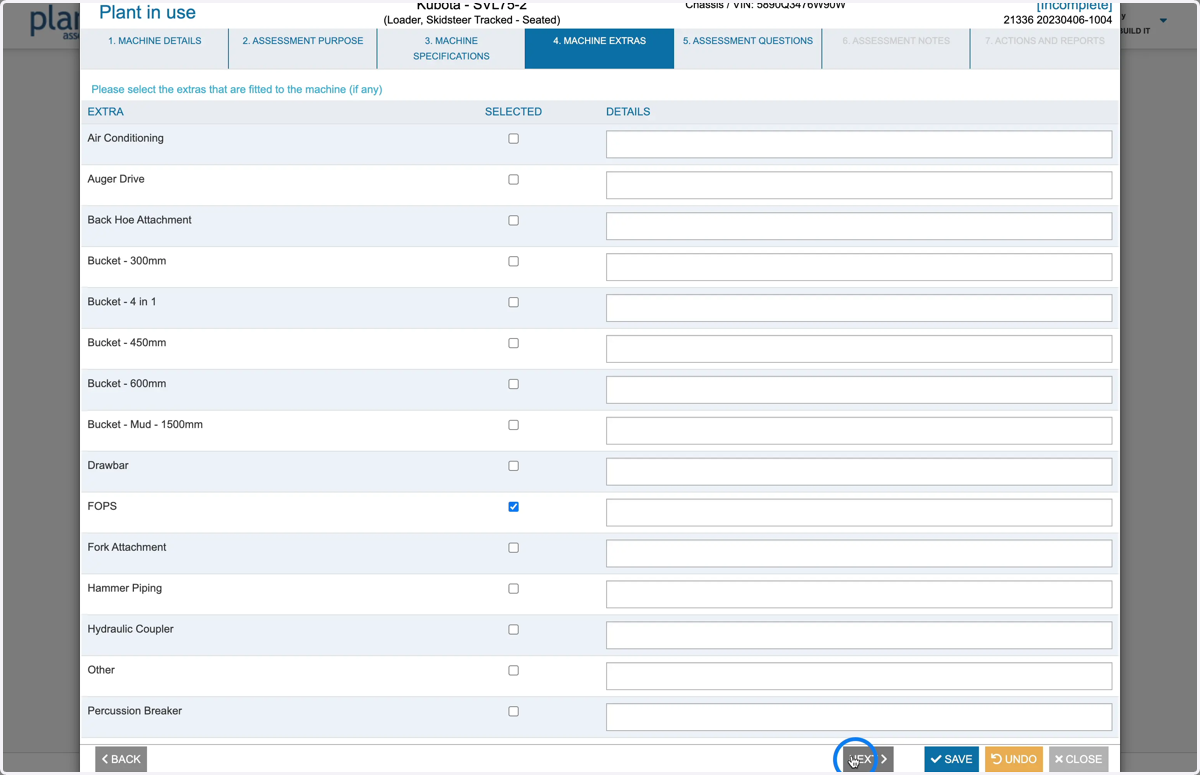
6. Review machine extras and tick any additional features specific to your machine. Click Next
7. Review each assessment question and answer by selecting either a tick (complies), a cross (does not comply), or N/A.
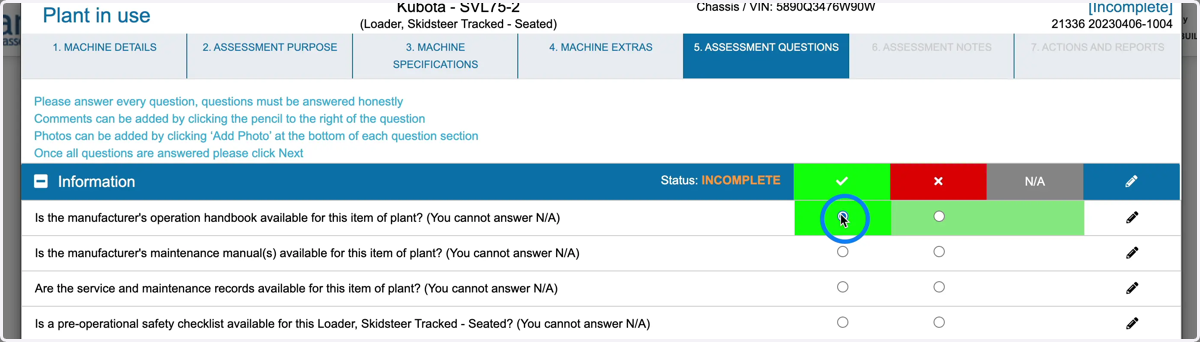
8. To add comments, click the pencil icon on the right
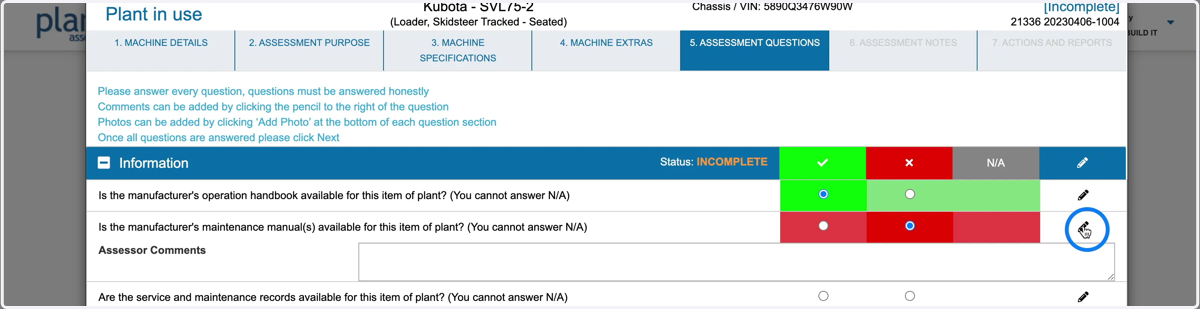
9. Add photos by clicking the camera icon
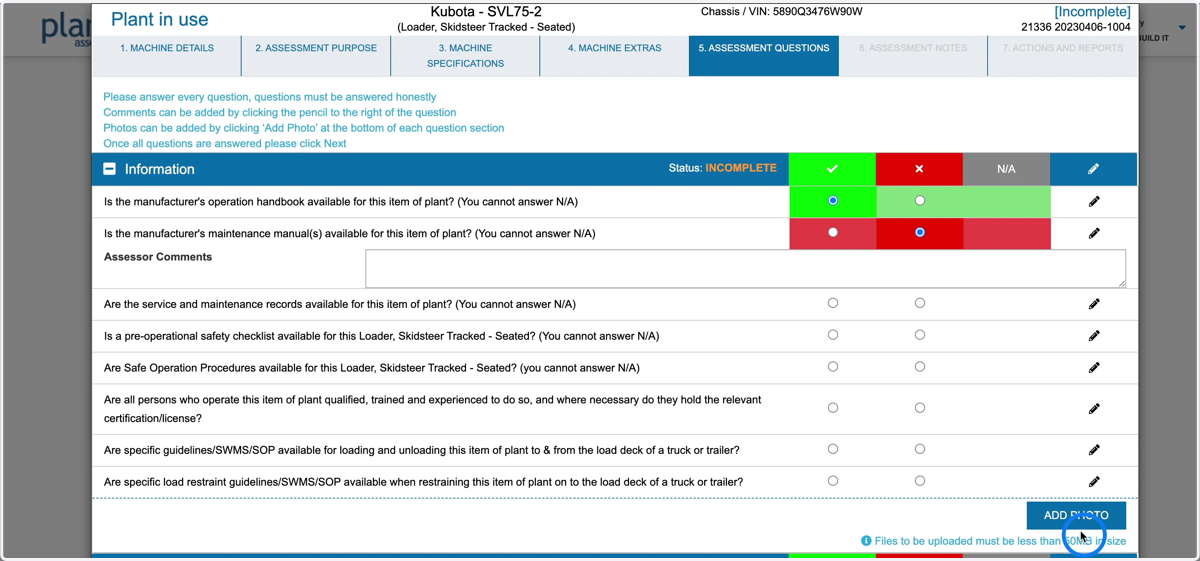
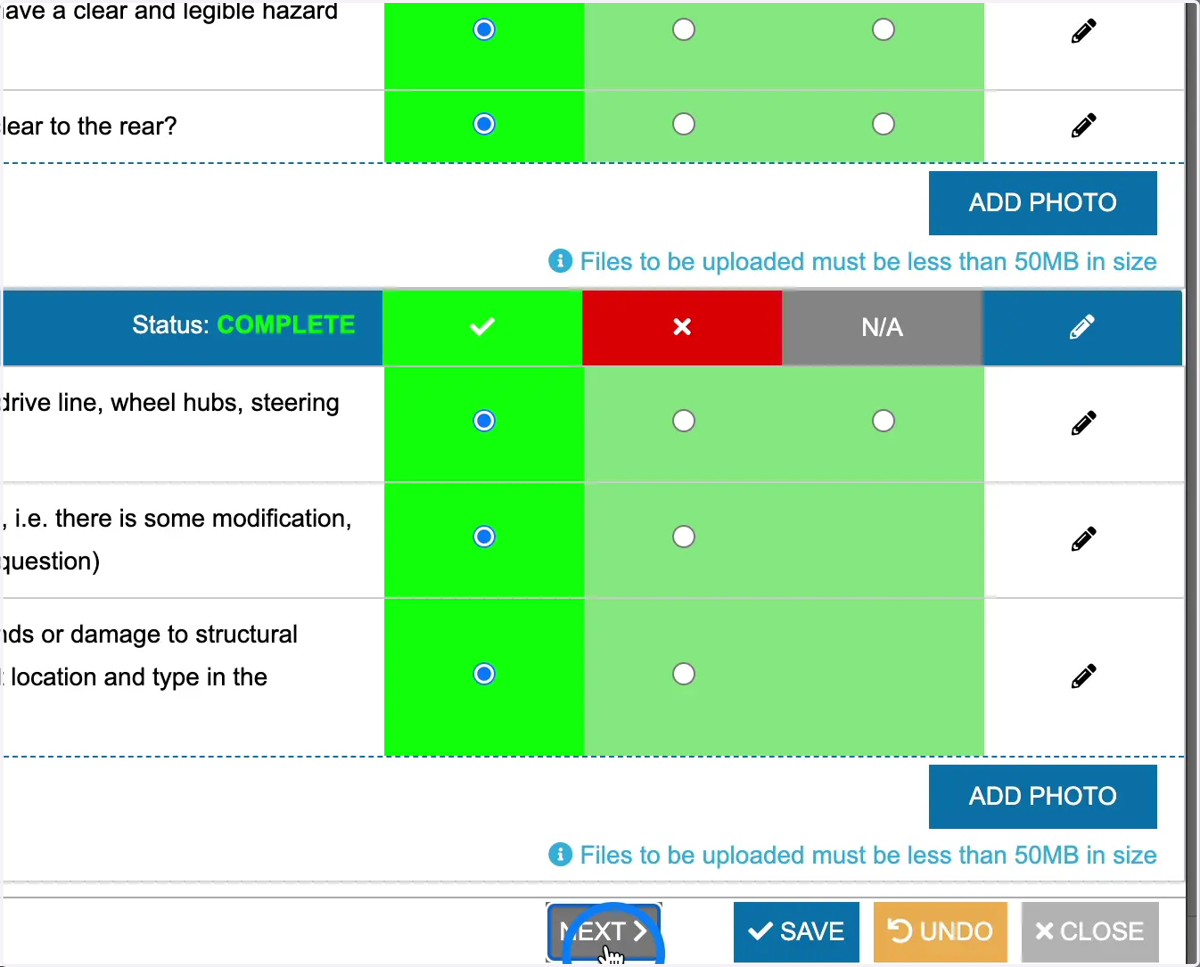
10. Once you have answered every question, click Next
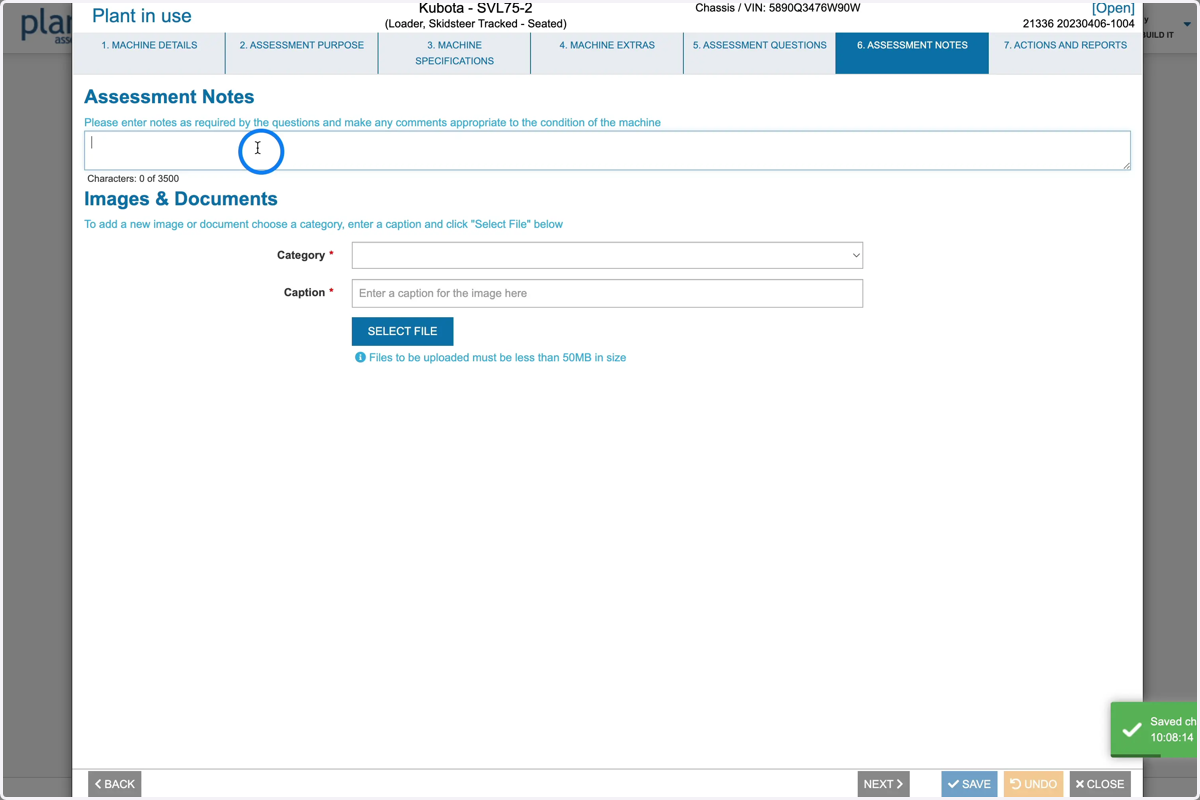
11. Add any additional assessment notes or add relevant images or documents. Click Next
12. Your assessment is now complete and a list of recommended corrective actions for your machine to meet compliance will be listed.
Each action will have a required due date for rectification.
You can assign actions by selecting the user from the Assigned to drop down
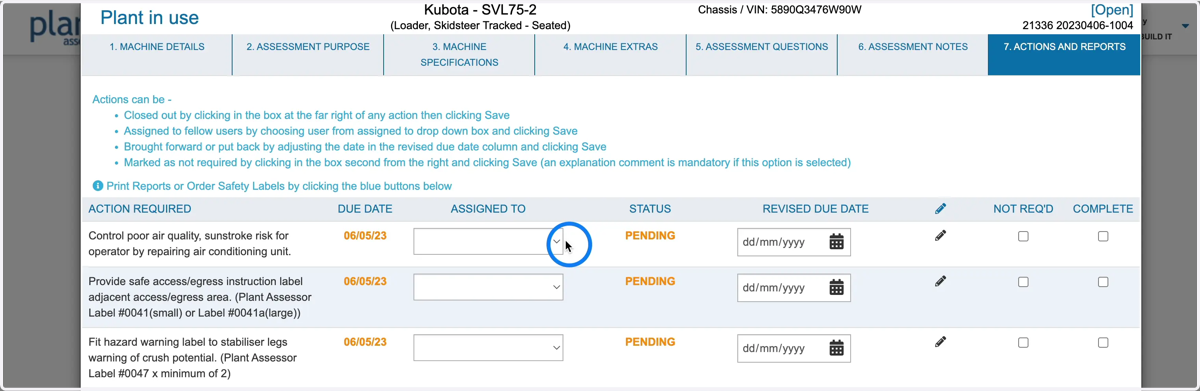
13. Add additional comments by clicking the pencil icon.
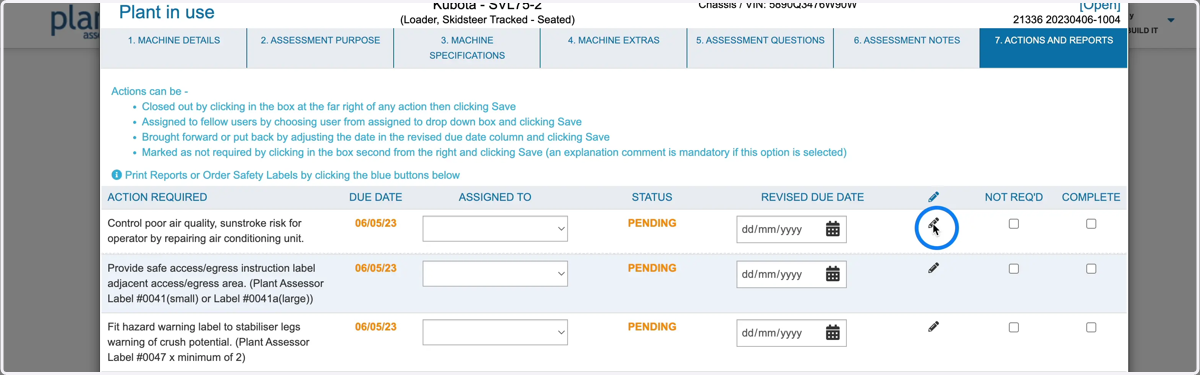
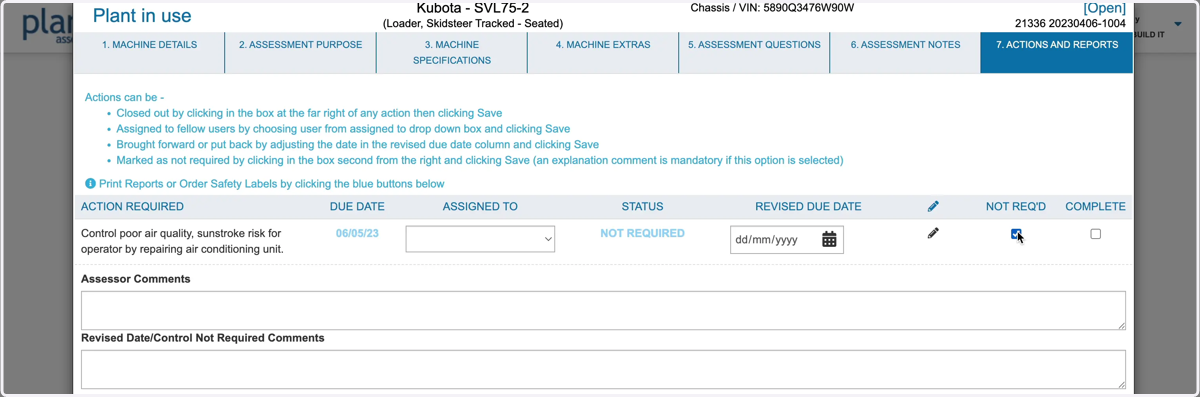
14. If an action needs to have its due date revised (eg. due to part delays), you can adjust the date here. Or mark the action as not required.
You will need to give a reason as to why these changes have been made.
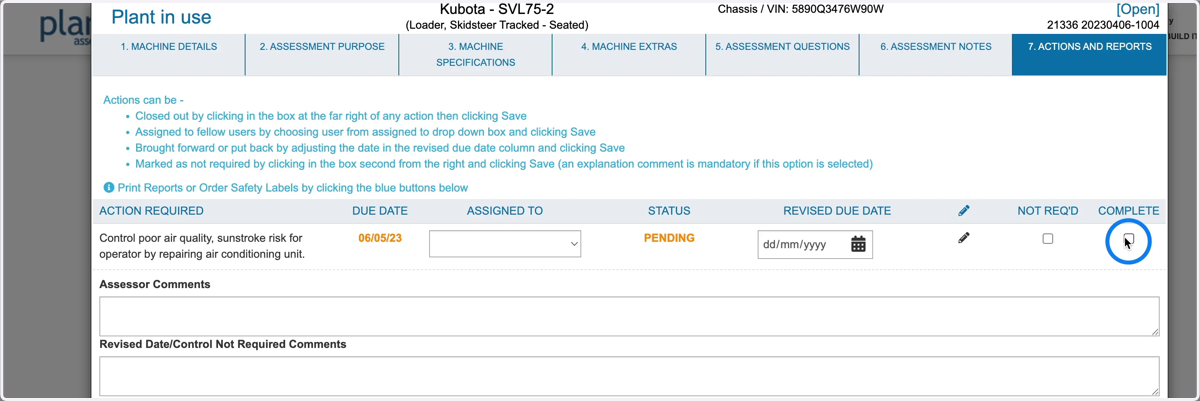
15. Tick an action as completed once it has been actioned.
16. If you have multiple outstanding safety label actions, you can click through to purchase them from our Safety Label store.
All required labels will be automatically added to cart for ease of purchasing.

17. You can download a printable outstanding actions report by clicking here, or download the full risk report by clicking Assessment Report.

18. Your Risk management report is now available
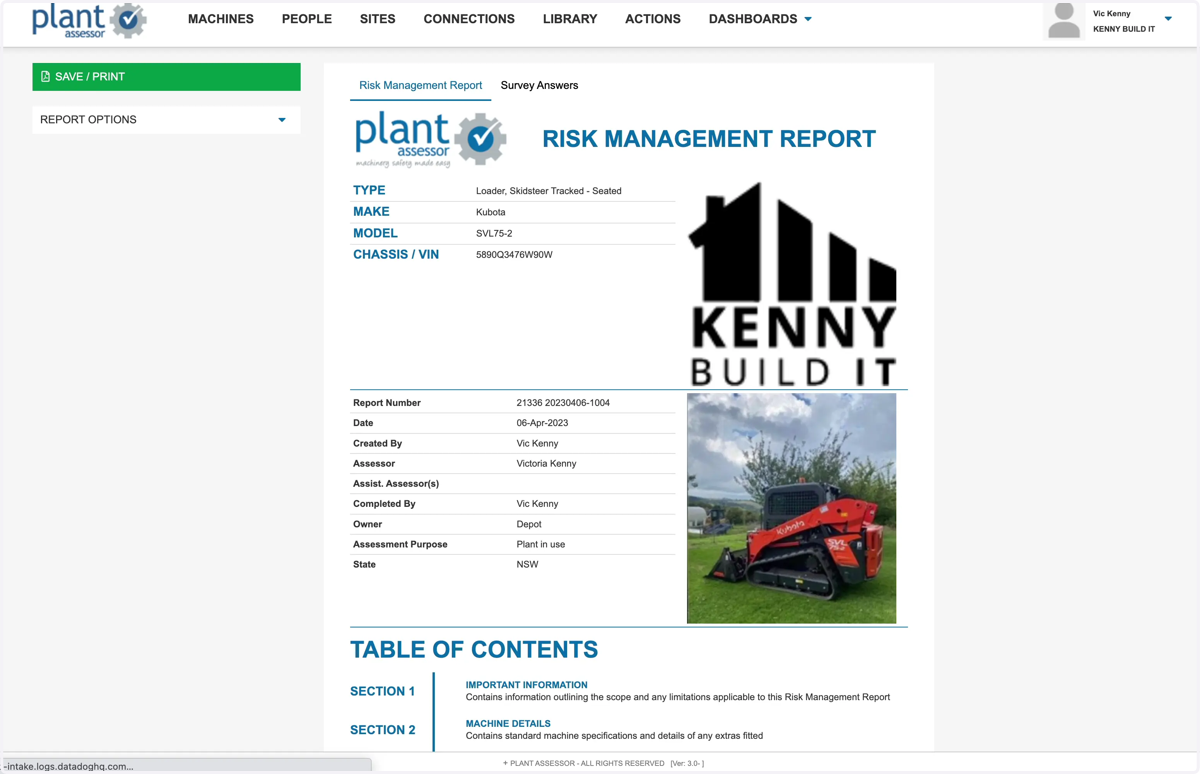
19. It can be accessed at any time by clicking on the Report button, or by visiting the machine's library