Removing Hidden Duplicate Invoices
Administration Homepage: BV Marketplace
1. Click on ETL console
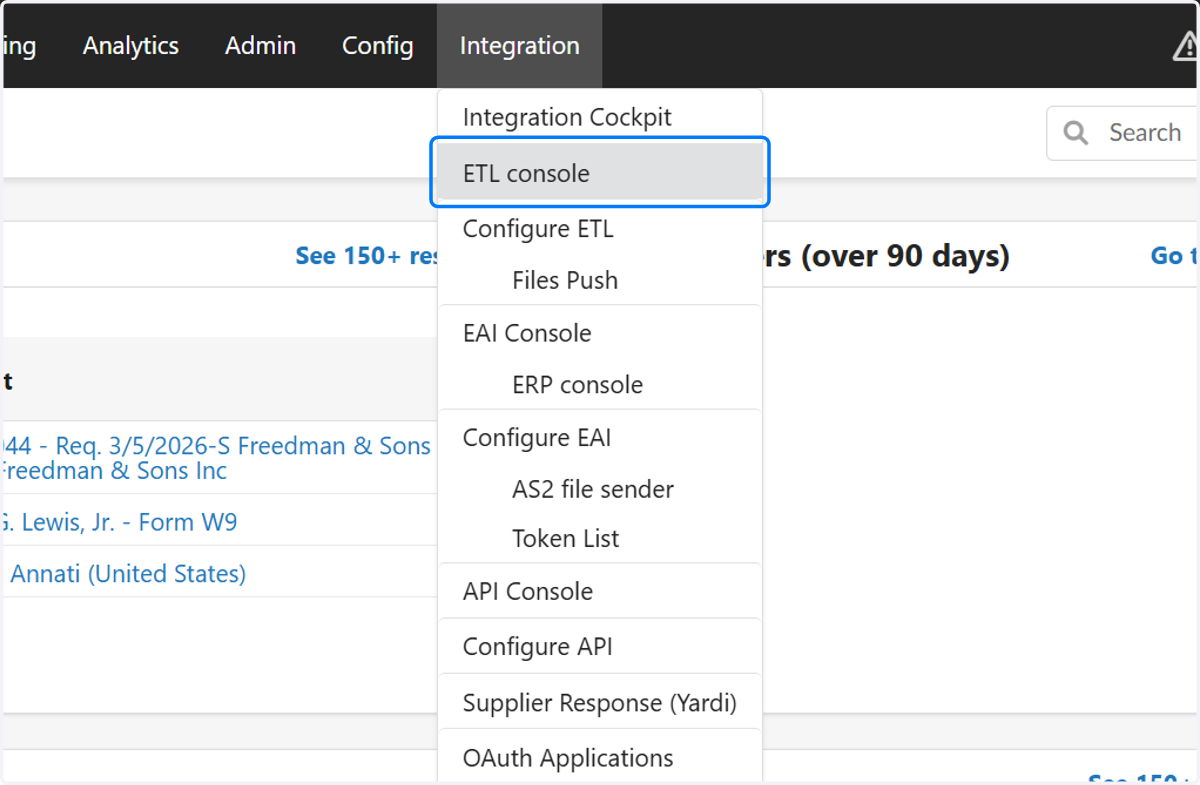
2. Search and click "BVSL - Invoice: cXML (Header)" for Import Type
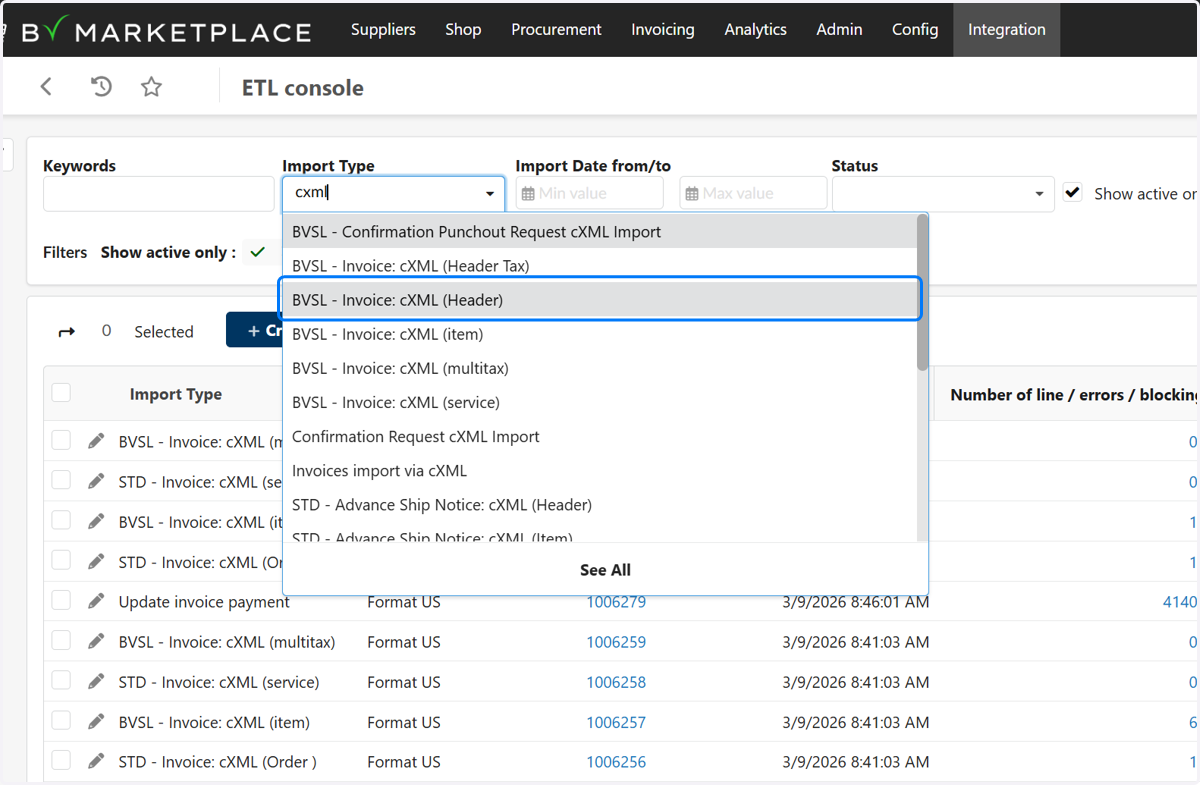
3. Set Status to " Loaded"
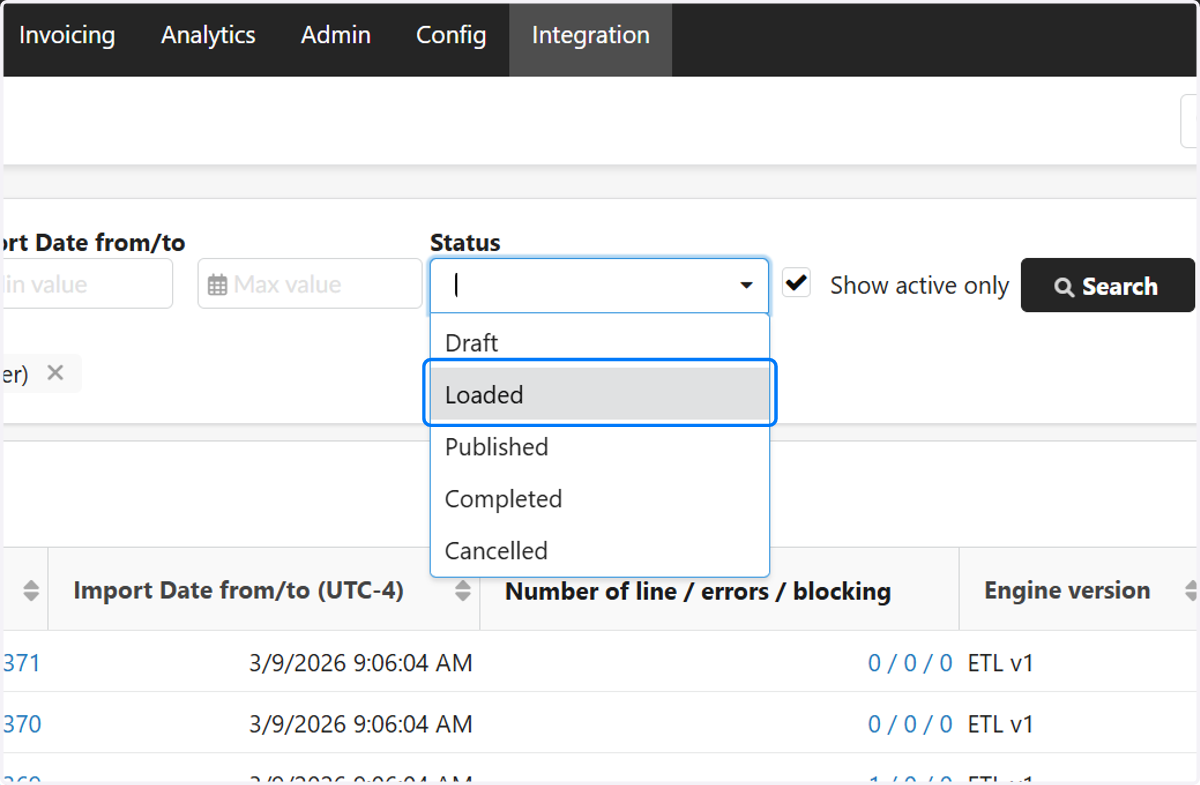
4. Click on Search

5. Click on the Import ID(s)
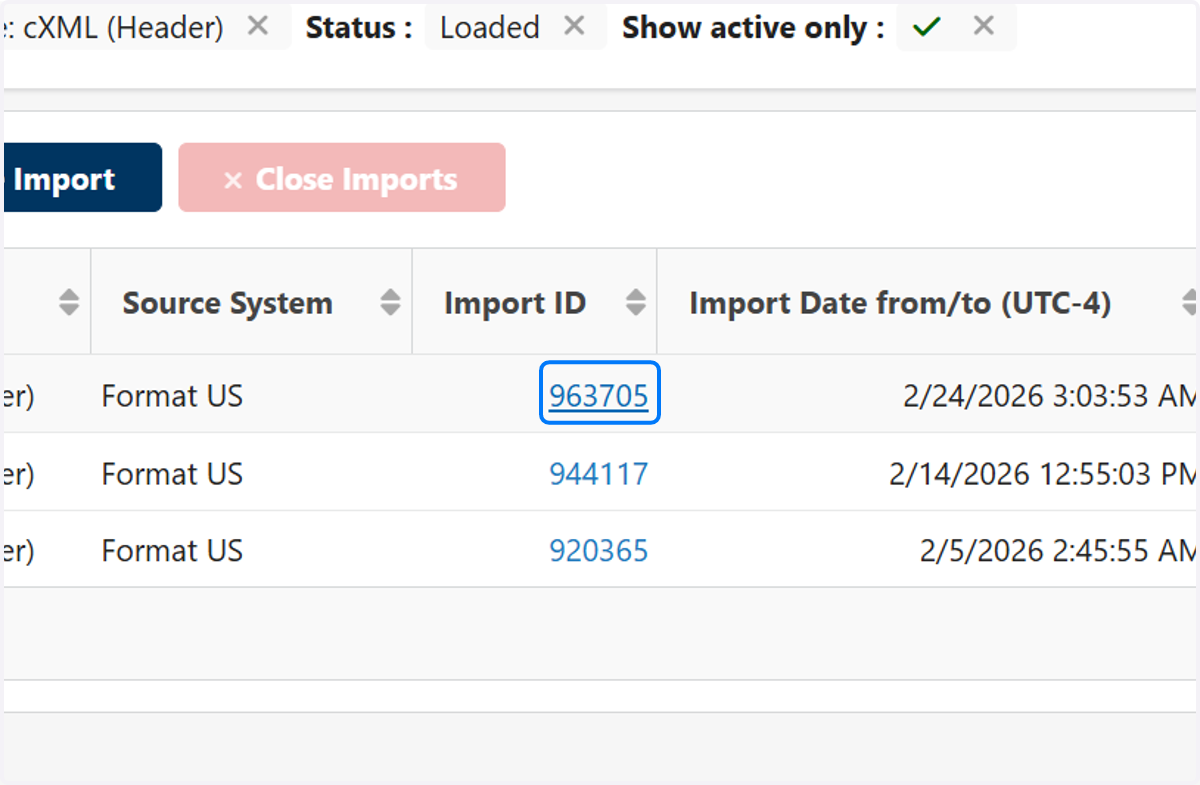
6. Click on Clean & Enrich

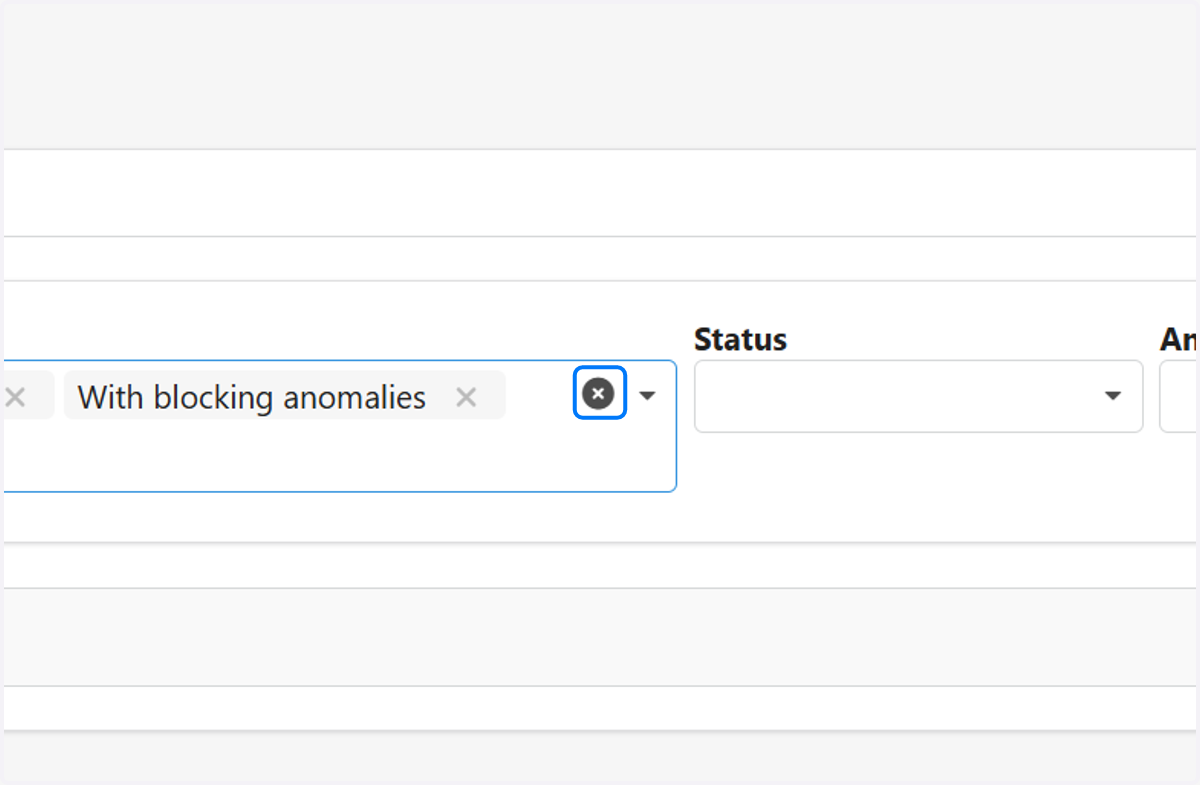
7. Click on Delete all values, then search
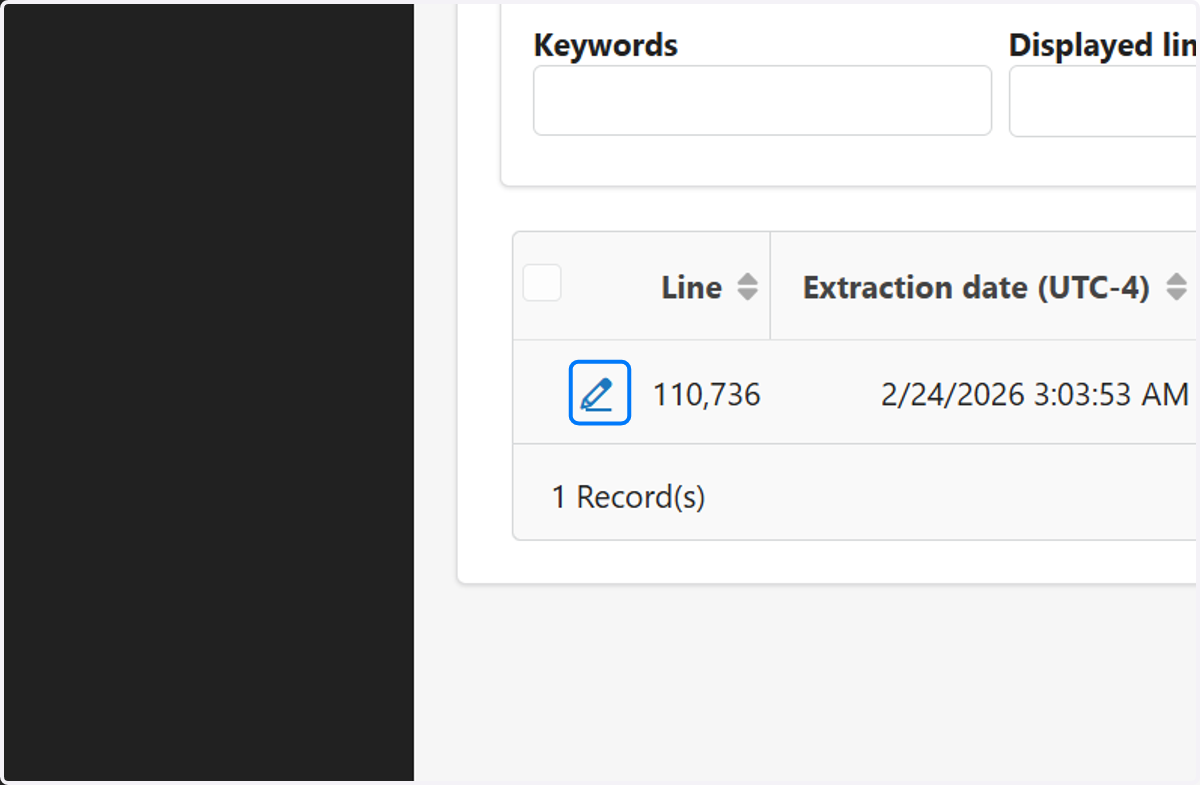
8. Click on Edit Line
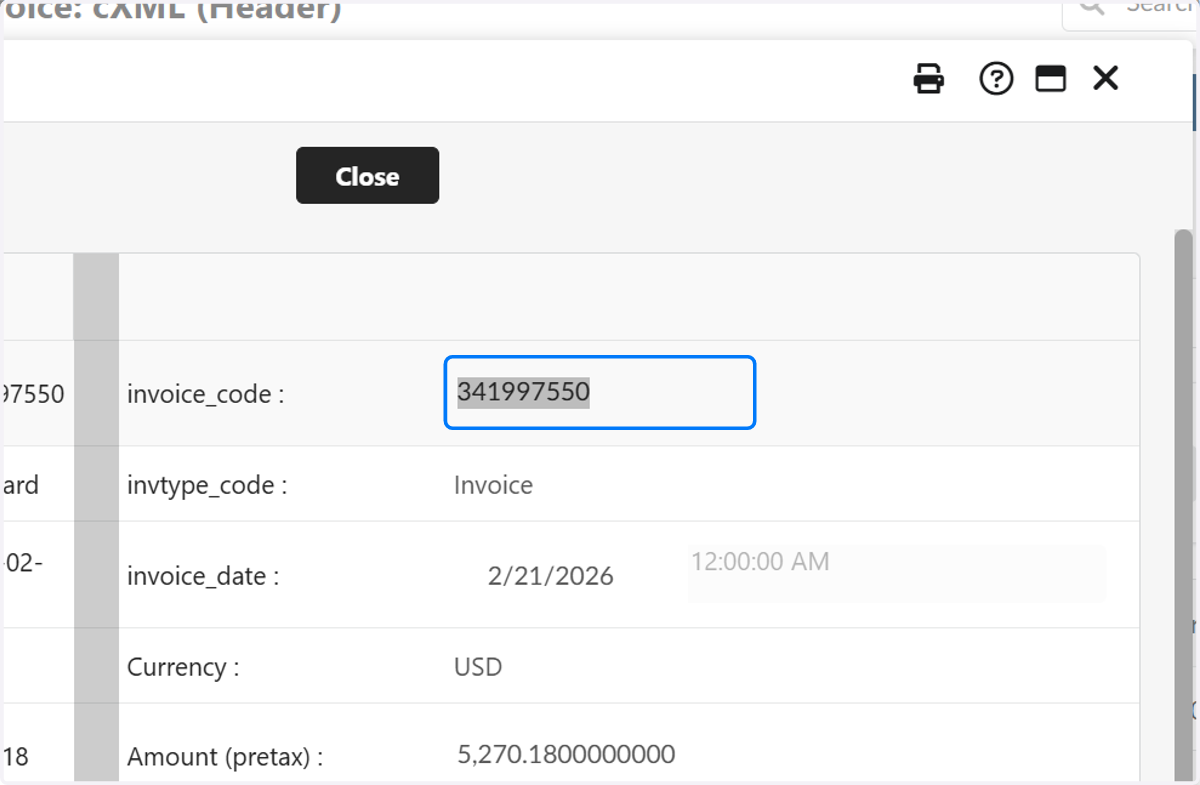
9. invoice_code is the Supplier Invoice Number
Copy this to clipboard, then close
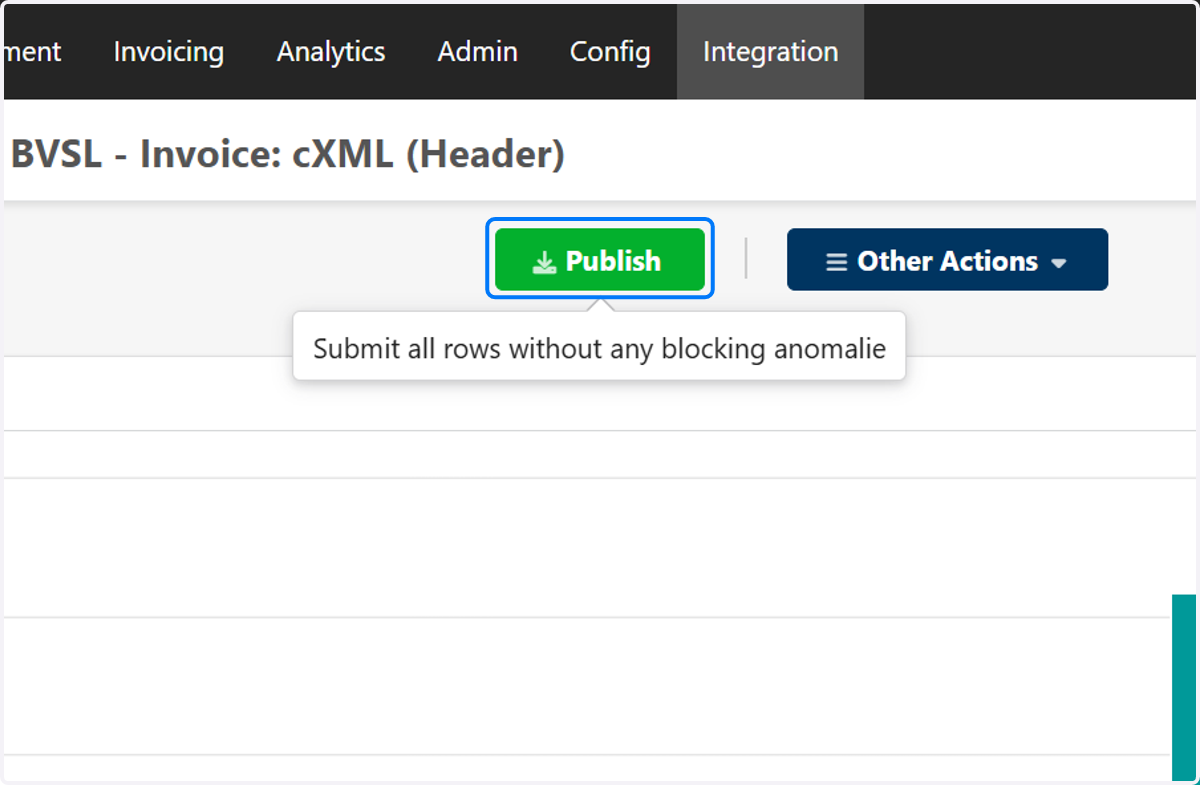
10. Click on Publish & Statistics

11. Click on "Publish"
12. Click on Browse Invoices

13. Search the Supplier Invoice ID

14. The duplicate invoice will now be visible
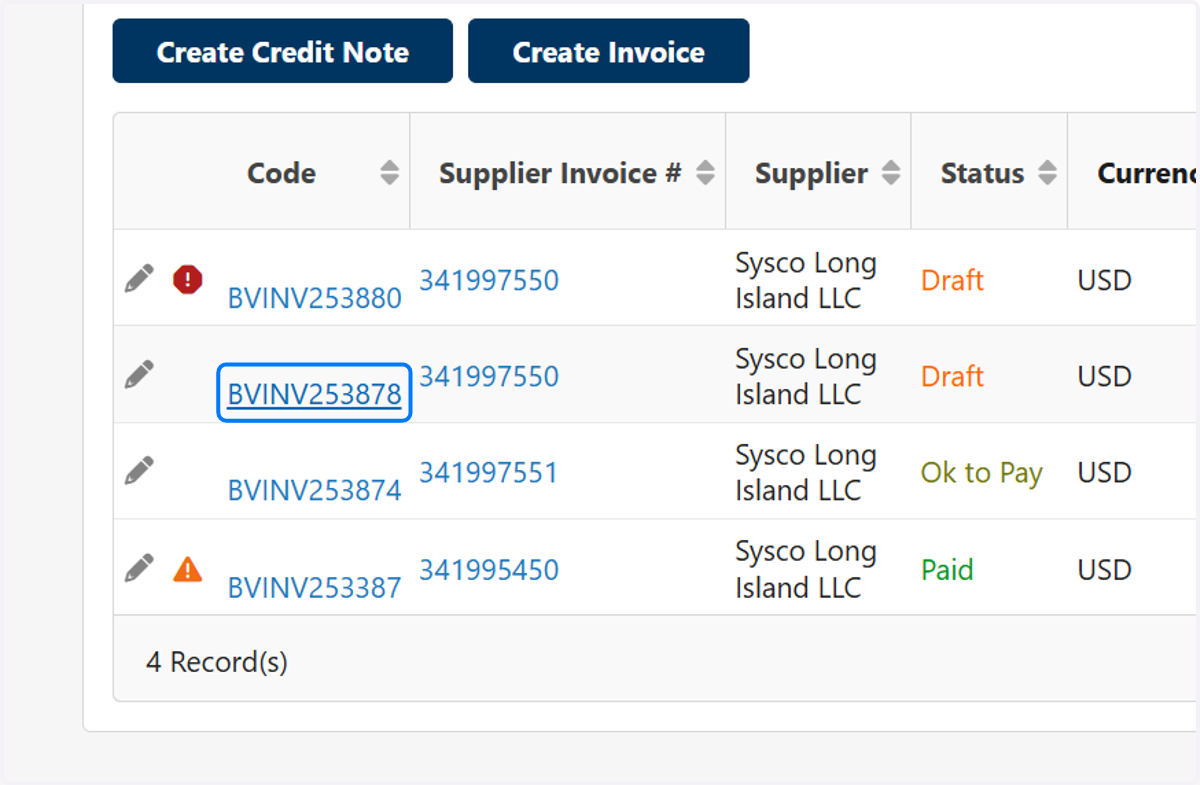
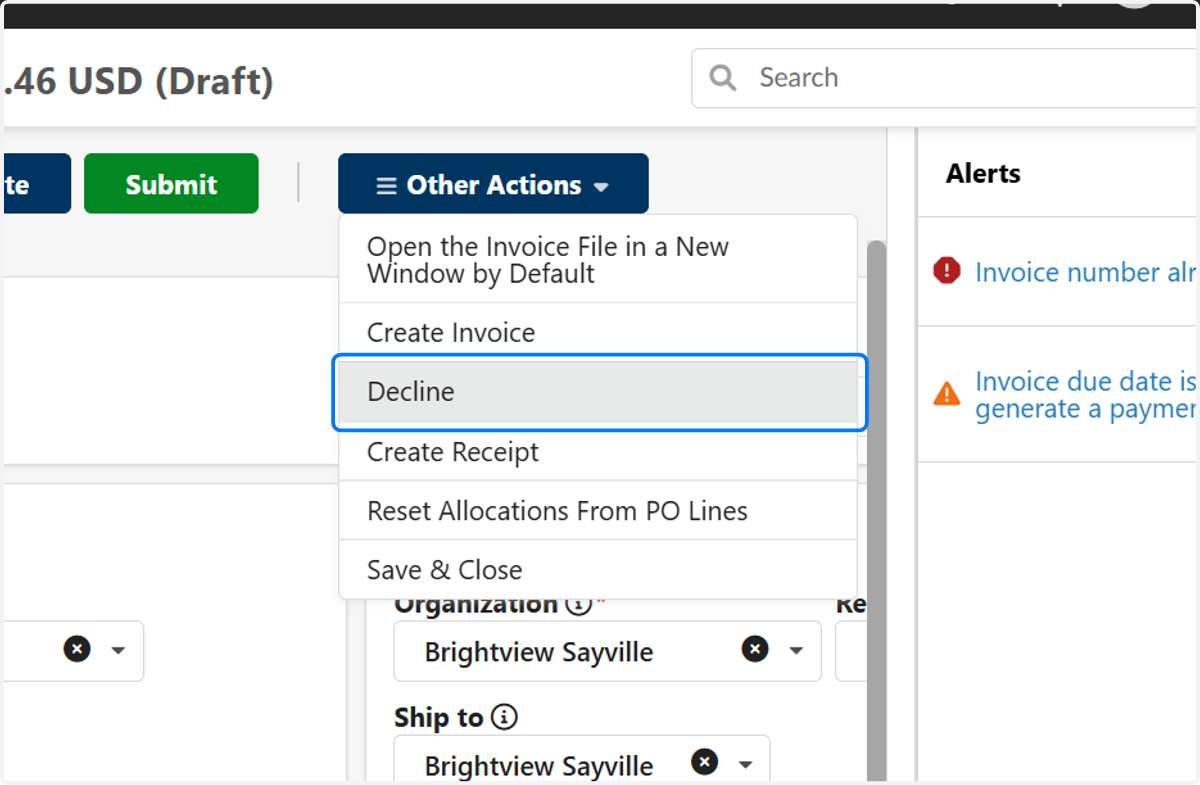
15. Open the duplicate, Other Actions > Decline to cancel it.