Creating a Schedulable product for Club Booking

ClubDirector

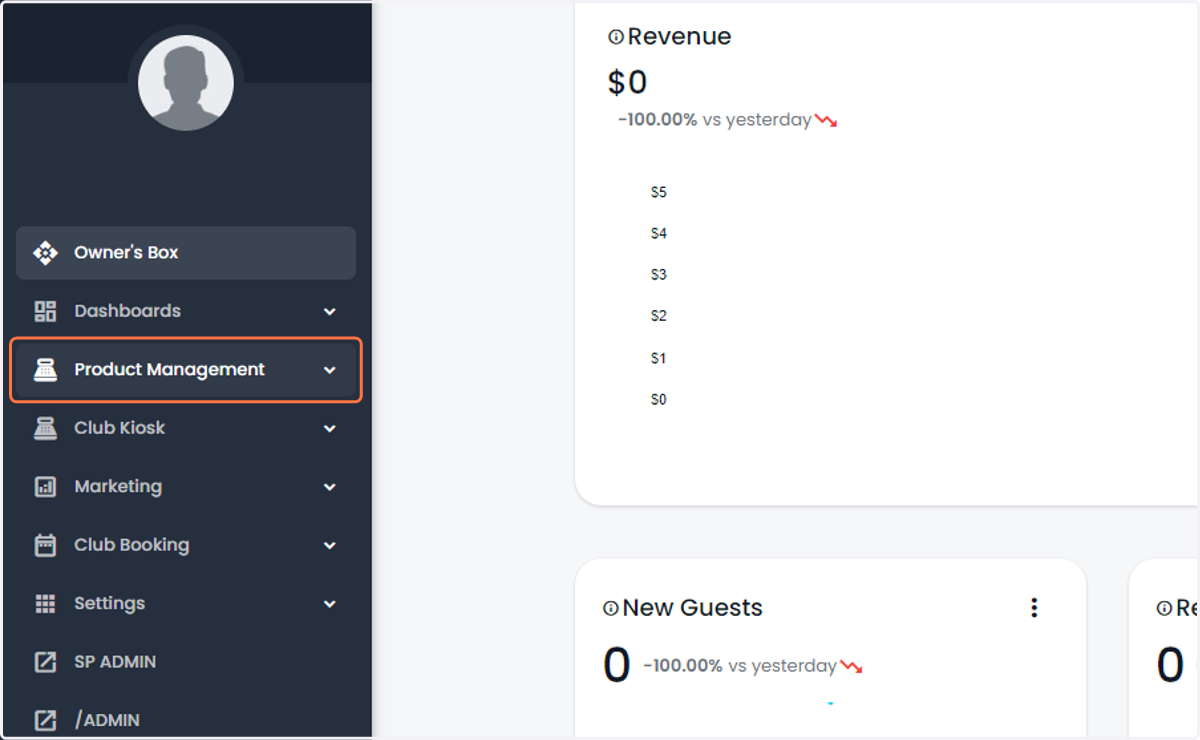
  1. 1. Click on Product Management

    Click on Product Management
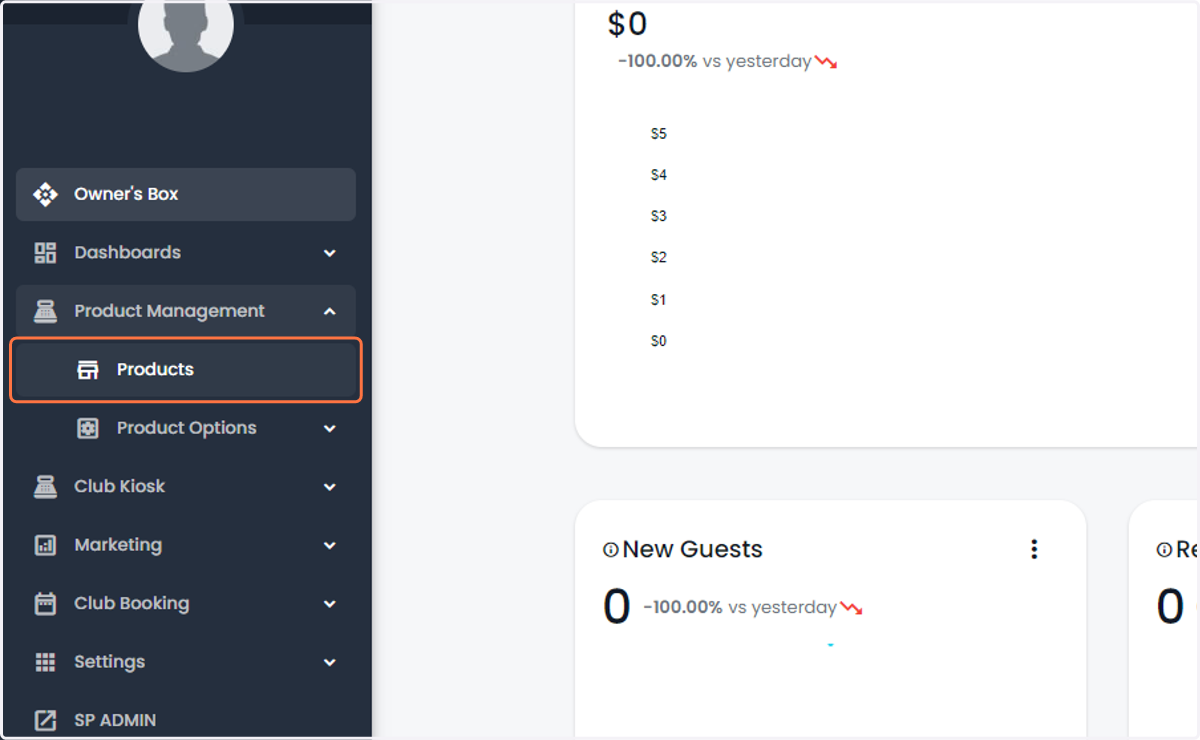
  2. 2. Click on Products

    Click on Products
  3. 3. Select/Create the product you want to add a schedule to.
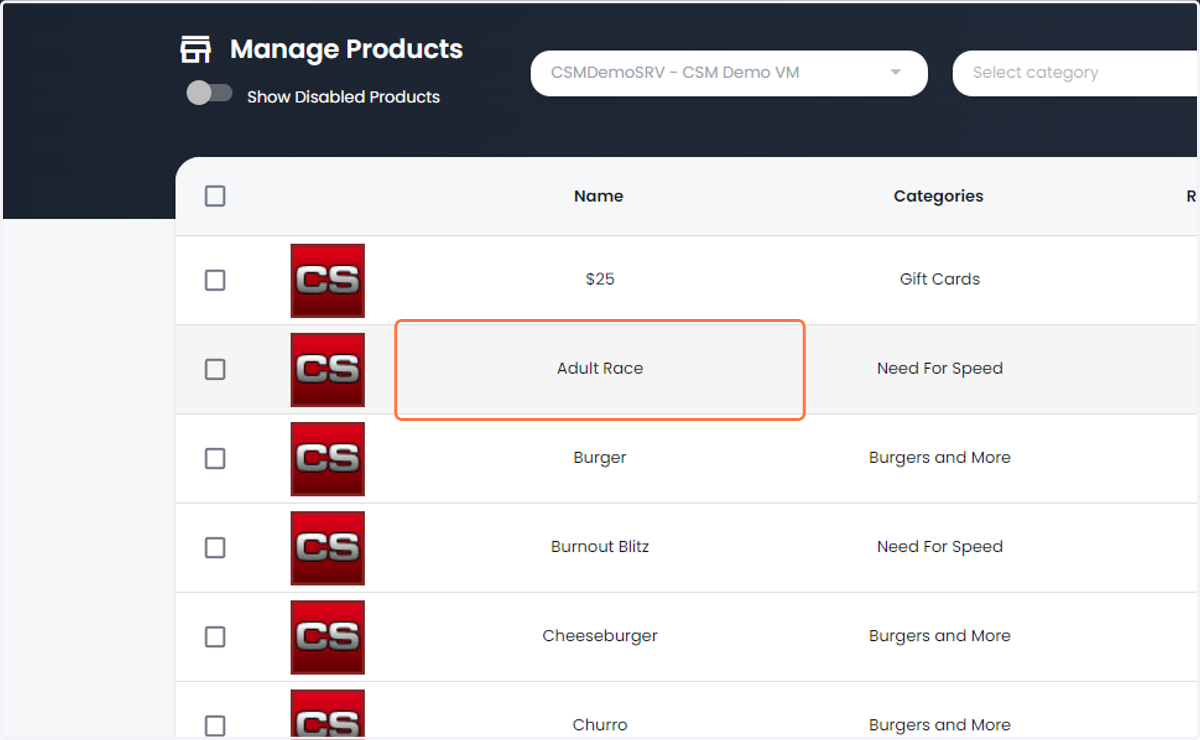
    Select/Create the product you want to add a schedule to.
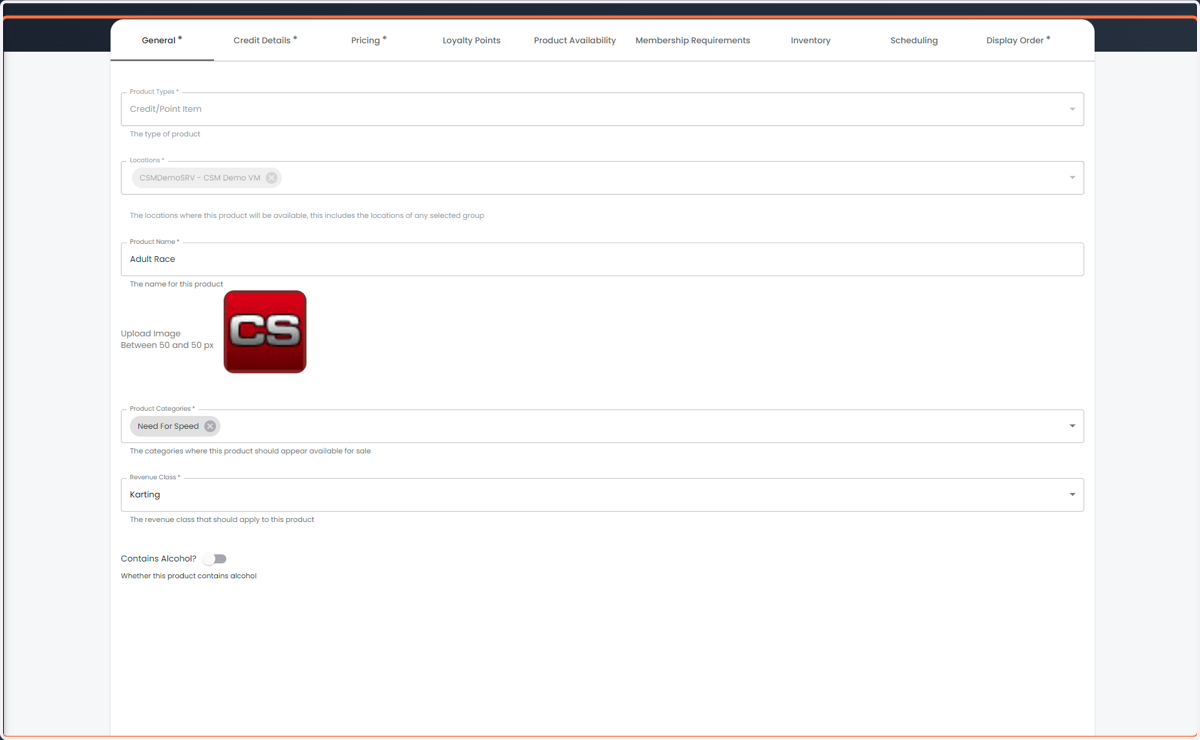
  4. 4. Confirm/Add general information

    Confirm/Add general information
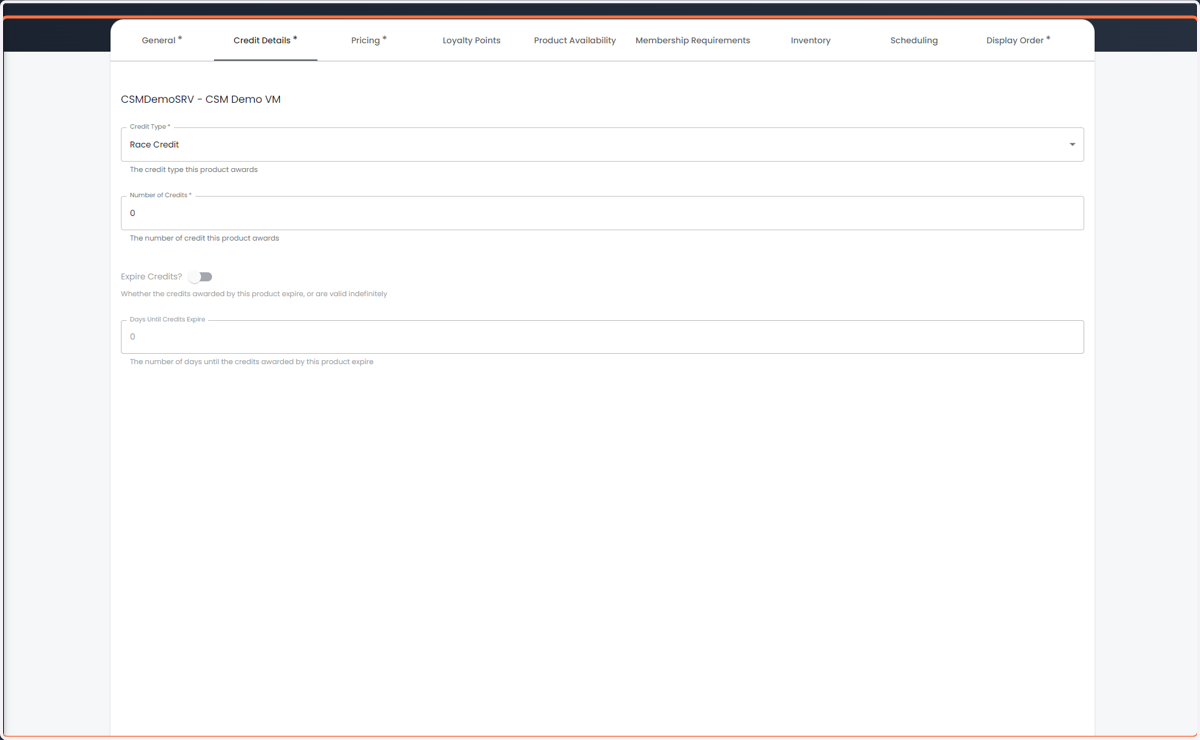
  5. 5. Add Credit details if necessary

    Add Credit details if necessary
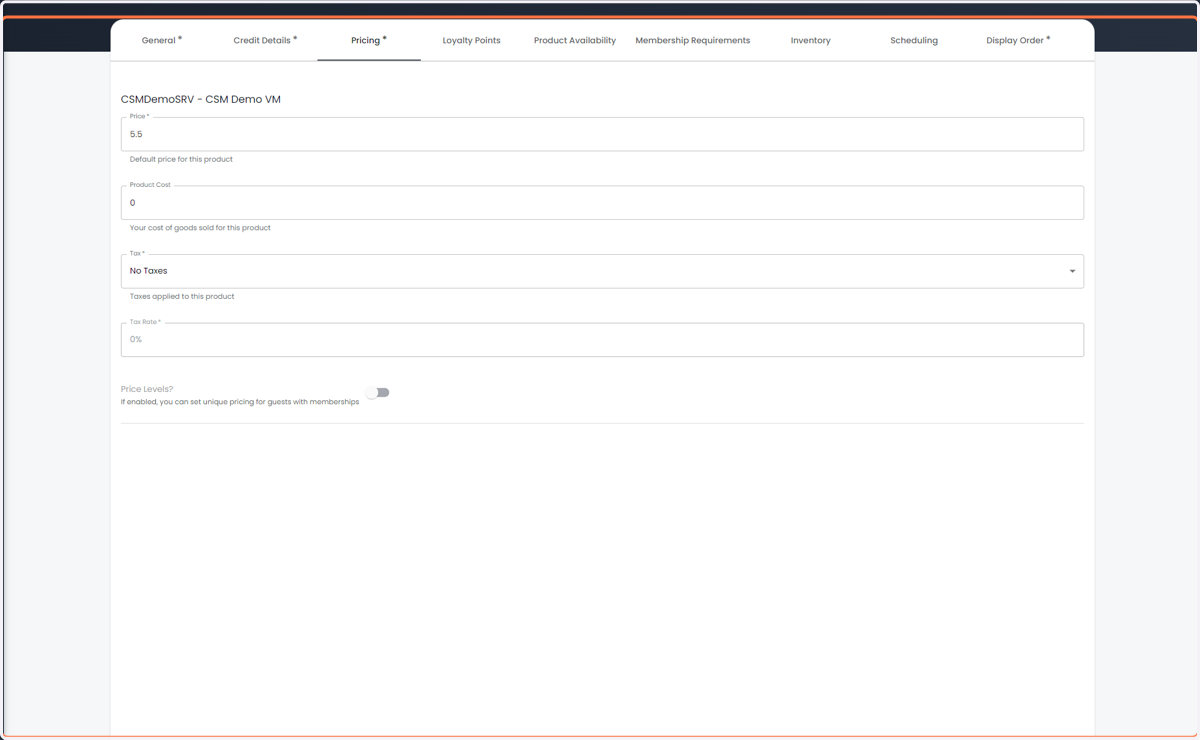
  6. 6. Update Pricing information

    Update Pricing information
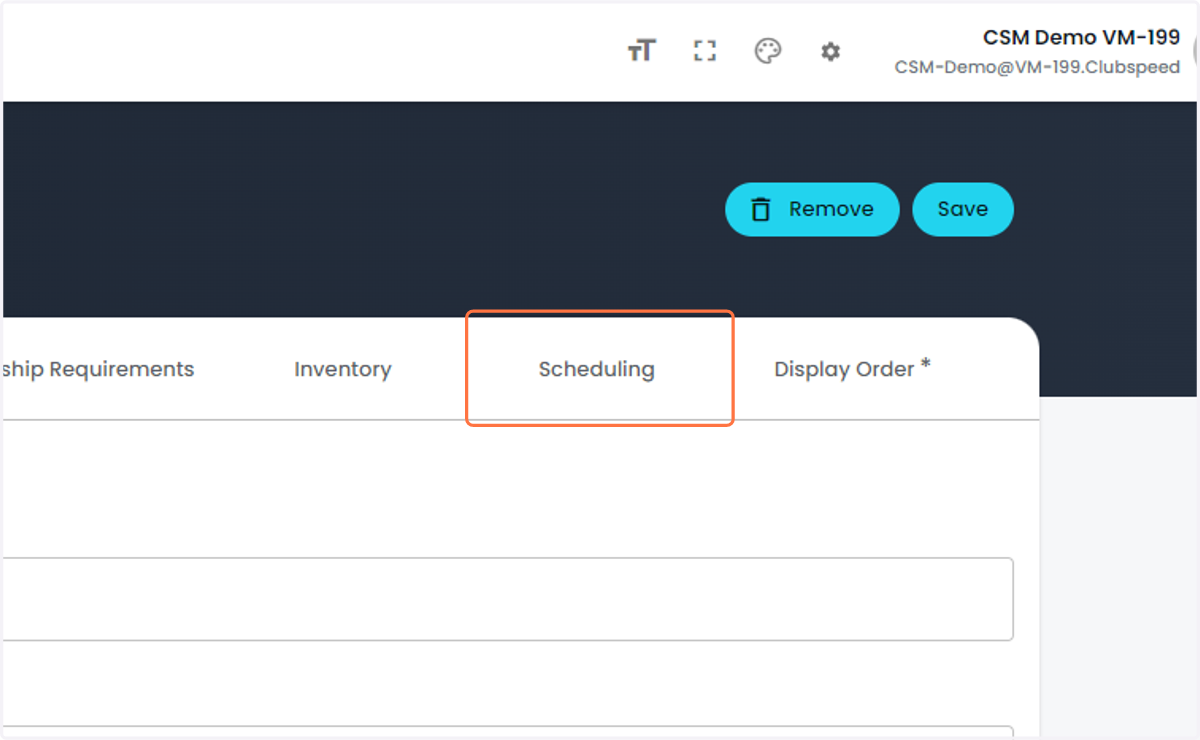
  7. 7. Click on Scheduling

    Click on Scheduling
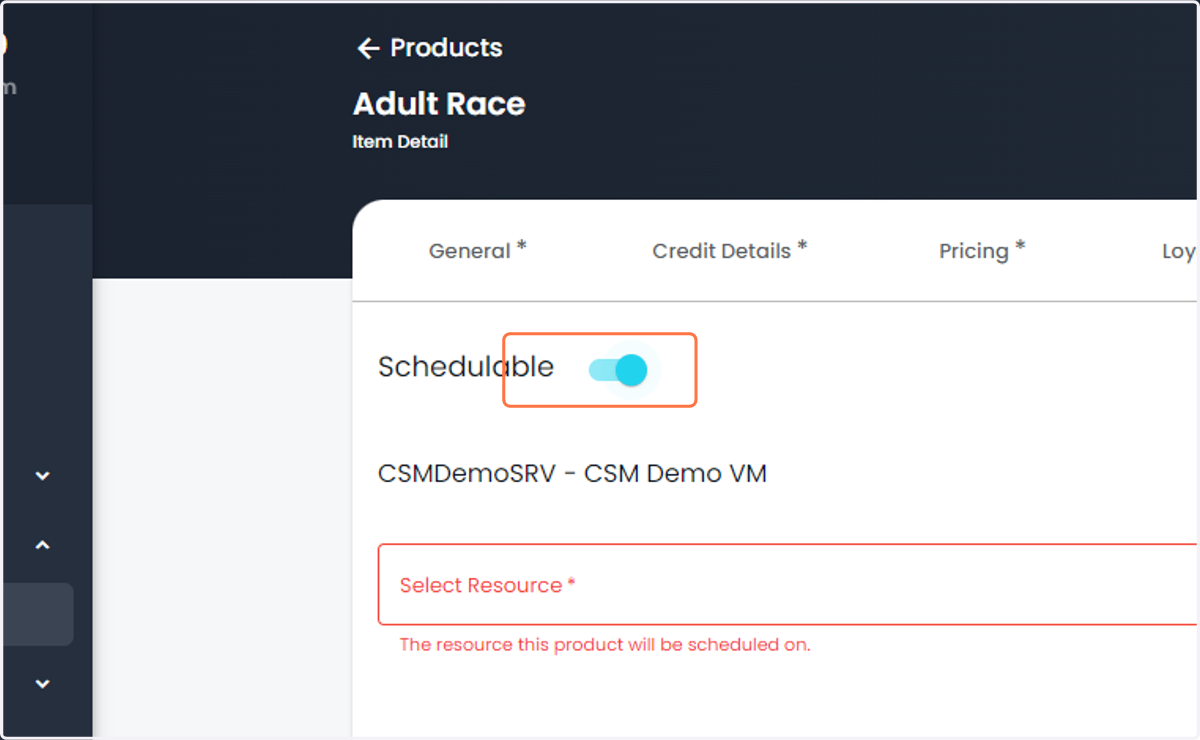
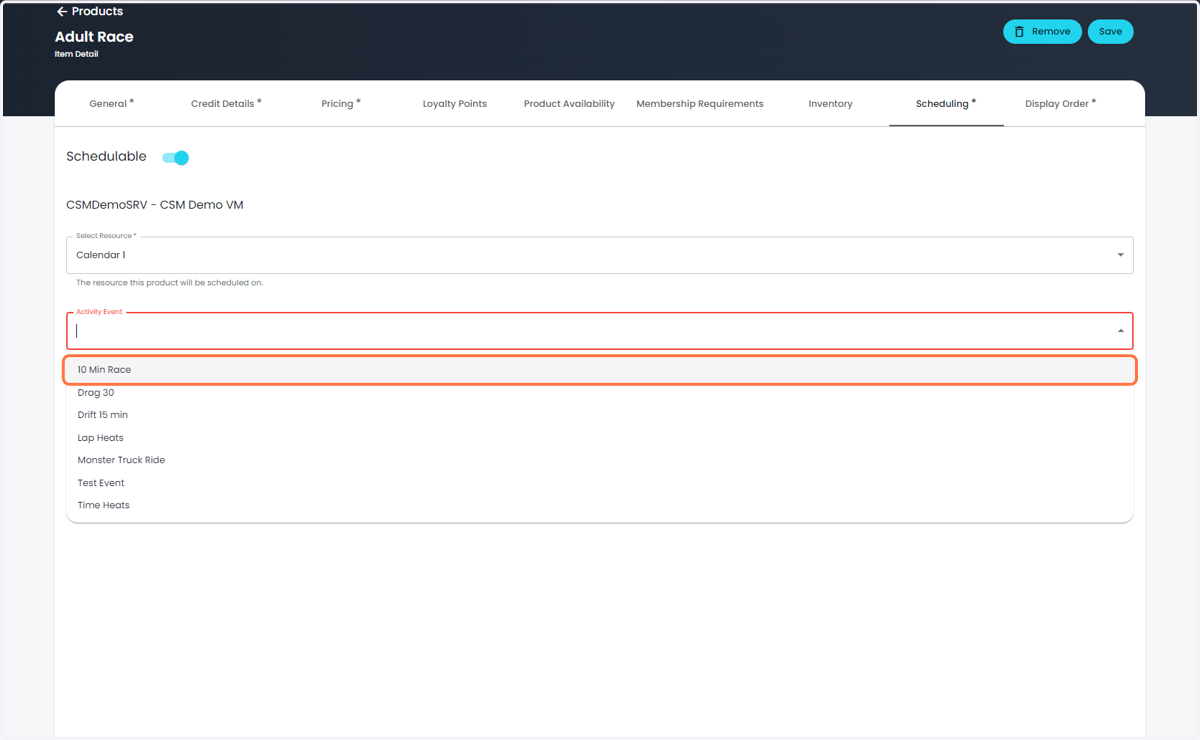
  8. 8. Toggle Schedulable "On"

    Toggle Schedulable "On"
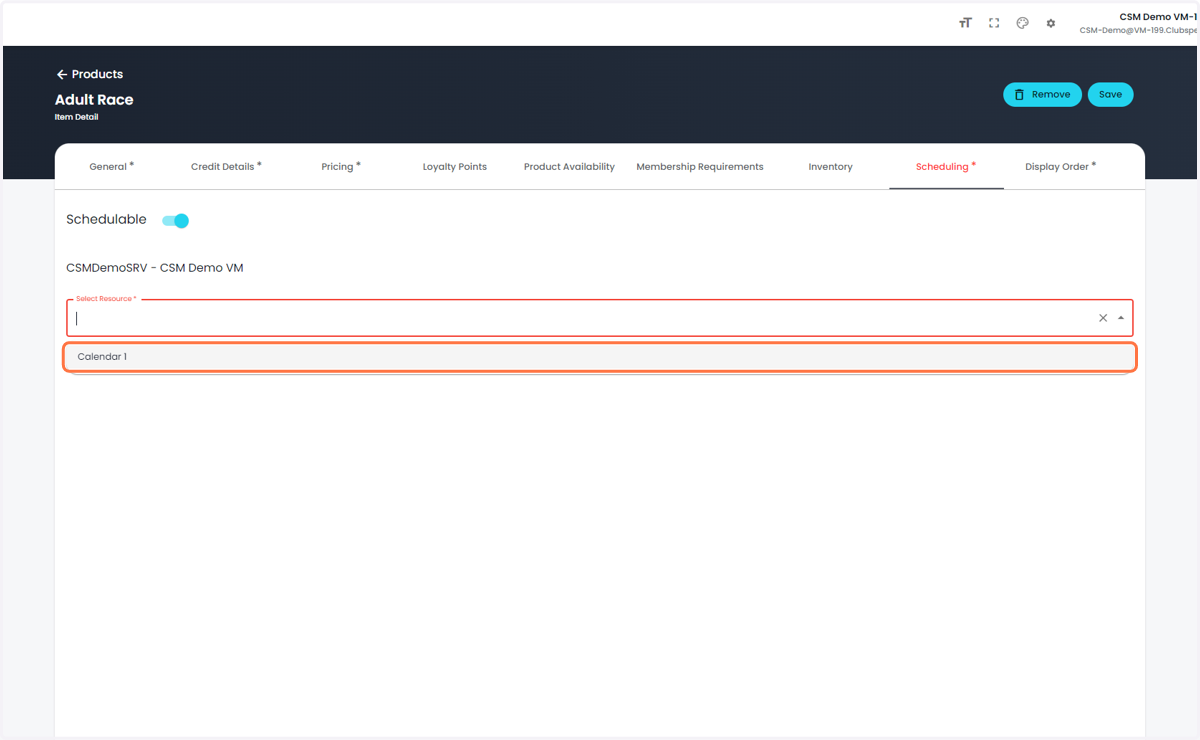
  9. 9. Select your Resource 

    Select your Resource
  10. 10. Select your activity

    Select your activity
  11. 11. Click on Back-to-Back scheduling (Concurrent coming soon)
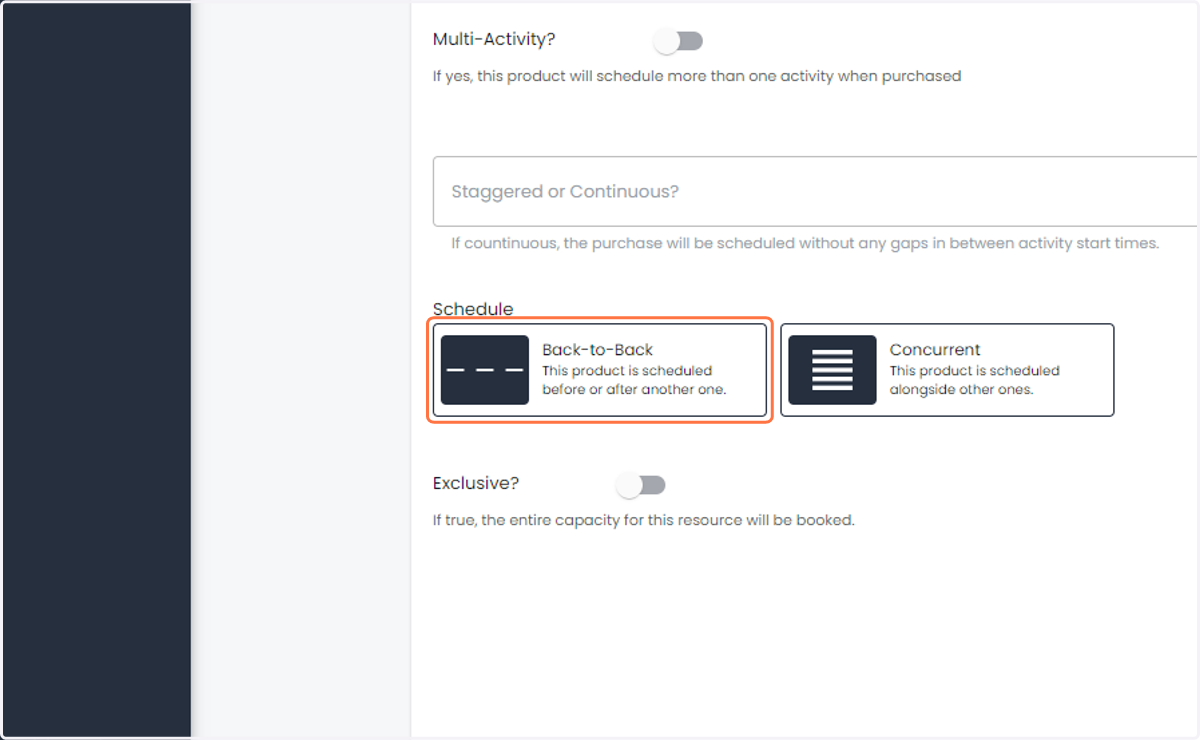
    Click on Back-to-Back scheduling (Concurrent coming soon)
  12. 12. Toggle the Exclusive box if the booking is limited to a single group
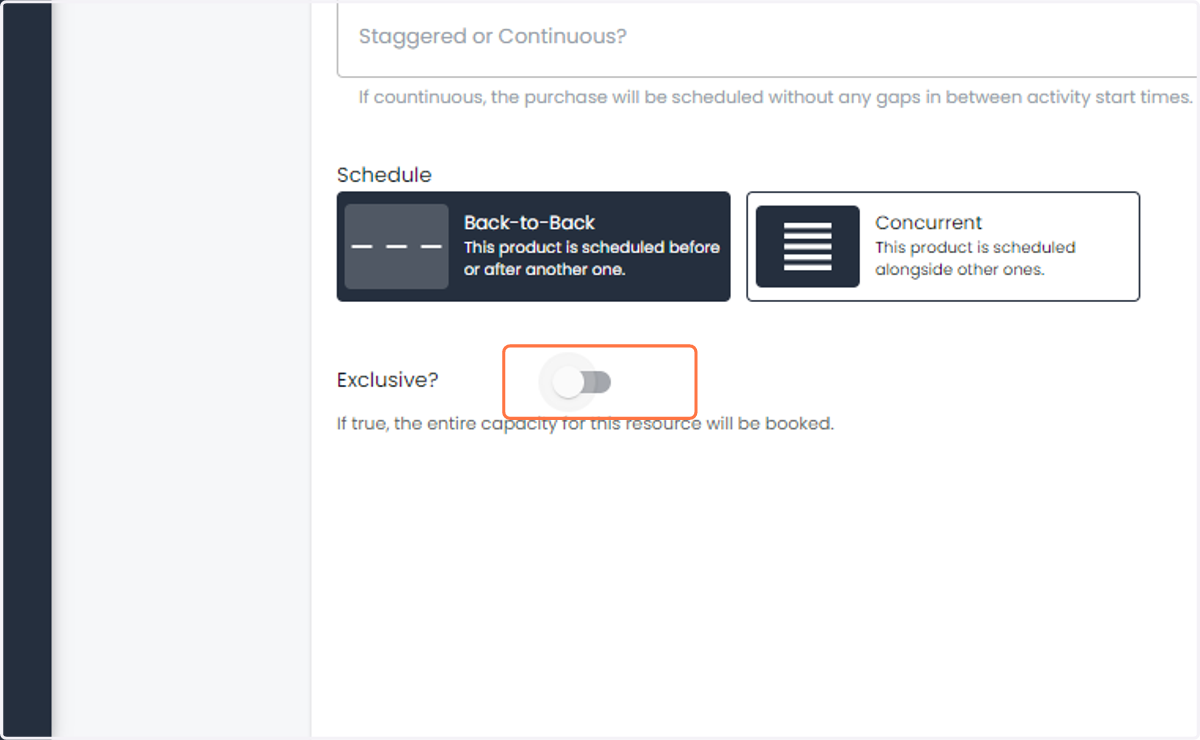
    Toggle the Exclusive box if the booking is limited to a single group
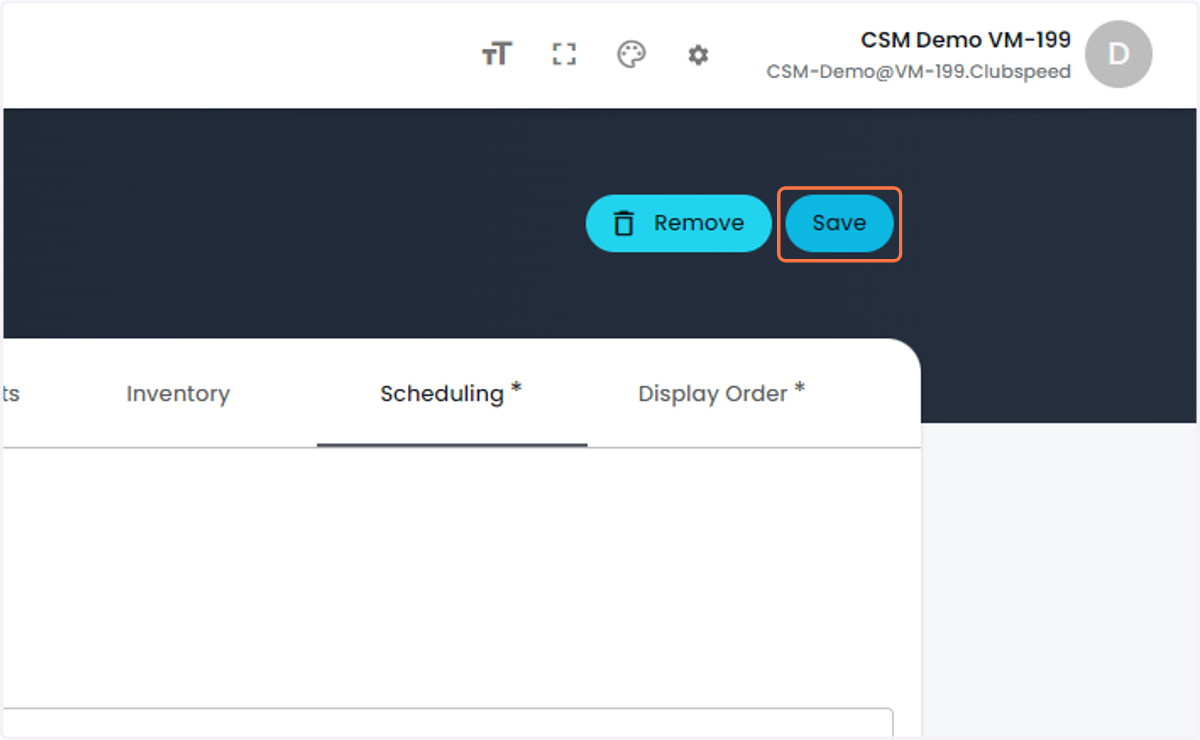
  13. 13. Click on Save

    Click on Save