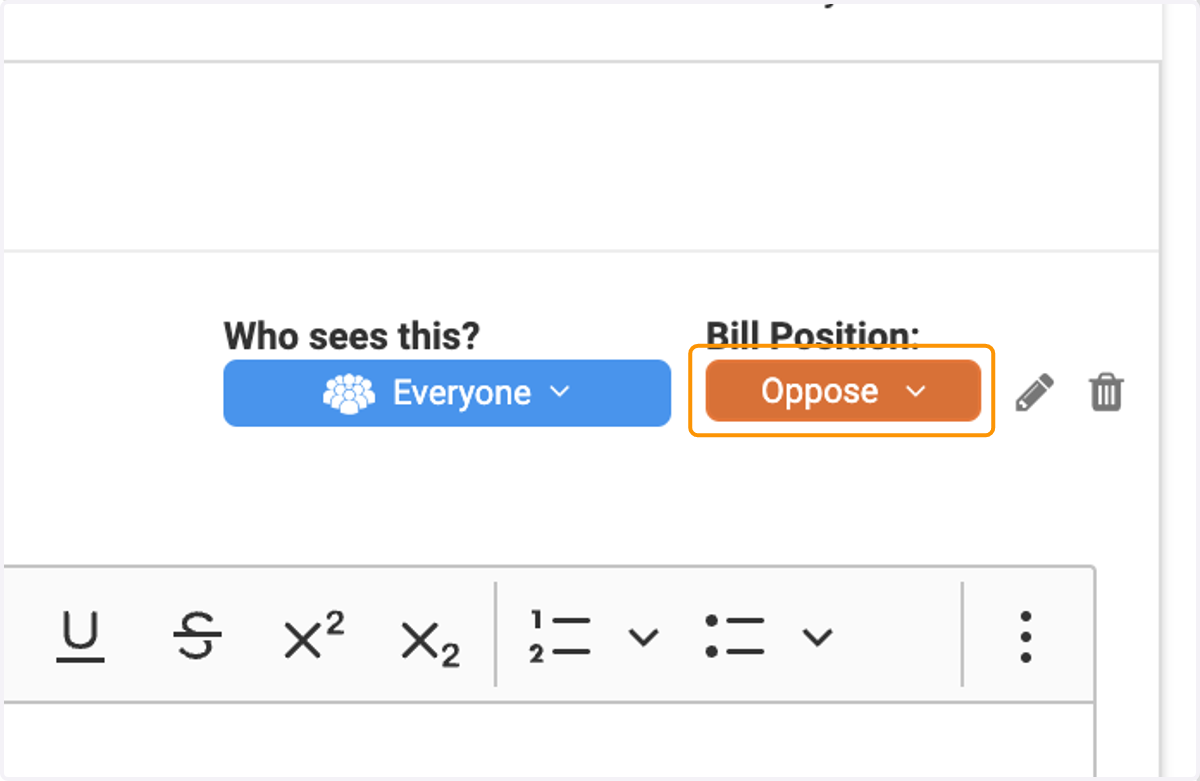
Adding a Position to Staff Analysis
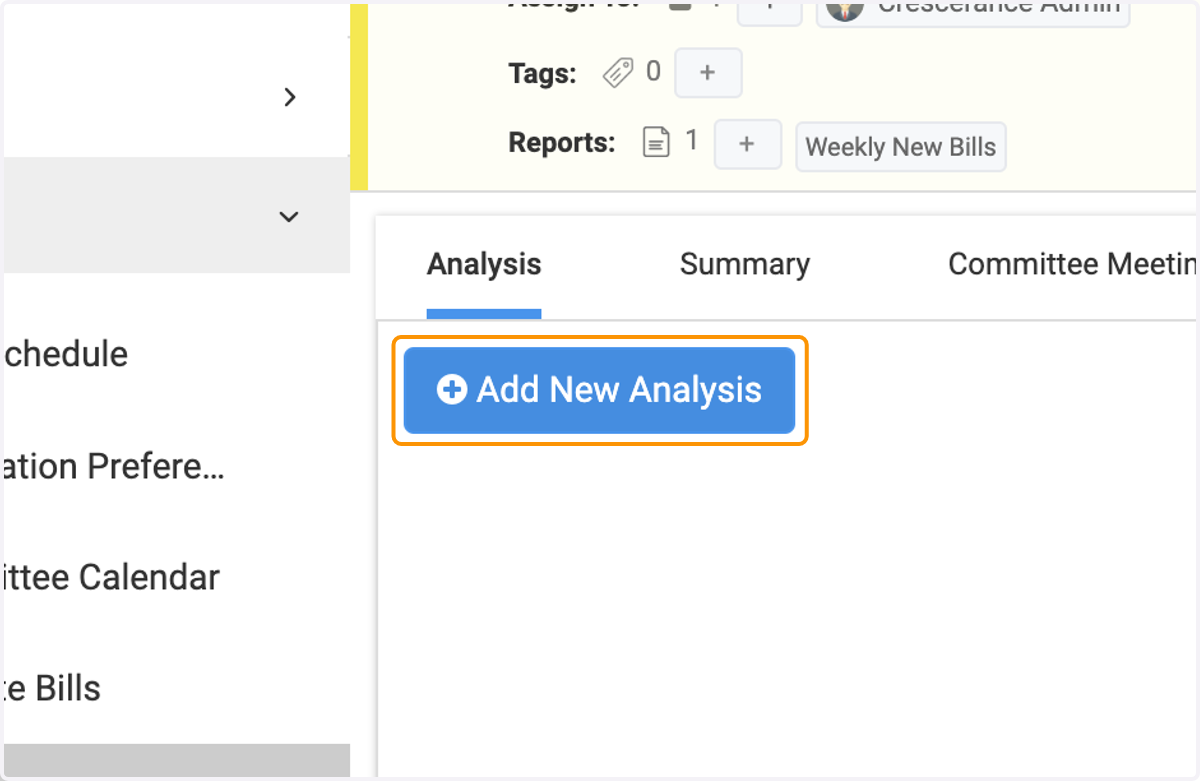
1. Click on 'Add New Analysis'
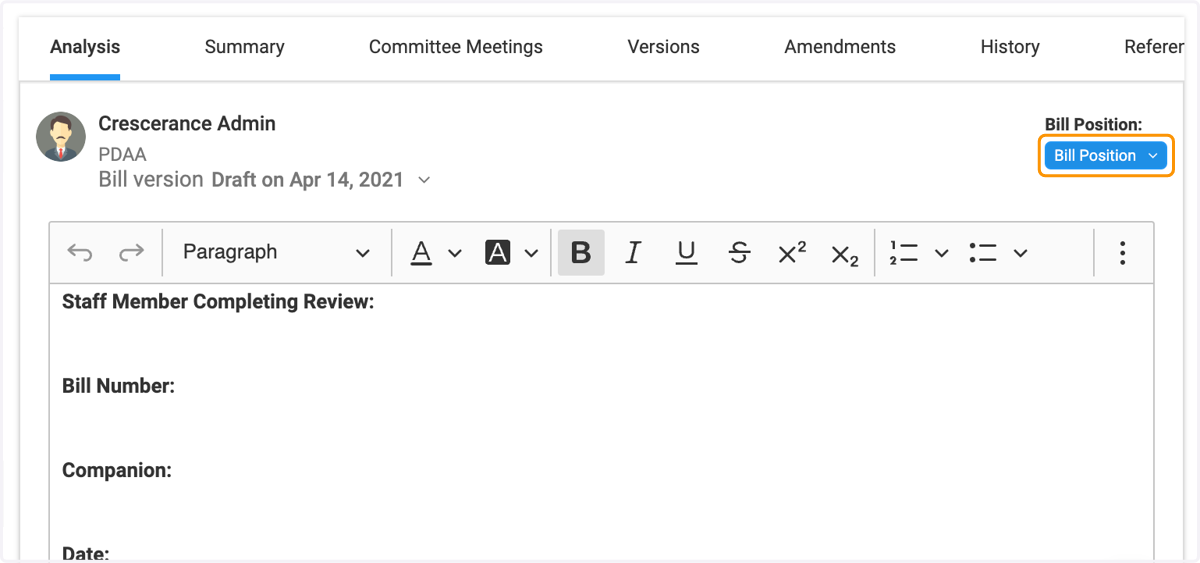
2. After inputting your staff analysis commentary, select 'Bill Position' in the top right corner of the entry window.
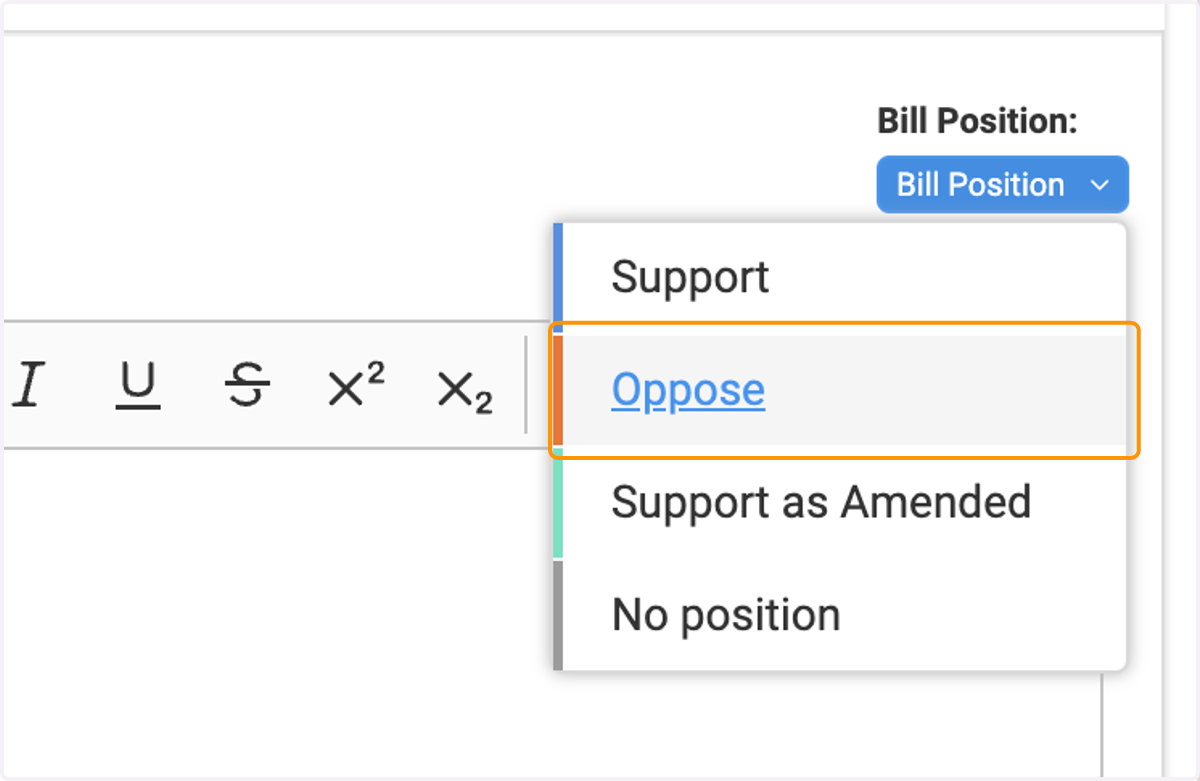
3. Select a bill position from the drop-down menu that appears
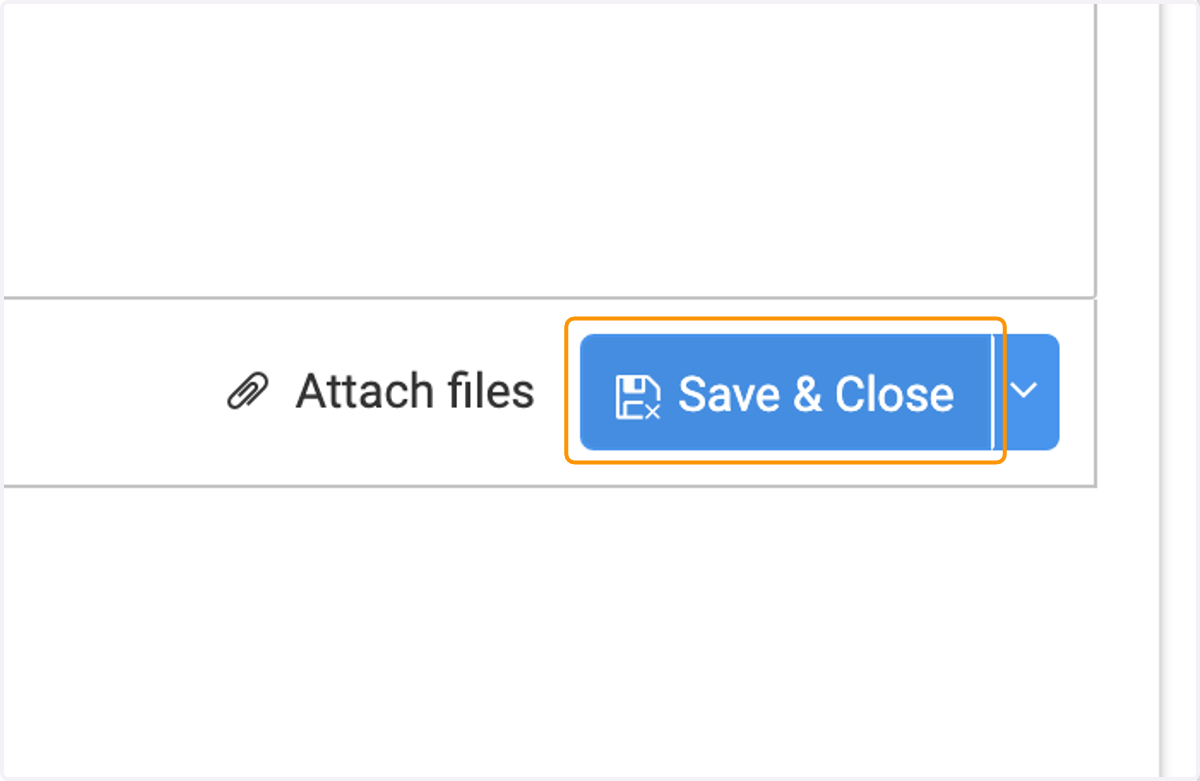
4. Click on 'Save & Close' to save your analysis and position entry.
5. To modify your entry, click on the pencil icon next to Position
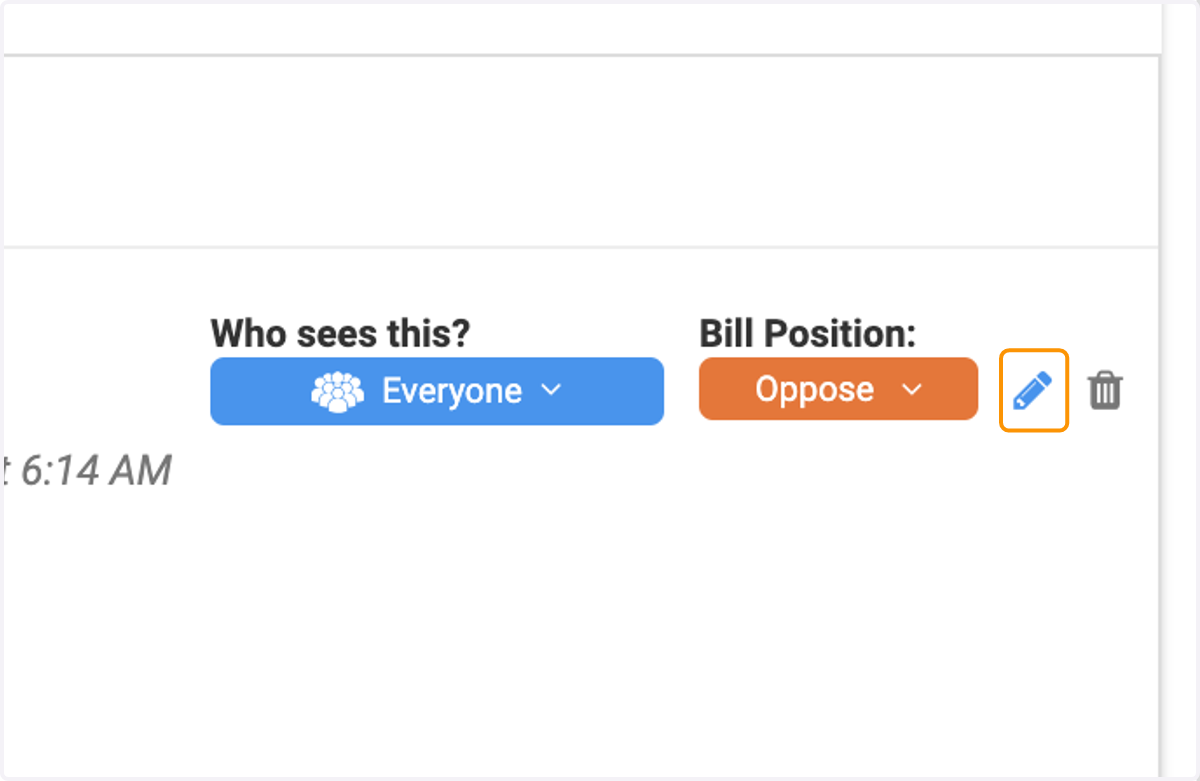
6. Click on the Position drop-down menu to select a new position for your analysis entry. Be sure to hit 'Save & Close' again after making changes!