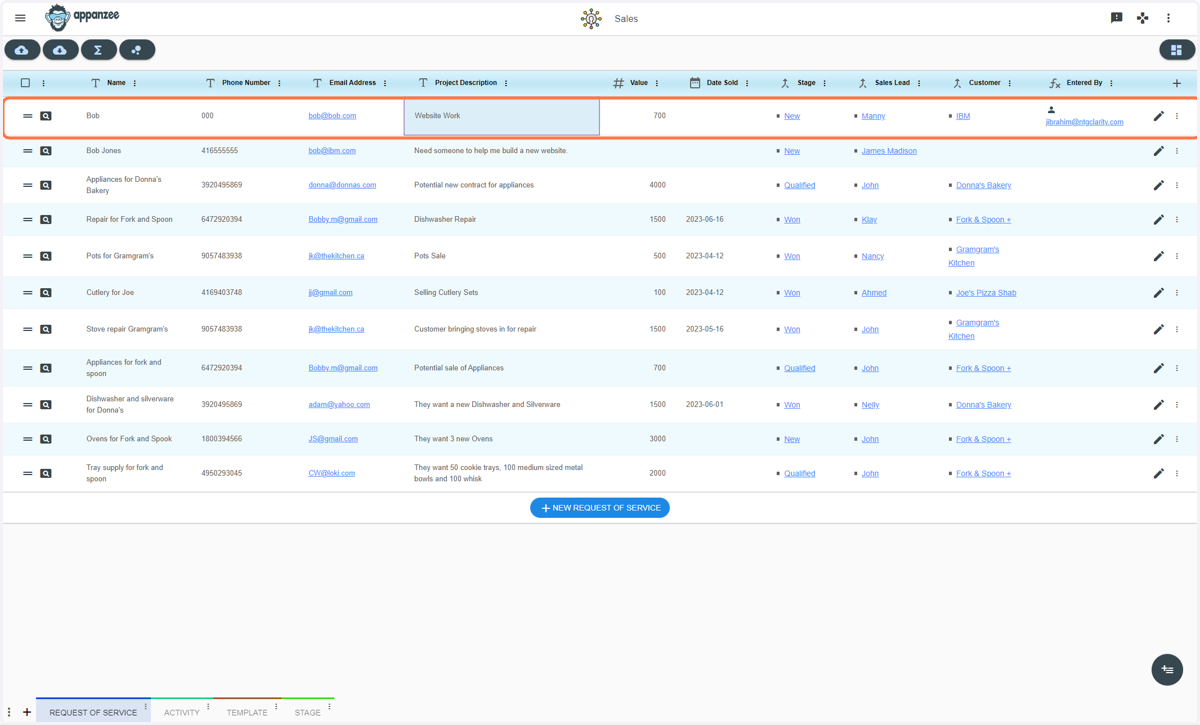
Sales - Submitting a Request of Service
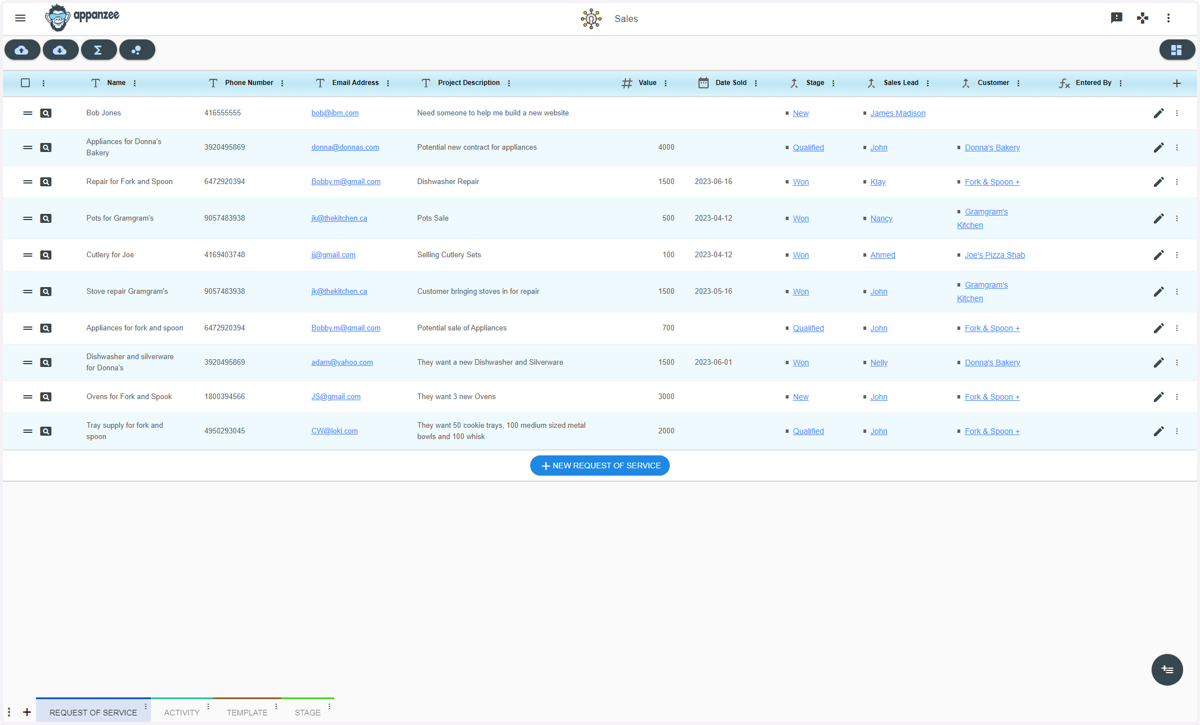
1. Go in to the Sales app
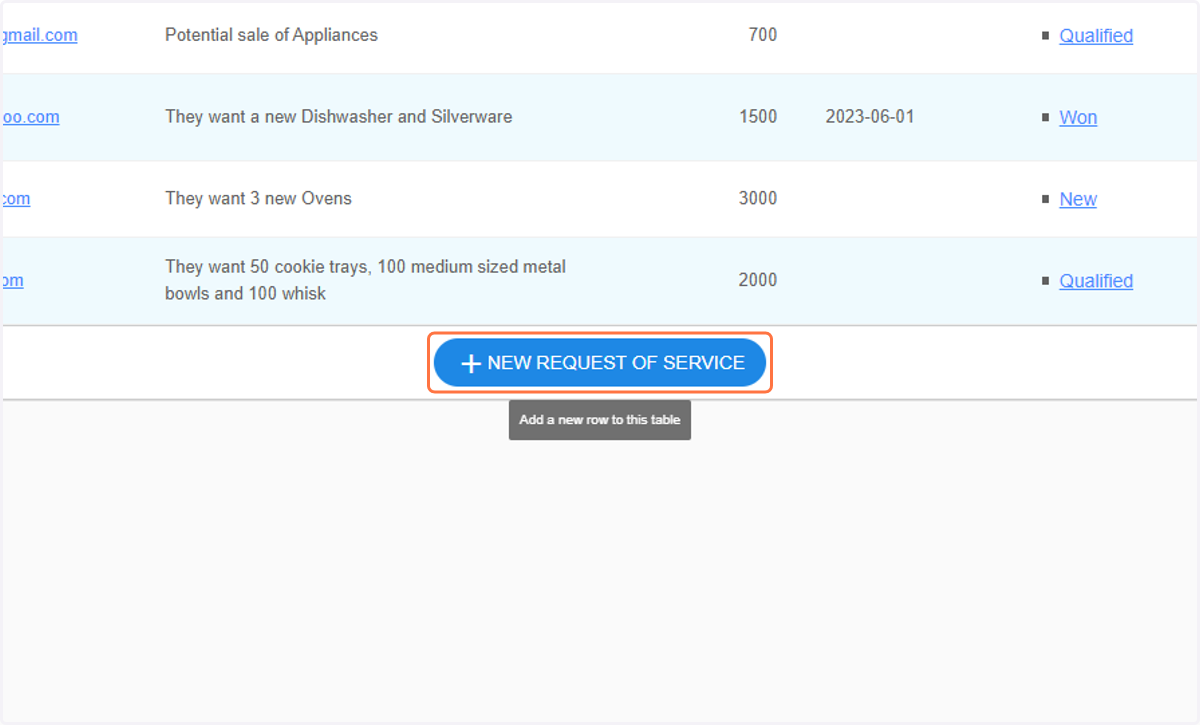
2. Click on NEW REQUEST OF SERVICE
3. Type a name
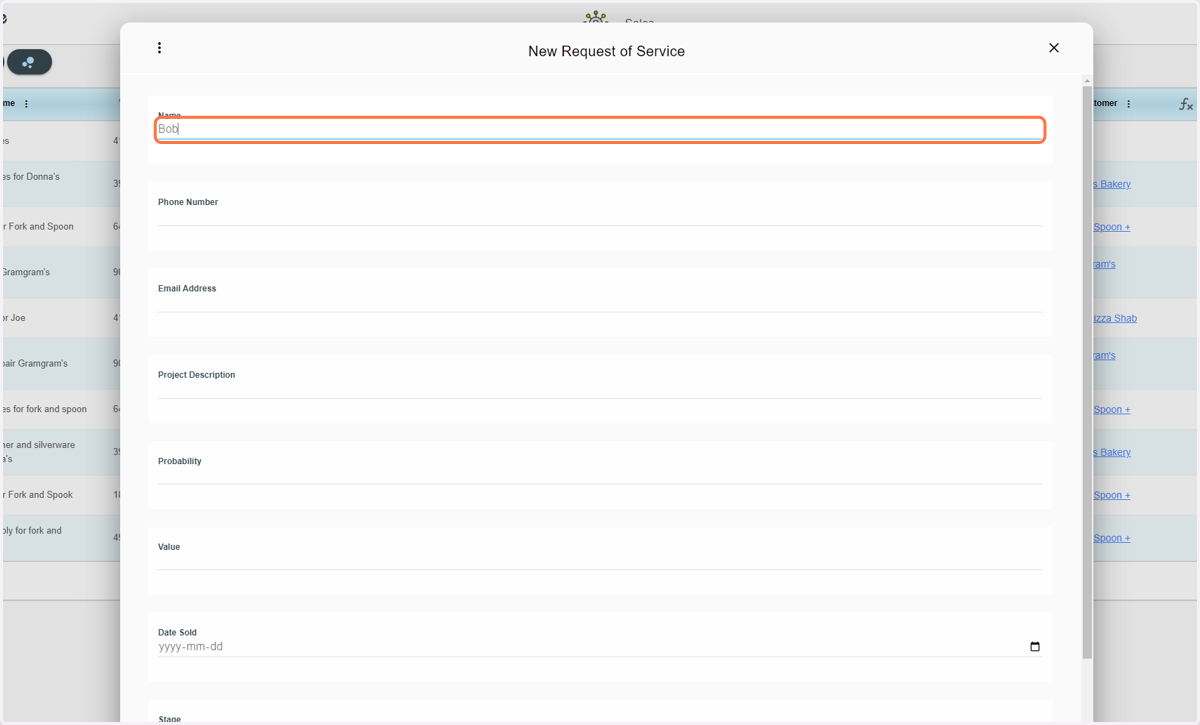
4. Type a phone number
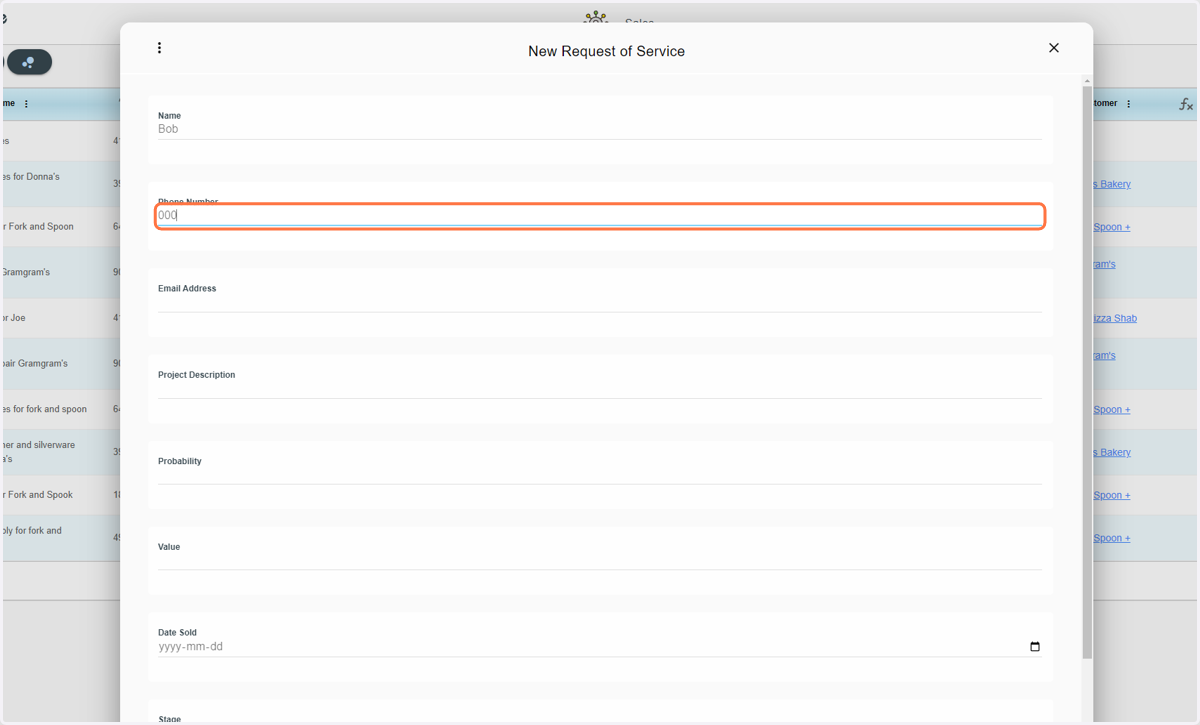
5. Type an email adress
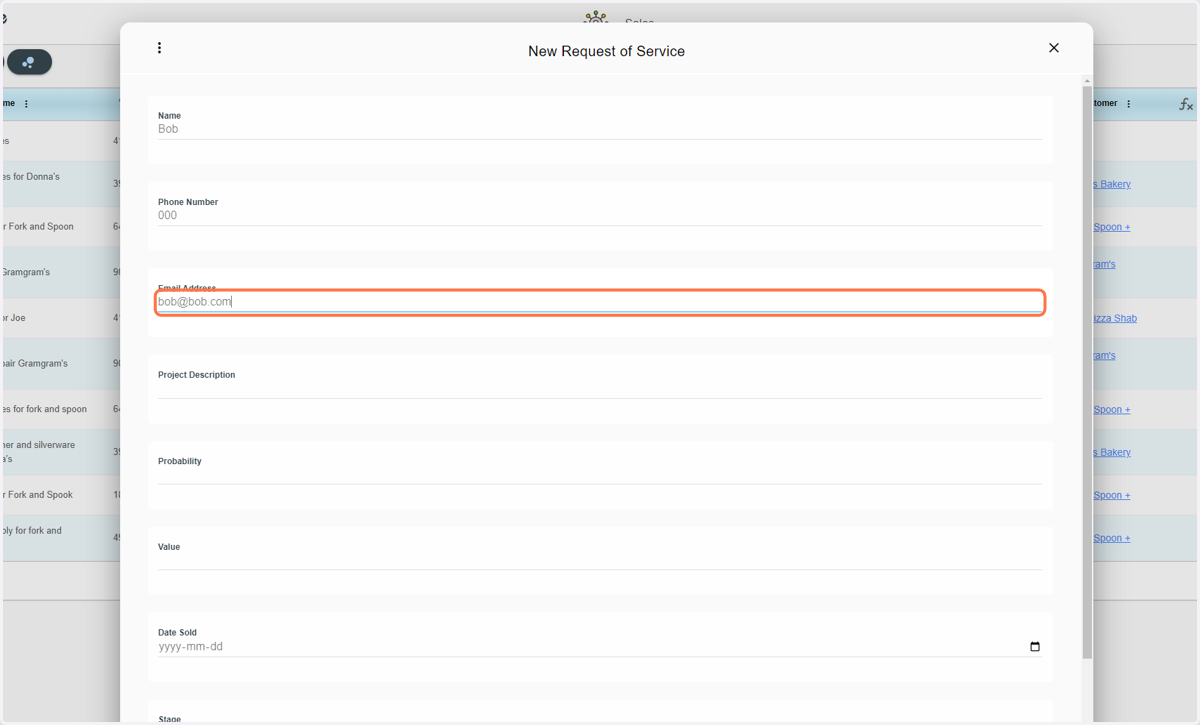
6. Type a Project Description
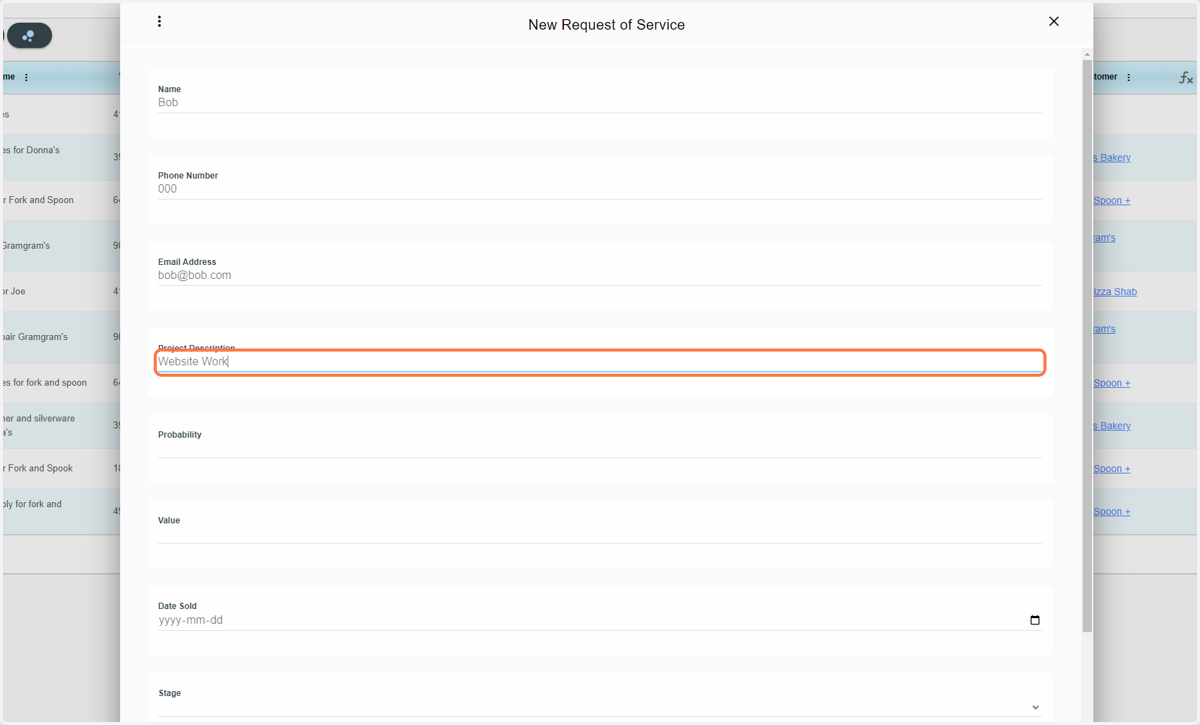
7. Type probabilty (it's between 0 to 1)
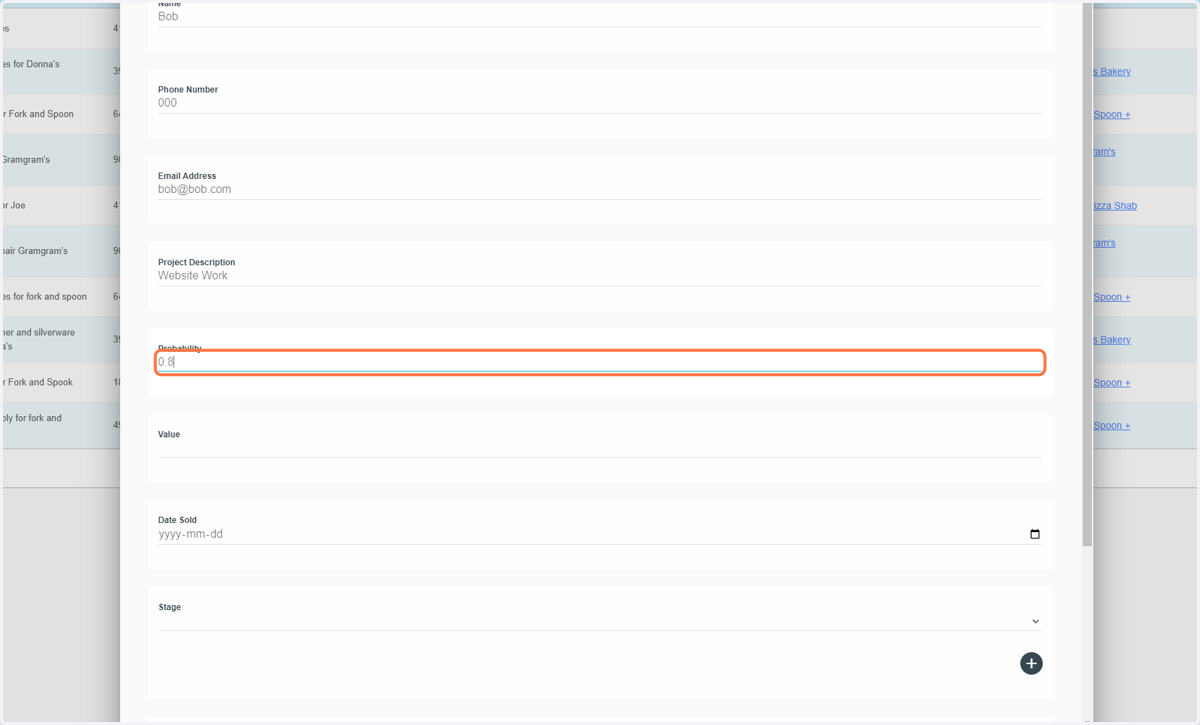
8. Type in value
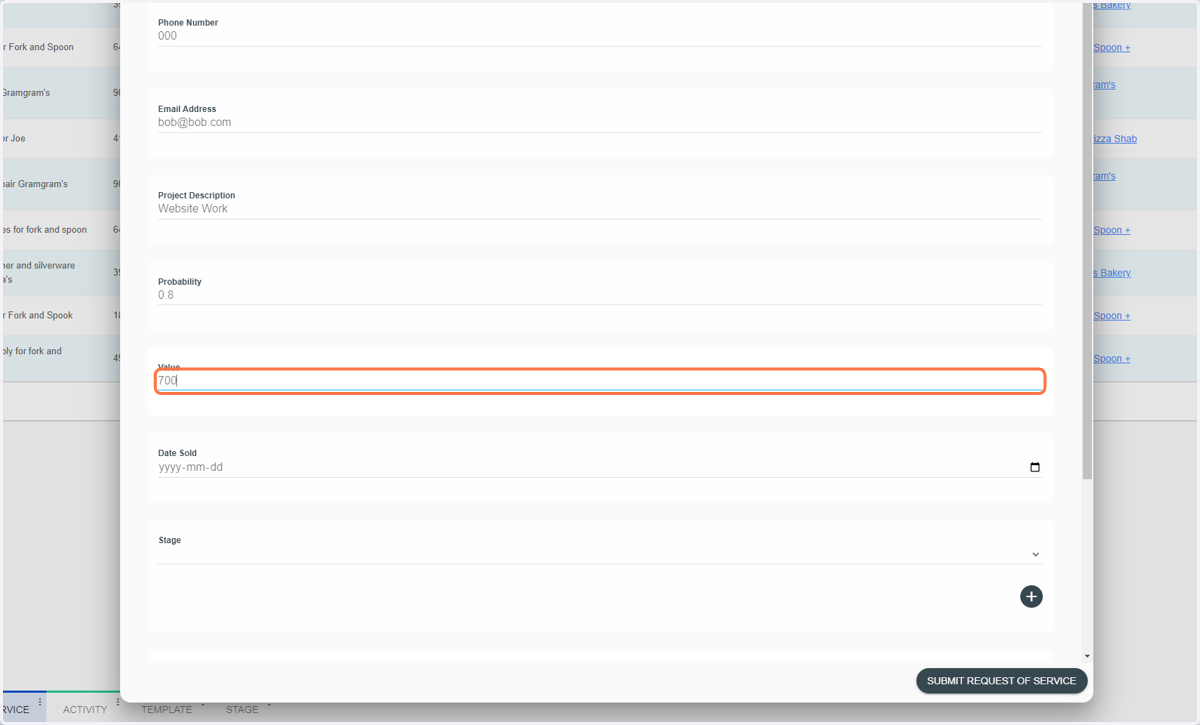
9. Add a date if it's sold
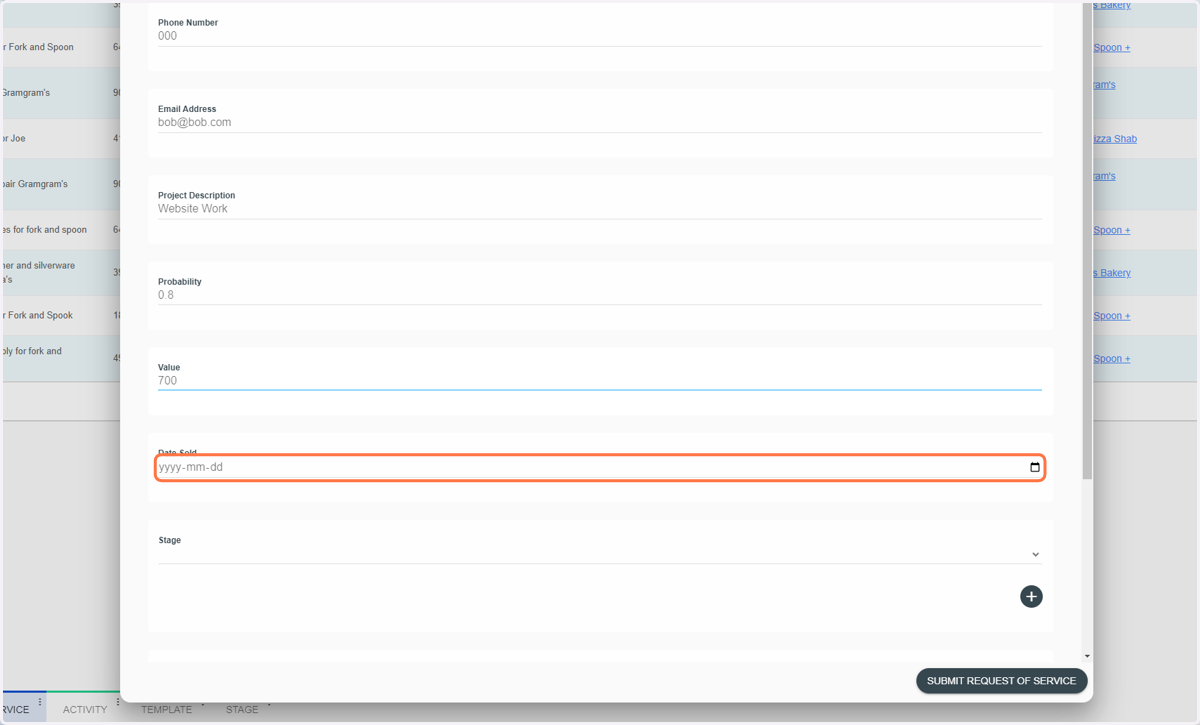
10. Select a Stage from the Stage dropdown
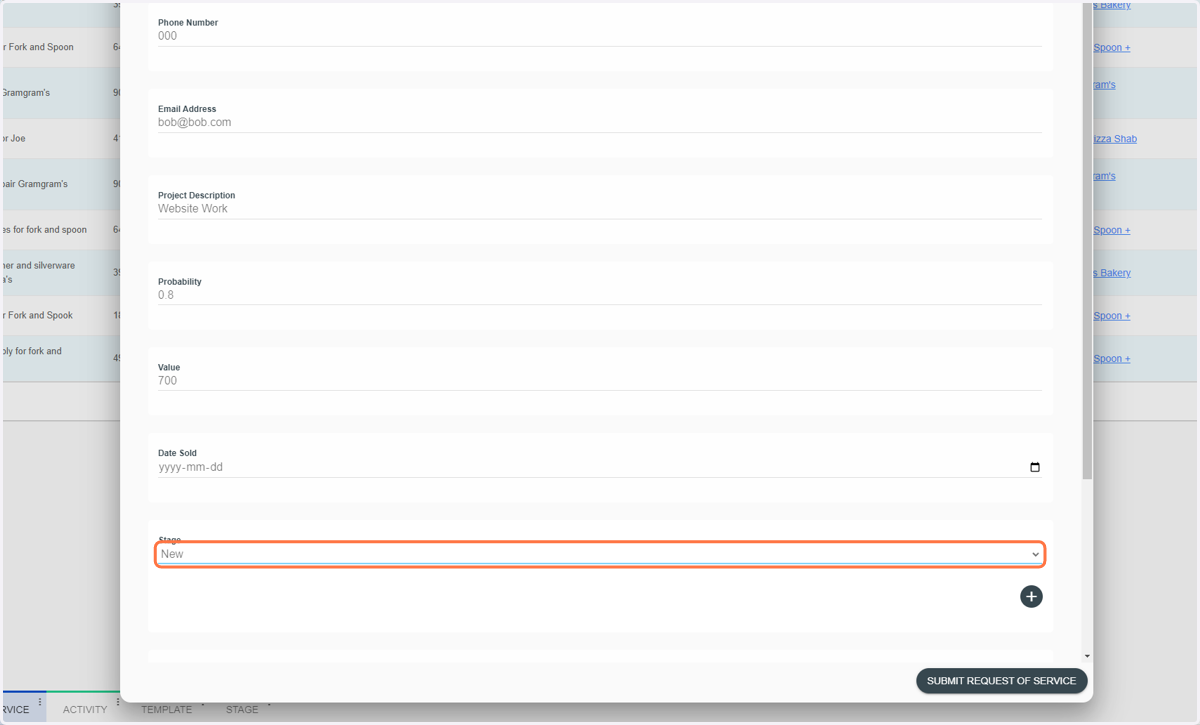
11. Select a Sales Lead
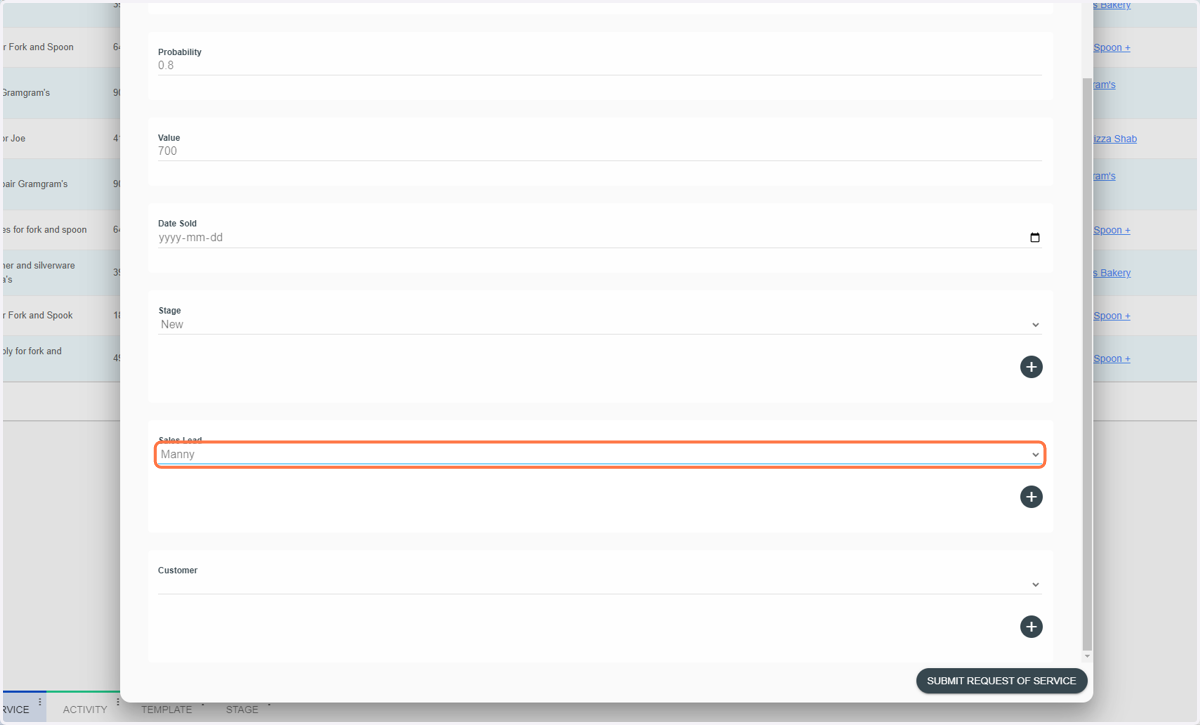
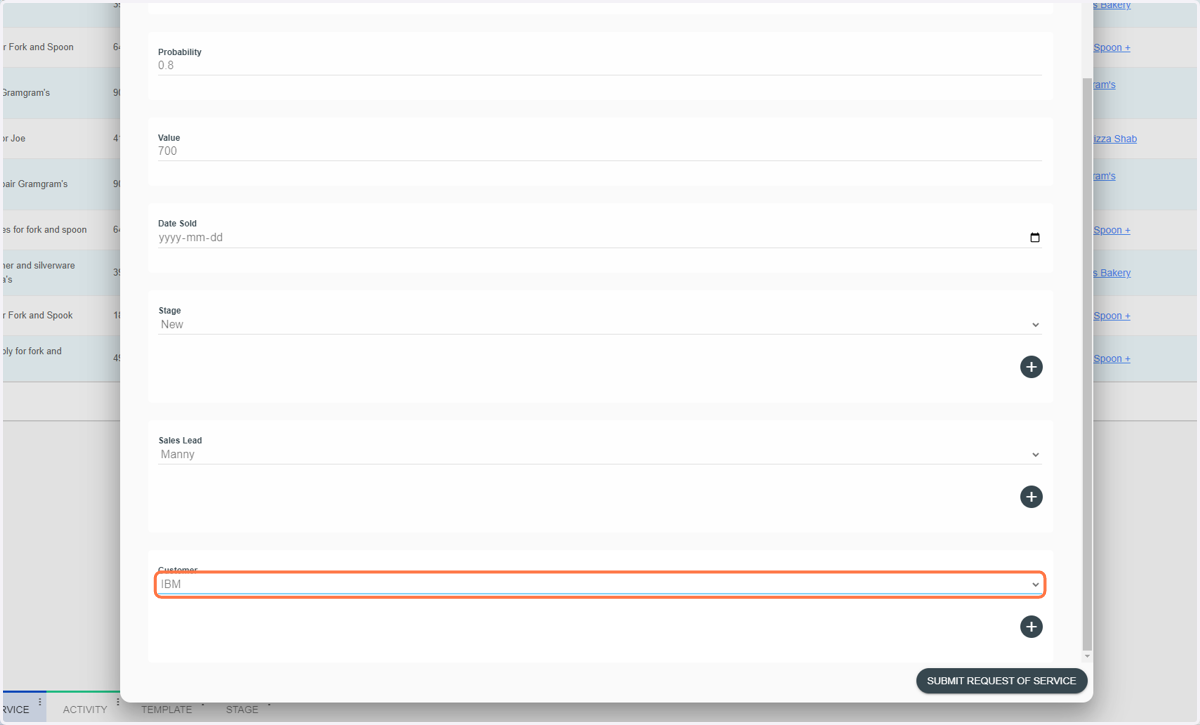
12. Select a Customer
13. Click on SUBMIT REQUEST OF SERVICE
14. You can now see the added request of service