Guide: Emailing Reports
MatrixIQ Telematics
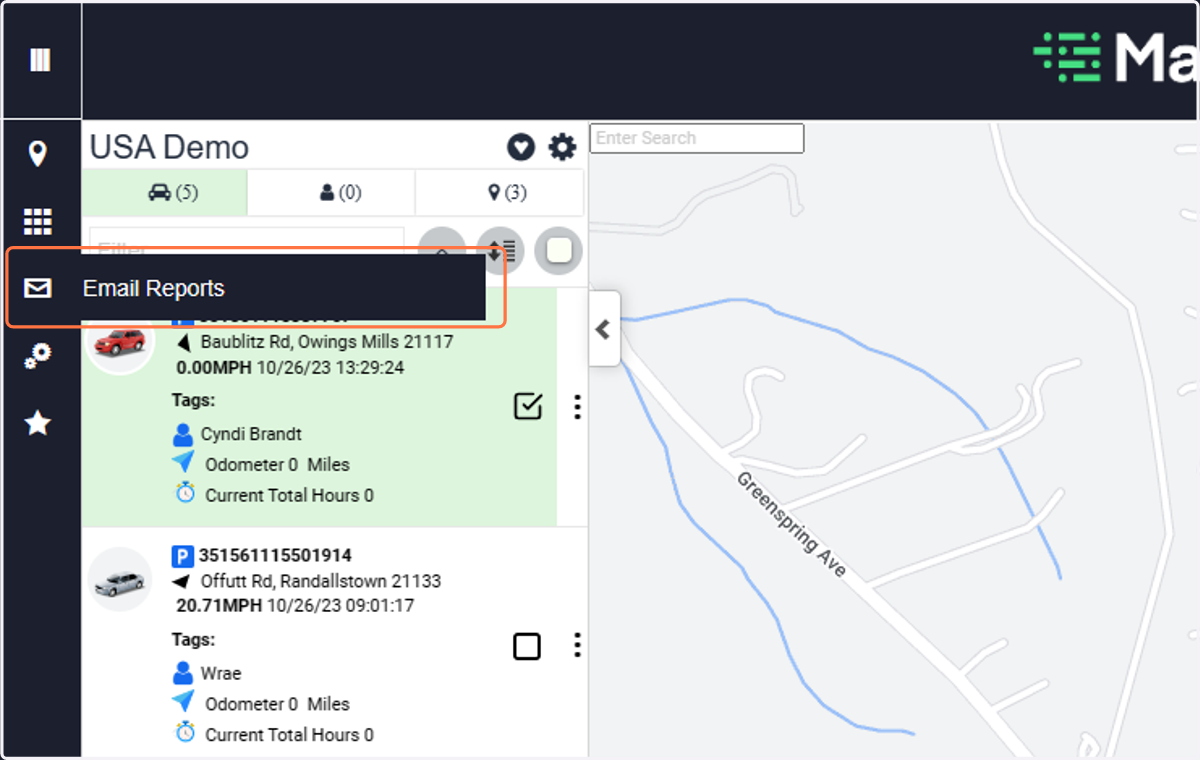
1. Click on Email Reports
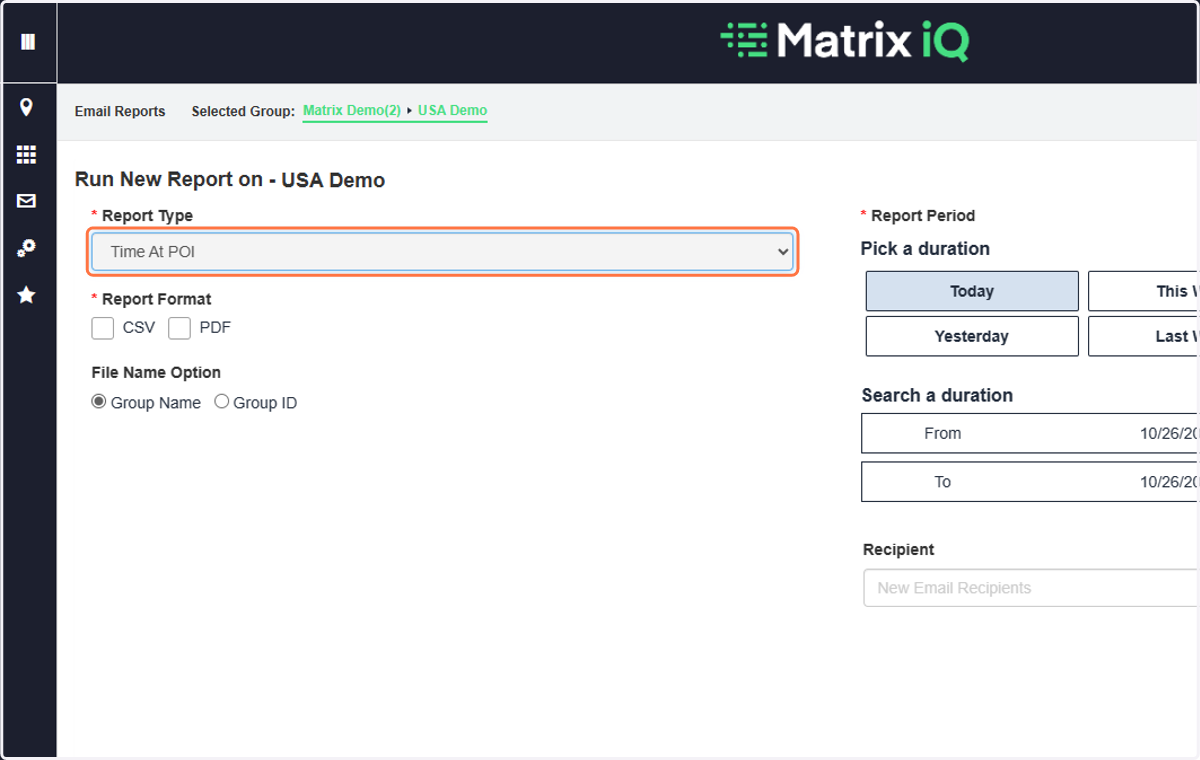
2. Select the Report and Format
Choose a CSV or PDF format
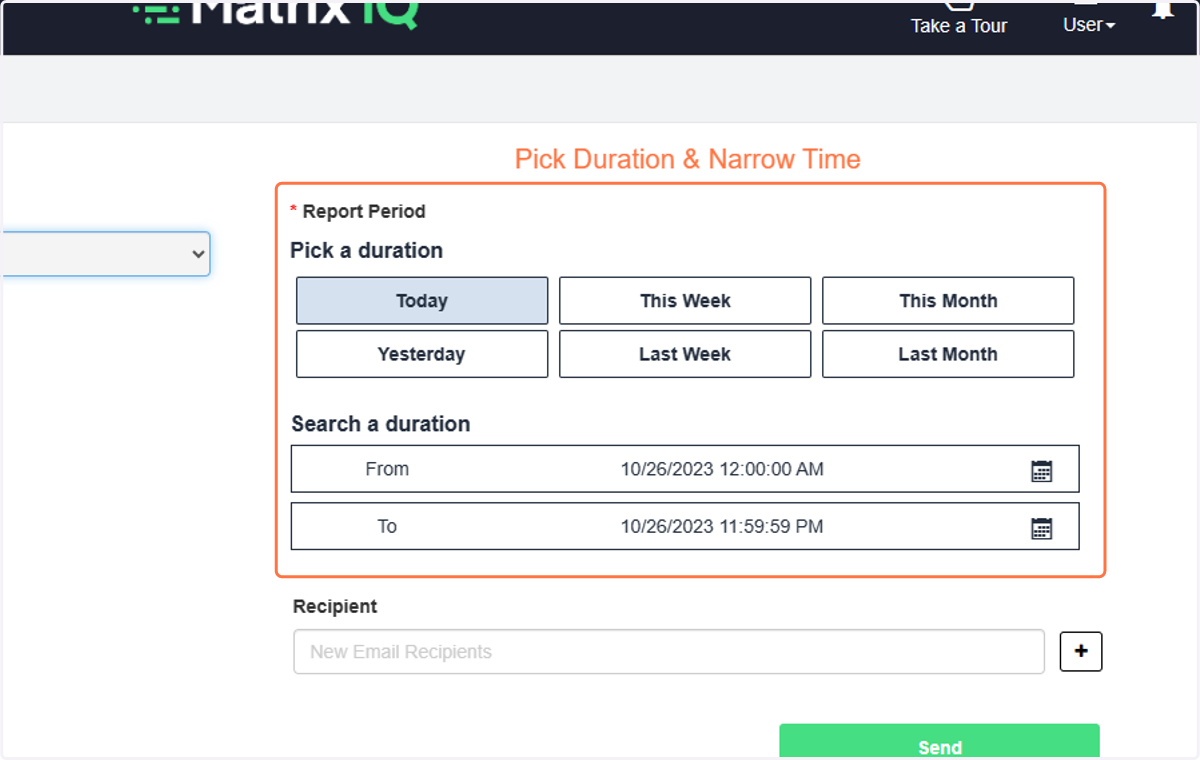
3. Pick duration and narrow timeframe if needed
4. Type in the email address(es) and "+"
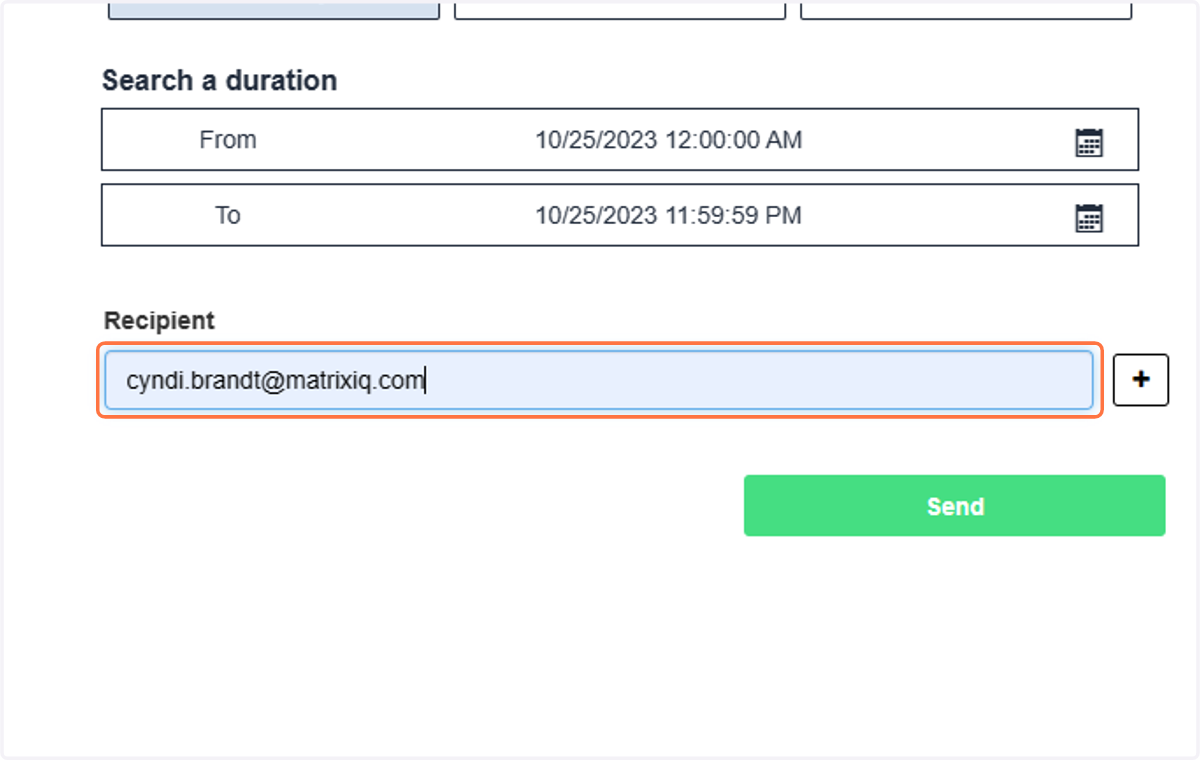
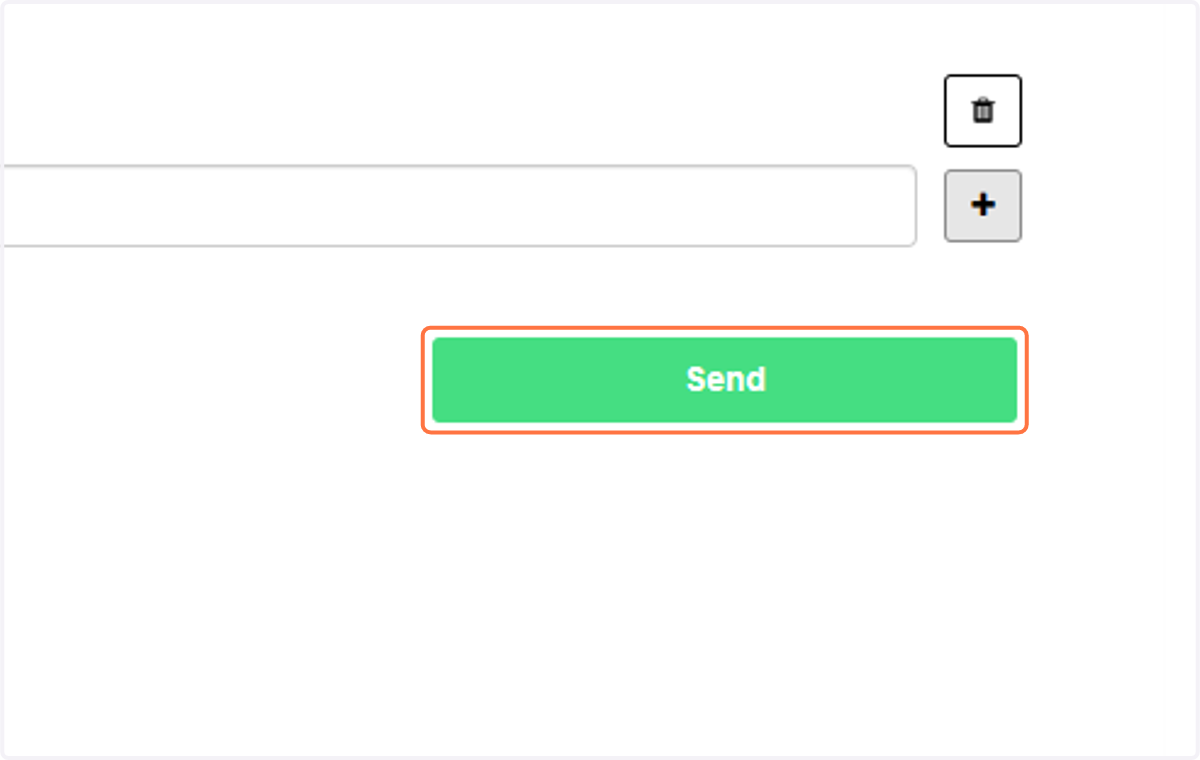
5. Click on Send
The report will be emailed to recipients. Please our list of sample reports to review the report output.