How to set up your sales teams and assign leads

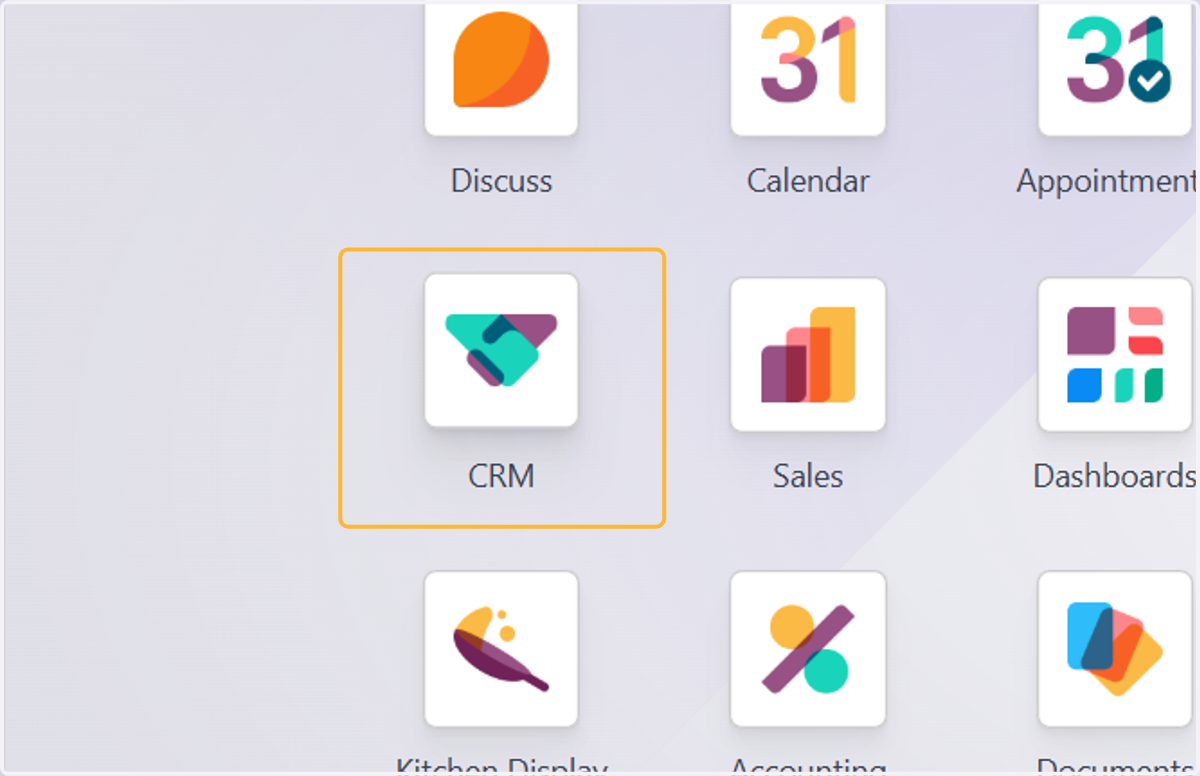
  1. 1. Click on CRM

    Click on CRM
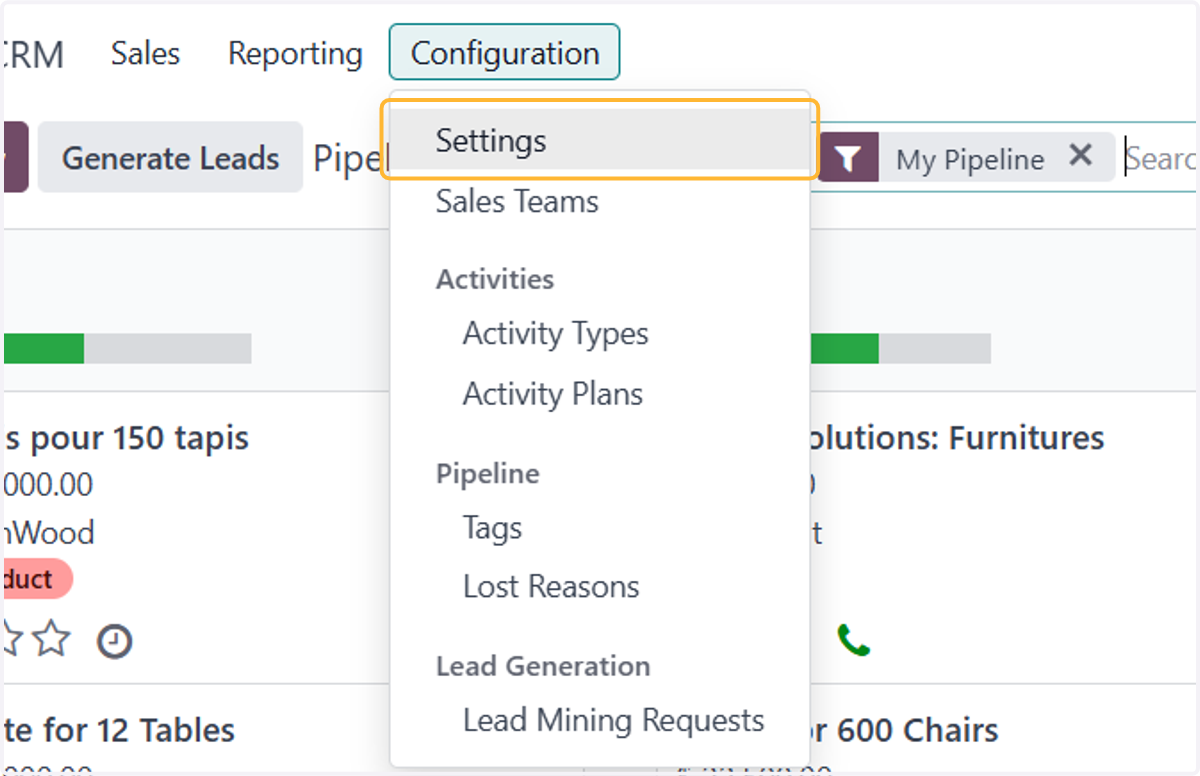
  2. 2. Click on Configuration > Settings

    Click on Configuration > Settings
  3. 3. Tick on this to assign salespersons into multiple Sales Teams.
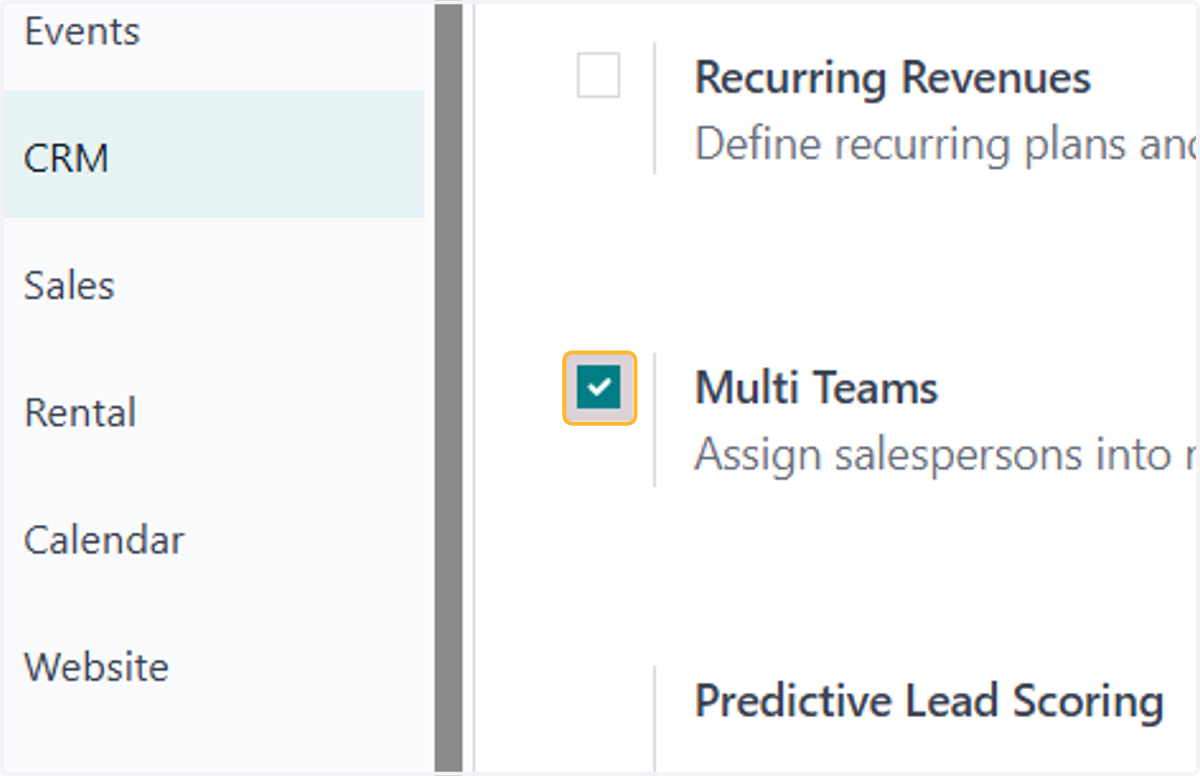
    Tick on this to assign salespersons into multiple Sales Teams.
  4. 4. Tick on this to automatically assign leads to salespersons based on rules
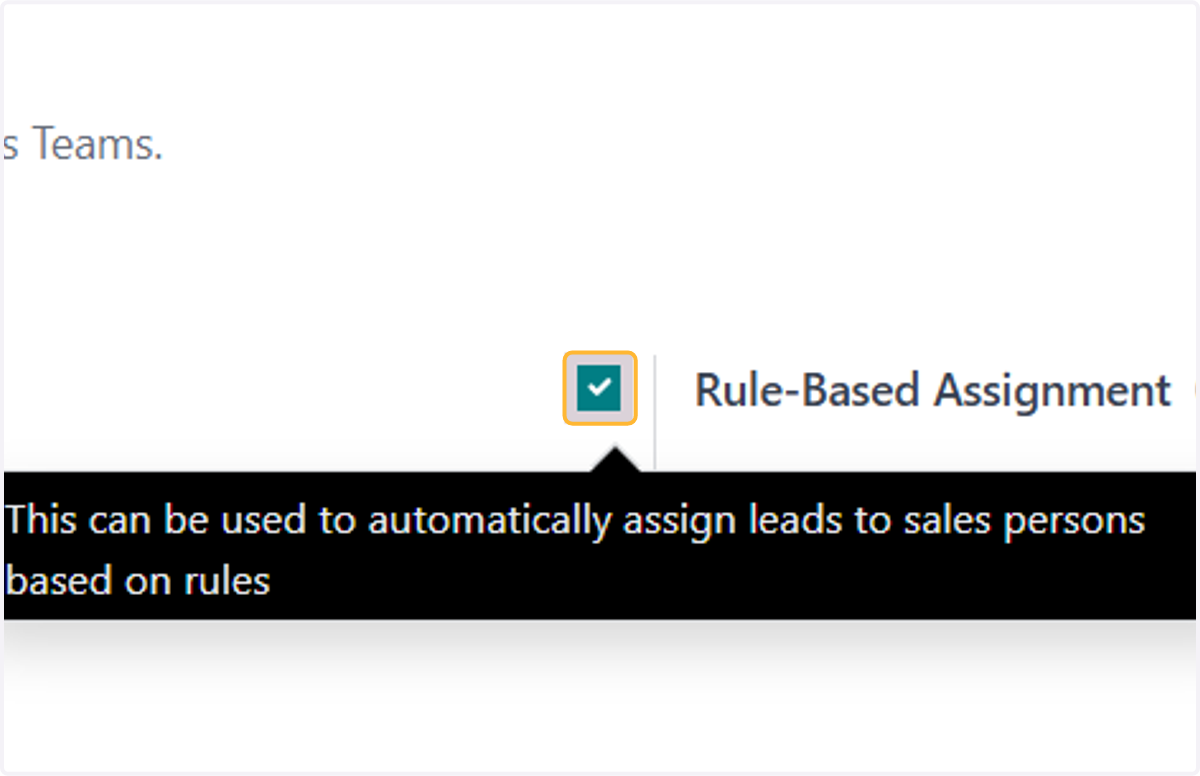
    Tick on this to automatically assign leads to salespersons based on rules
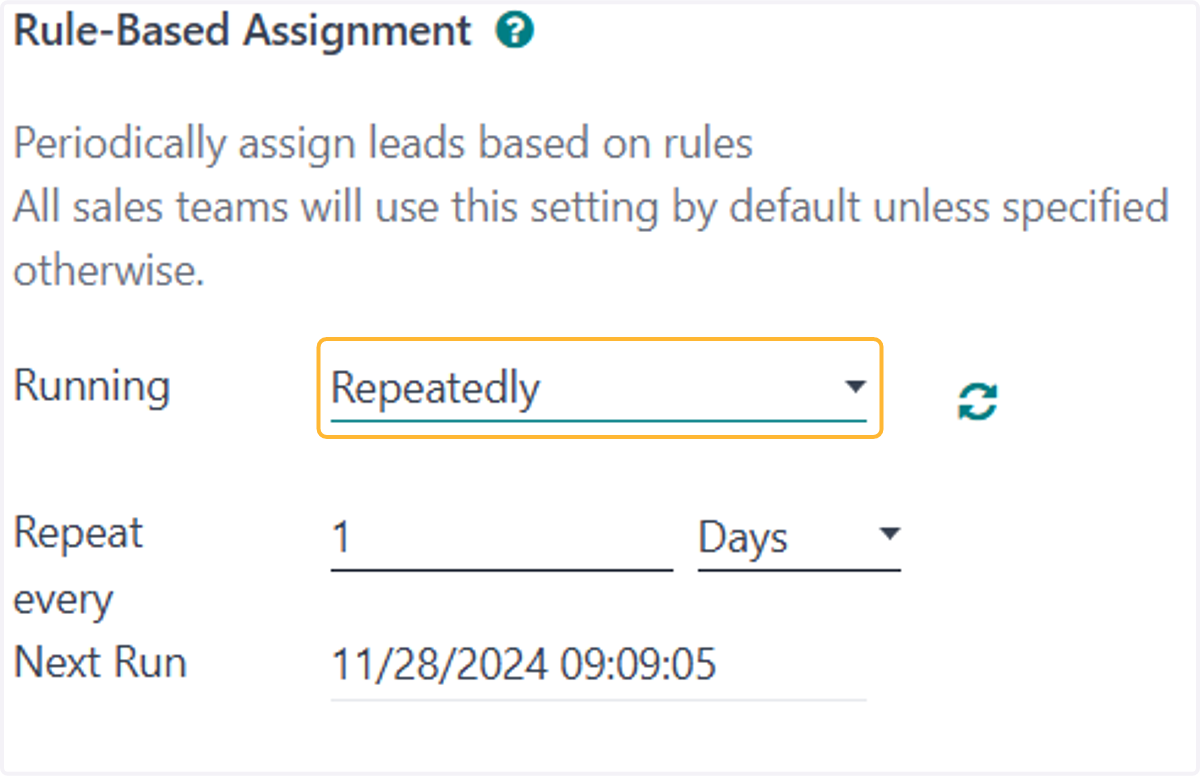
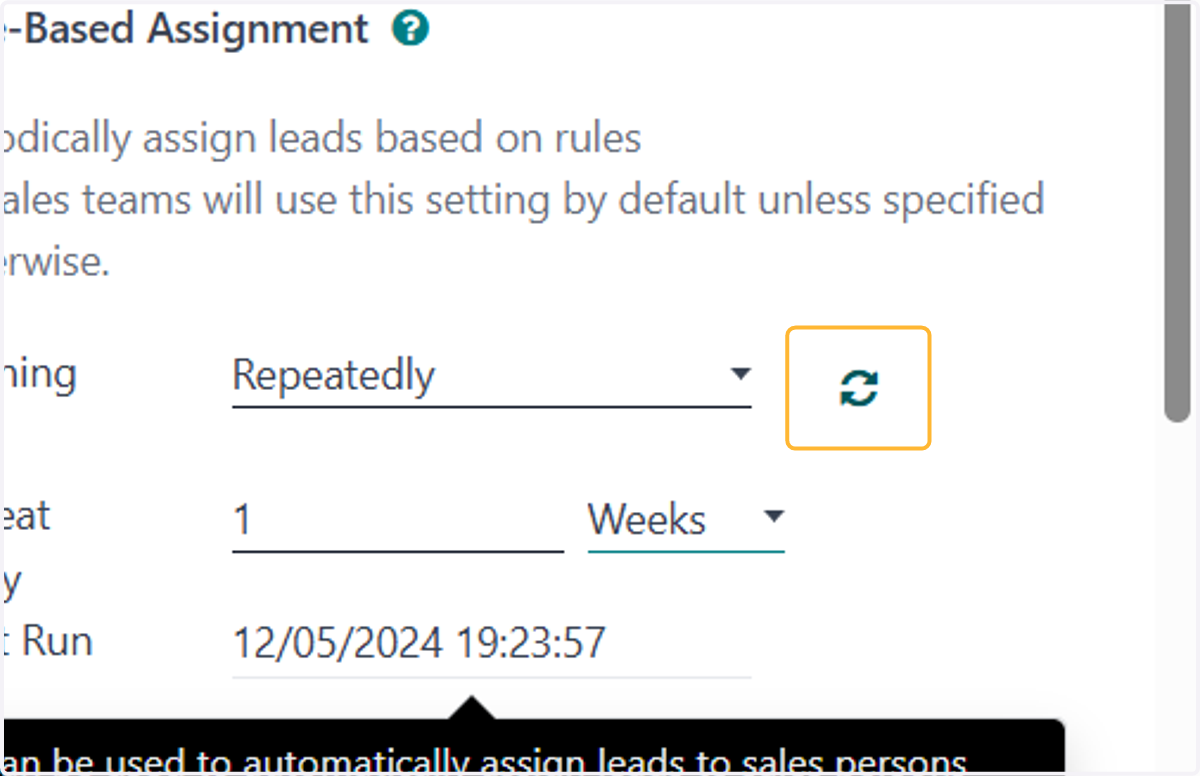
  5. 5. Select running cycle

    Select running cycle
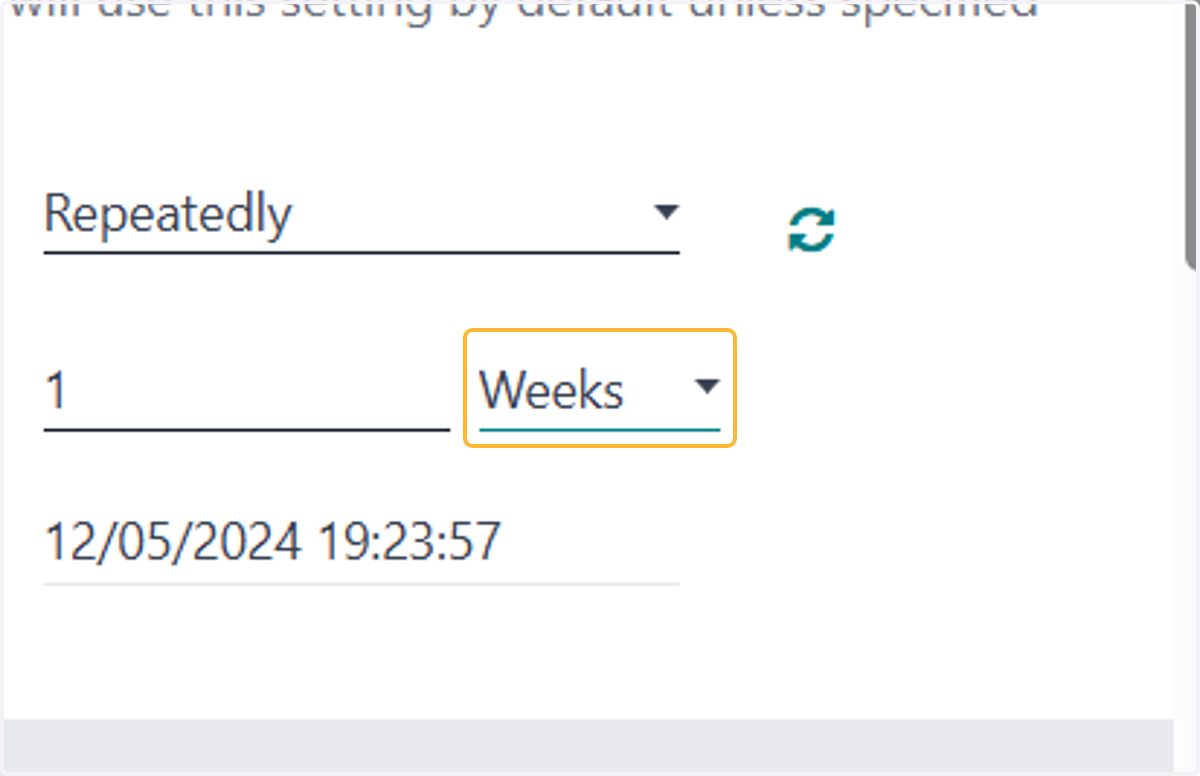
  6. 6. Set accordingly

    Set accordingly
  7. 7. Click on repeat icon

    Click on repeat icon
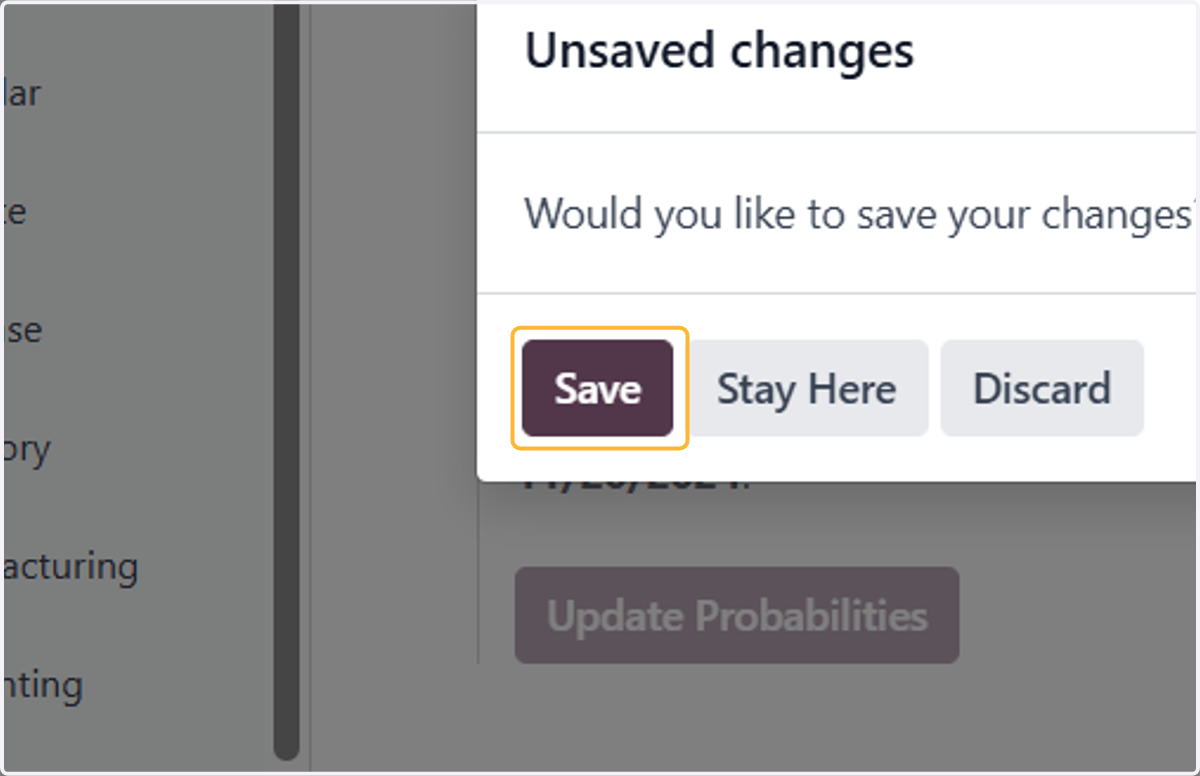
  8. 8. Click on Save

    Click on Save
  9. 9. Make sure to click on Save to apply changes
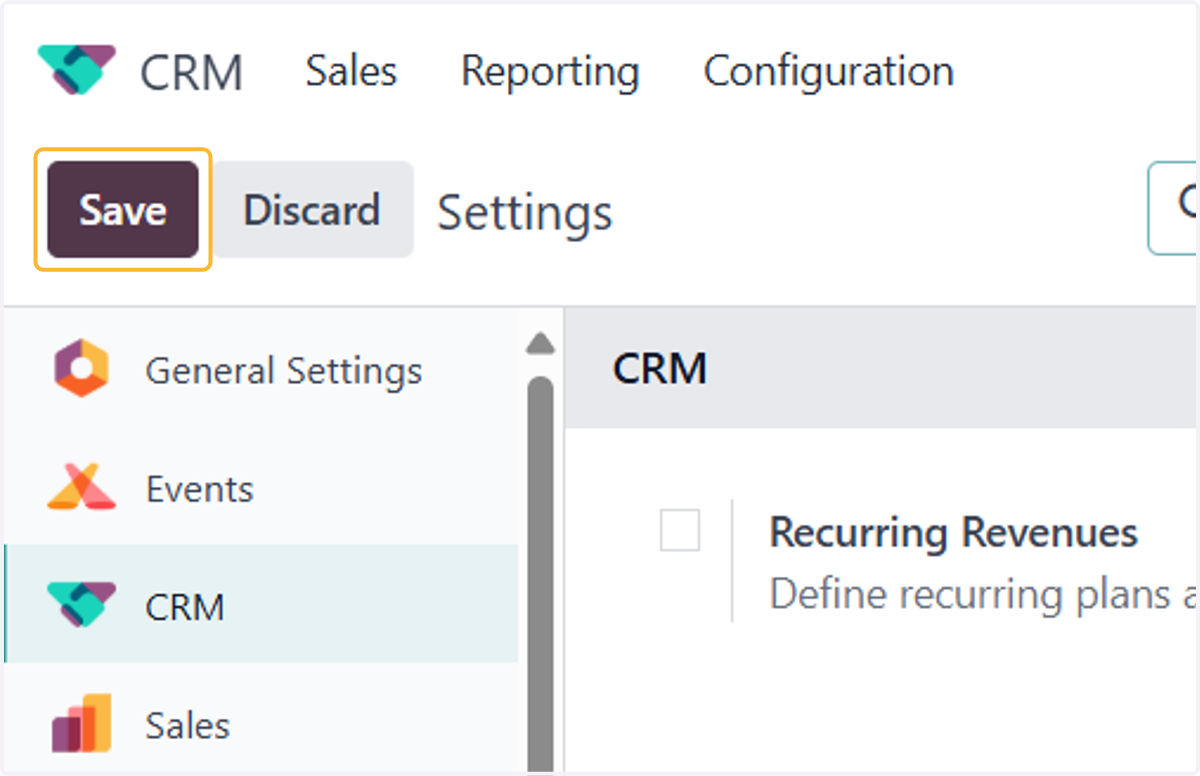
    Make sure to click on Save to apply changes
  10. 10. Then, head back to Configuration > Sales Teams
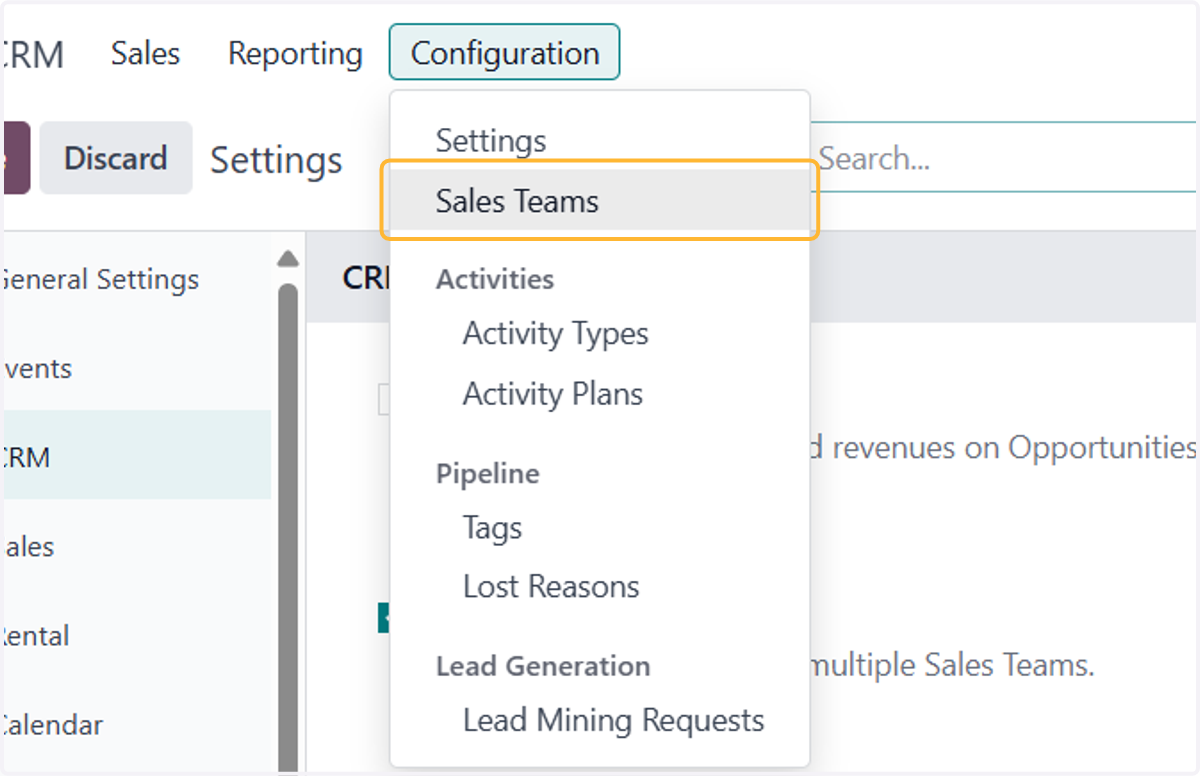
    Then, head back to Configuration > Sales Teams
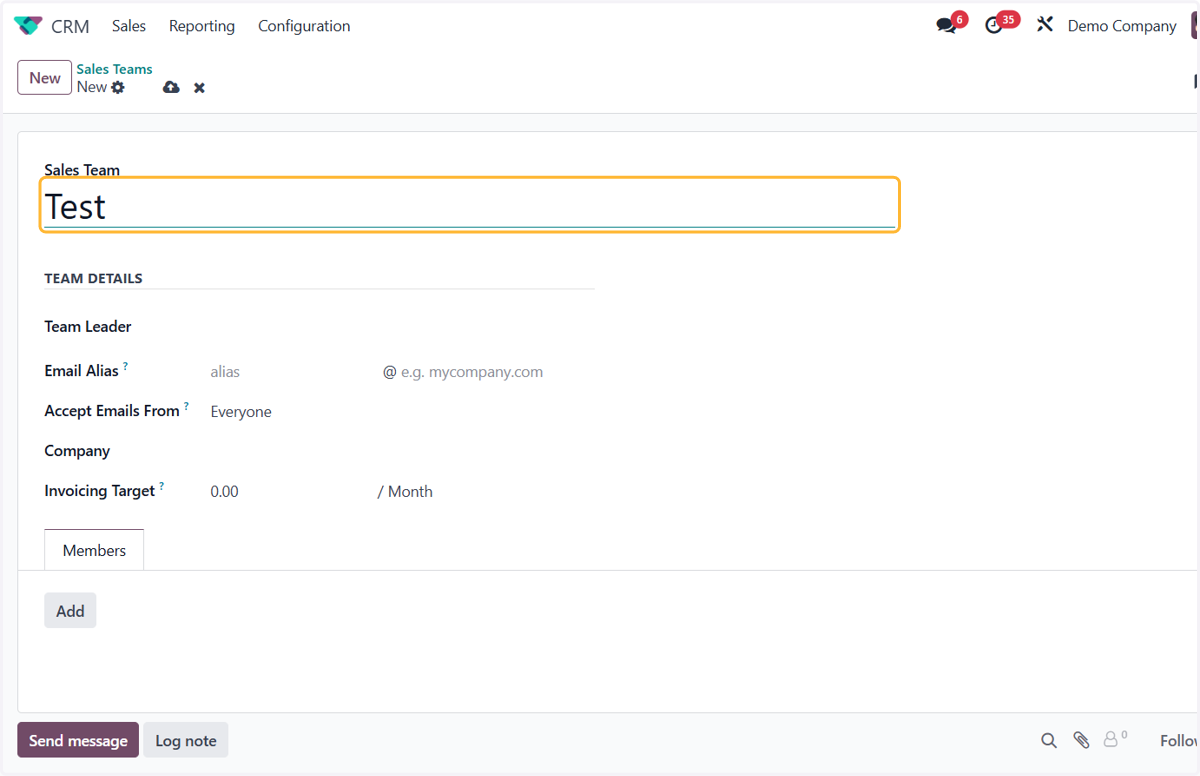
  11. 11. Click on New to create a sales team
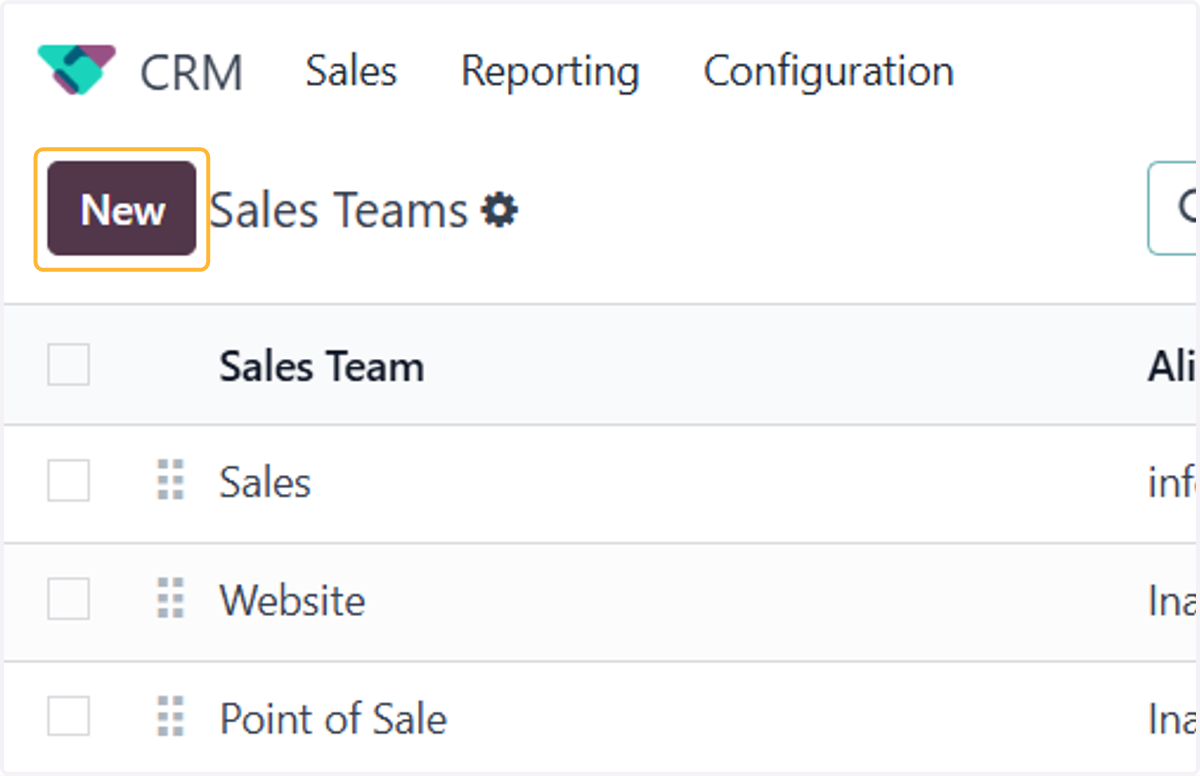
    Click on New to create a sales team
  12. 12. Enter your new sales team's name

    Enter your new sales team's name
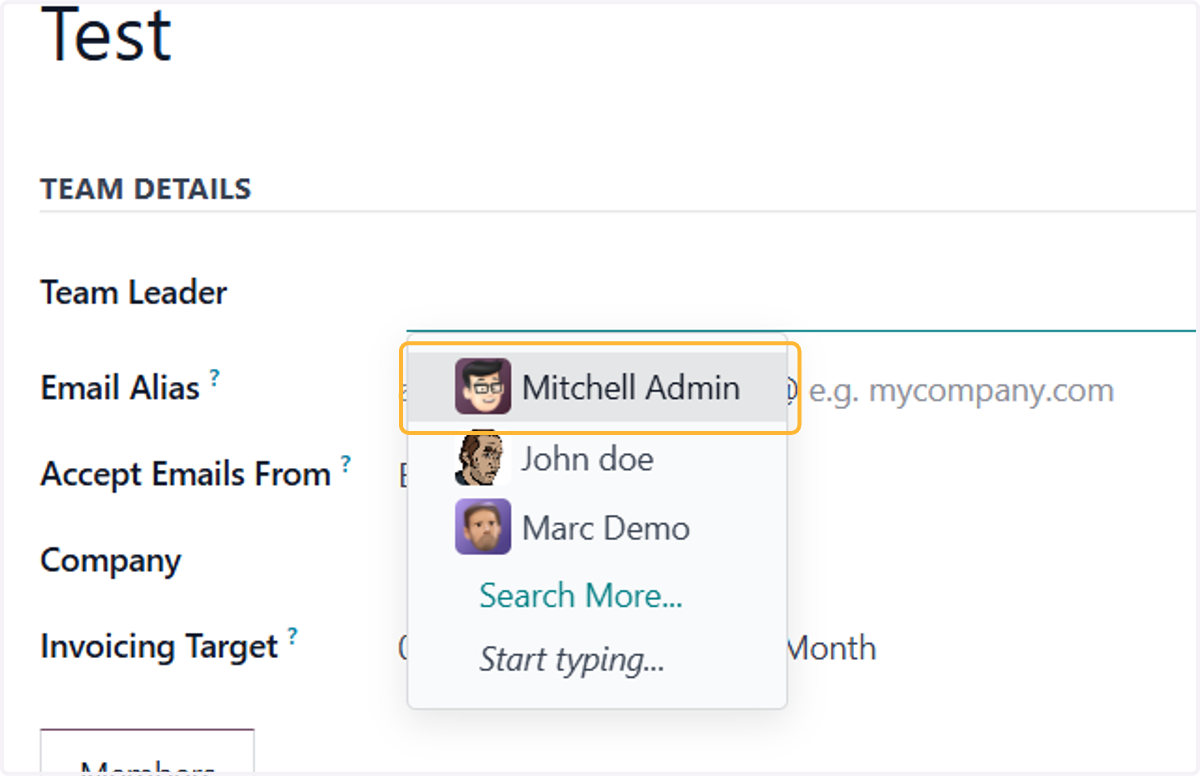
  13. 13. Select the team leader

    Select the team leader
  14. 14. To add sales team members, click Add
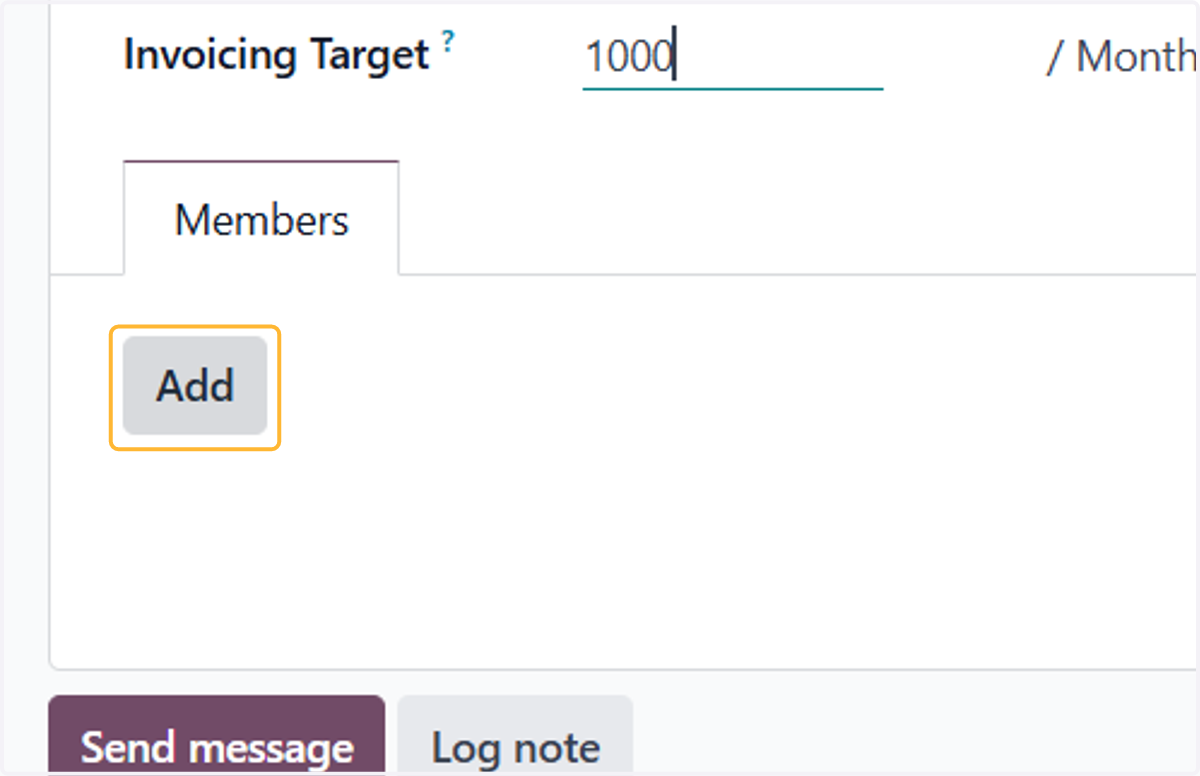
    To add sales team members, click Add
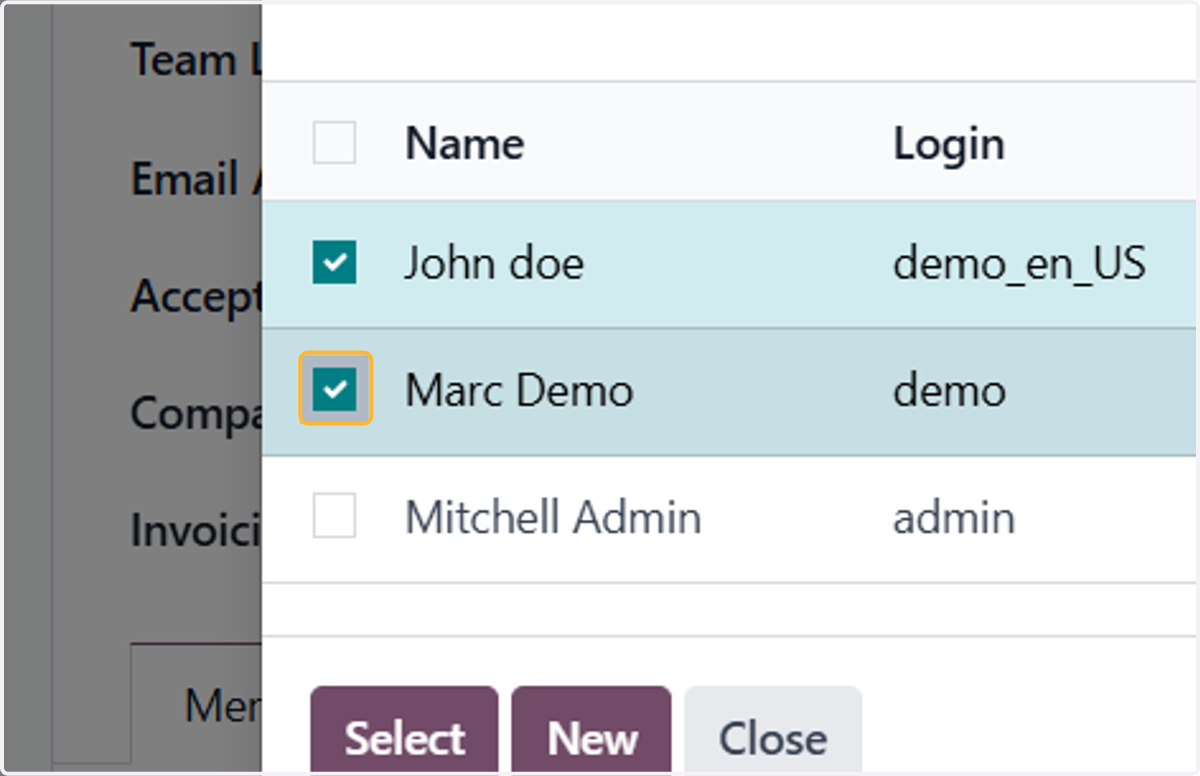
  15. 15. Check on which users needed

    Check on which users needed
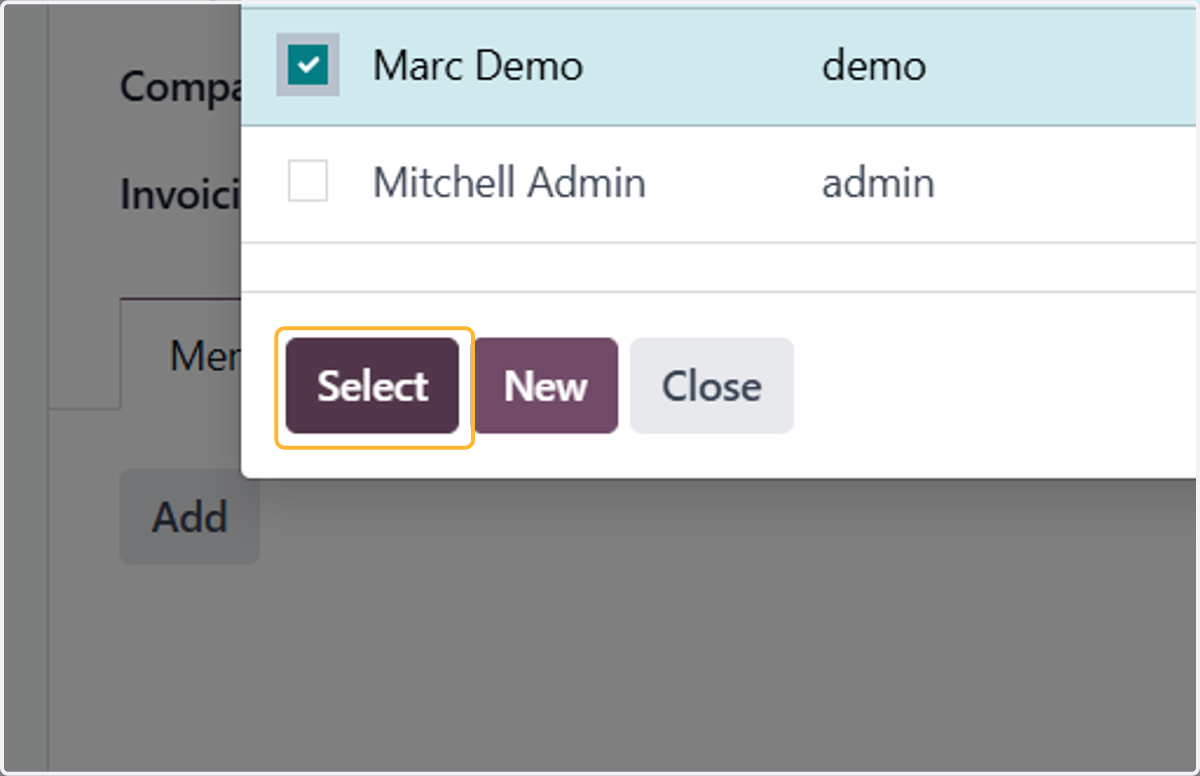
  16. 16. Click on Select

    Click on Select
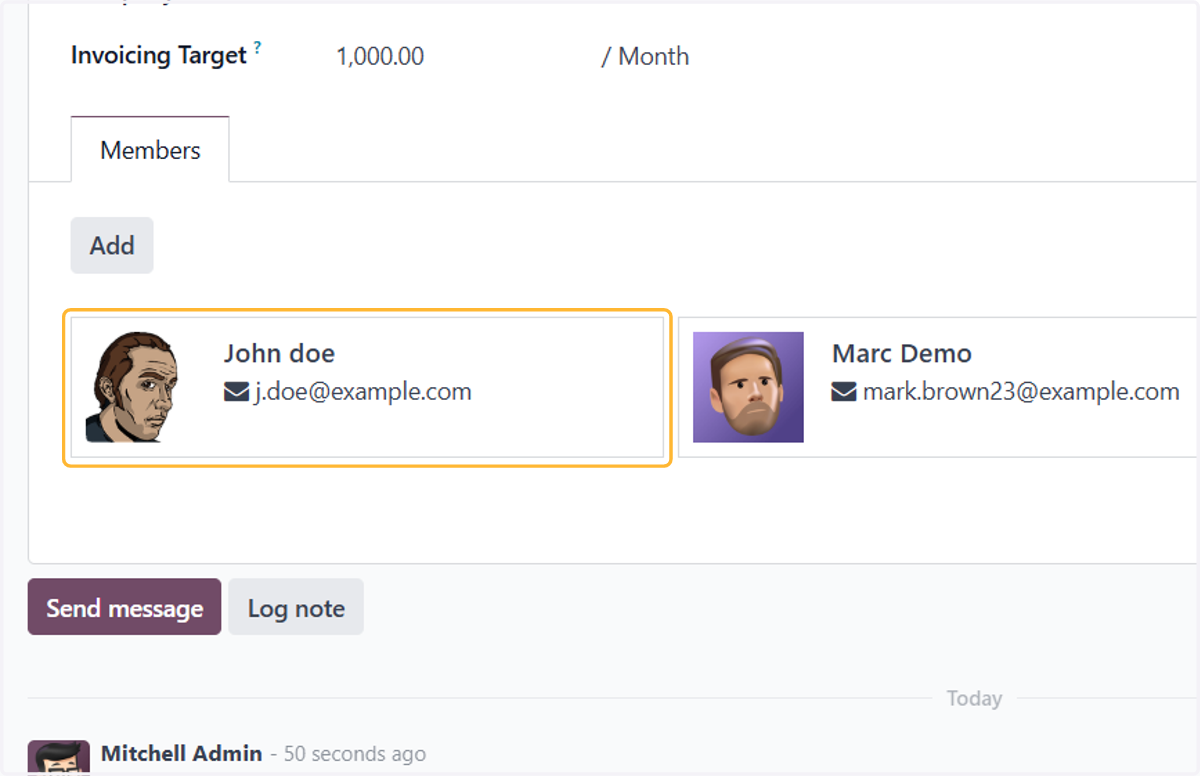
  17. 17. All members will be shown here

    All members will be shown here
  18. 18. To remove, click on the member and then, click Remove
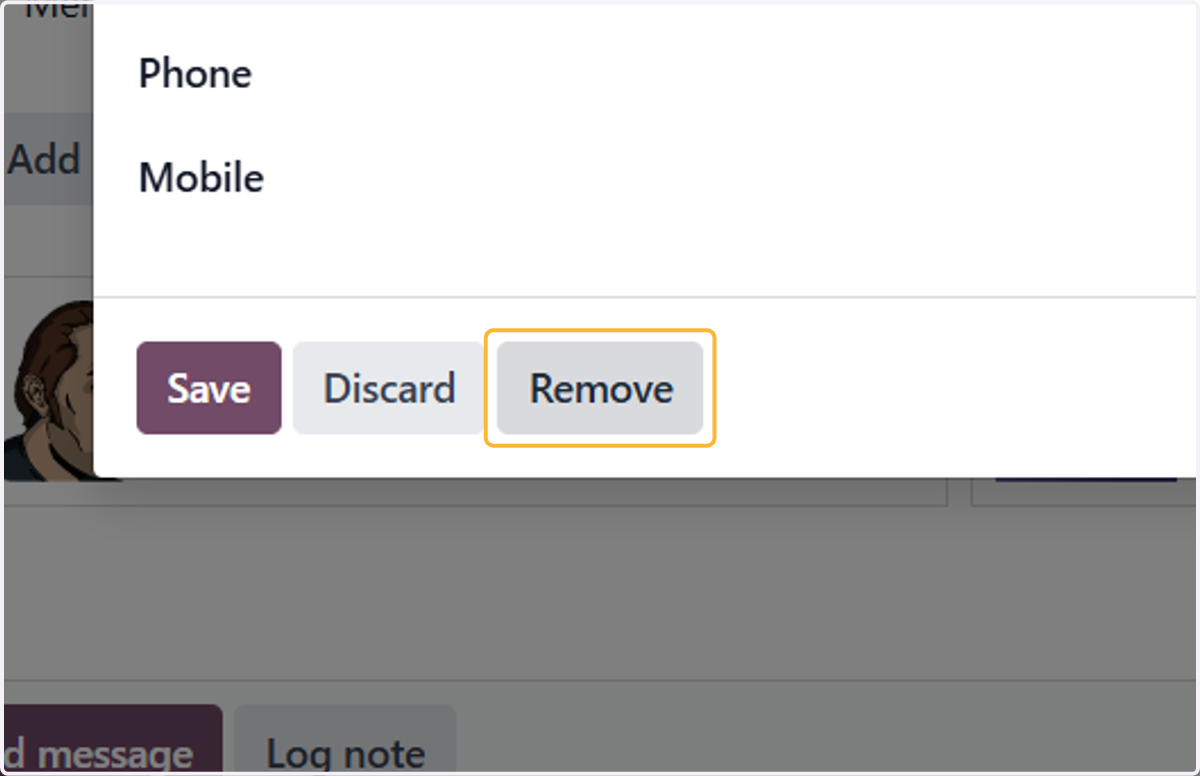
    To remove, click on the member and then, click Remove
  19. 19. Click on Save manually for the system to take effect
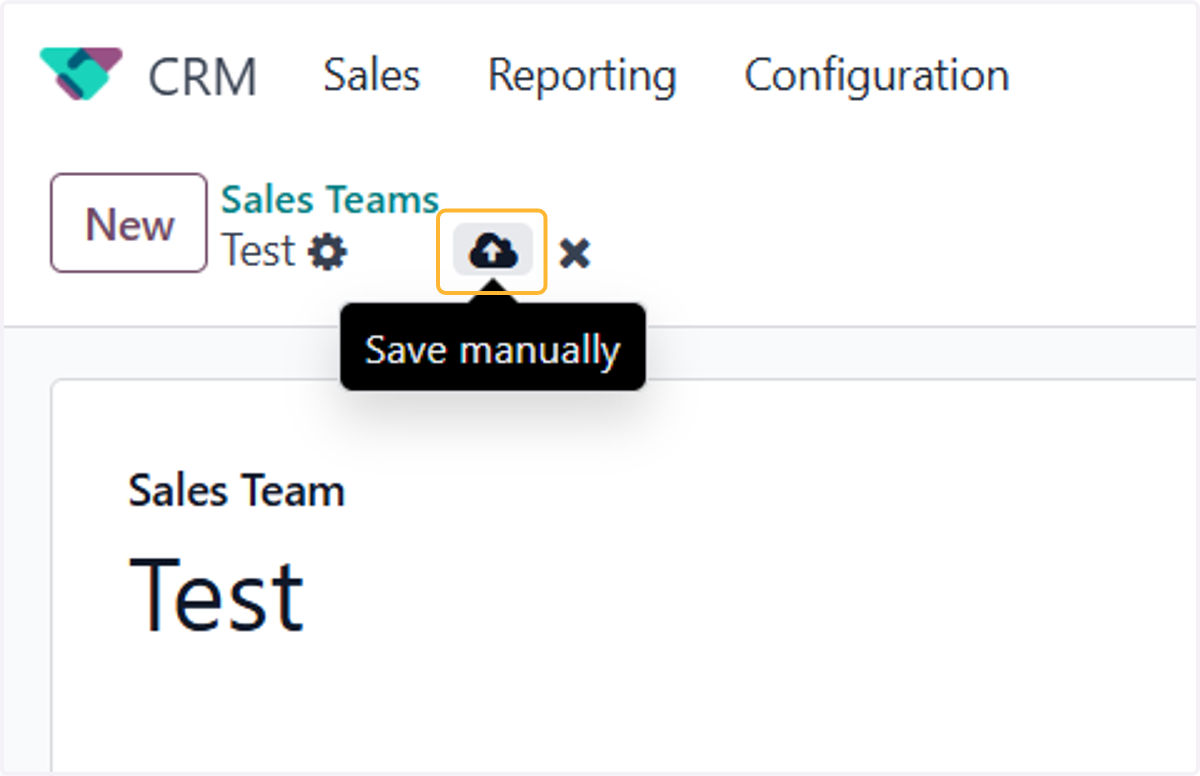
    Click on Save manually for the system to take effect
  20. 20. To assign leads based on rules, click Edit Domain
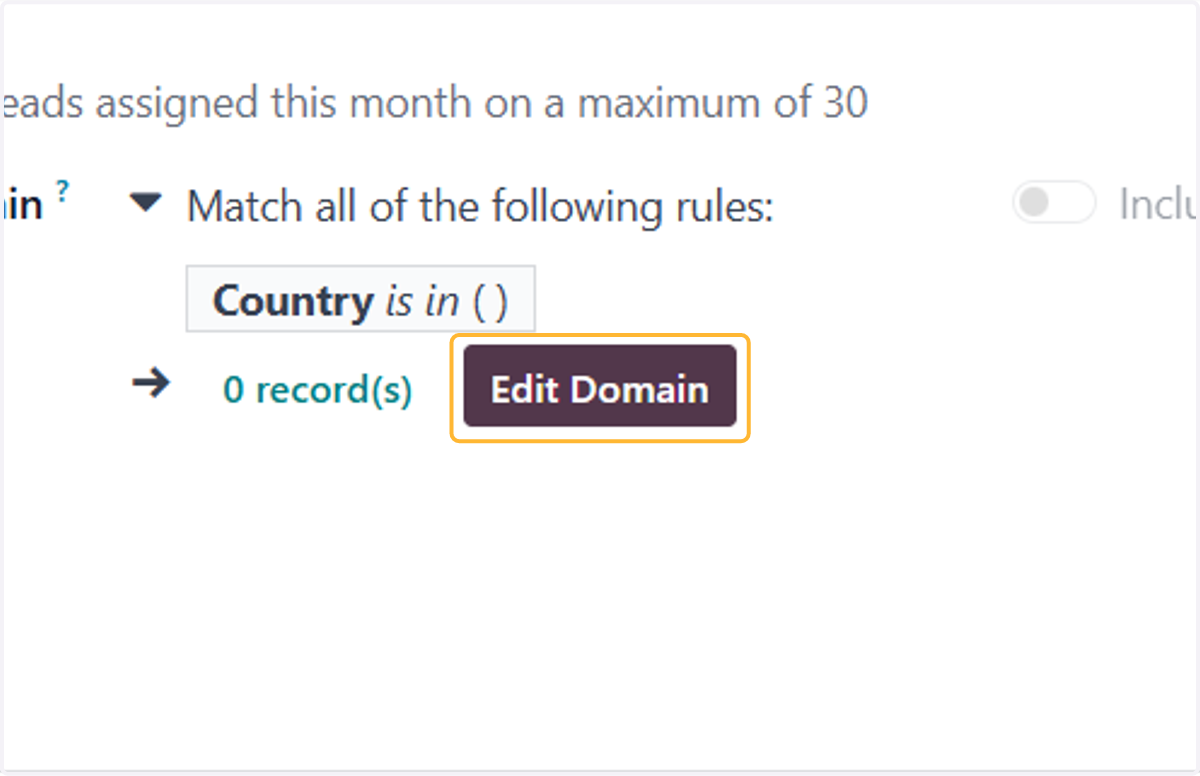
    To assign leads based on rules, click Edit Domain
  21. 21. Set your rules and click on Confirm
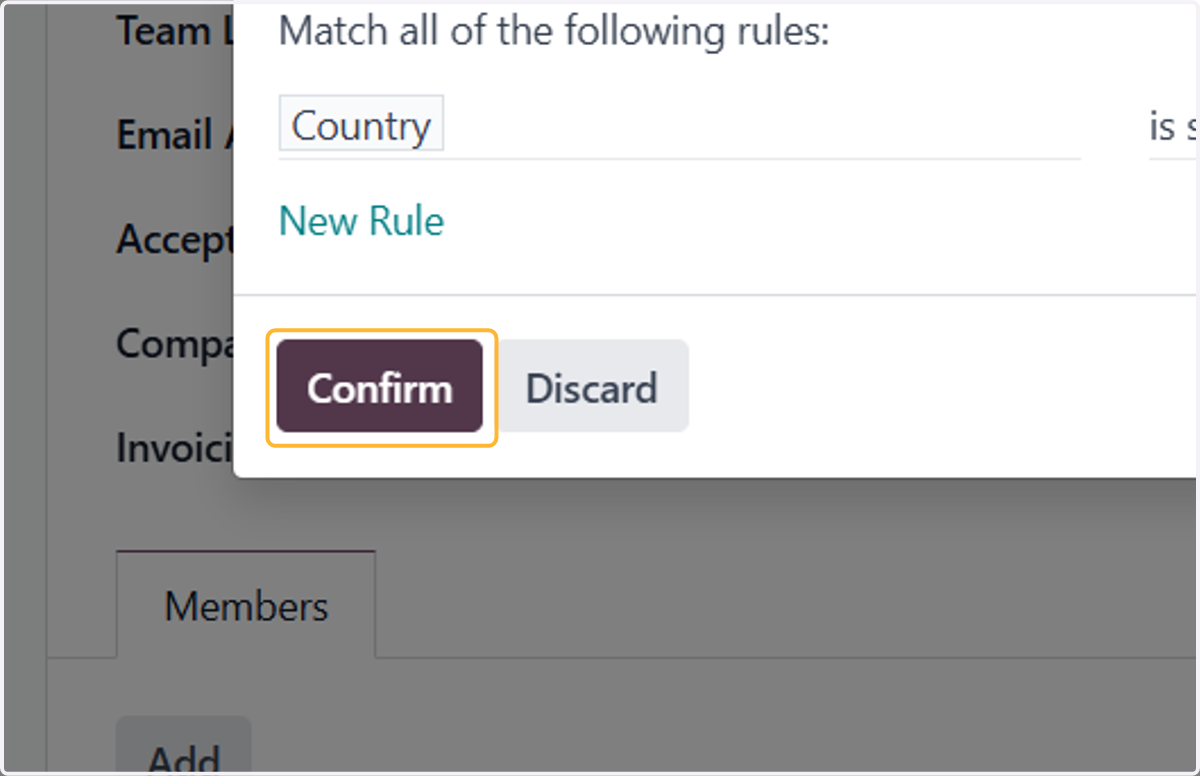
    Set your rules and click on Confirm
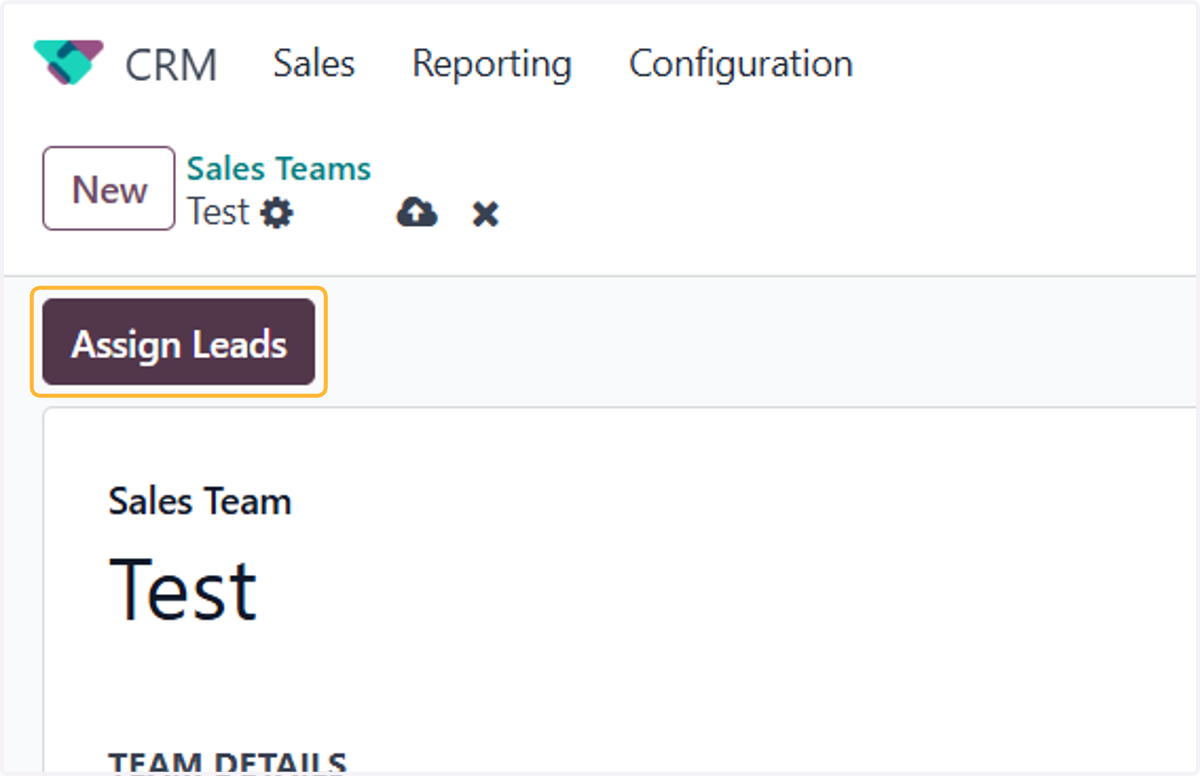
  22. 22. Click on Assign Leads

    Click on Assign Leads
  23. 23. This will assign leads to all members
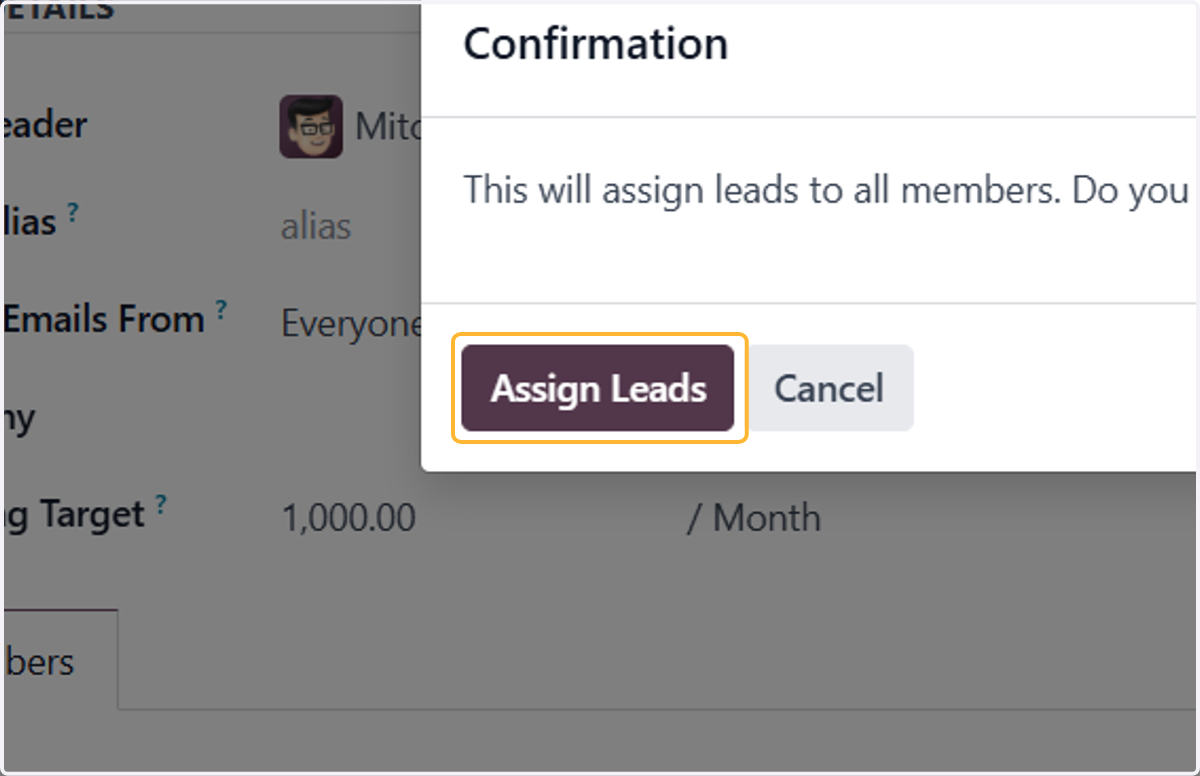
    This will assign leads to all members
  24. 24. Leads are assigned to all members according to your rules
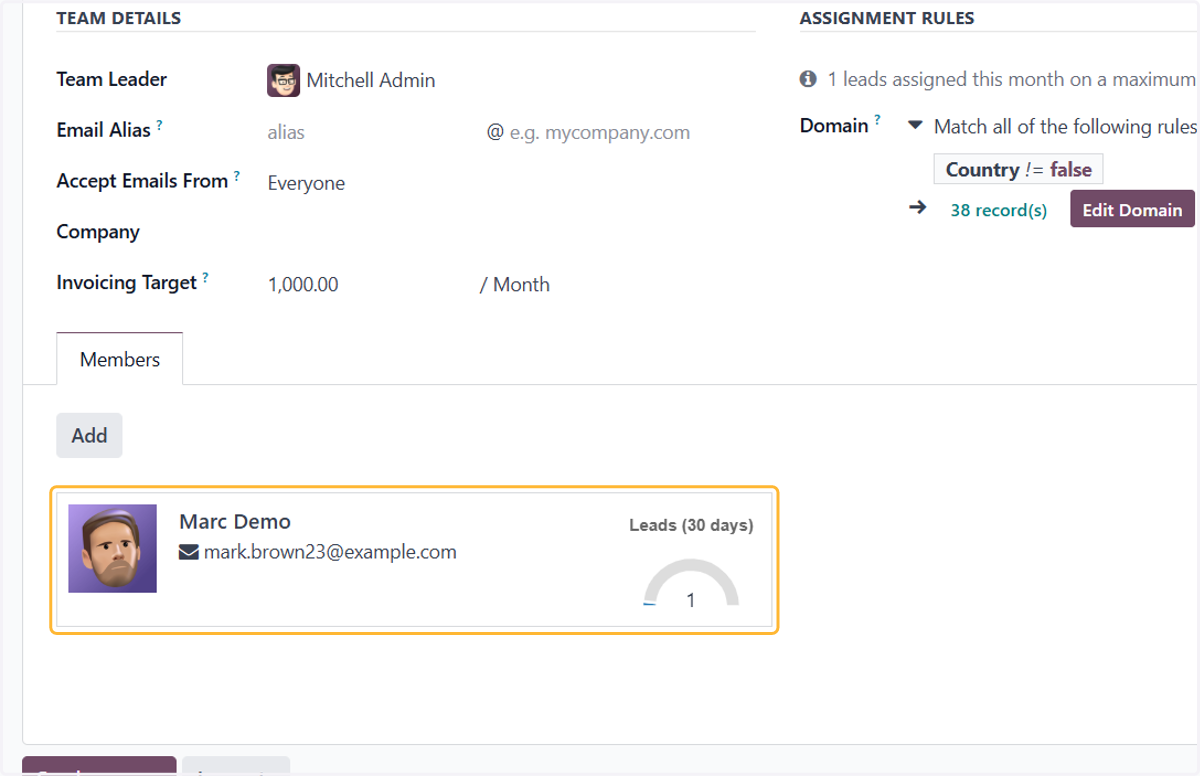
    Leads are assigned to all members according to your rules