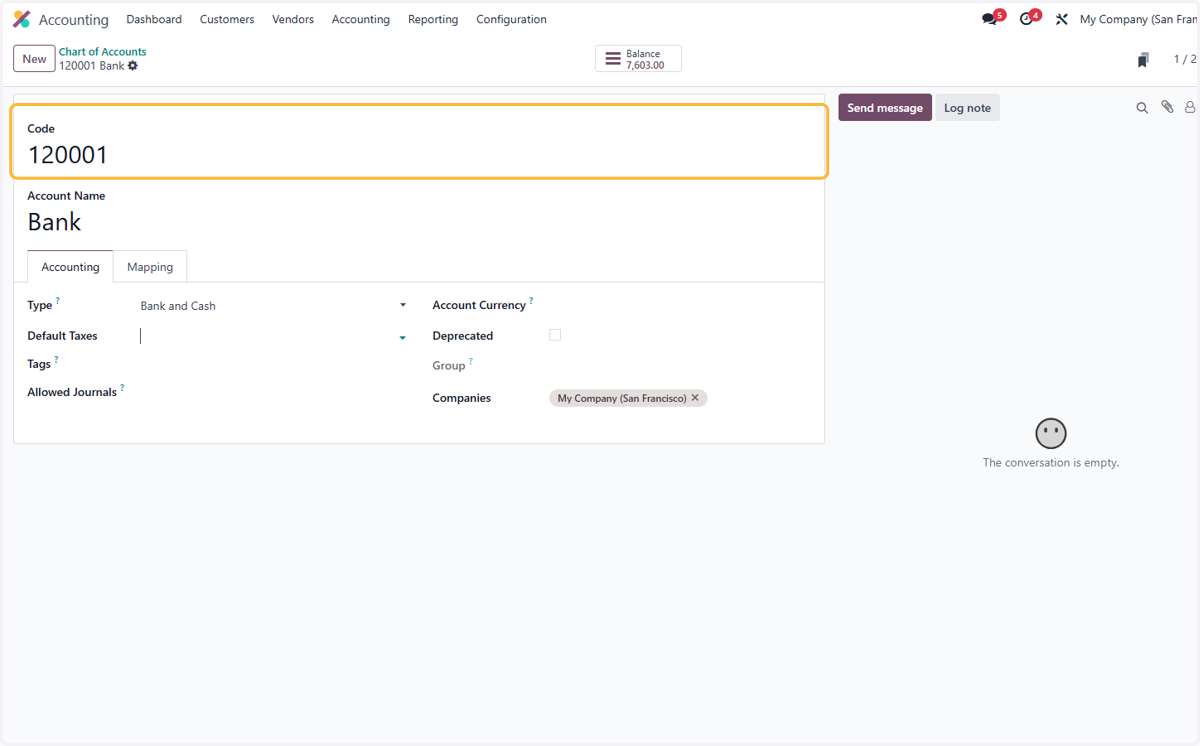
1.0 How to import chart of accounts
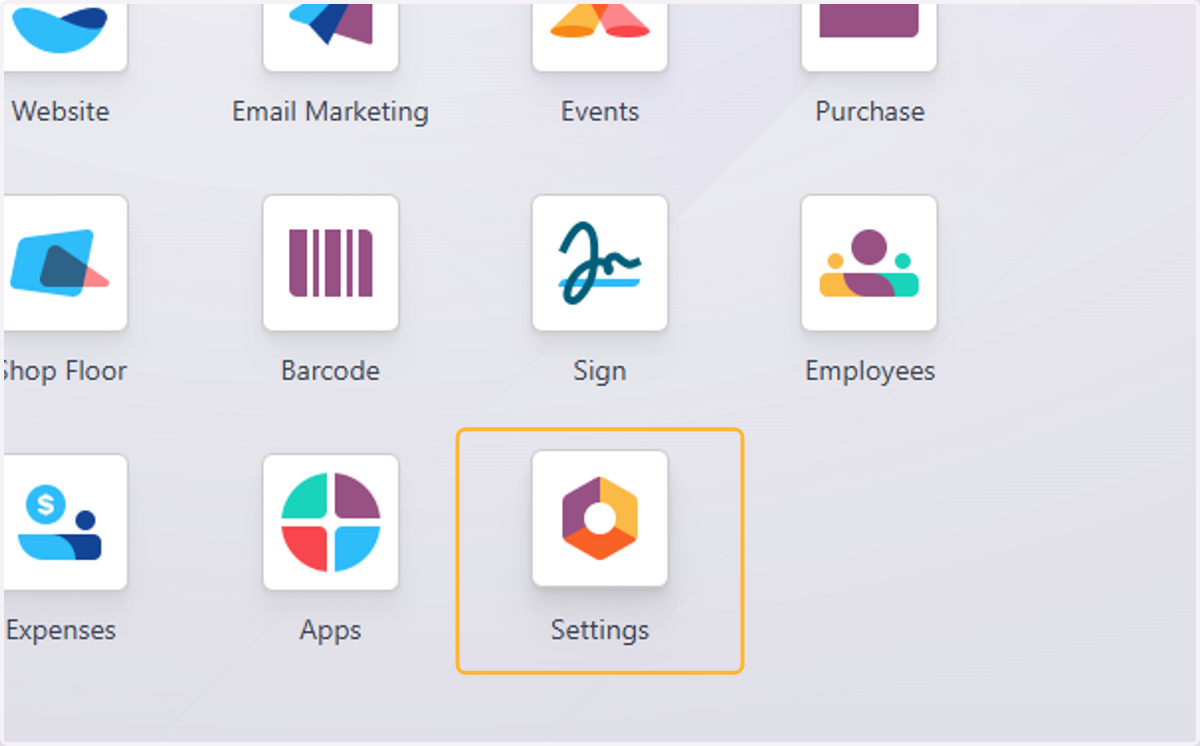
1. Click on Settings
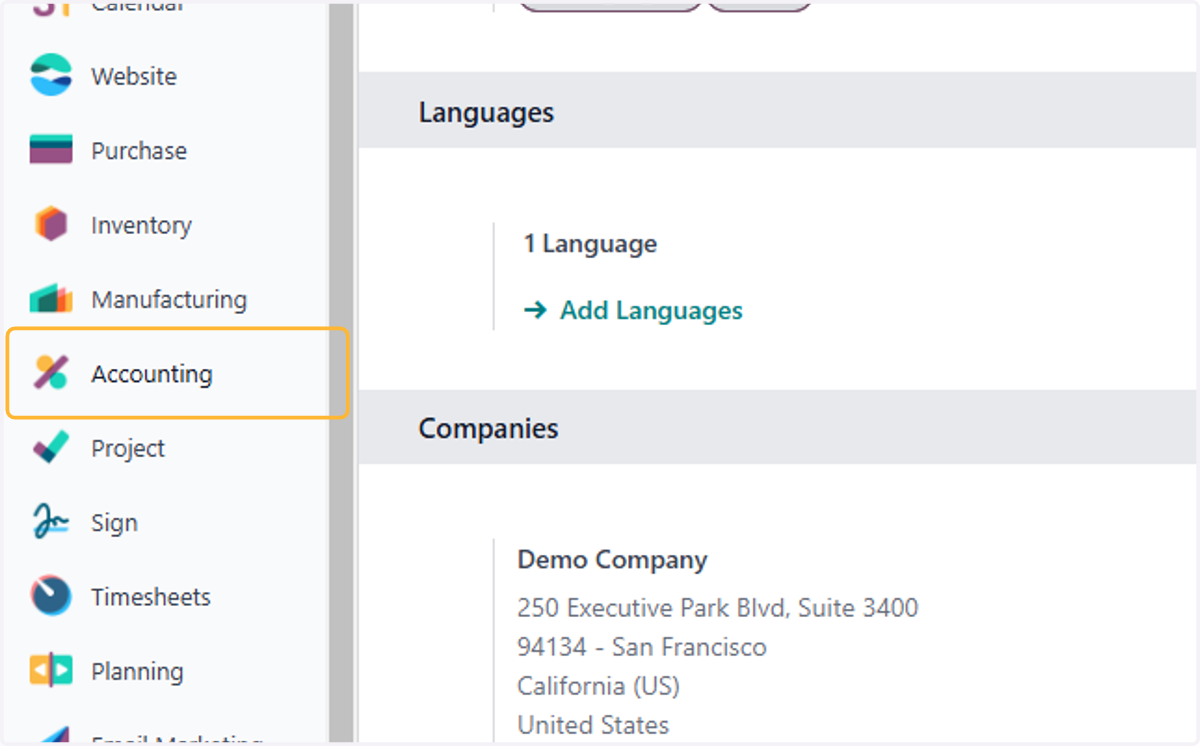
2. Click on Accounting
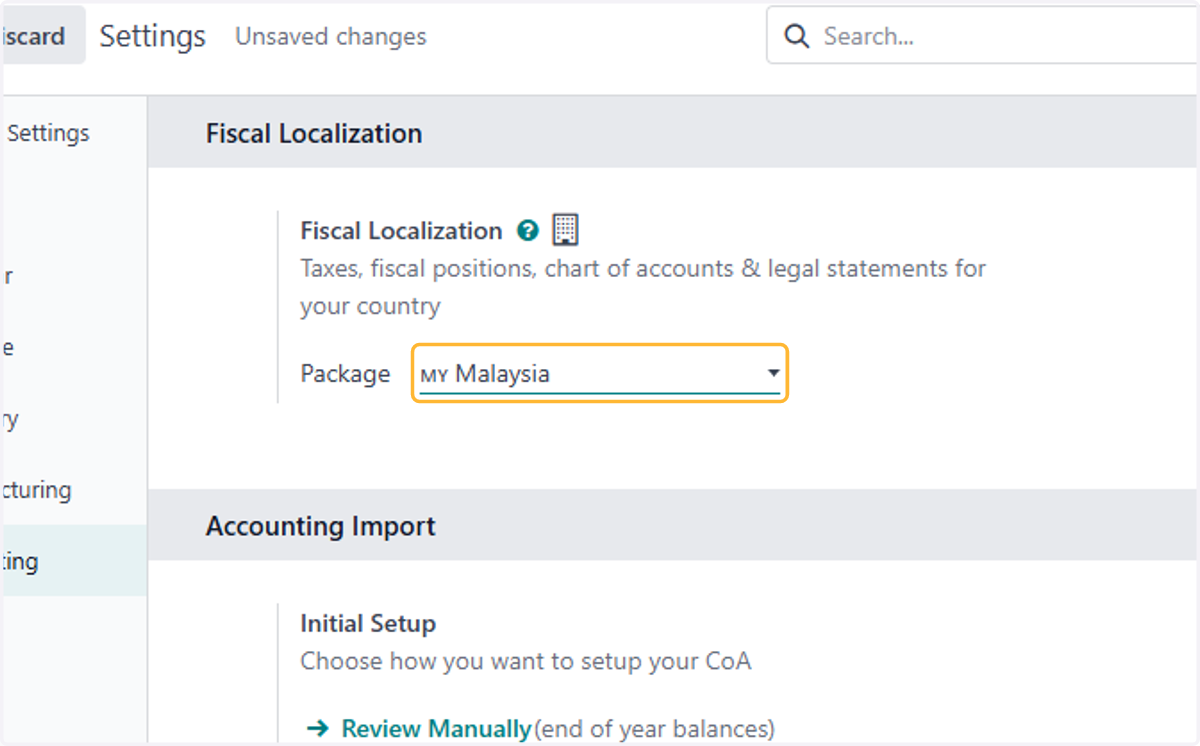
3. Click on Fiscal Localization…
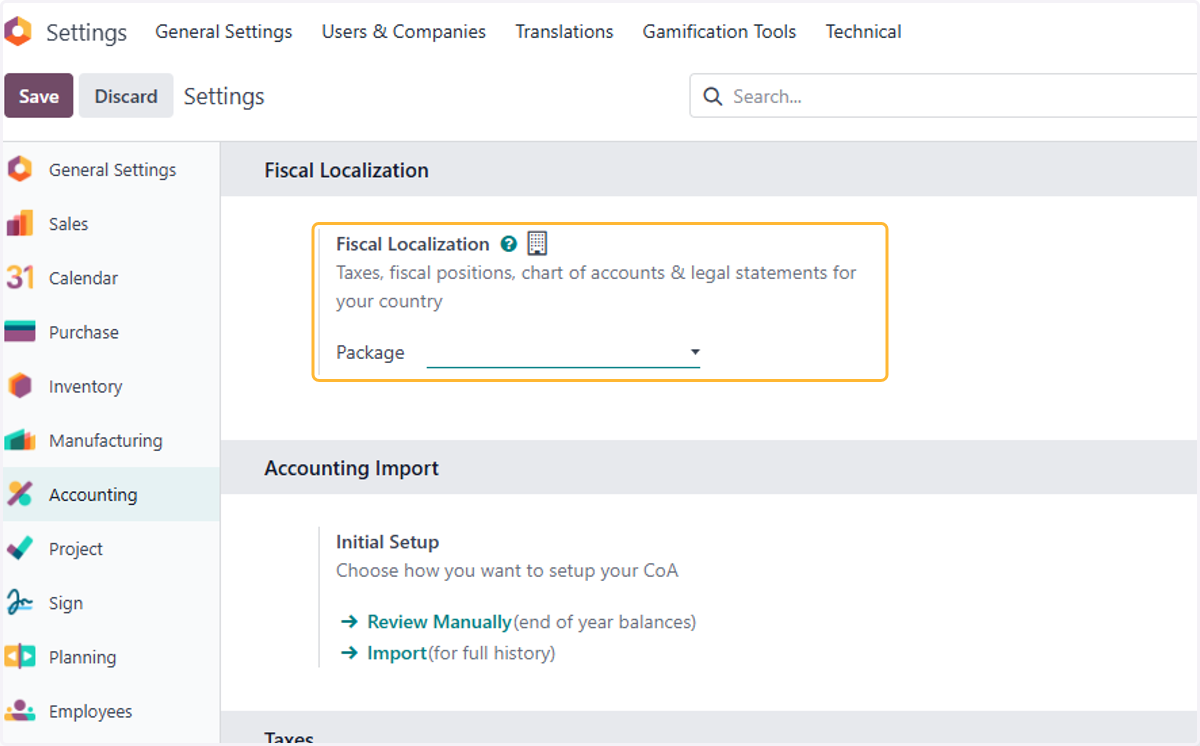
4. Select Country localization
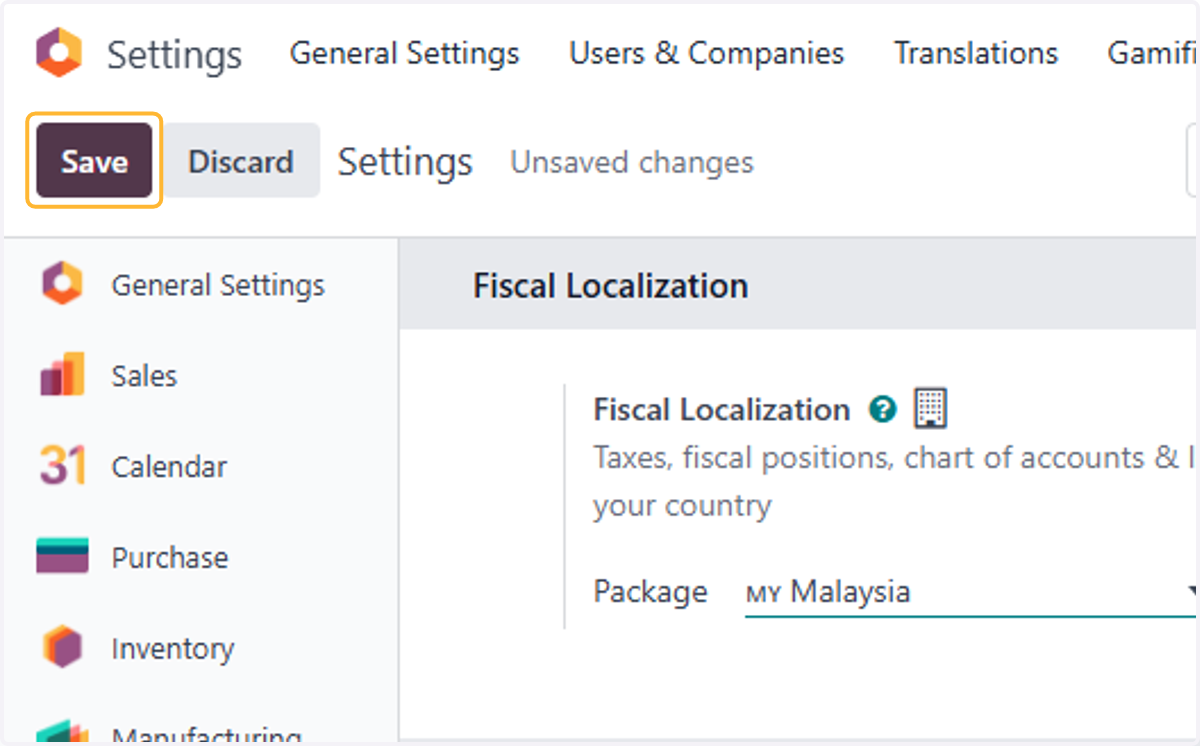
5. Click on Save
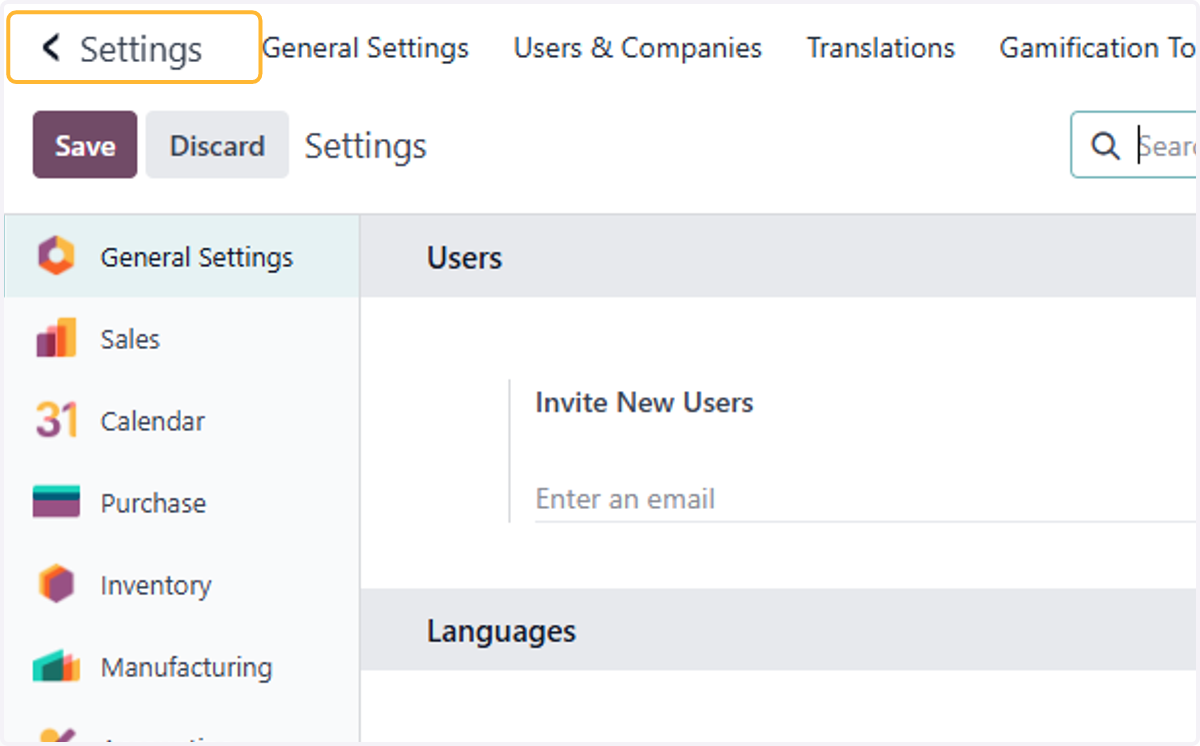
6. Click on Settings
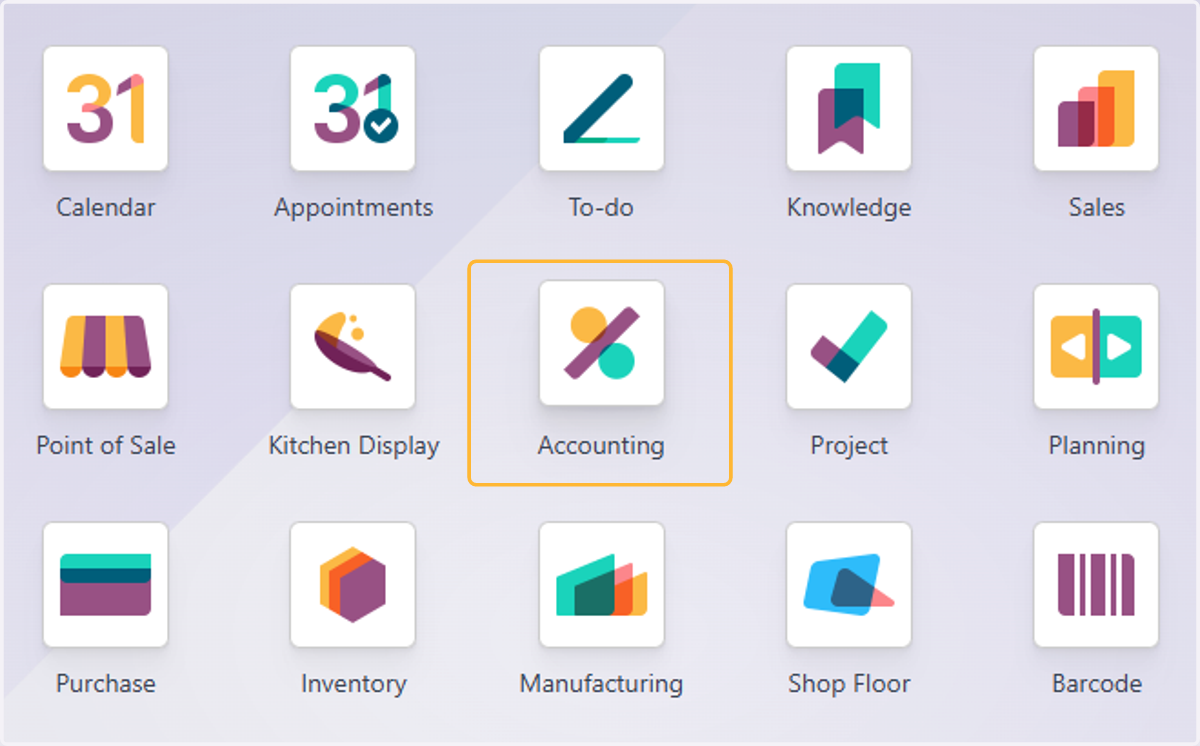
7. Click on Accounting
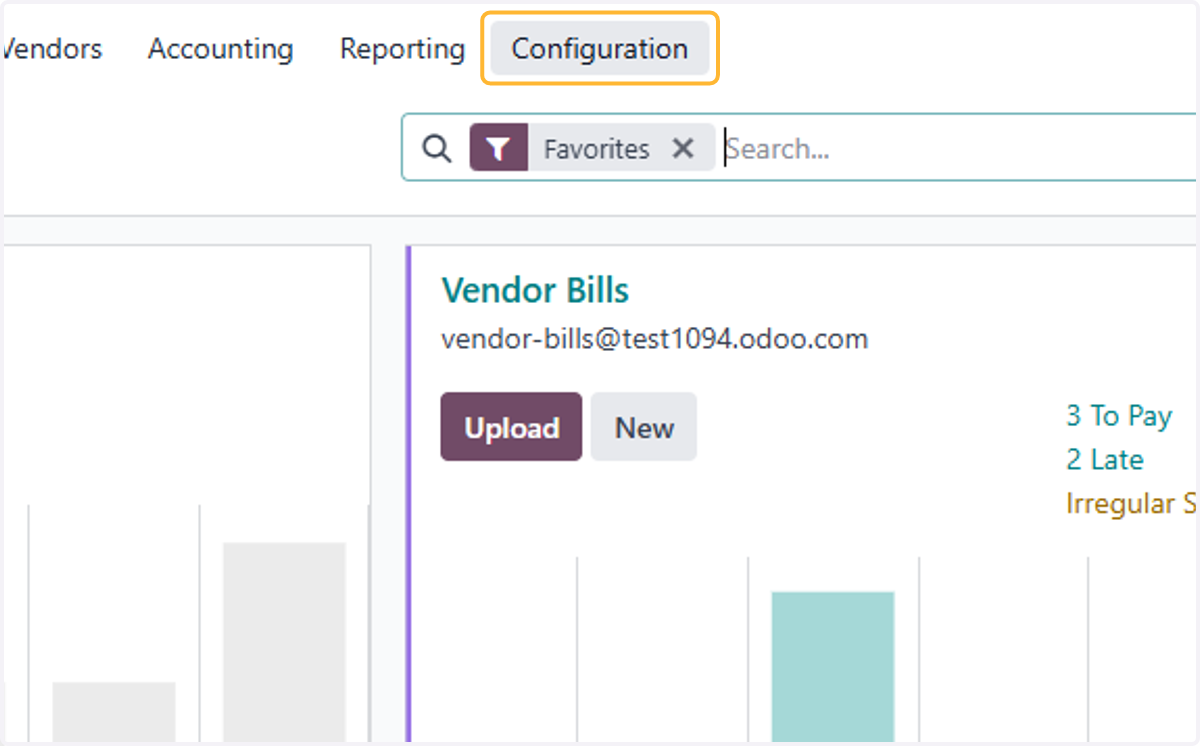
8. Click on Configuration
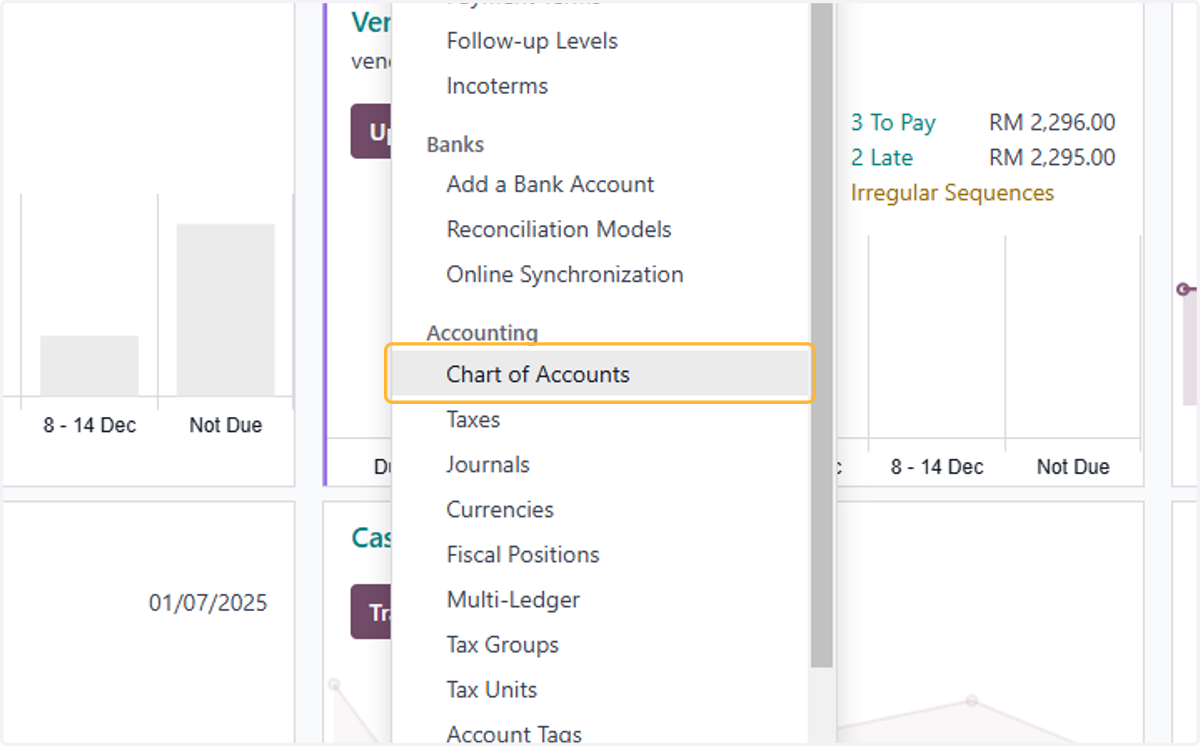
9. Click on Chart of Accounts
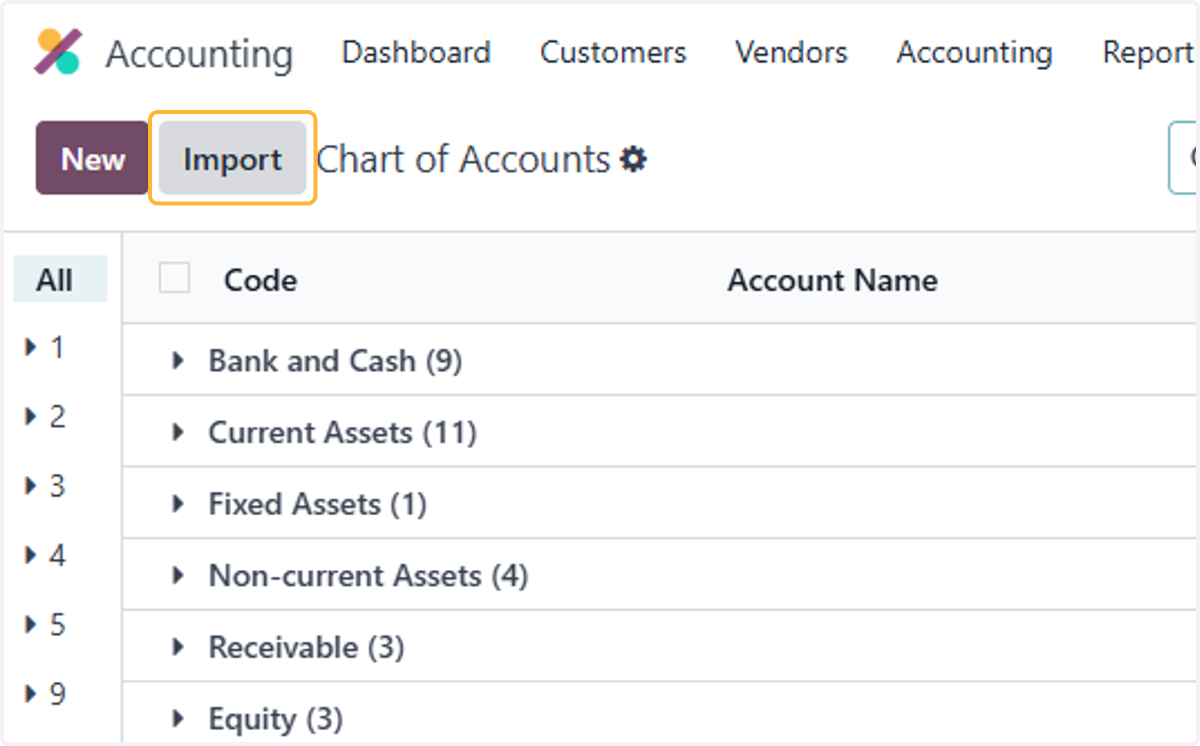
10. Click on Import
11. Click on Import CoA
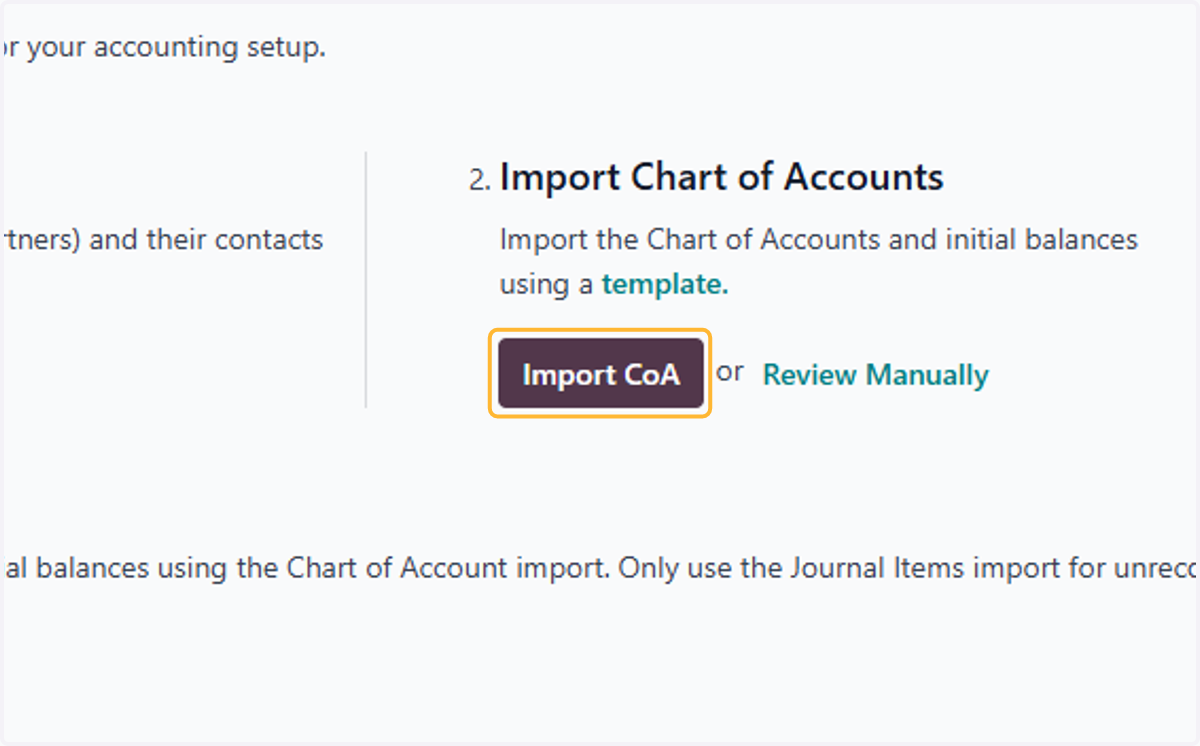
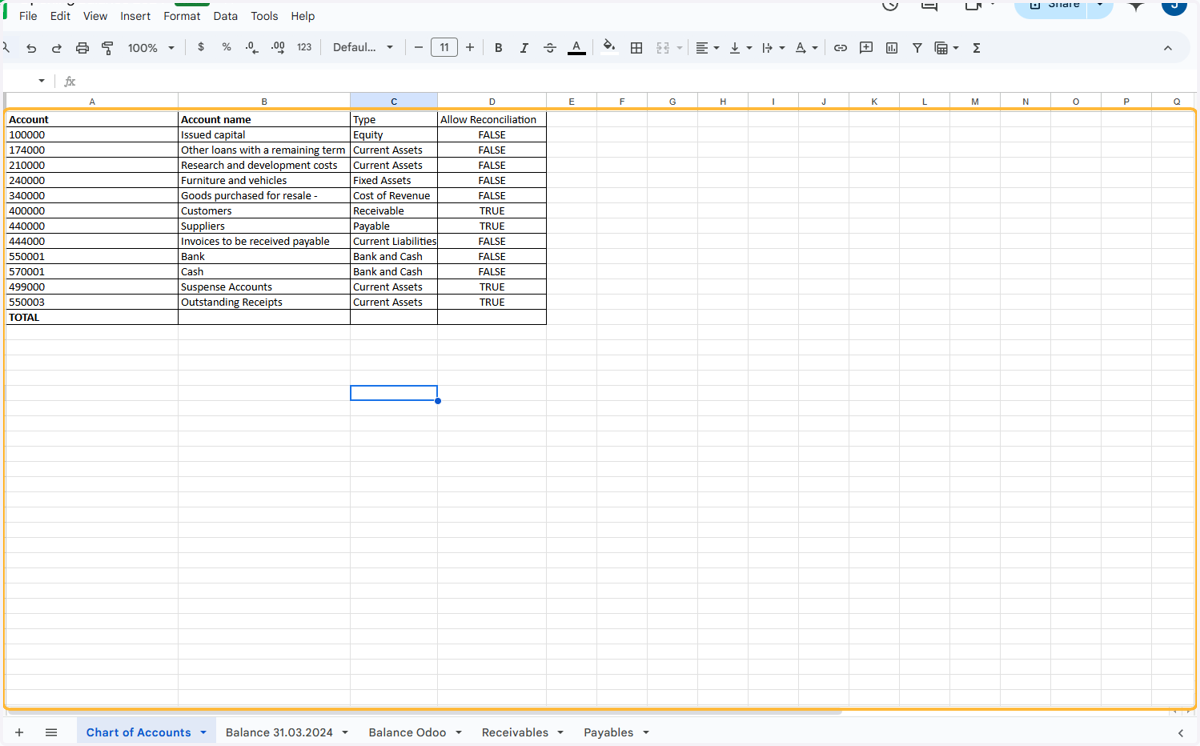
12. Here is a Template for Opening Balances. Please refer to sheet Chart of Account. Update your accounts in this format & it will be ready to upload.
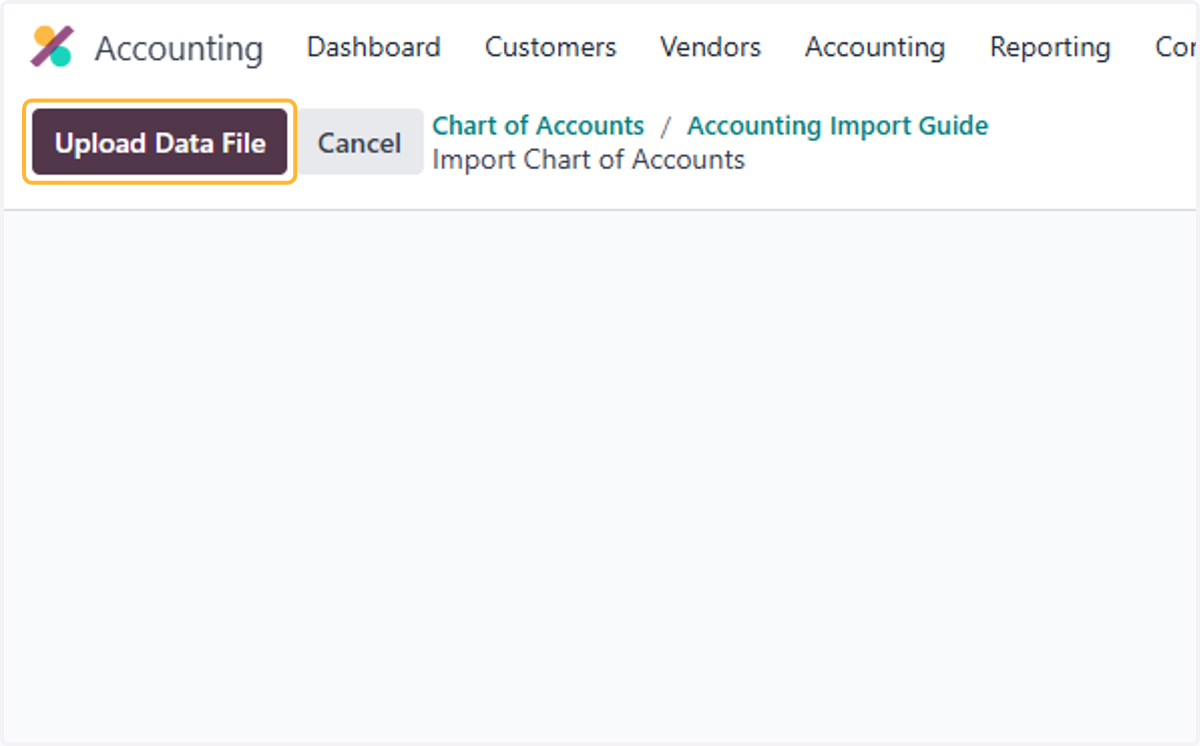
13. Click on Upload Data File
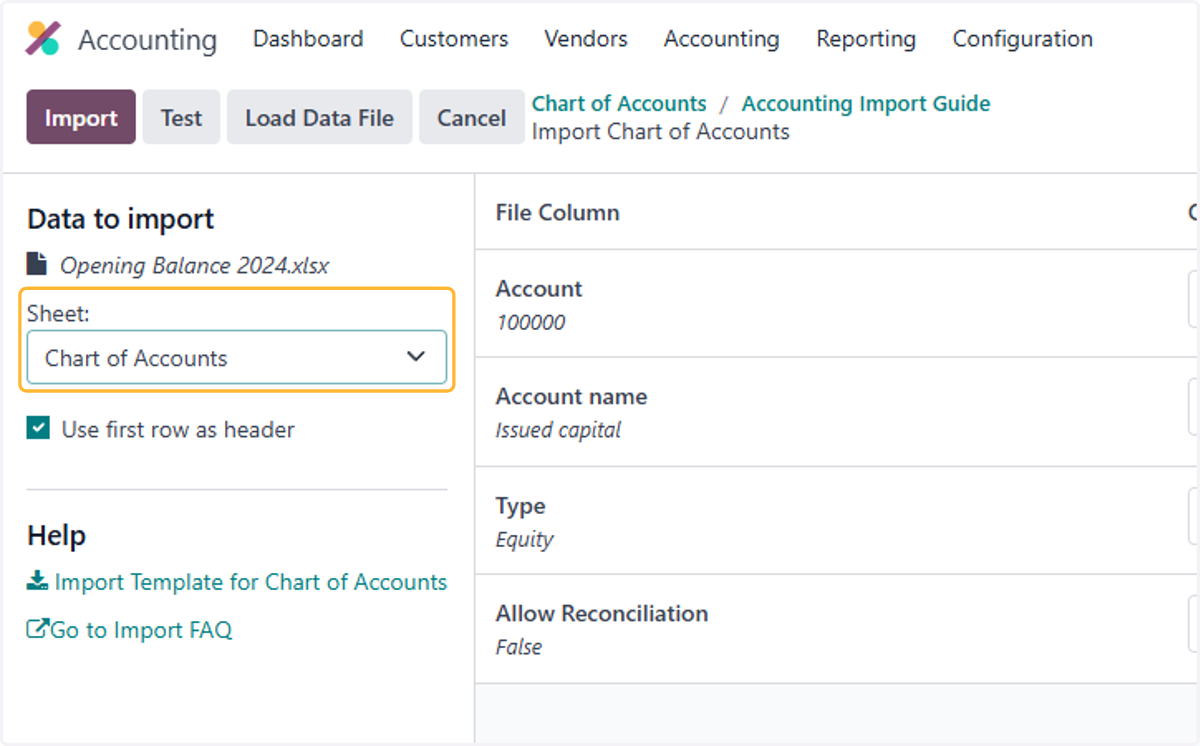
14. Select Chart of Accounts Sheet
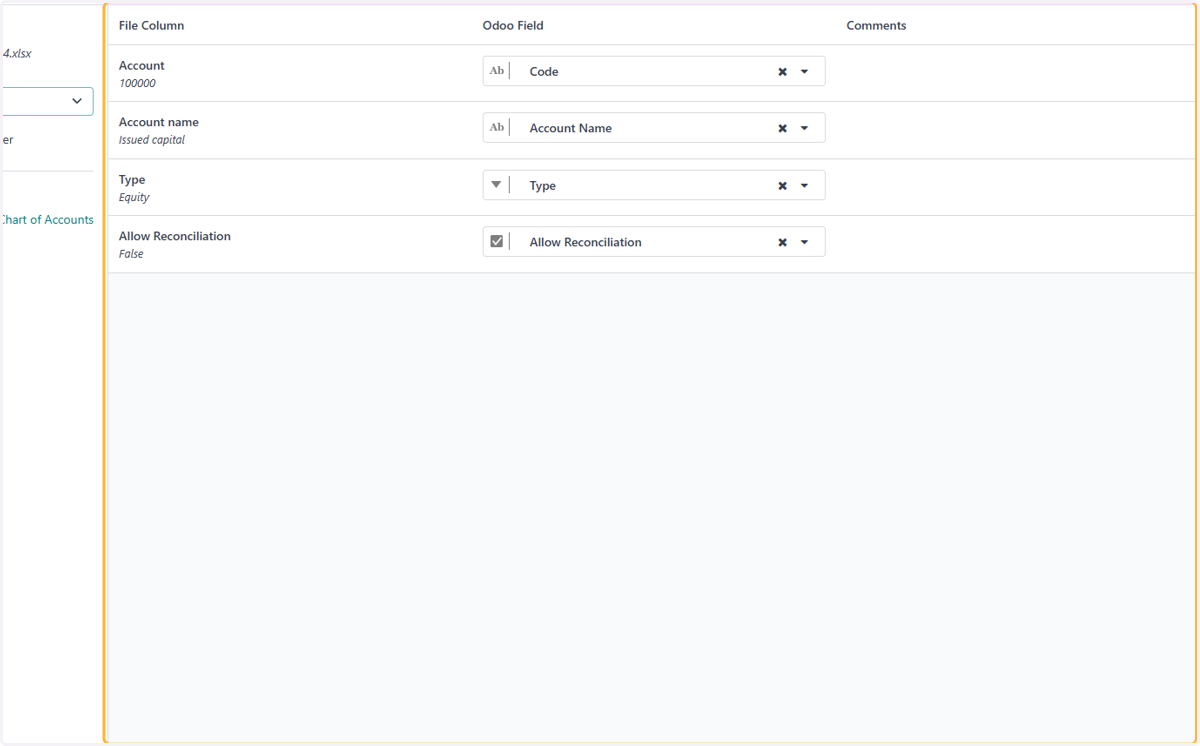
15. Check Odoo Field correctly corresponds with the file column
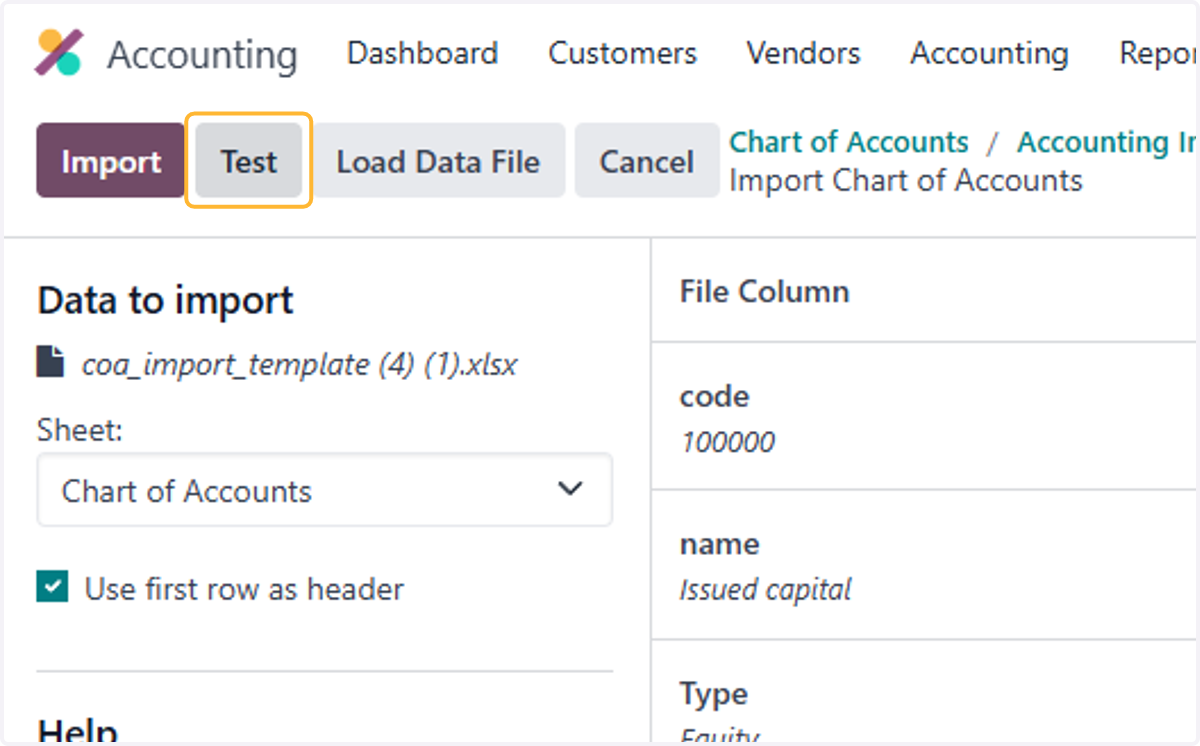
16. Click on Test
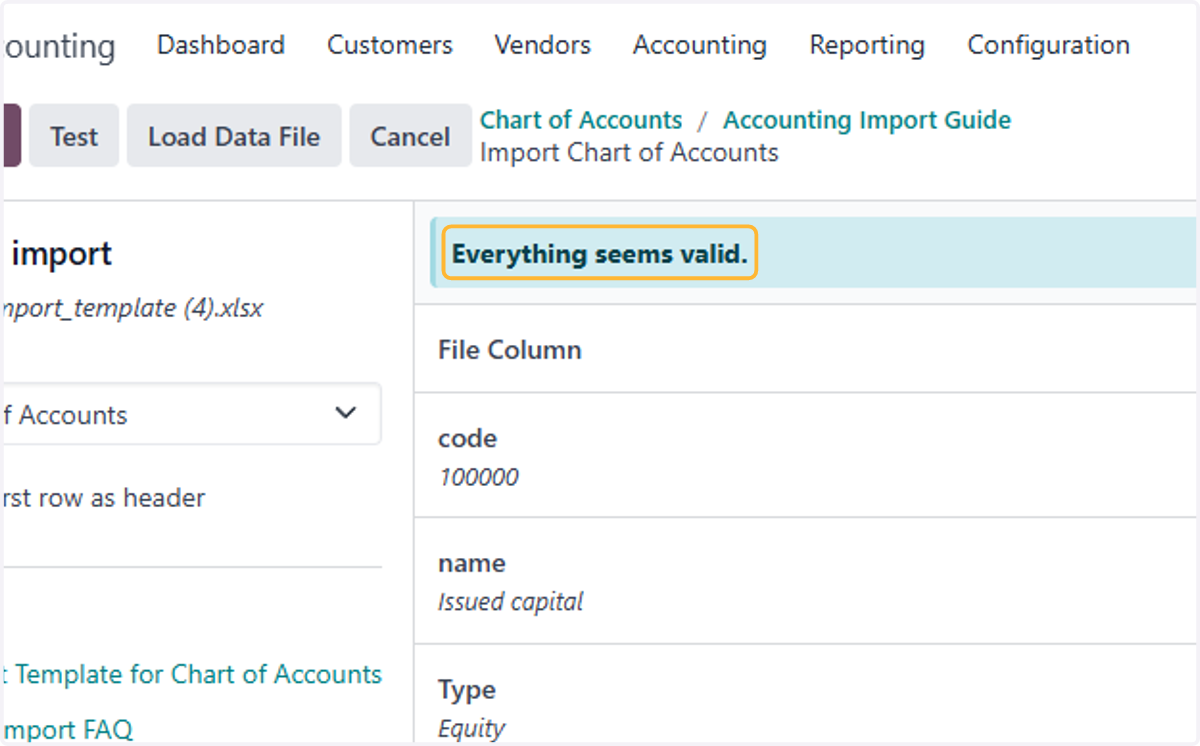
17. "Everything seems valid." Message should appear if there are no errors with the file
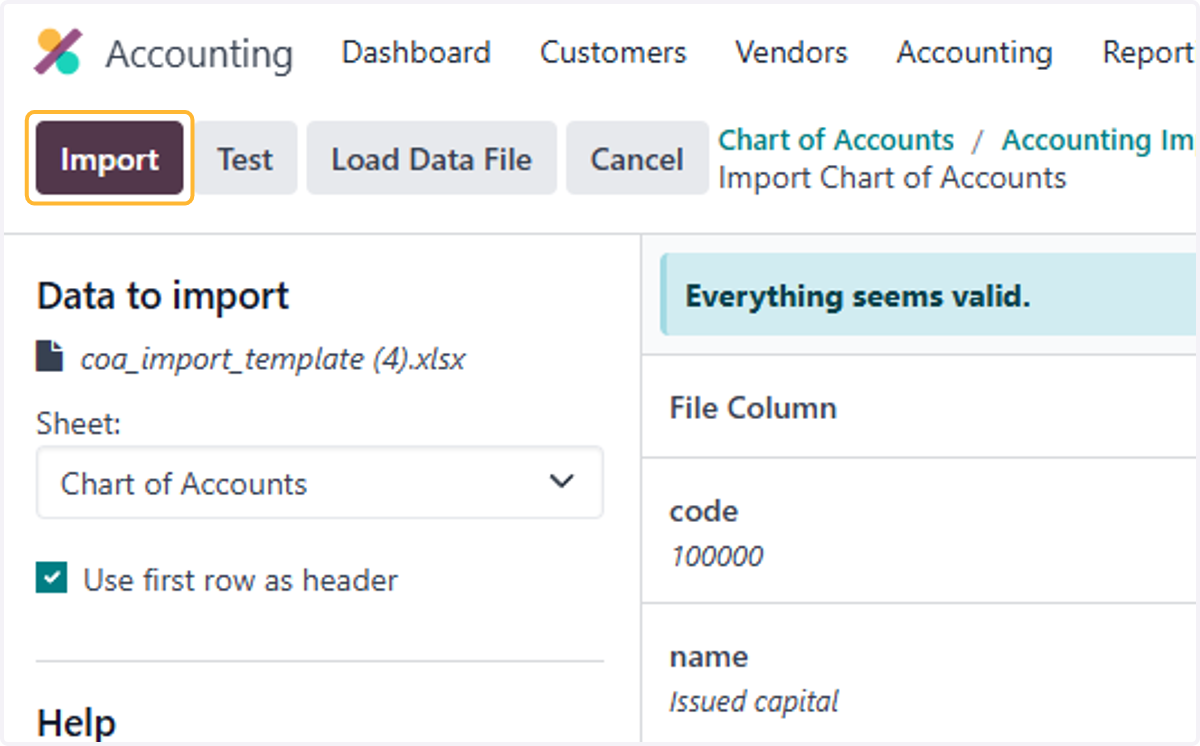
18. Click on Import
19. List of accounts uploaded will appear
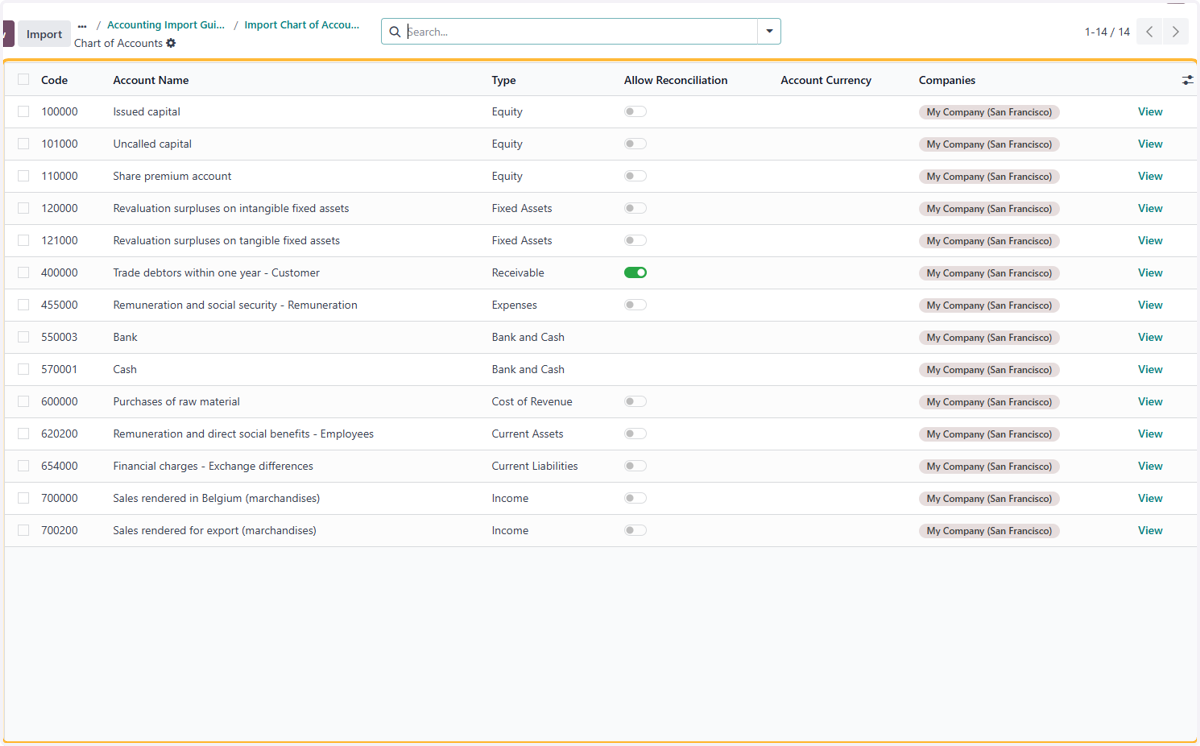
20. Click on View to review details of account
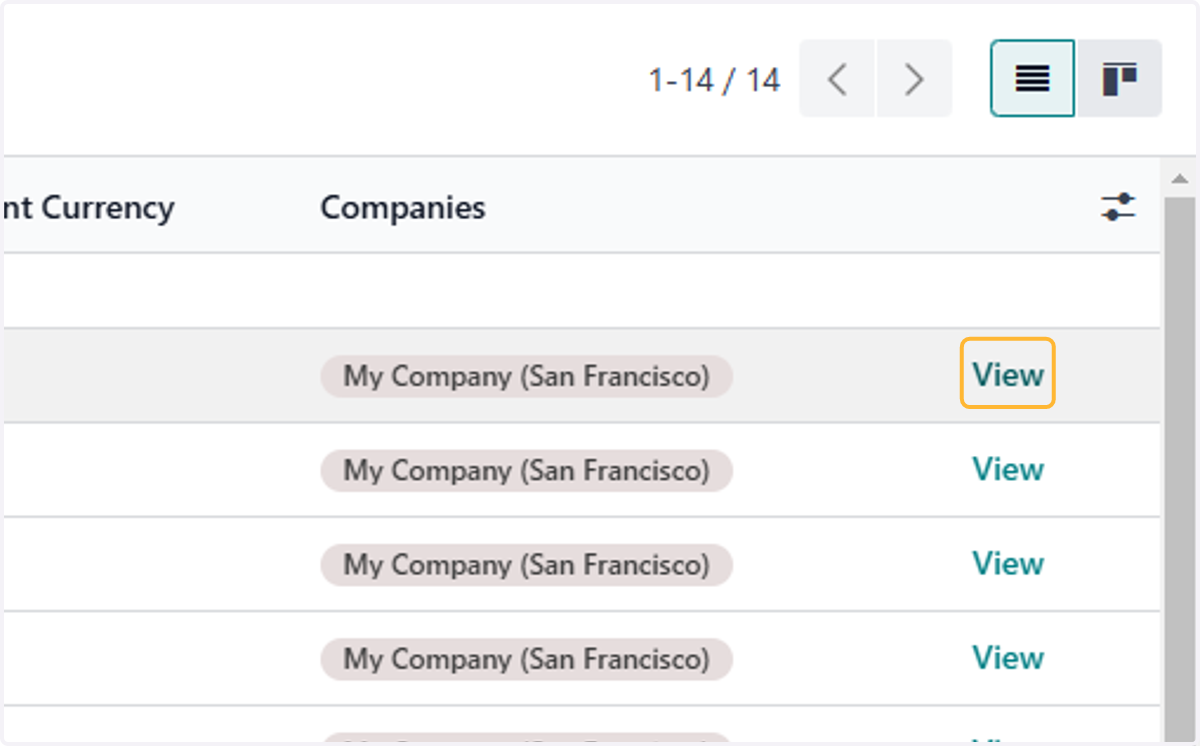
21. Here you can further edit the details of each account