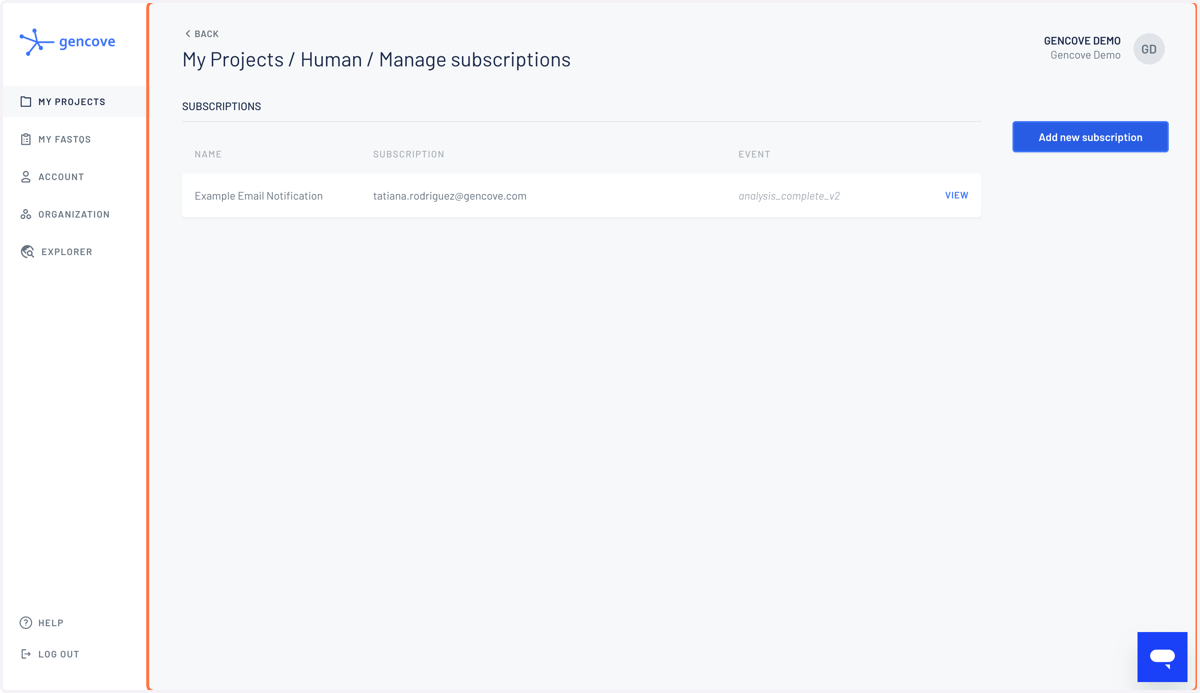
How do I set email notifications for my project?
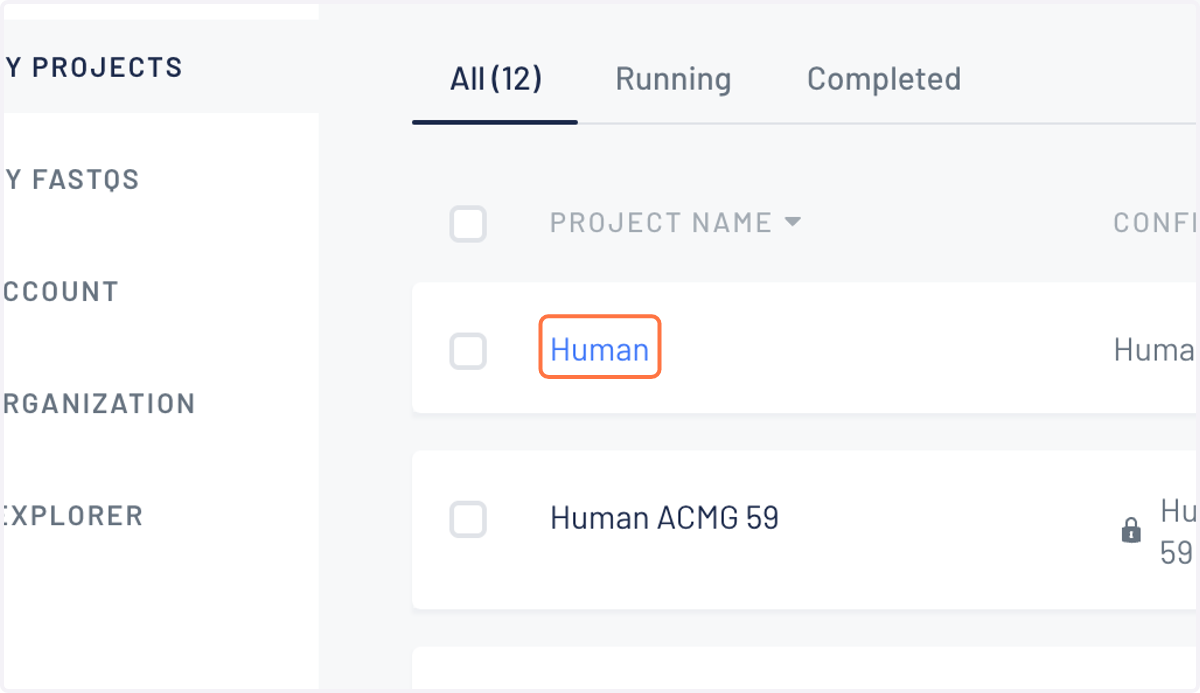
1. Within your account click on the project you're interested in receiving notifications
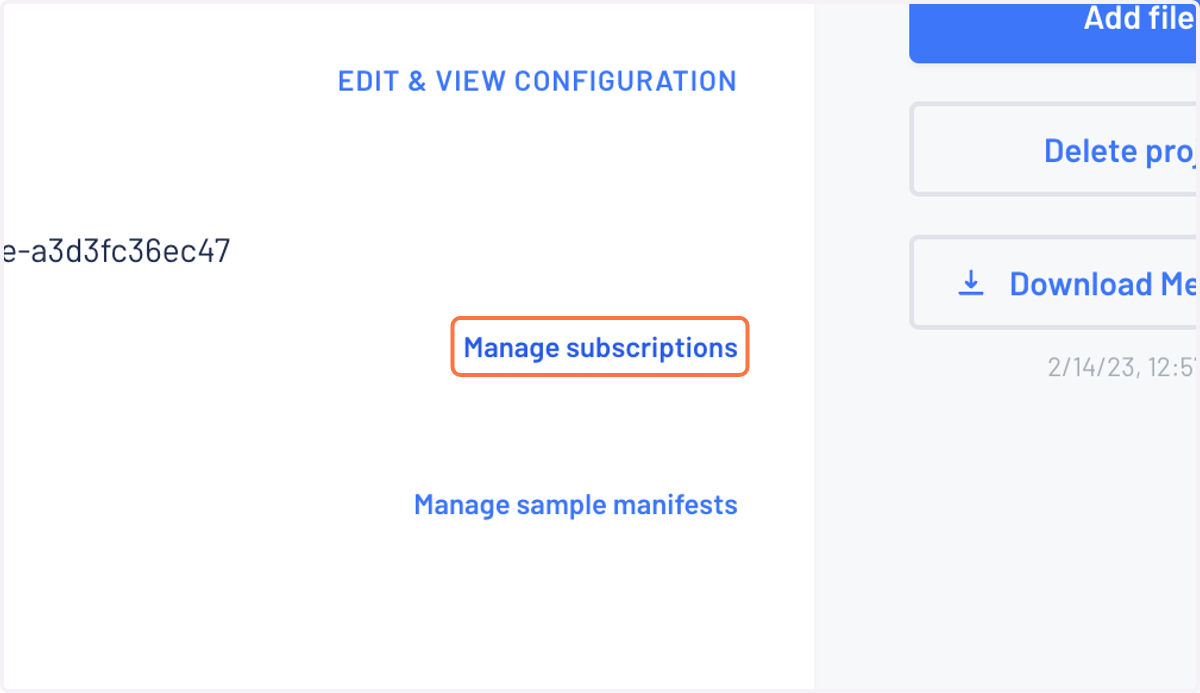
2. Within the project page, click on "Manage subscriptions"
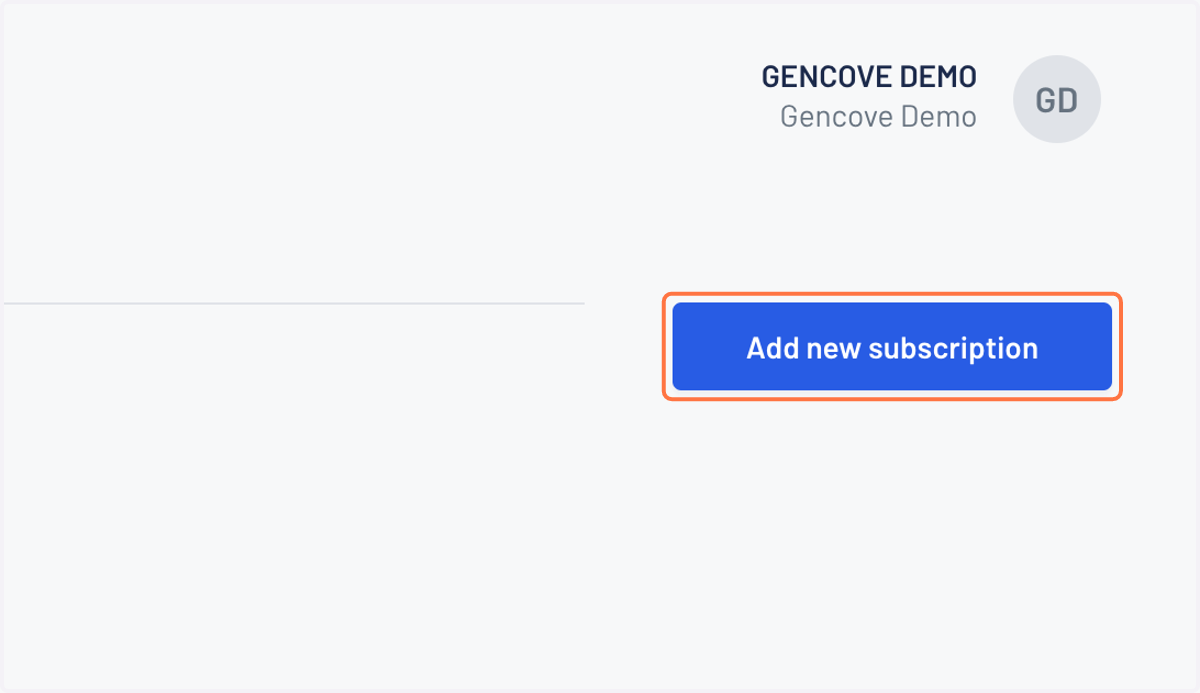
3. Click on Add new subscription
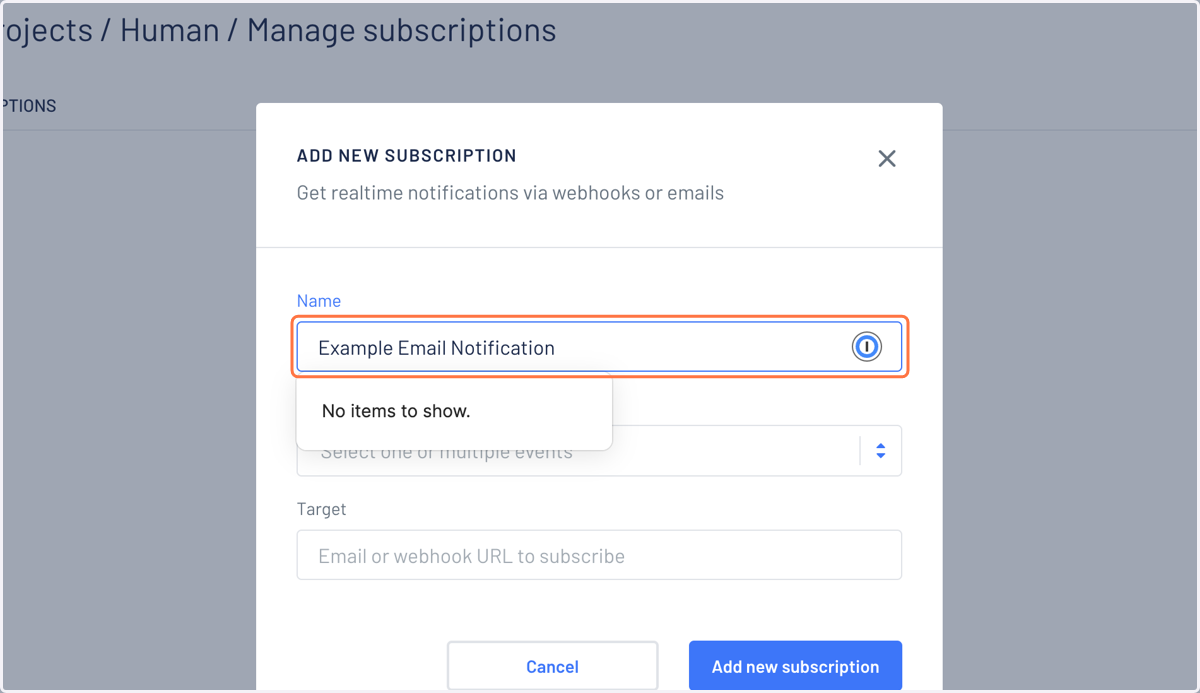
4. Create a name for your email notification
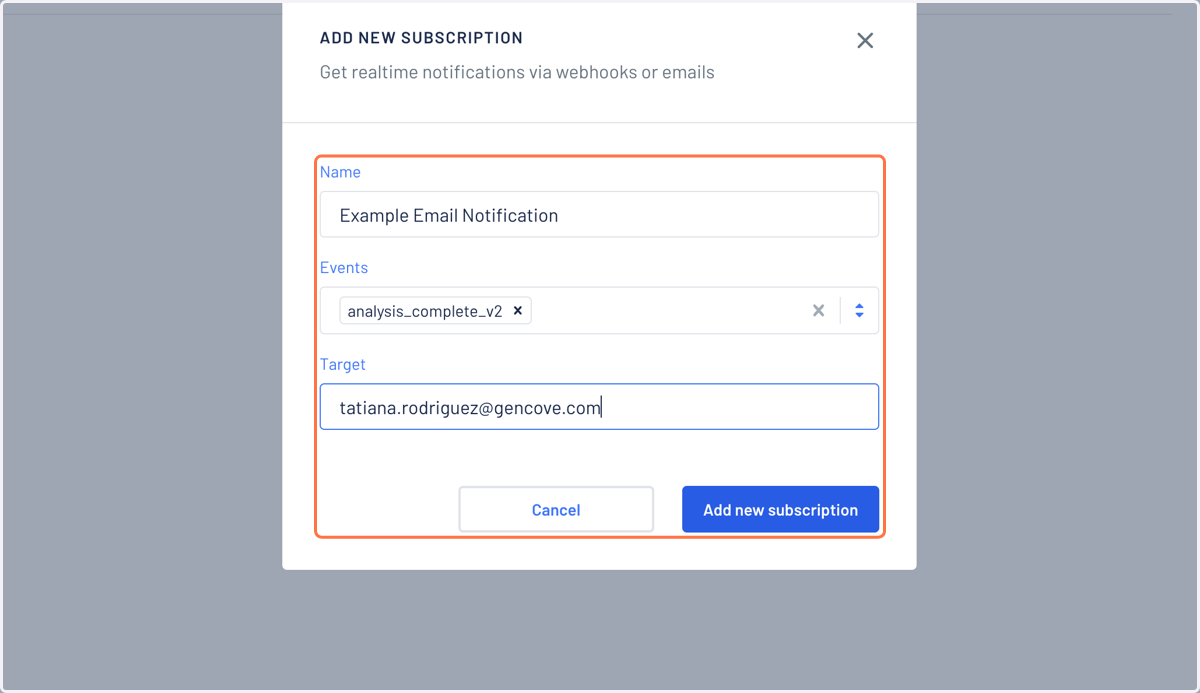
5. Select analysis_complete_v2 as the Event and your desired email as the Target
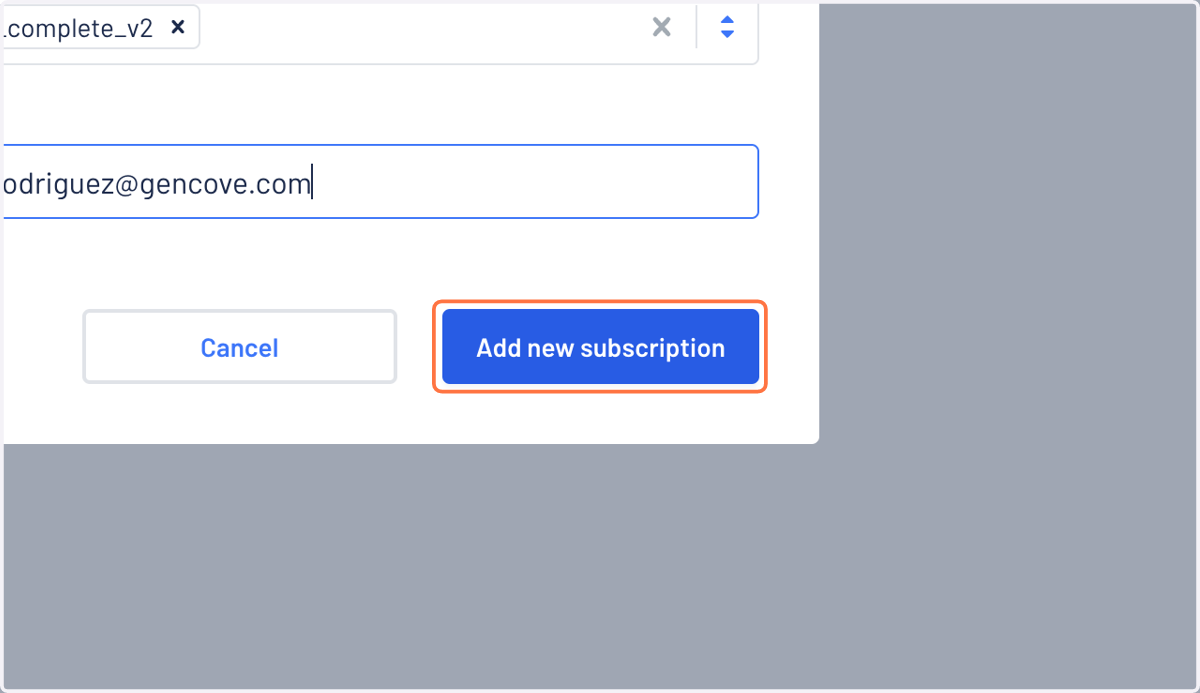
6. Click on Add new subscription to finalize
7. Please note that you will need to add a new subscription for each email . These subscriptions can also be used to set up automated data delivery.