Download Donor Report in ETS (org level)
1. Login to your eTeamSponsor account
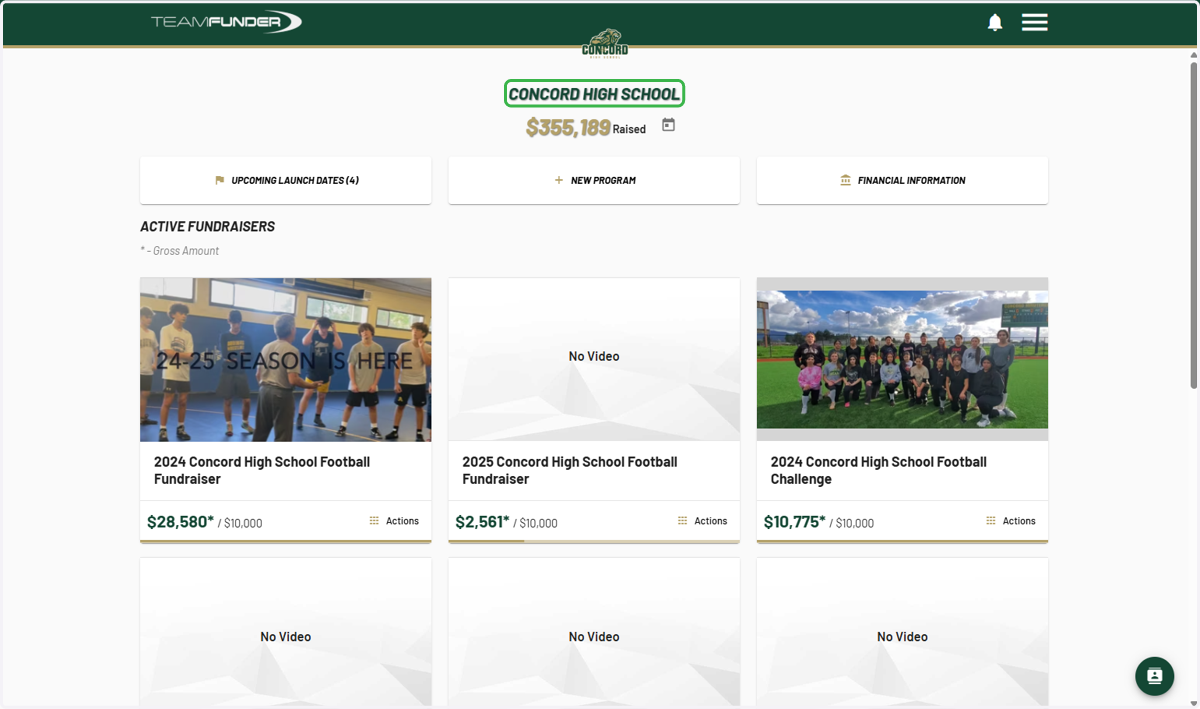
2. Go to the organization dashboard
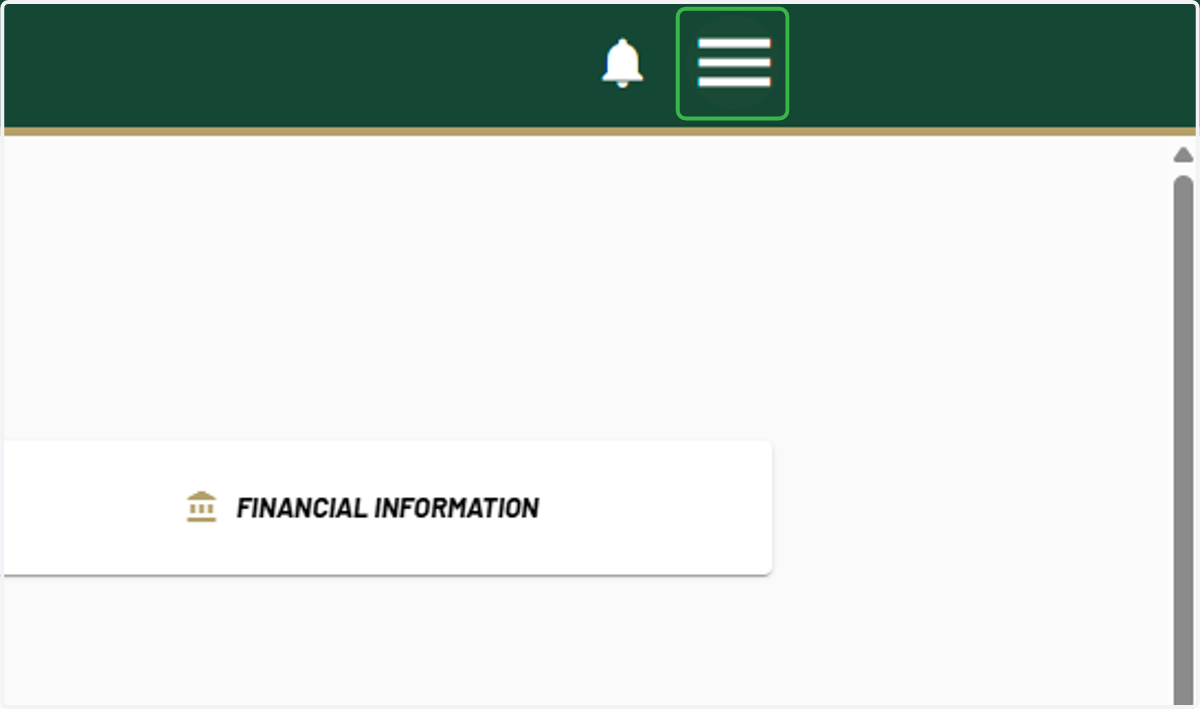
3. Click on menu
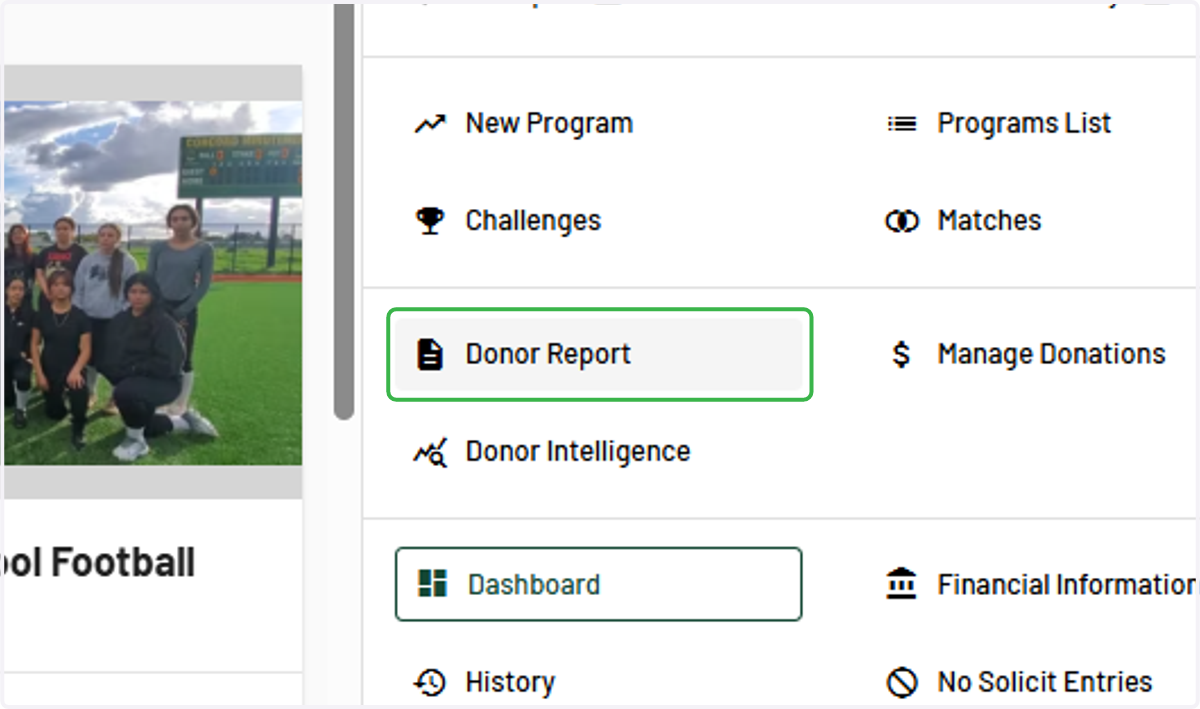
4. Click on Donor Report
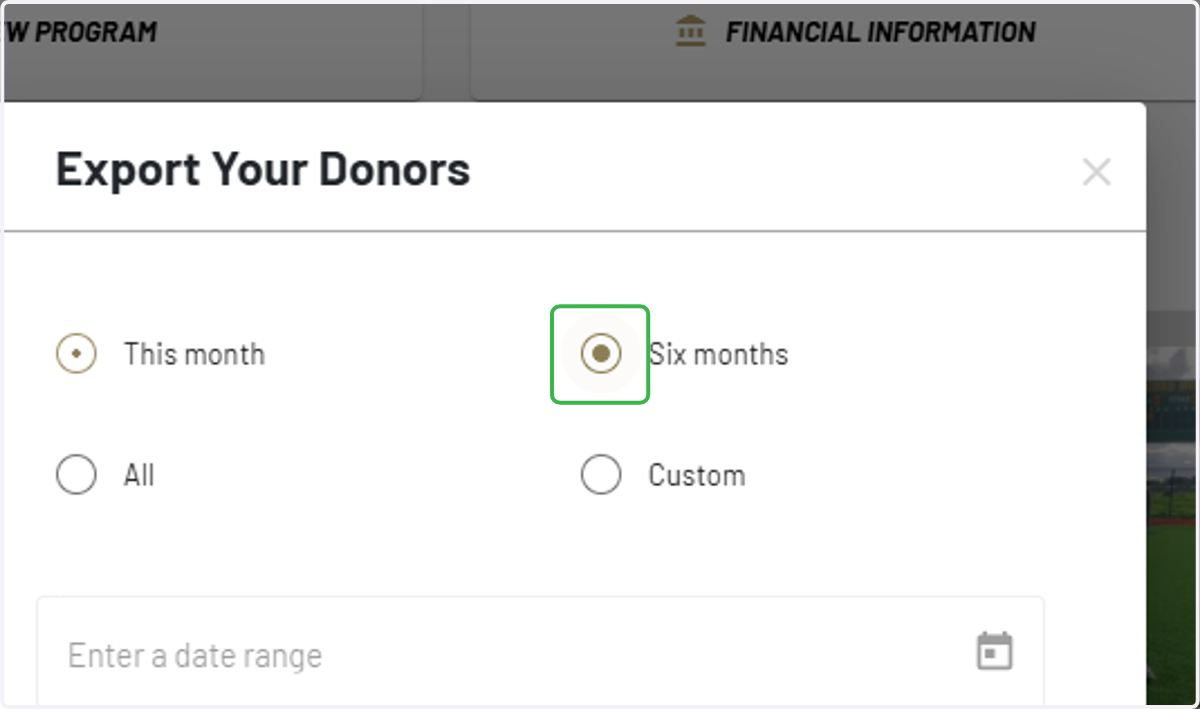
5. Select desired time frame or select custom date range
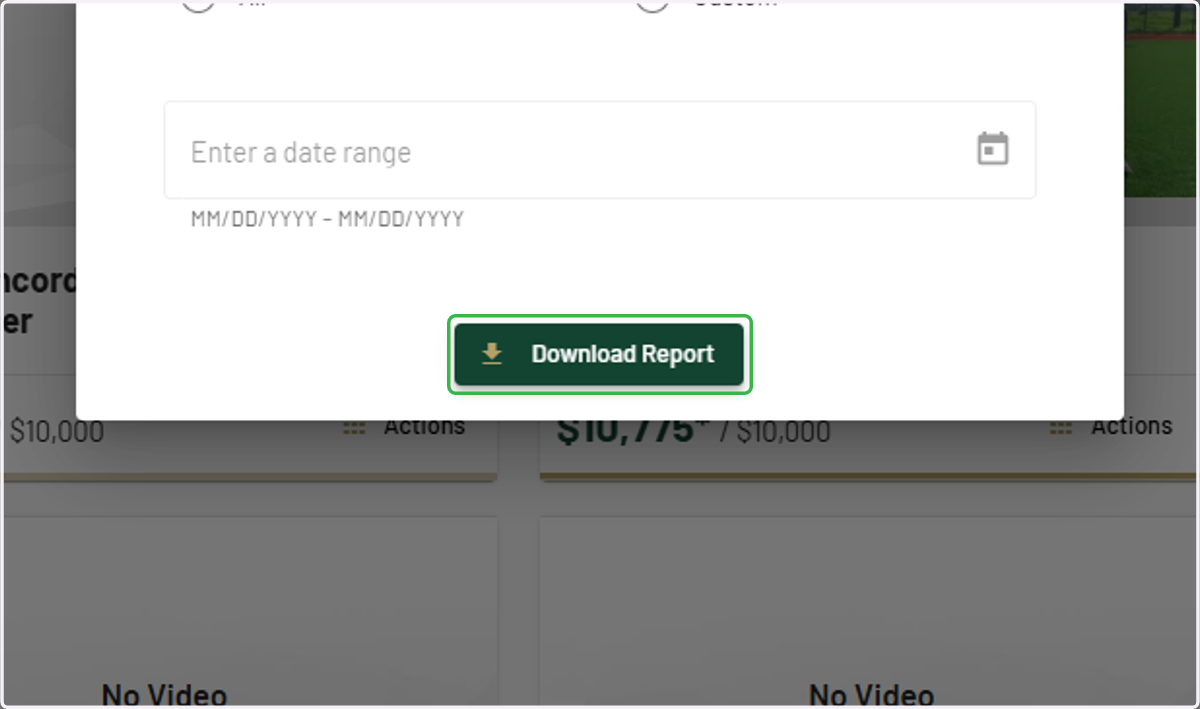
6. Click on Download Report
7. Open Donor Report
After clicking "Download Report," the report will download in an excel. It may take a few minutes. You can access the excel file from your Downloads.