Add site

Machine Max

  1. 1. Click on Admin

    Click on Admin
  2. 2. Click on Manage sites

    Click on Manage sites
  3. 3. Click on Add New Site

    Click on Add New Site
  4. 4. Enter in Site information and click the tick in the bottom right corner

    Enter in Site information and click the tick in the bottom right corner
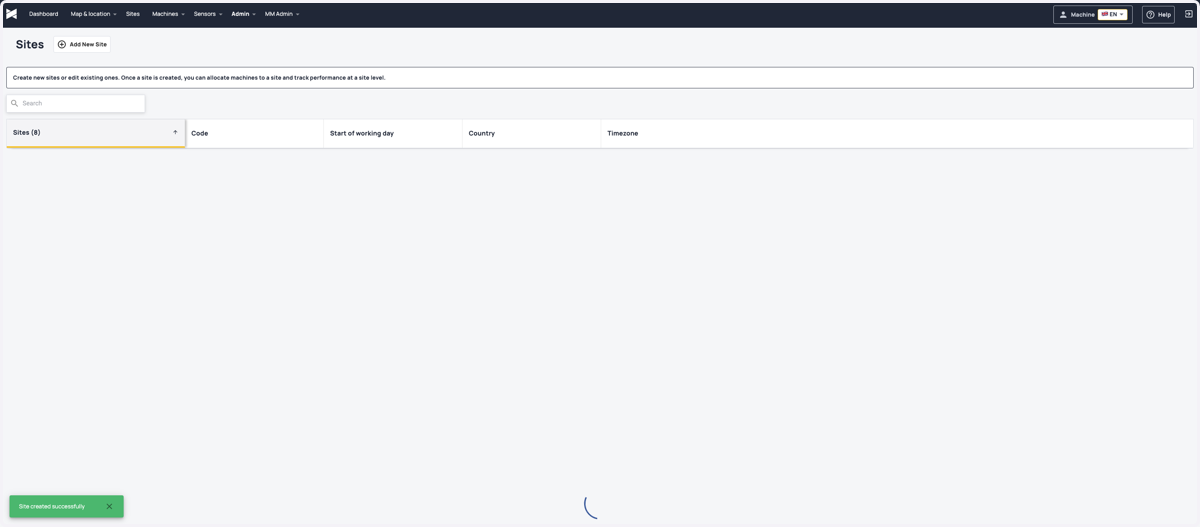
  5. 5. Your site is now saved

    Your site is now saved