Mobile Service Single Cost Centre Assignment - Connect Platform
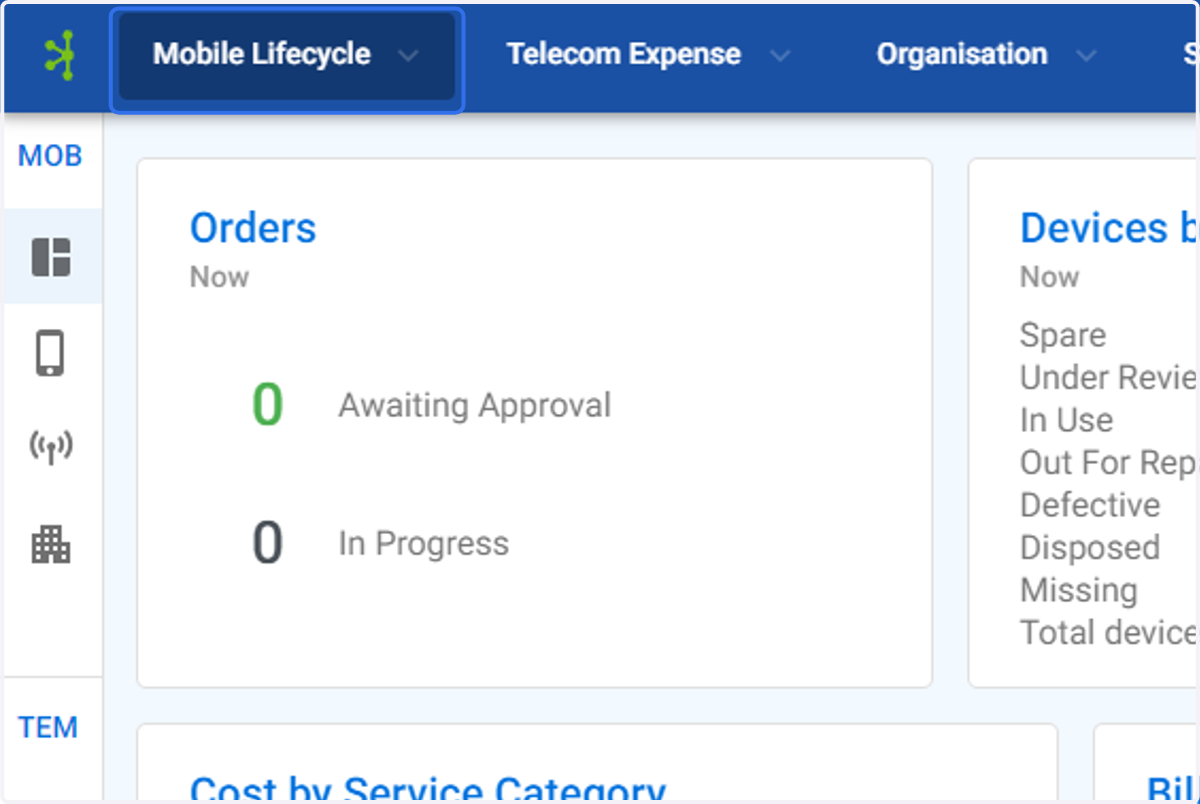
1. Click on Mobile Lifecycle
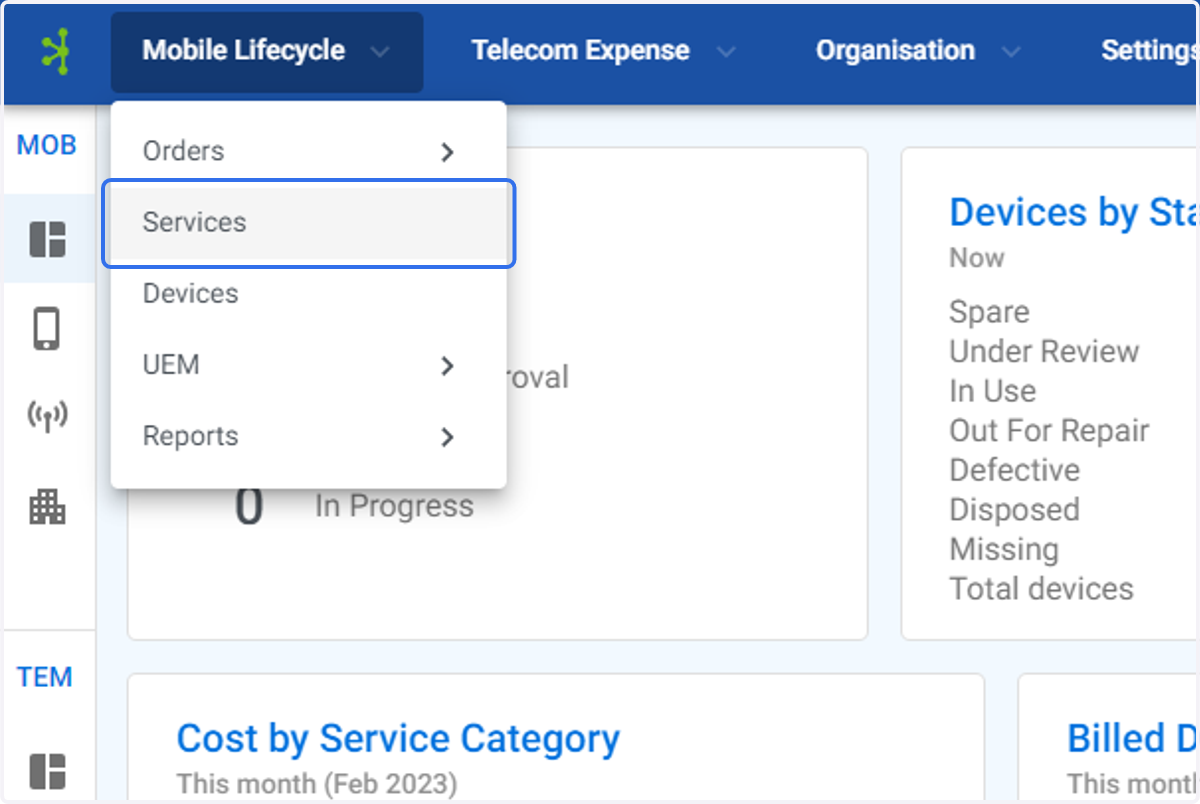
2. Click on Services
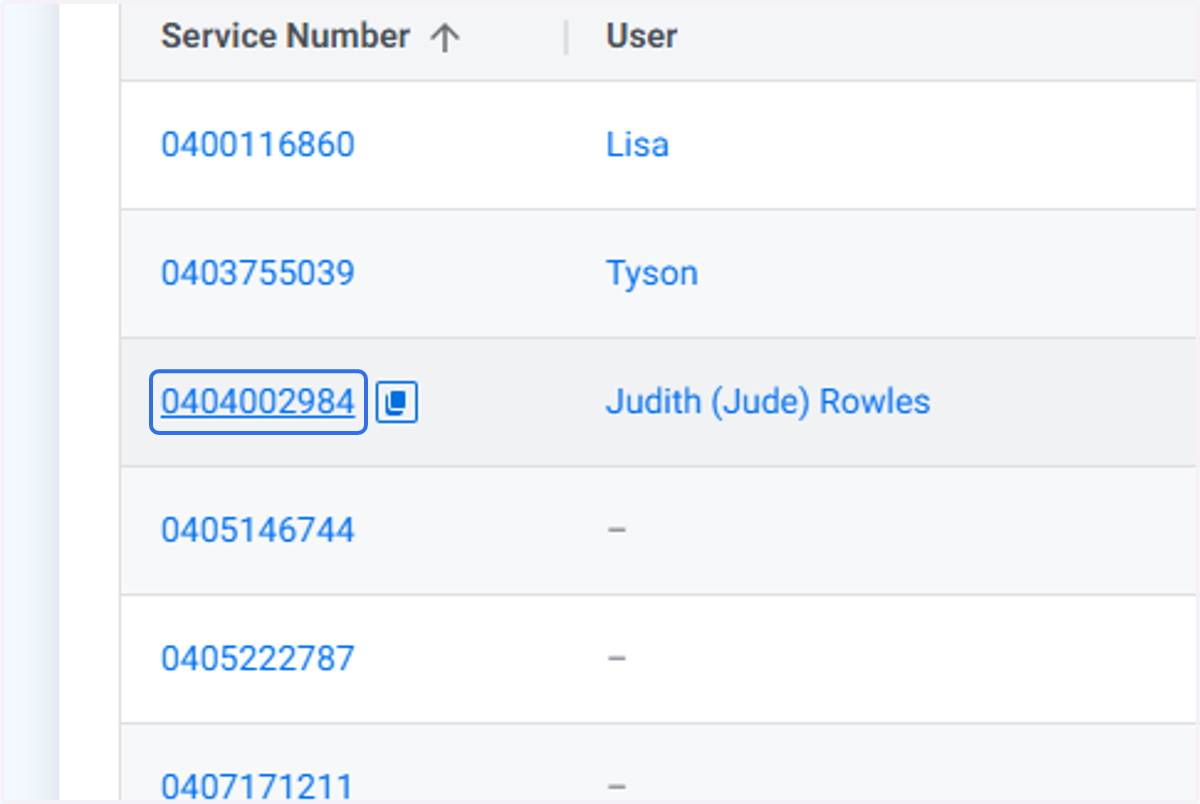
3. Find the service you wish to assign the cost centre to.
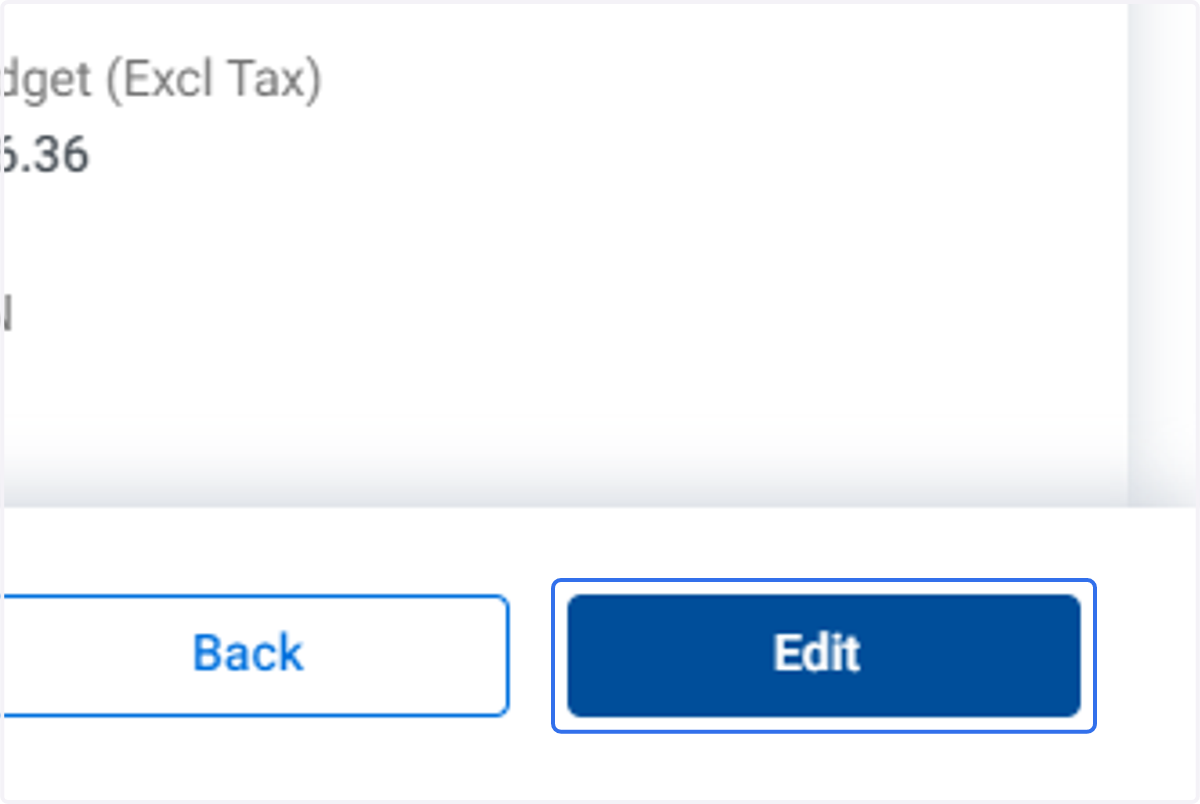
4. Click on Edit
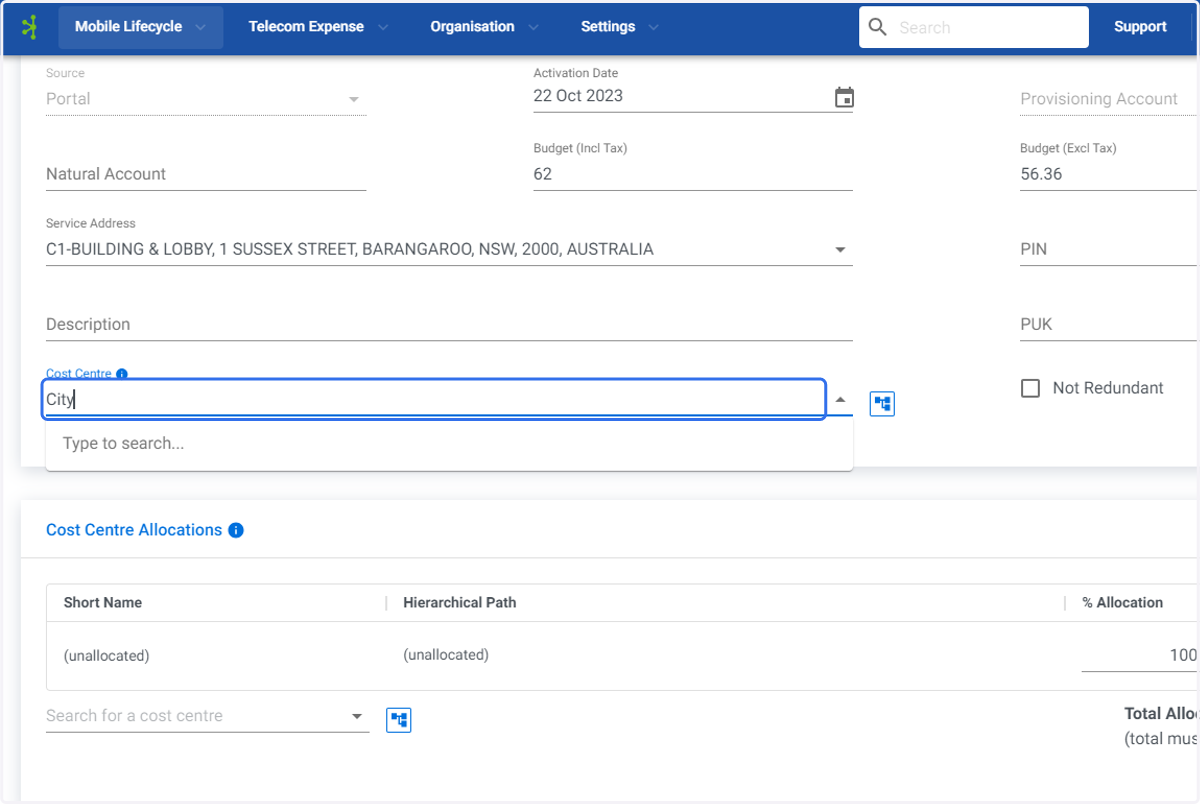
5. Type in the cost centre you wish to assign.
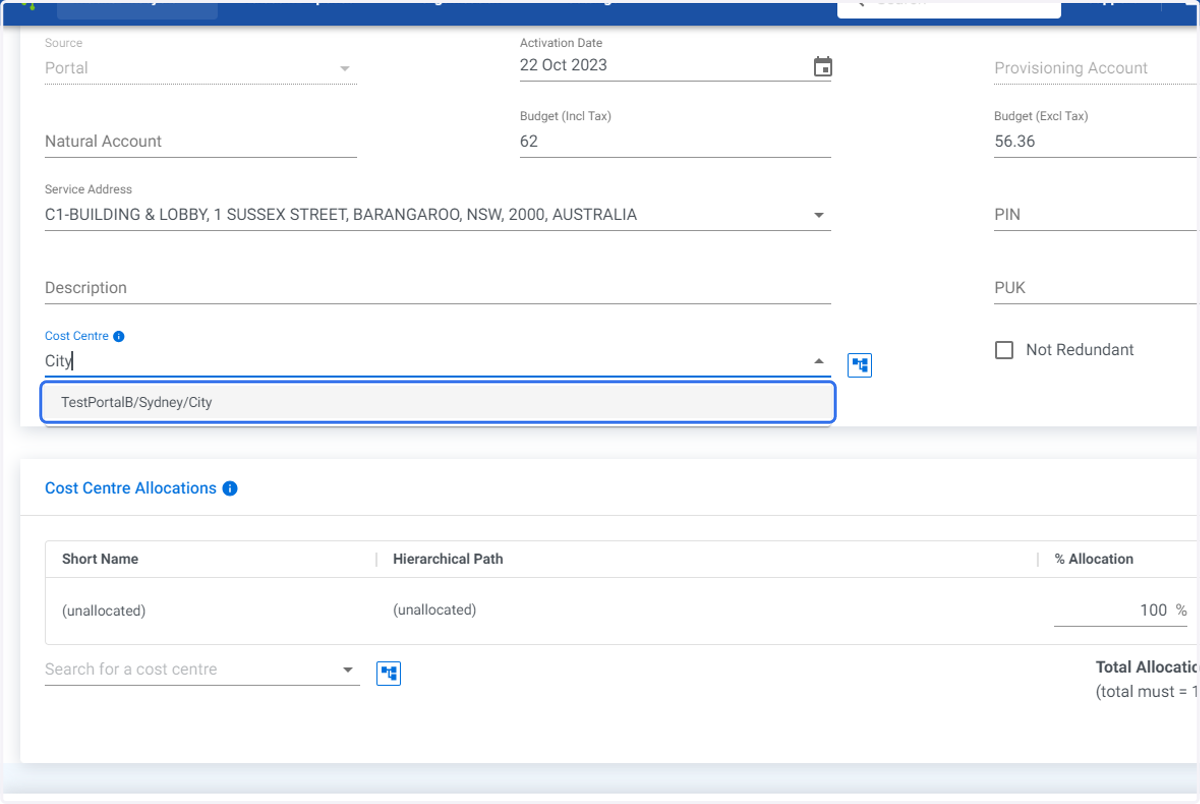
6. Click on the correct cost center. The cost centre will be automatically allocated as 100%.
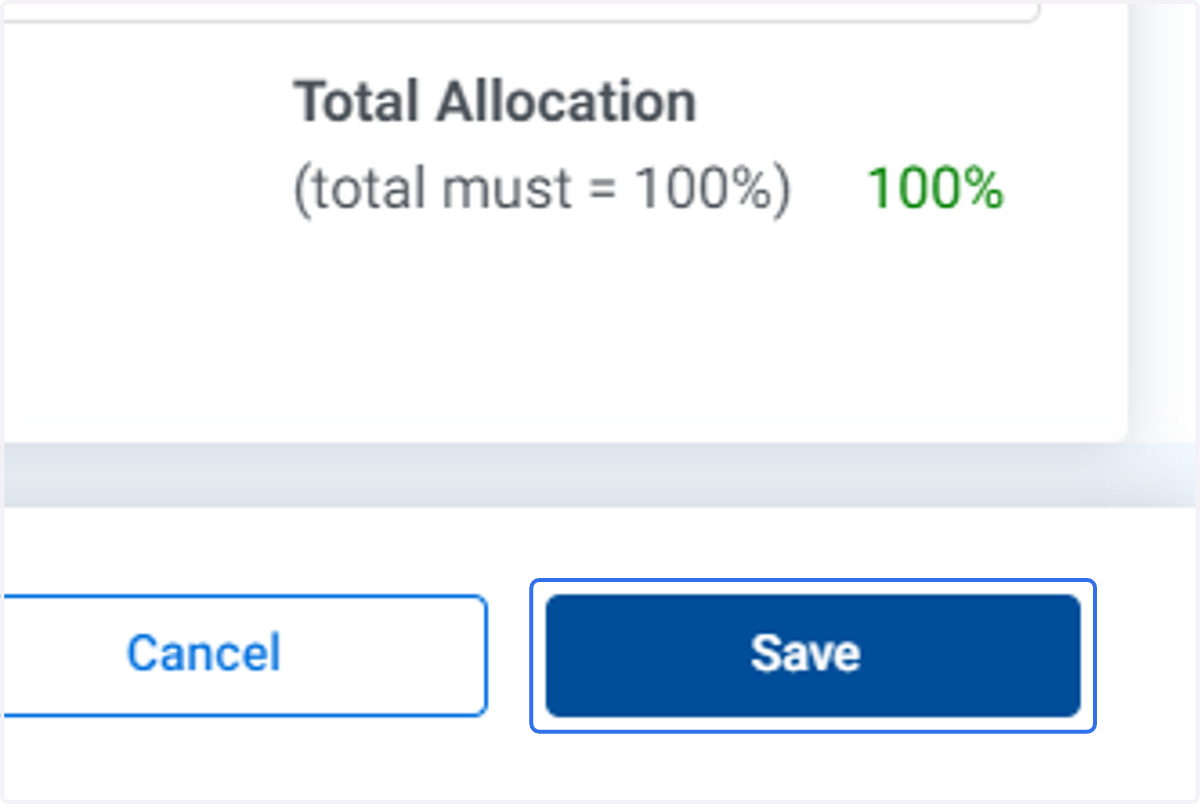
7. Click on Save