Update Resident's Collections Status in Voyager 8
🏘️ Voyager 8 Senior Housing
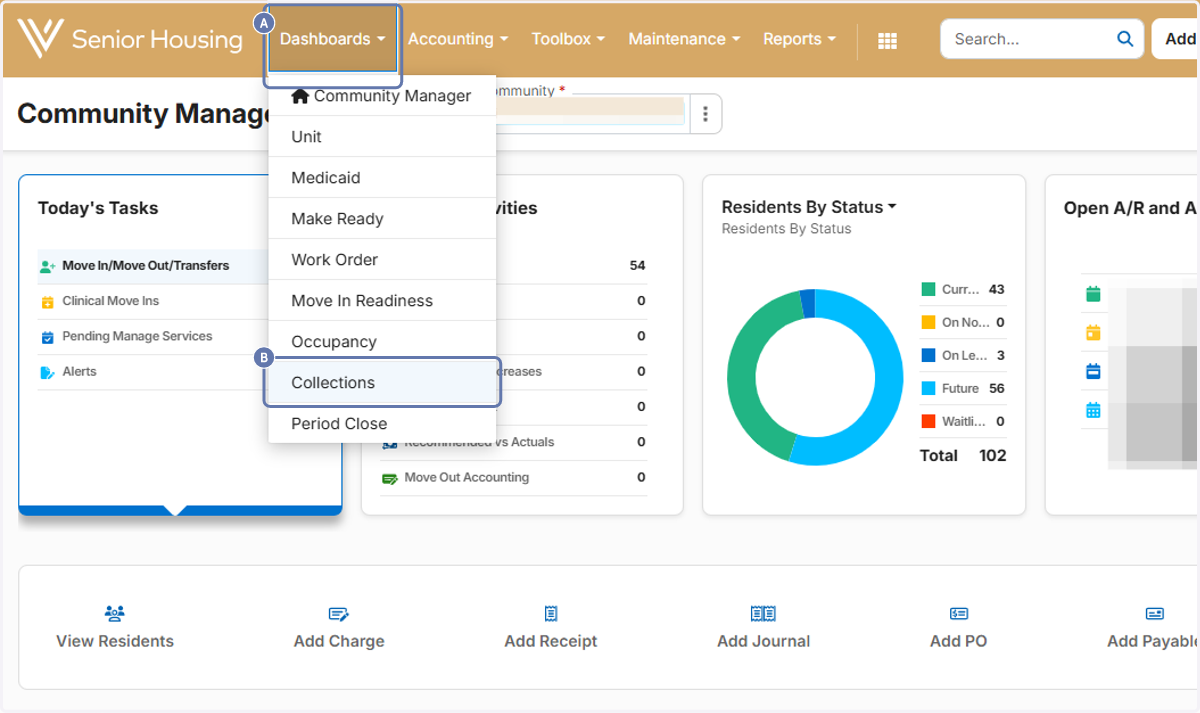
1. A. Click on Dashboards
1. B. Click on Collections
2. Enter Filters and Search

3. Click on Modify

4. Click on Status Options (Three Dots)

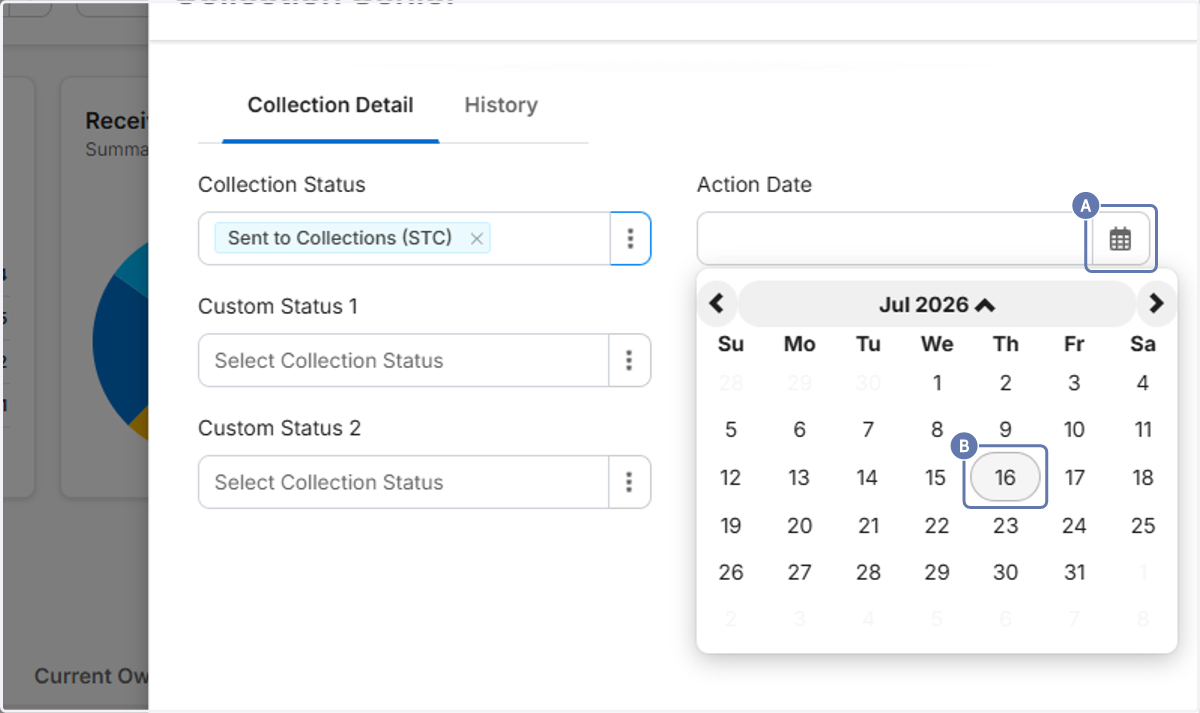
5. Click on Sent to Collections (STC)

6. A. Open date picker
6. B. Select Date
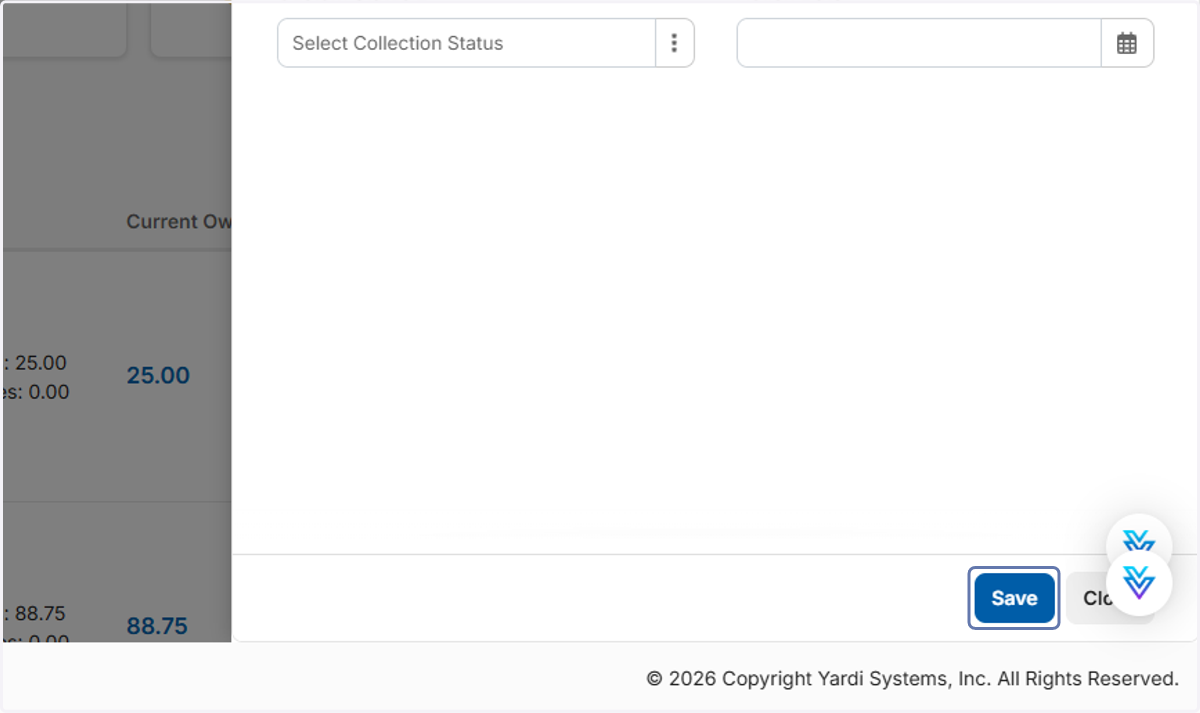
7. Click on Save
📄 To Find All Residents in Collections
8. Open Collections Dashboard
Enter appropriate filters.

9. Click on Sent to Collections

10. Residents in Collections will Display

11. Export to Excel as needed
