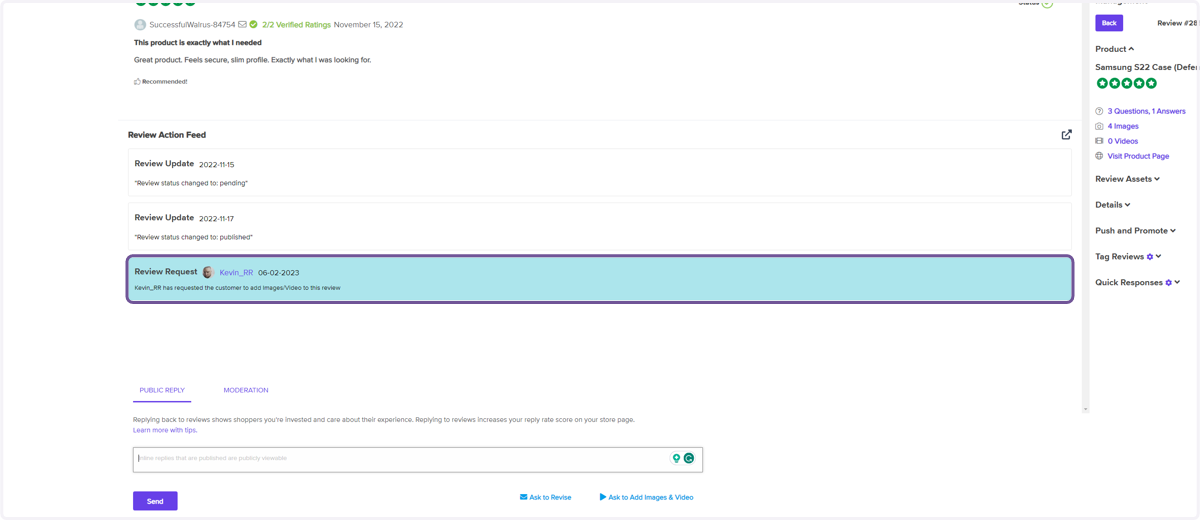
Ask Past Customers to add Images/Videos to their Reviews
Log in to your TrustHQ Dashboard on ResellerRatings
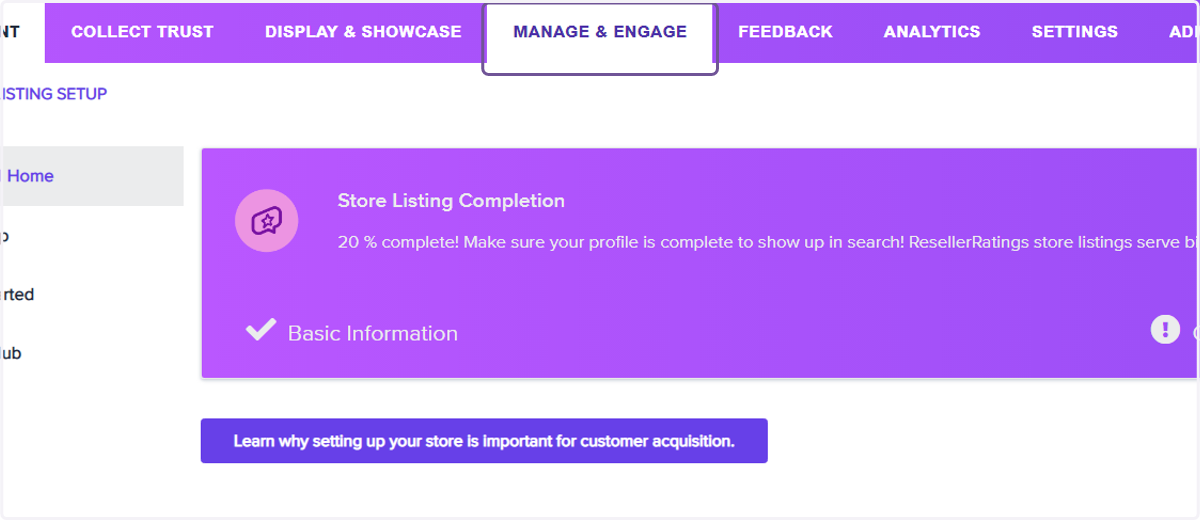
1. Click on Manage & Engage
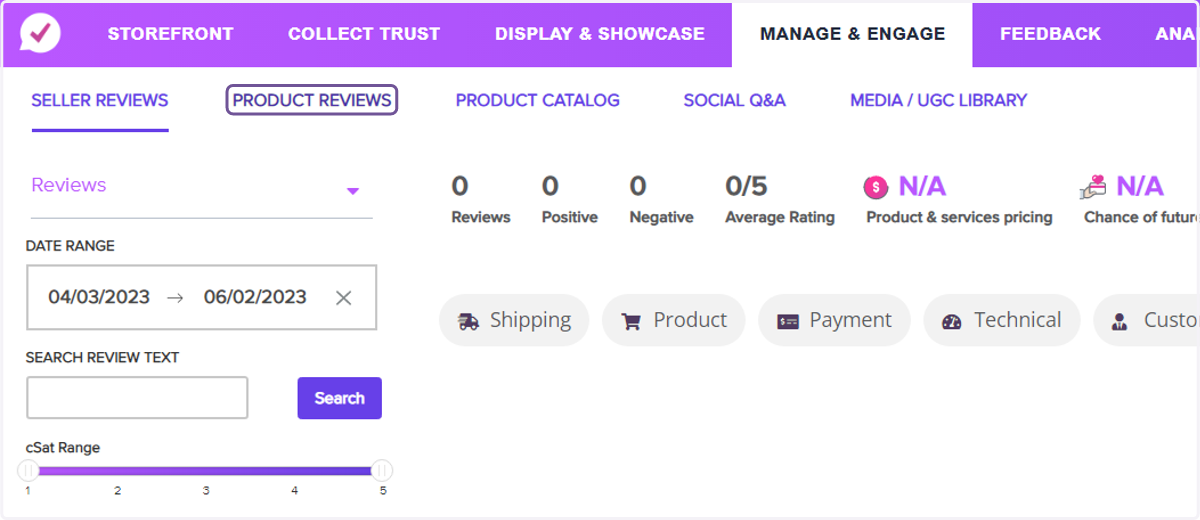
2. Click on PRODUCT REVIEWS
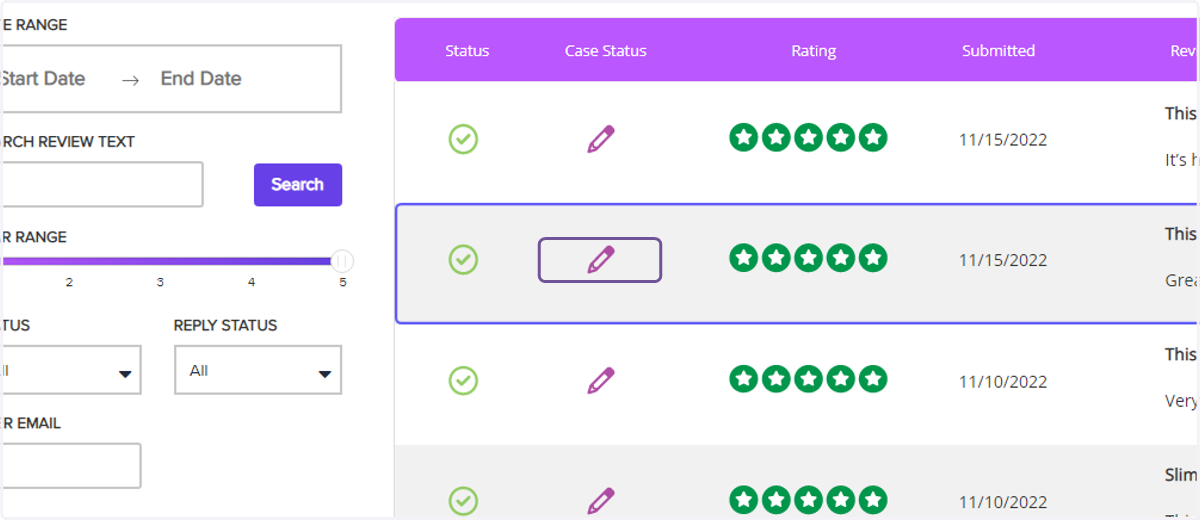
3. Find a review and click on the pencil to view the review
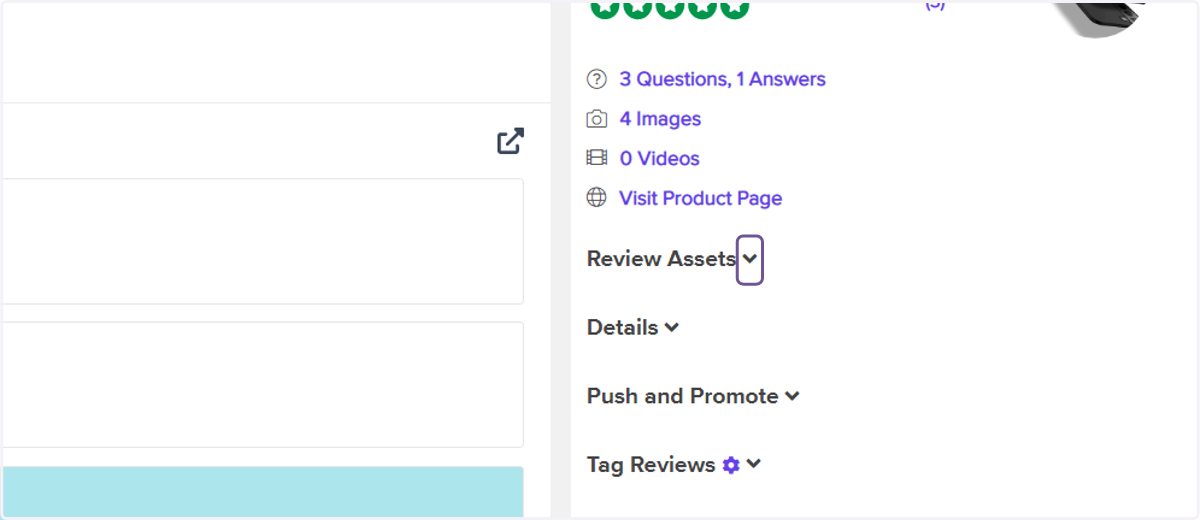
4. Click on Review Assets to verify if UGC has previously been uploaded
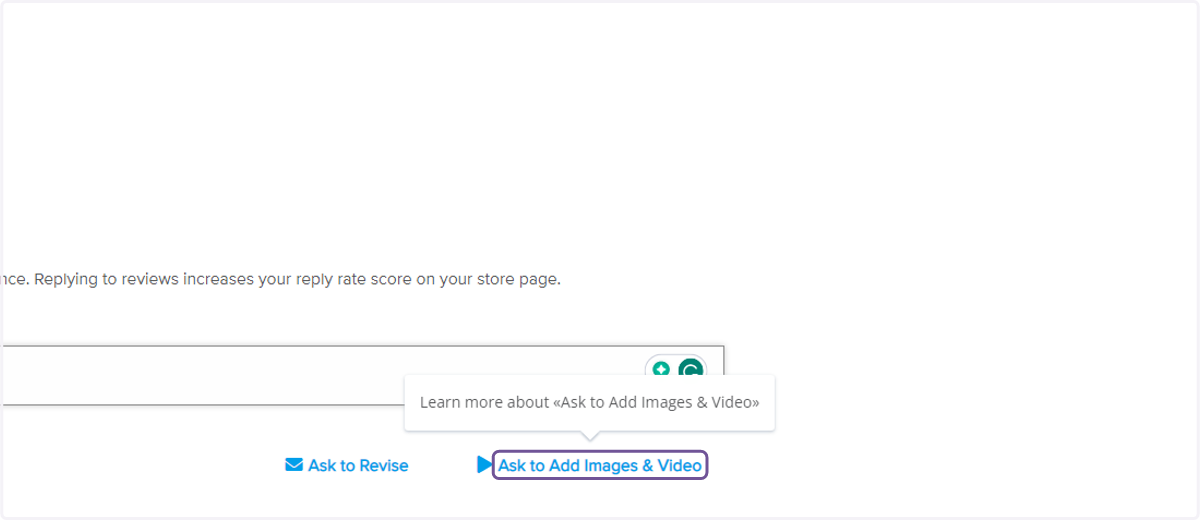
5. Click on Ask to Add Images & Video
6. Check the feed for success