Add a new organization

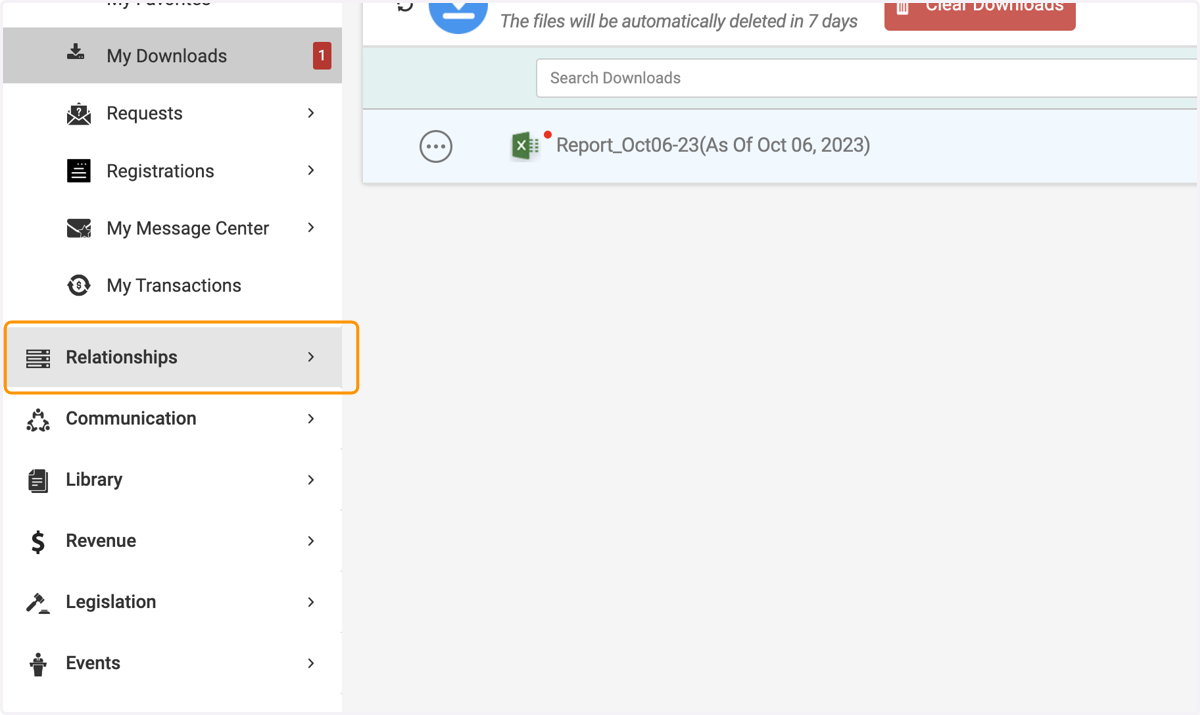
  1. 1. Click on Relationships

    Click on Relationships
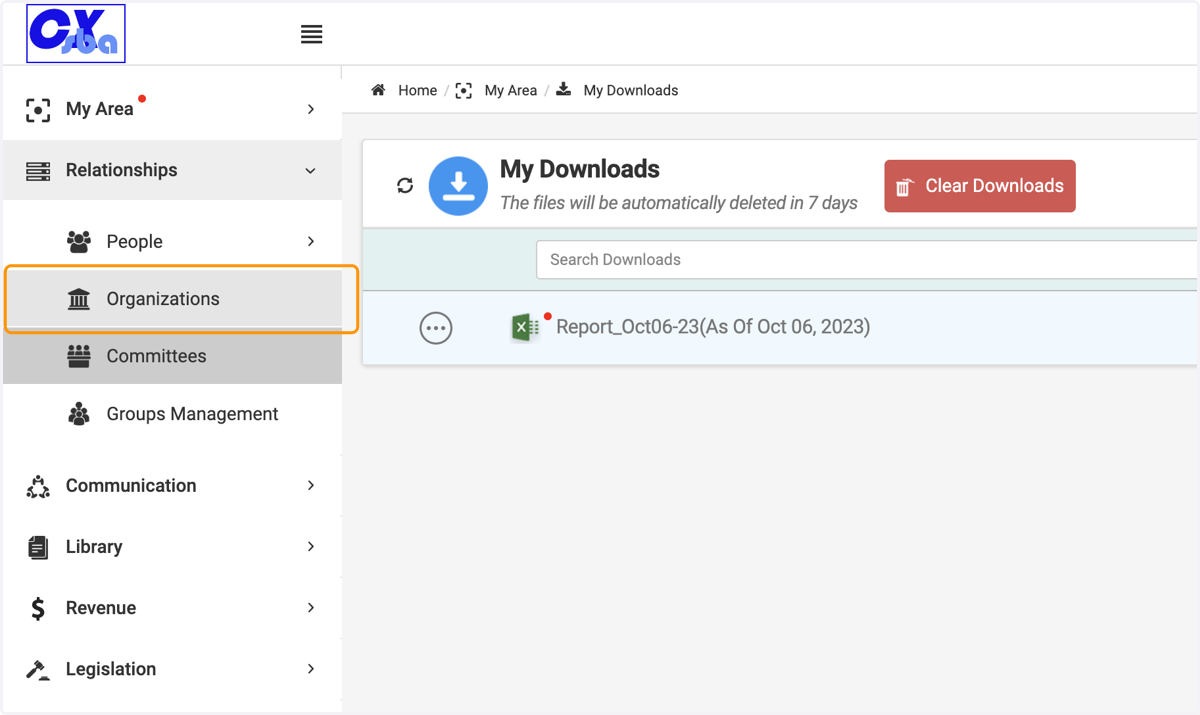
  2. 2. Click on Organizations

    Click on Organizations
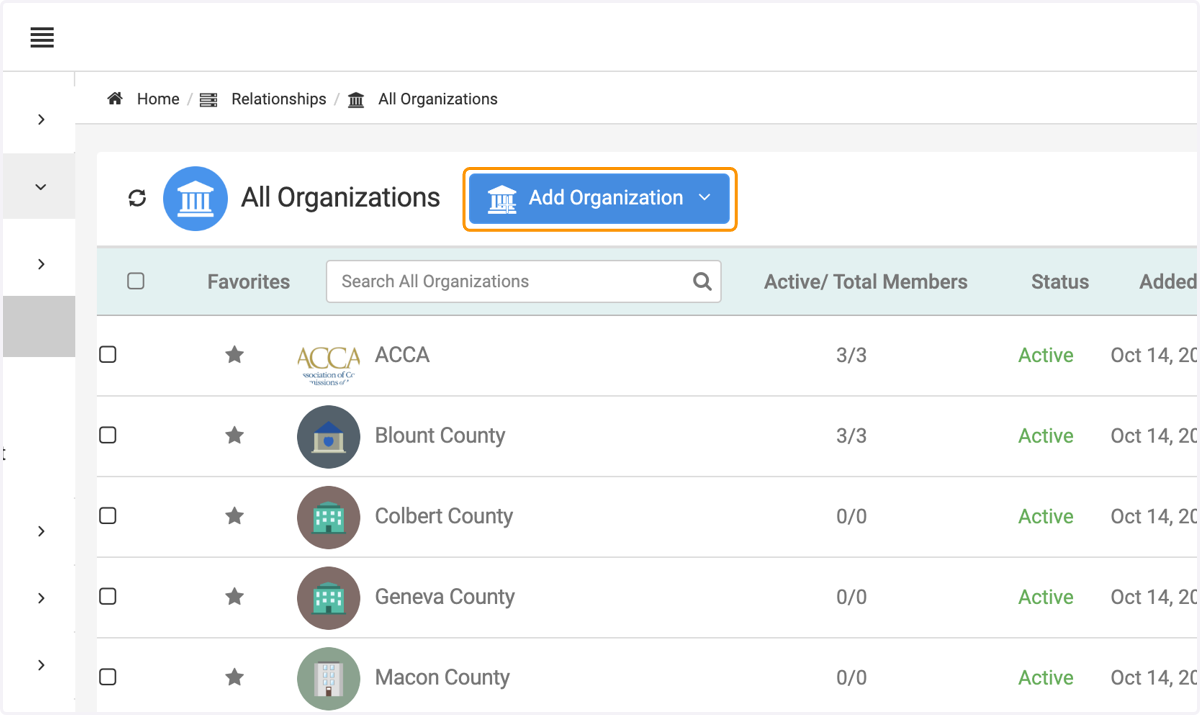
  3. 3. Click on Add Organization

    Click on Add Organization
  4. 4. Choose between Member Organization or Non Member Organization
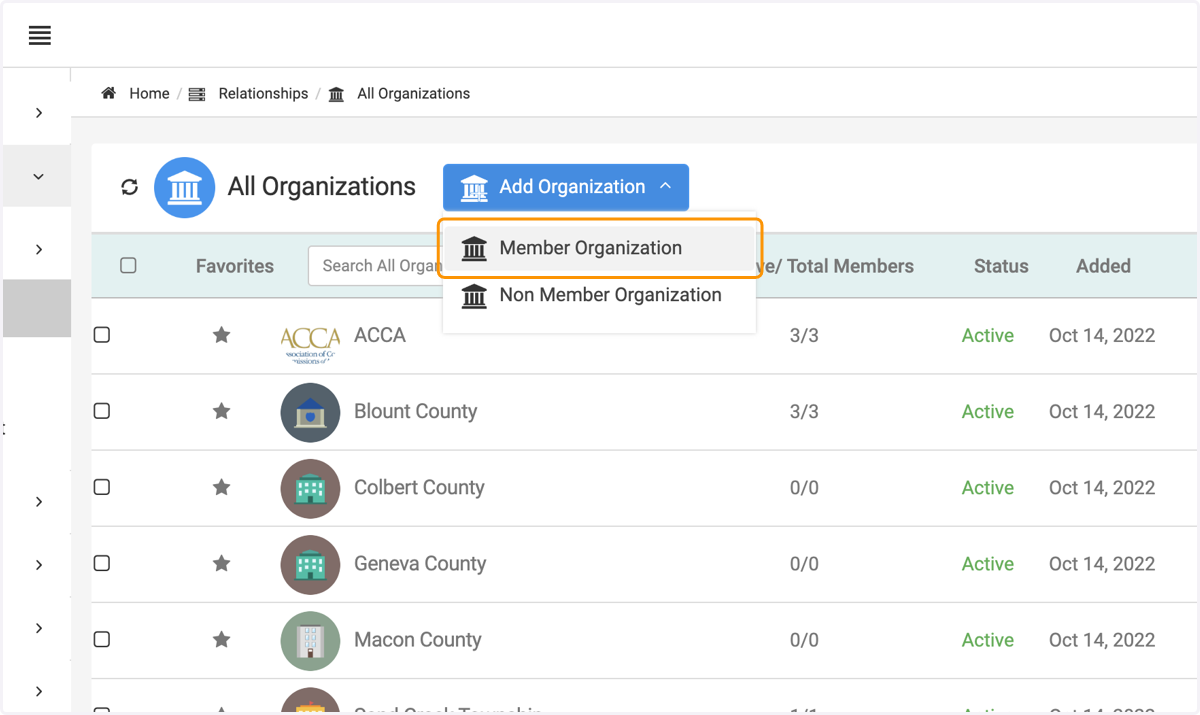
    Choose between Member Organization or Non Member Organization
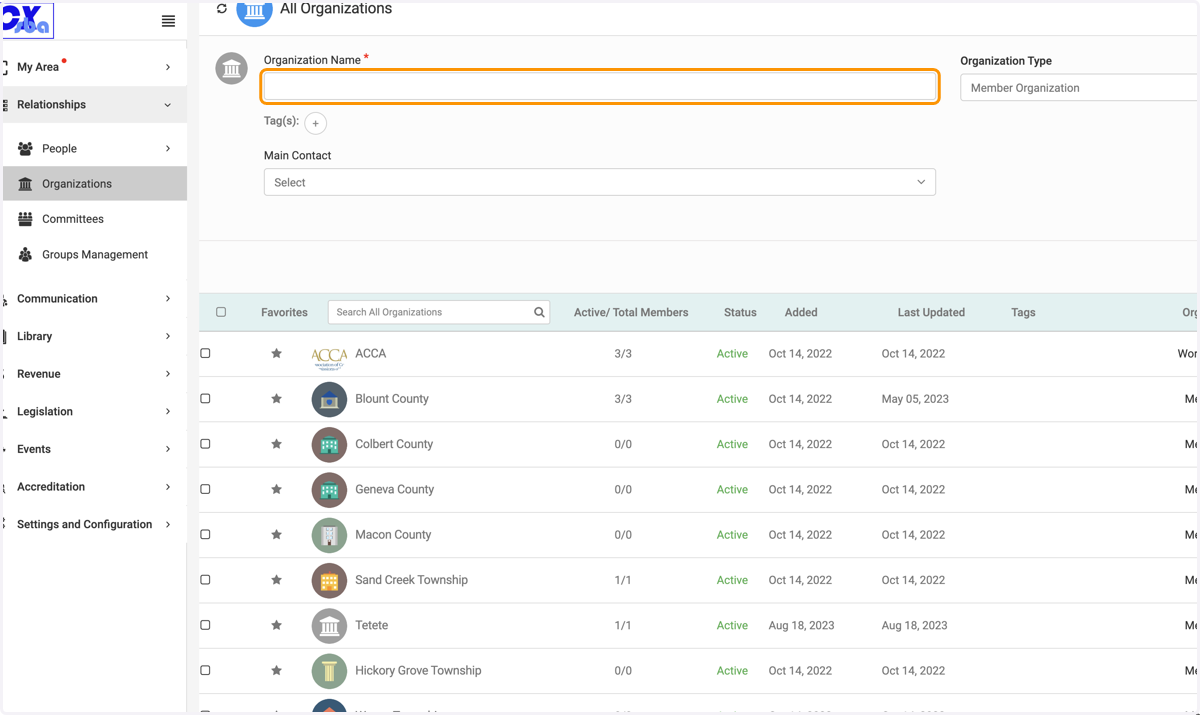
  5. 5. Fill in the Organization Name

    Fill in the Organization Name
  6. 6. The Type is determined when you initially add the organization
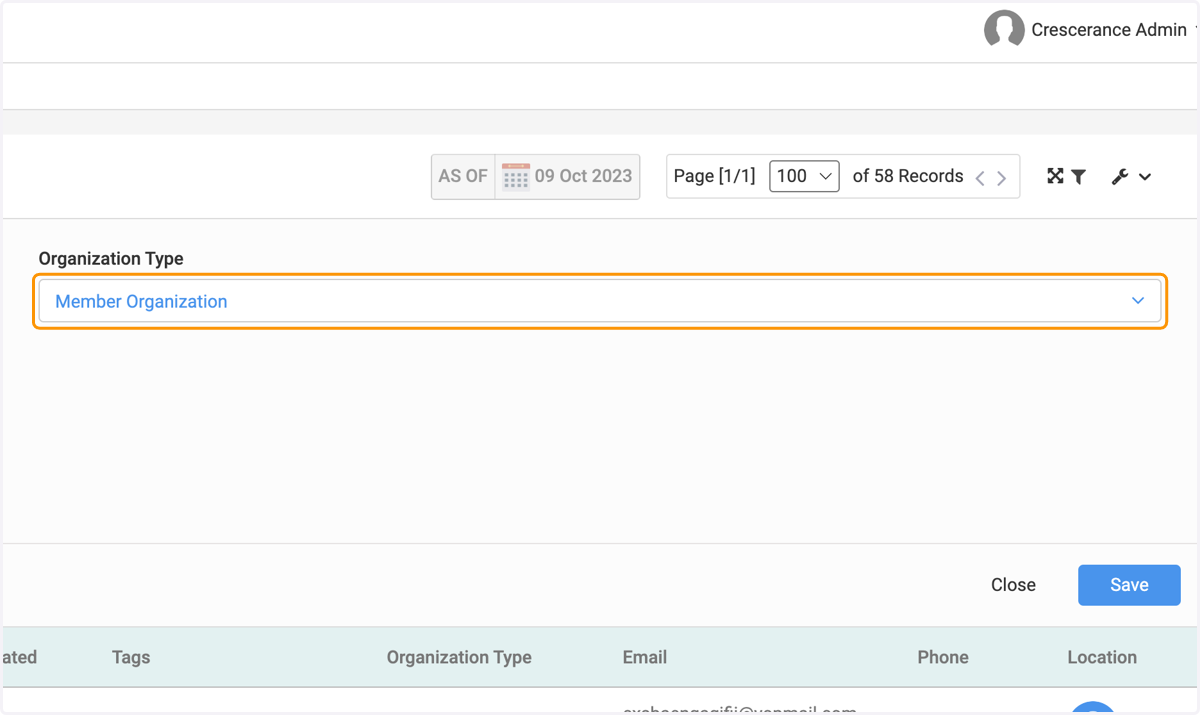
    The Type is determined when you initially add the organization
  7. 7. Click on Main Contact to identify specific point person
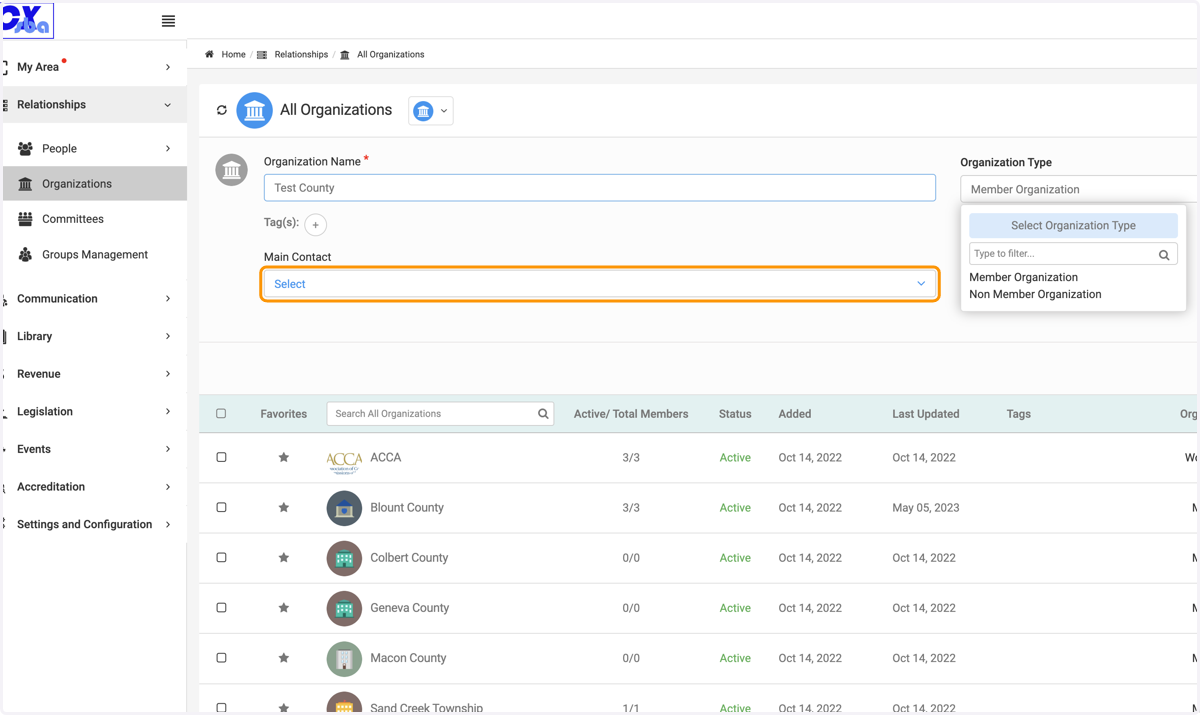
    Click on Main Contact to identify specific point person
  8. 8. Select the name from the contact list
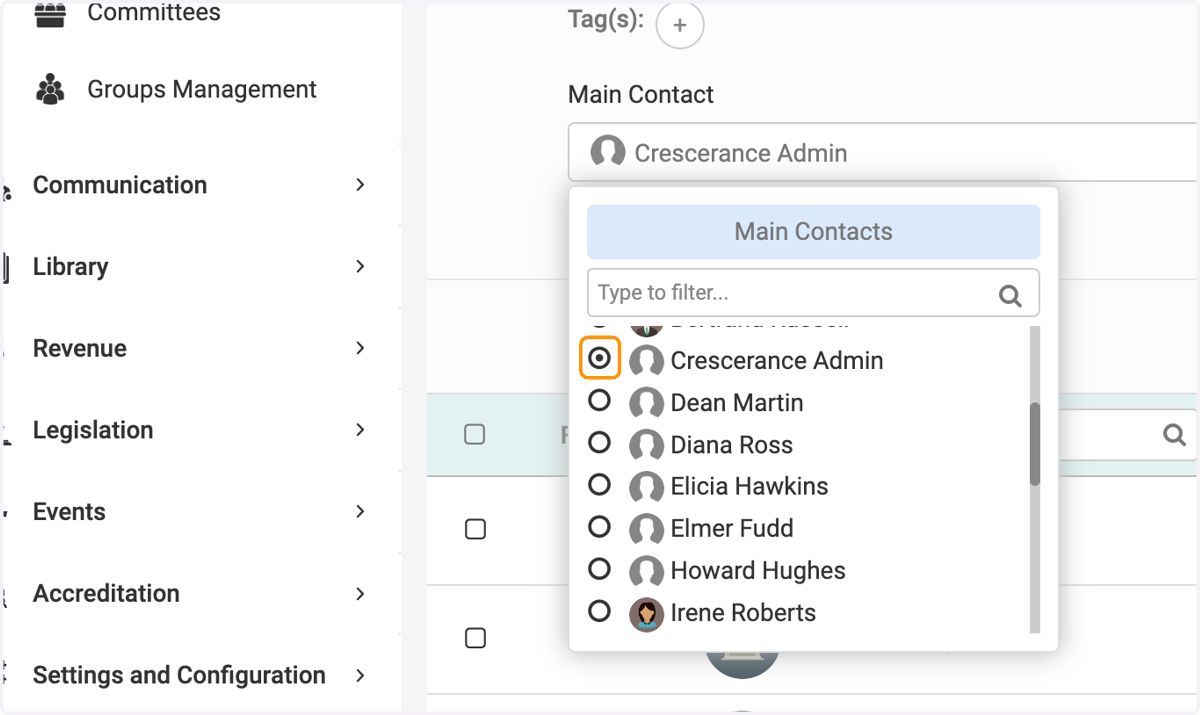
    Select the name from the contact list
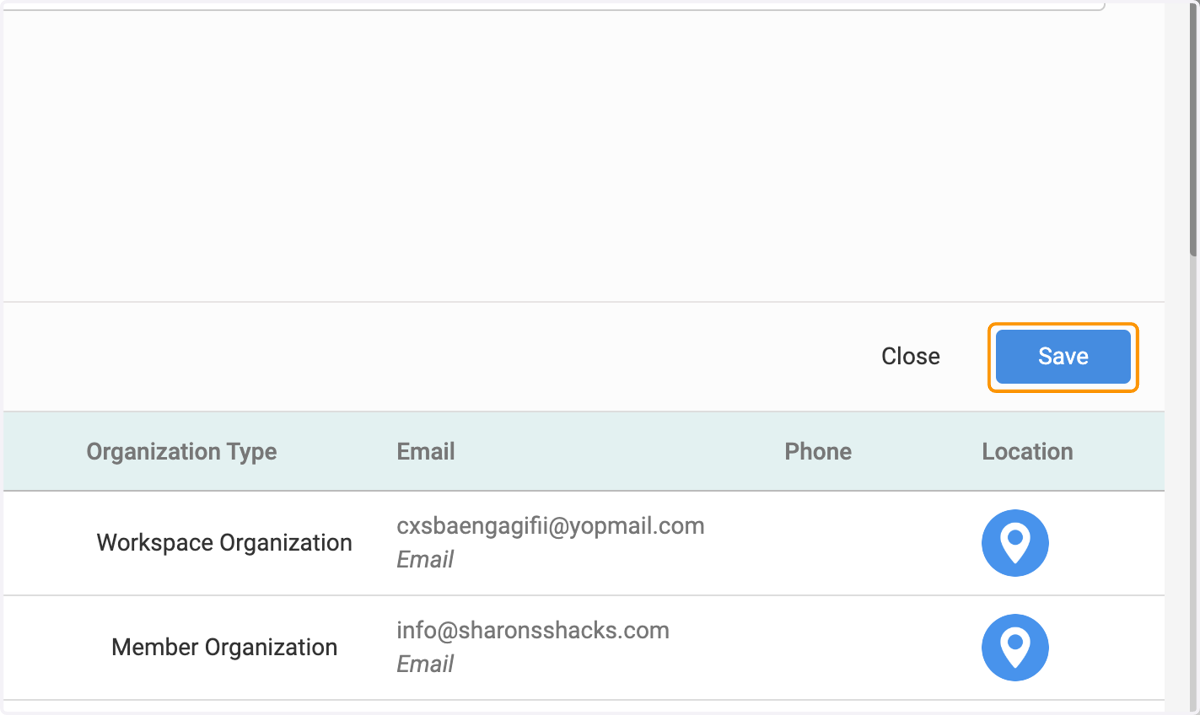
  9. 9. Click on Save

    Click on Save