Export Event Attendees

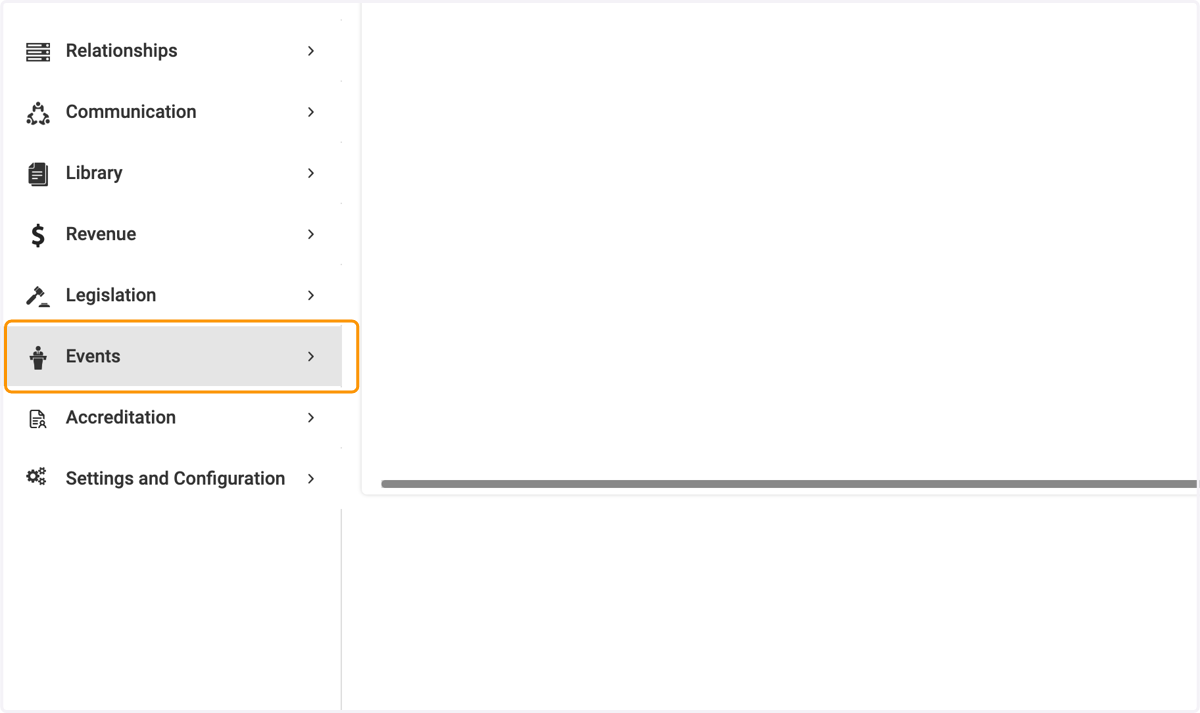
  1. 1. Click on Events

    Click on Events
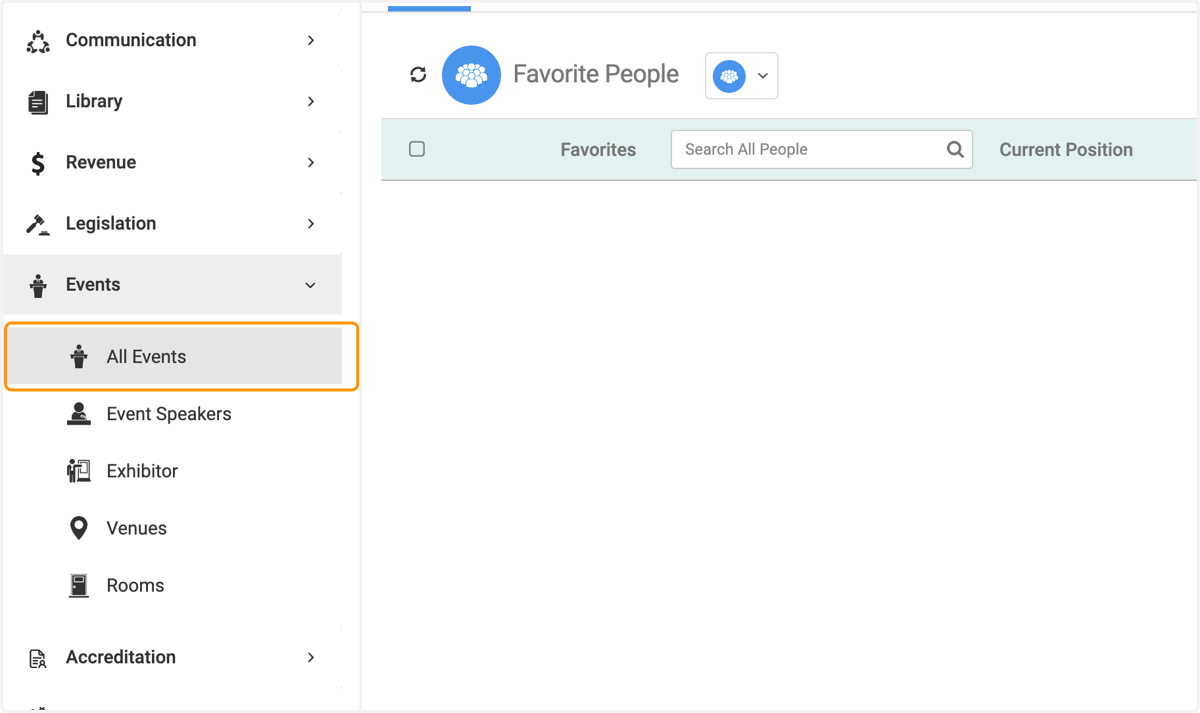
  2. 2. Click on All Events

    Click on All Events
  3. 3. Click on the event you wish to export
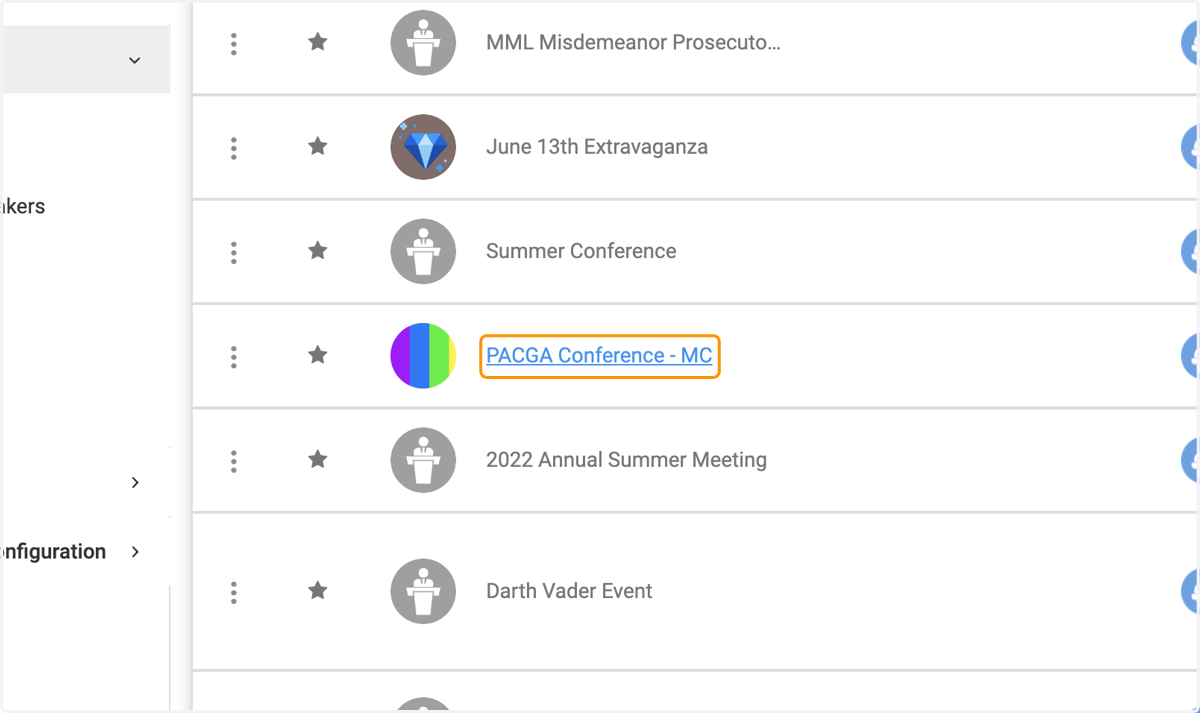
    Click on the event you wish to export
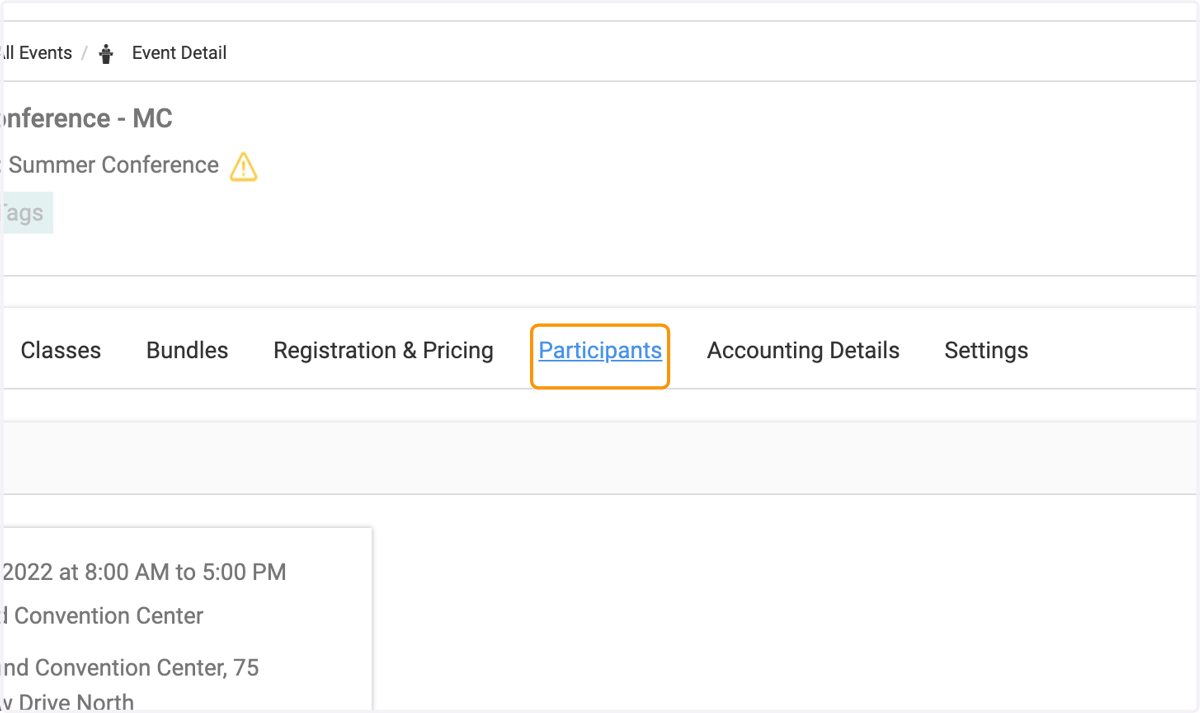
  4. 4. Click on the Participants tab

    Click on the Participants tab
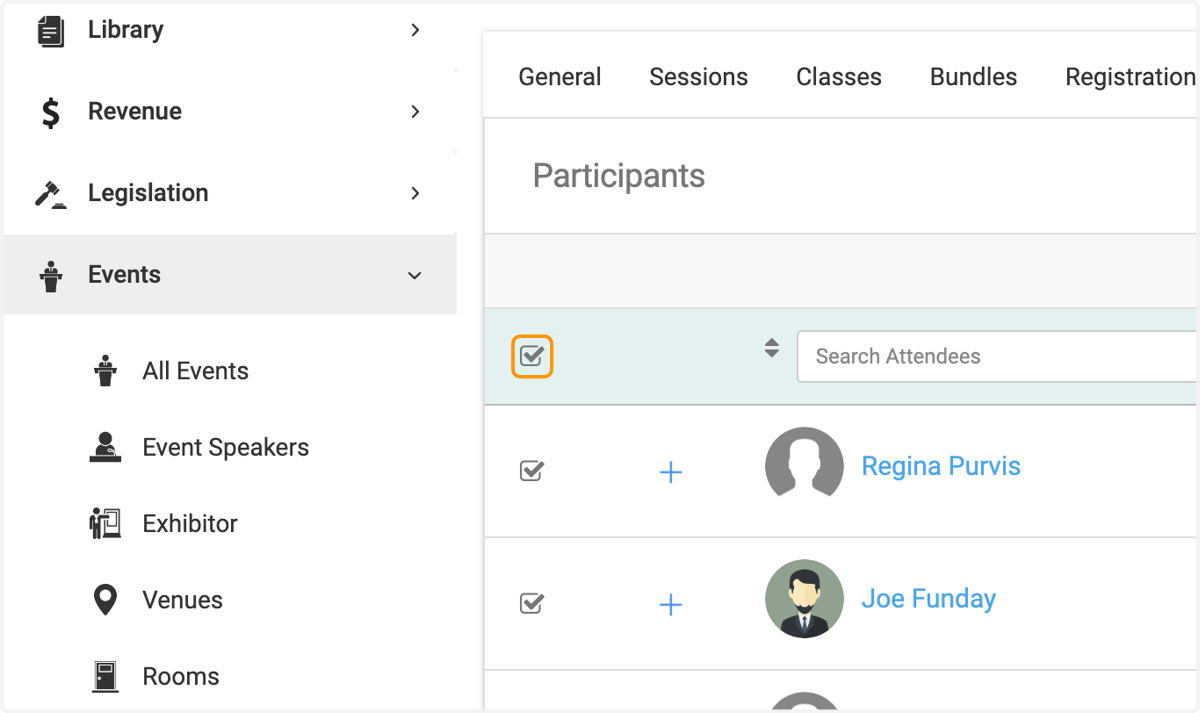
  5. 5. Check on the box for "Select All"

    Check on the box for "Select All"
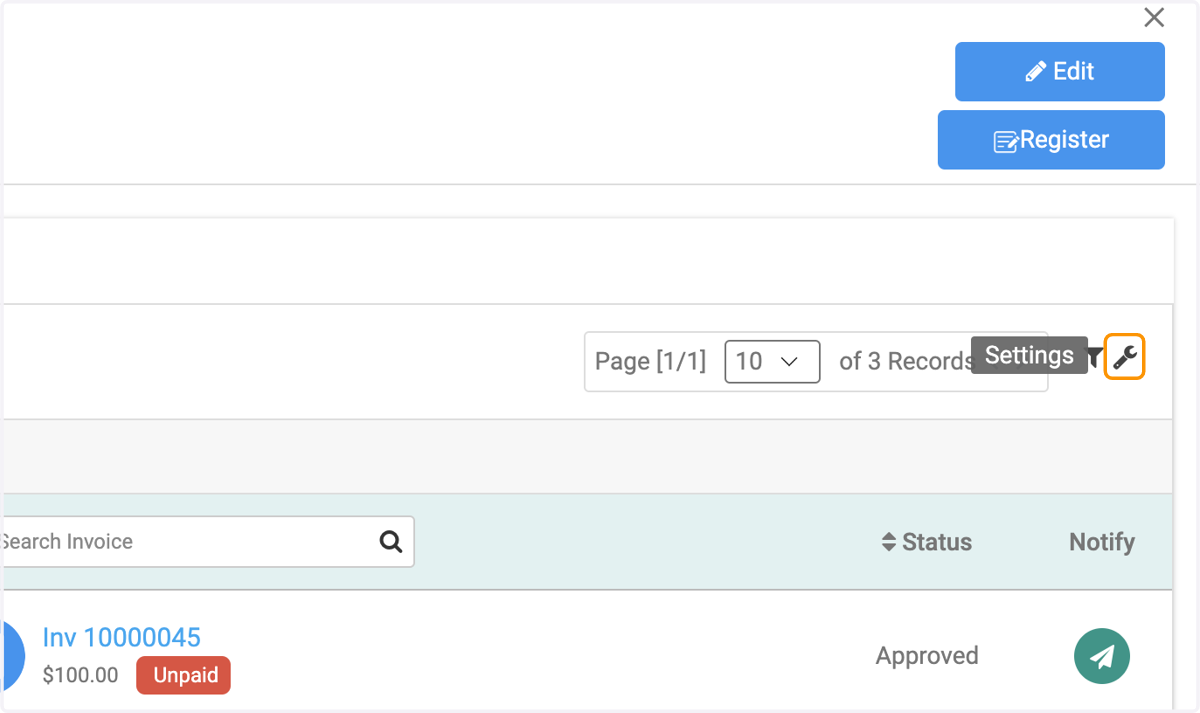
  6. 6. Click on the wrench icon

    Click on the wrench icon
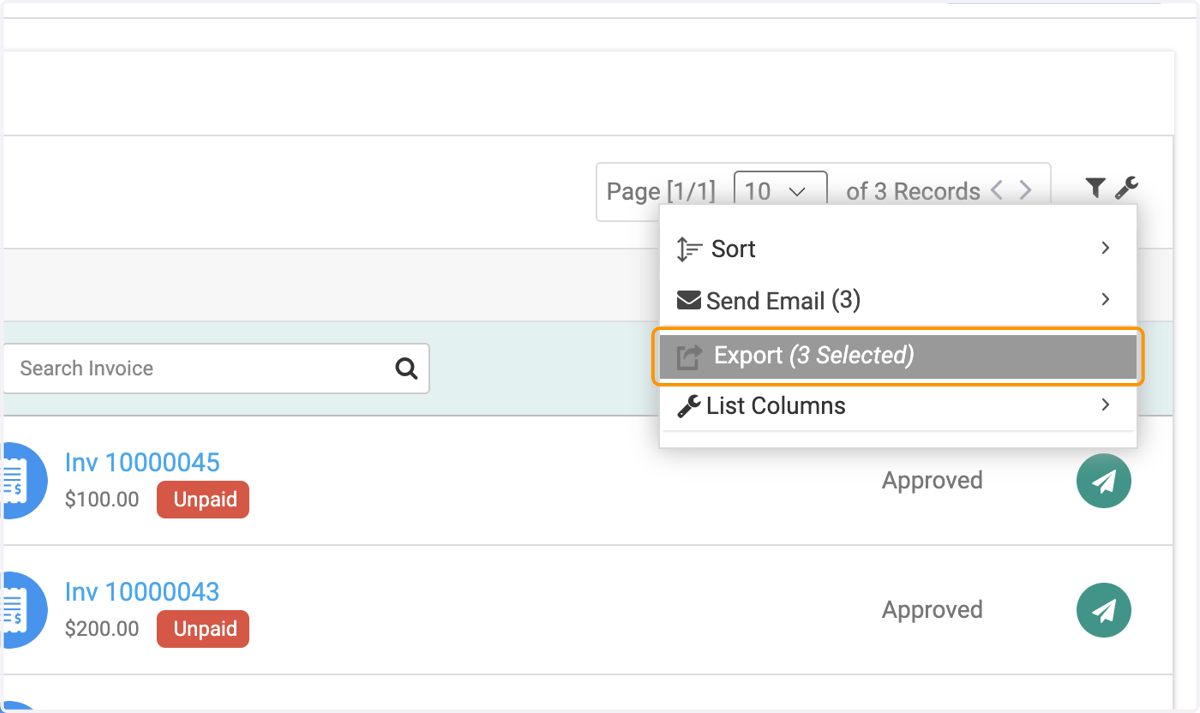
  7. 7. Click on Export

    Click on Export
  8. 8. Check all fields you wish to see on your export file
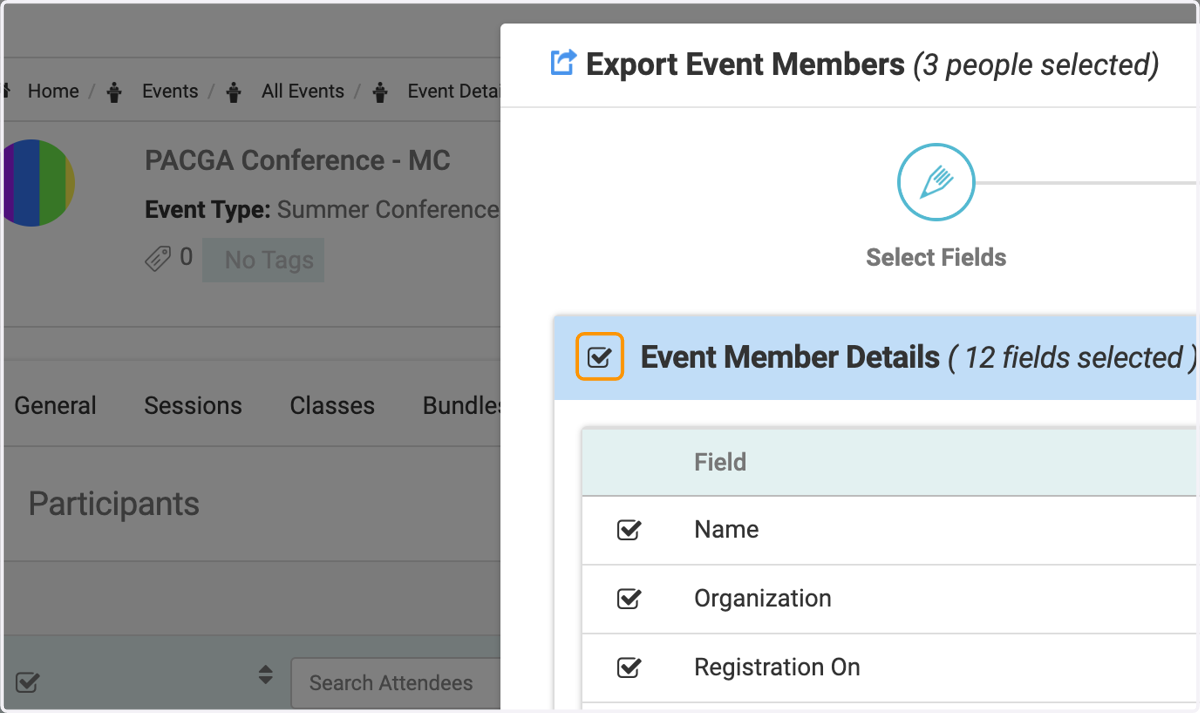
    Check all fields you wish to see on your export file
  9. 9. Check on other tabs for the fields you wish to add on the report
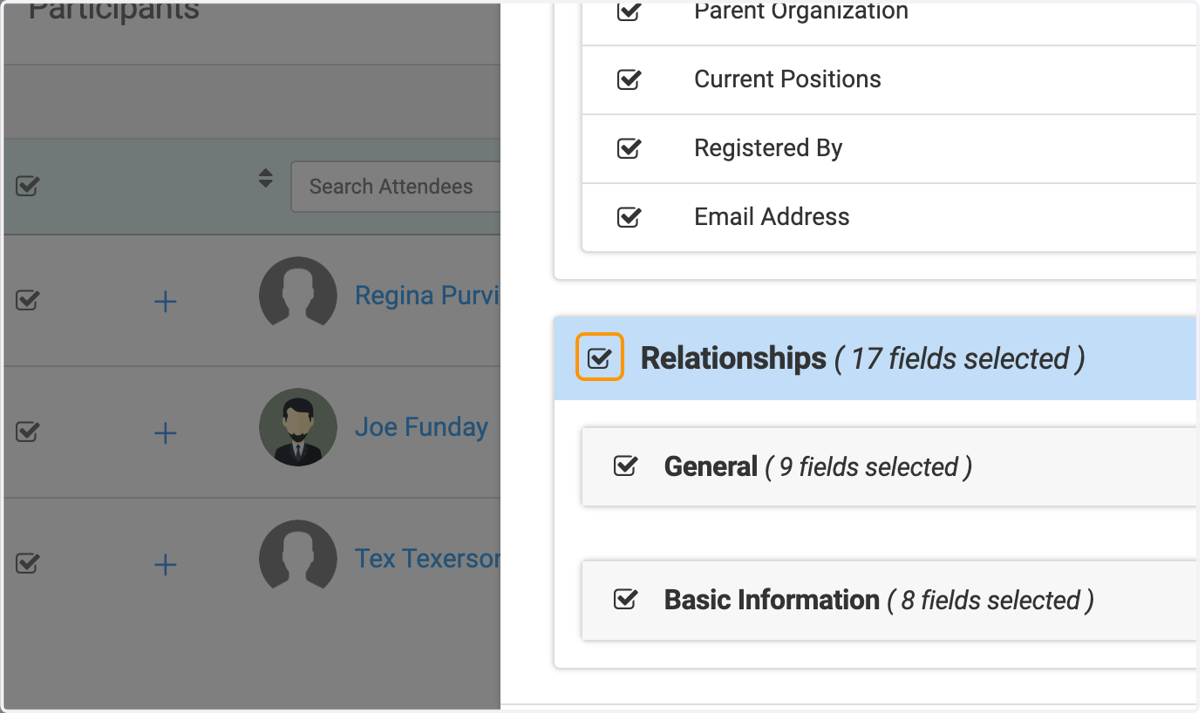
    Check on other tabs for the fields you wish to add on the report
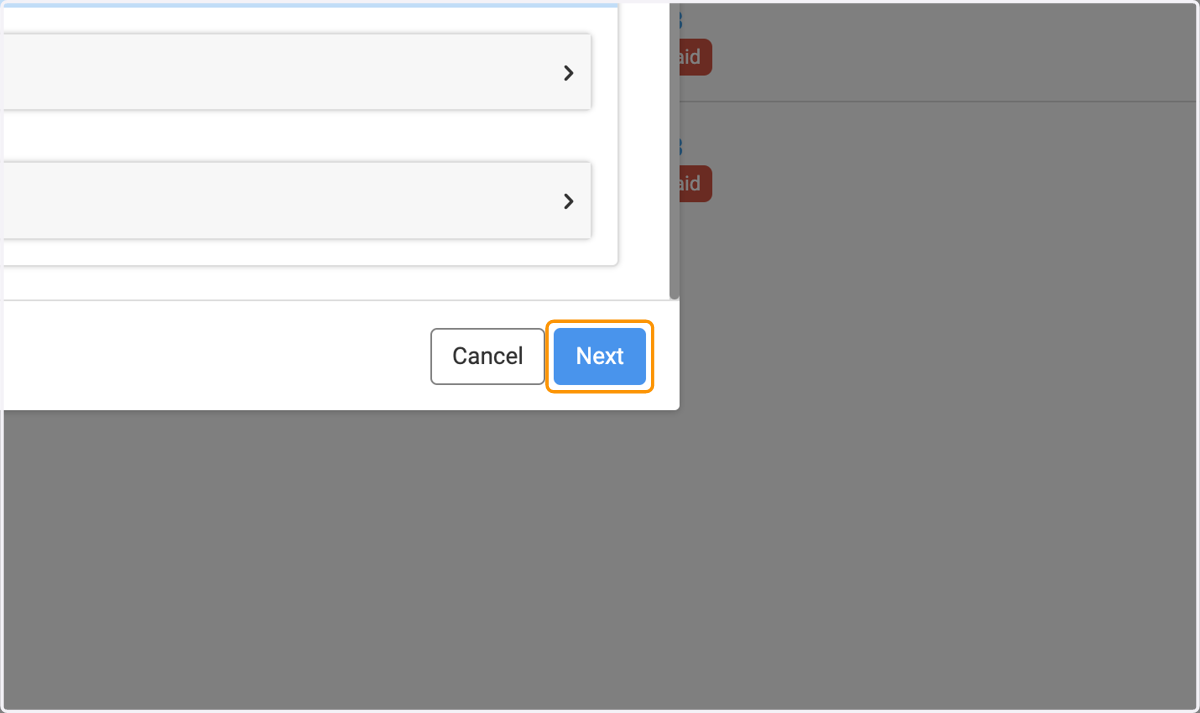
  10. 10. Click on Next

    Click on Next
  11. 11. Give the name for the exported file
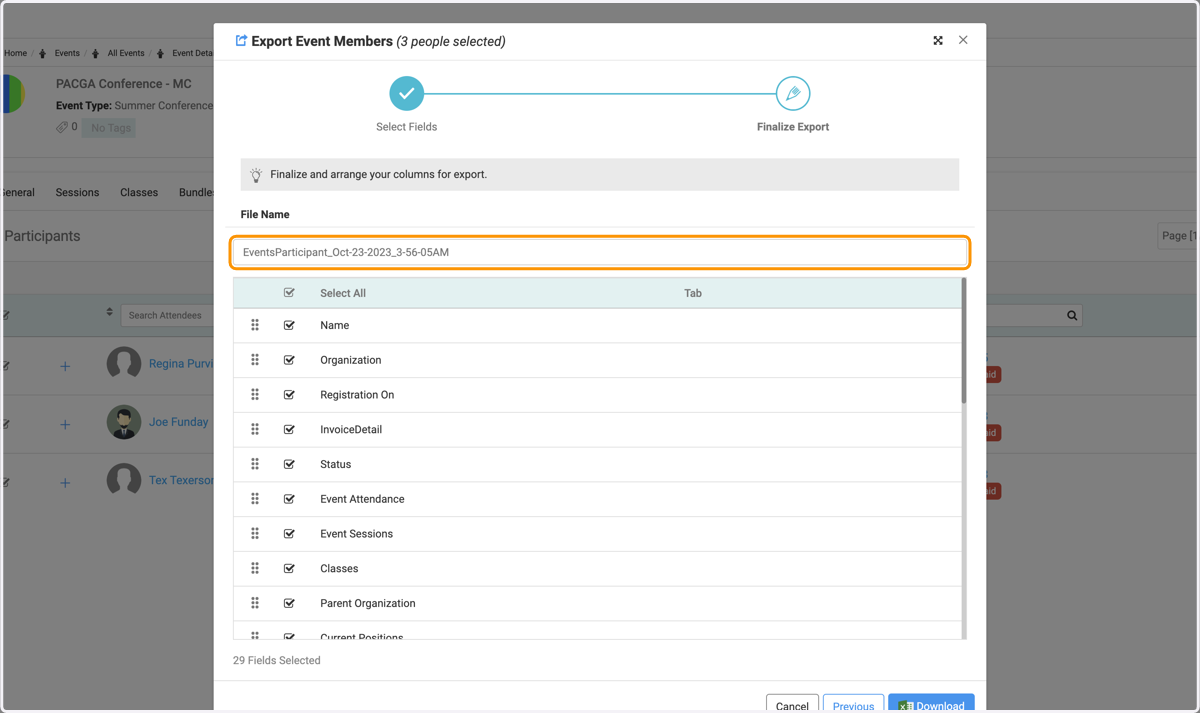
    Give the name for the exported file
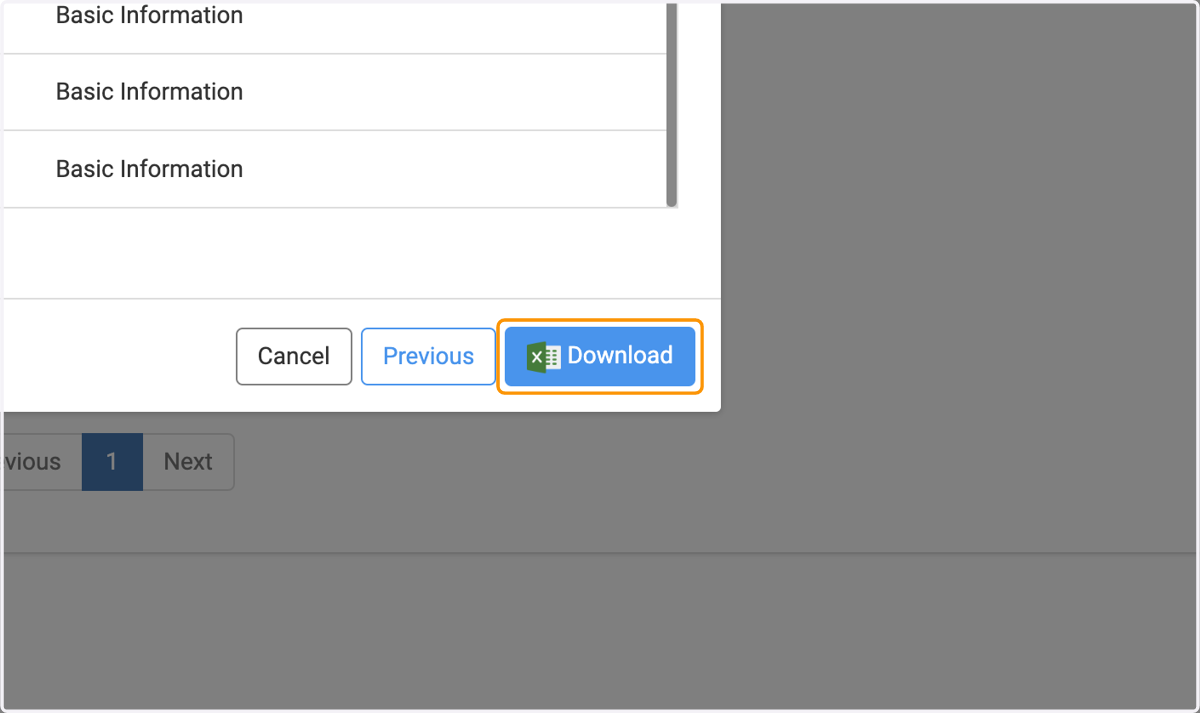
  12. 12. Click on Download

    Click on Download
  13. 13. Click on My Area to retrieve the download
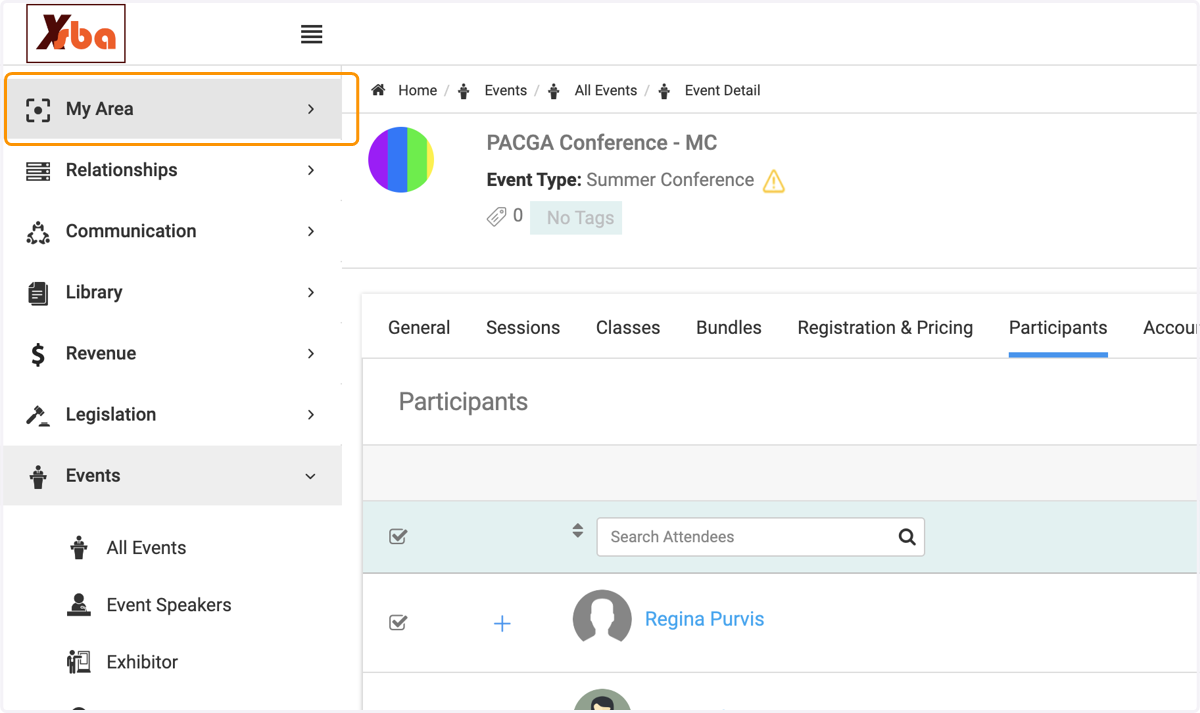
    Click on My Area to retrieve the download
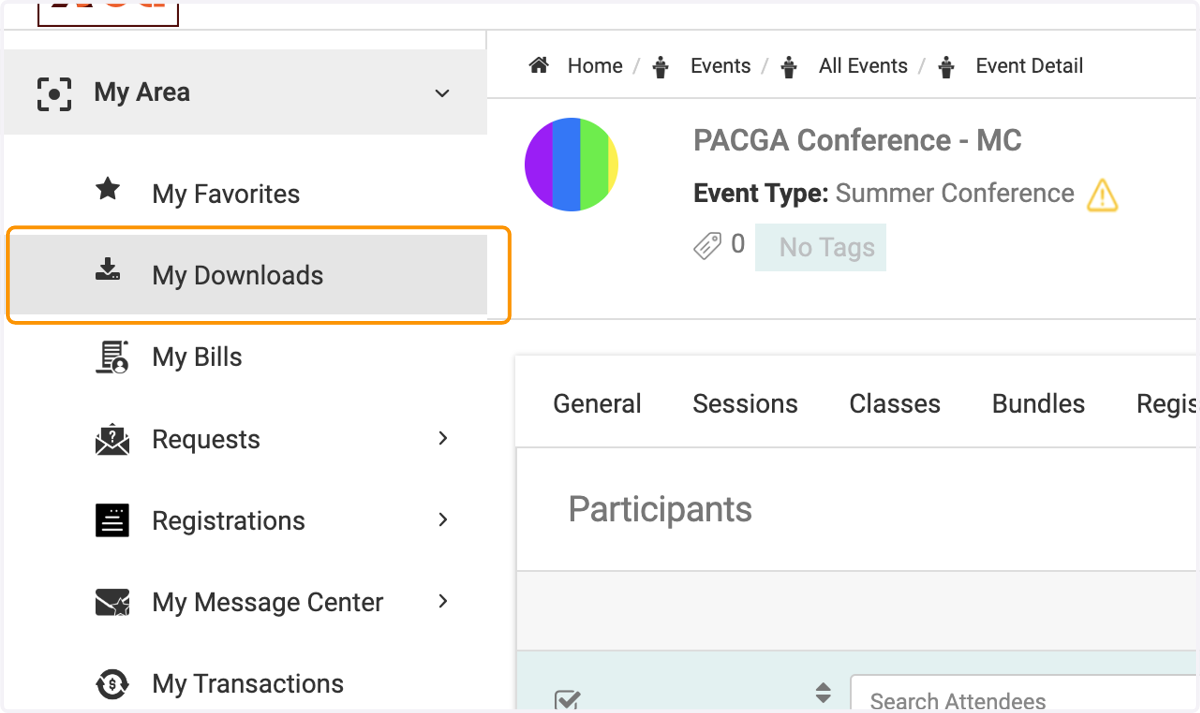
  14. 14. Click on My Downloads

    Click on My Downloads
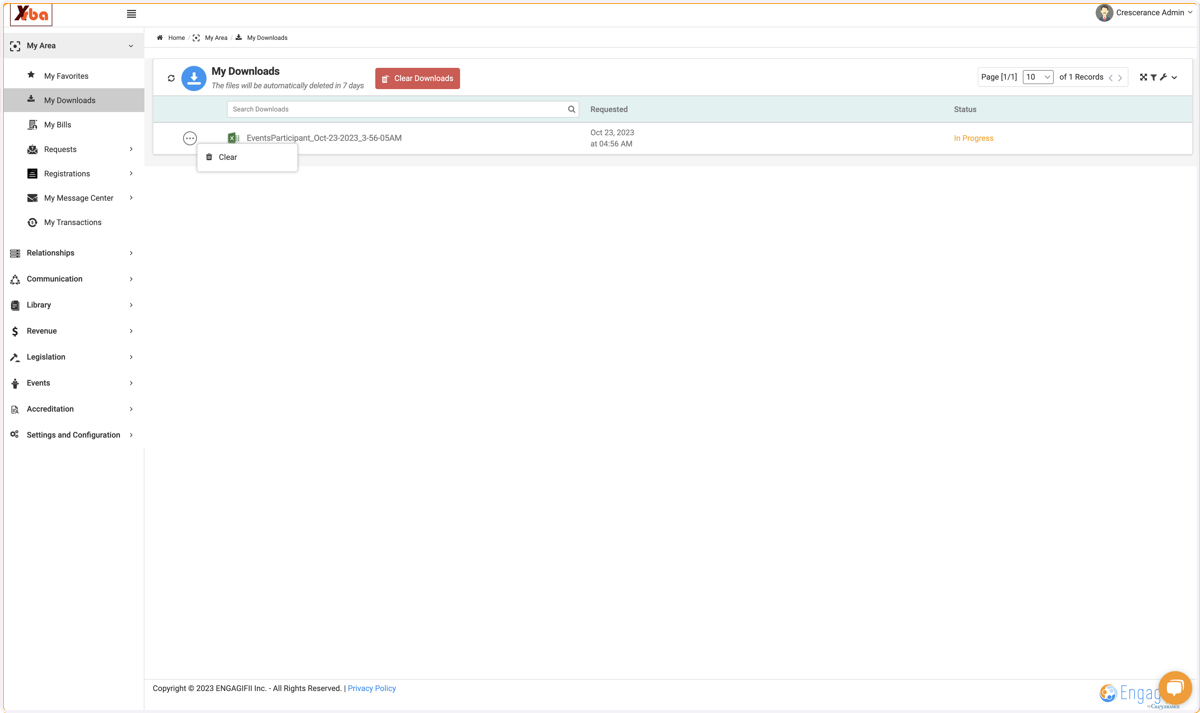
  15. 15. Click on the file once it's available
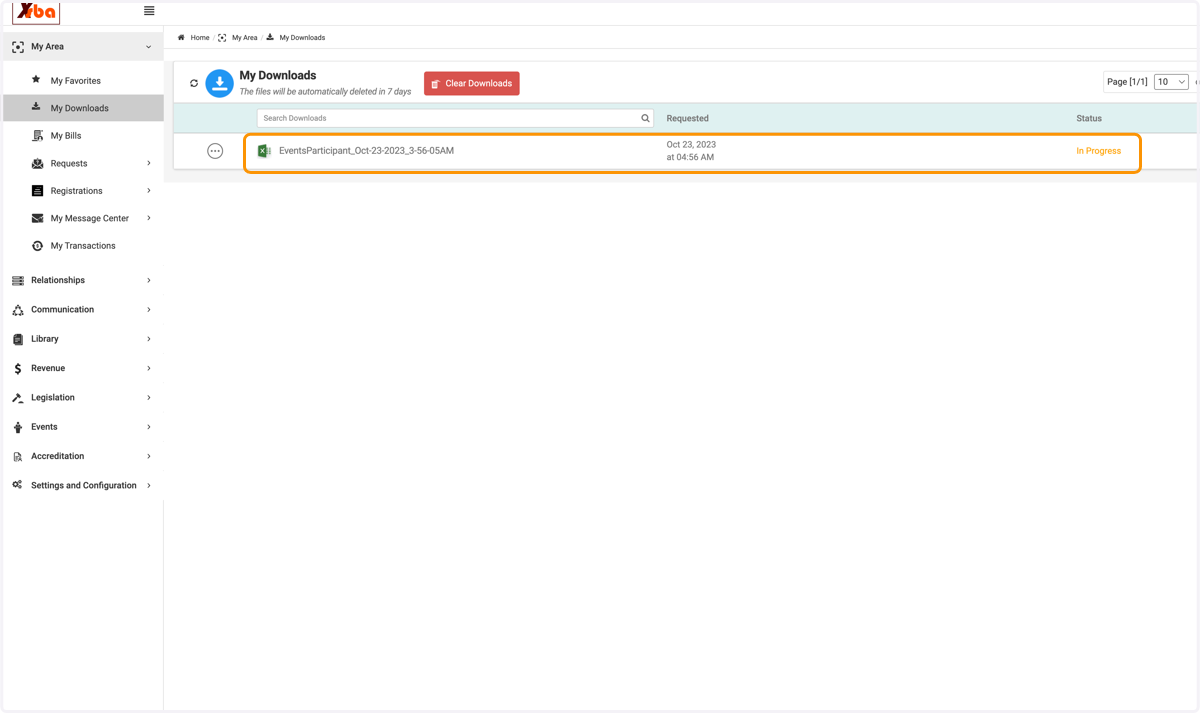
    Click on the file once it's available
  16. 16. Click on the 3 button if you wish to delete the download
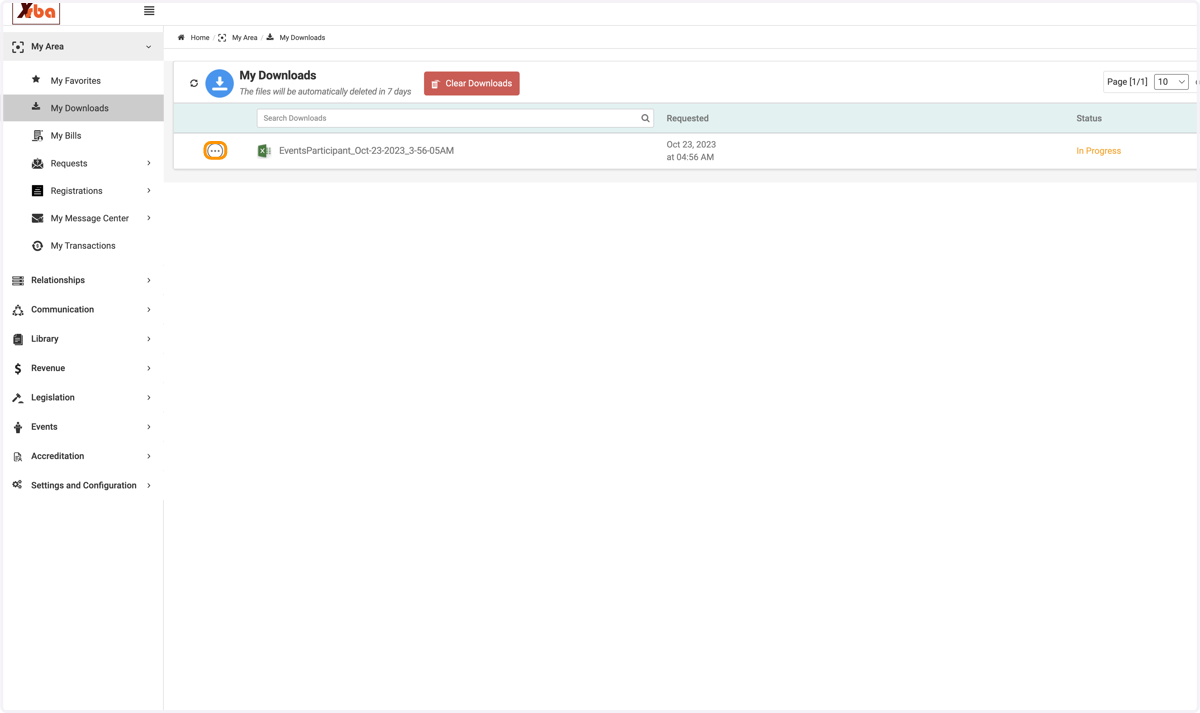
    Click on the 3 button if you wish to delete the download
  17. 17. Click on Clear to delete

    Click on Clear to delete