How secure is my Media Room content?
There are a number of security measures in place to protect your content.
Firstly, Media Room requires the use of authentication when logging in. This adds an extra layer of security to your account.
Screeners are also protected by a full studio grade DRM (Digital Rights Management). DRM restricts the user from making unauthorised copies and distributing copyrighted digital materials. Media Room DRM prohibits the ability to screenshot or "rip" video data.
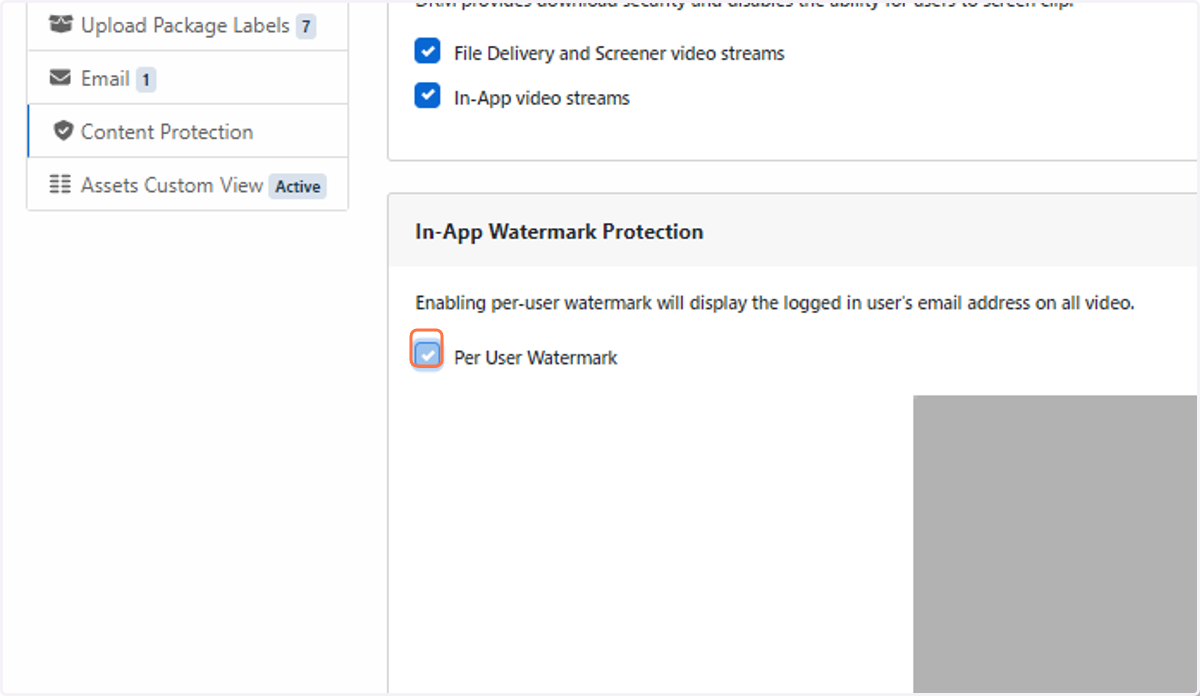
In addition, Media Room screeners are protected by the use of per recipient watermarks. Displaying a recipient's email address discourages unauthorised screen recording of a video.
1. How to reset Multi-factor authentication
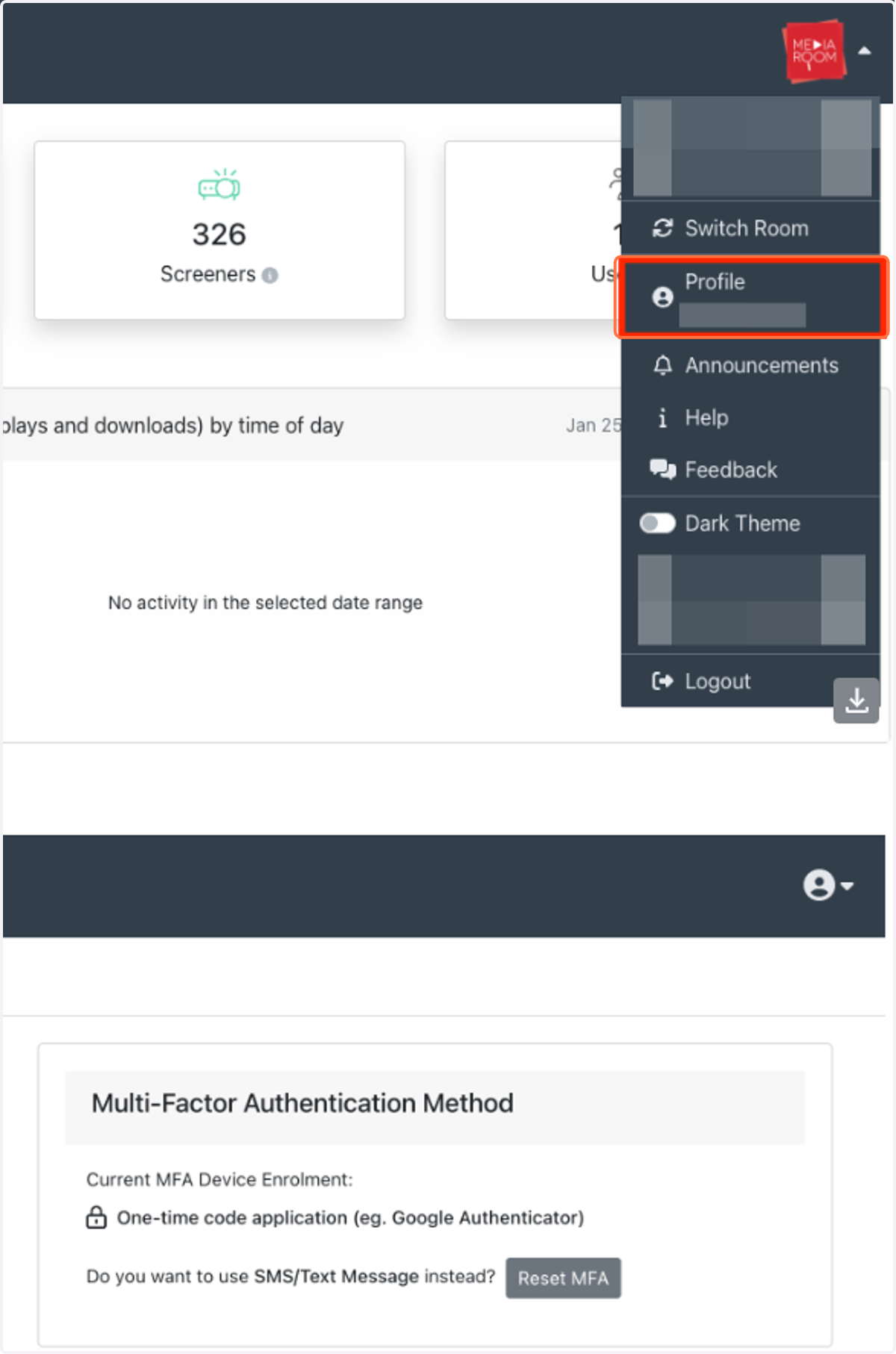
Multi-factor authentication can be reset through your user profile page in Media Room. You can choose to have codes delivered via SMS or Google Authenticator. Only one option can be chosen.
2. How to enable Digital Rights Management (DRM)
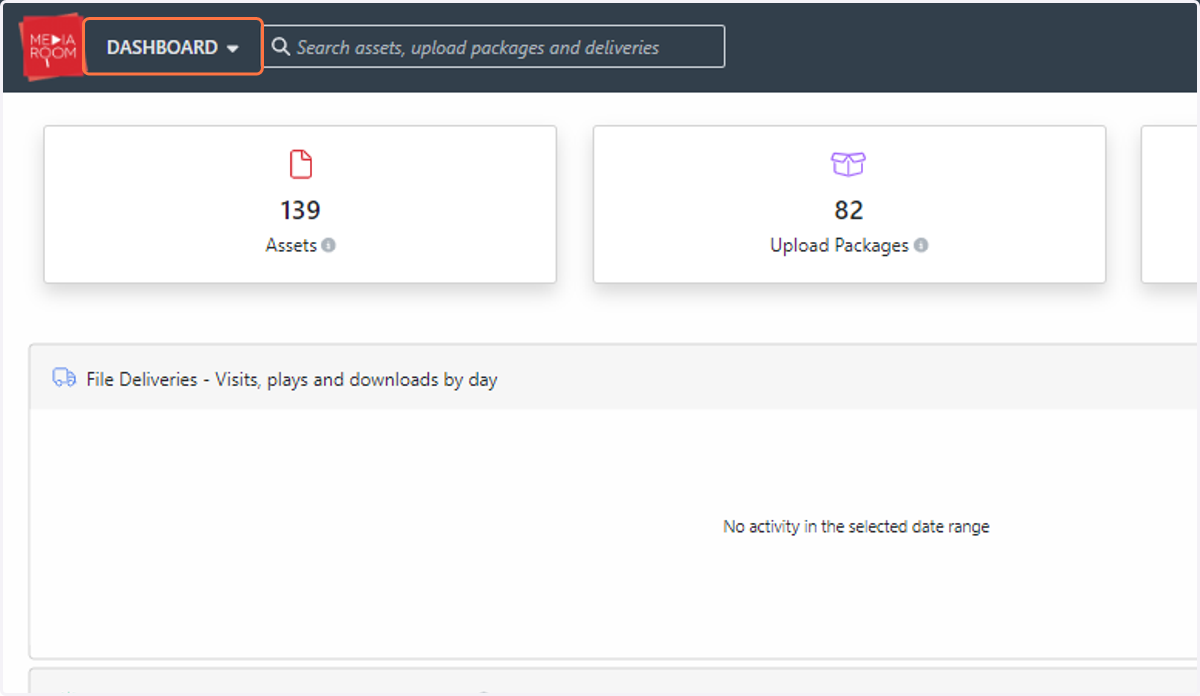
Click on DASHBOARD
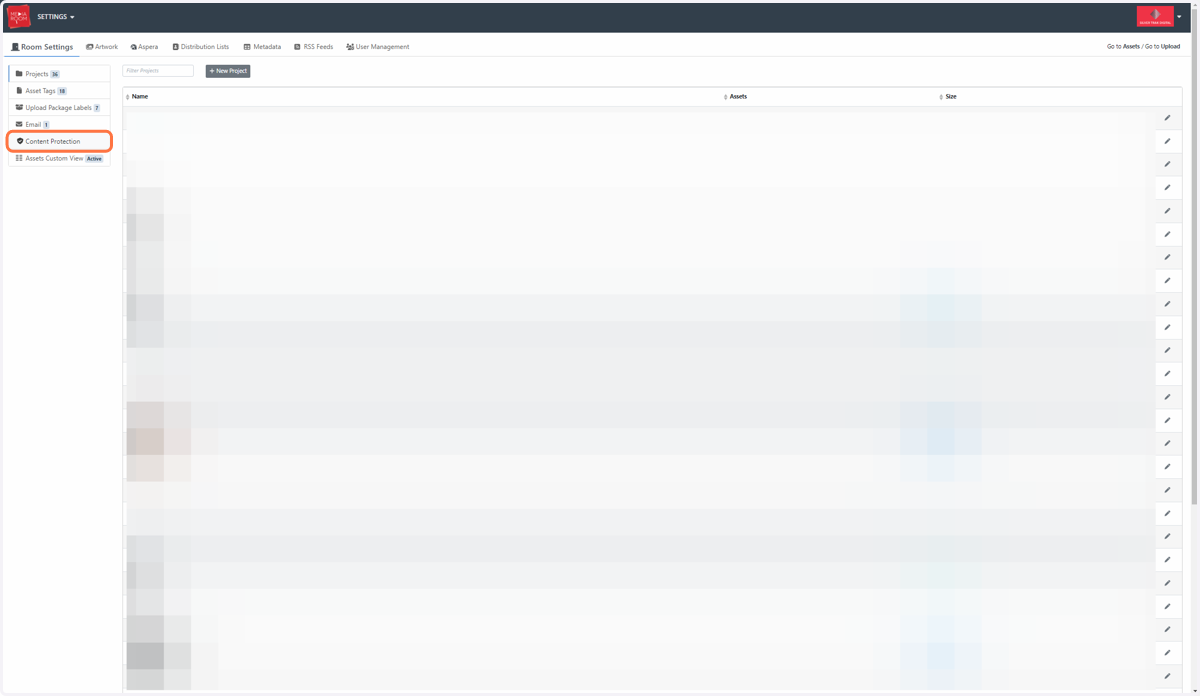
3. Click on Settings…
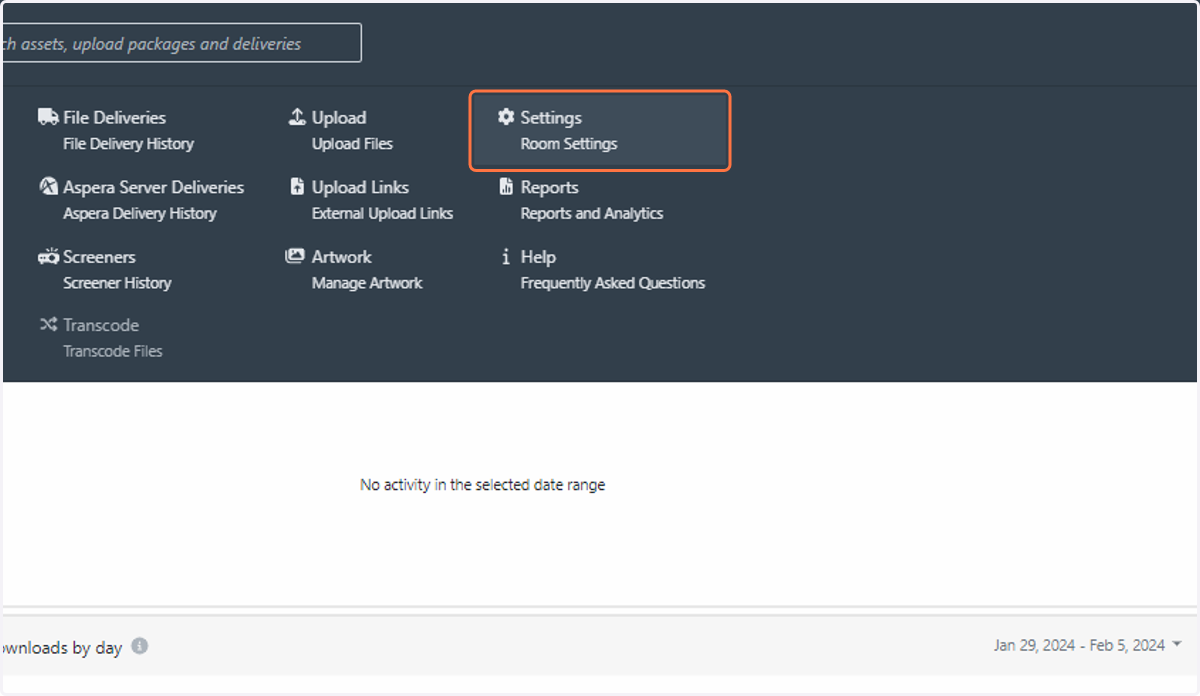
4. Click on Content Protection
5. Check Per User Watermark
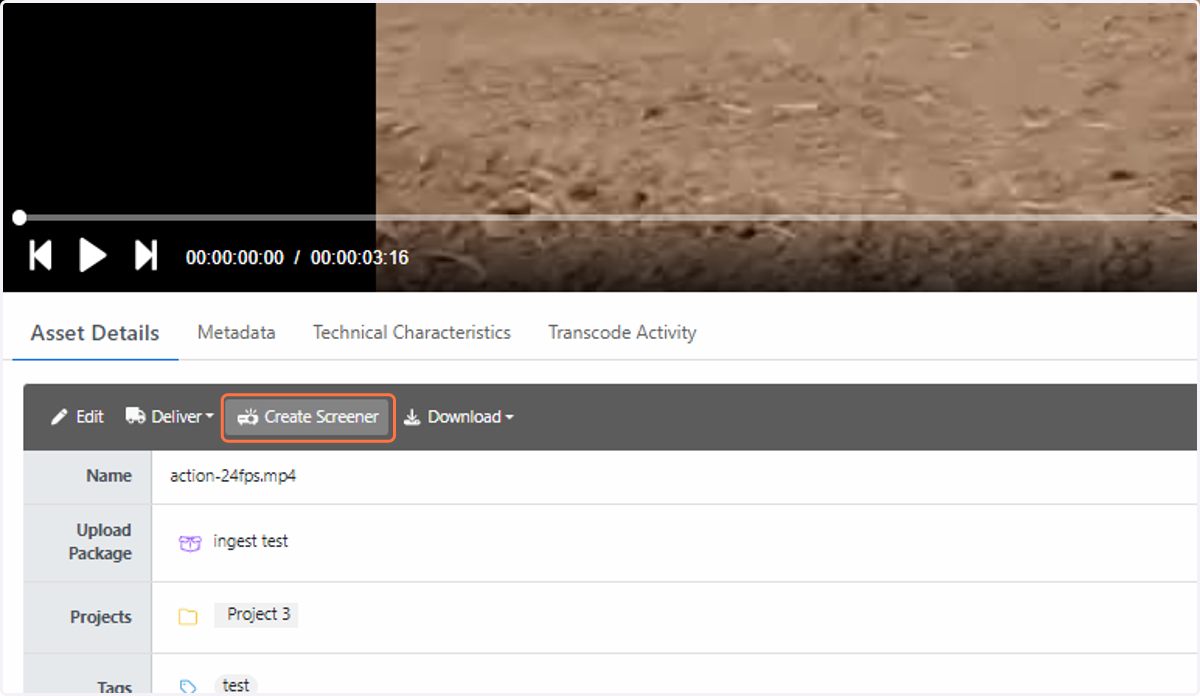
6. How to customise a watermark display in a screener delivery
Click on the asset that you would like to create a screener delivery with. Click Create Screener.
7. Fill out the delivery form. You will be able to customise the watermarking display on the screener in the Security section. Click on Customise.
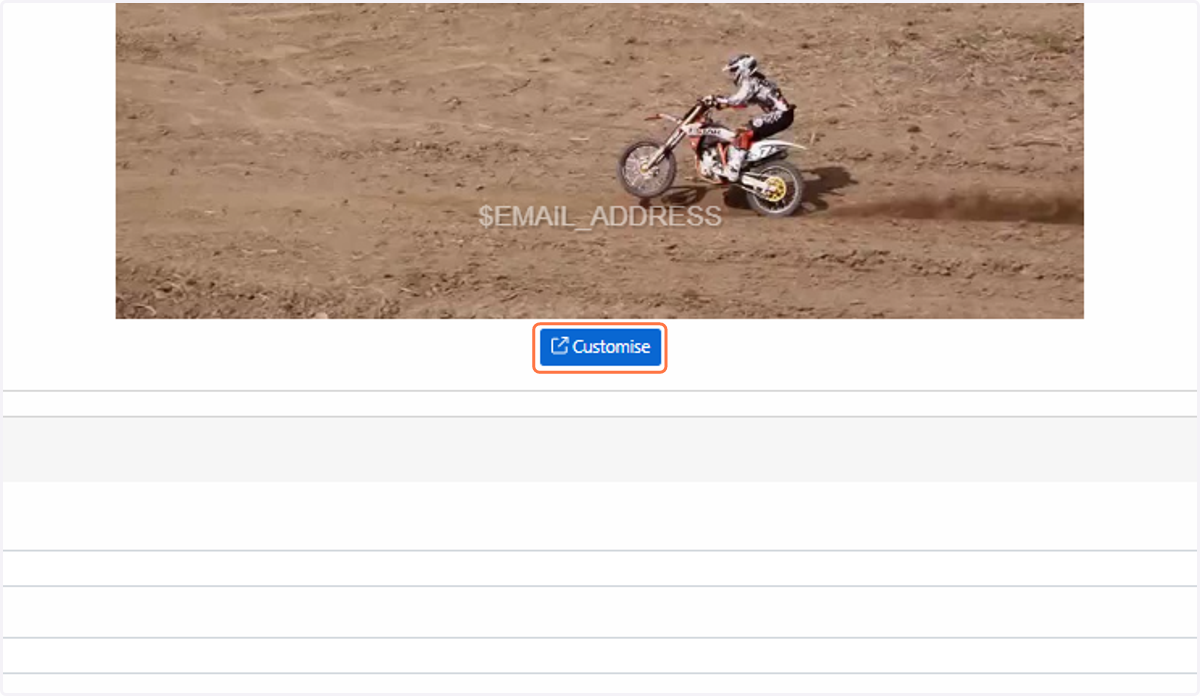
8. Click on Text to type in your personal watermarking. Note: $EMAIL_ADDRESS will be automatically replaced with the email address of the recipient.
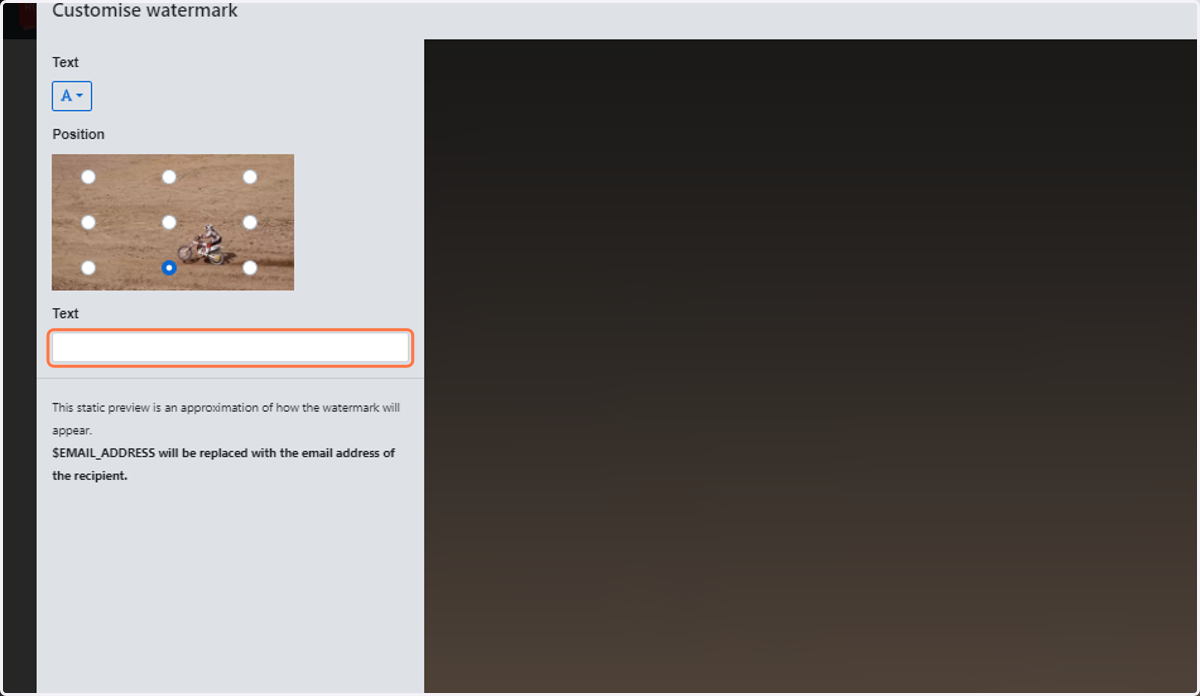
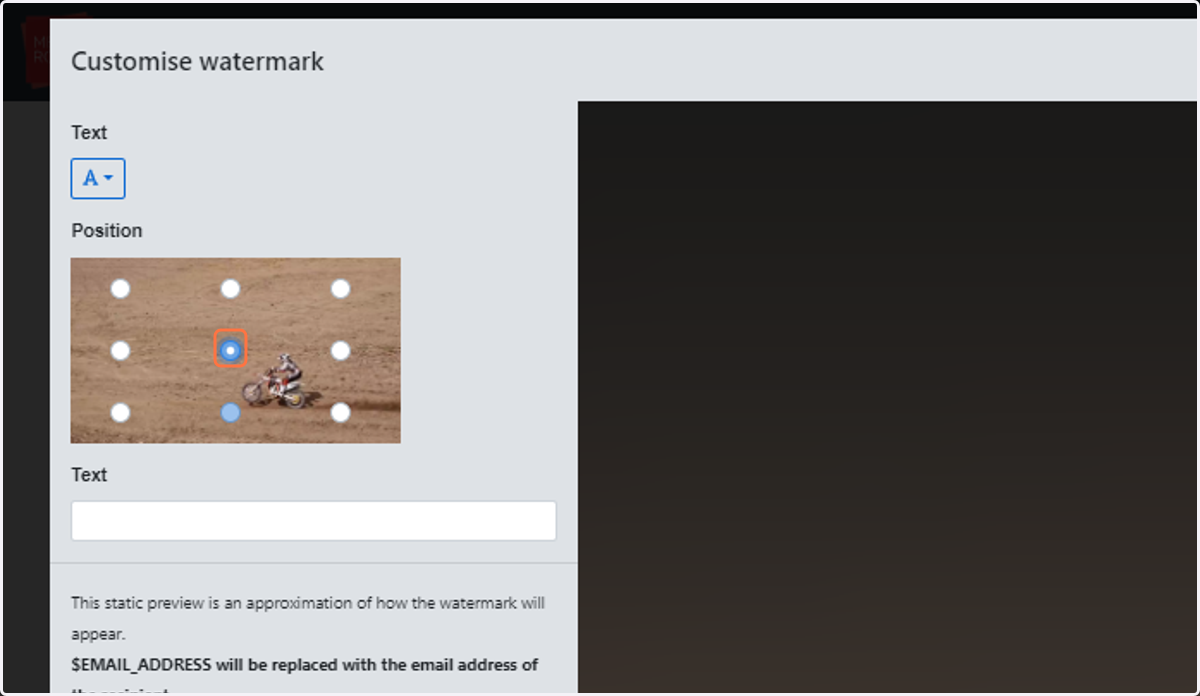
9. Select where you would like your watermarking to be positioned
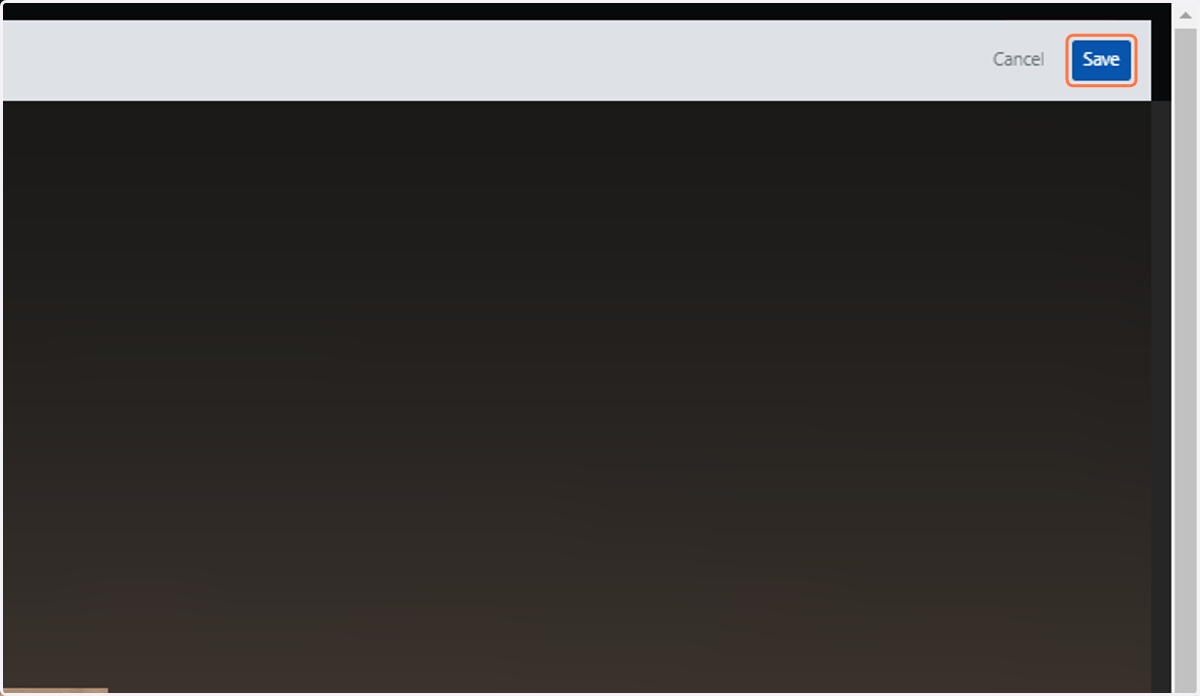
10. Click on Save