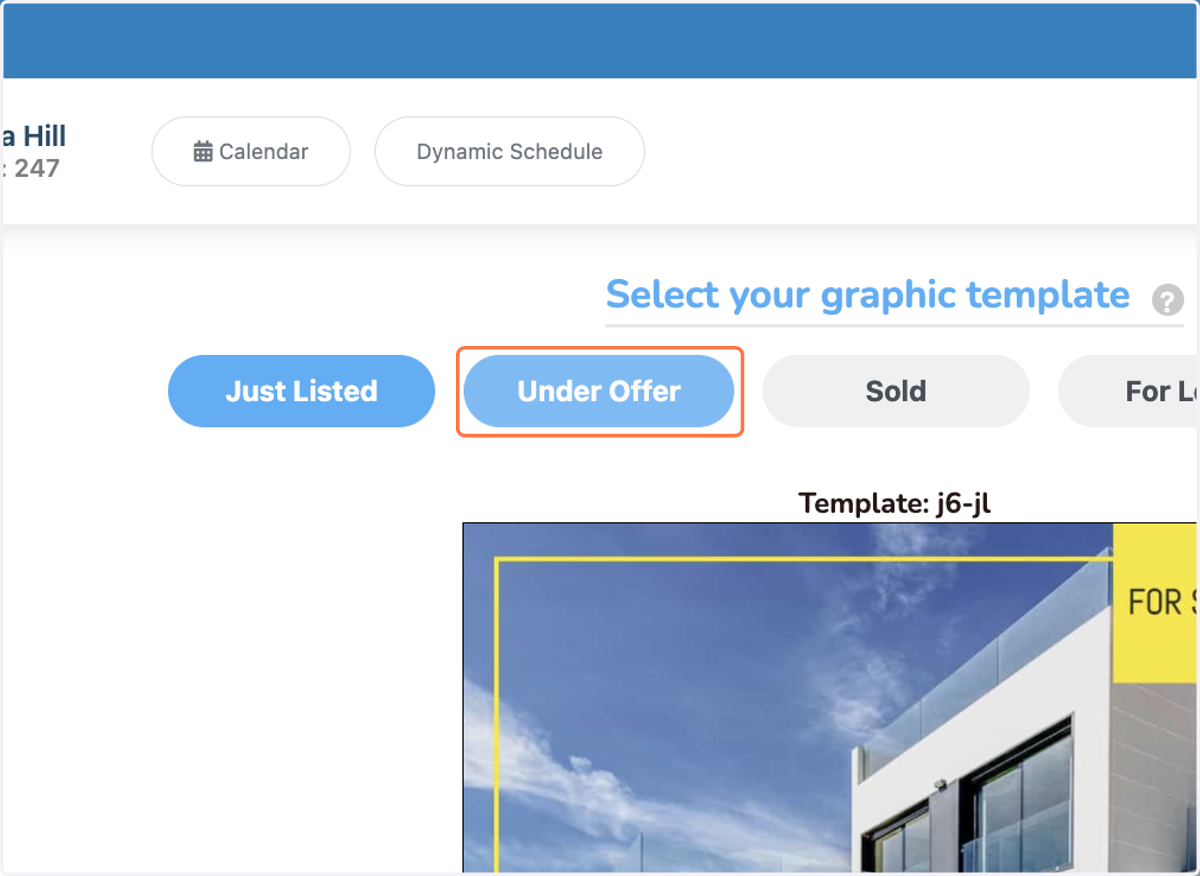
Selecting Graphic Listing Templates (Feed)
Dripflow.io | Graphics Settings
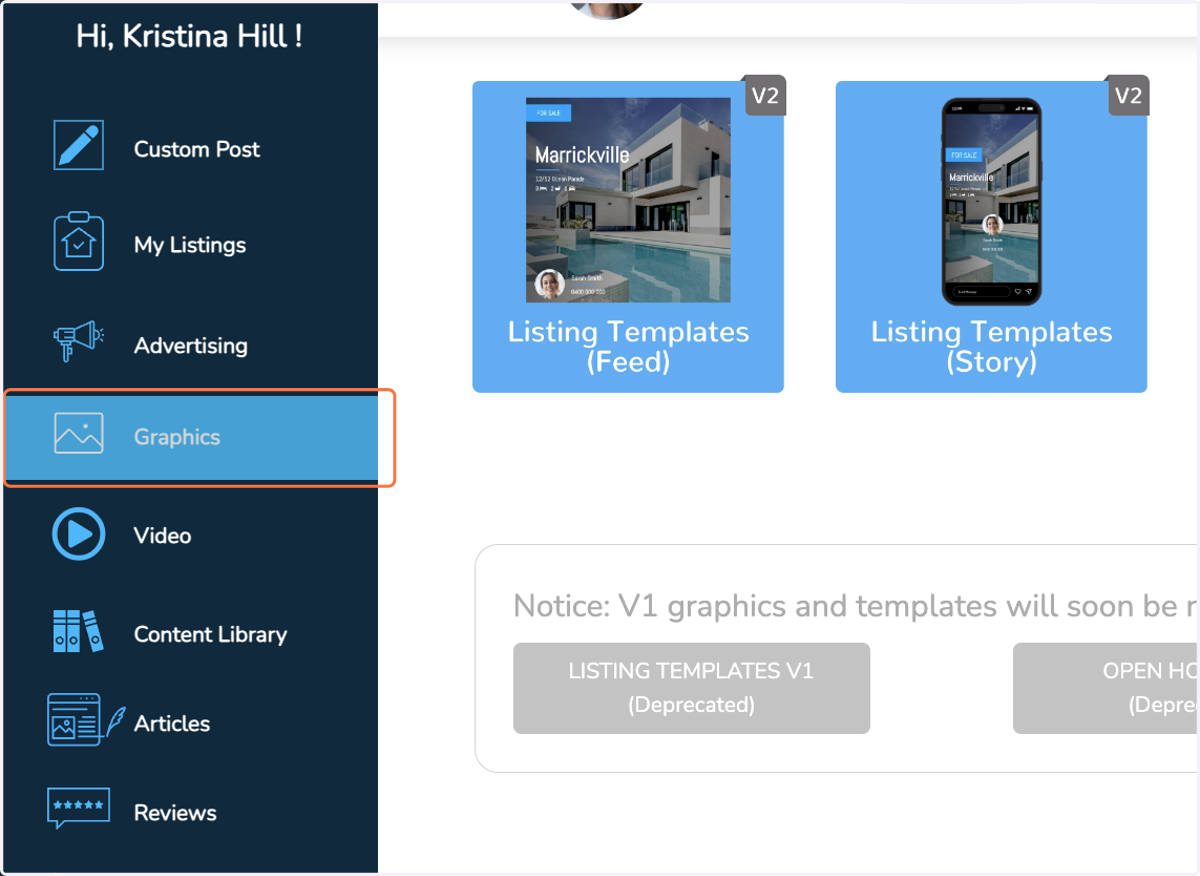
1. Click on Graphics
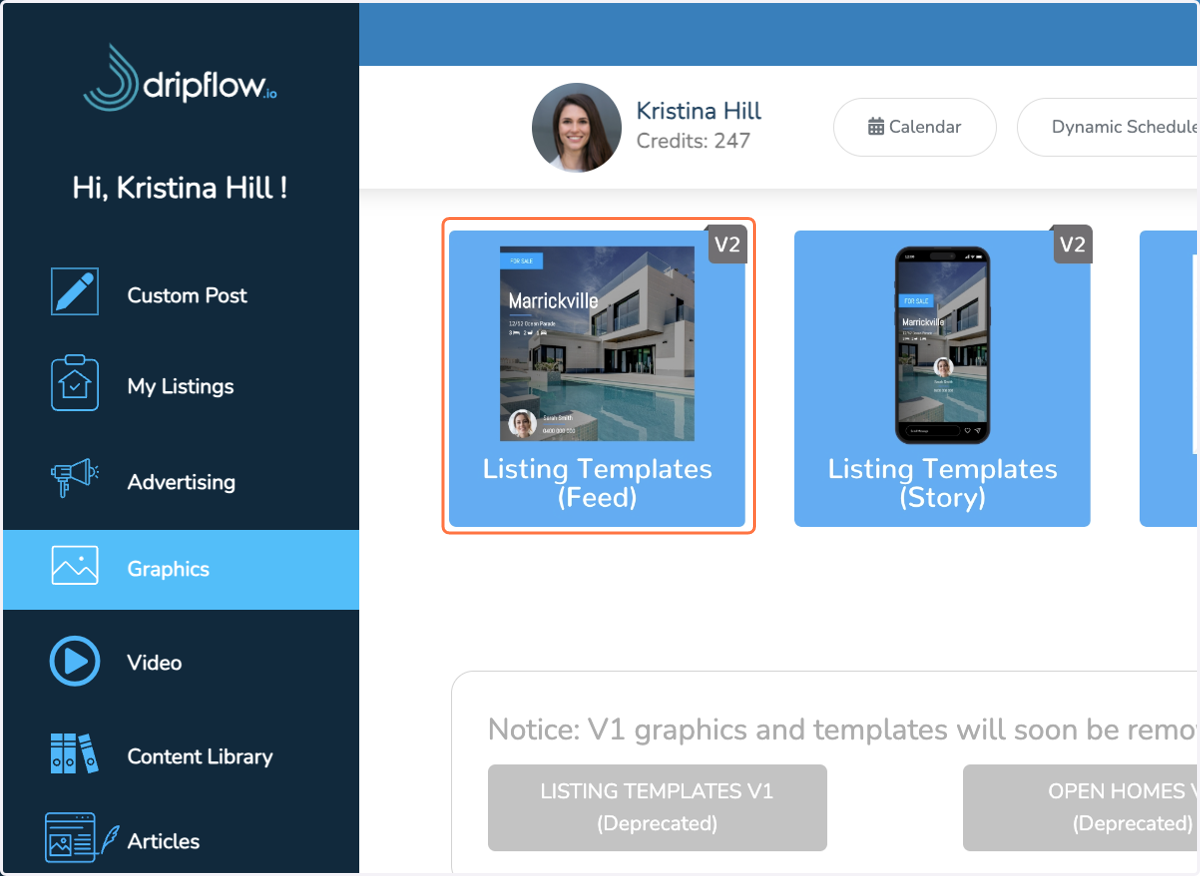
2. Click on Listing Templates (Feed)'
3. Use arrows to cycle through template options
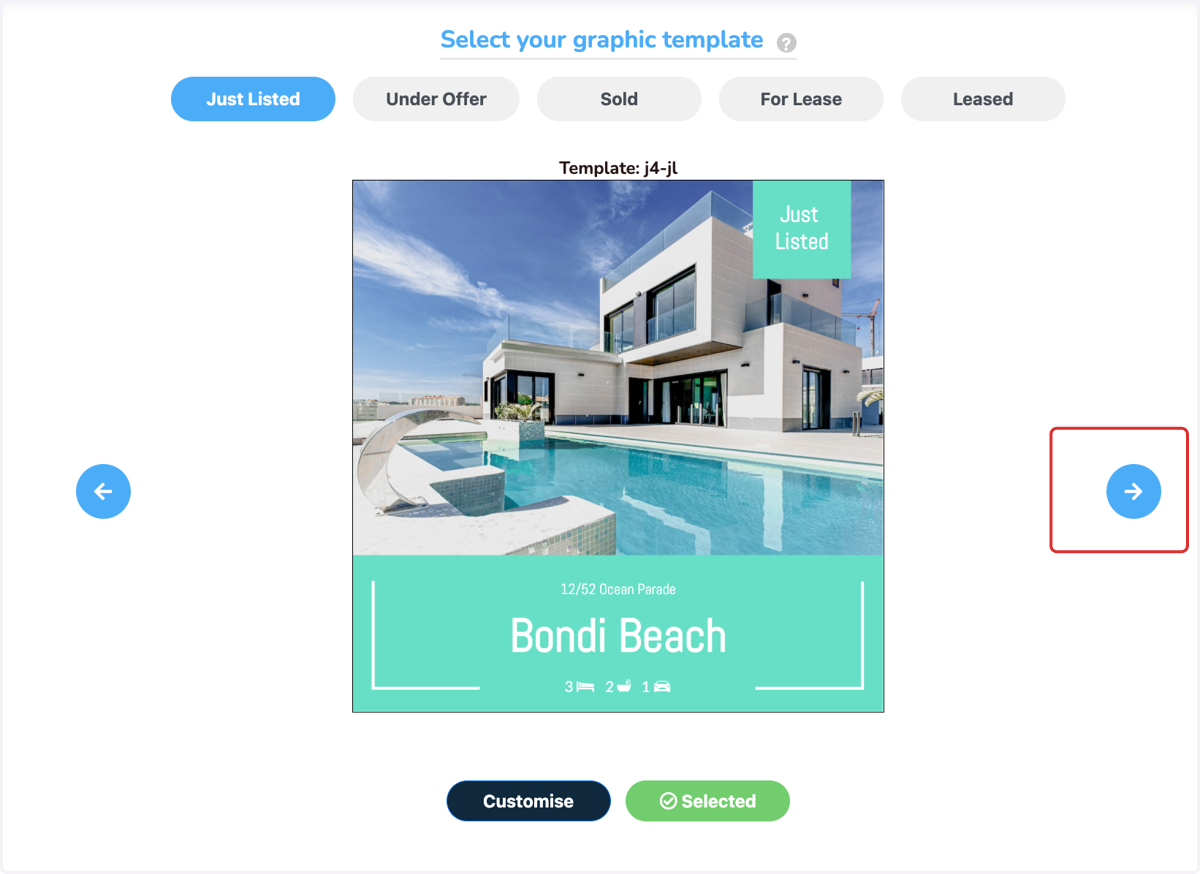
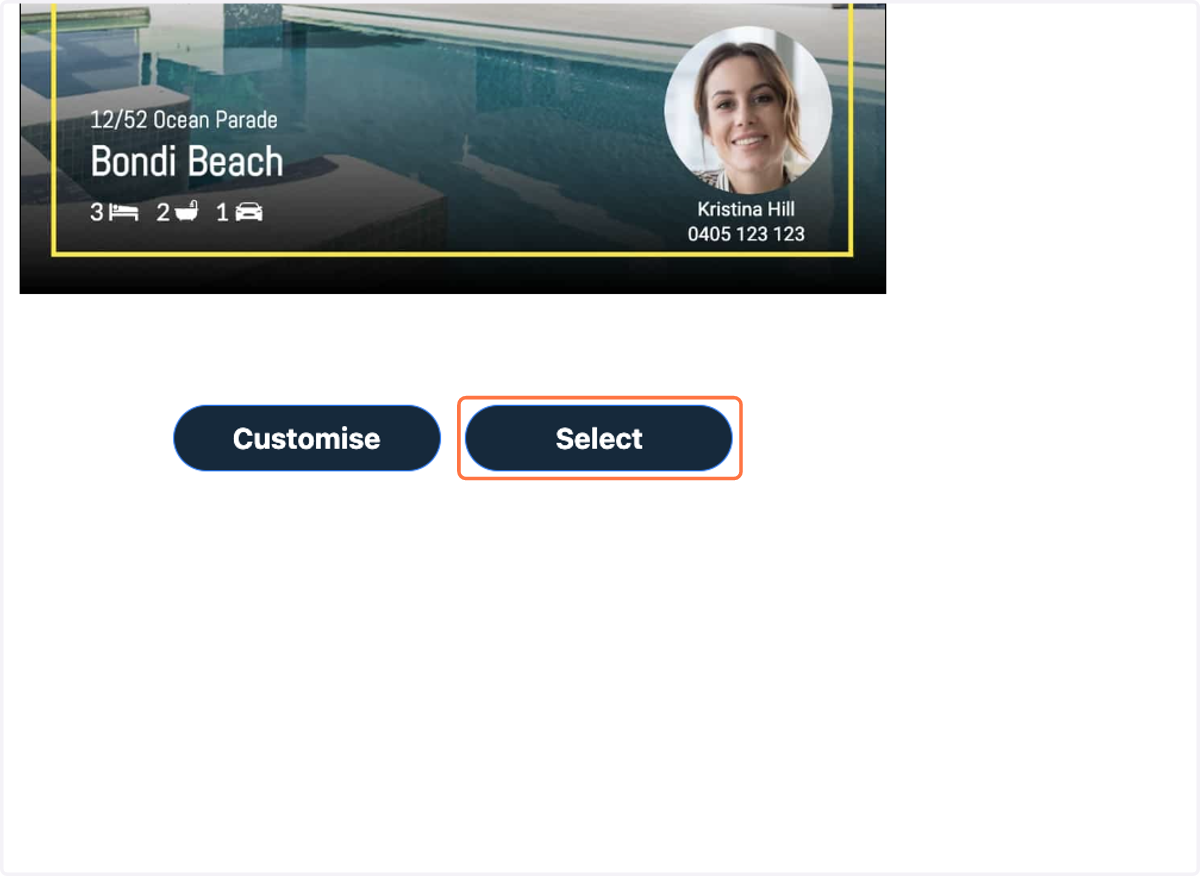
4. Click on 'Select' to use this template
5. Click on other statuses & follow the same process.