Phone Number Validation
We have introduced a new setting called "Phone Number Validation Enabled" within Infigo's Customer Settings. This feature allows the system to verify the format of entered phone numbers using configurable regex patterns specific to each country.
To access this setting, navigate to Customer Settings > Billing and Delivery Address Configuration. Once enabled, Infigo will ensure that phone numbers entered by users adhere to the specified format based on the corresponding regex.
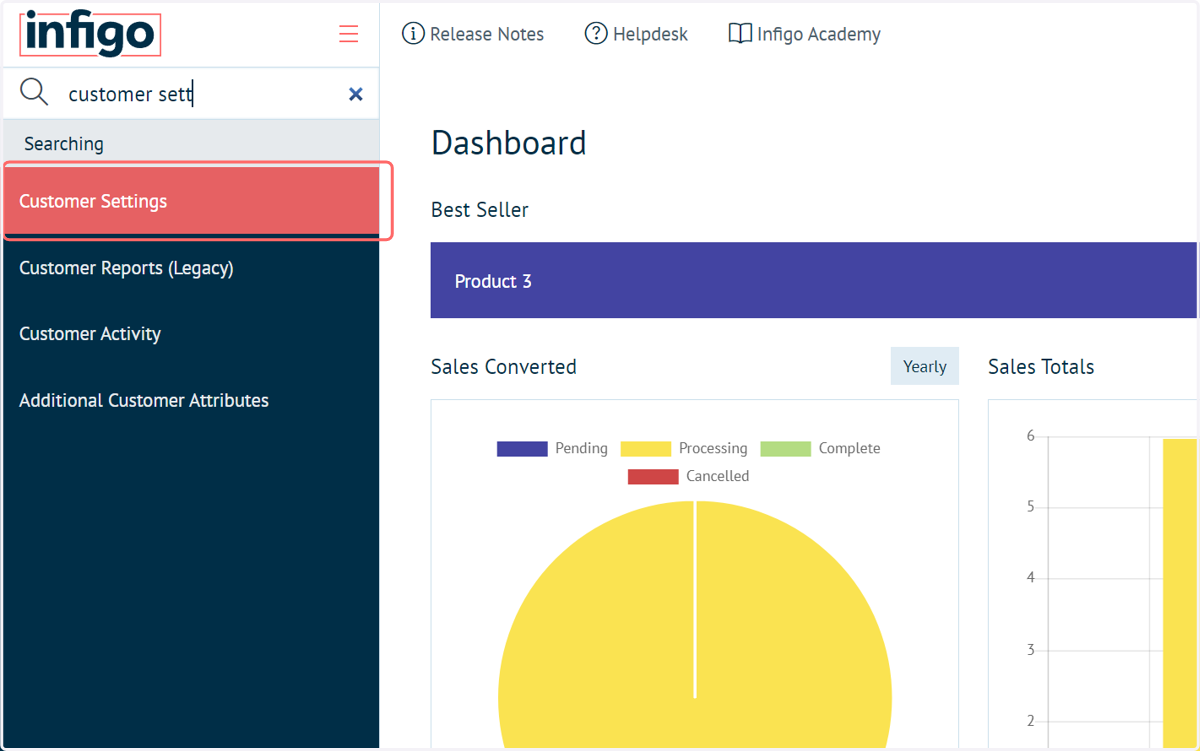
1. Navigate to Customer Settings
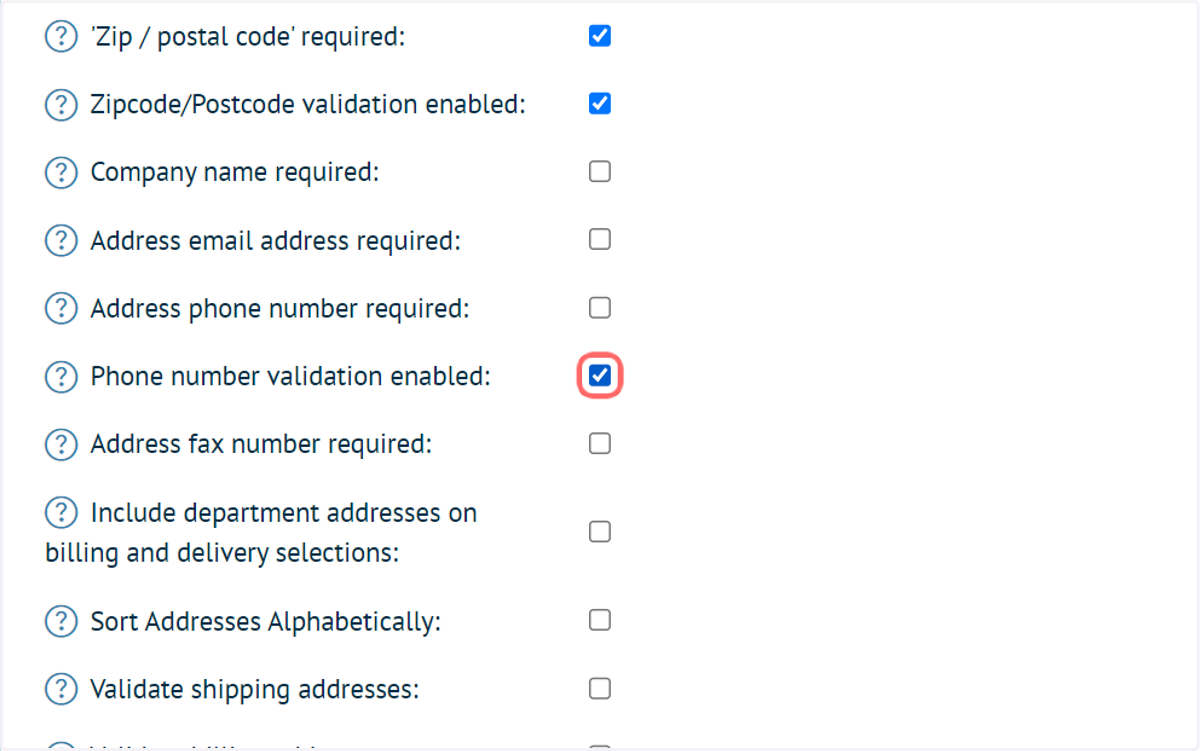
2. Check Phone number validation enabled
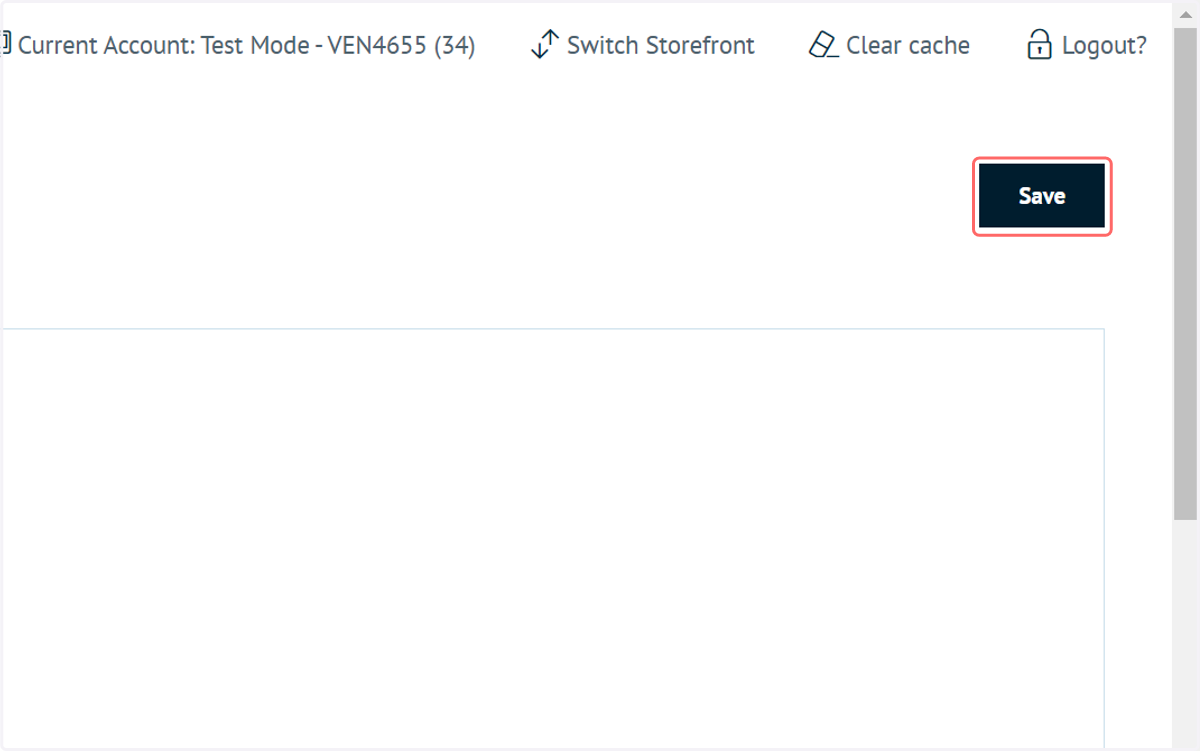
3. Click on Save
4. Click on Switch Storefront
To set the regex string, first ensure you are logged in as a Platform Administrator and are accessing the Platform level.
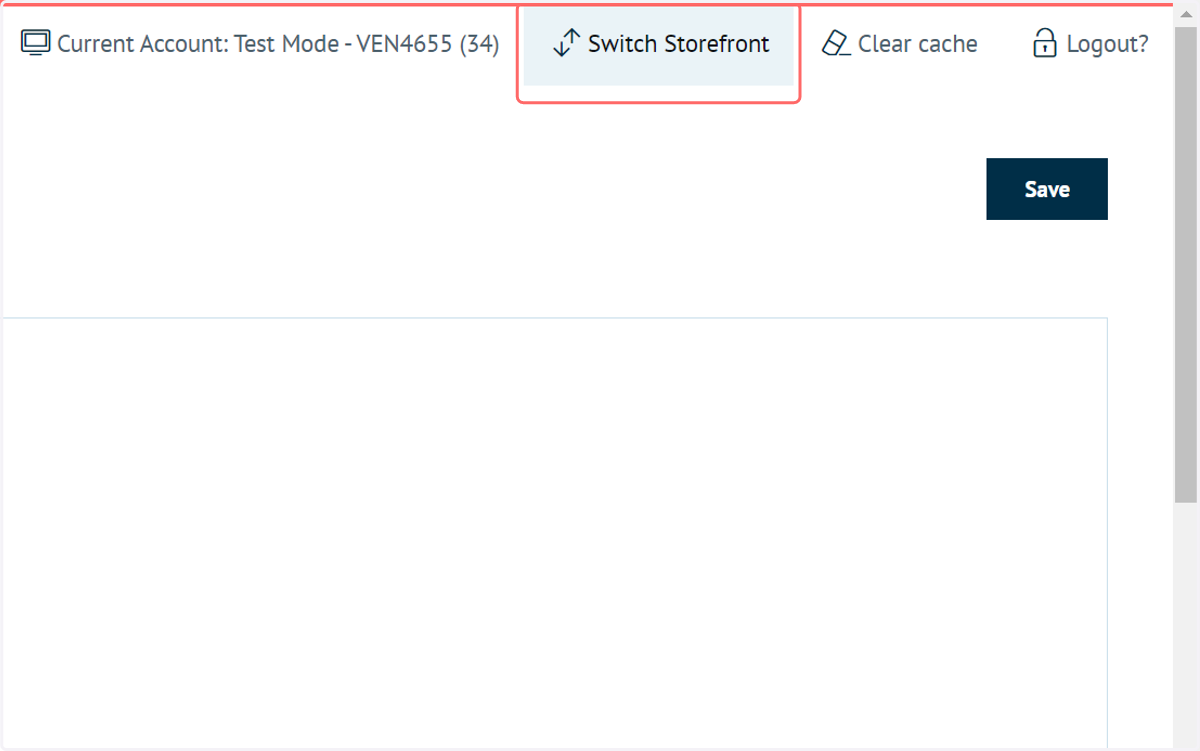
5. Click on Select on the Platform level

6. Navigate to Countries
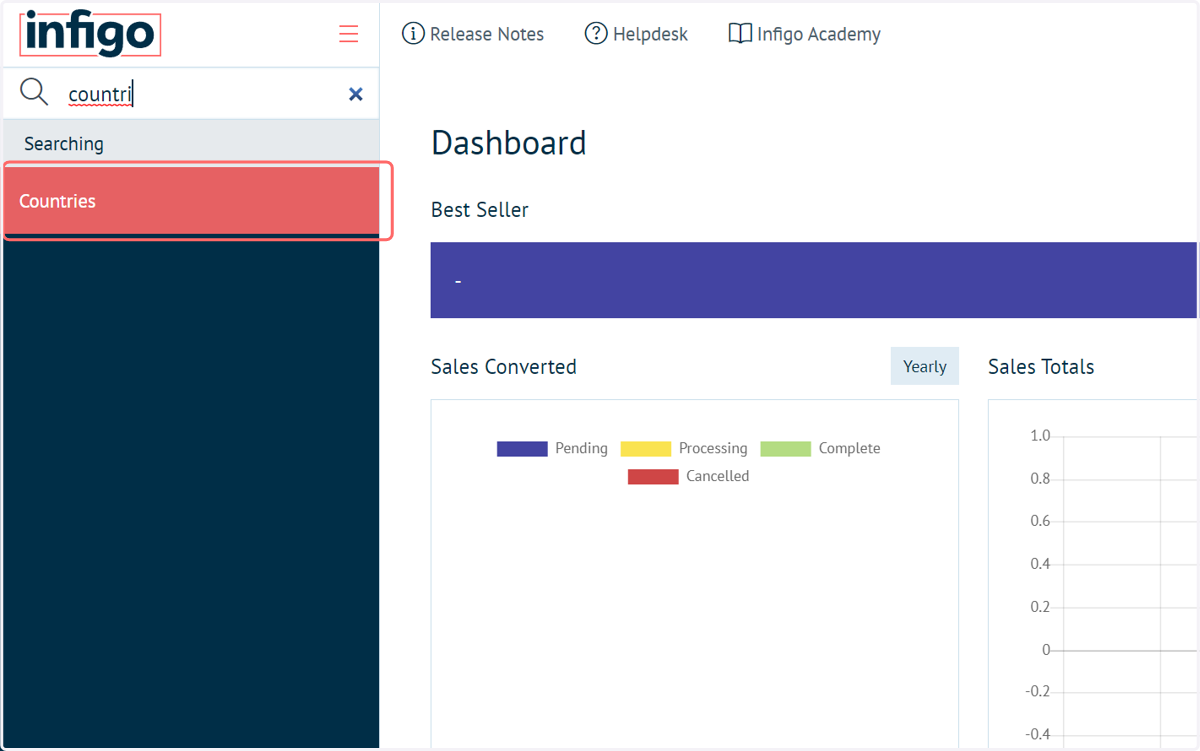
7. Click on Edit next to the country requiring a valid phone format
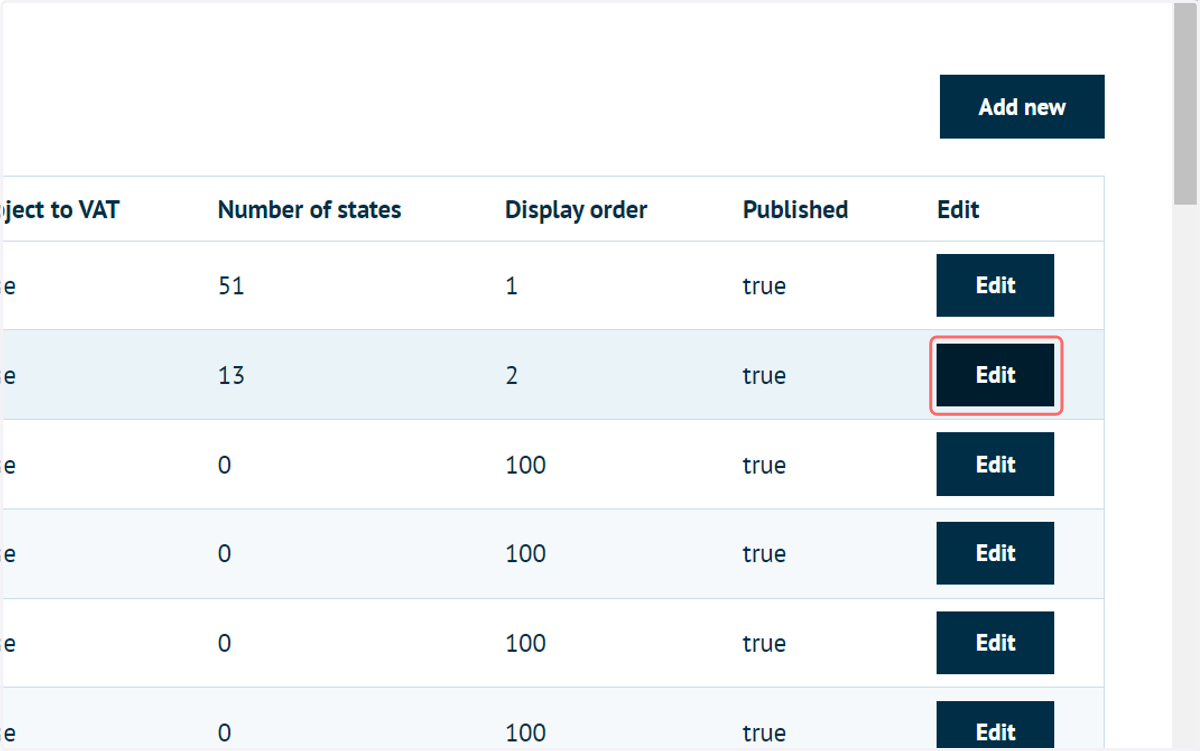
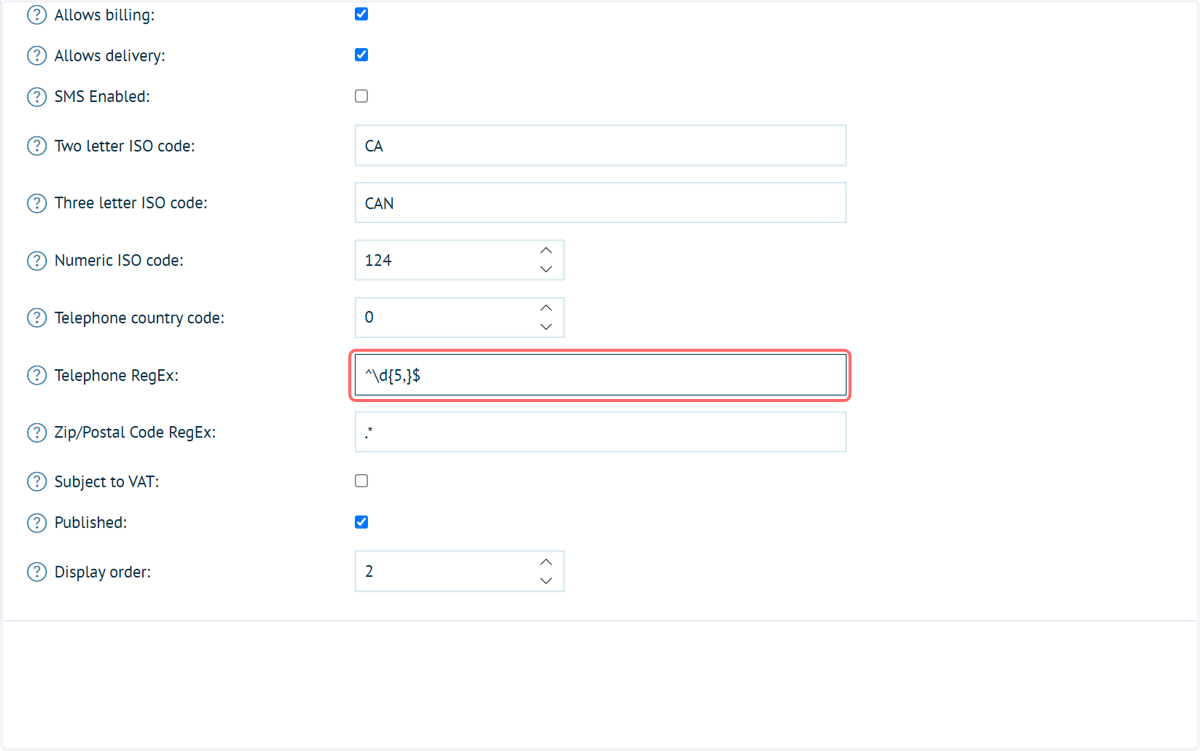
8. Click on Telephone RegEx
Each country has a "Telephone RegEx" field which can be customised by the user on the platform level.
These changes impact various aspects of the software, including registration, my account pages, admin customer address book, checkout process, API customer import/update, and customer CSV import functionality.