How to Create a Deal in Hubspot
HubSpot
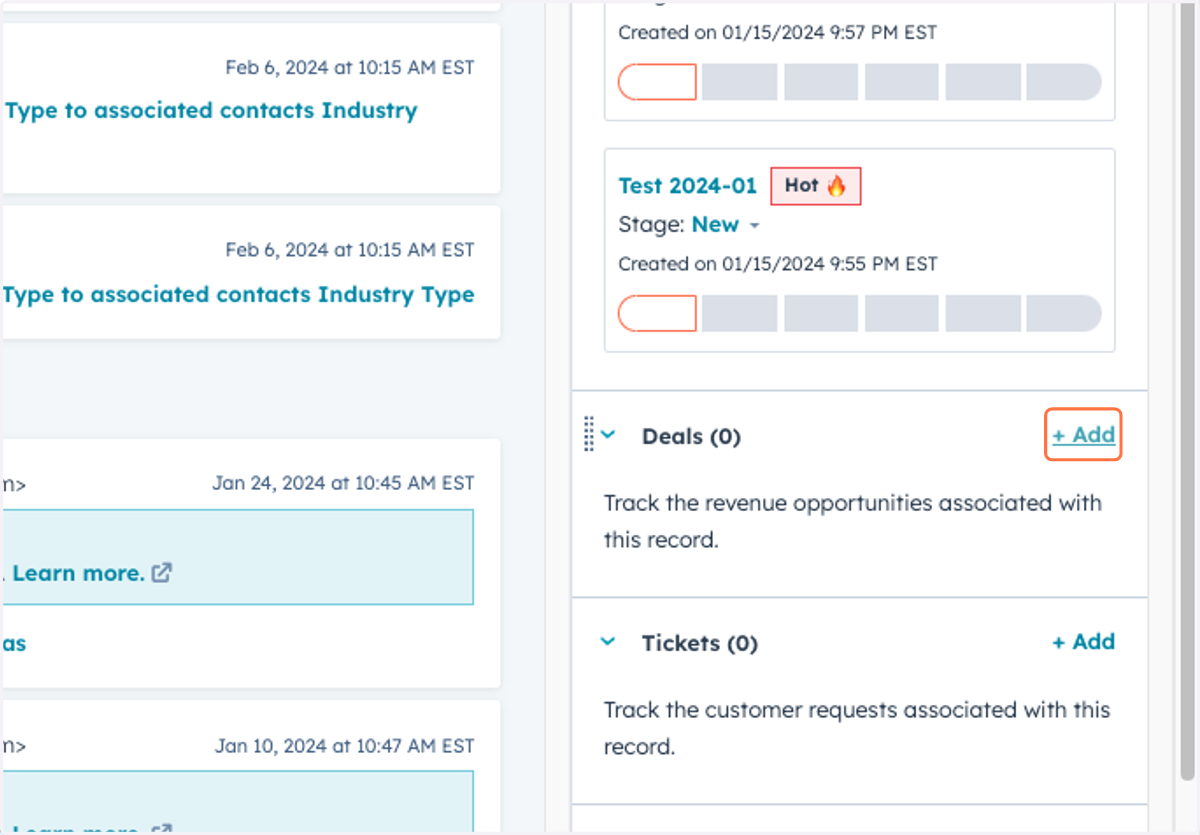
1. Scroll down on the left of the contact card to Deals and click "+Add"
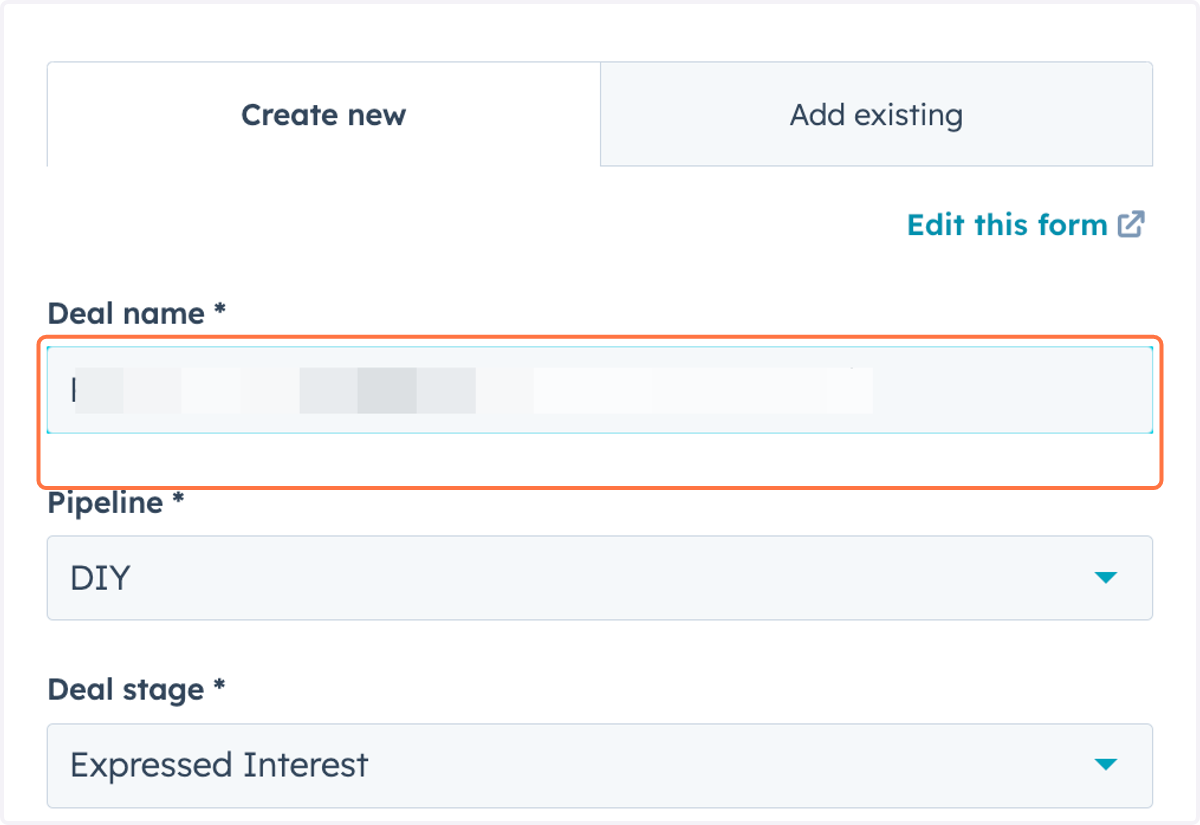
2. Deal Naming Convention is: [COMPANY NAME] - [LOCATION NAME or ADDRESS] - [NEED: i.e. Cameras, Access Control, Remote Guarding]
![Deal Naming Convention is: [COMPANY NAME] - [LOCATION NAME or ADDRESS] - [NEED: i.e. Cameras, Access Control, Remote Guarding]](https://images.tango.us/workflows/16c0d2f7-7415-4d89-93a1-7a445e86509c/steps/ff527f8e-c829-4256-b0d4-88c8e9f395c1/a8390b4c-1e36-4cc2-b8be-014594cd3788.png?fp-x=0.7583&fp-y=0.3073&fp-z=2.2010&w=1200&border=F4F2F7&bx=1219&by=428&bw=950&bh=88&c=FF7442&dpr=1.80)
3. Name your Deal
Deal Naming Convention is:
[COMPANY NAME] - [LOCATION NAME or ADDRESS] - [NEED: i.e. Cameras, Access Control, Remote Guarding]
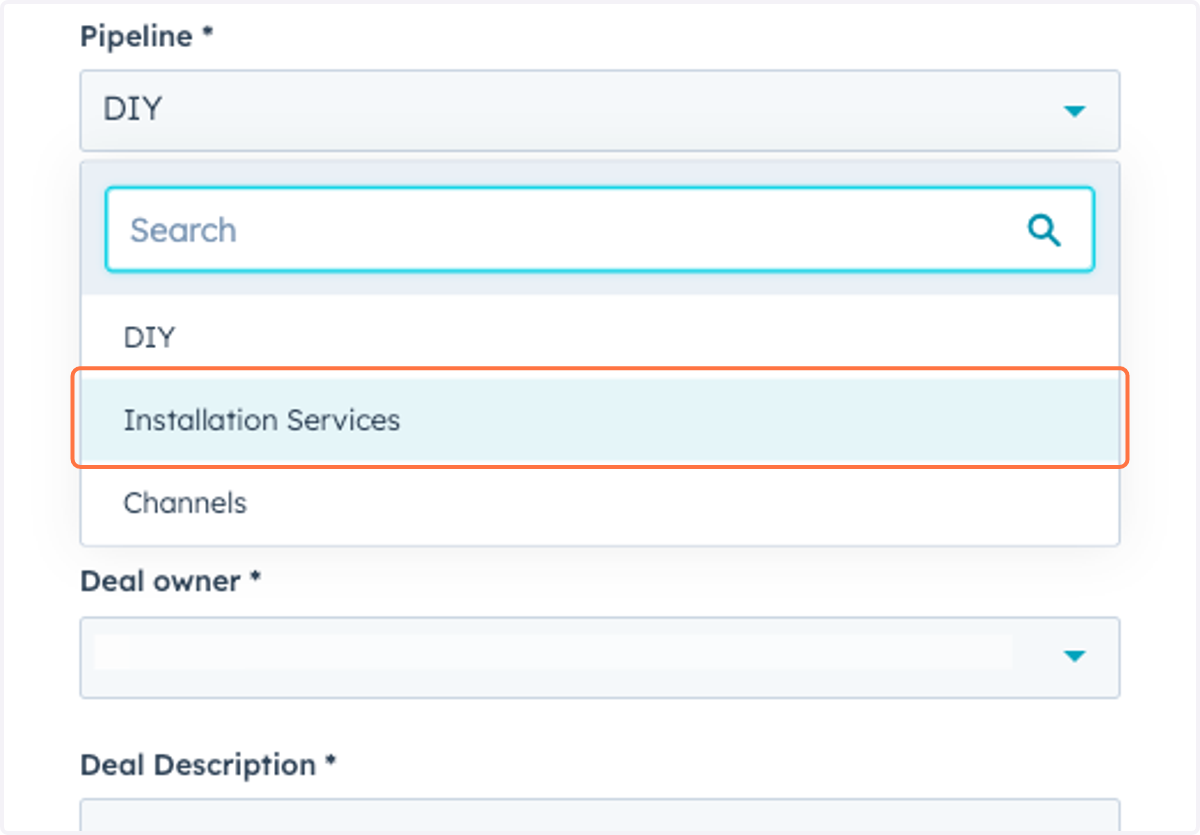
4. Select the Appropriate Pipeline
5. SQL Created by is You!
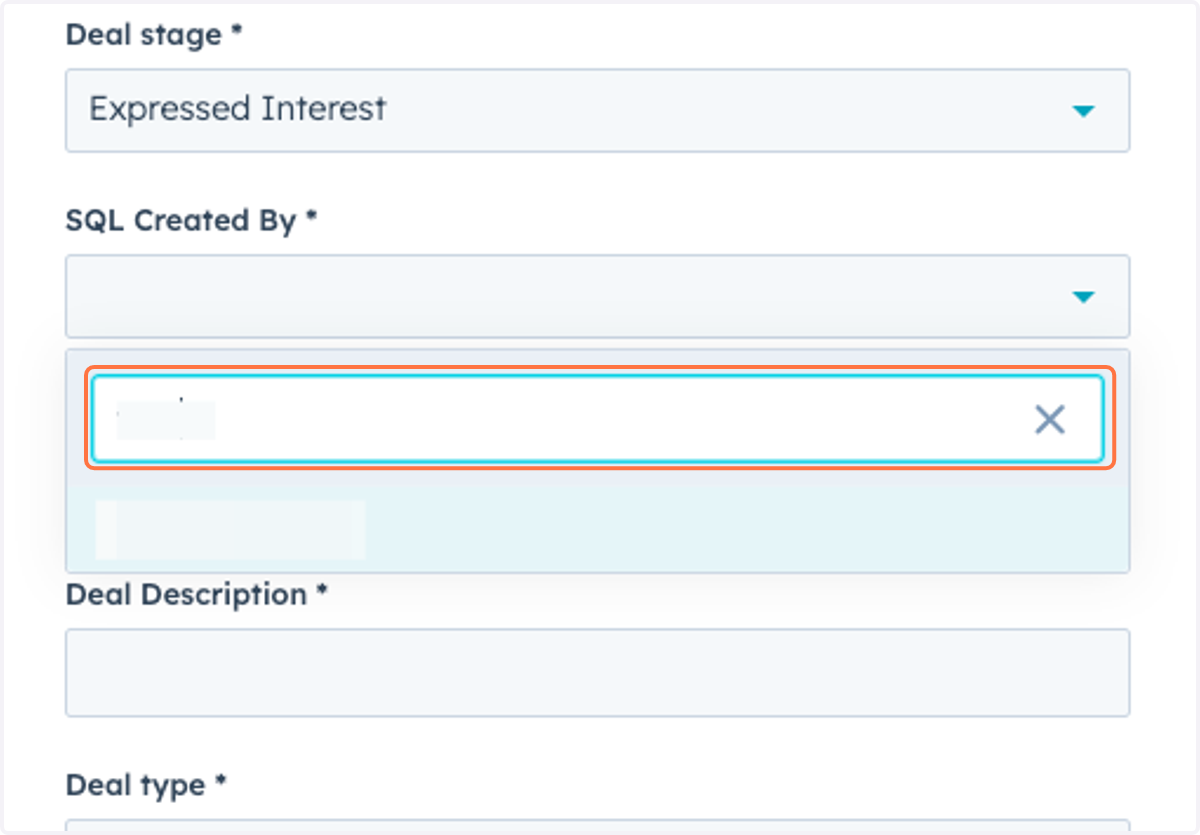
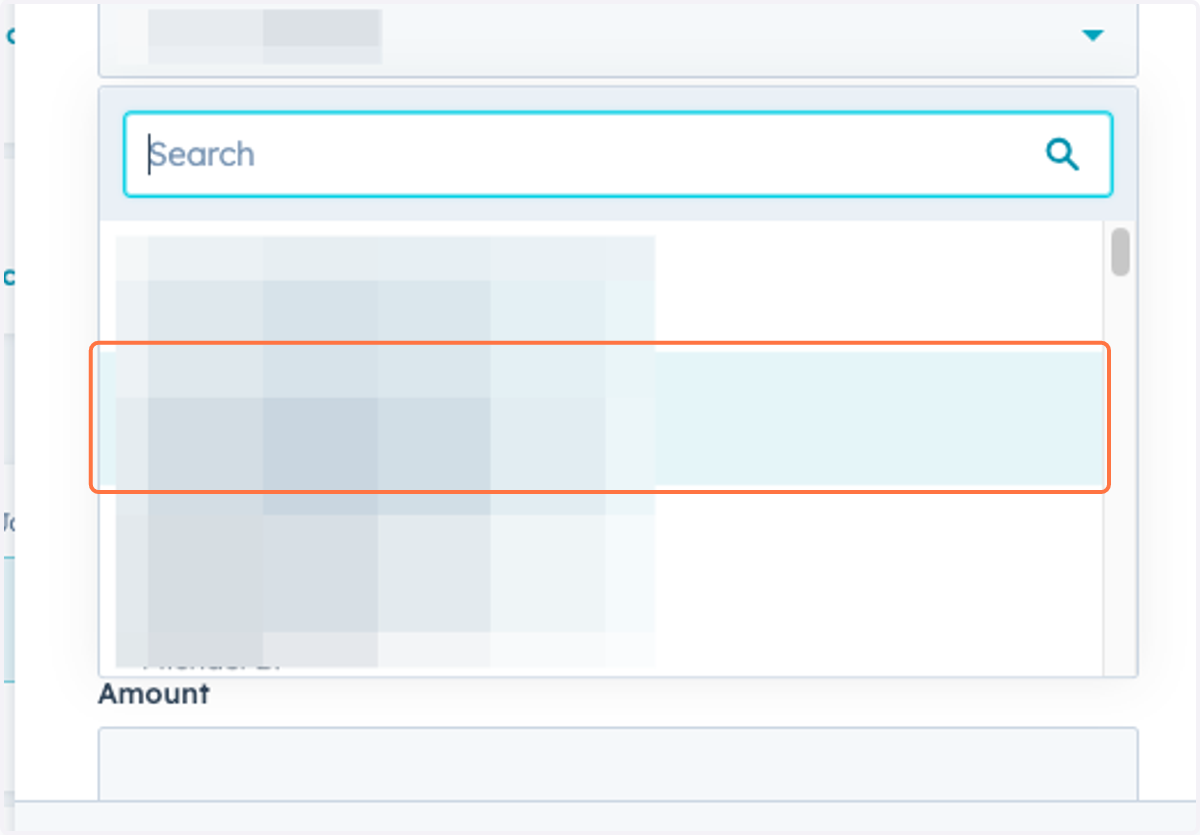
6. Pick the Rep who will be working the deal
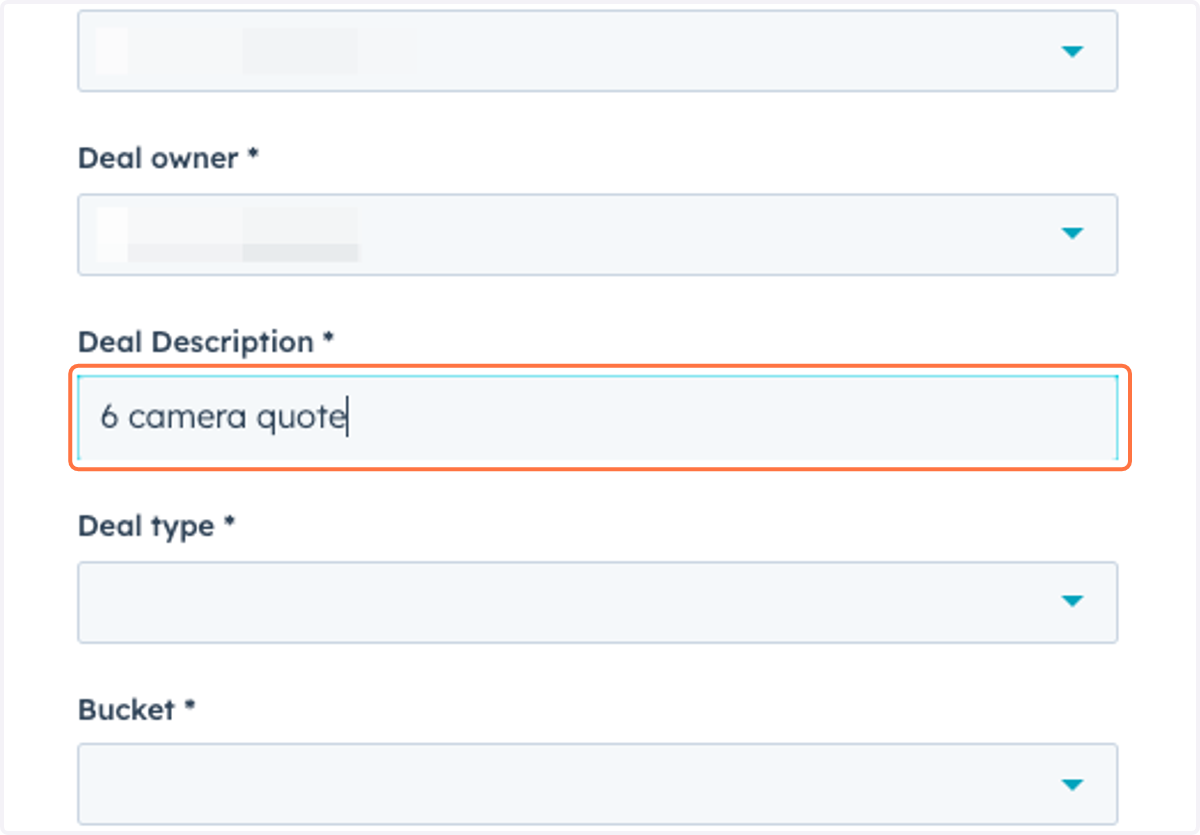
7. Briefly describe what you know about the Deal
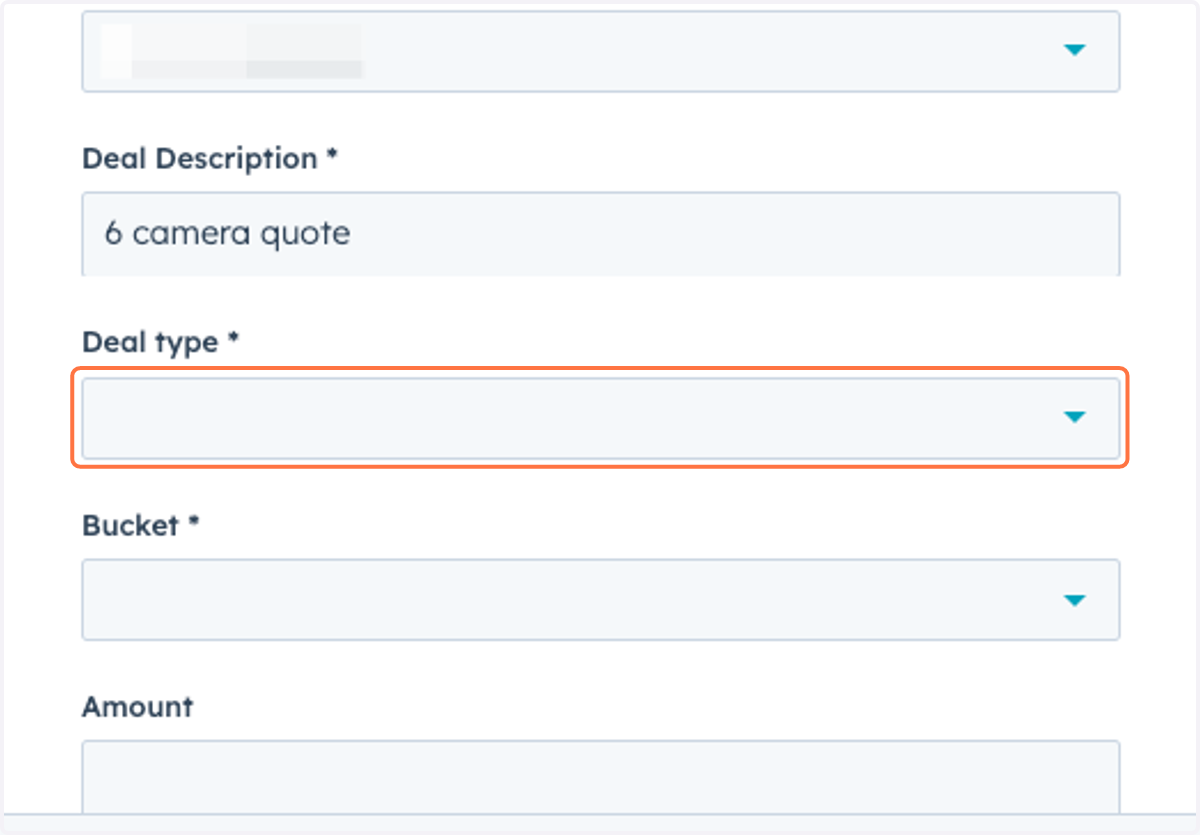
8. Click on Deal type
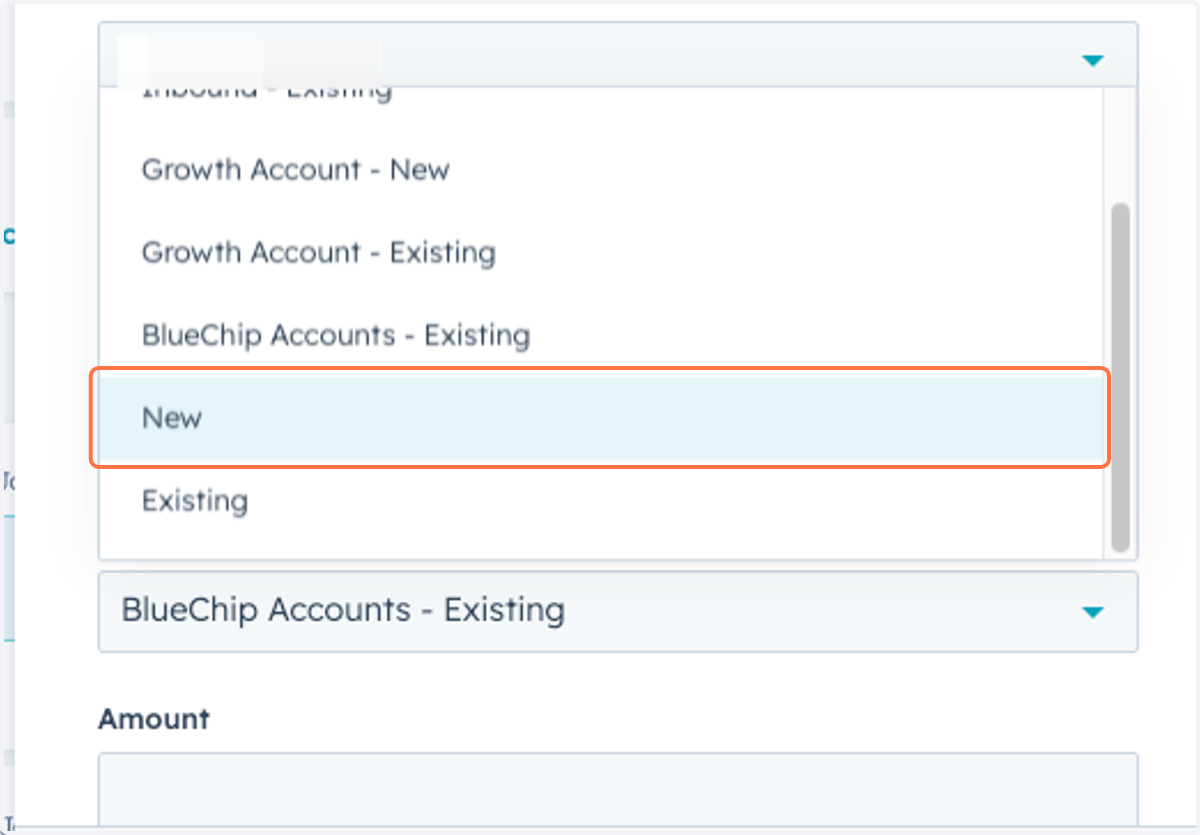
9. Deal Bucket should be "New"
There are other Deal Buckets that we have used historically. As of 2024, "New" and "Existing" are the only valid deal buckets.
10. Leave Amount Blank
11. Hit "Create" and you're done!