Edit The First Submission Start Date
1. If you wish to edit the start date of your submission schedule, please follow the below steps.
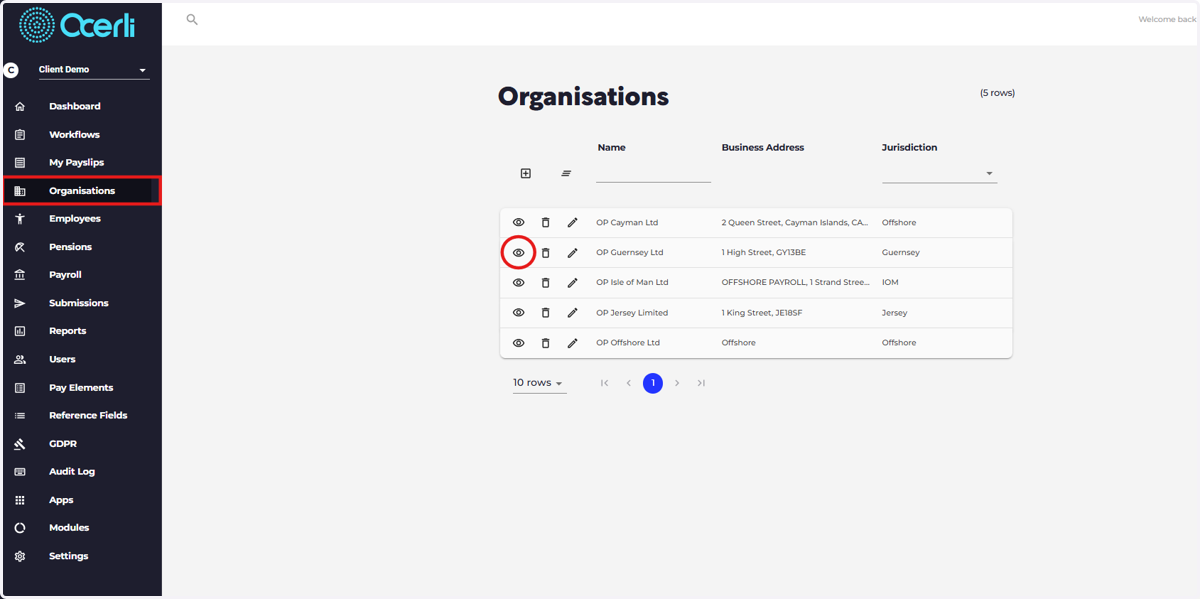
Navigate to the organisation screen on the main menu on the left, then select the eye icon next to the relevant organisation.
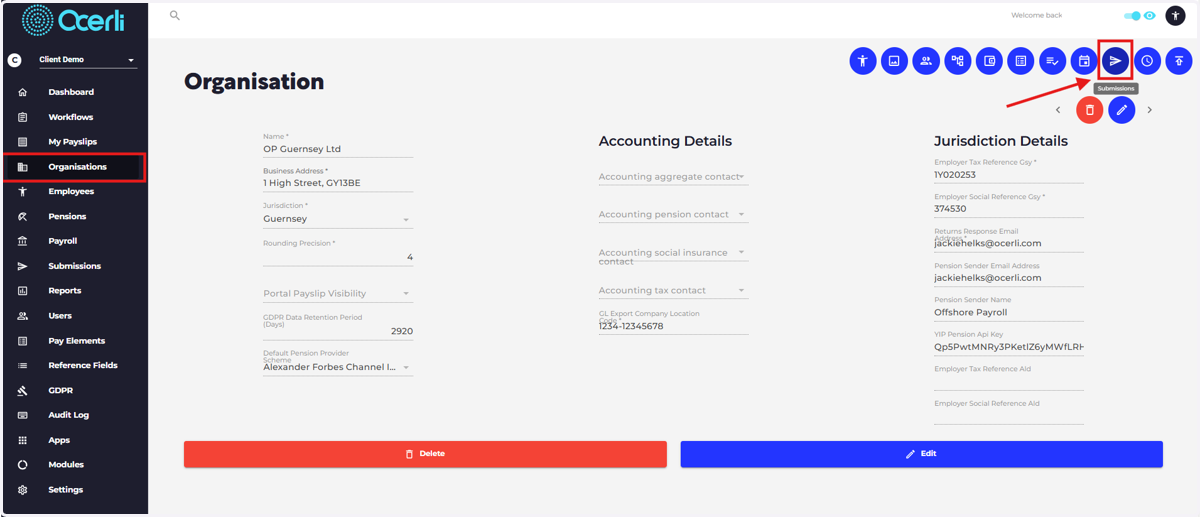
2. At the top right hand side of the screen select the 'Submission' icon.
3. On the right hand side of the screen, select 'Edit'.
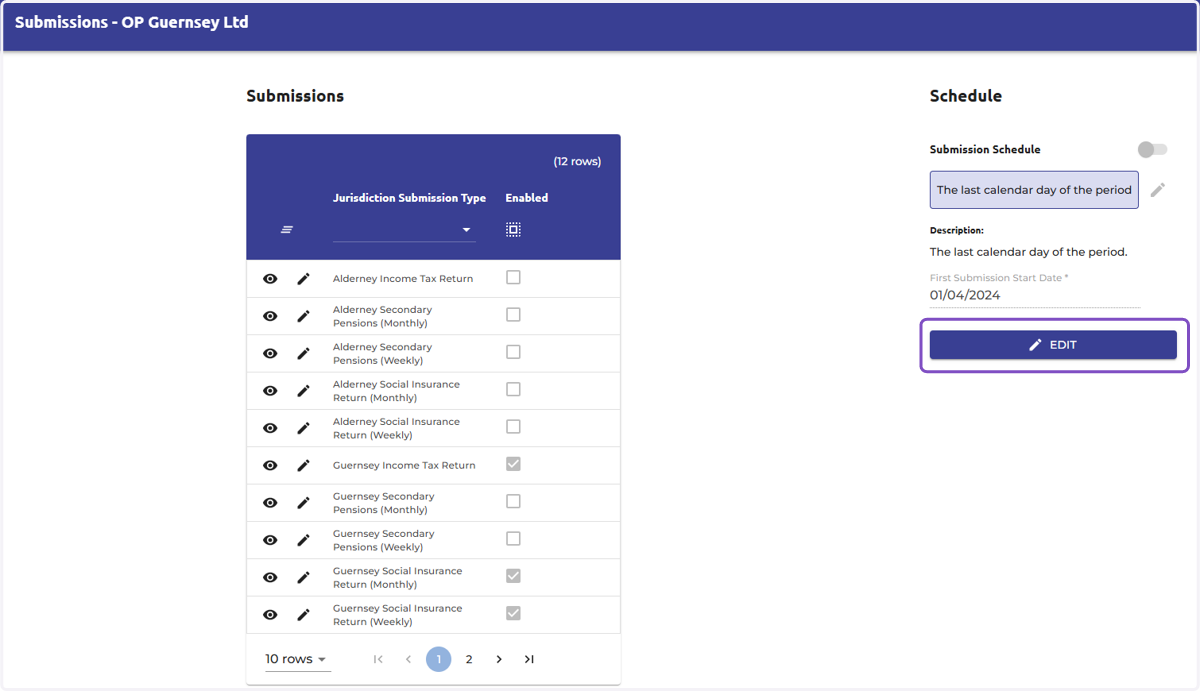
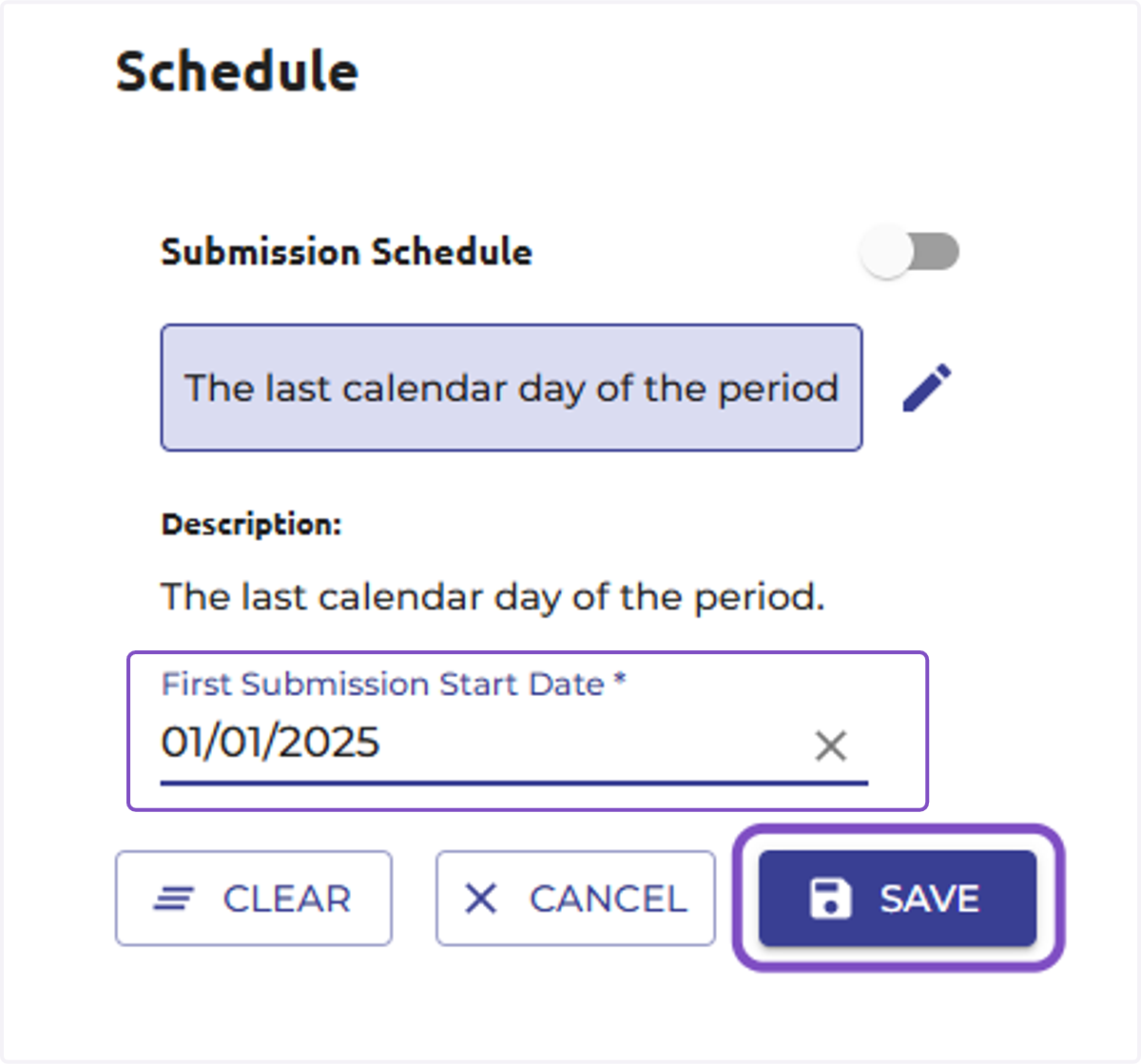
4. Edit the 'First Submission Start Date' and select 'Save'.
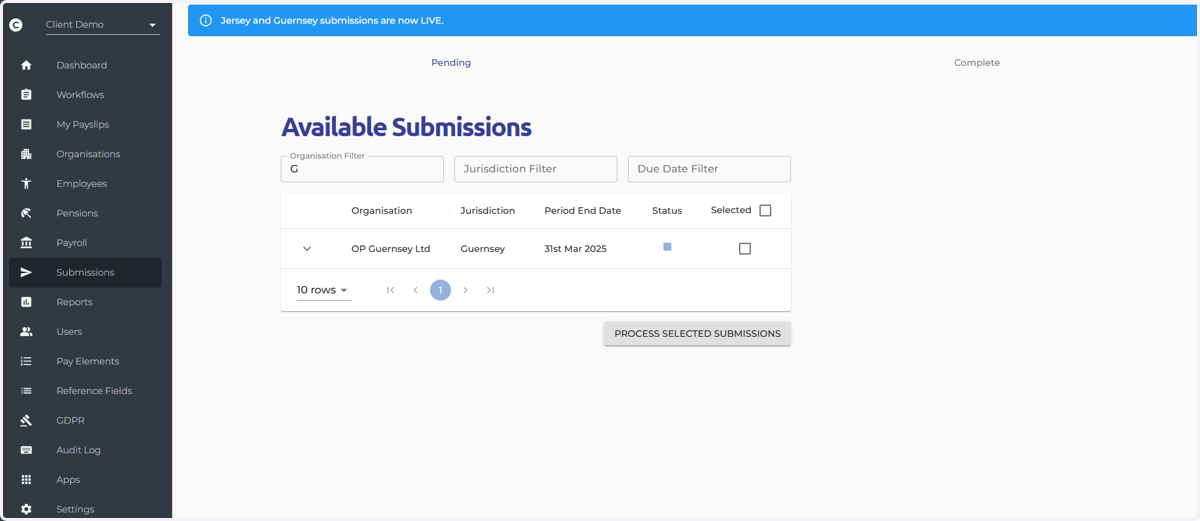
5. If you then navigate to the submission screen, this will update the available submissions.