Teacher Tools in the Careers Expansion

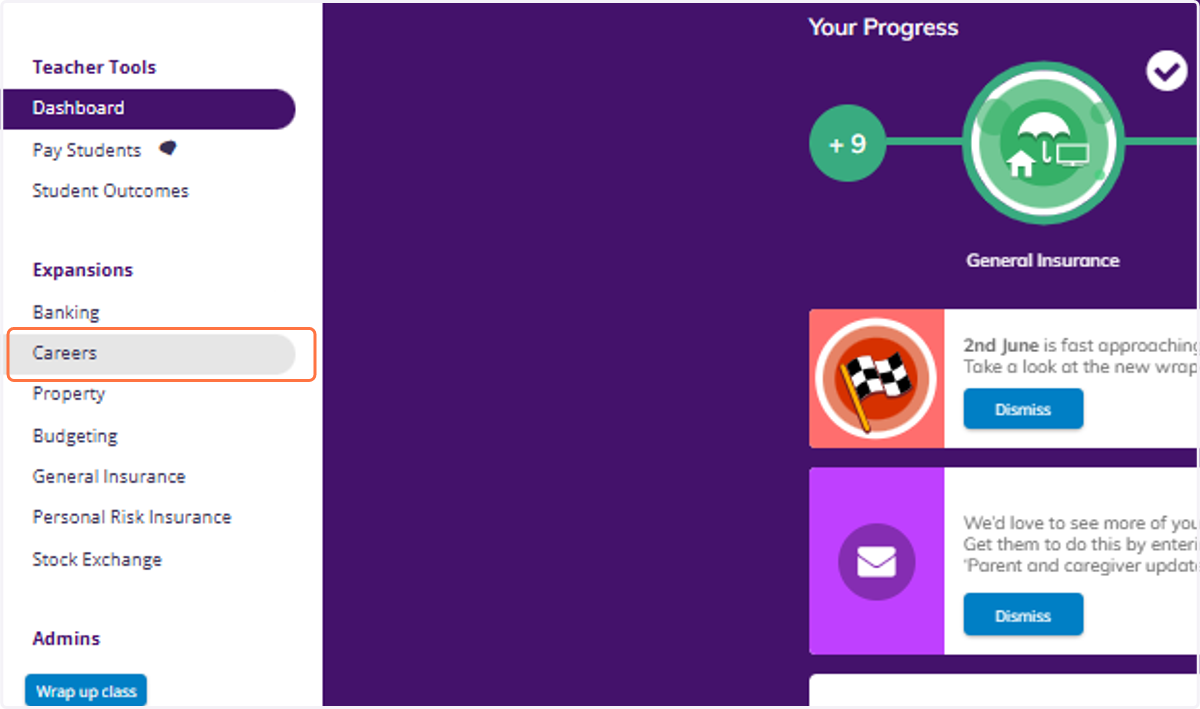
  1. 1. Click on Careers

    Click on Careers
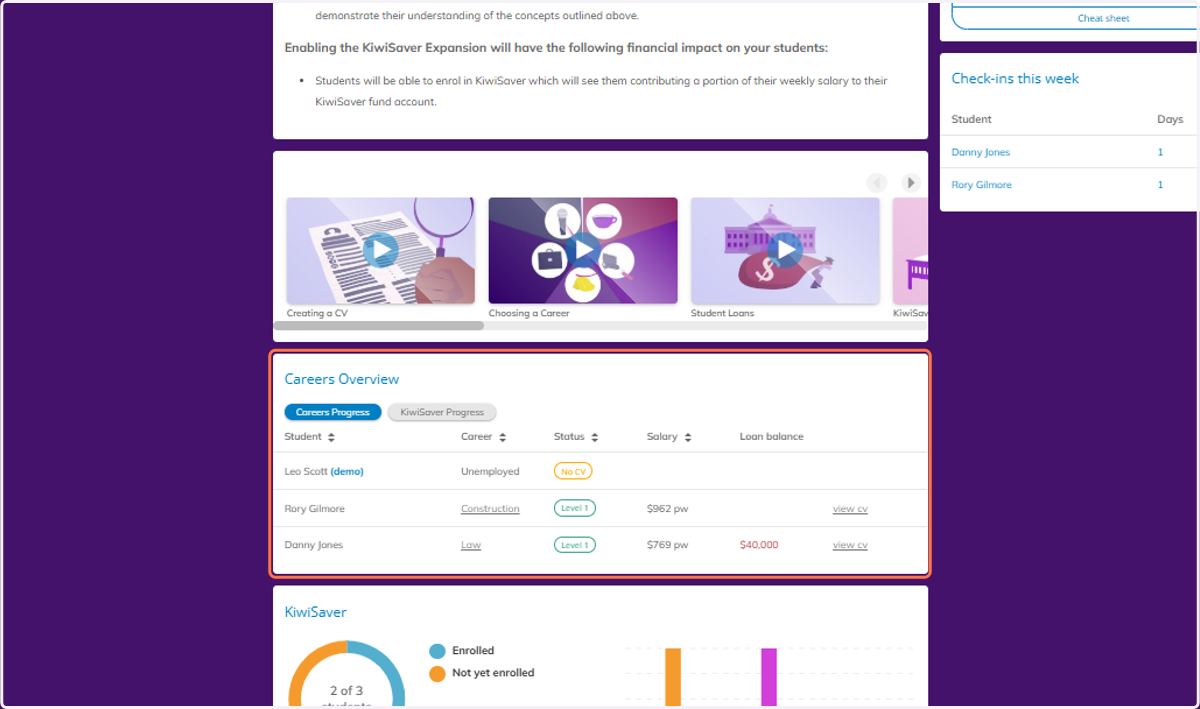
  2. 2. Scroll down to view the Careers Overview.
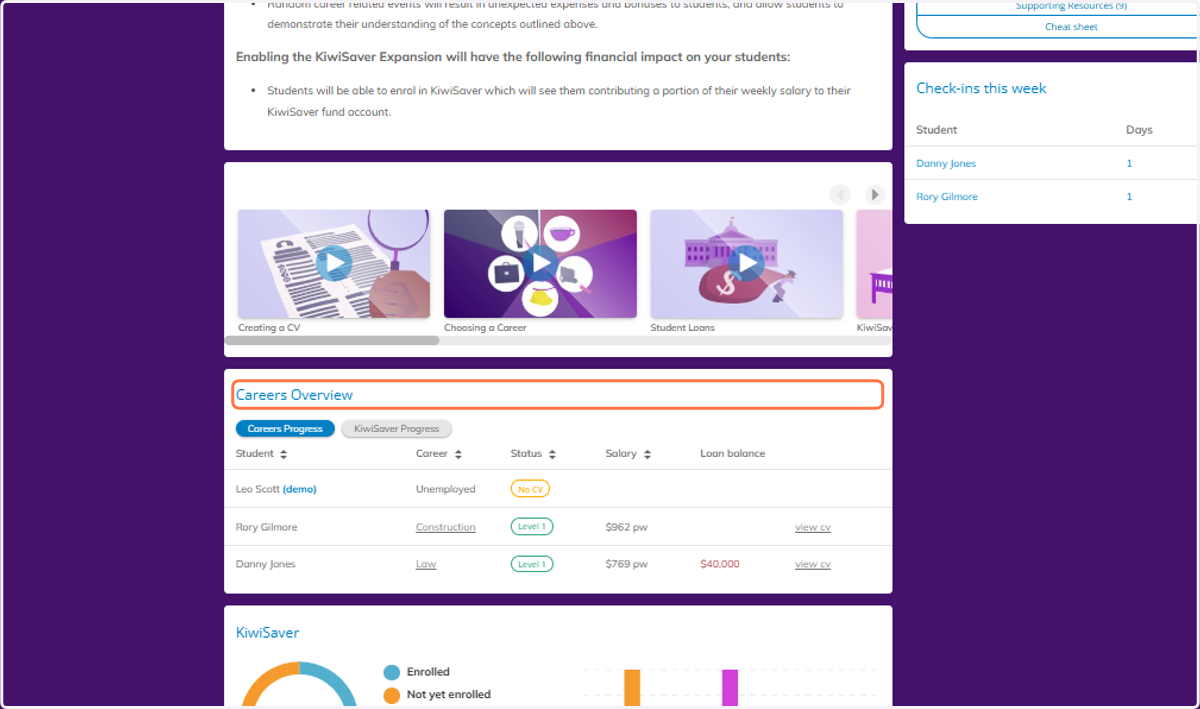
    Scroll down to view the Careers Overview.
  3. 3. You can view information on each student.
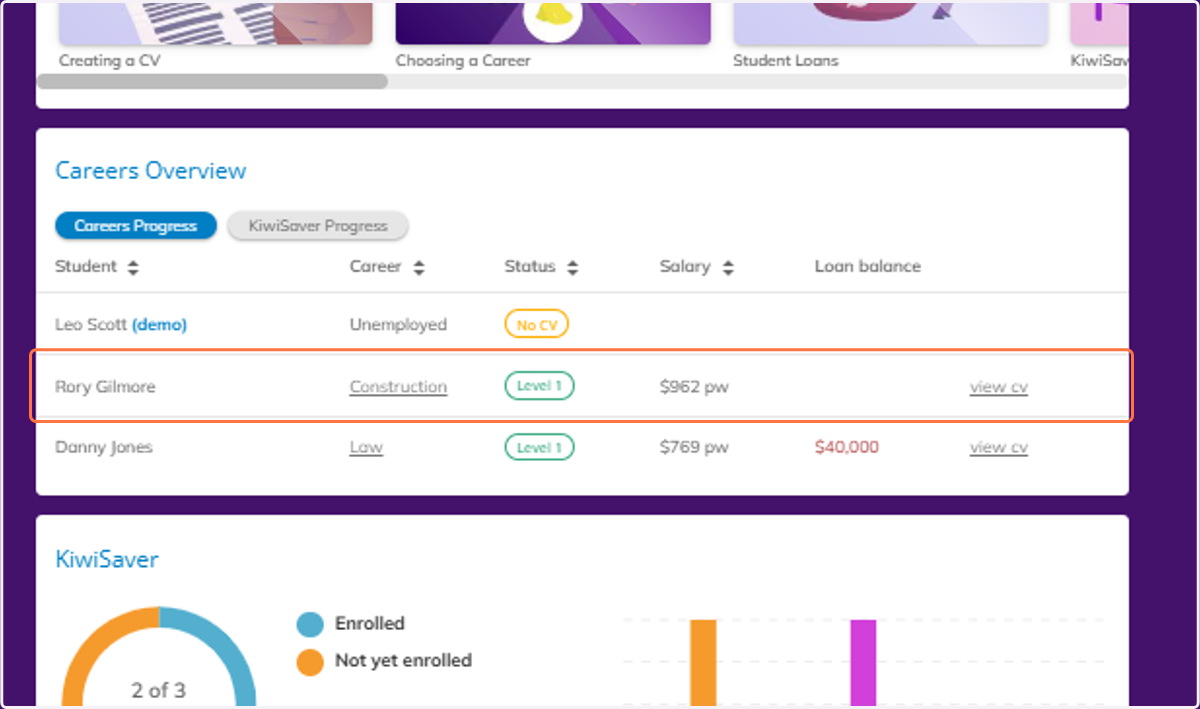
    You can view information on each student.
  4. 4. You can also view each students CV by clicking view CV.
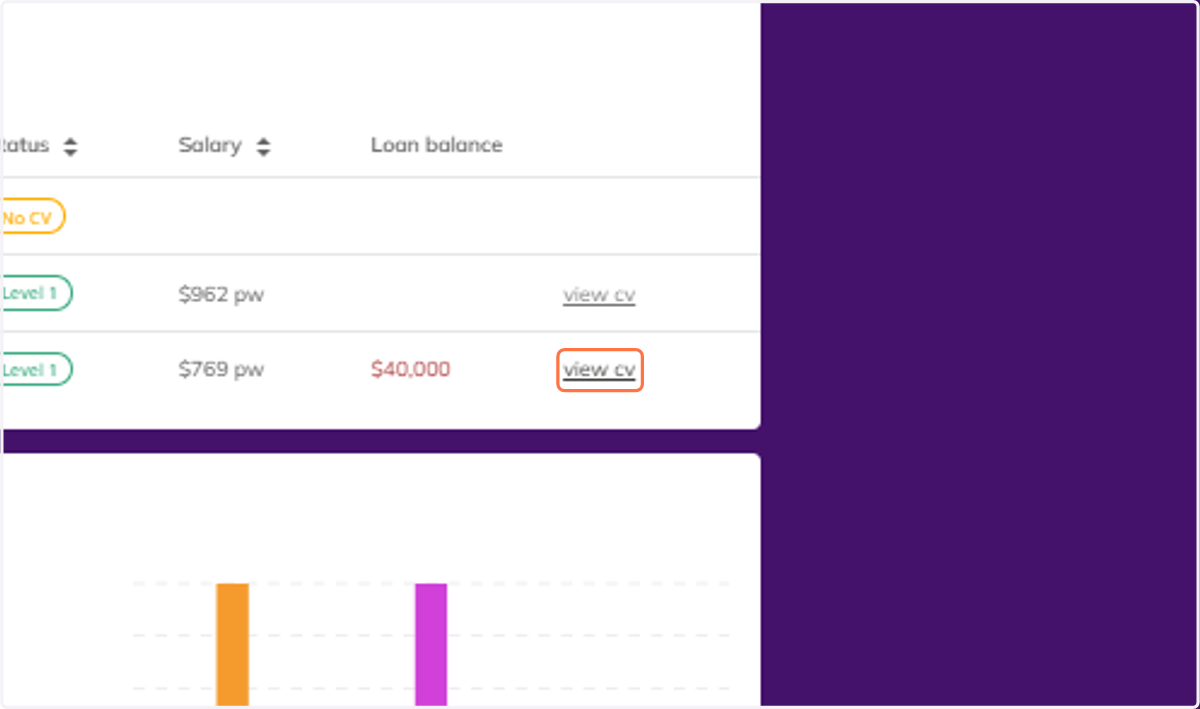
    You can also view each students CV by clicking view CV.
  5. 5. You can then download an editable or PDF version of the CV.
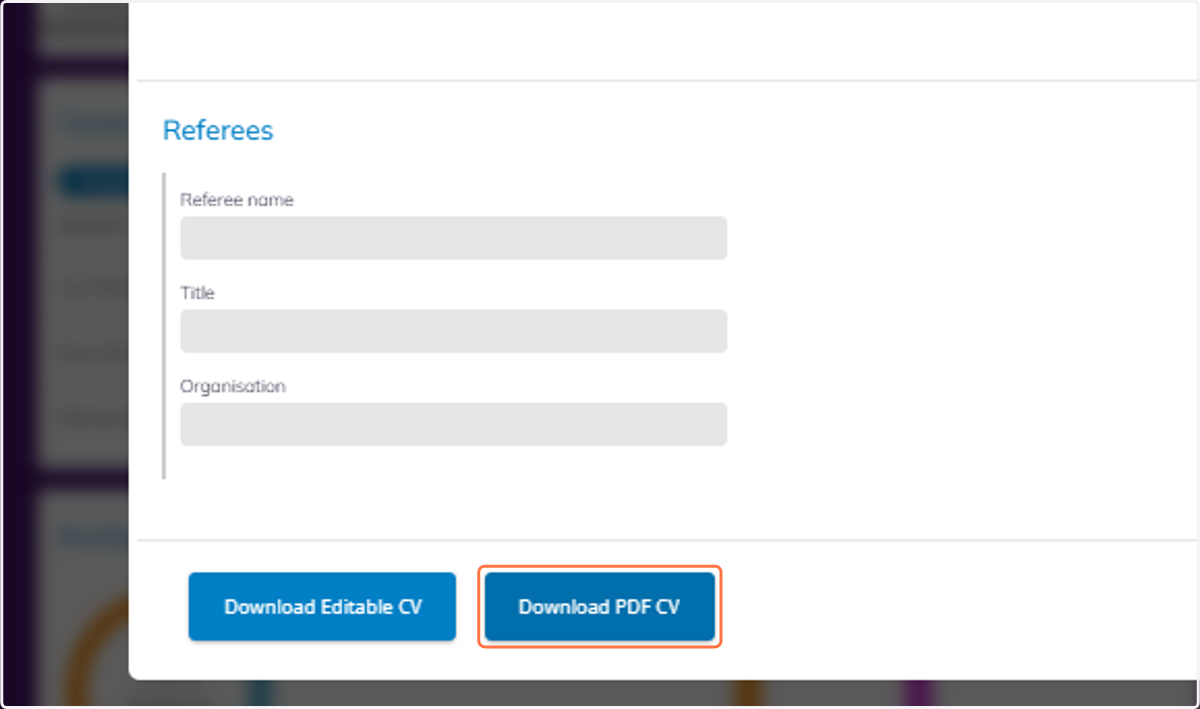
    You can then download an editable or PDF version of the CV.
  6. 6. You can also view the information on their chosen career by clicking on the career.
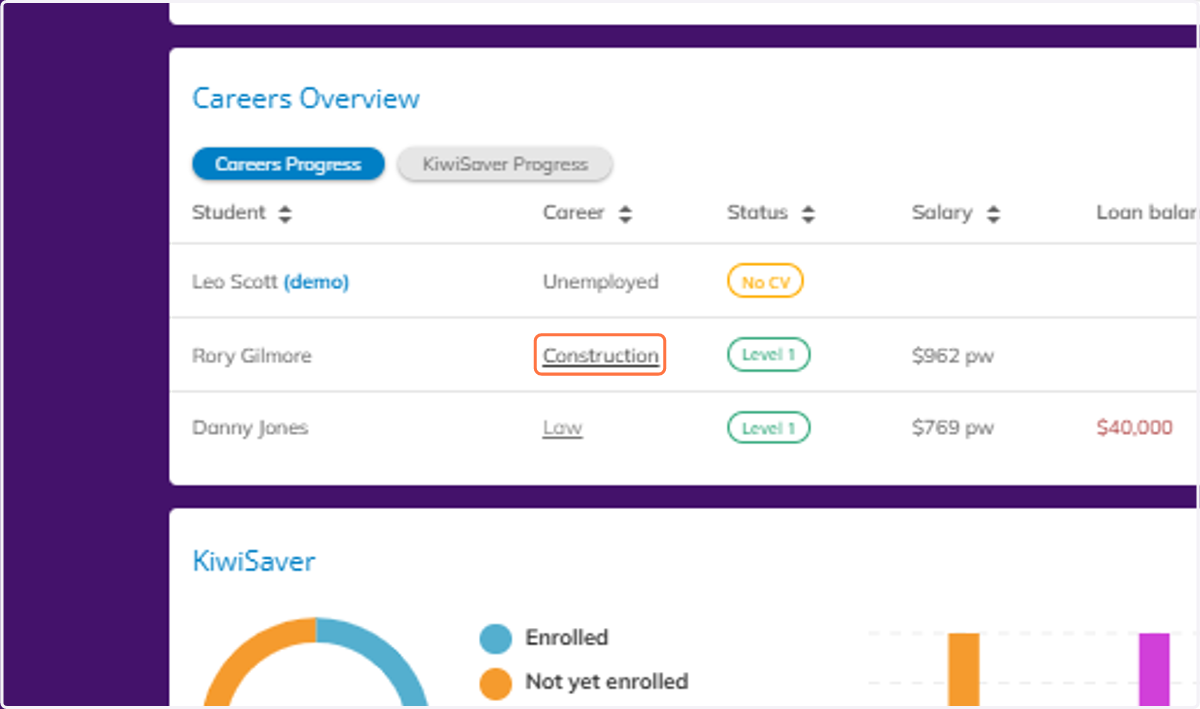
    You can also view the information on their chosen career by clicking on the career.
  7. 7. Which will open the career information card.

    Which will open the career information card.
  8. 8. Below this area, you can view the full Careers Market that your students will see.
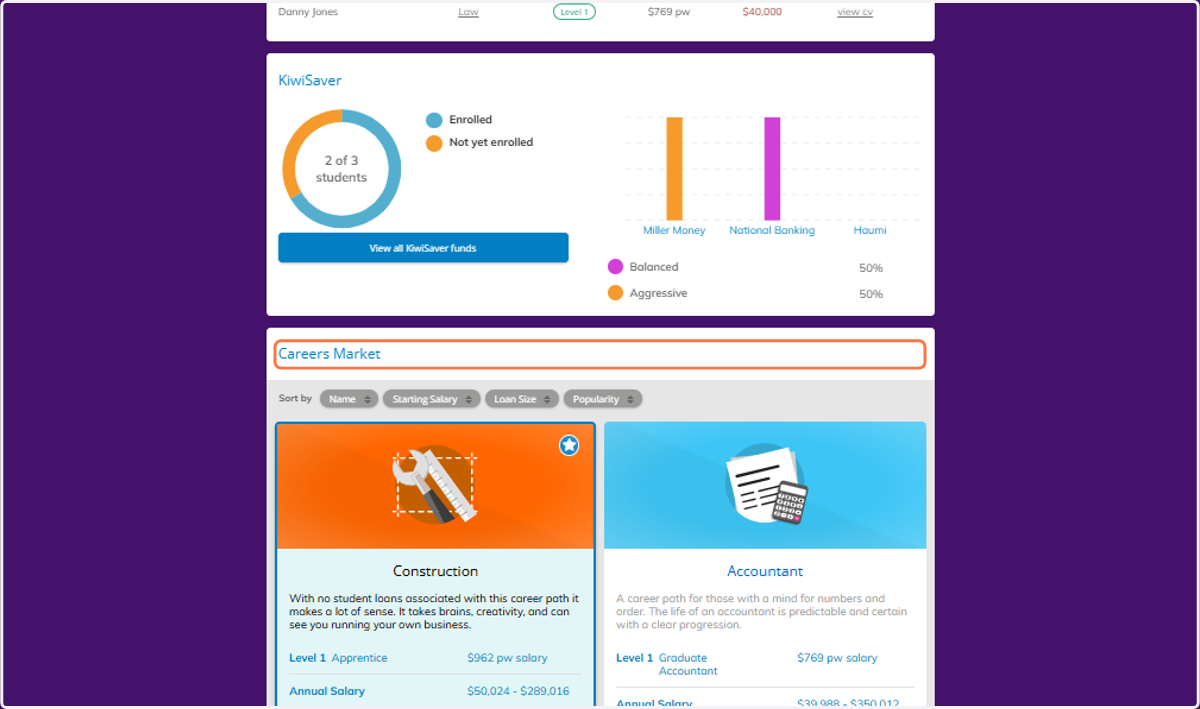
    Below this area, you can view the full Careers Market that your students will see.
  9. 9. Click on View more to view the details of any of the career options.
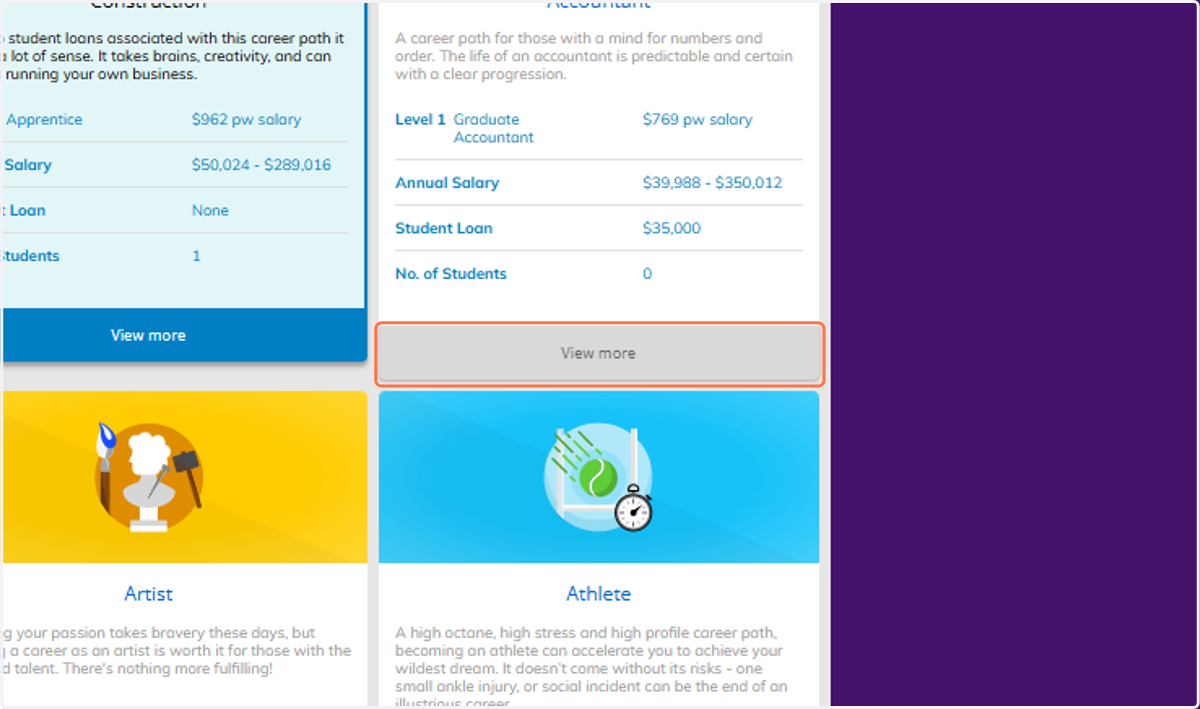
    Click on View more to view the details of any of the career options.
  10. 10. You can also view the weekly check-in count for each student.
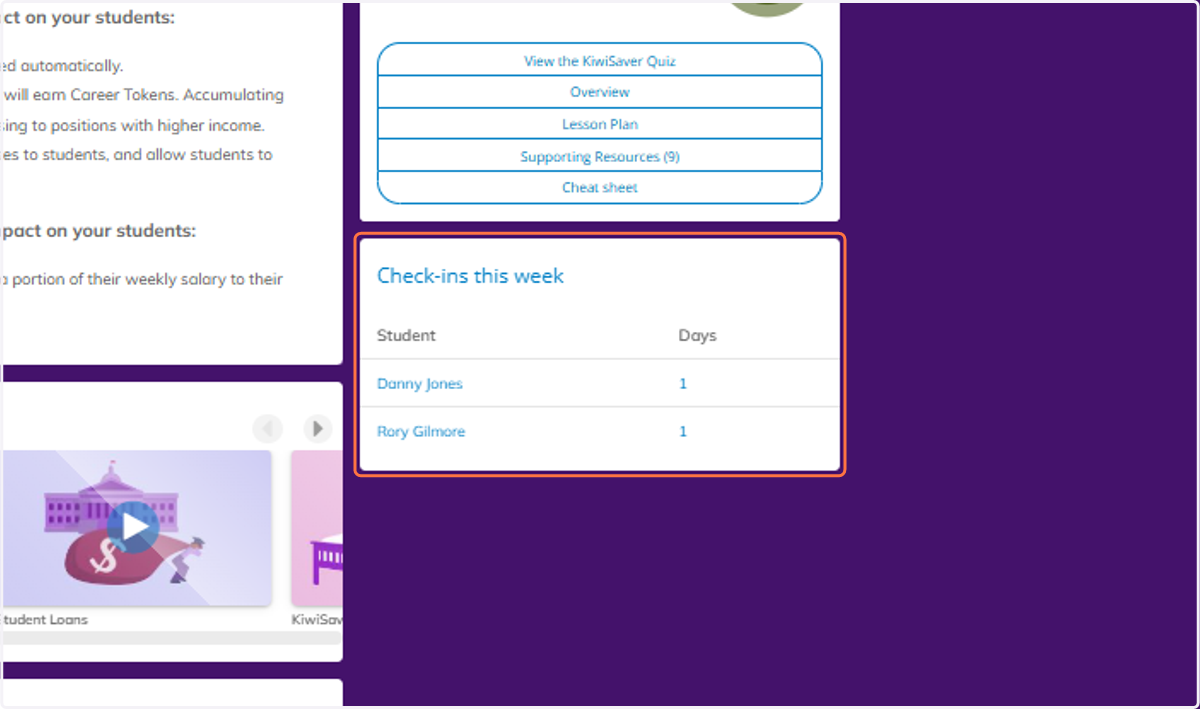
    You can also view the weekly check-in count for each student.
  11. 11. Click on Careers Overview…

    Click on Careers Overview…