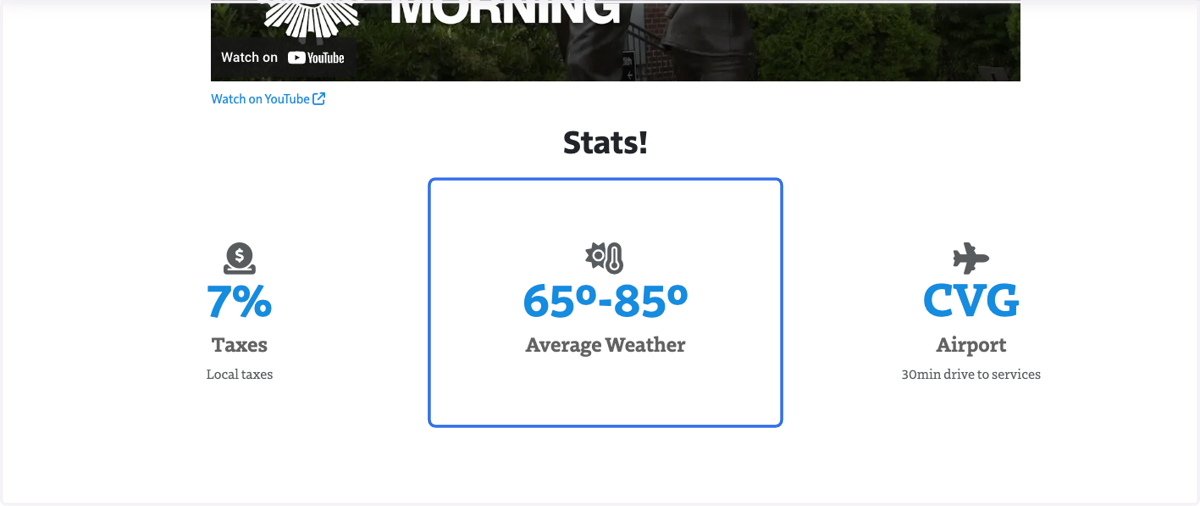
Add Stat Blocks to Feast Site
United Church of God
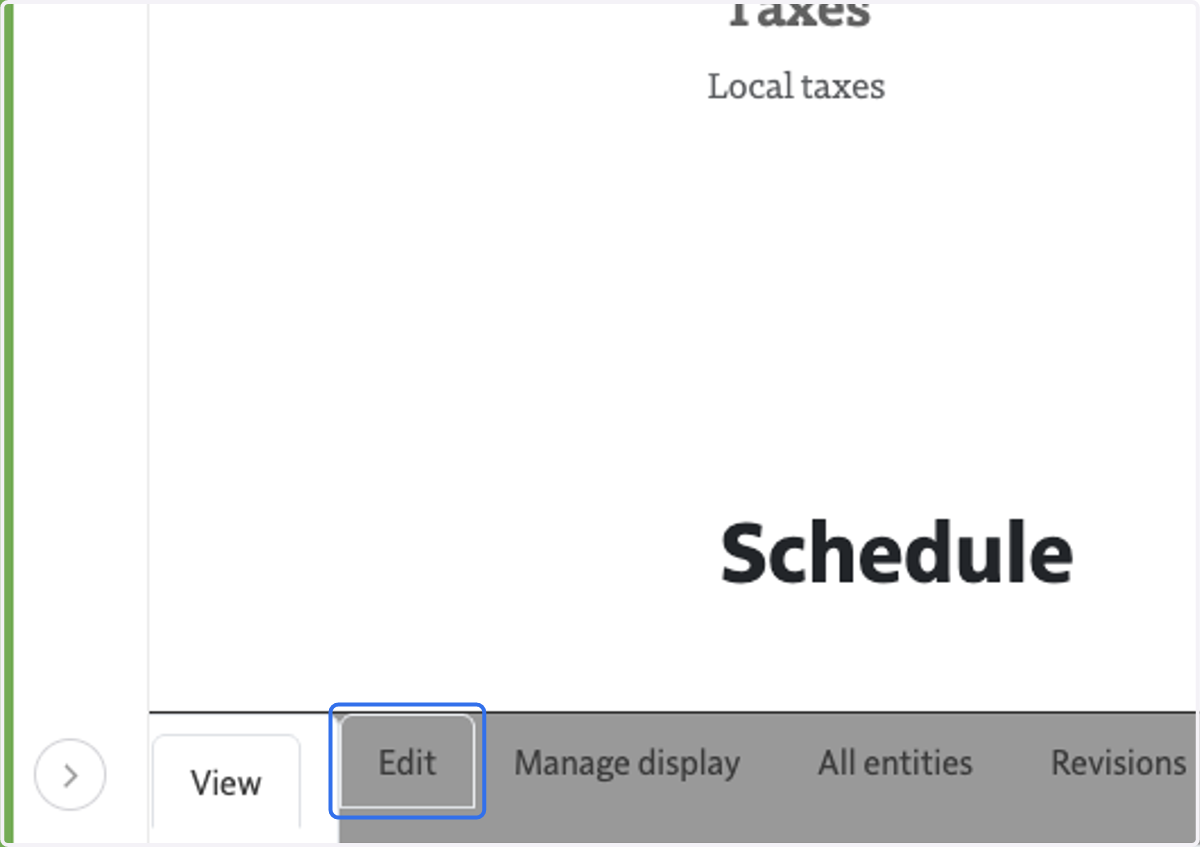
1. Click on Edit
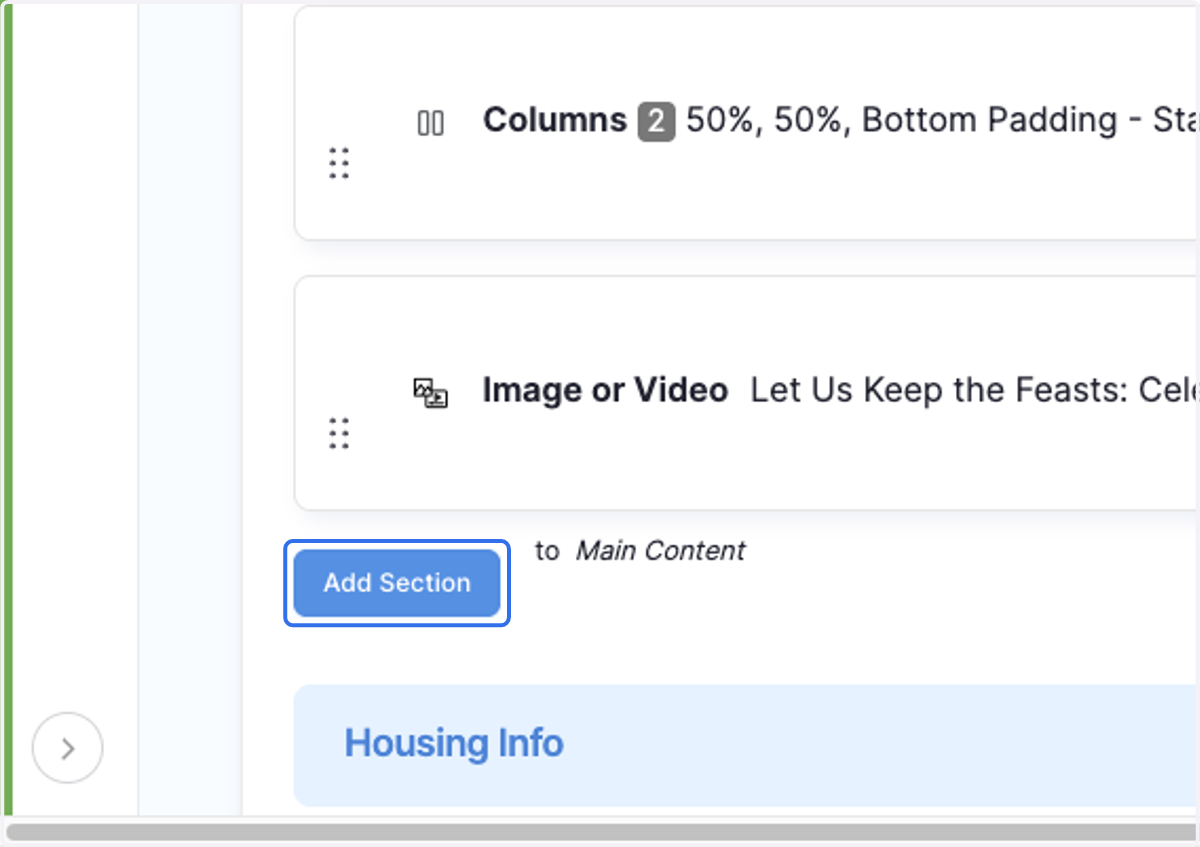
2. Click on Add Section
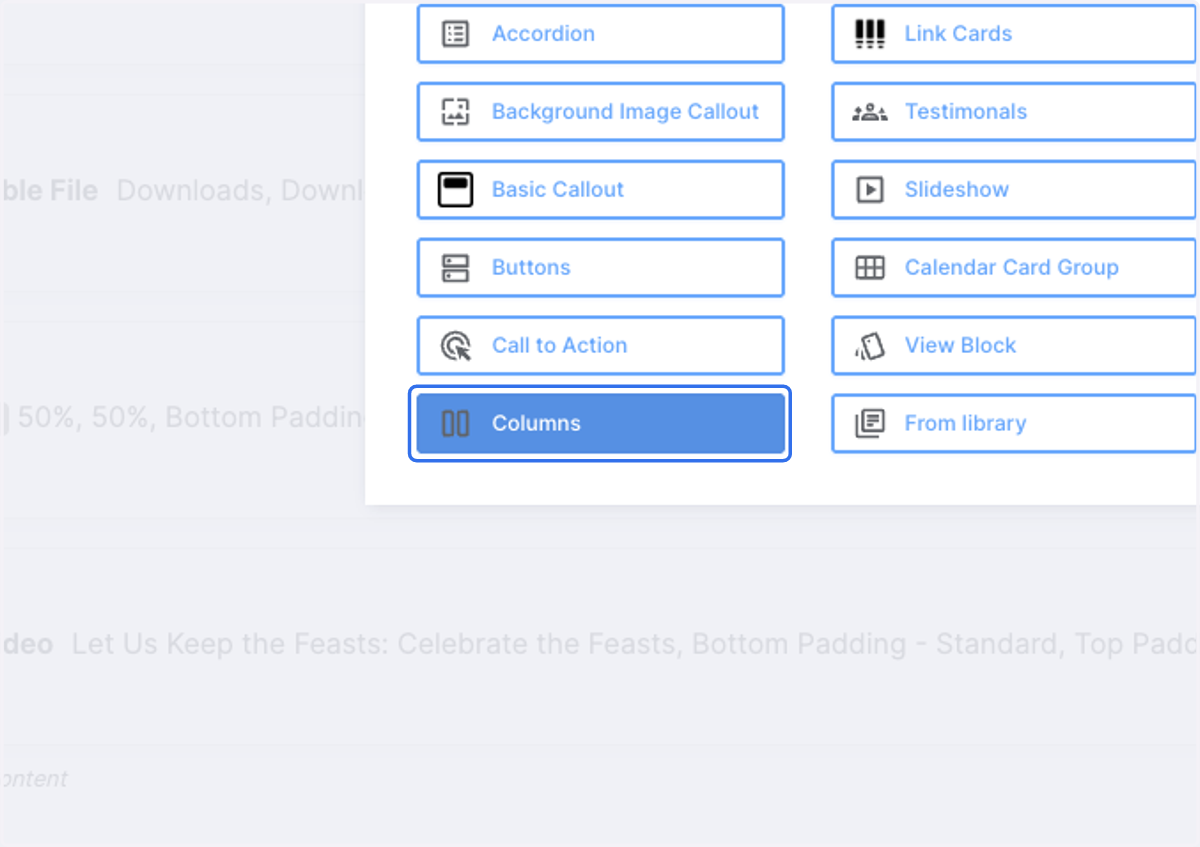
3. Click on Columns
You can have up to 3 stat blocks together in a row by putting them within columns.
4. You can add a Headline for the stat blocks
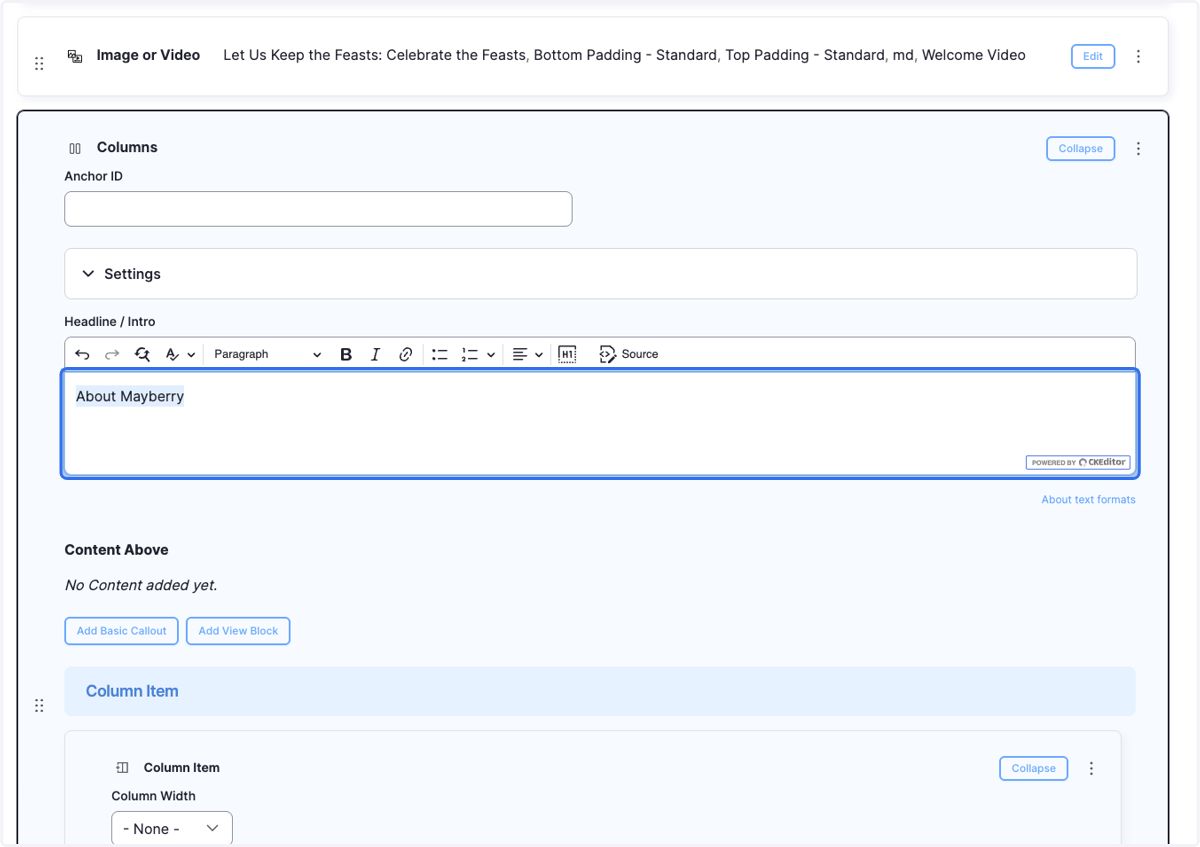
5. You can style the headline, eg. have the text be centered and Heading
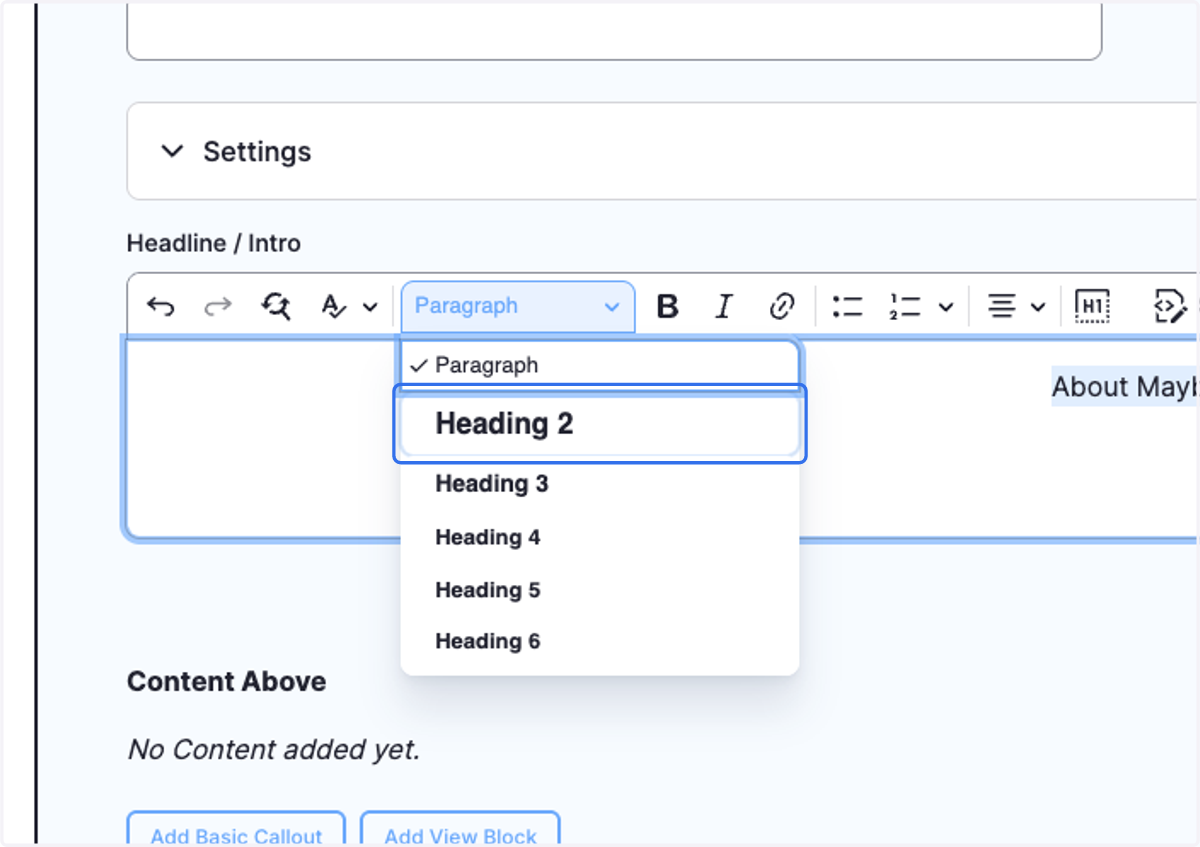
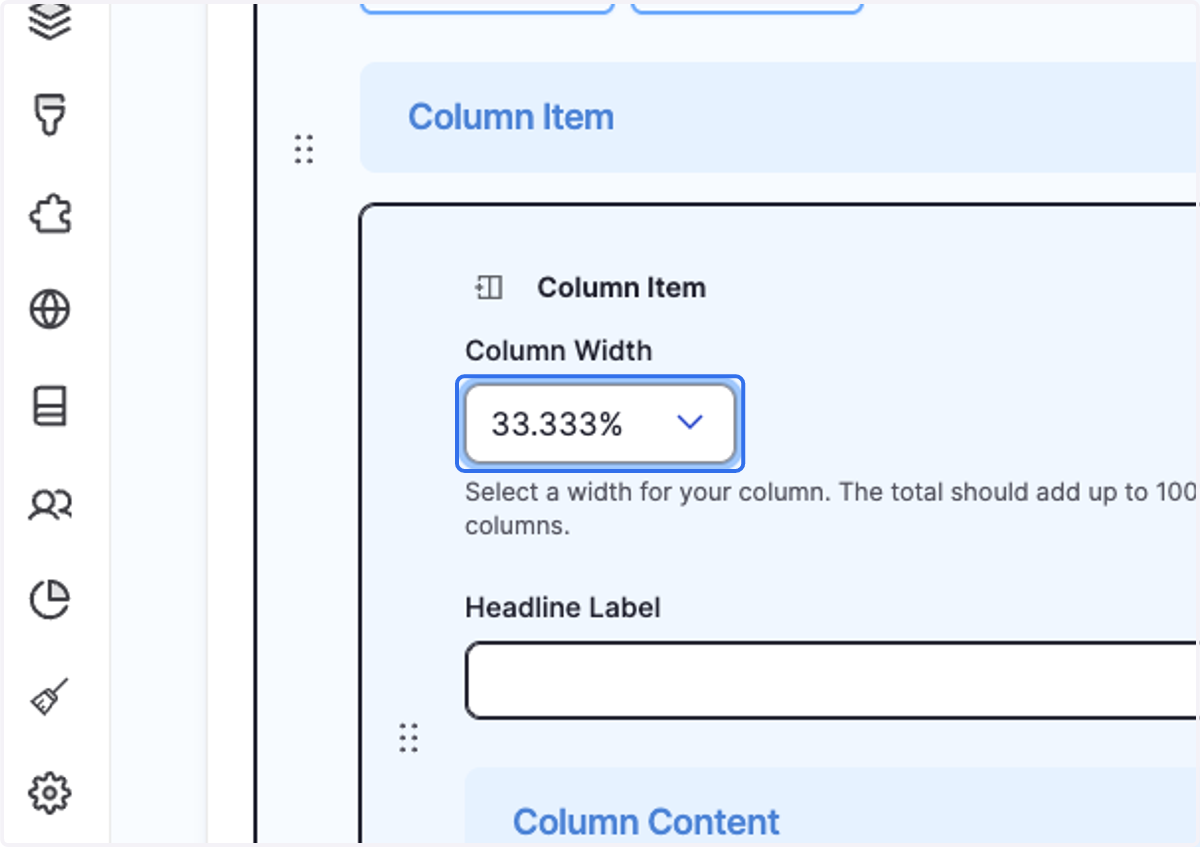
6. Click on "Add Column Item" to create your first column
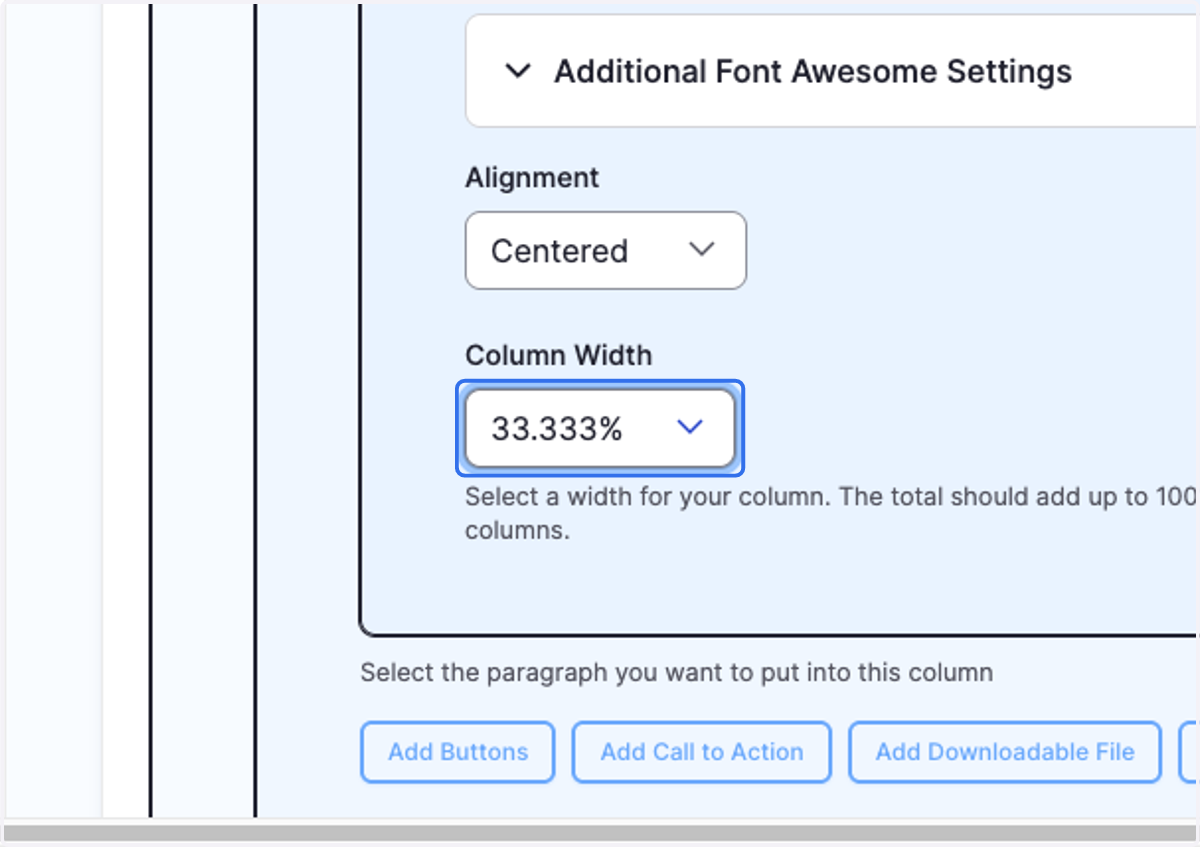
7. Select 33.333% from Column Width
Make all columns 33.333% for 3 columns side-by-side.
8. Click on Add Stat Block
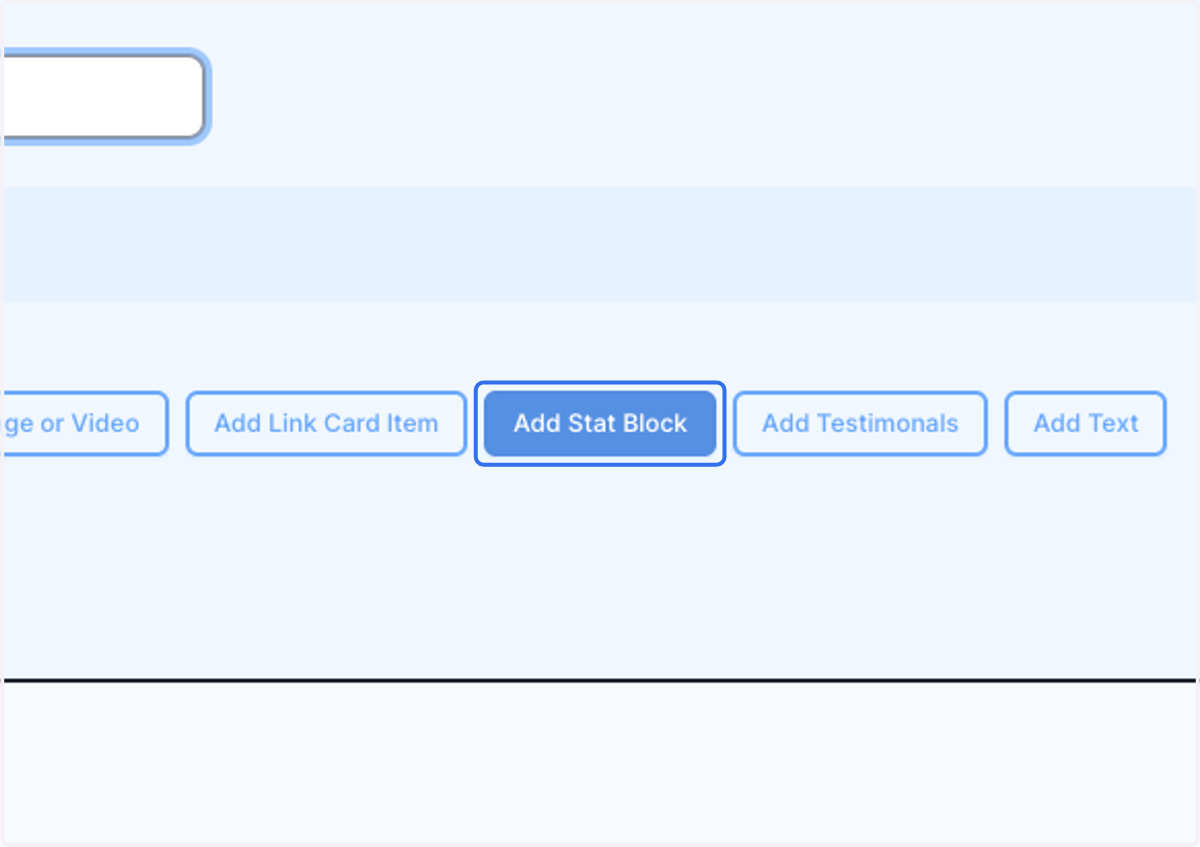
🖊️ Lets create a stat block based on the average weather on October
9. Click on Stat Label
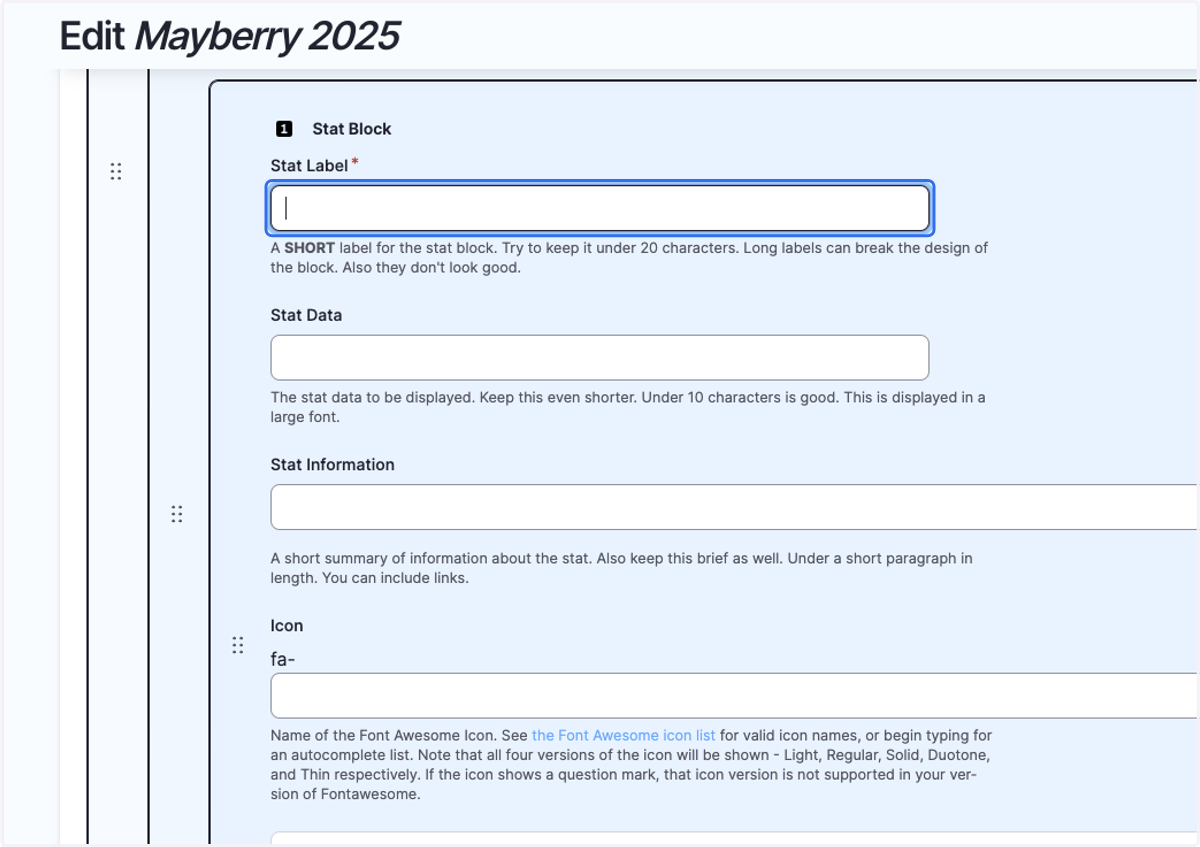
10. Type "Average Weather"
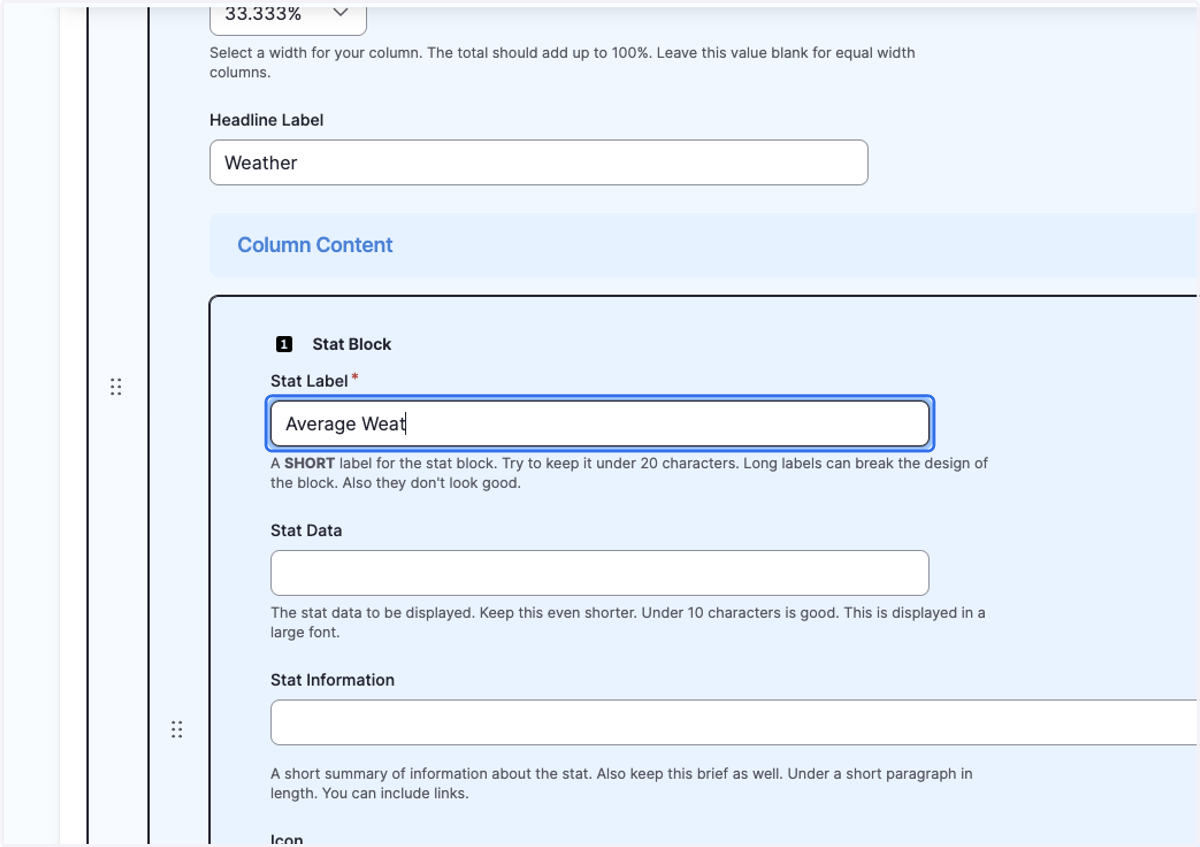
11. Type "65º-85º"
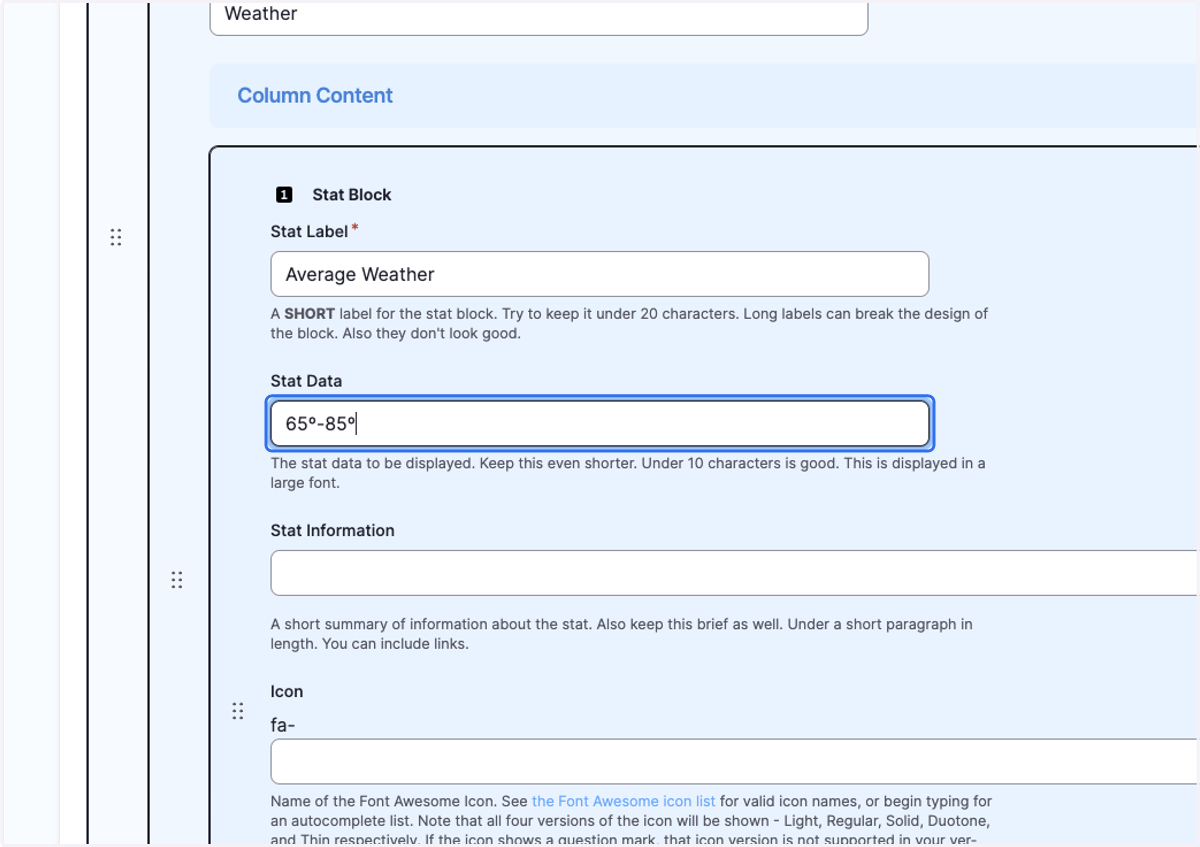
12. Click on Stat Information
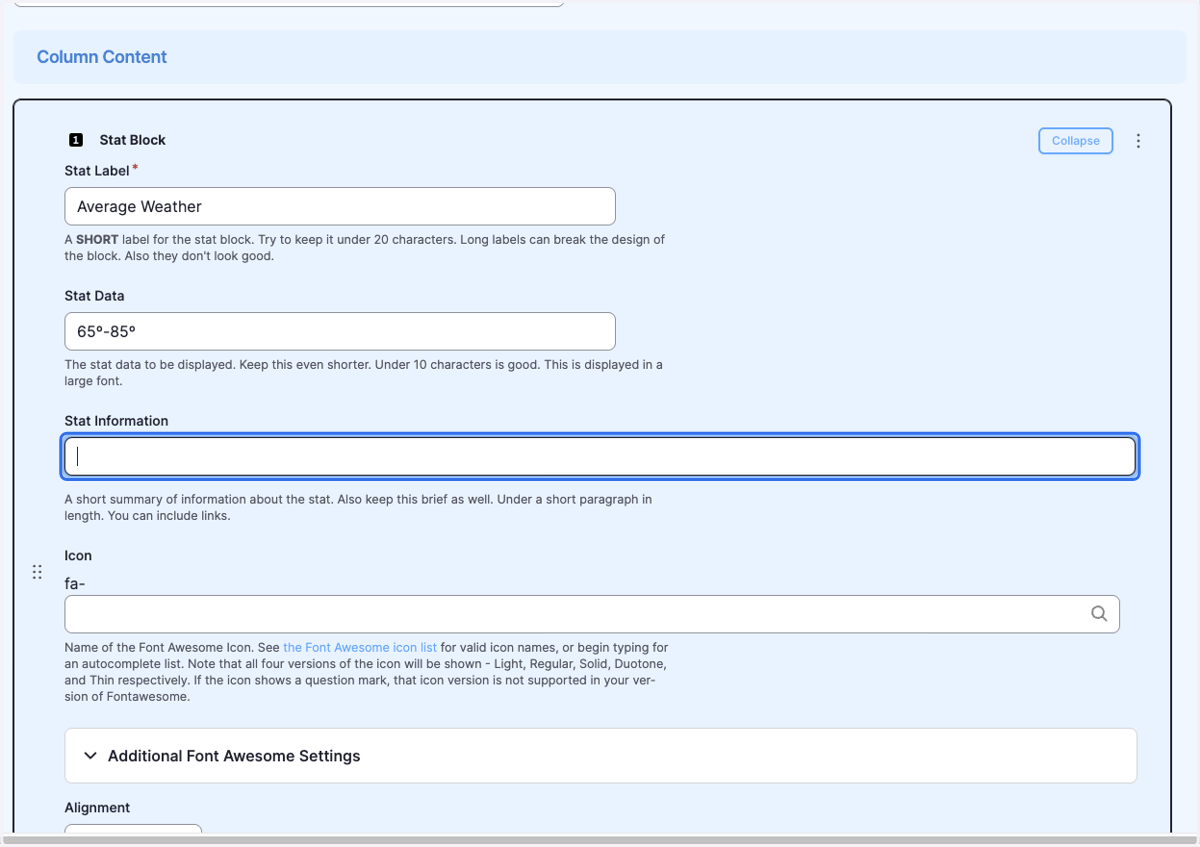
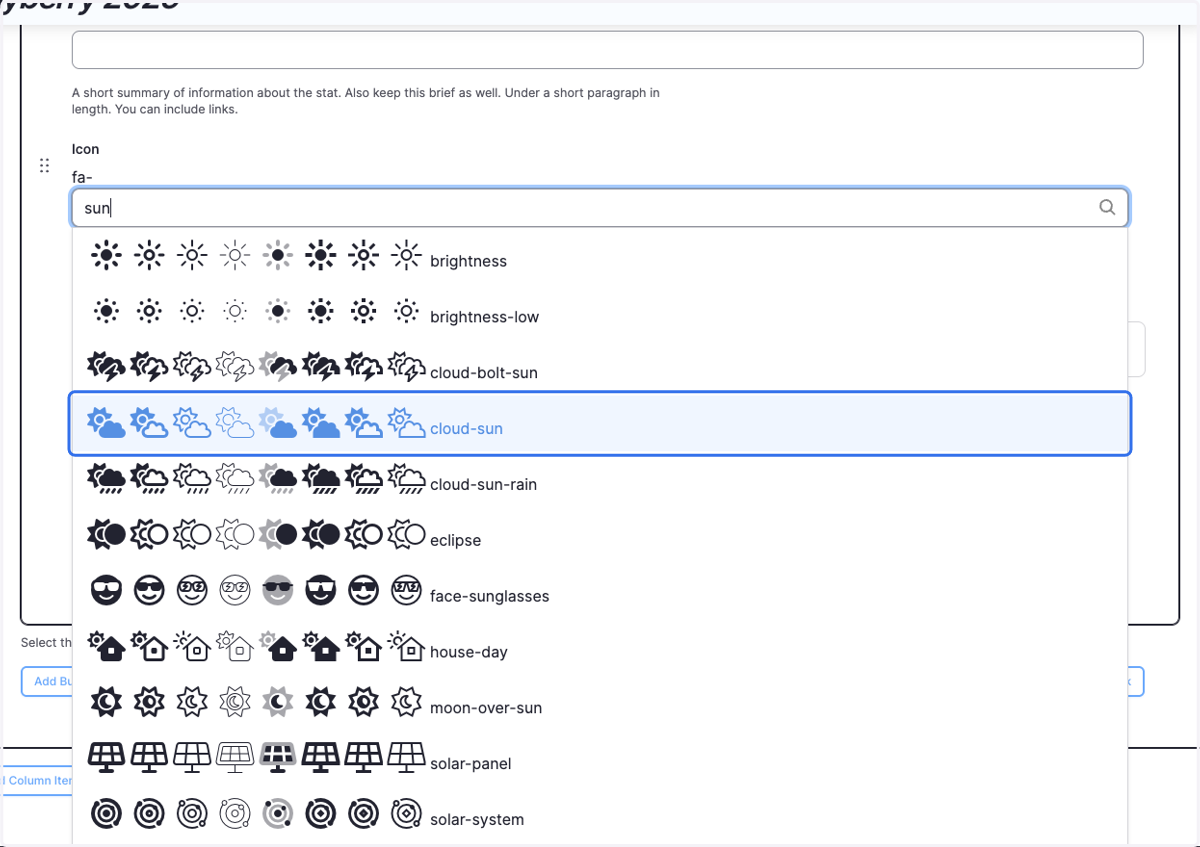
13. Type "sun"
We have an entire library of icons you can use for your stat. You can find a listing of the library at https://fontawesome.com/icons
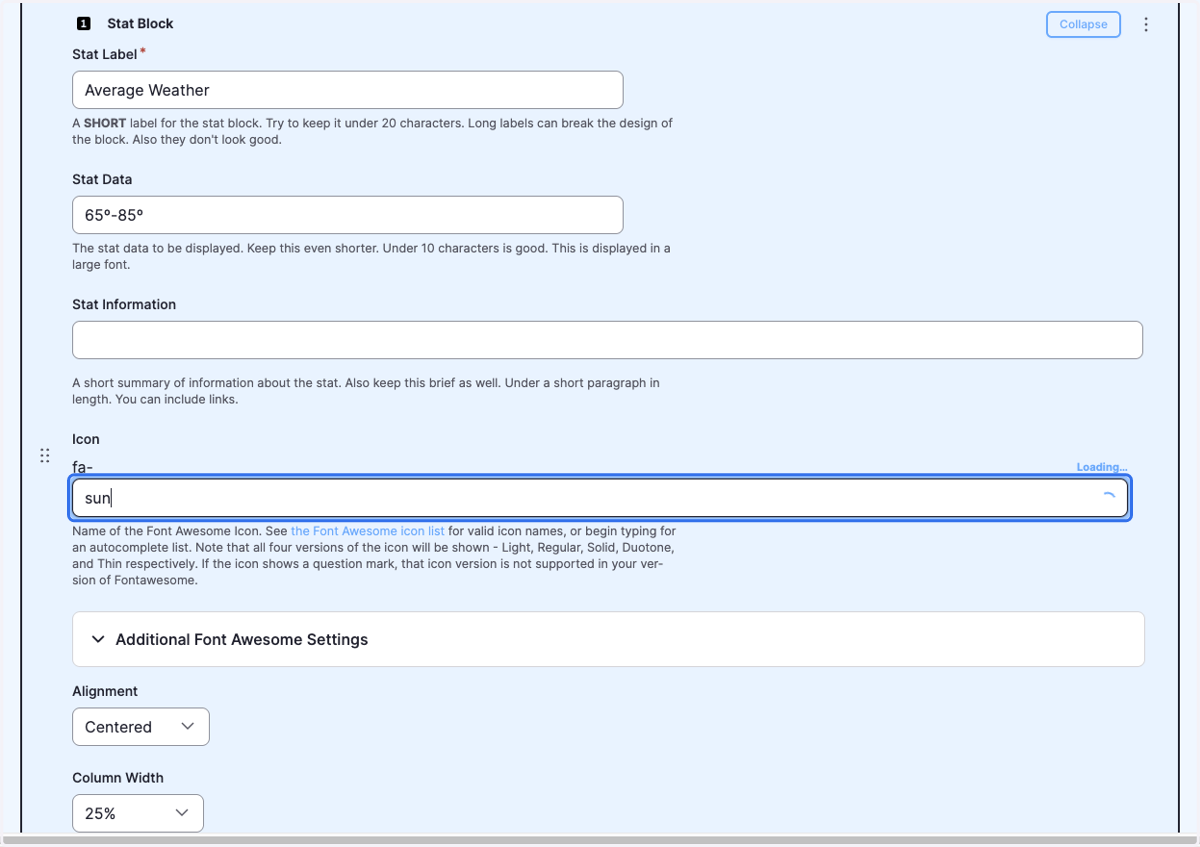
14. Click on cloud-sun
15. Select 33.333% from Column Width
You will need 2 more columns for our stat blocks row.
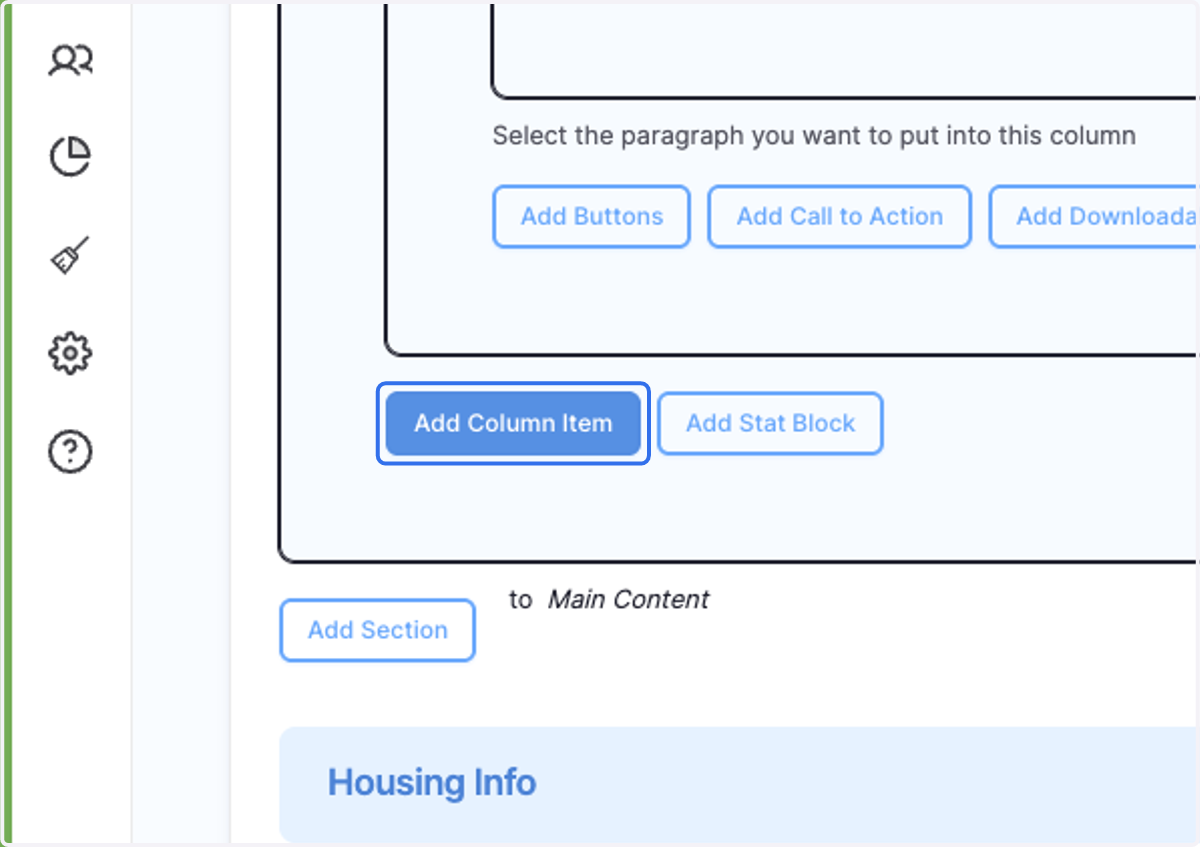
16. Click on Add Column Item
Create more stat blocks so you will have a total of 3 stat blocks. Make sure they all have the width set to 33.333%
17. Click on Save
18. The end result will look something like this.