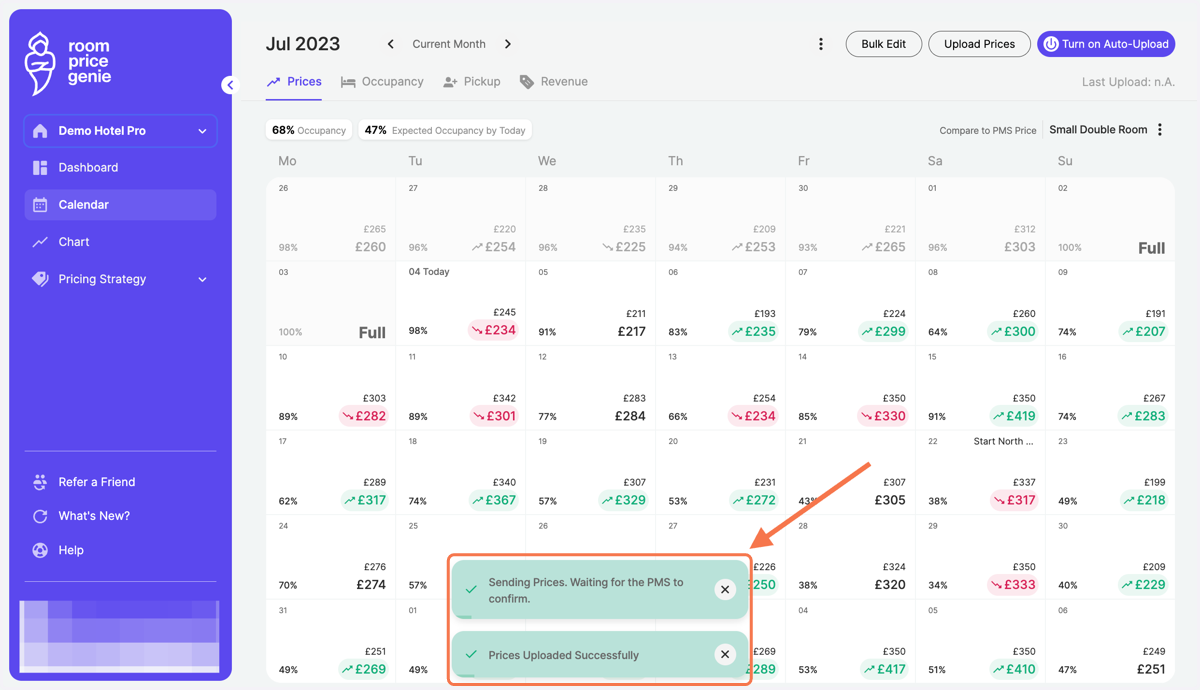
Price upload for multiple days
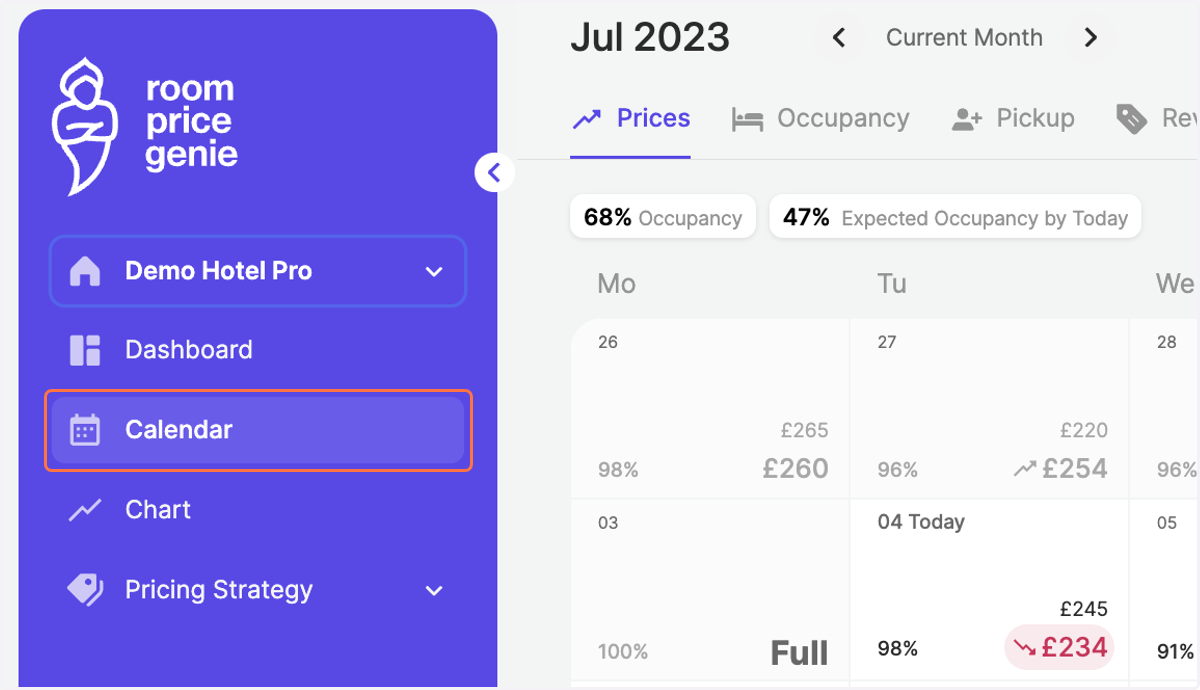
1. Click on "Calendar" in the navigation bar
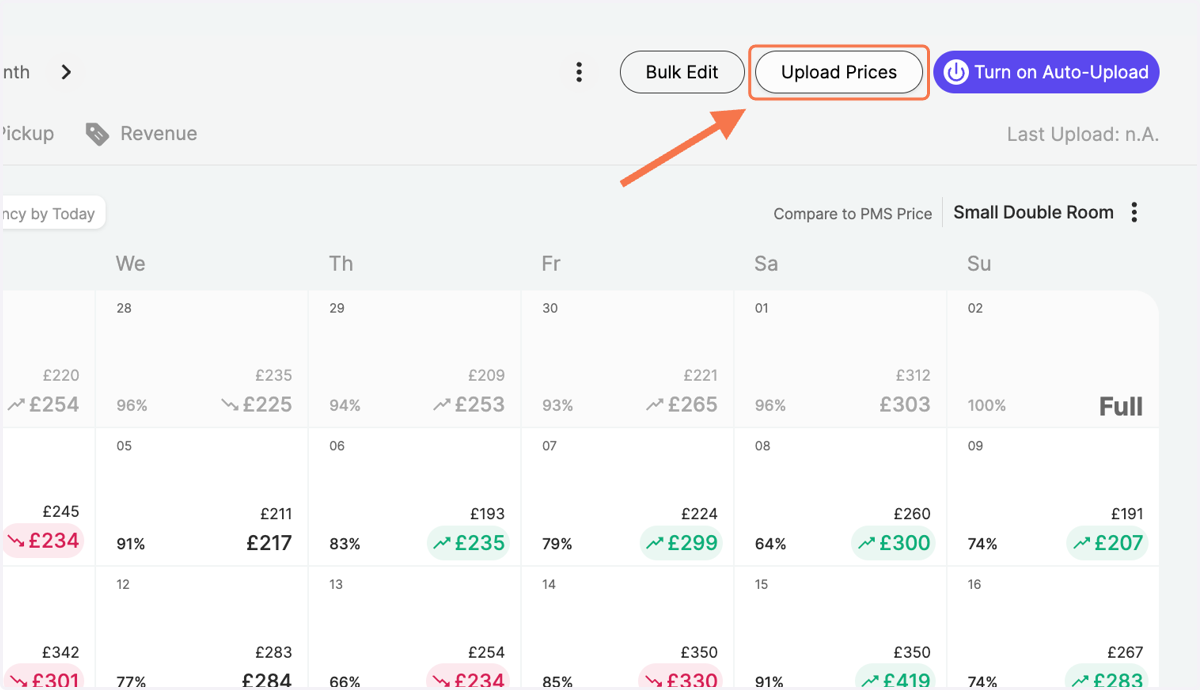
2. Click on "Upload Prices" on the top right
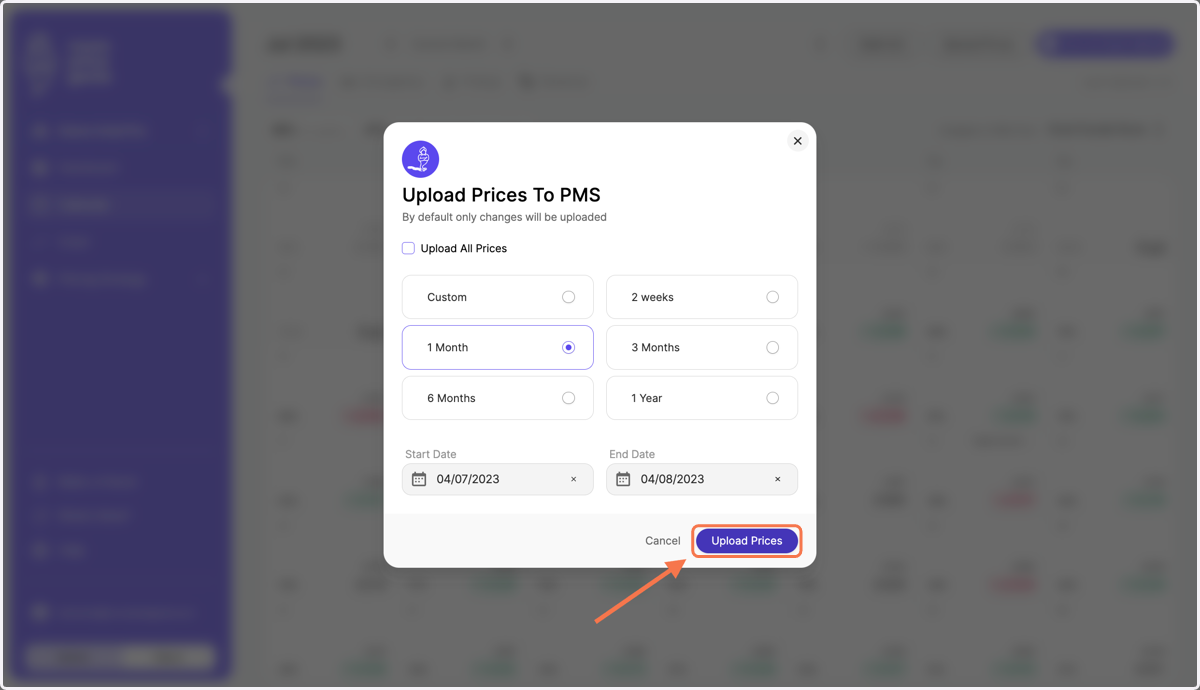
3. Choose the dates when you want to upload prices - either a time frame starting today (Option 1) or a custom time frame (Option 2)
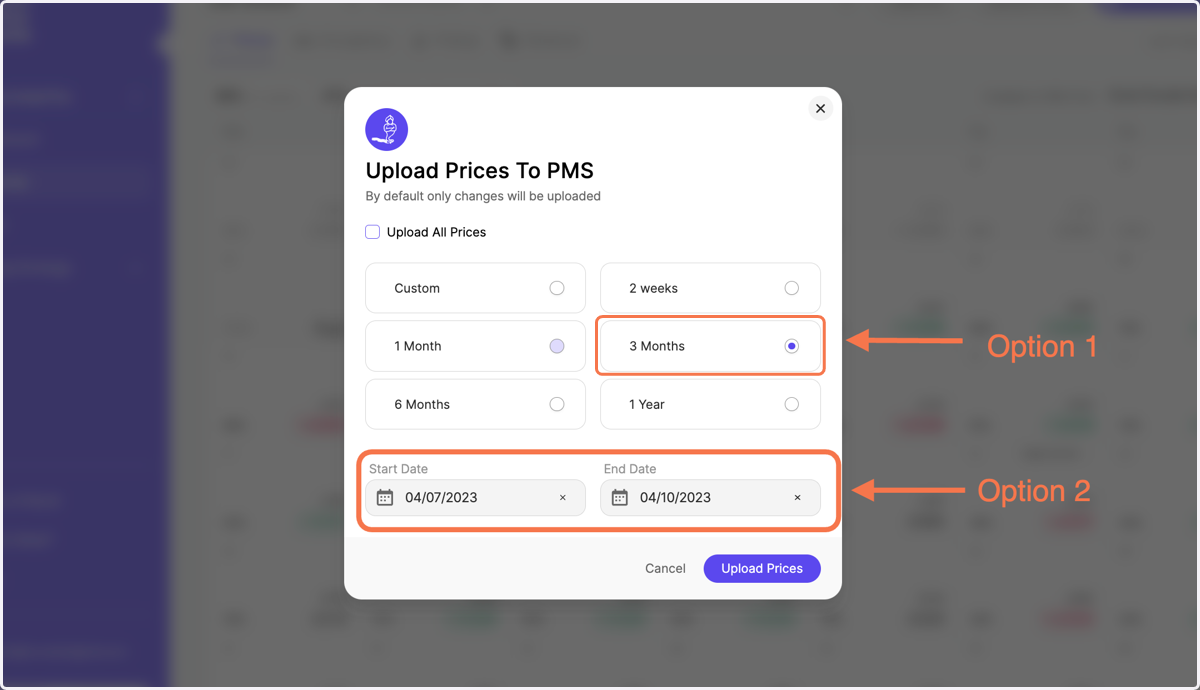
4. Click on "Upload Prices"
5. Green pop-up messages at the bottom, confirm the upload