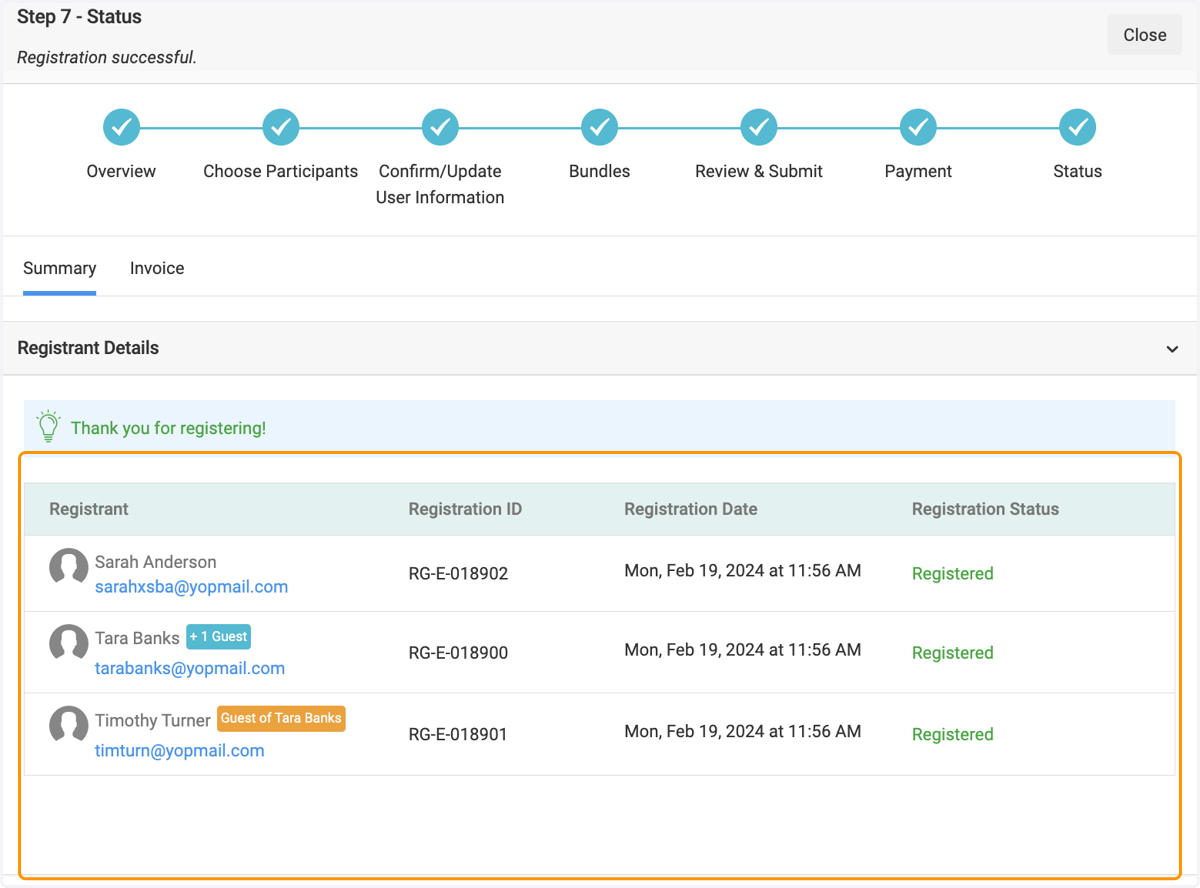
How to register individuals and their guests on behalf of your organization.
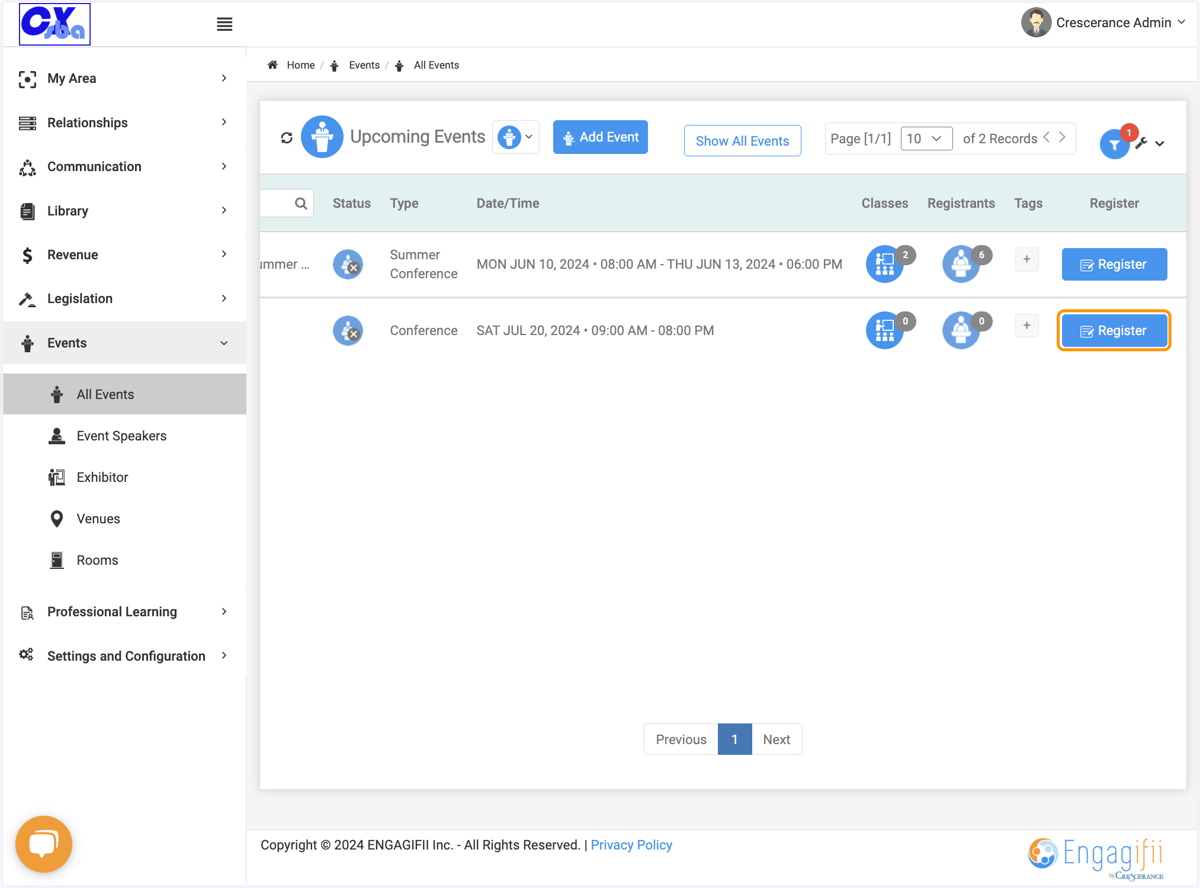
1. Click on Register
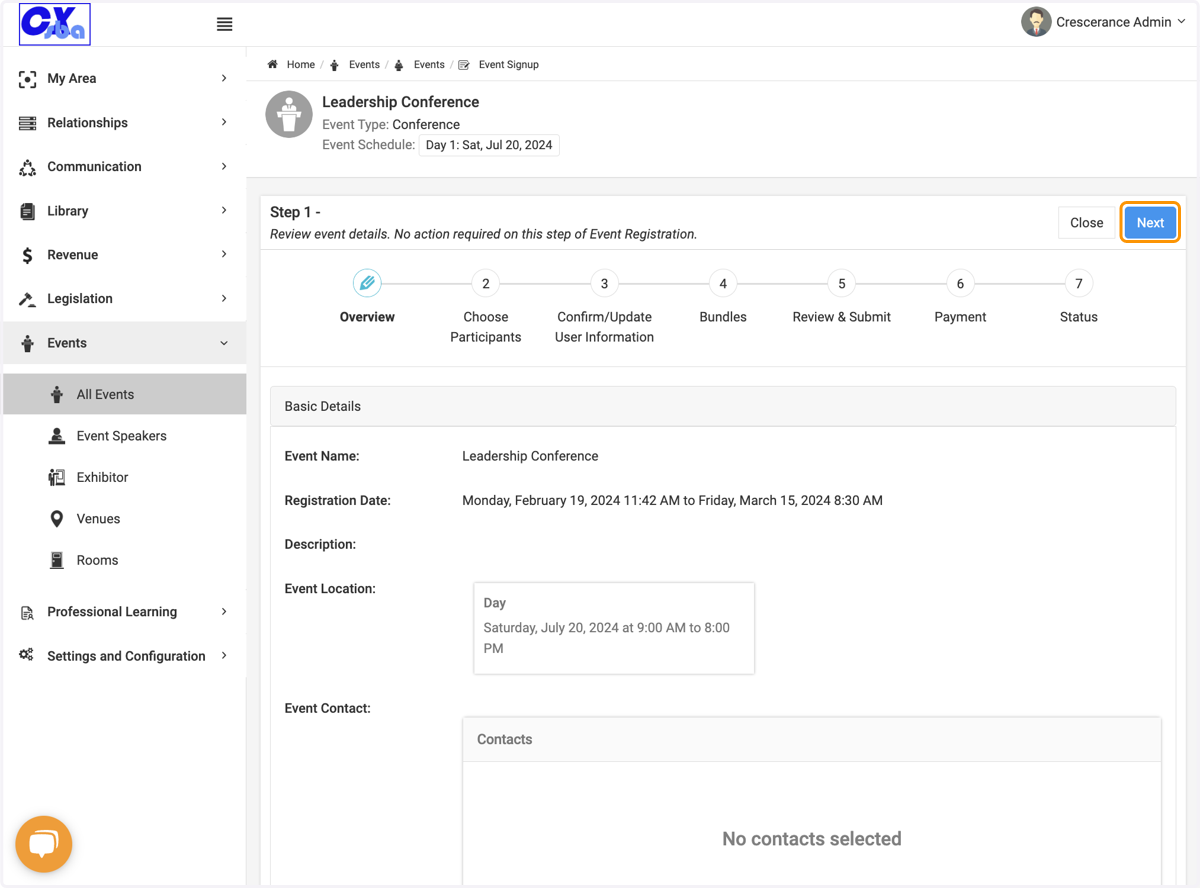
2. Click on Next
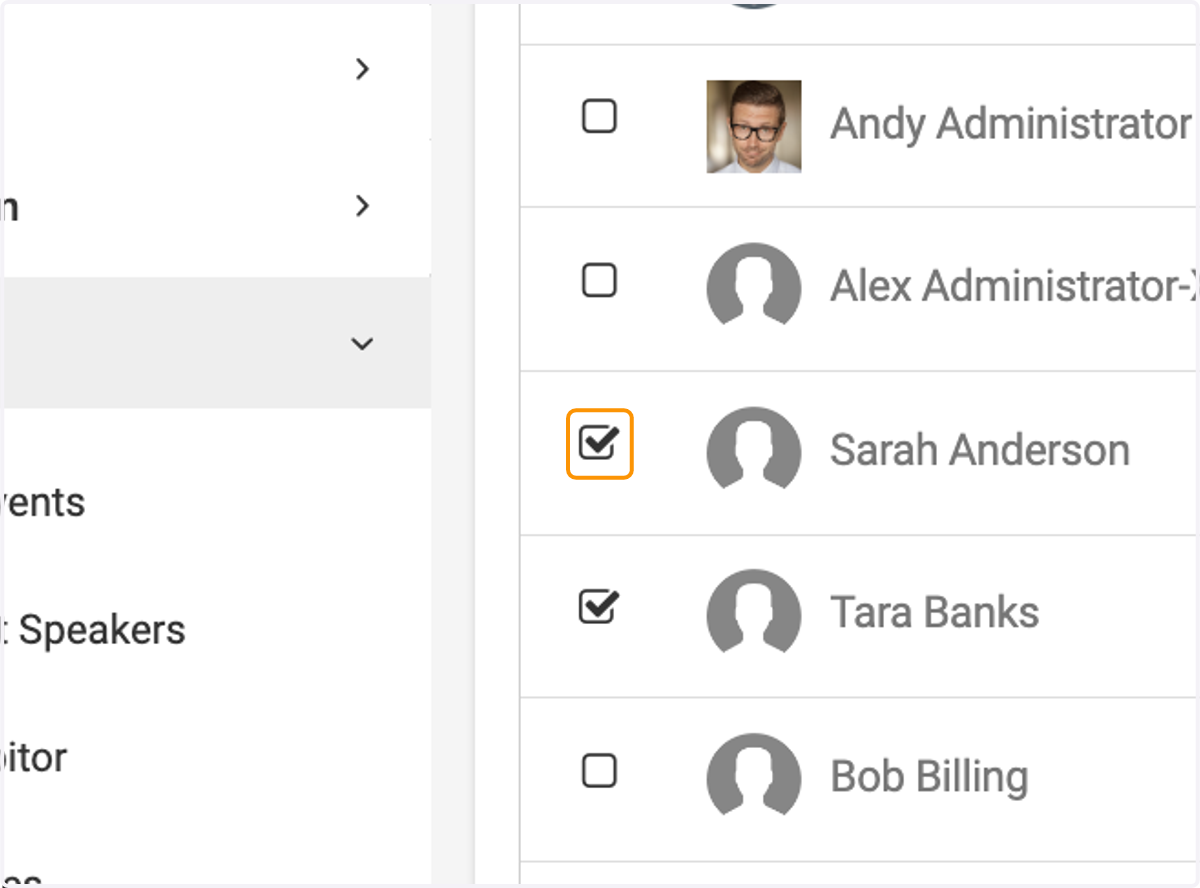
3. Select individuals from your organization to register
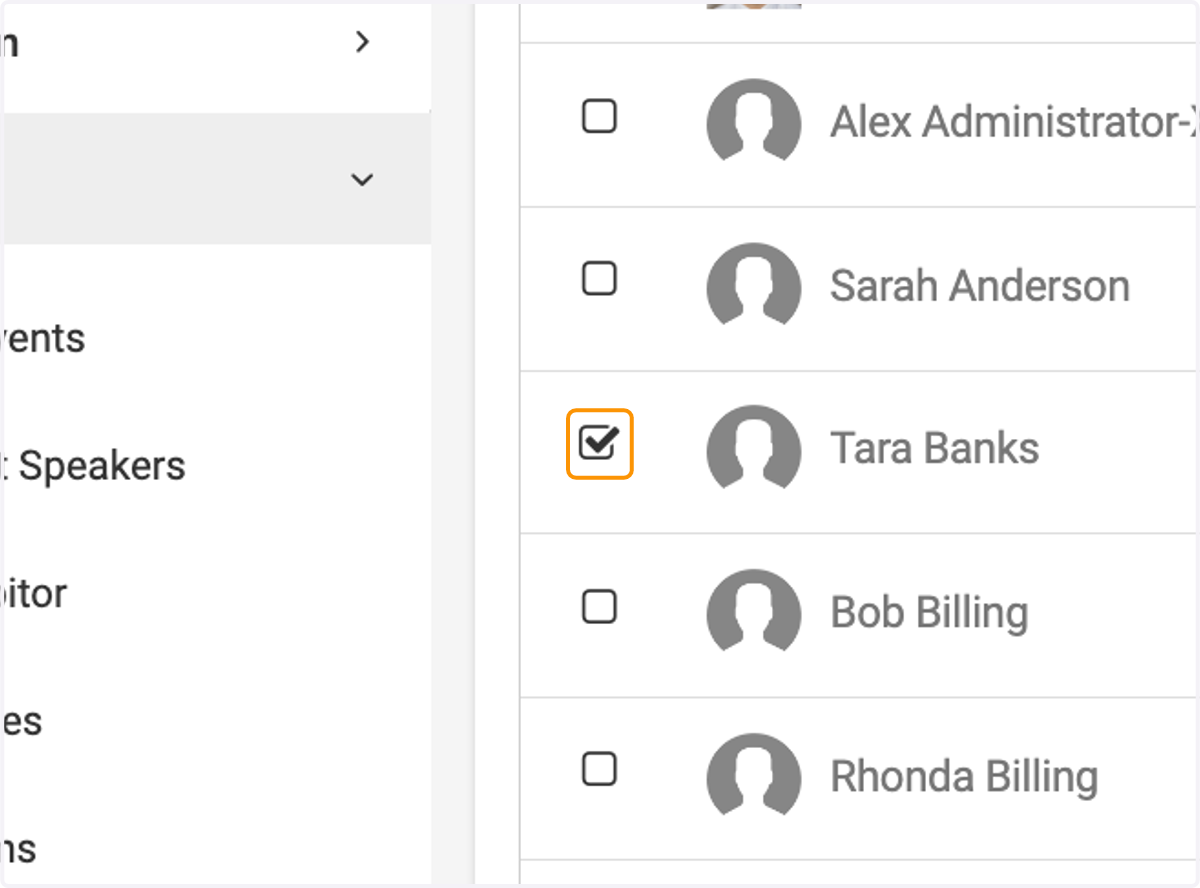
4. Select individuals from your organization to register
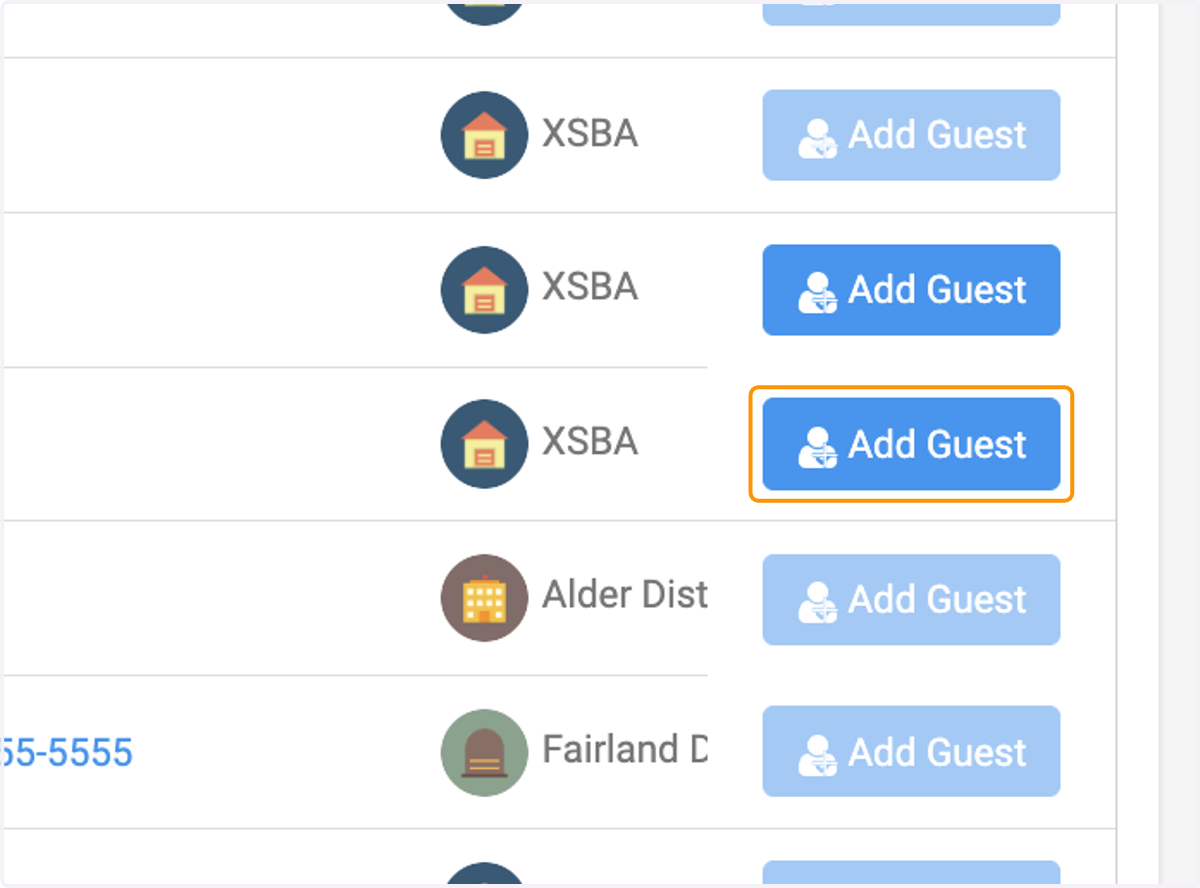
5. Click on Add Guest on the individual bringing a guest.
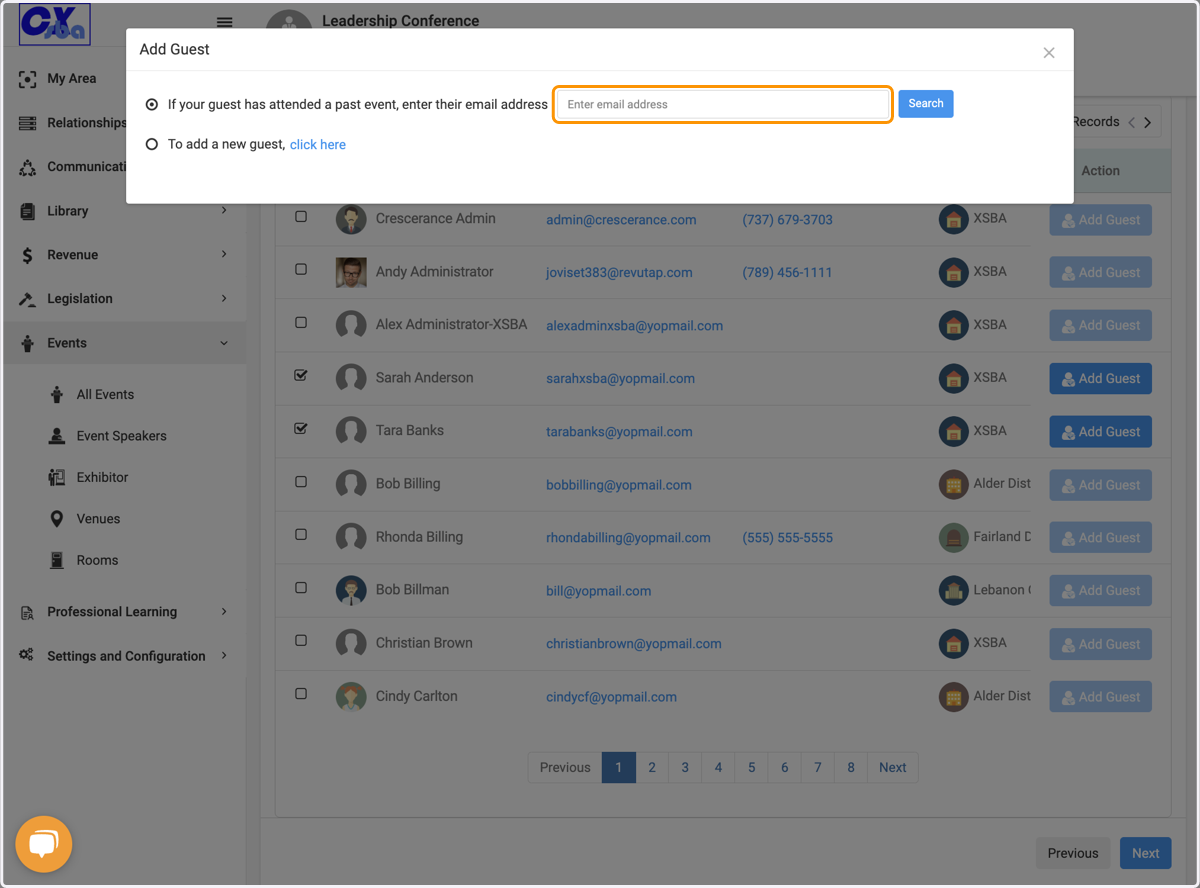
6. If the guest has attended previously then search their email address here
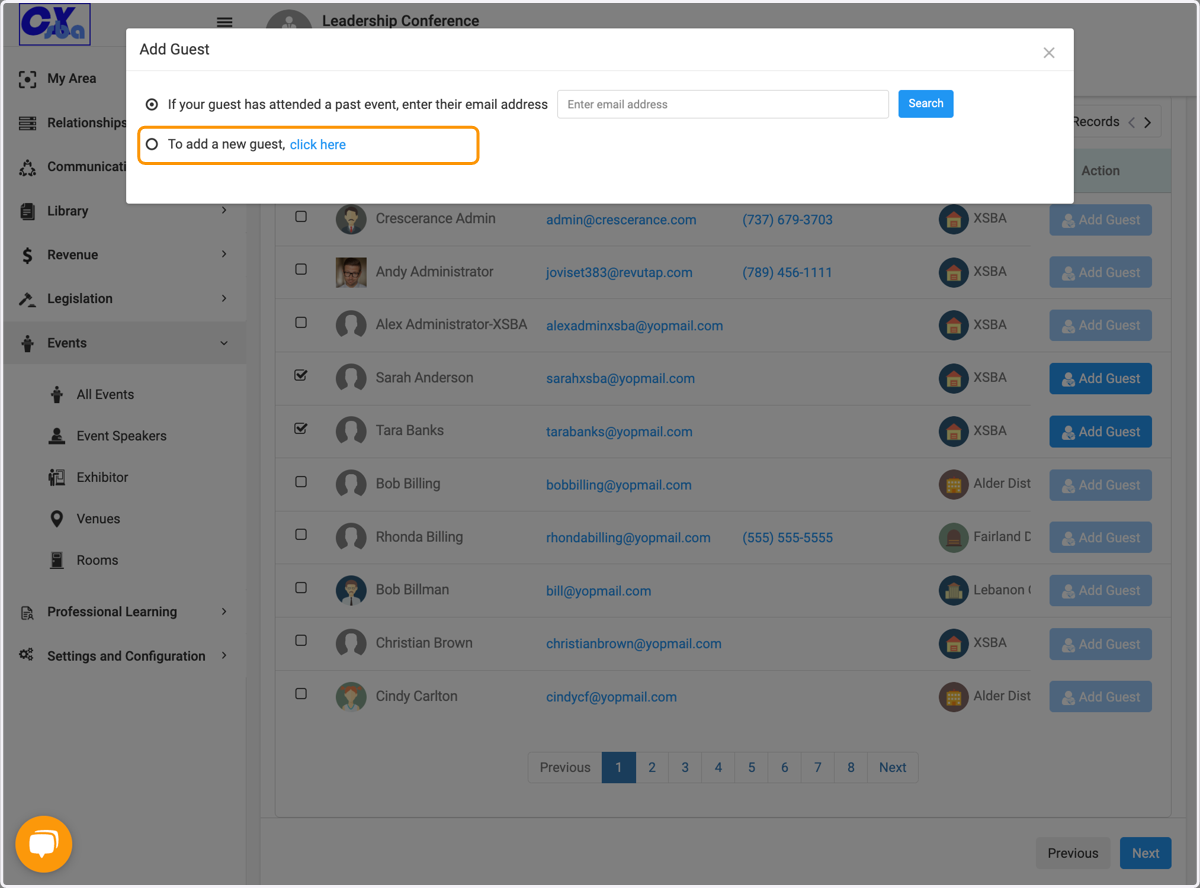
7. If this is a new gues click to add a new guest
8. Enter Guest Information
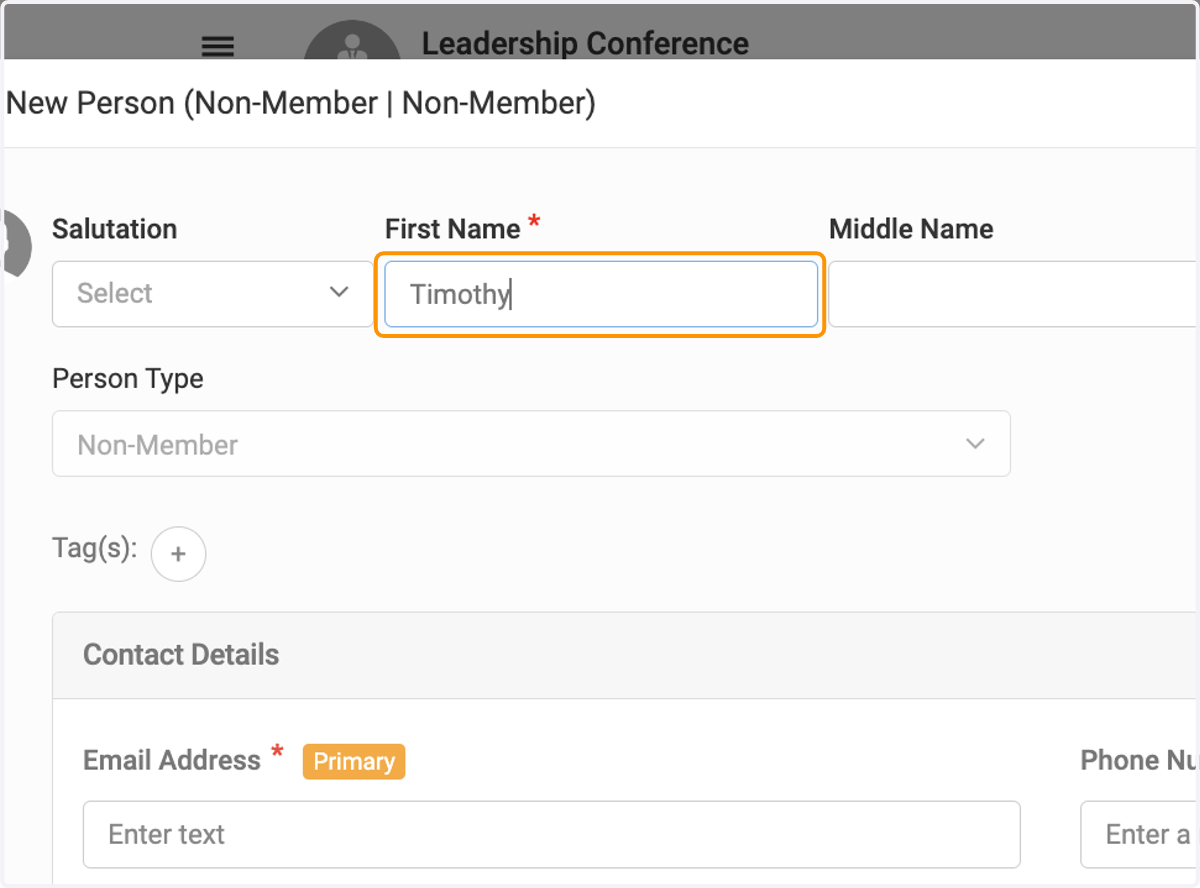
9. Enter Guest Information
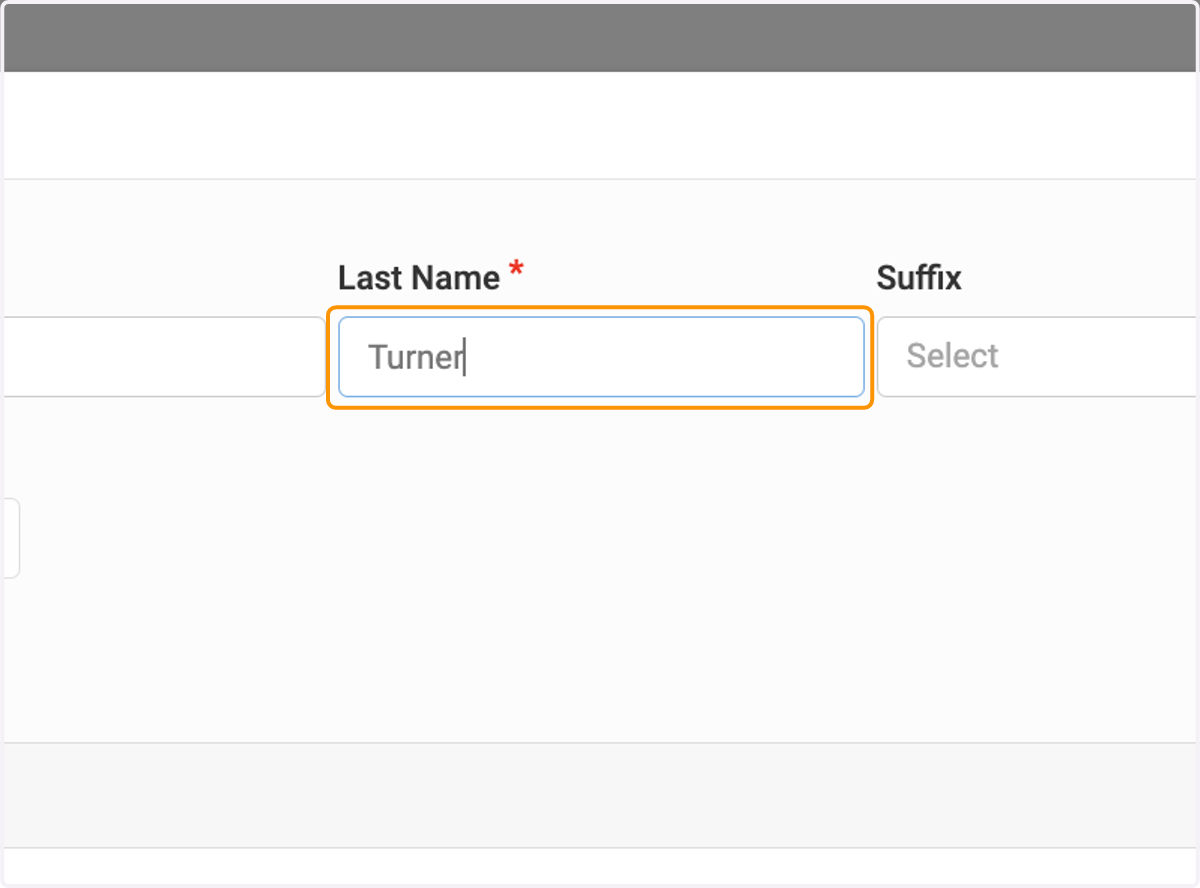
10. Enter Guest Information
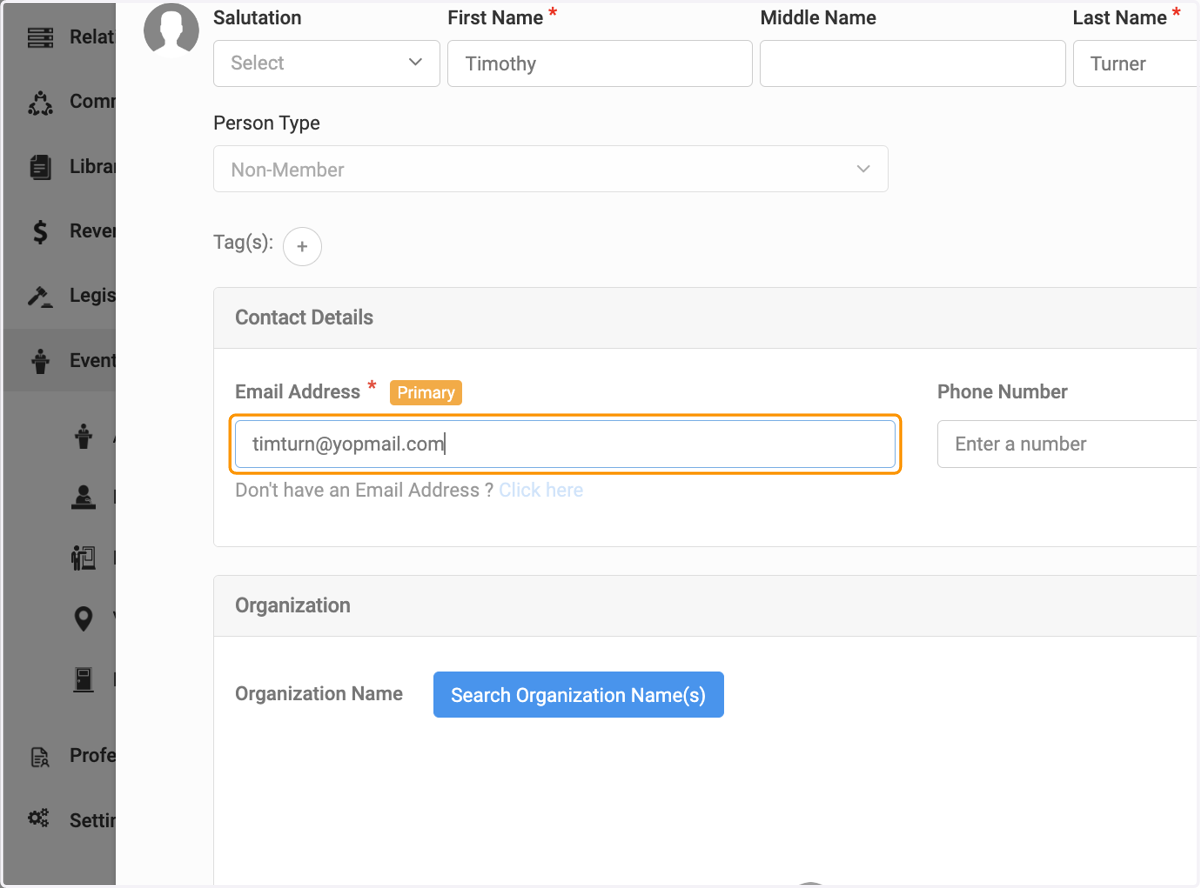
11. Enter Guest Information
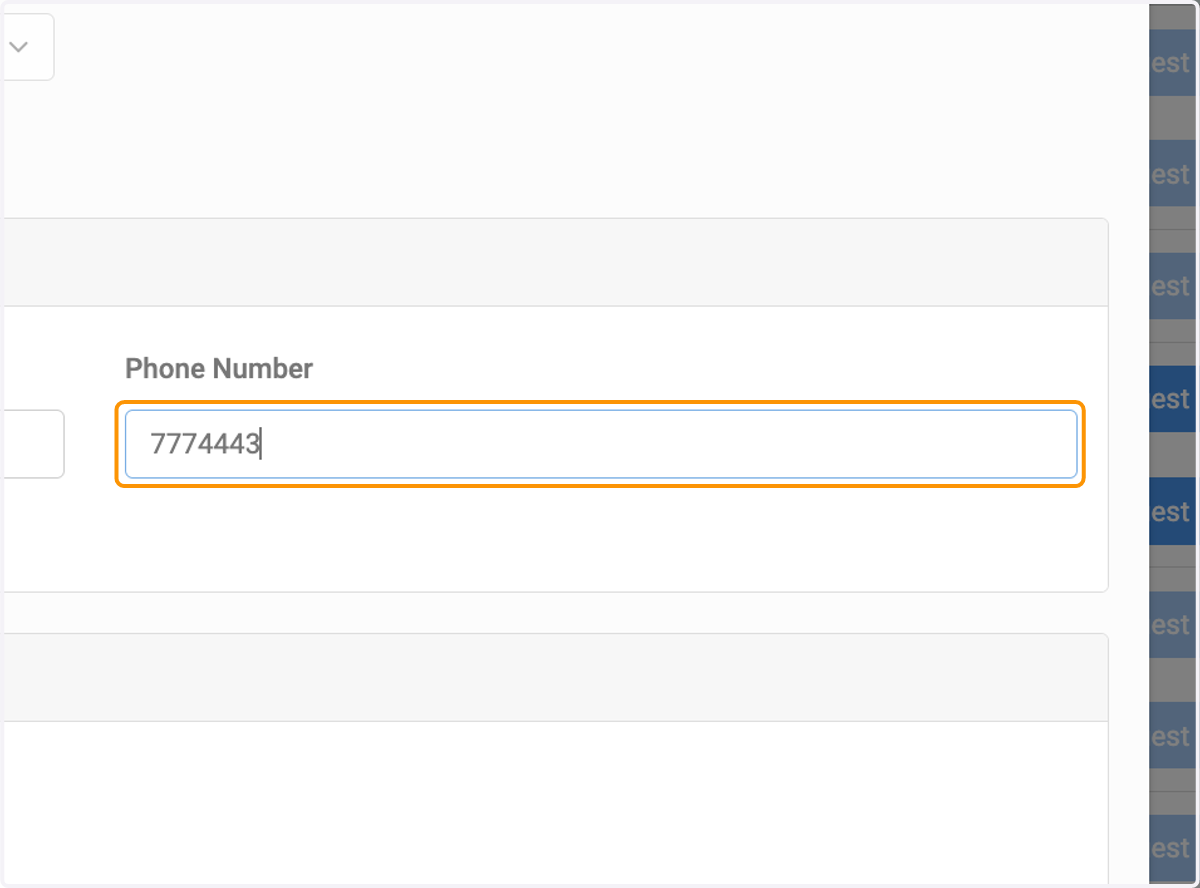
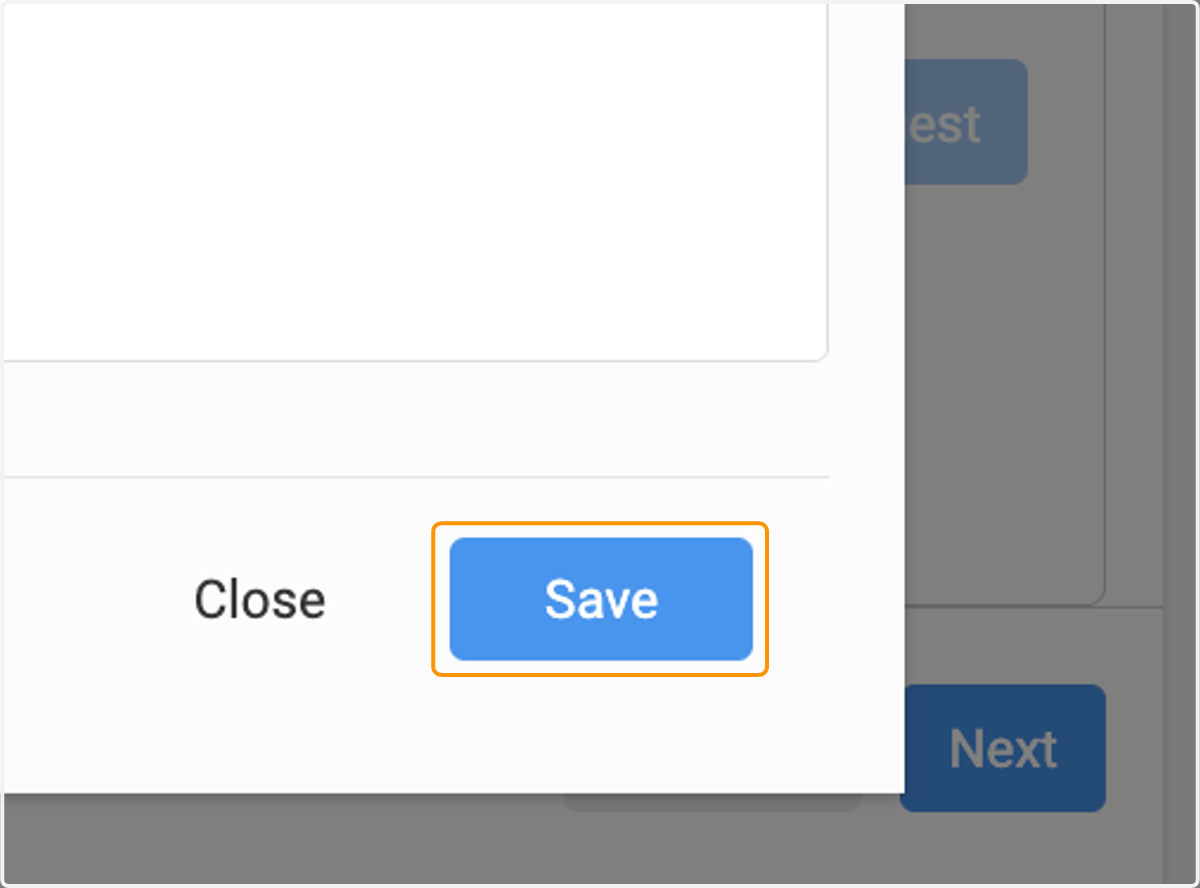
12. Click on Save
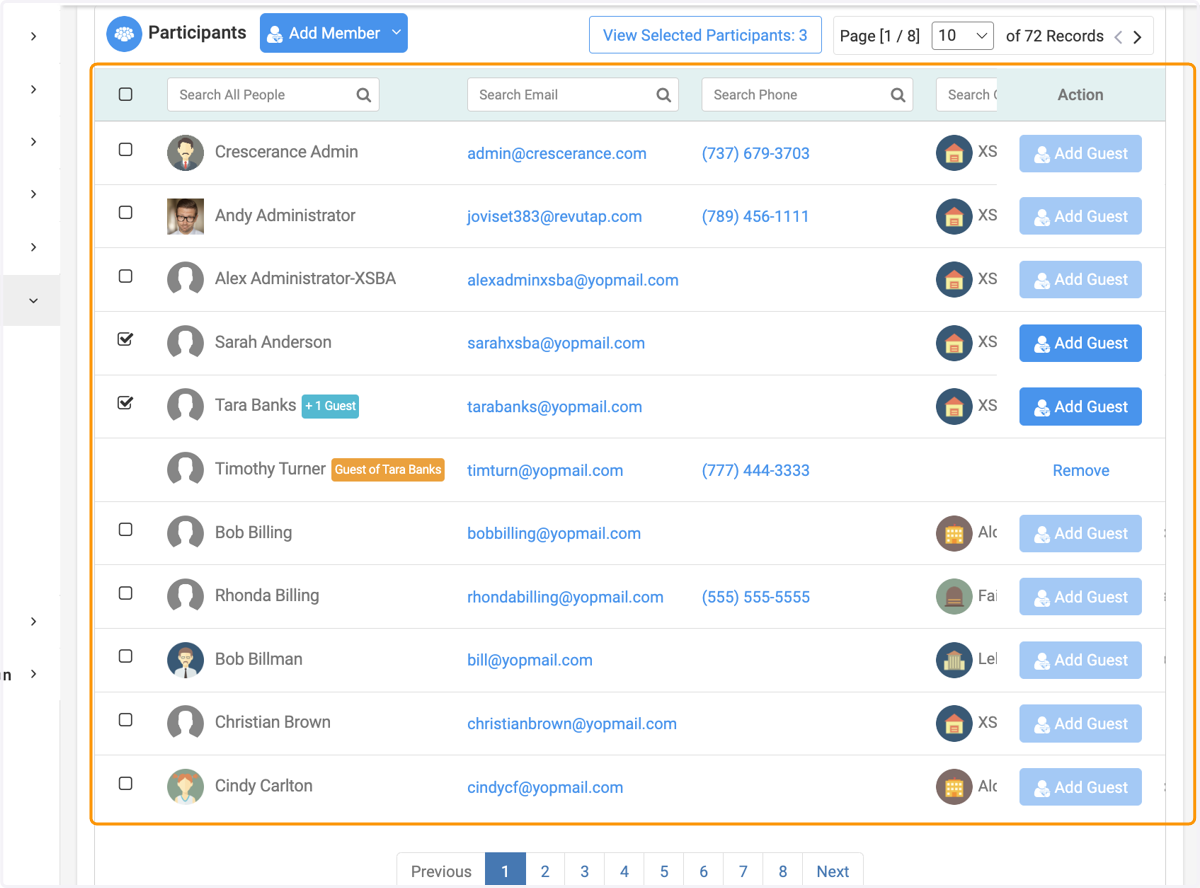
13. Here you have your attendees and their guests selected.
14. Click on Next
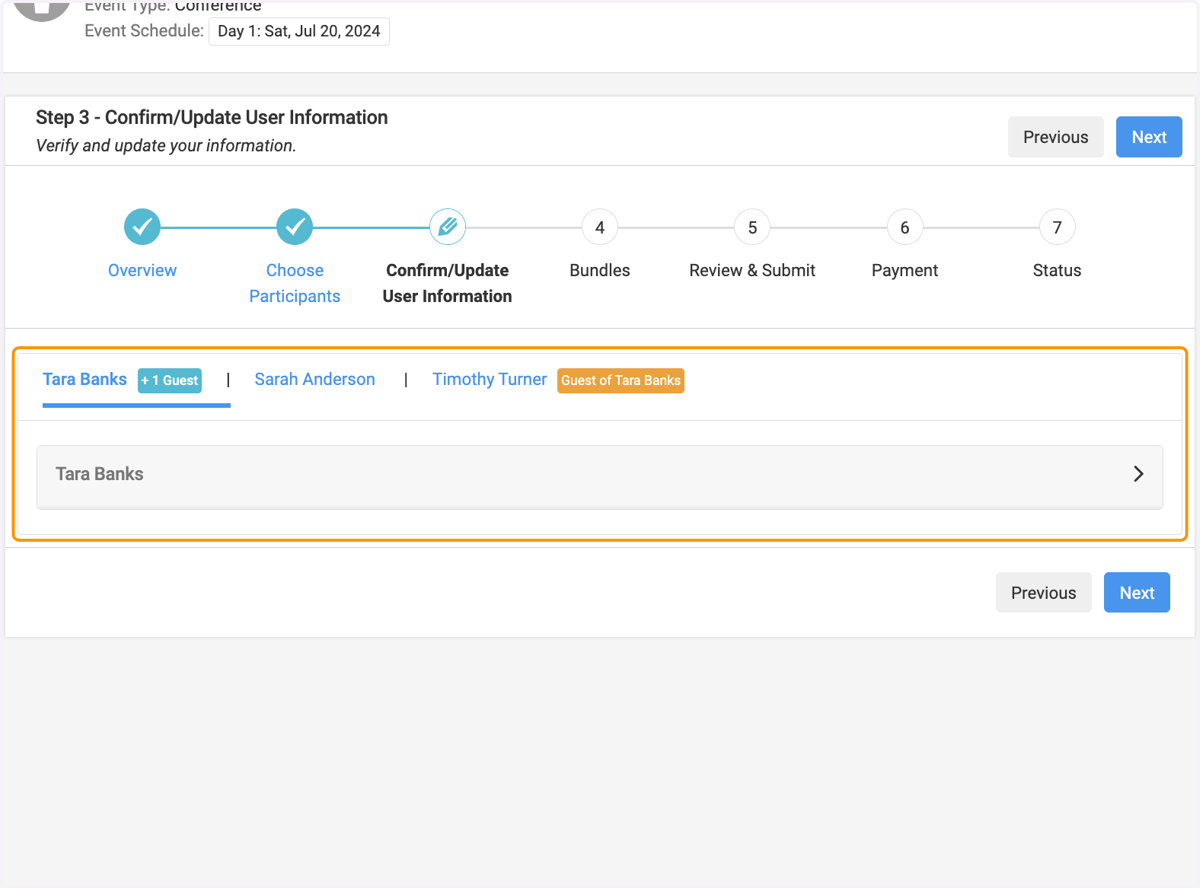
15. You can confirm the information of each of your attendees and guests
16. Click on Next
17. Select the bundles or options for each attendee and guest
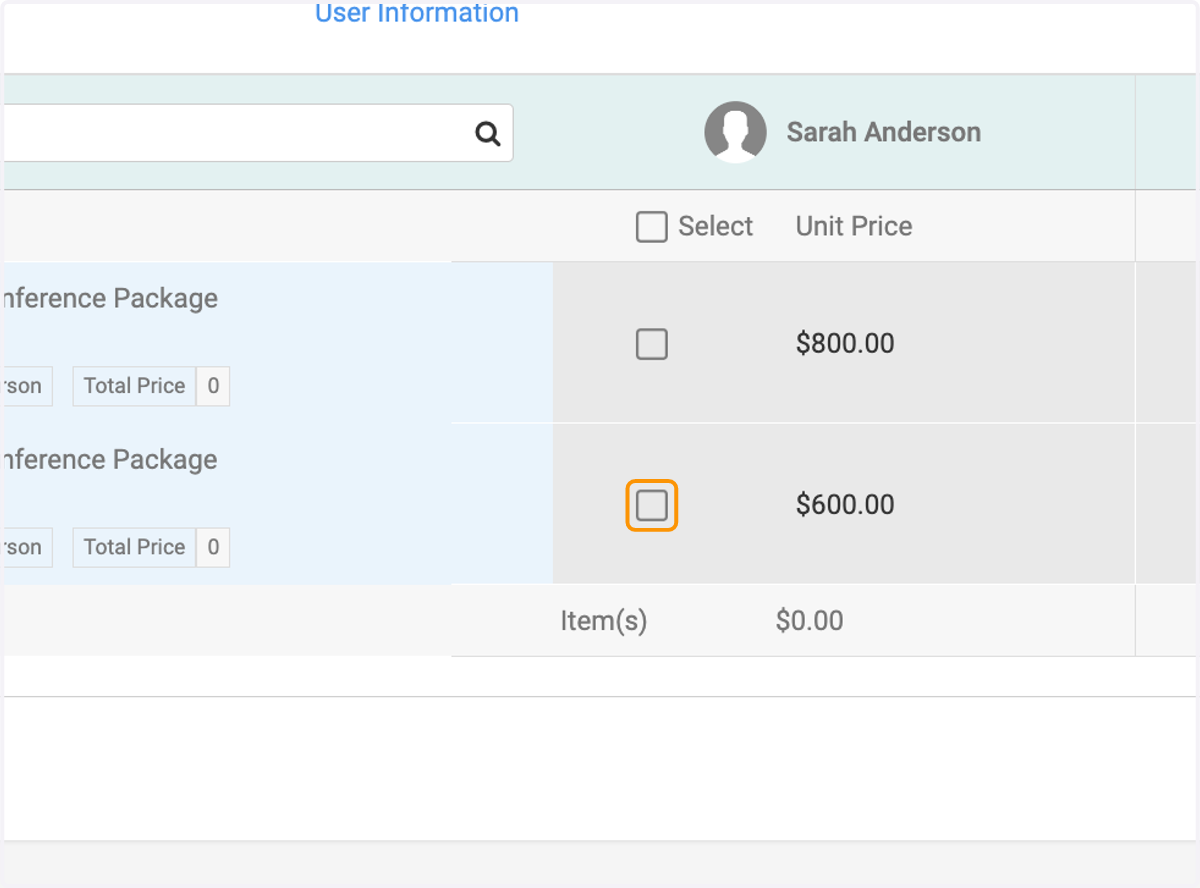
18. Select the bundles or options for each attendee and guest
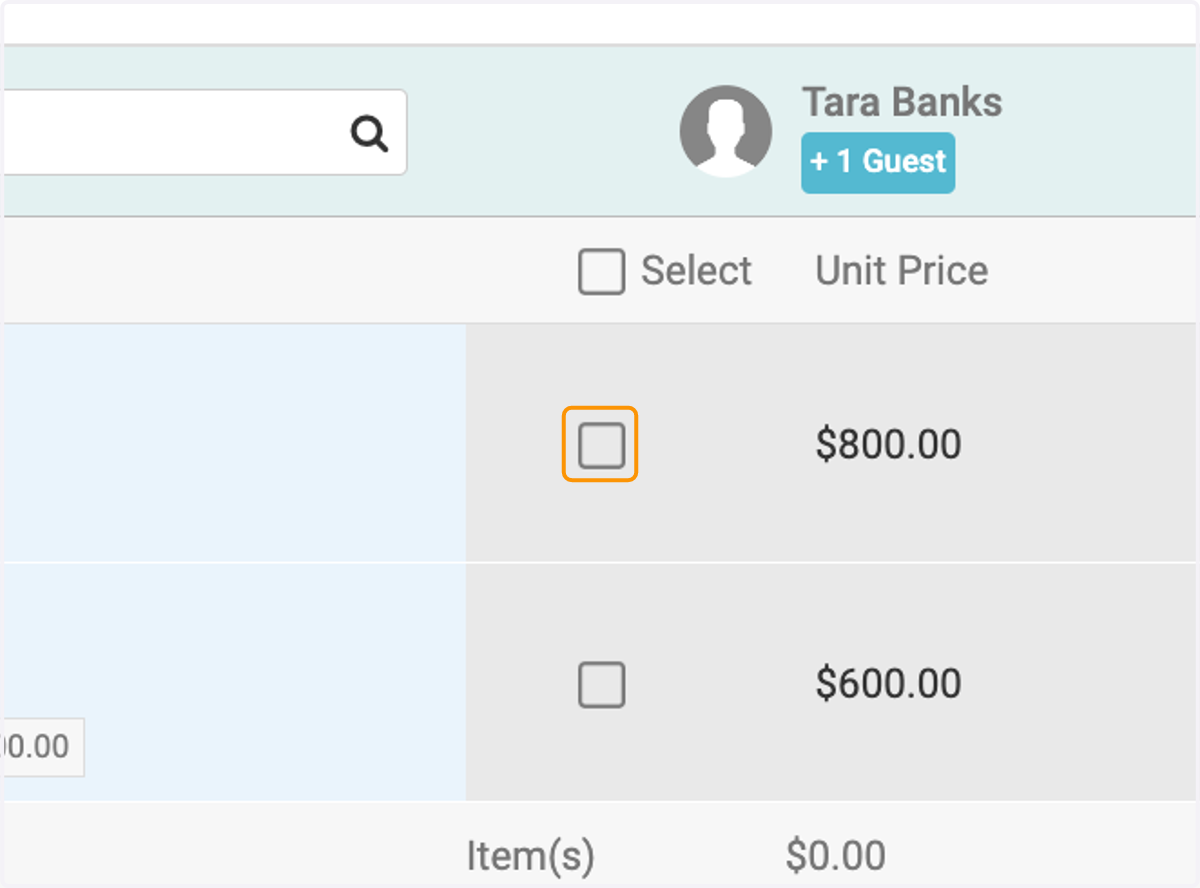
19. Select the bundles or options for each attendee and guest
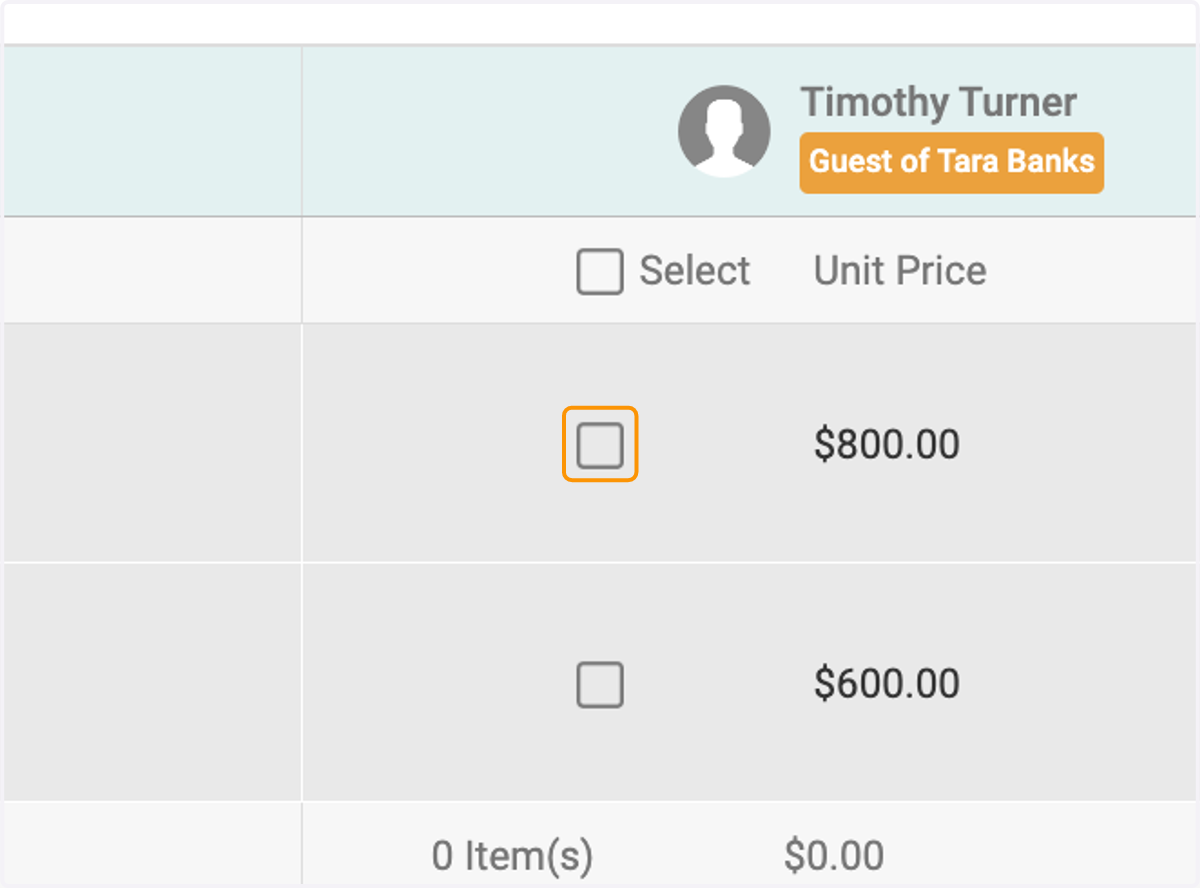
20. Click on Next
21. Confirm bundles and options for each attendee and guest
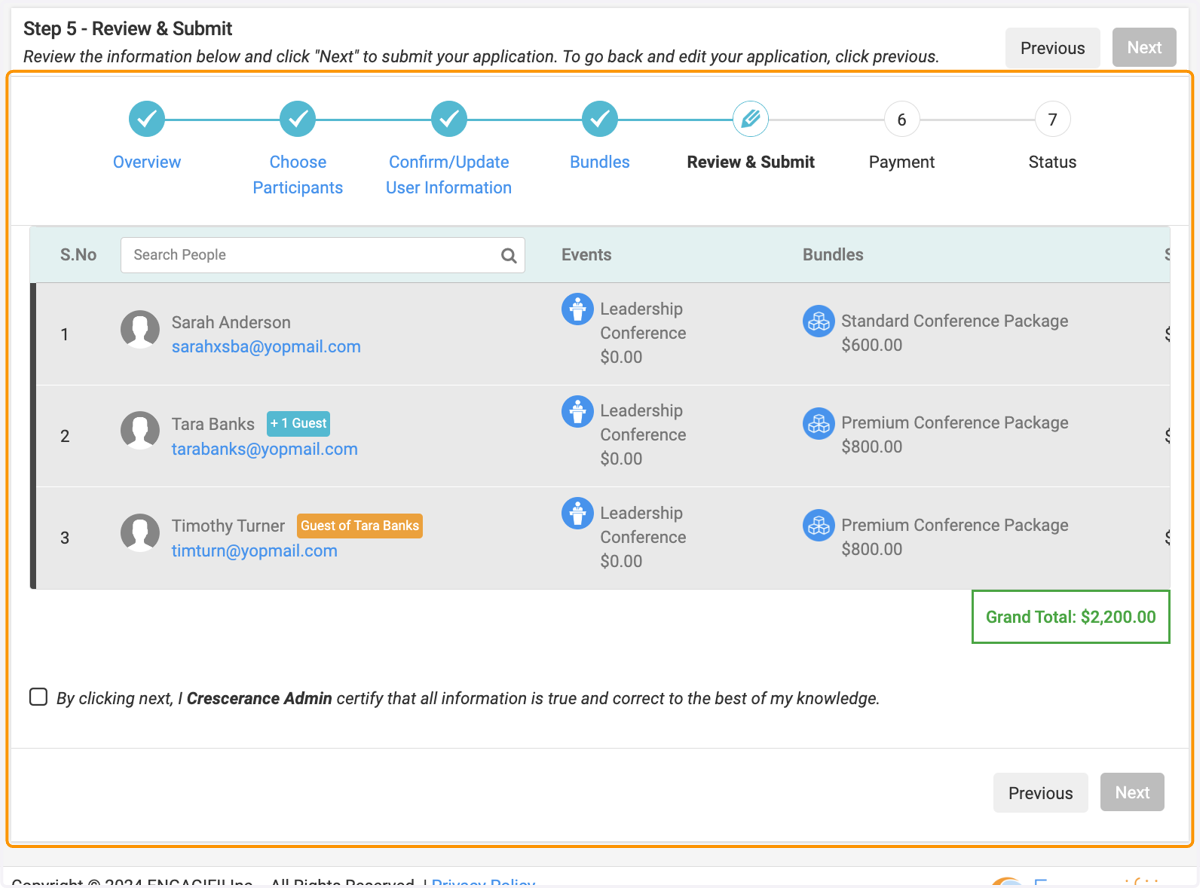
22. Confirm
23. Click on Next
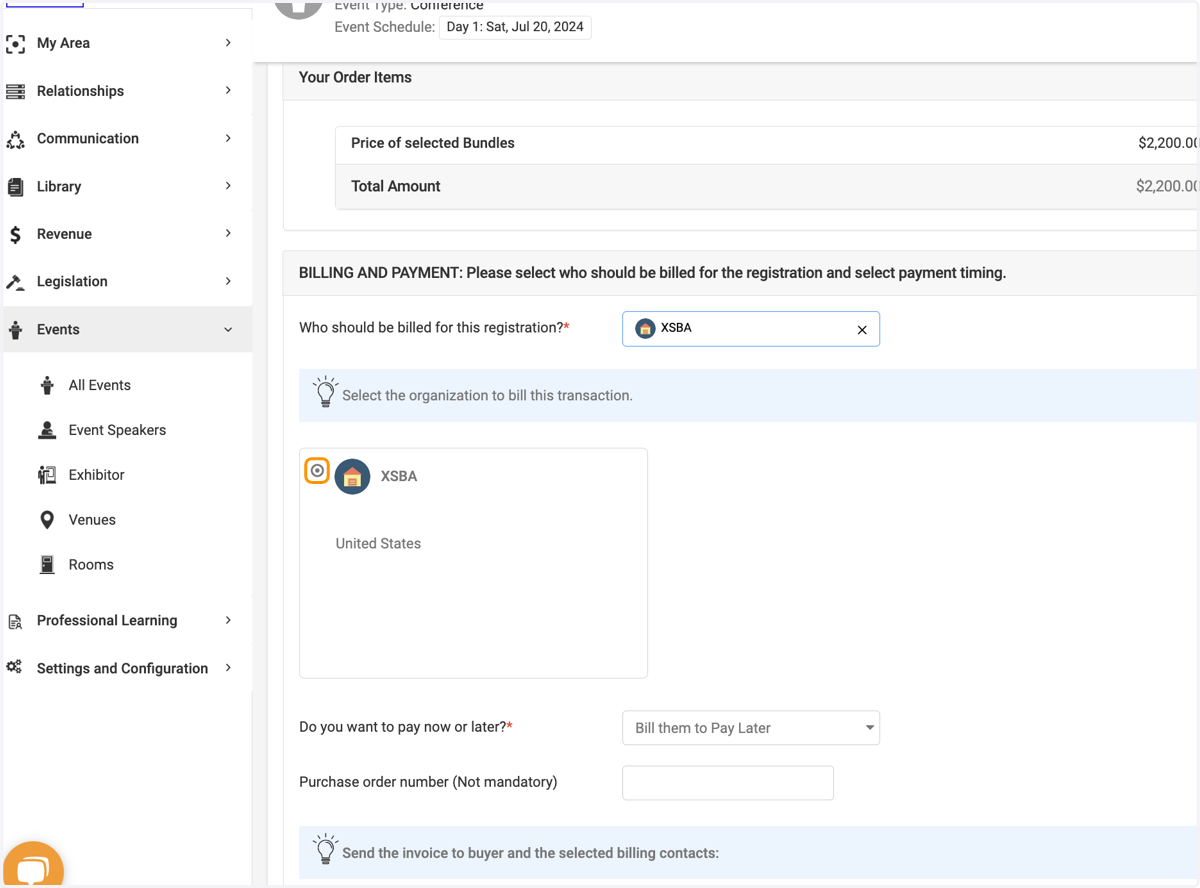
24. Search for your organization if billing to organization.
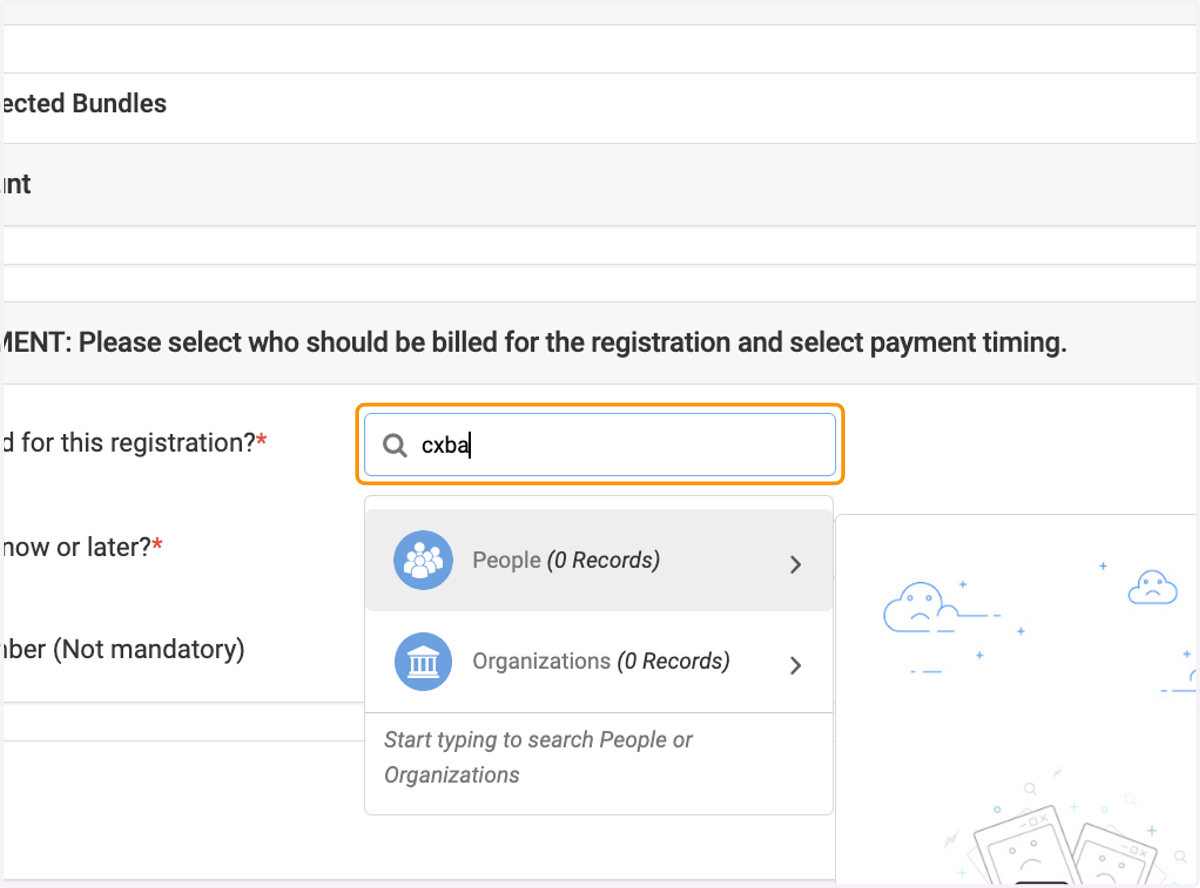
25. Search your organization
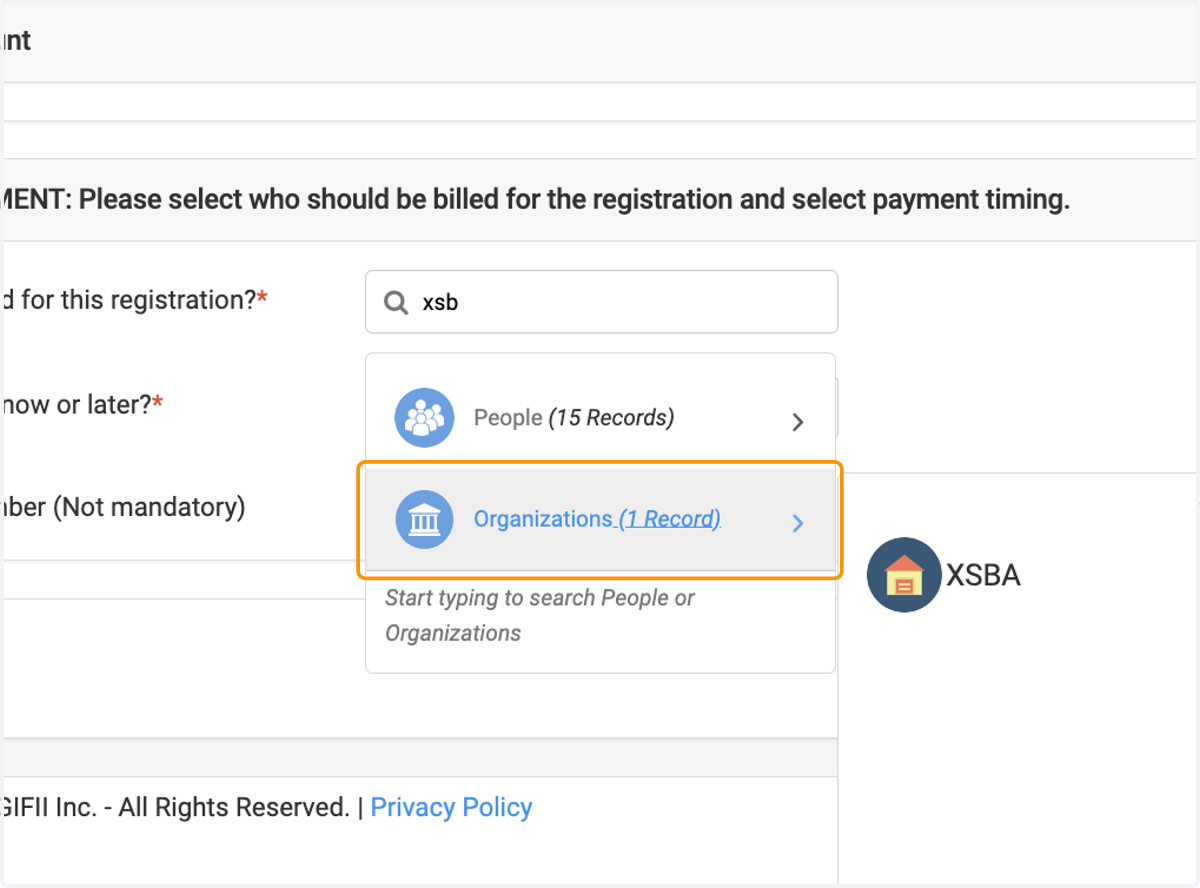
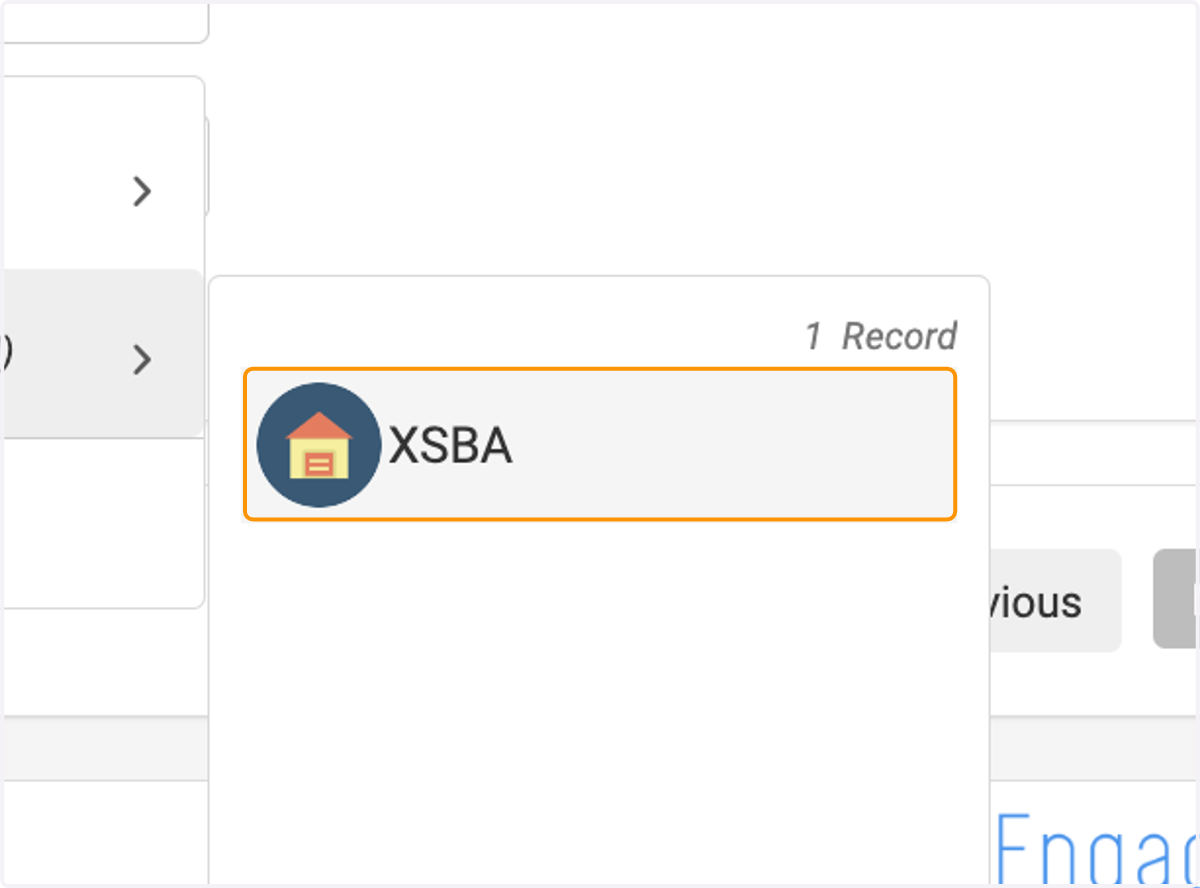
26. Click on organization
27. Click on Who should be billed for this registration?*…
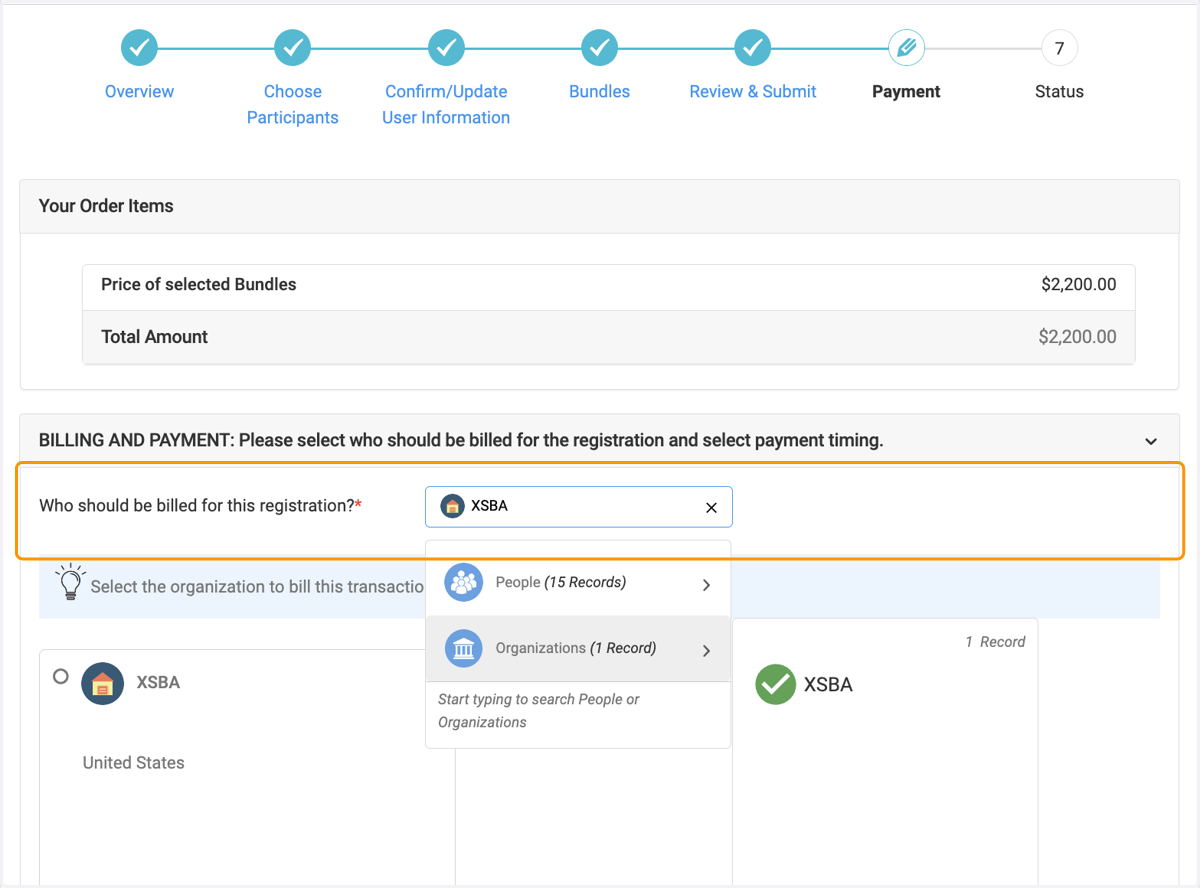
28. Select Organization
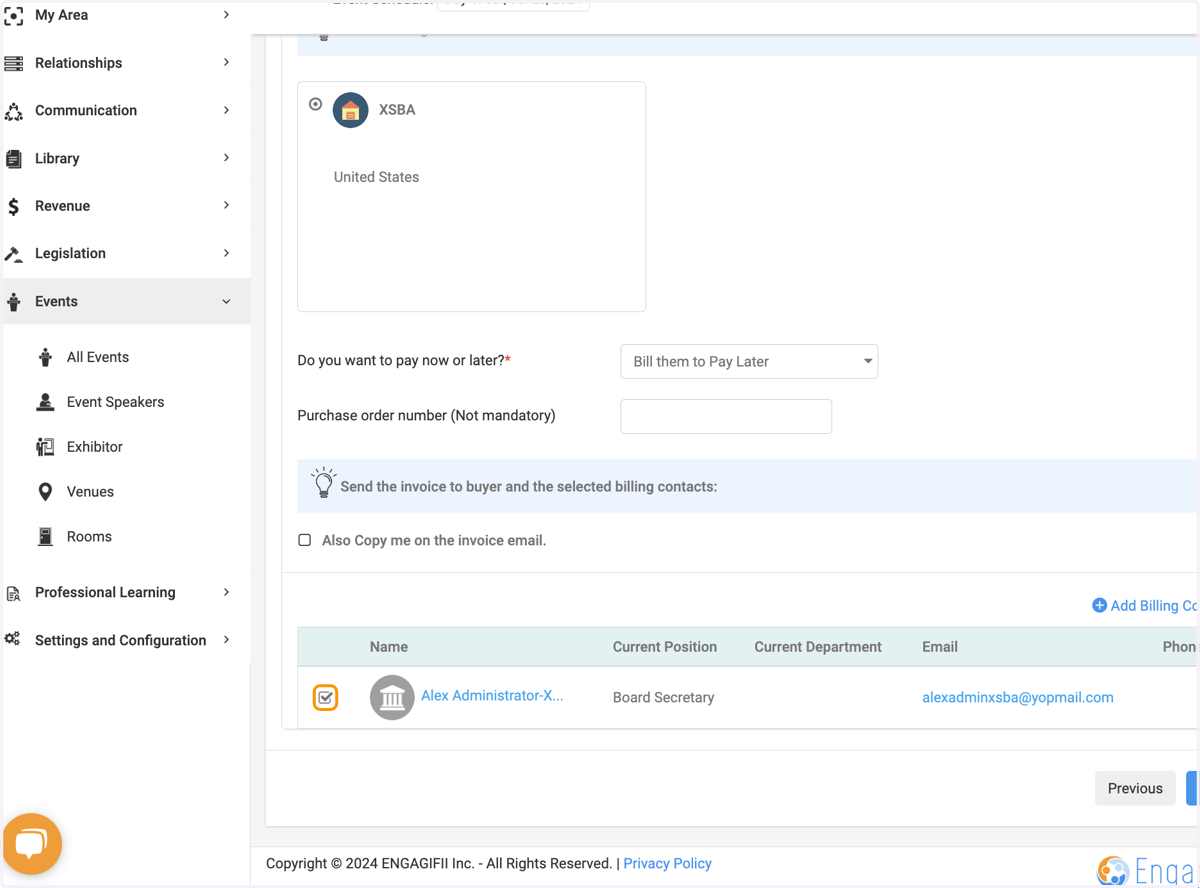
29. Select Billing Contact
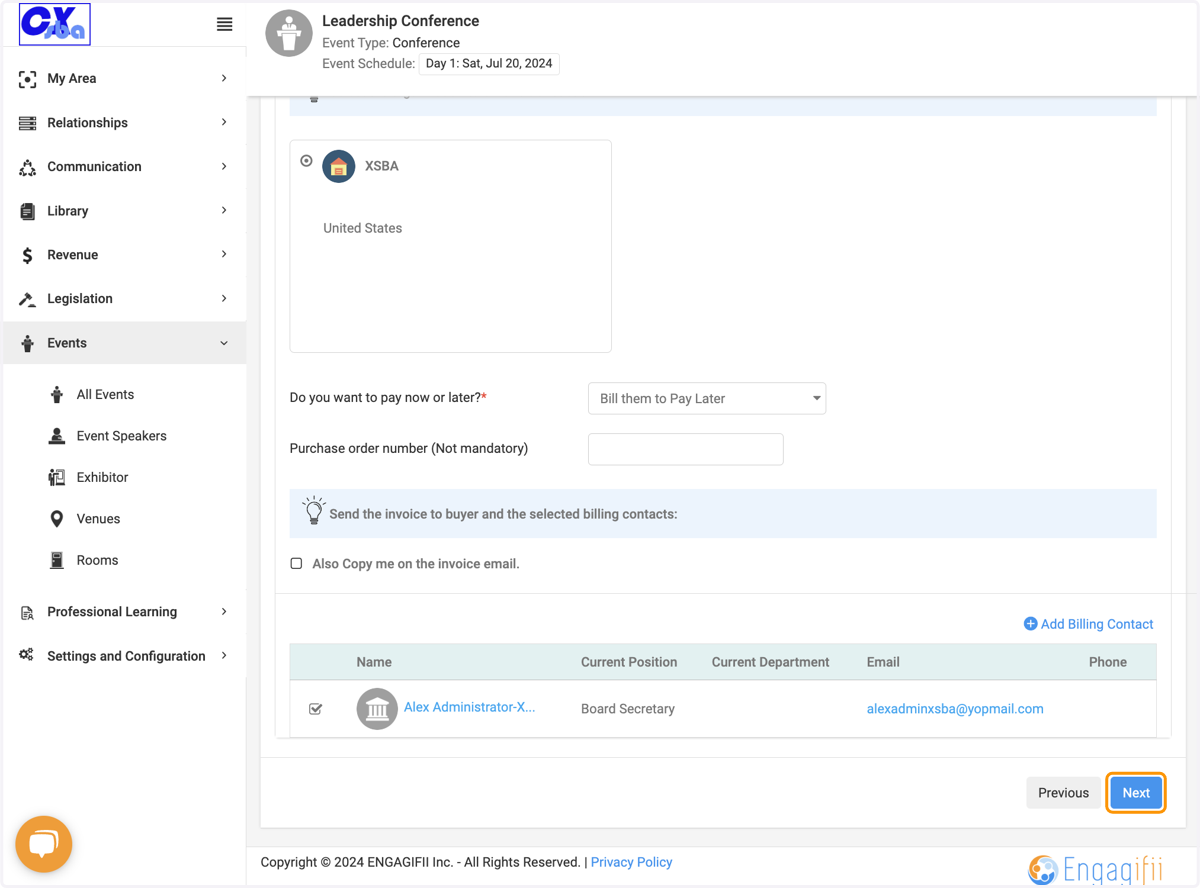
30. Click on Next
31. Voila!