Edit Landing Page in ETS
1. Log into your eTeamSponsor account and make sure you are on your program dashboard.
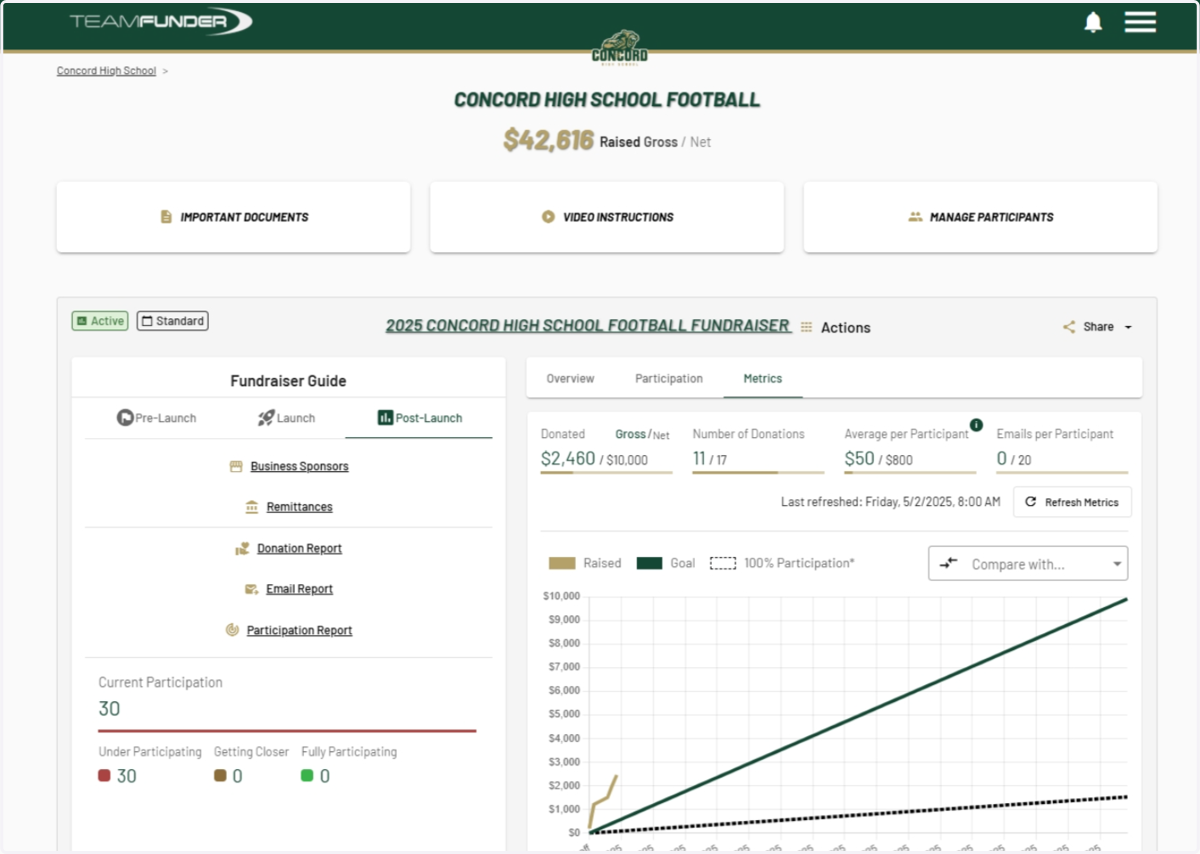
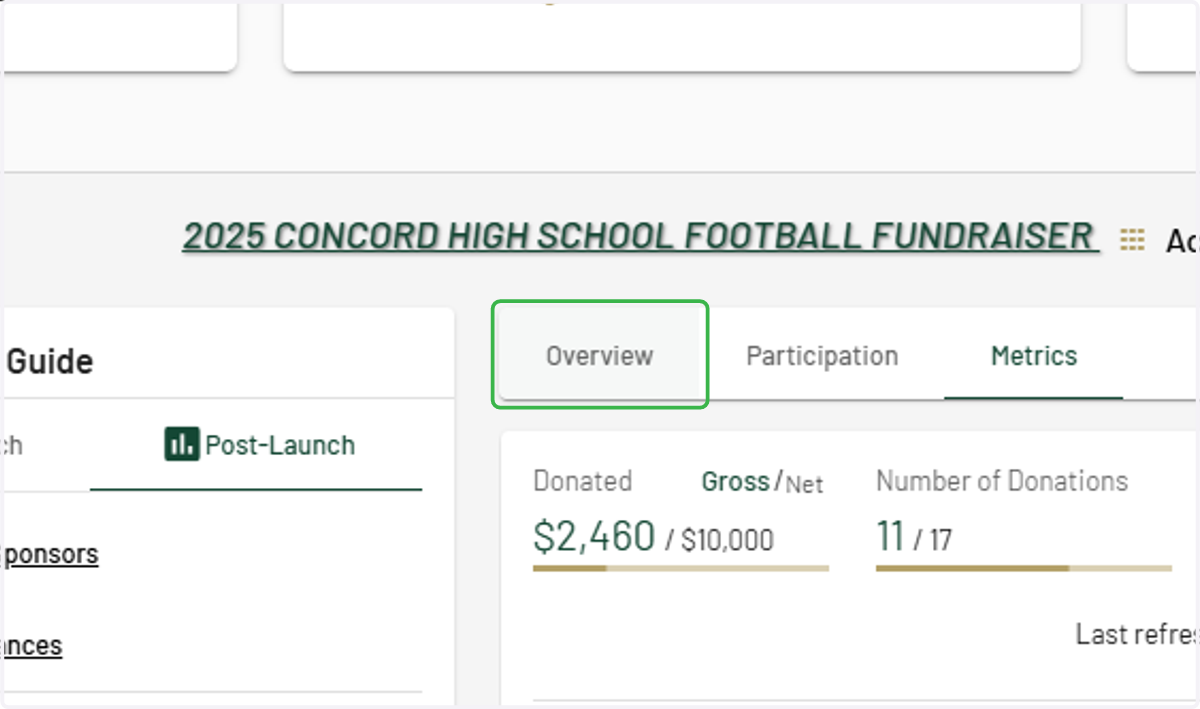
2. Click on the "Overview" tab
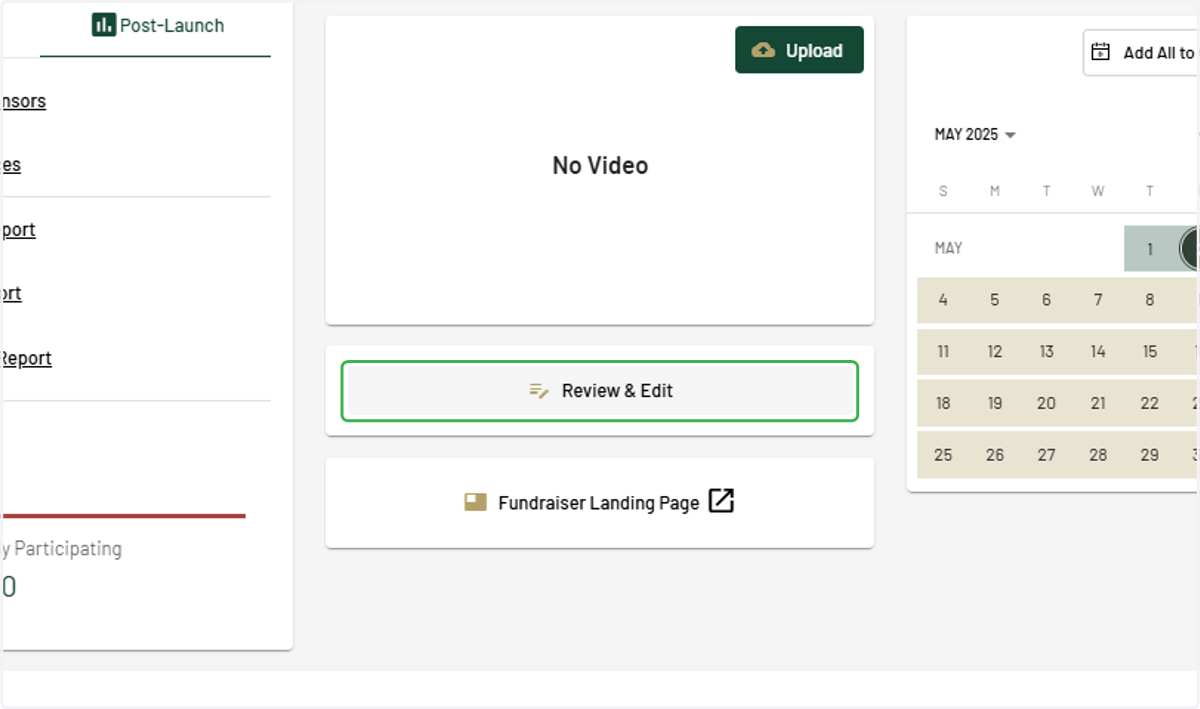
3. Click on Review & Edit
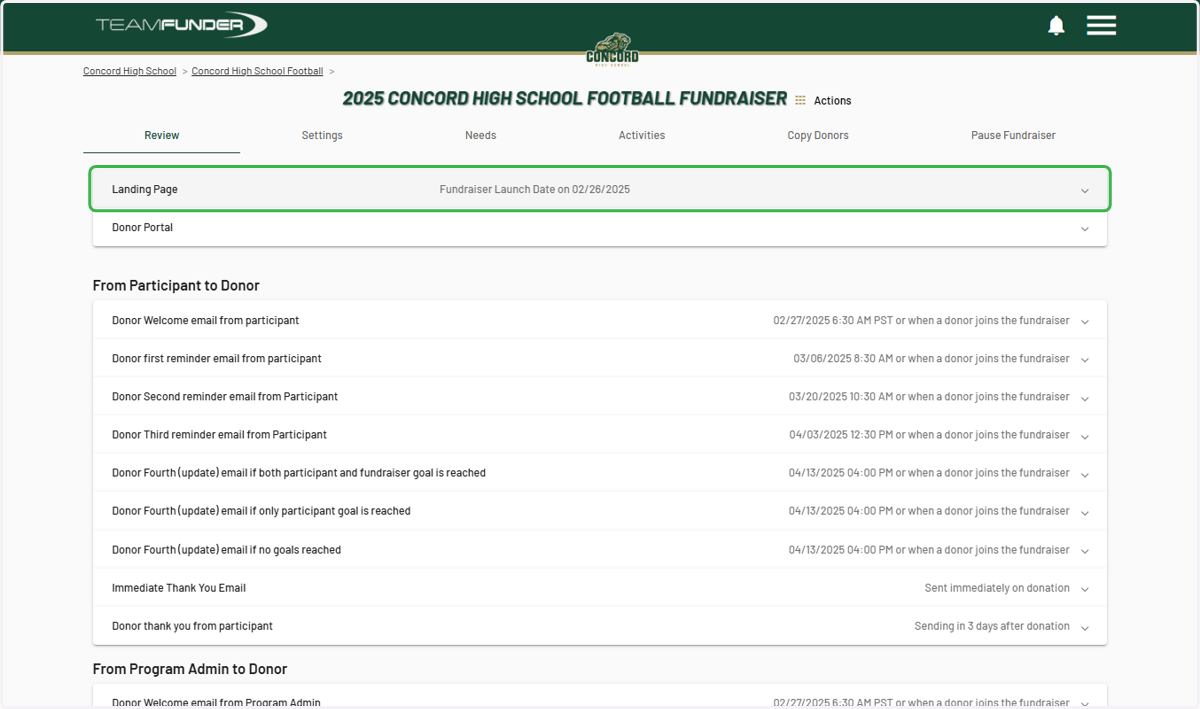
4. Click on Landing Page…
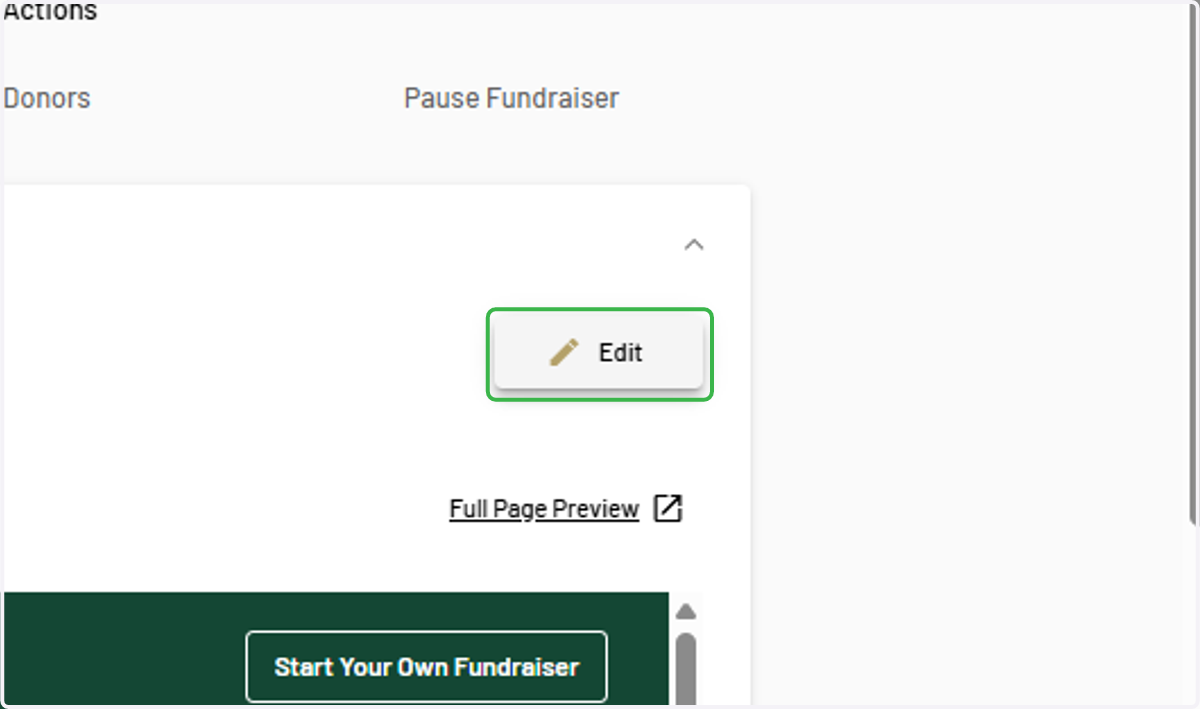
5. Click on Edit
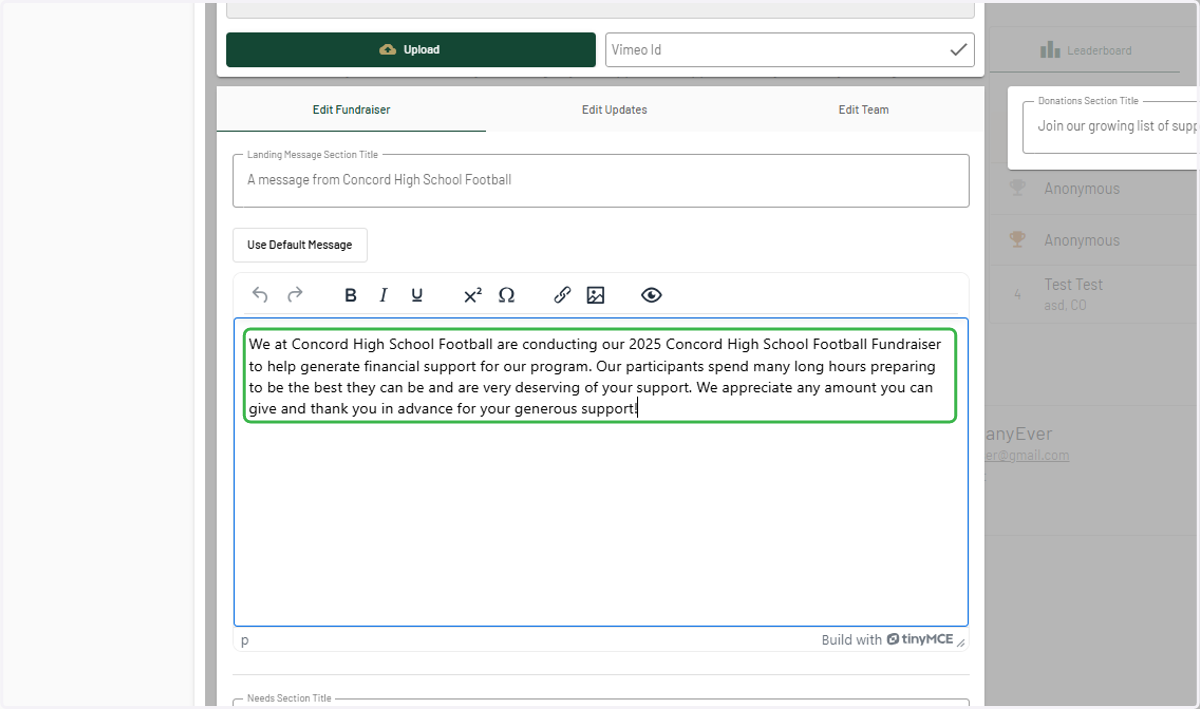
6. Click into landing message box and make any changes.
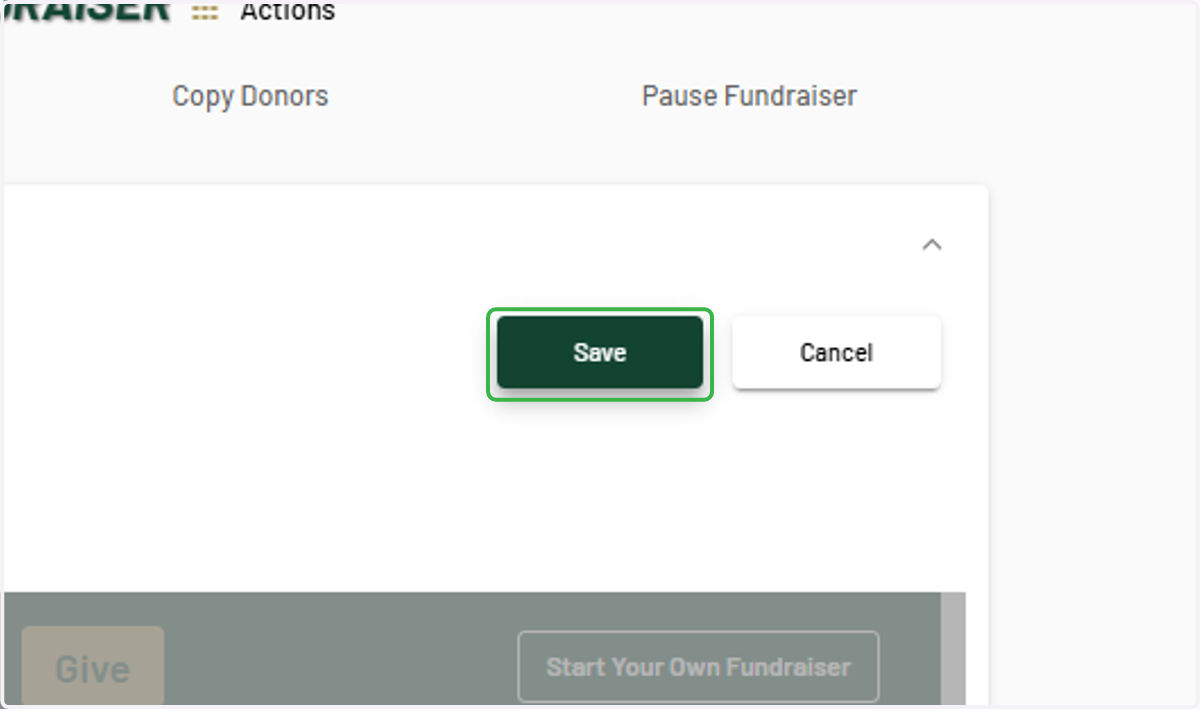
7. Click on Save
8. Click on your logo to navigate back to your program dashboard