HELP! I sent the signing but need to correct something.
Go into your Transact and click Signings
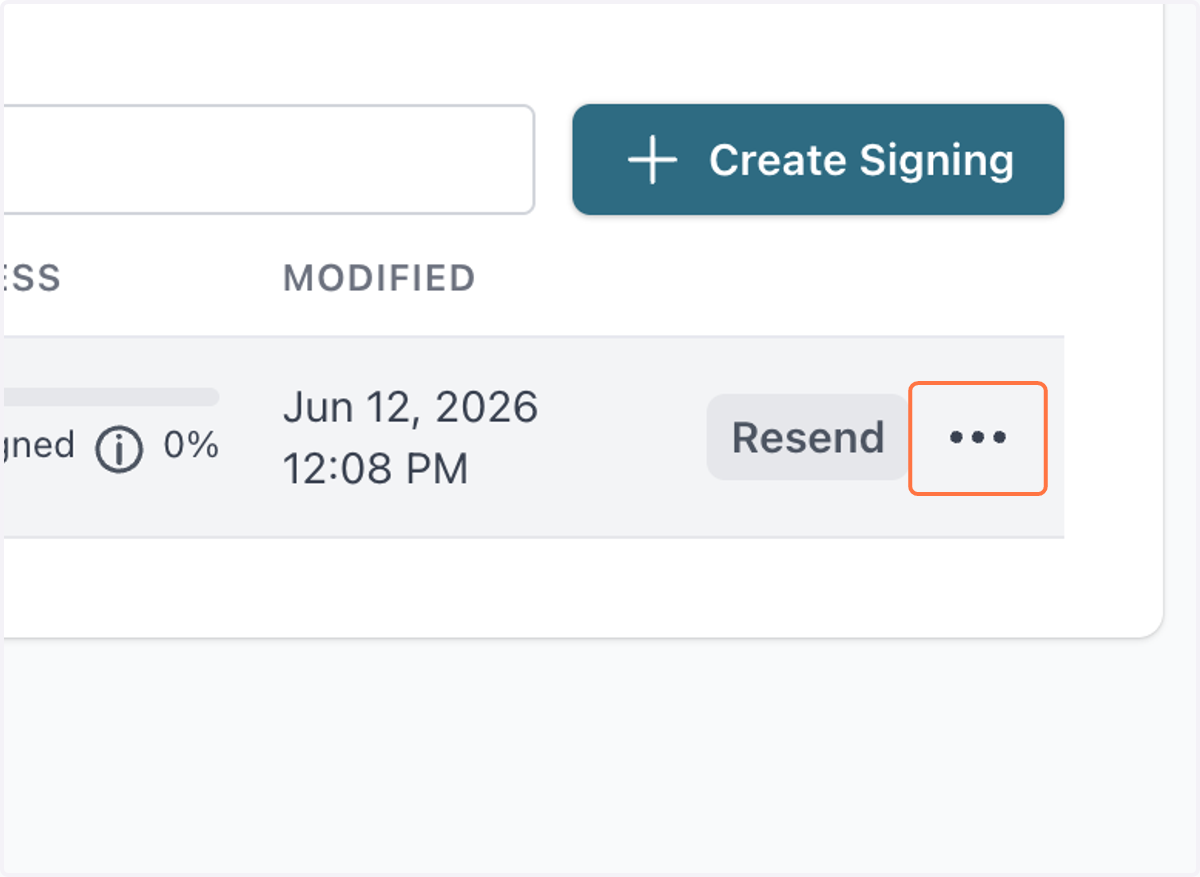
1. Click on dropdown-menu
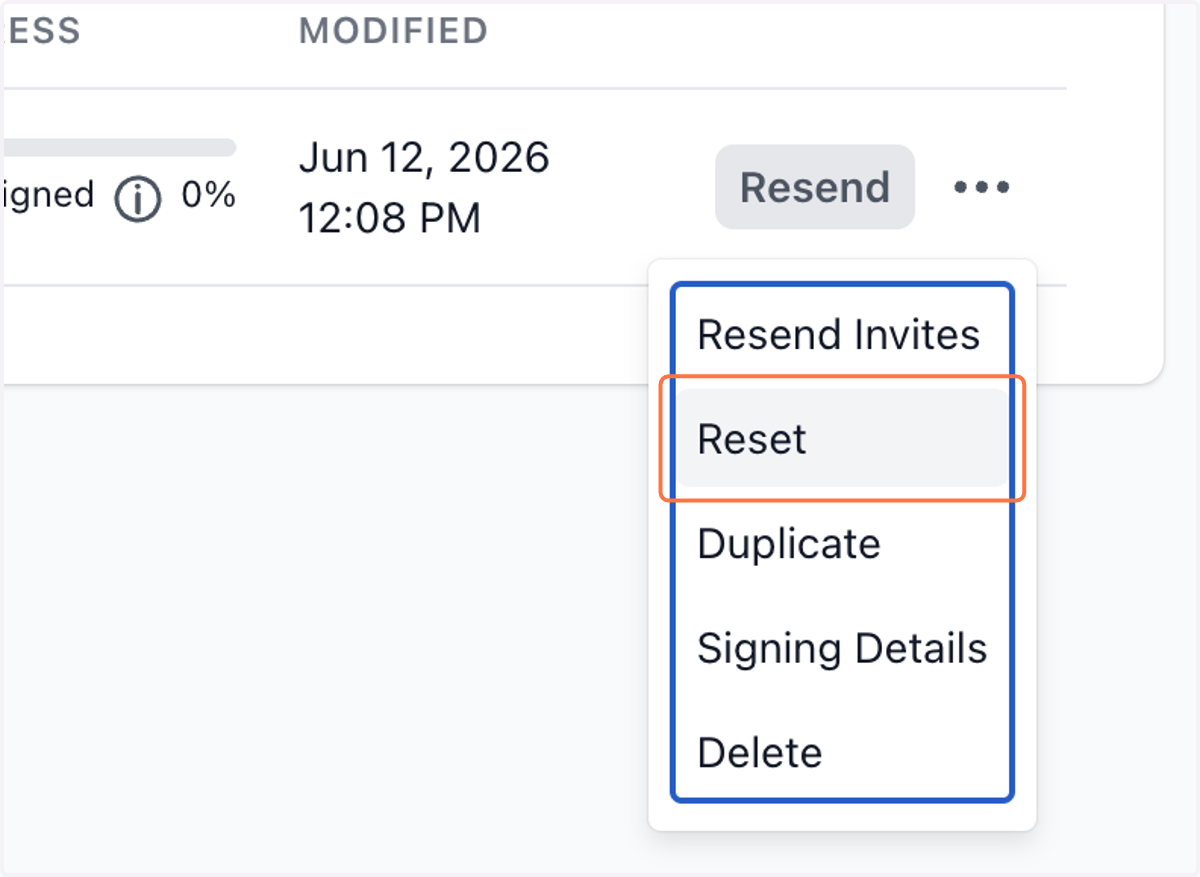
2. Click on Reset
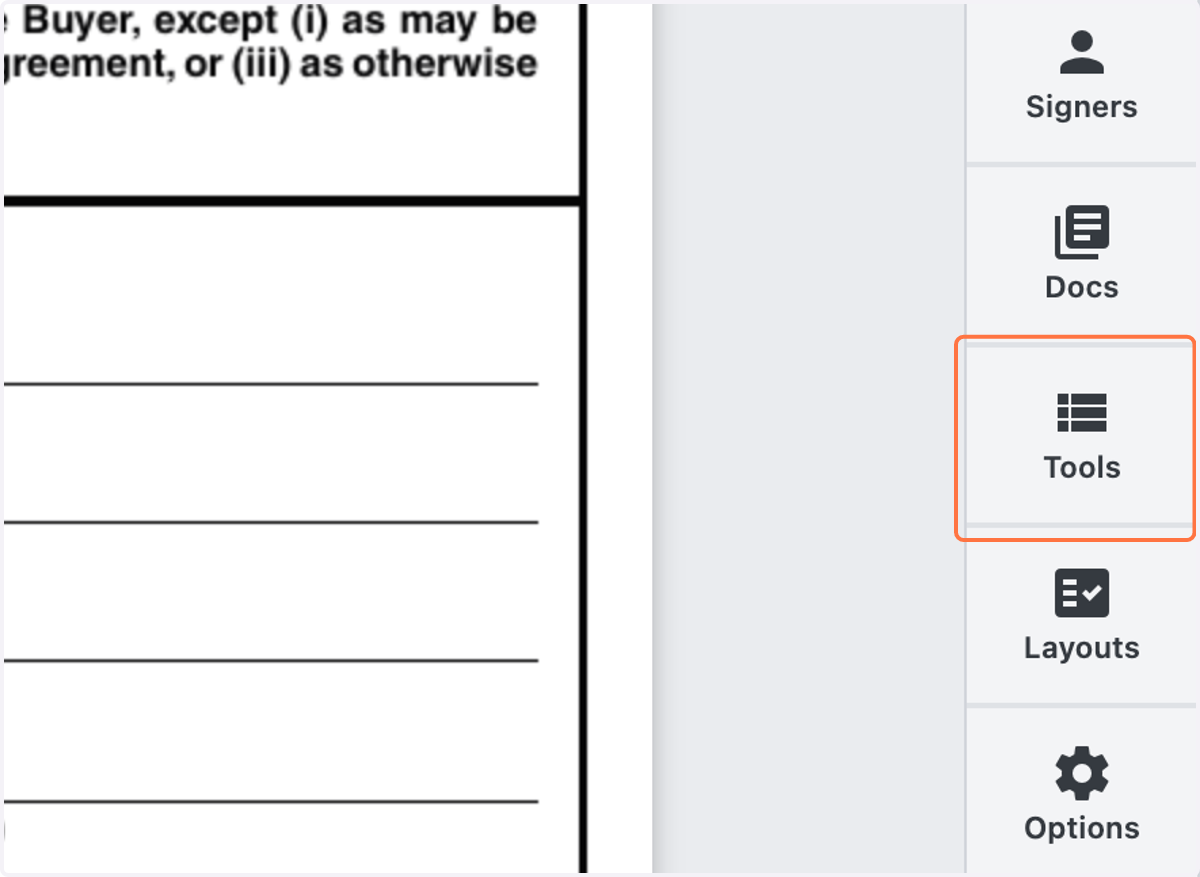
3. Click on Tools
4. Drag highlighted element
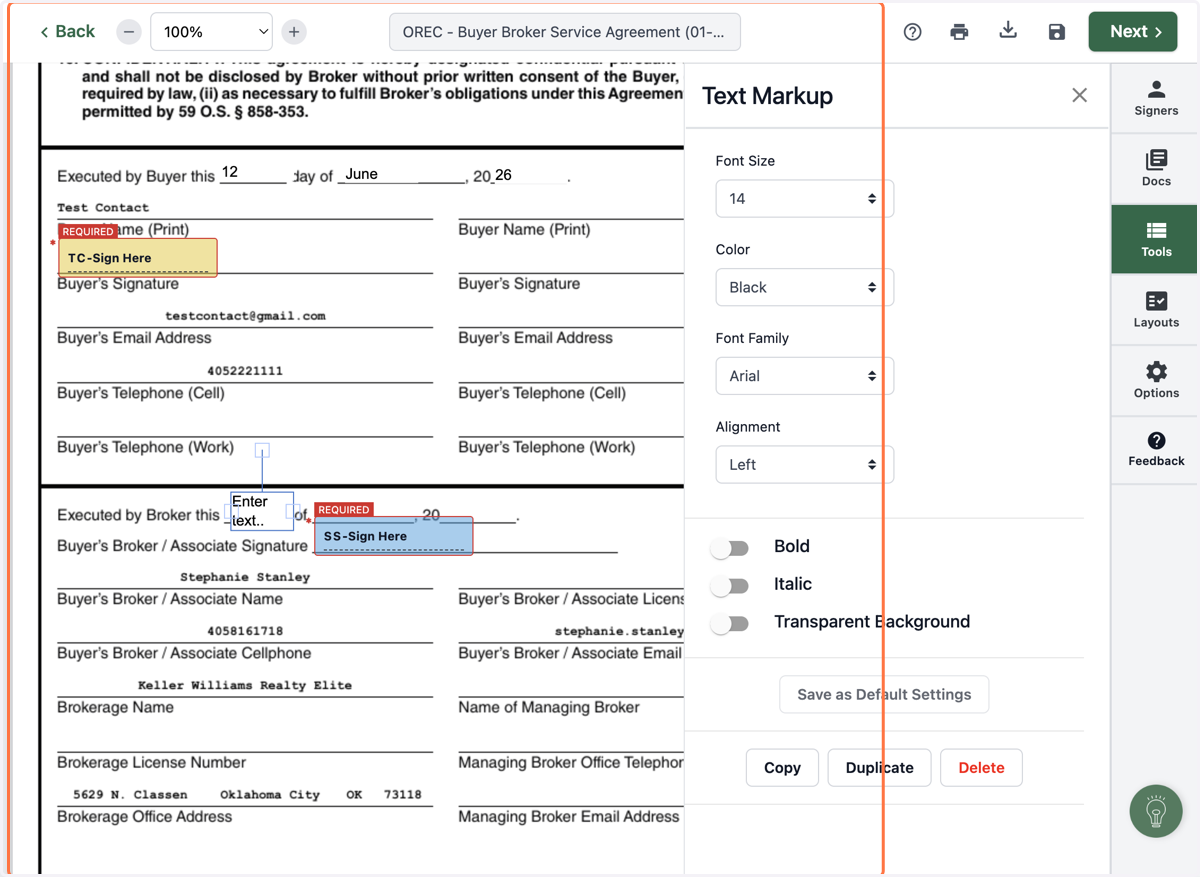
5. If needed, you can choose to make the text box transparent
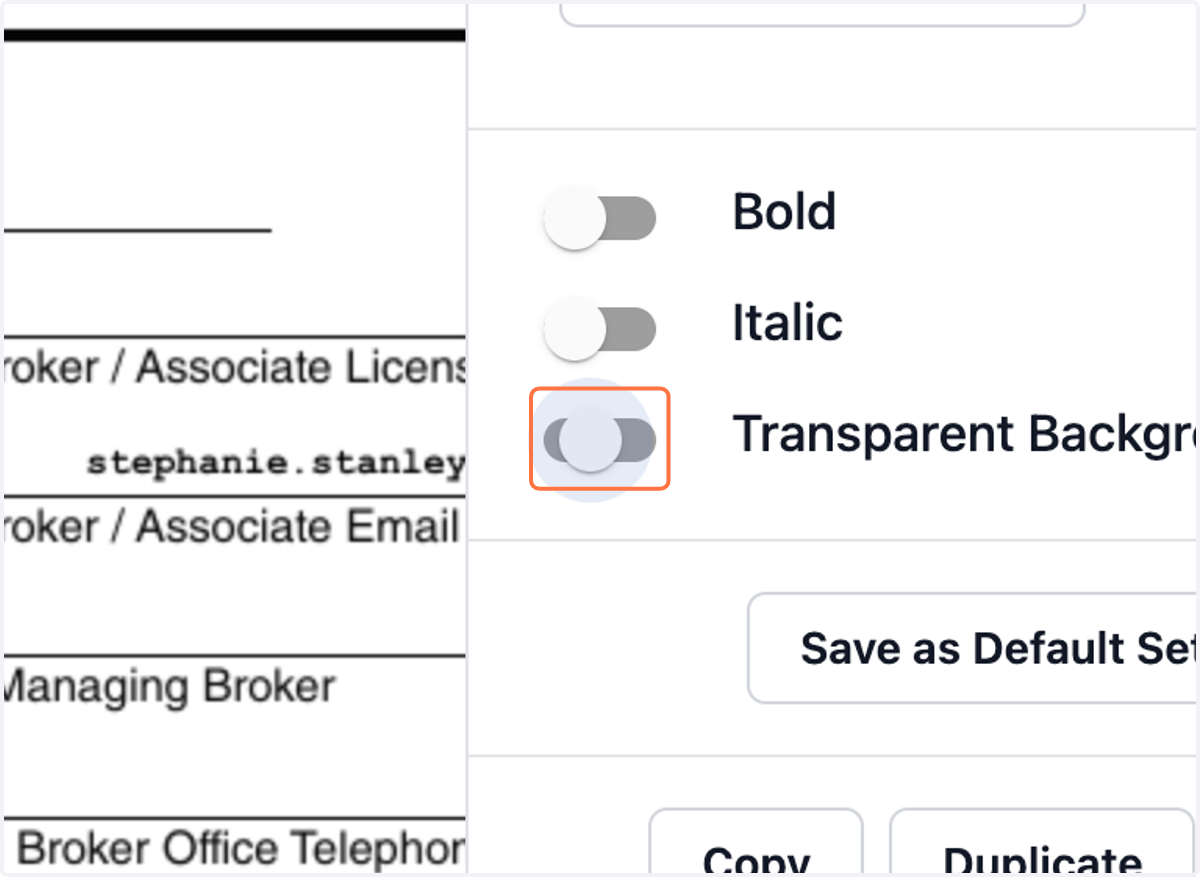
6. Continue for all fields
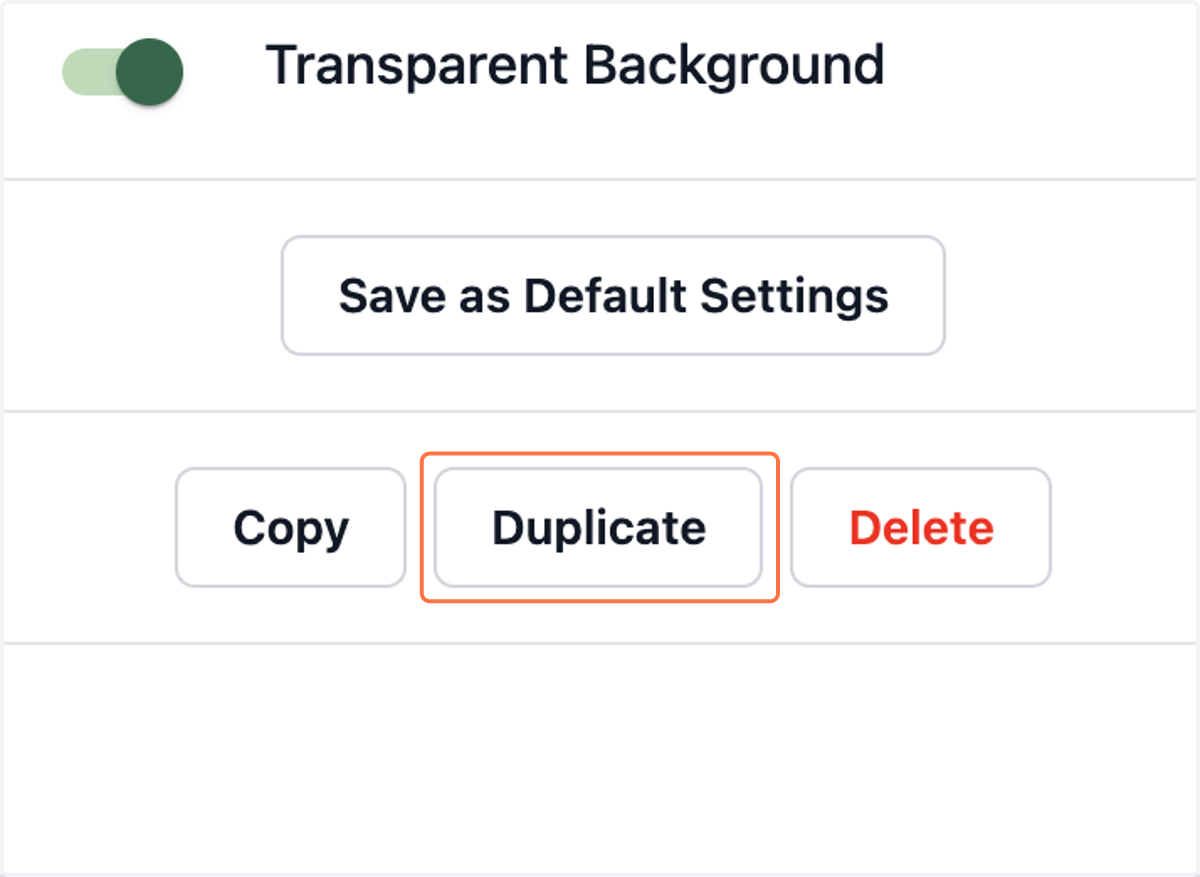
7. Drag highlighted element
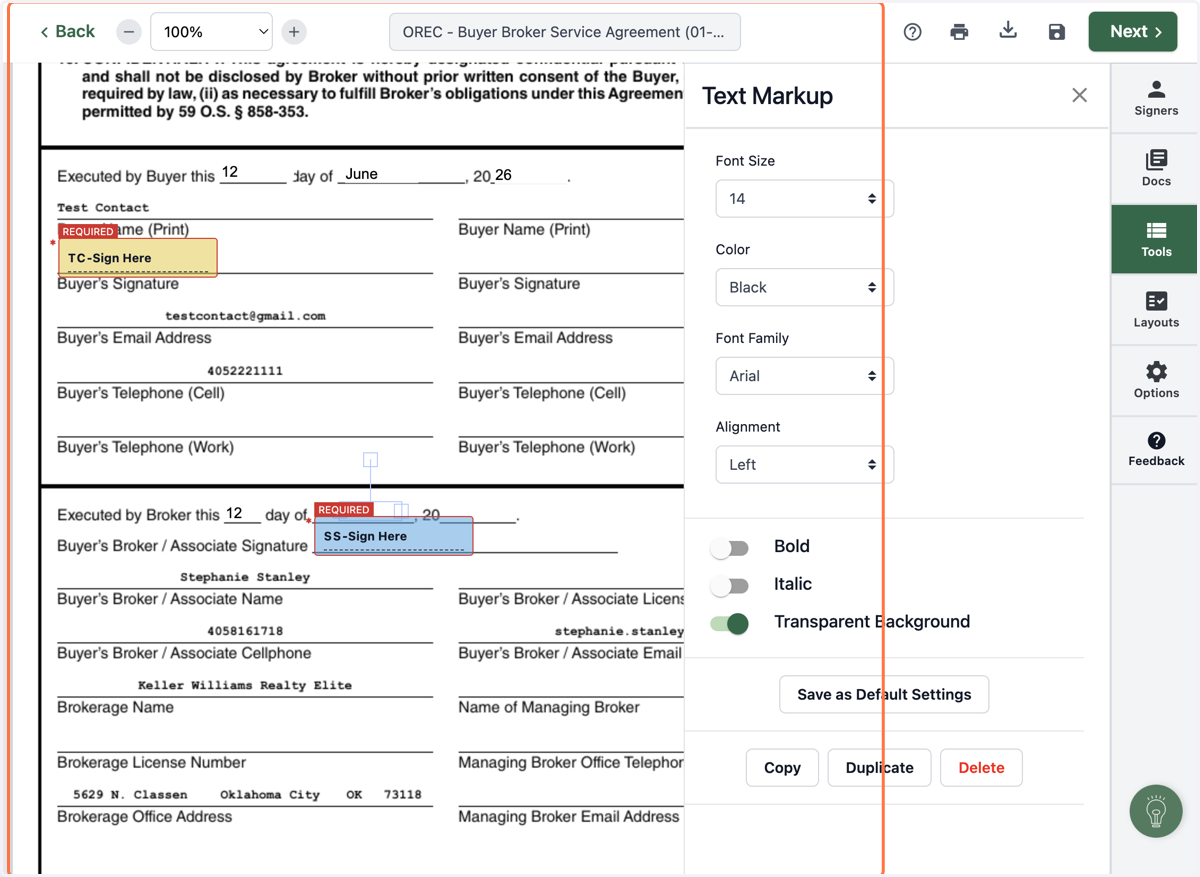
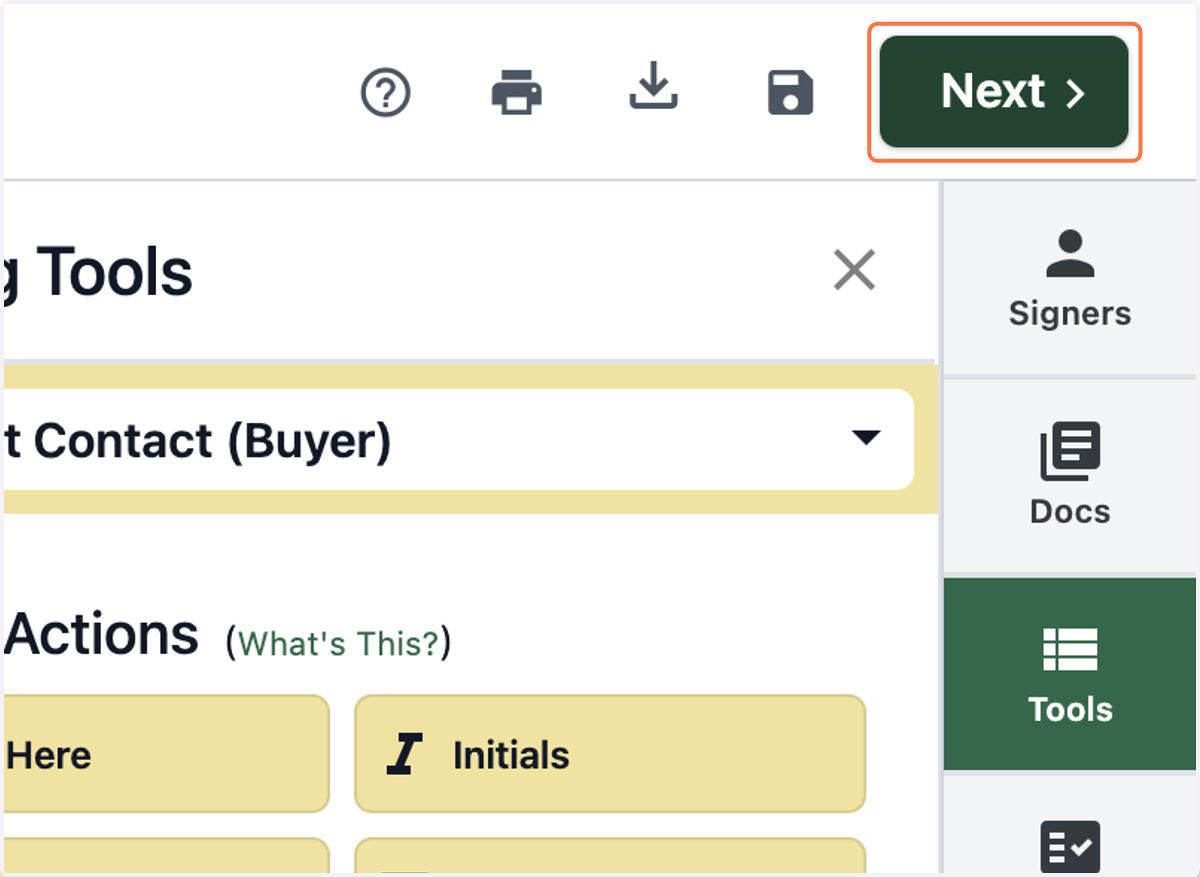
8. When you're done with edits, Click on Next
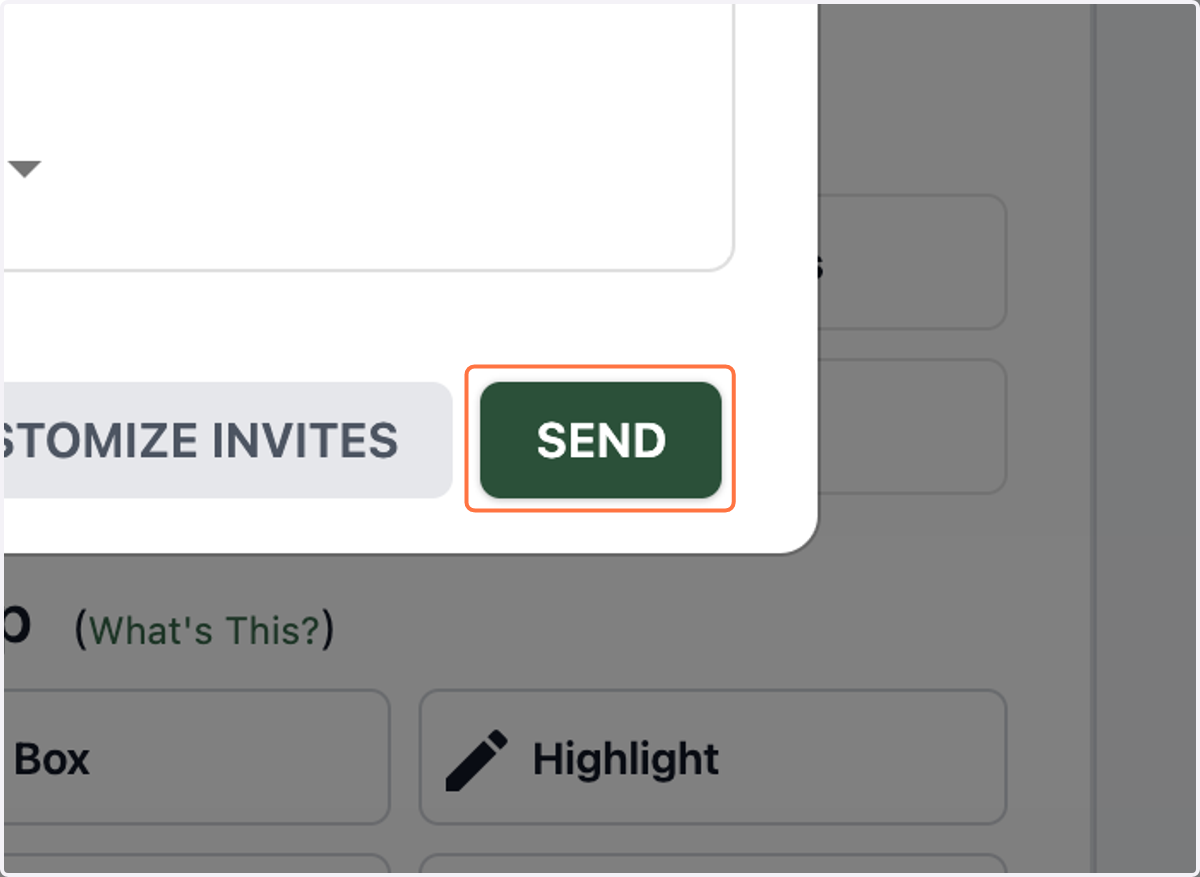
9. Click on SEND