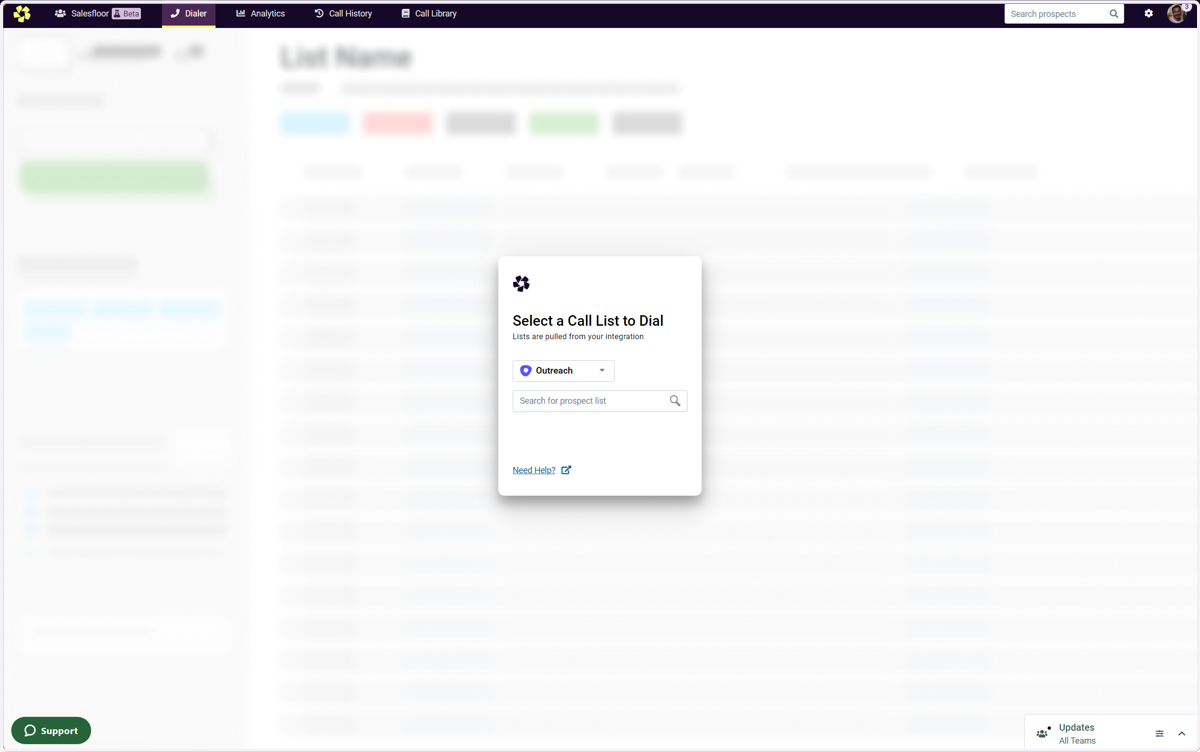
How to log in to Orum
Go to orum.com
1. Click on Sign in

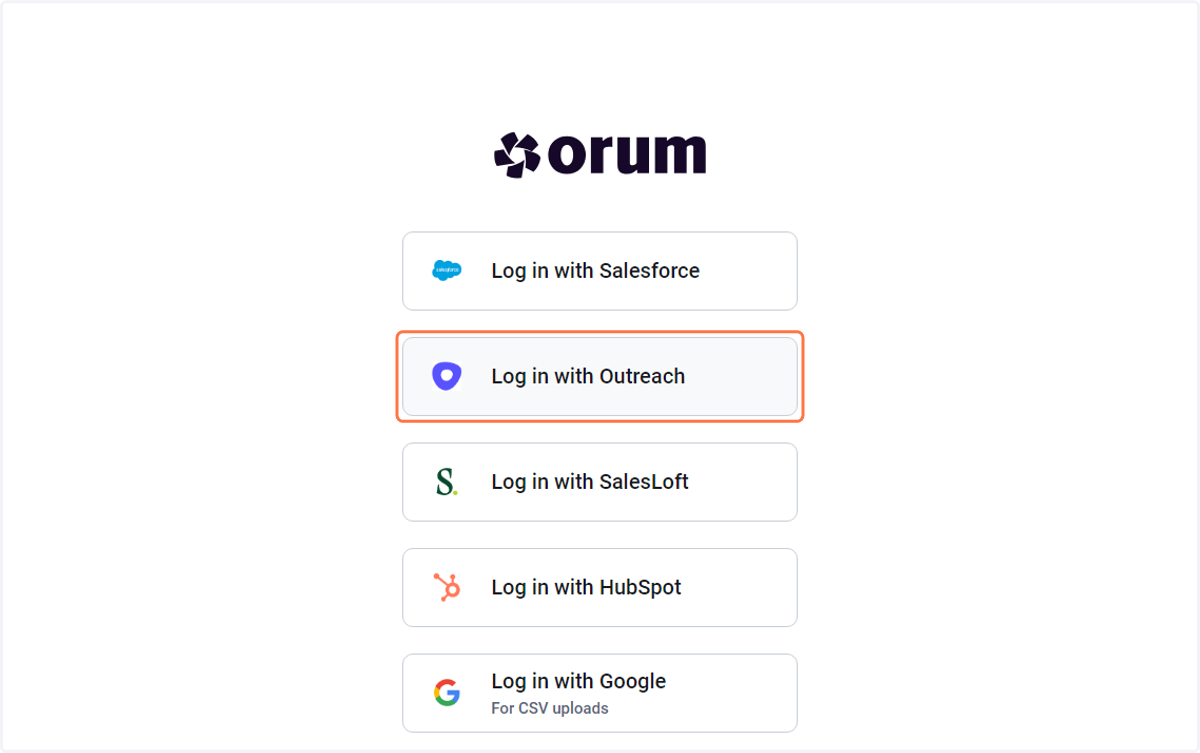
2. Click on your preferred CRM to log in with
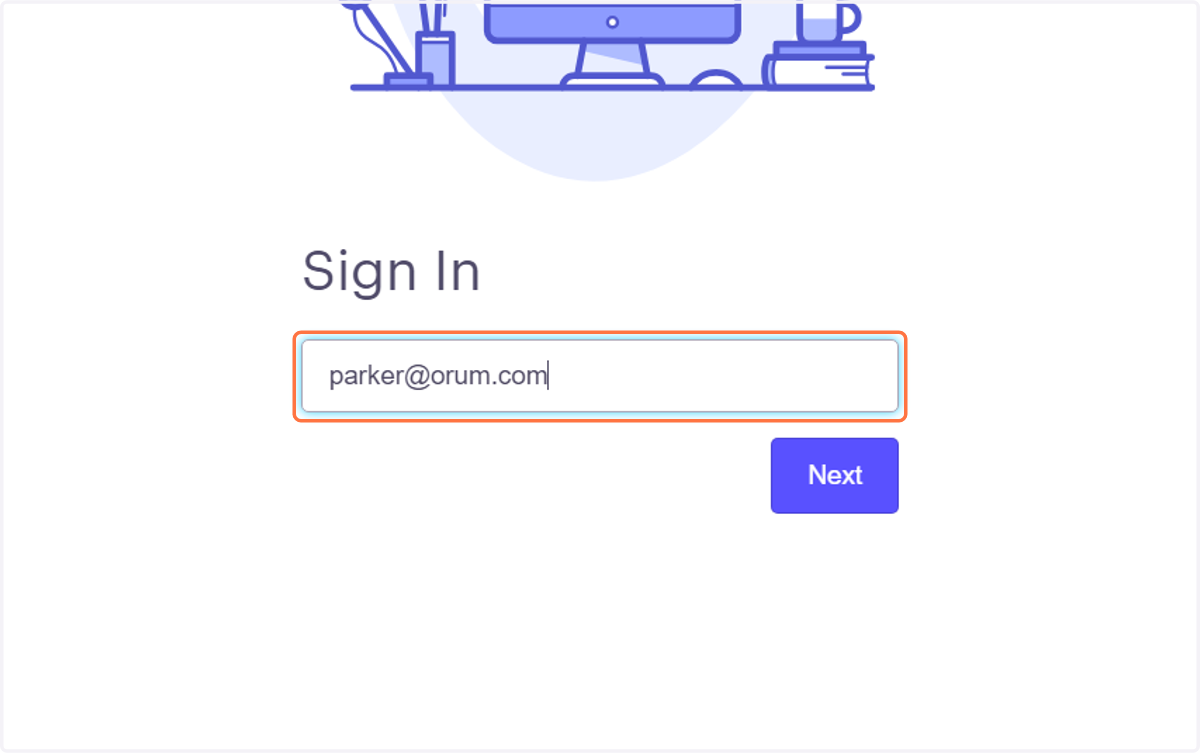
3. Sign in to your CRM (if you are not already logged in)
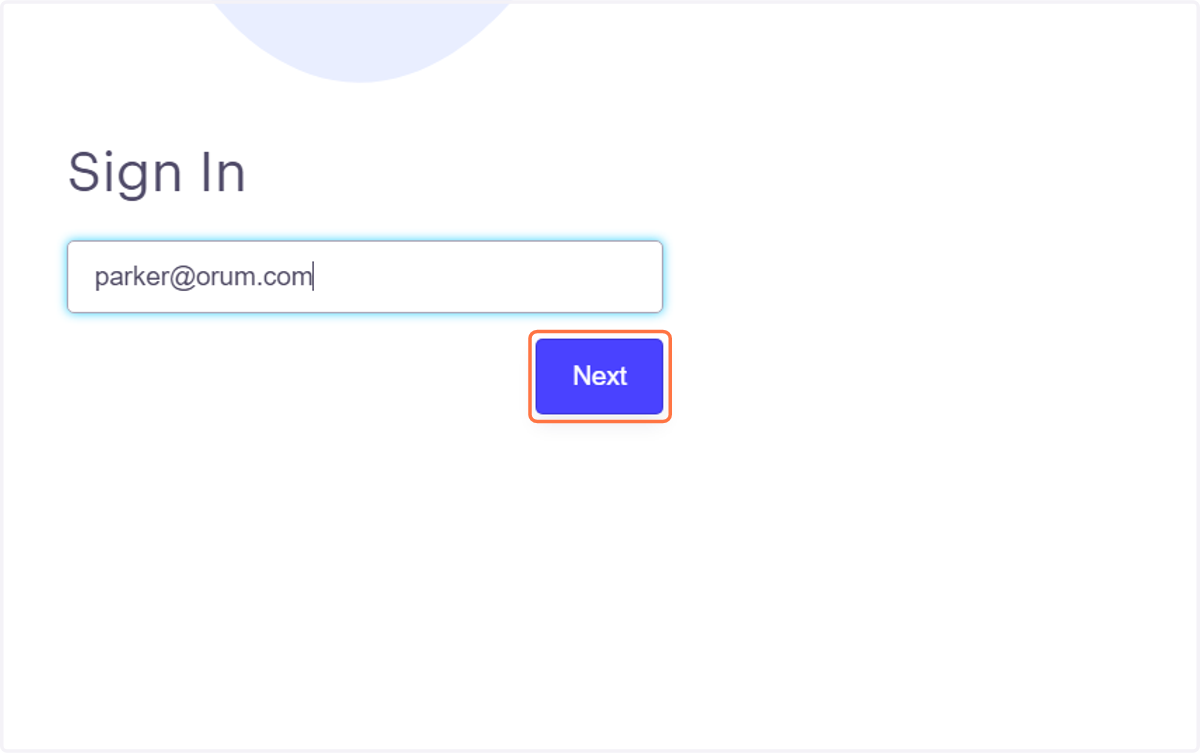
4. Click on Next
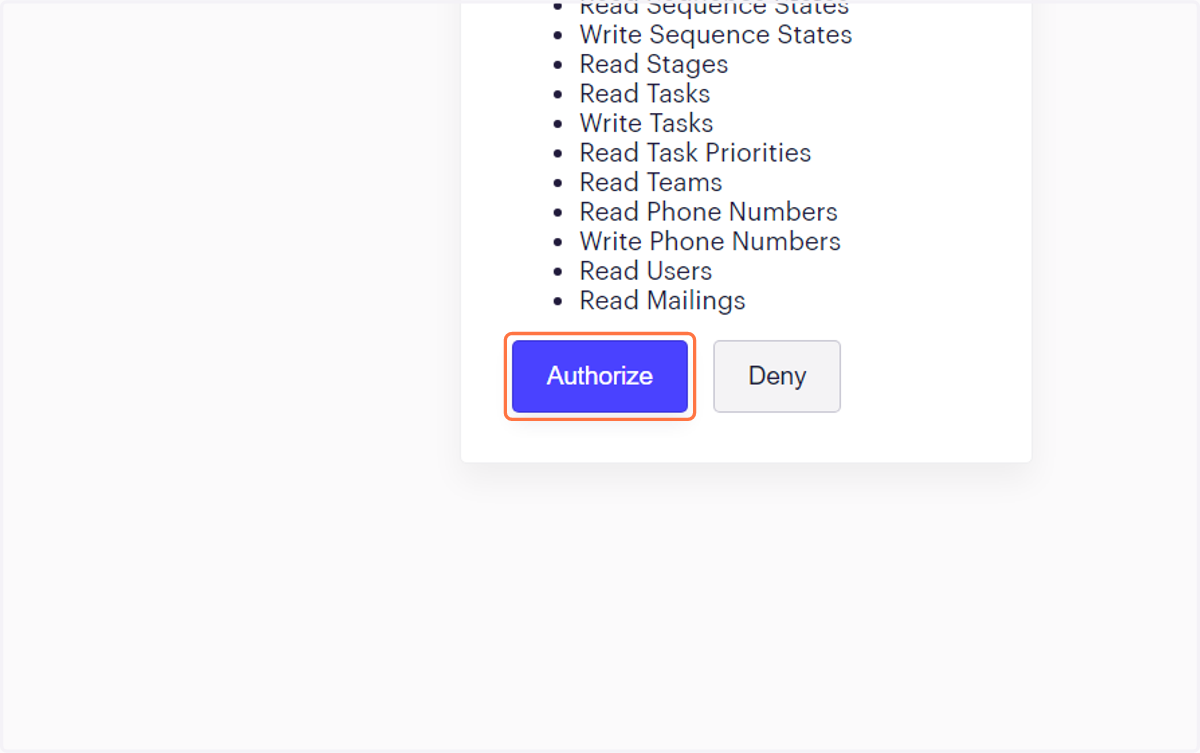
5. Click to authorize Orum to sync and write data back to your CRM
6. Success! You are logged in and ready to get started