How to enable private apps on Shopify
Private apps provide Shopify business owners with extended, personalized store features. These apps are built by third-party developers exclusively for your store. They differ from public apps (which are available to many different stores) or custom apps (which don’t require open API access.) It can also allow for additional data integrations with content management systems other than Shopify, by means of an API. Further, private apps allow store owners to extend their selling capacity to custom storefronts, such as mobile applications, video games, and websites.
Shopify
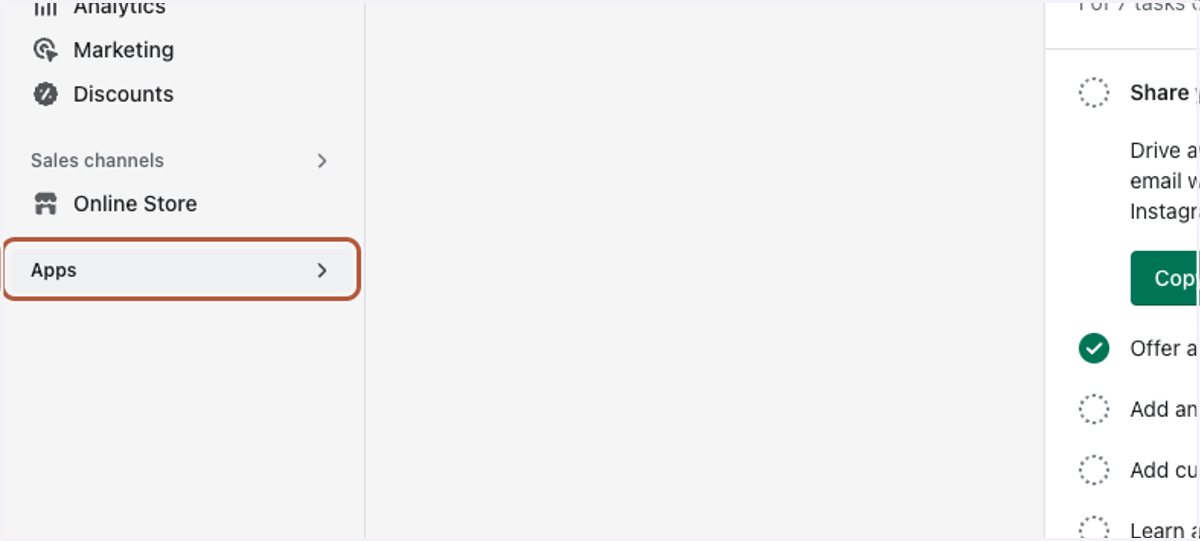
1. From your Shopify admin dashboard, click on "Apps" on the left side of the screen.
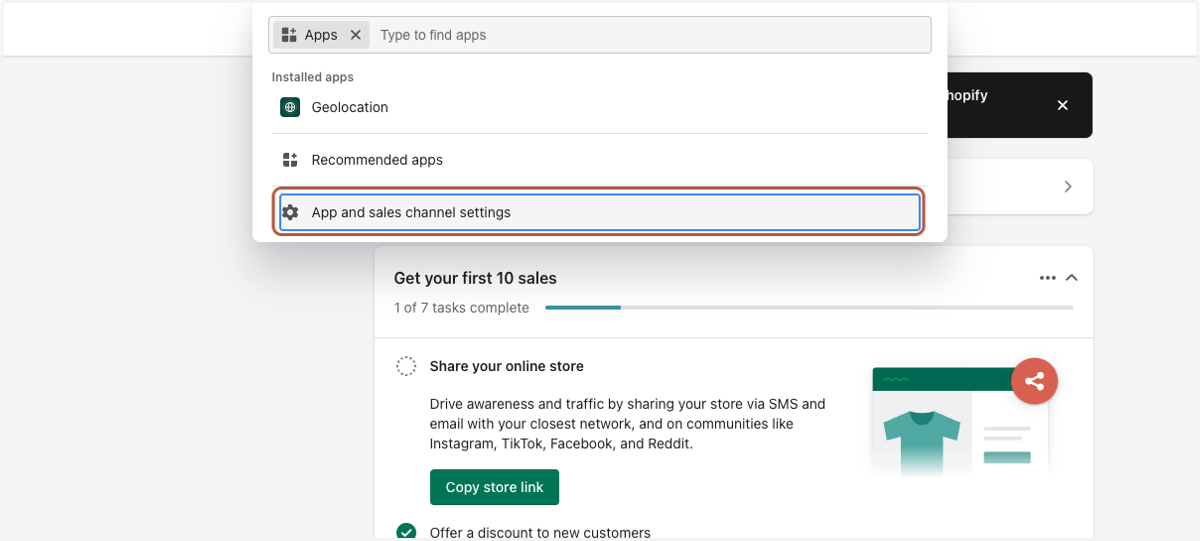
2. Click on "App and sales channel settings" at the bottom of your app list.
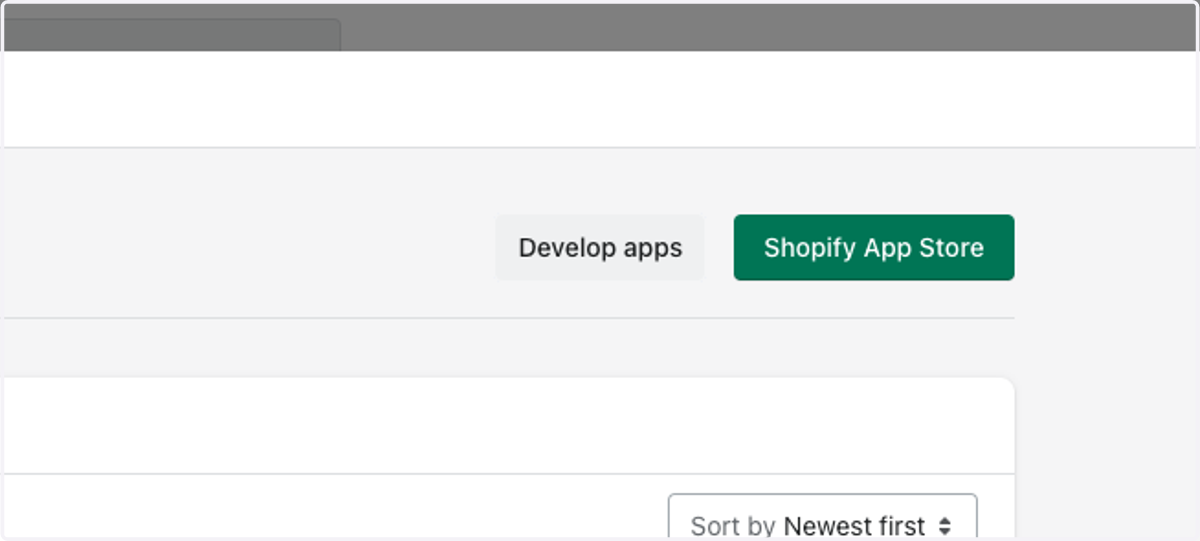
3. Click on Develop apps
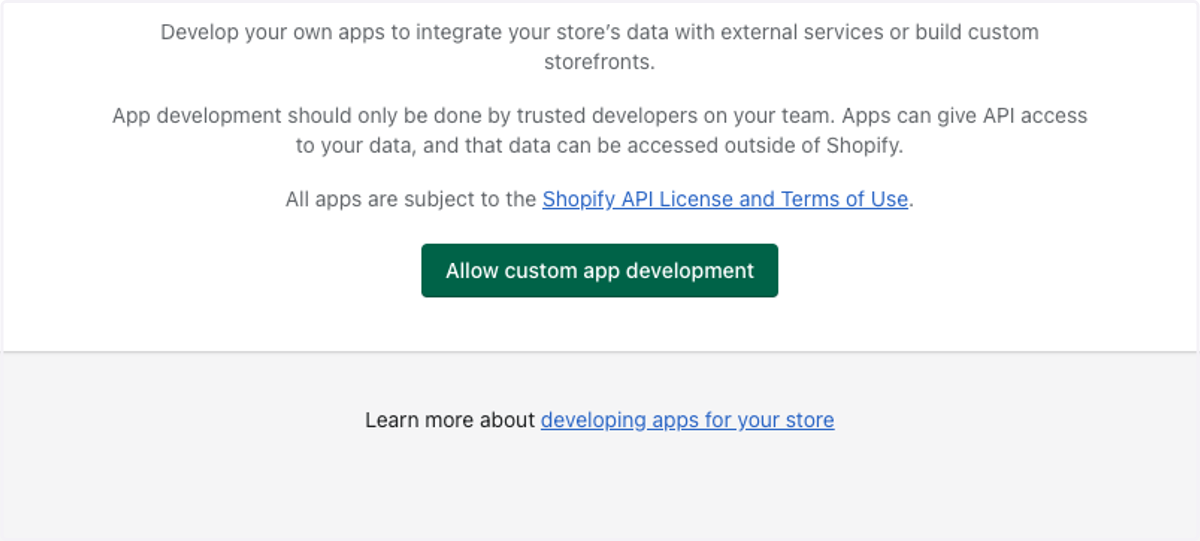
4. Click on Allow custom app development
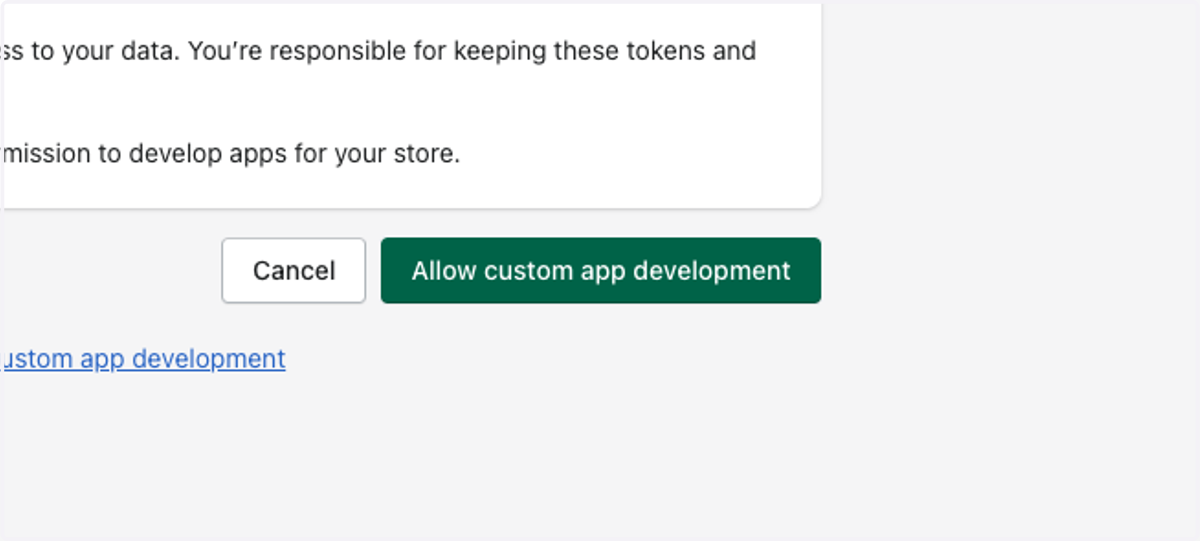
5. Click on Allow custom app development again.
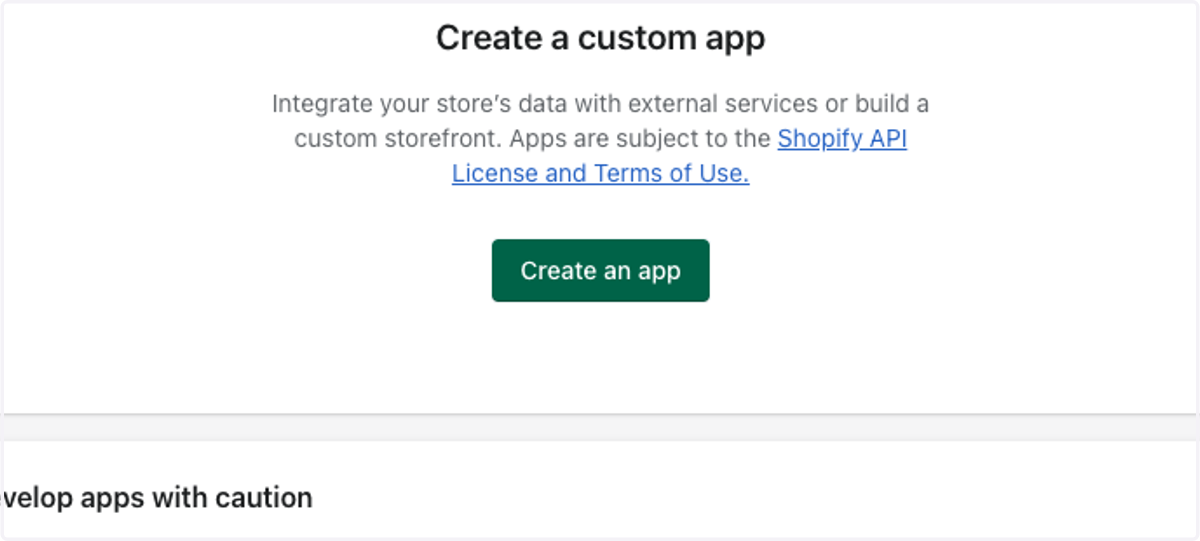
6. Click on Create an app
7. Name your app.
It helps to name it something that you'll recognize later.
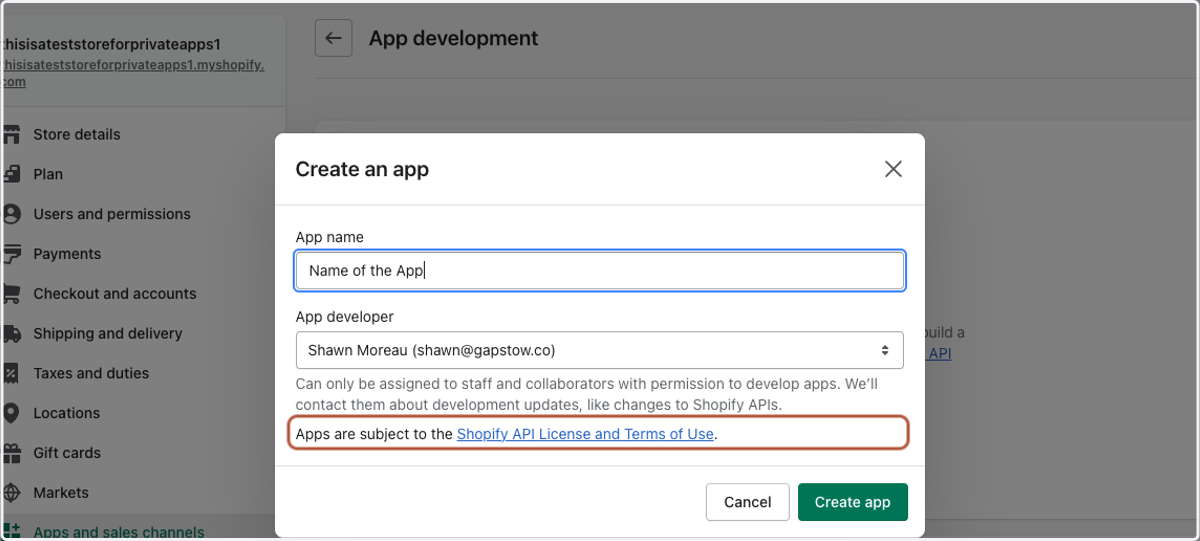
8. Click on Create app
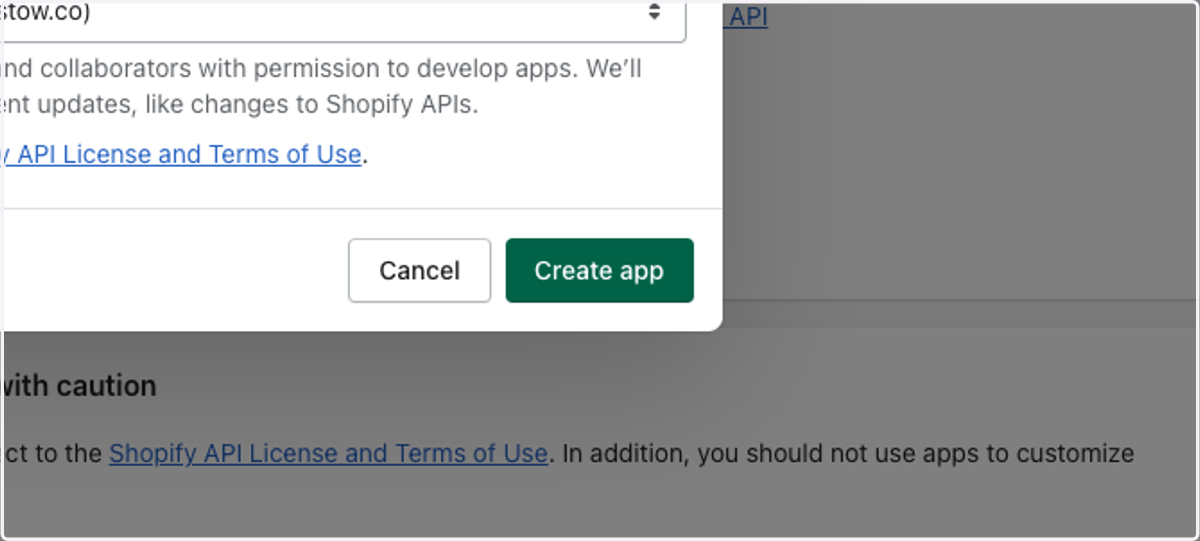
9. Click on API credentials
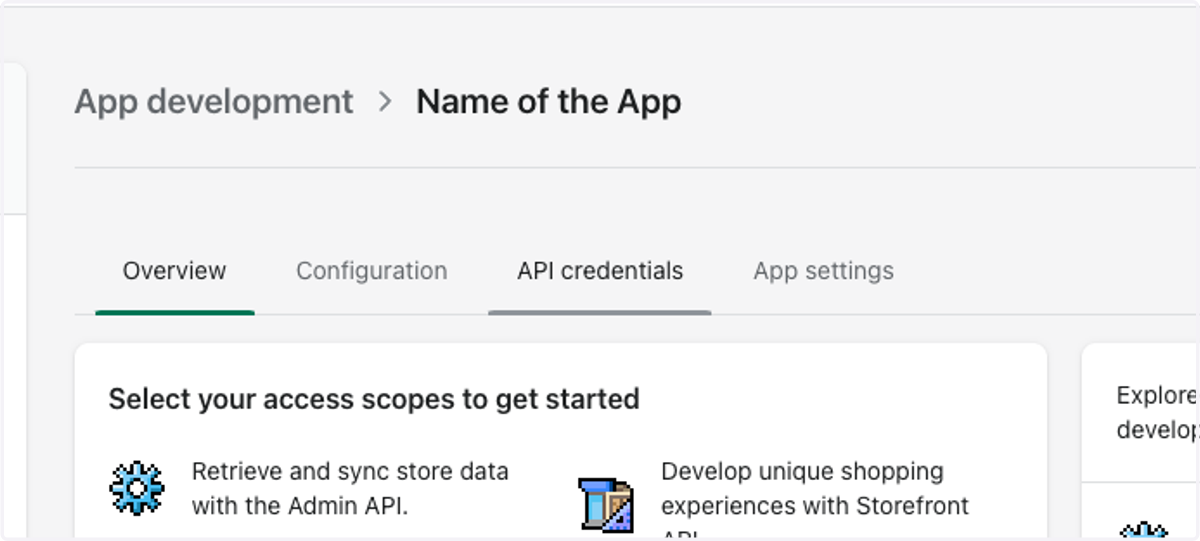
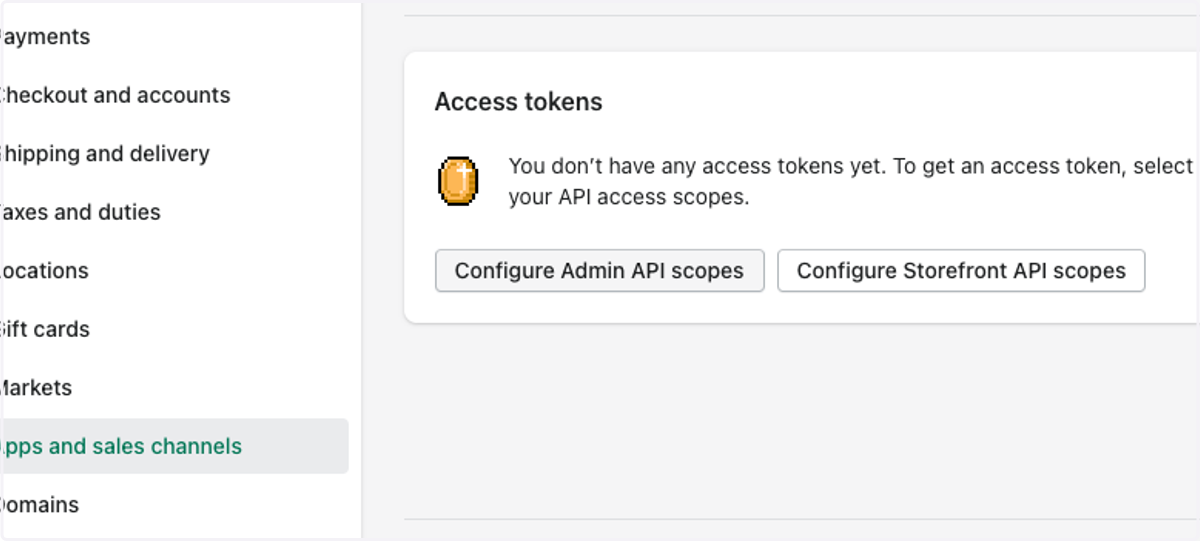
10. Configure Admin and/or Storefront API scopes
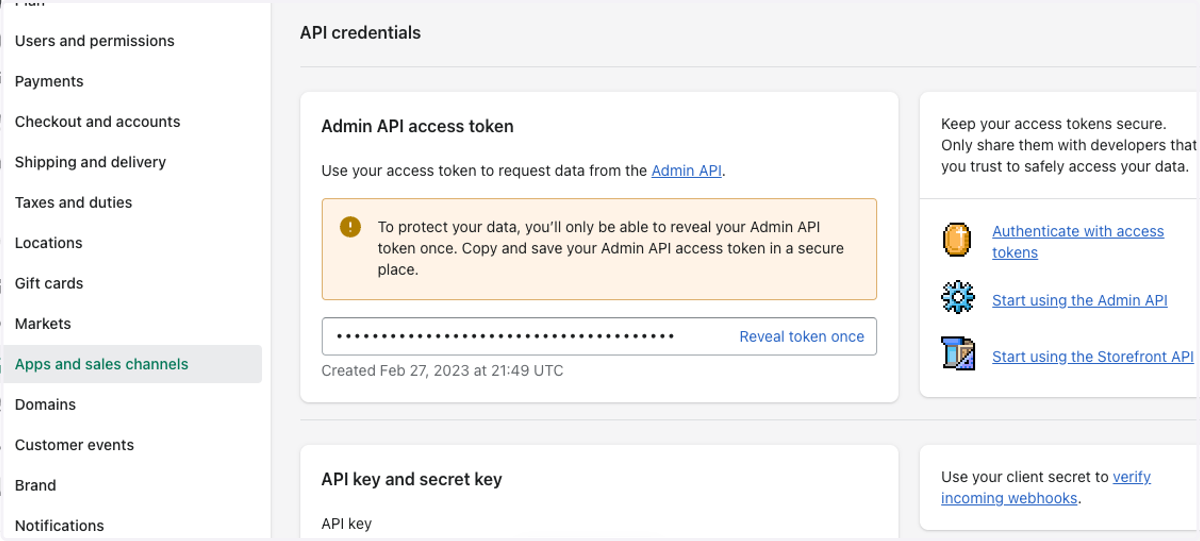
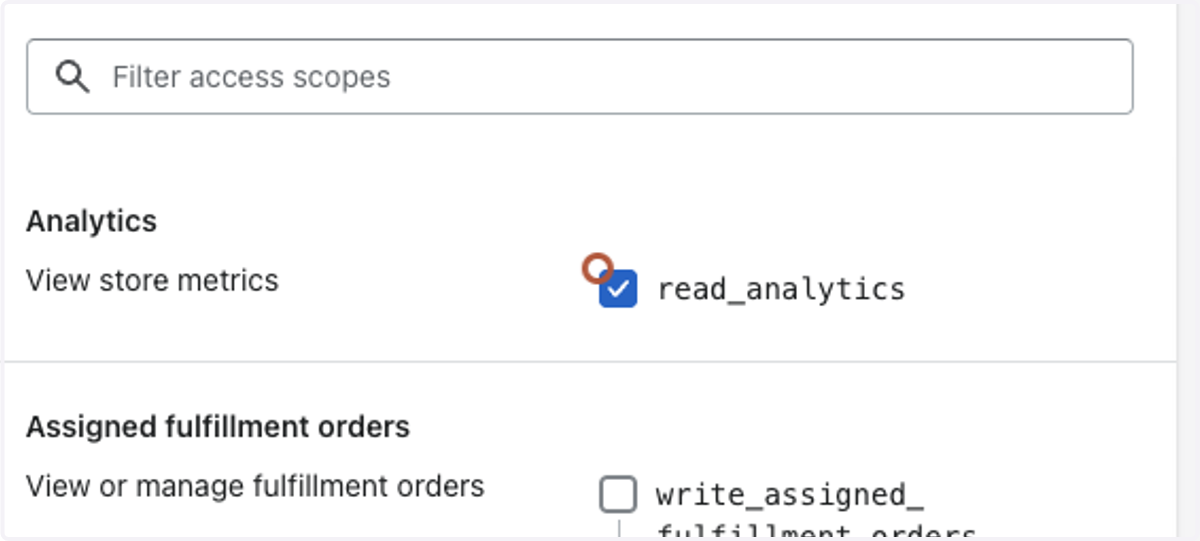
This allows you to set granular permissions for the private app. Most private app documentation will tell you exactly which permissions are required.
11. Check any permissions needed for the private app.
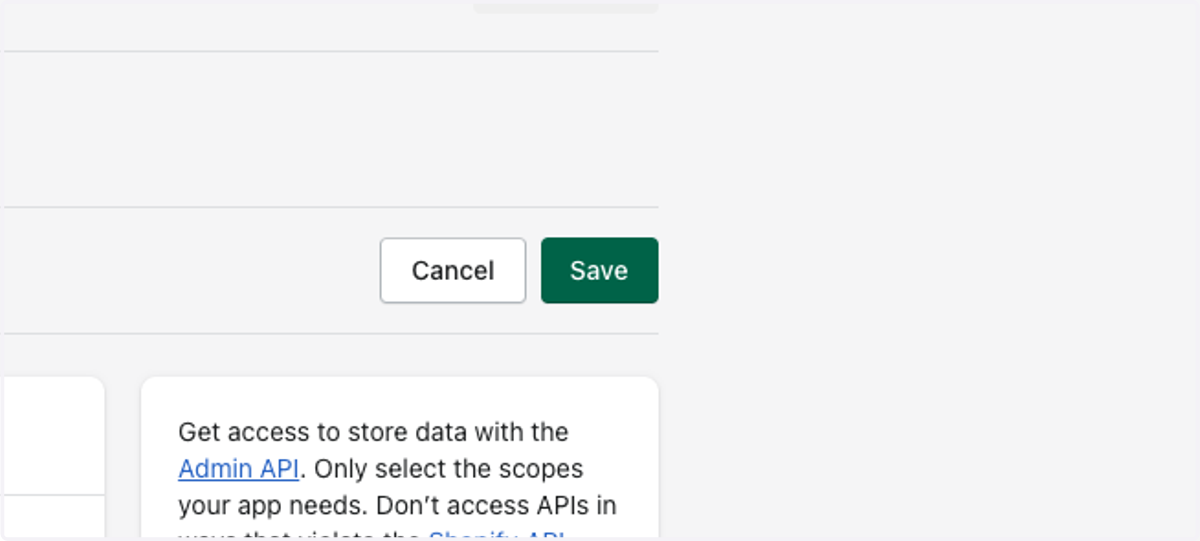
12. Click on Save
13. Click on Install app
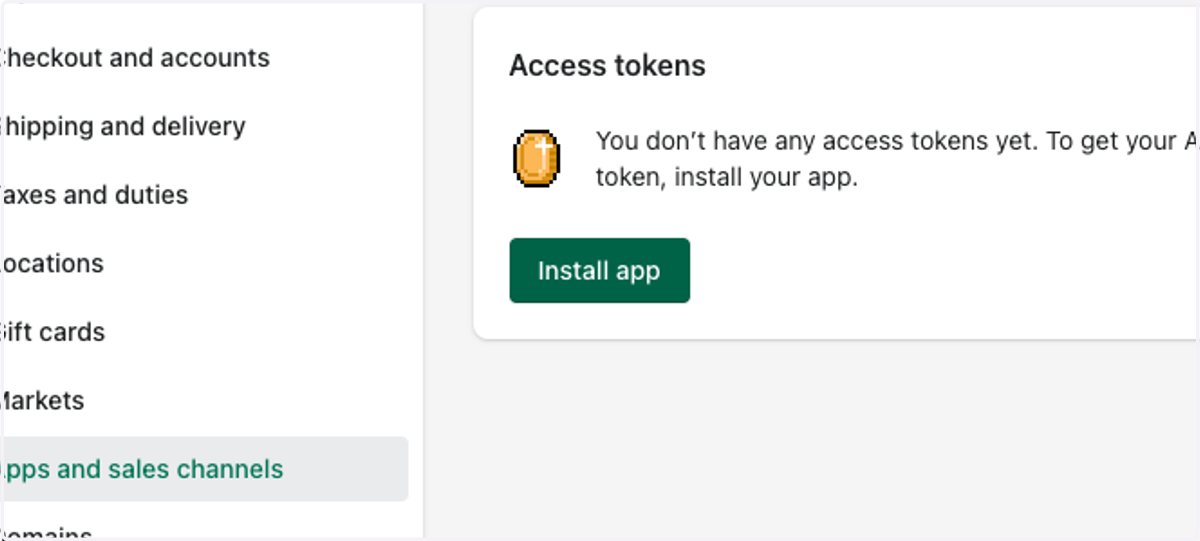
14. Now on the "API credentials" tab you'll have the information needed to make the private app work. Copy/paste the token/key/secret key as needed.