Configure New Room Schedule

Aroya

  1. 1. Go to app.aroya.io

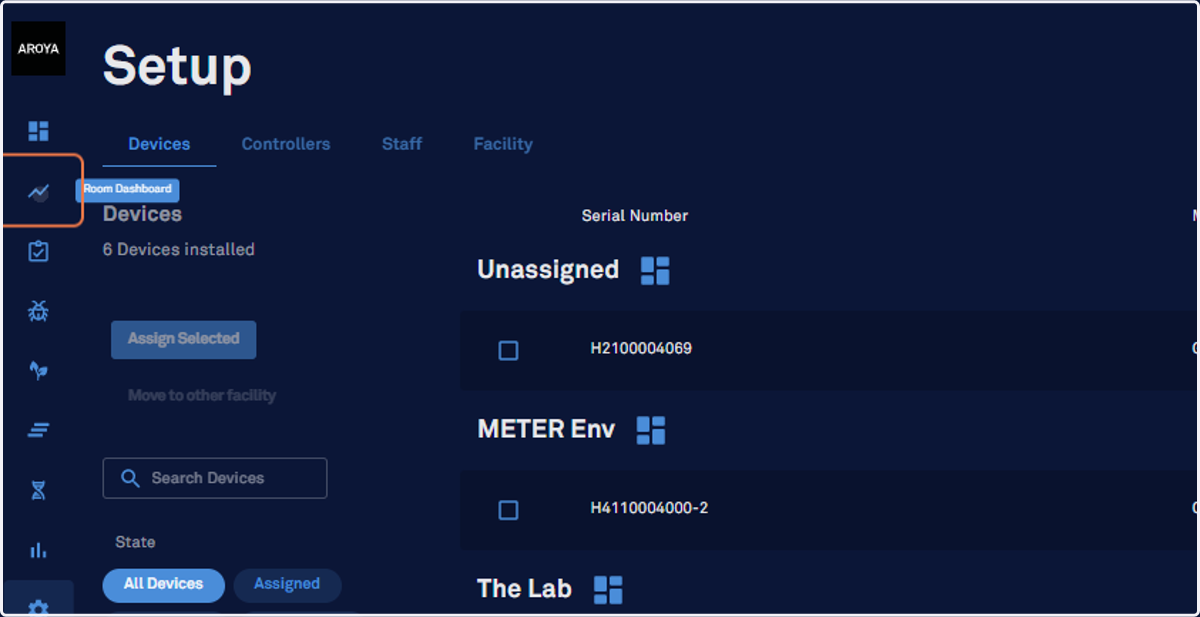
  2. 2. Click on Room Dasboard

    Click on Room Dasboard
  3. 3. Choose a room for the irrigation schedule
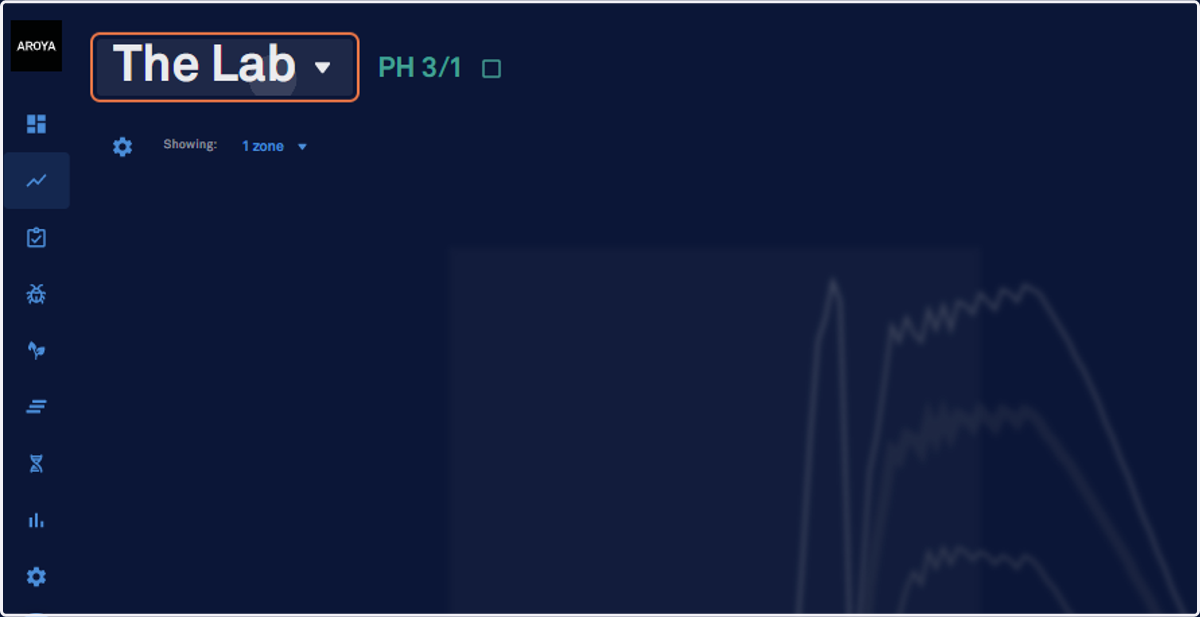
    Choose a room for the irrigation schedule
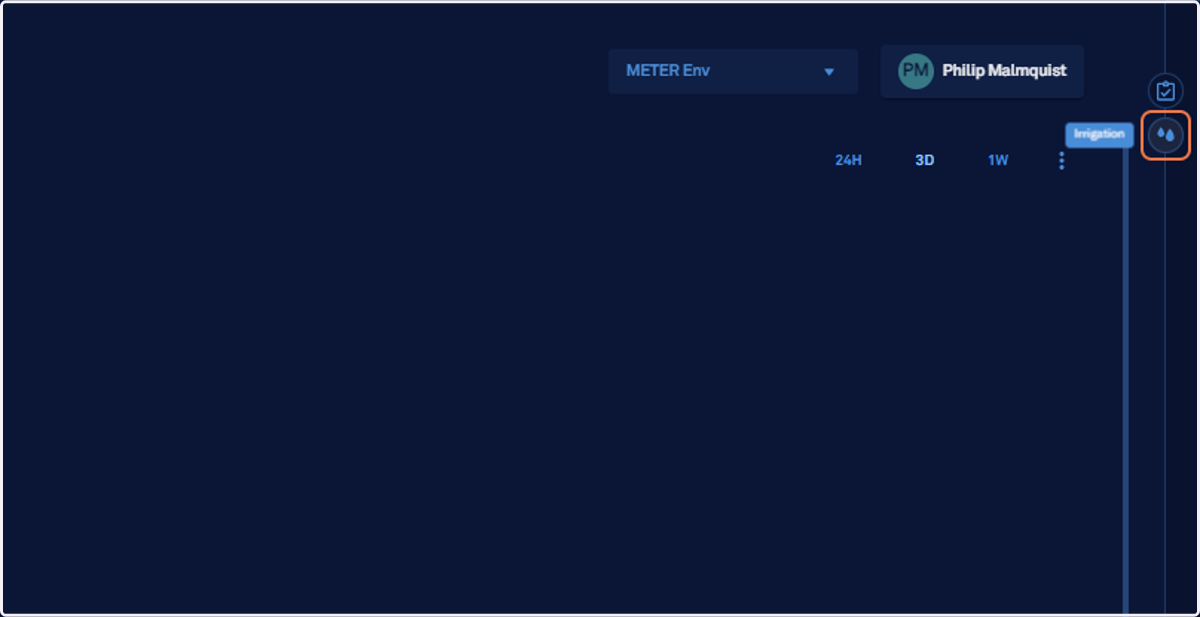
  4. 4. Click on the drop symbol

    Click on the drop symbol
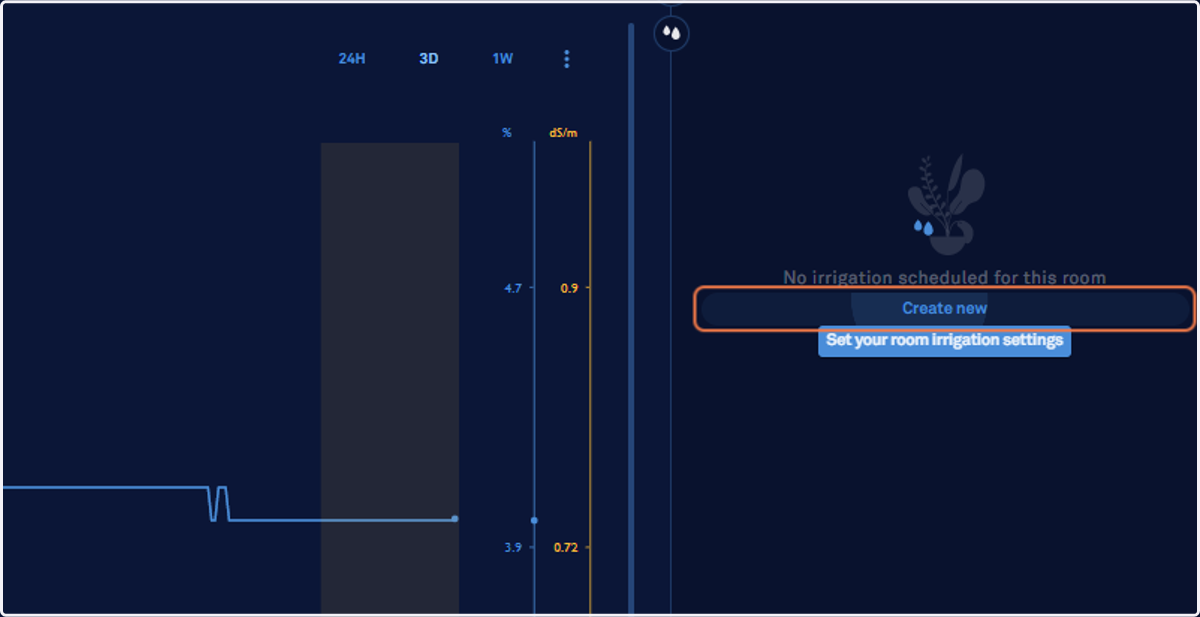
  5. 5. Click on Create new

    Click on Create new
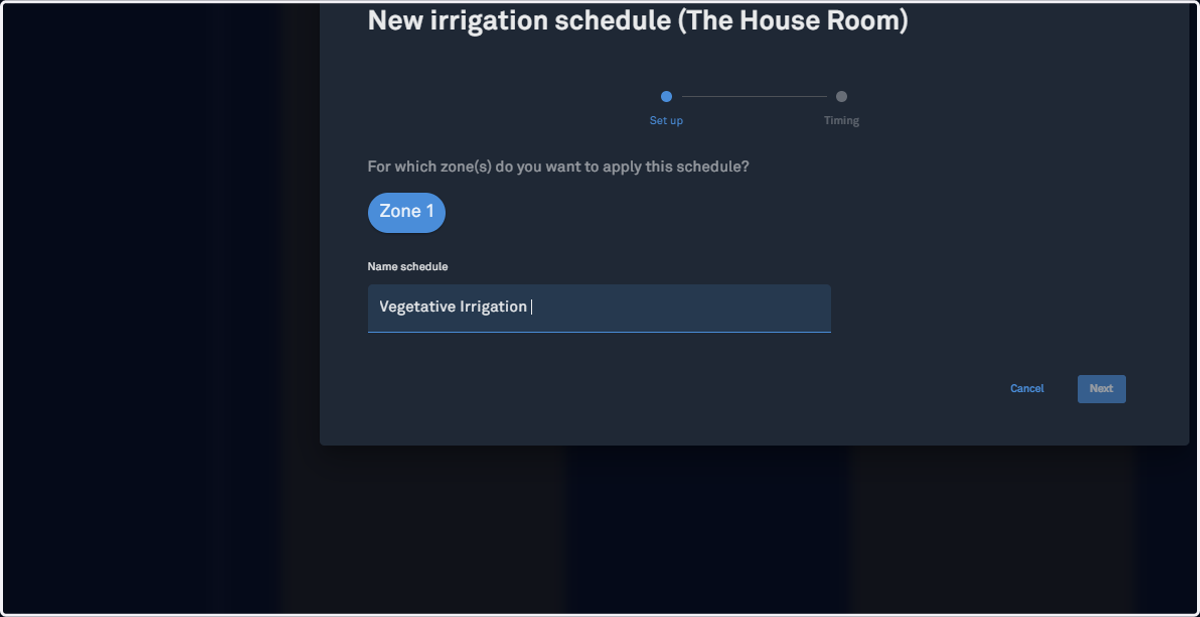
  6. 6. Choose which zones the irrigation schedule will apply for
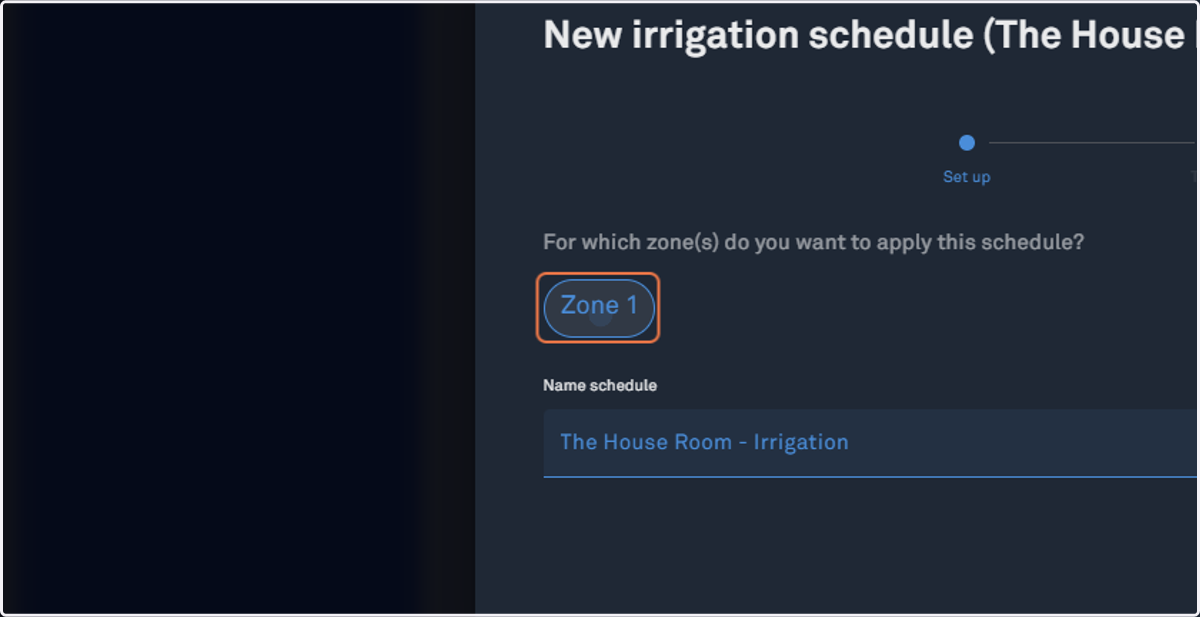
    Choose which zones the irrigation schedule will apply for
  7. 7. Name the irrigation schedule

    Name the irrigation schedule
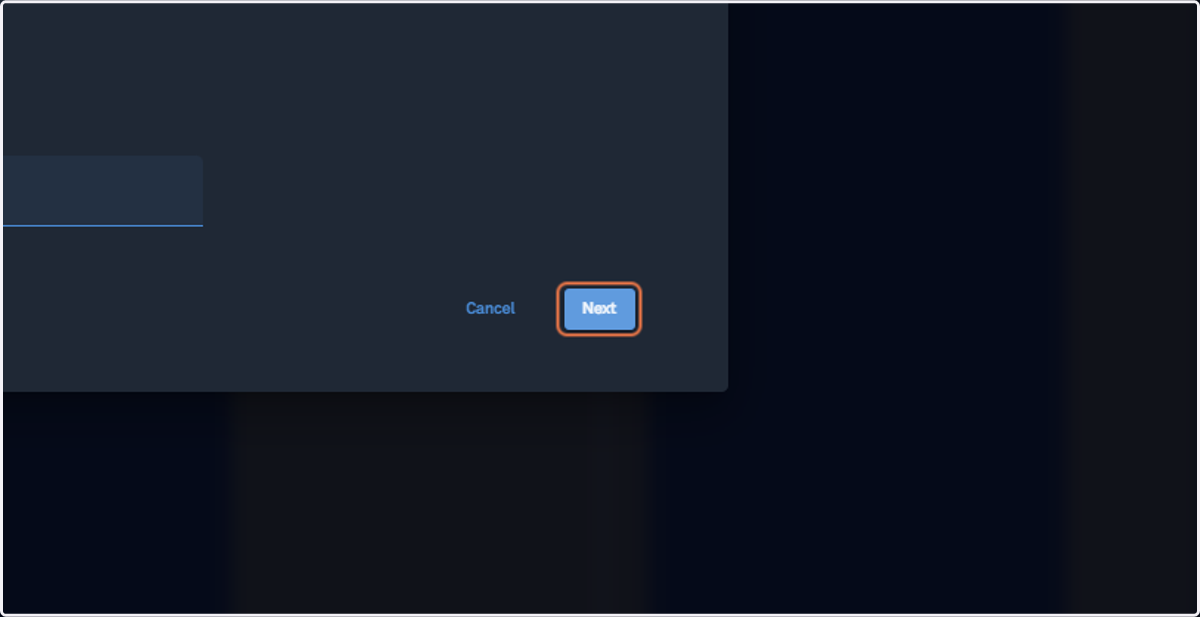
  8. 8. Click on Next

    Click on Next
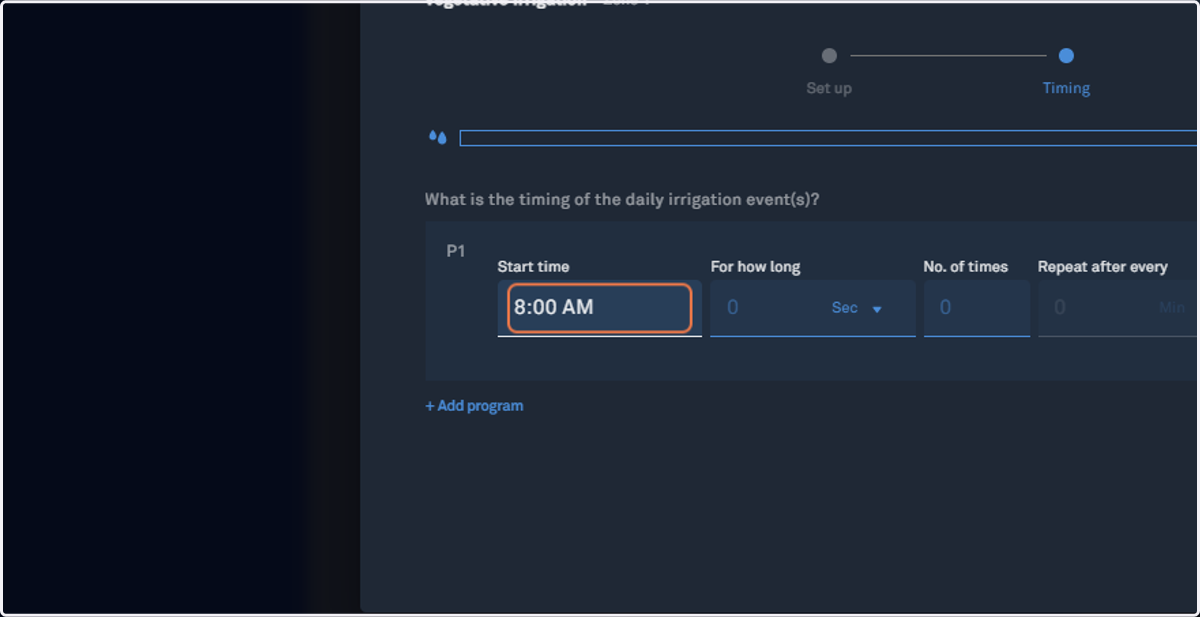
  9. 9. Choose start time

    Choose start time
  10. 10. Choose length per irrigation event
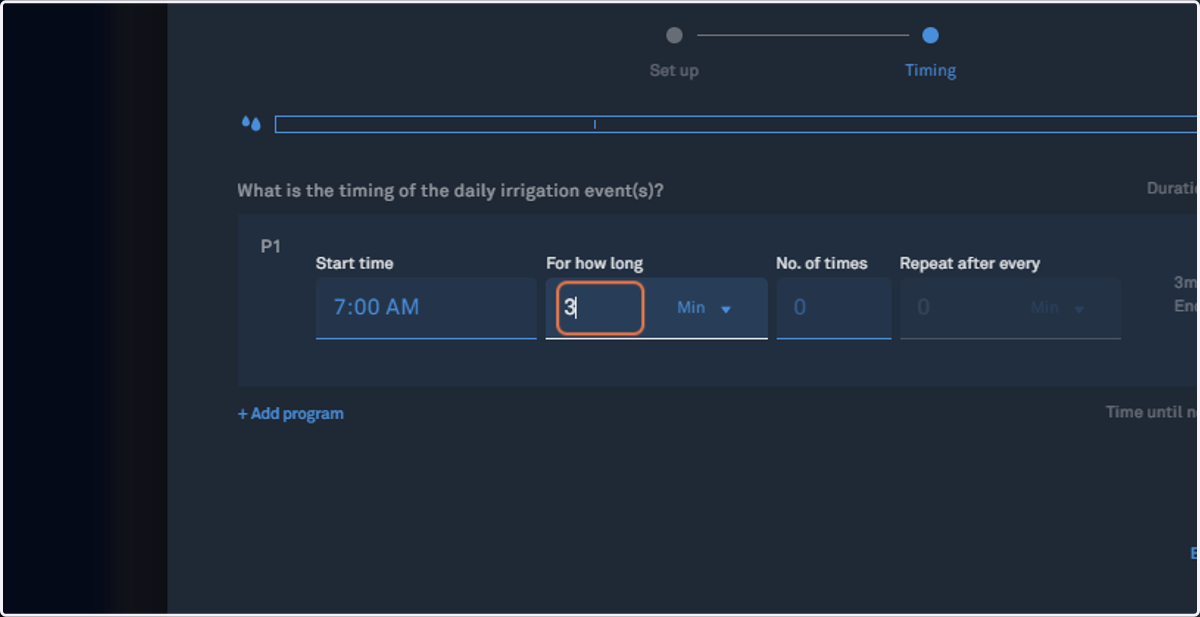
    Choose length per irrigation event
  11. 11. Choose how many times to do this event (this is the total number of events)
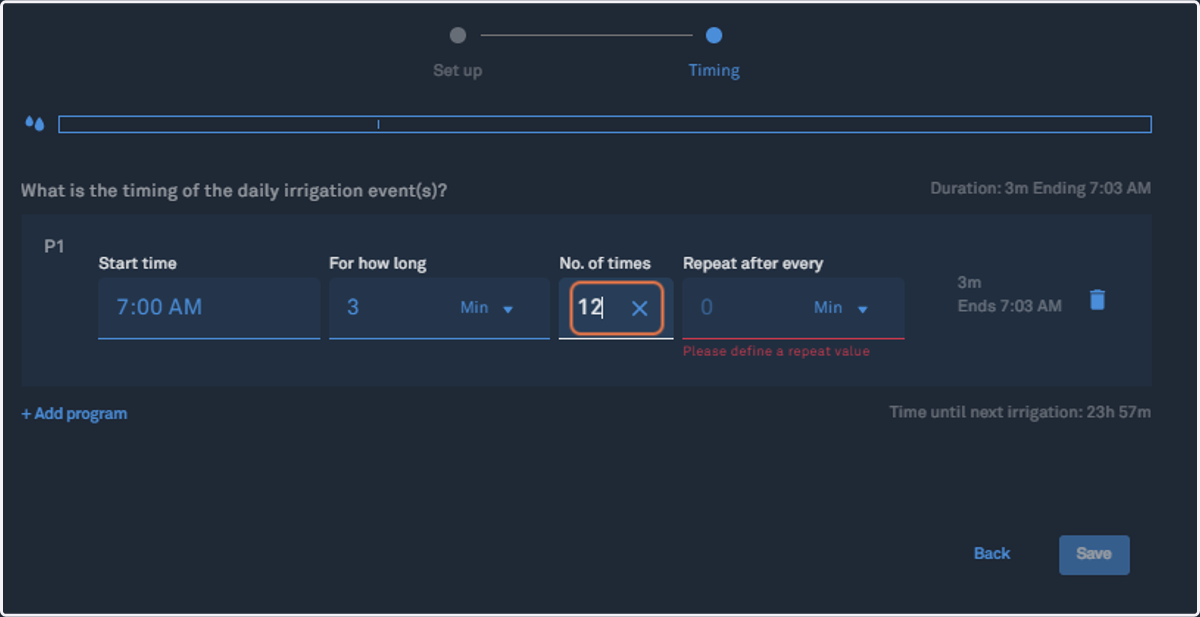
    Choose how many times to do this event (this is the total number of events)
  12. 12. Choose time in between every event
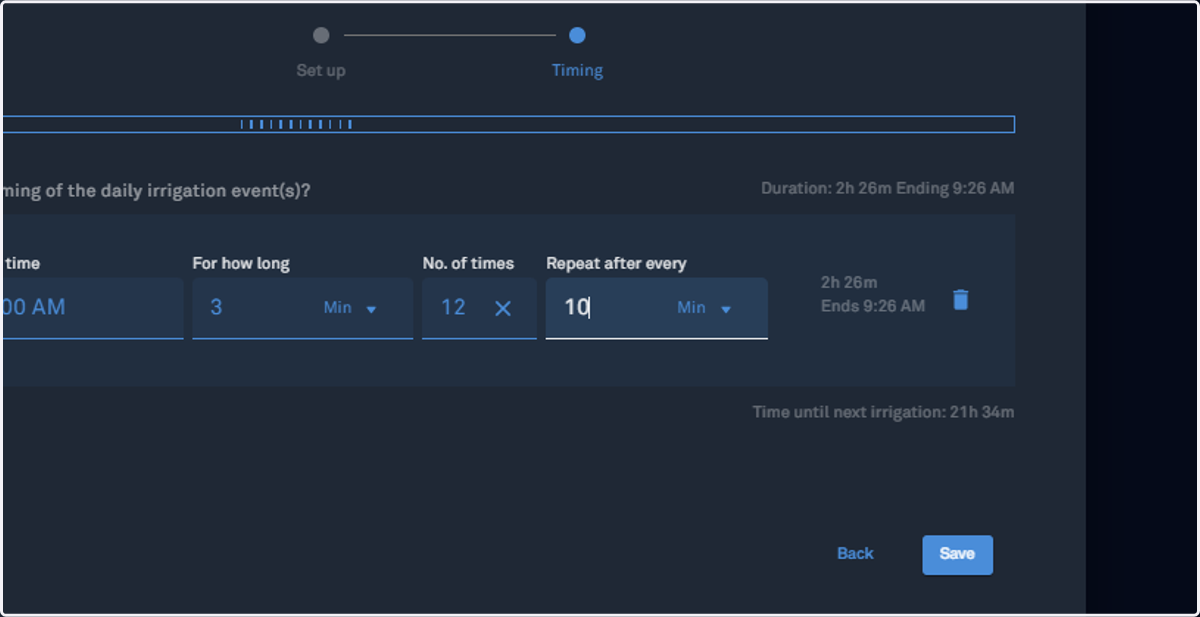
    Choose time in between every event
  13. 13. Optional: If P2 is desired, click +Add program (same for P3, P4 etc)
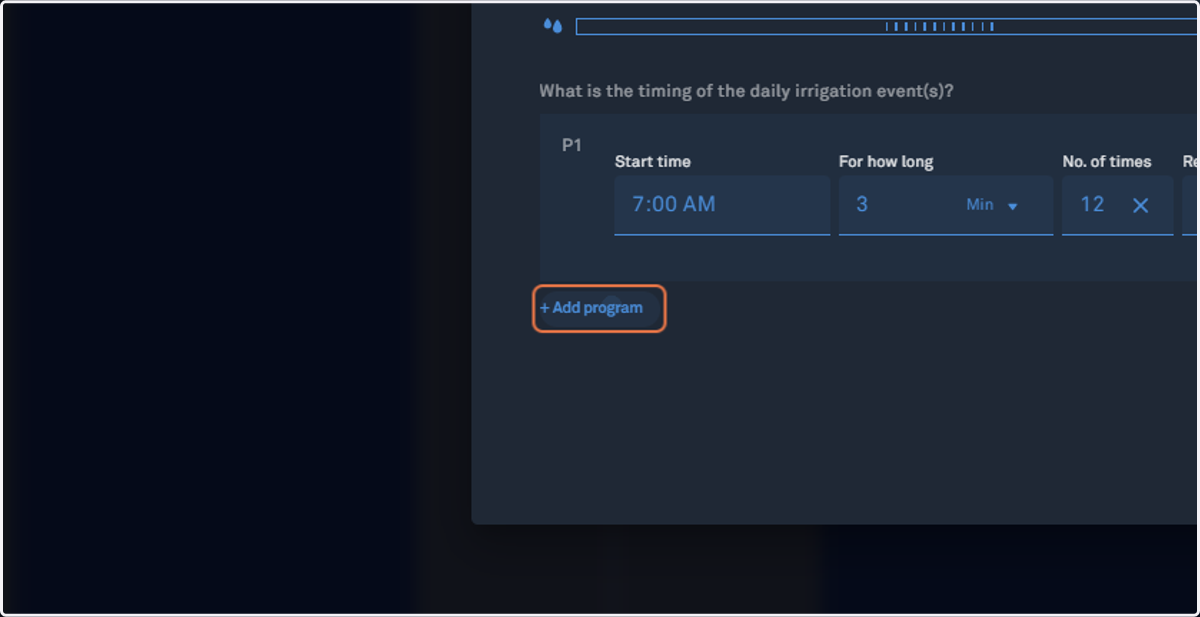
    Optional: If P2 is desired, click +Add program (same for P3, P4 etc)
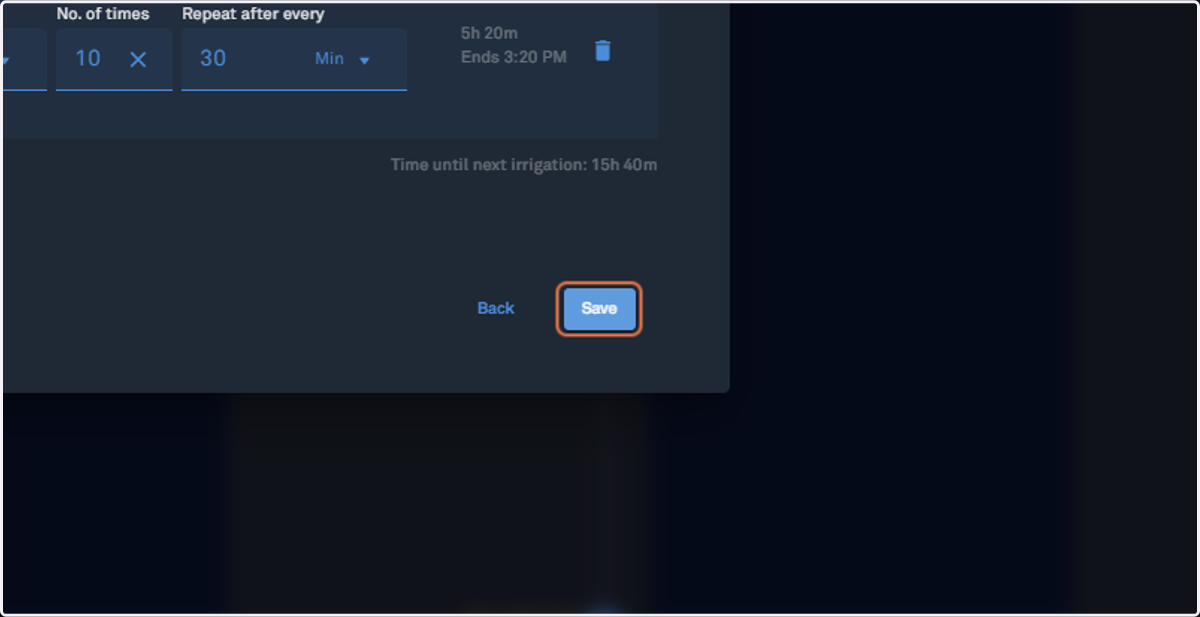
  14. 14. Click on Save

    Click on Save
  15. 15. Click on Play button to activate schedule
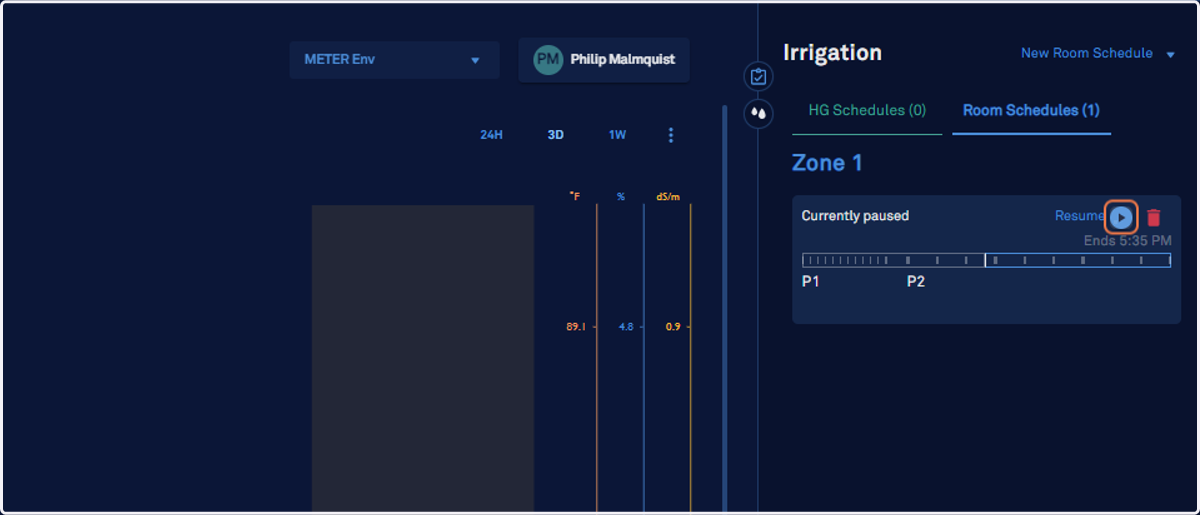
    Click on Play button to activate schedule