Ensure you never miss a claim
Ensure you are set up to monitor any potential claims you may be required to make
Client Dashboard
Go to your homepage
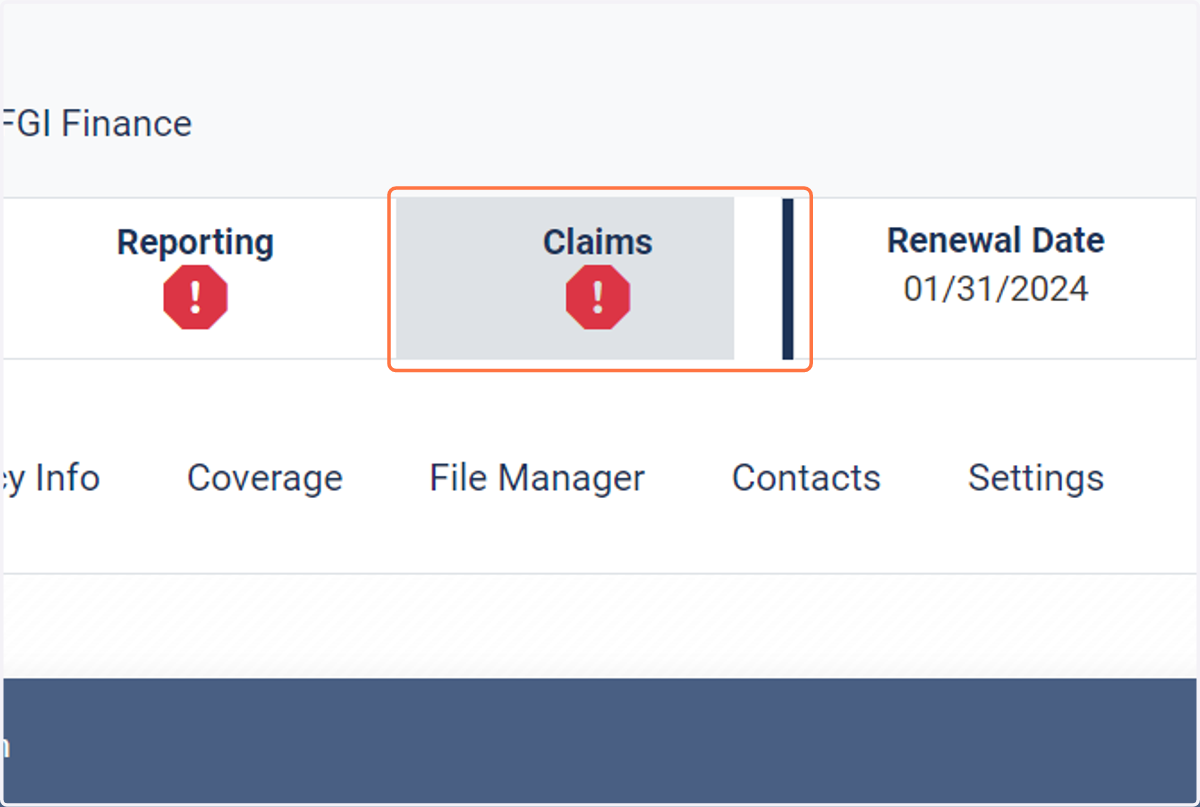
1. Click on Claims from the top banner
2. Each Debtor listed will be assigned a colour
RED - 30 Days or less to file a claim
YELLOW - 30-60 Days to file a claimGREEN - 60 Days or more to file a claim
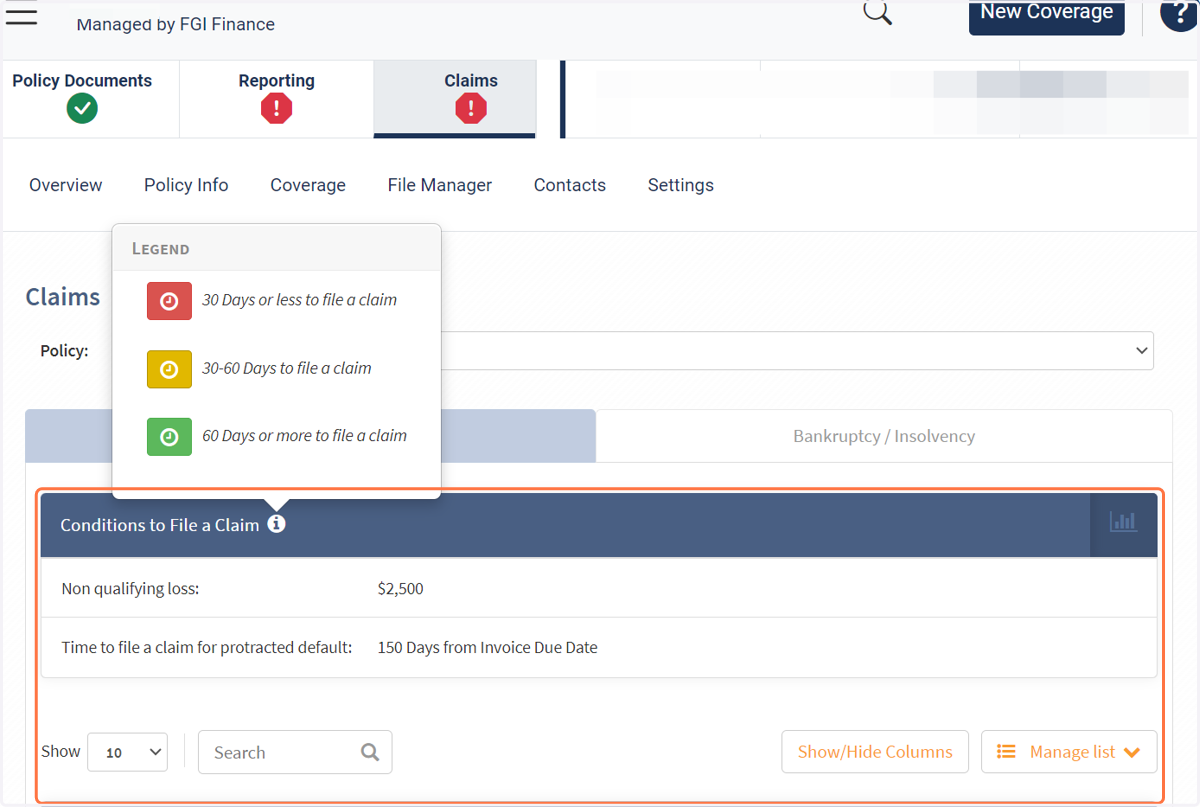
3. Click the image to see more
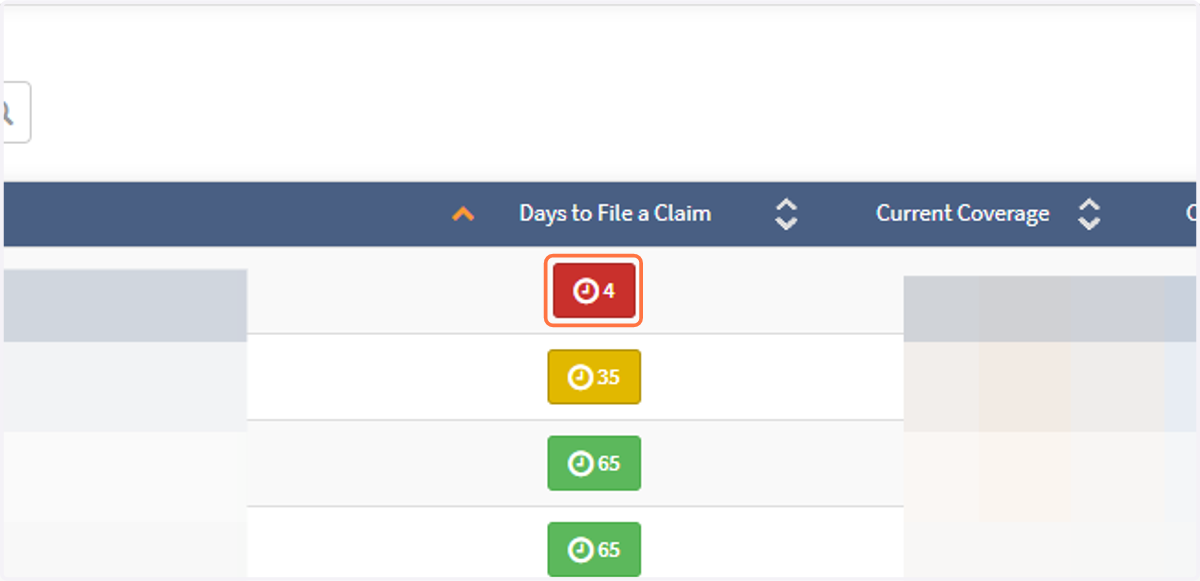
4. Here you will see more information into the debtor and what invoice is outstanding
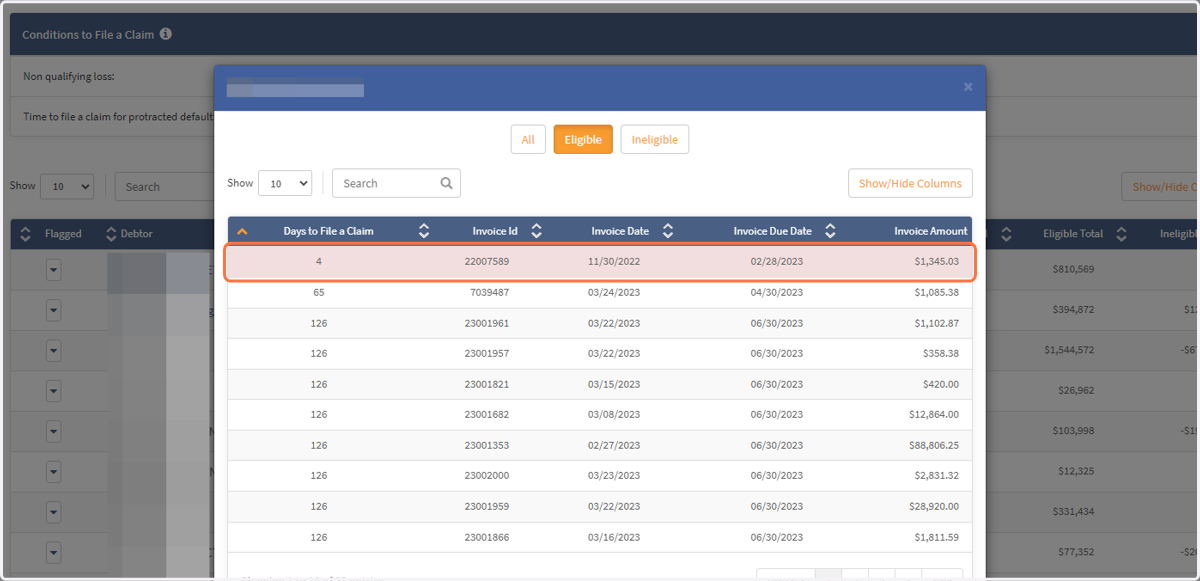
5. Check you have daily alerts set up for claims
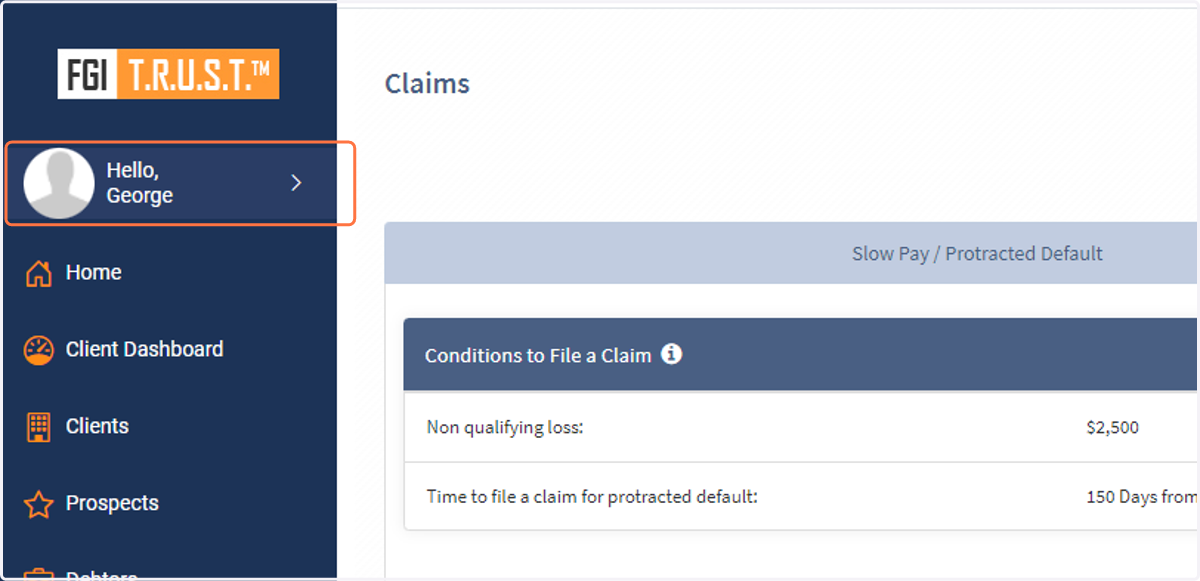
Click on Hello, from the navigation menu to the left
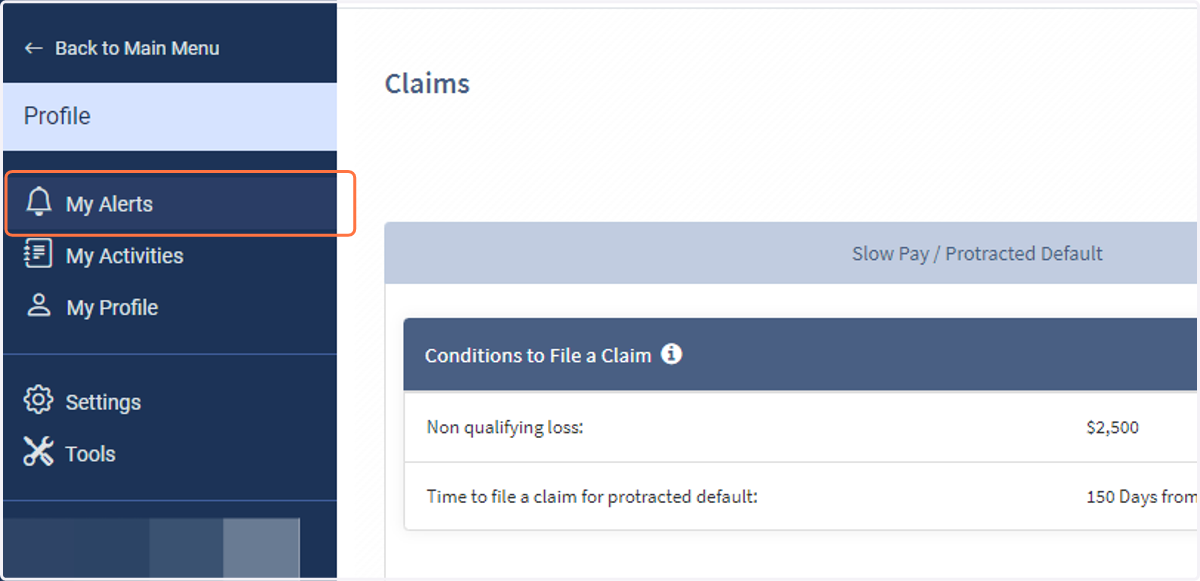
6. Click on My Alerts
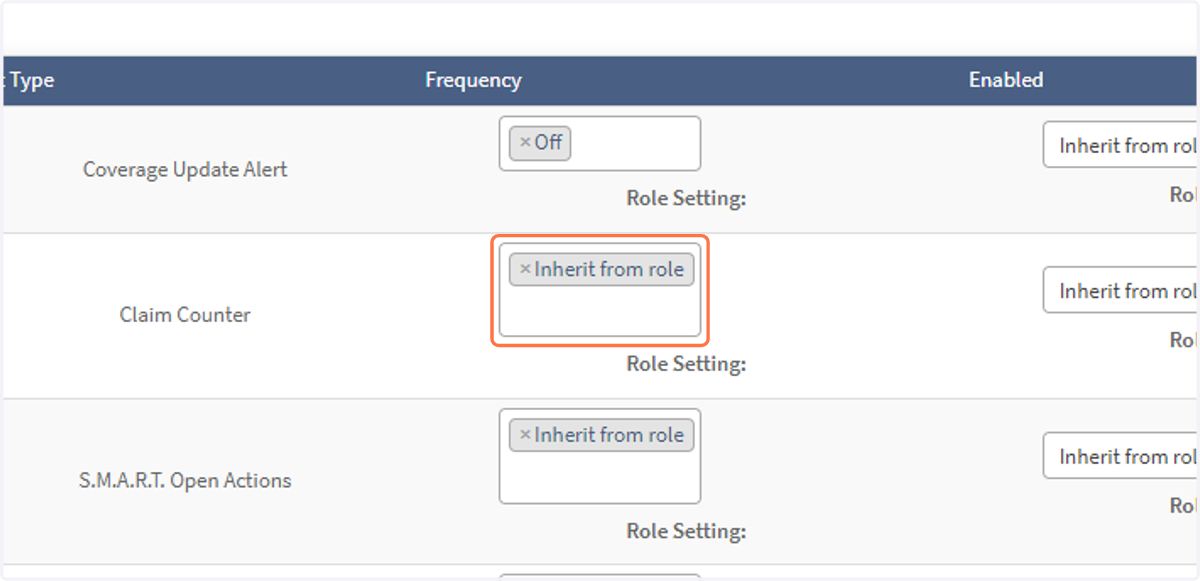
7. Click on frequency of claim counter alert and change to your desired frequency
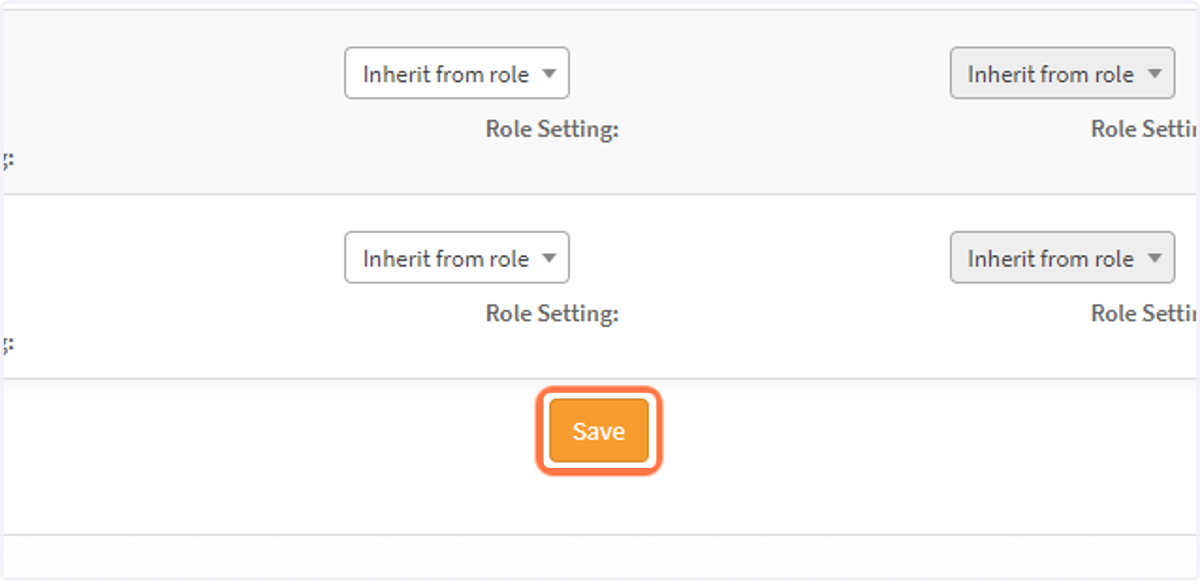
8. Click on Save