Adding Names to VIP Manager

JustPark Suite

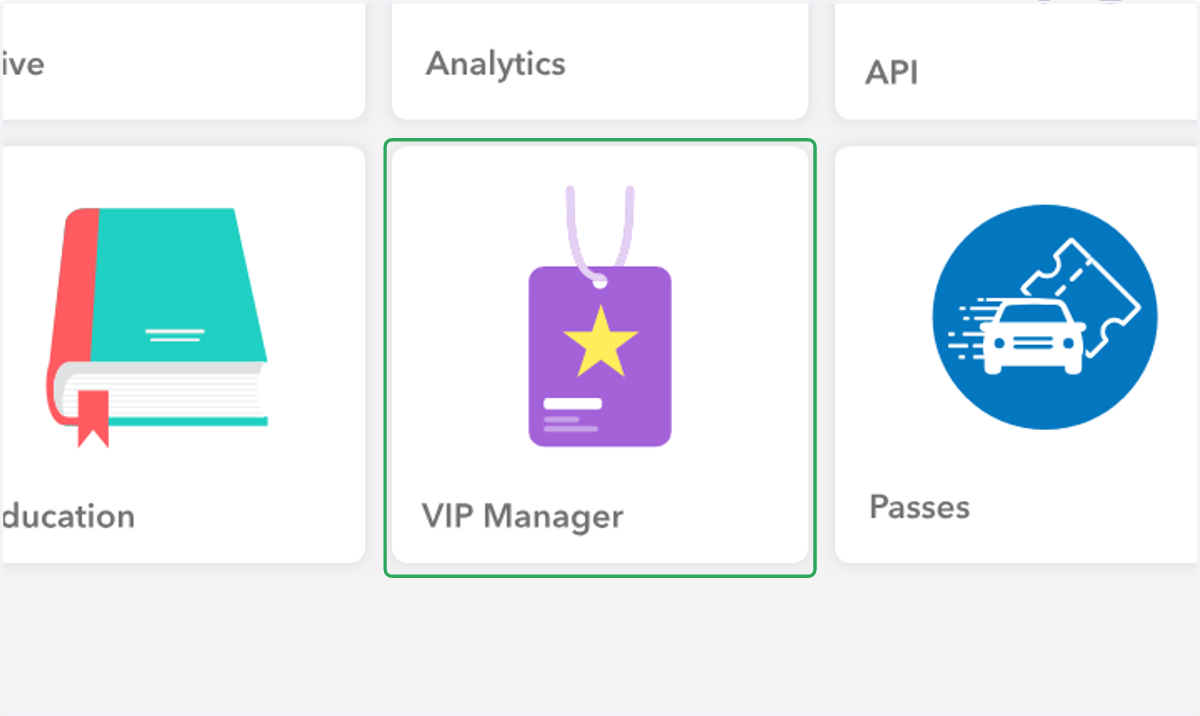
  1. 1. Click on "VIP Manager" in Suite

    Click on "VIP Manager" in Suite
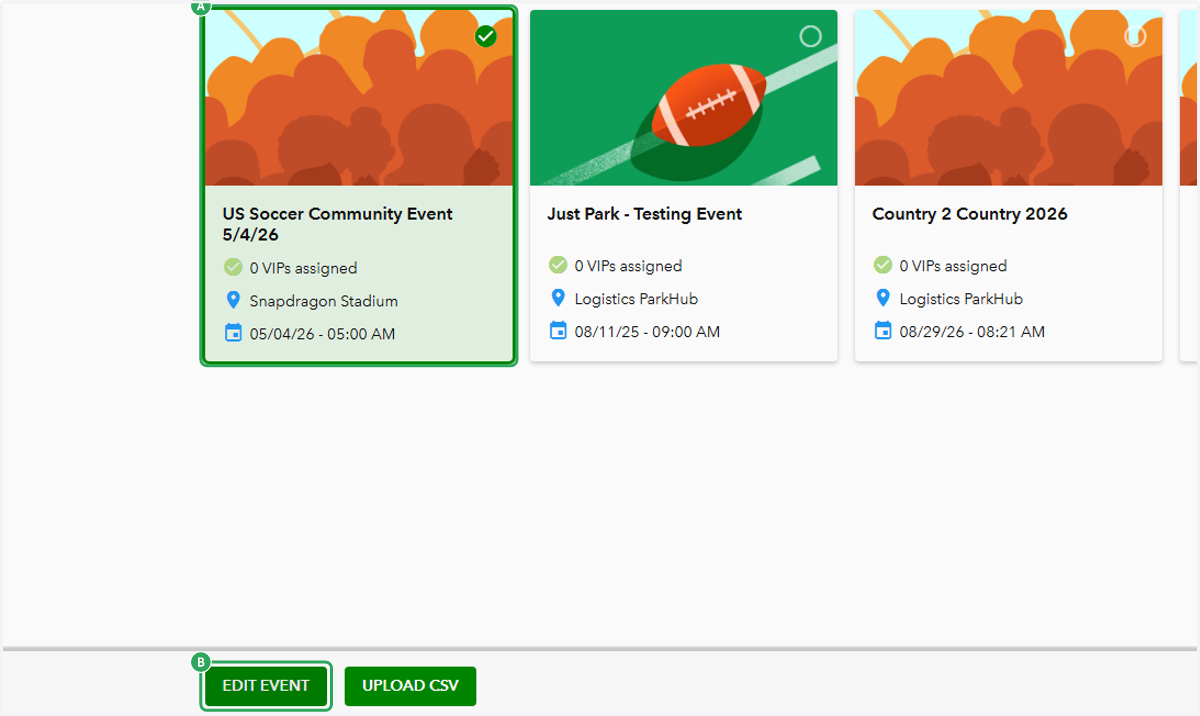
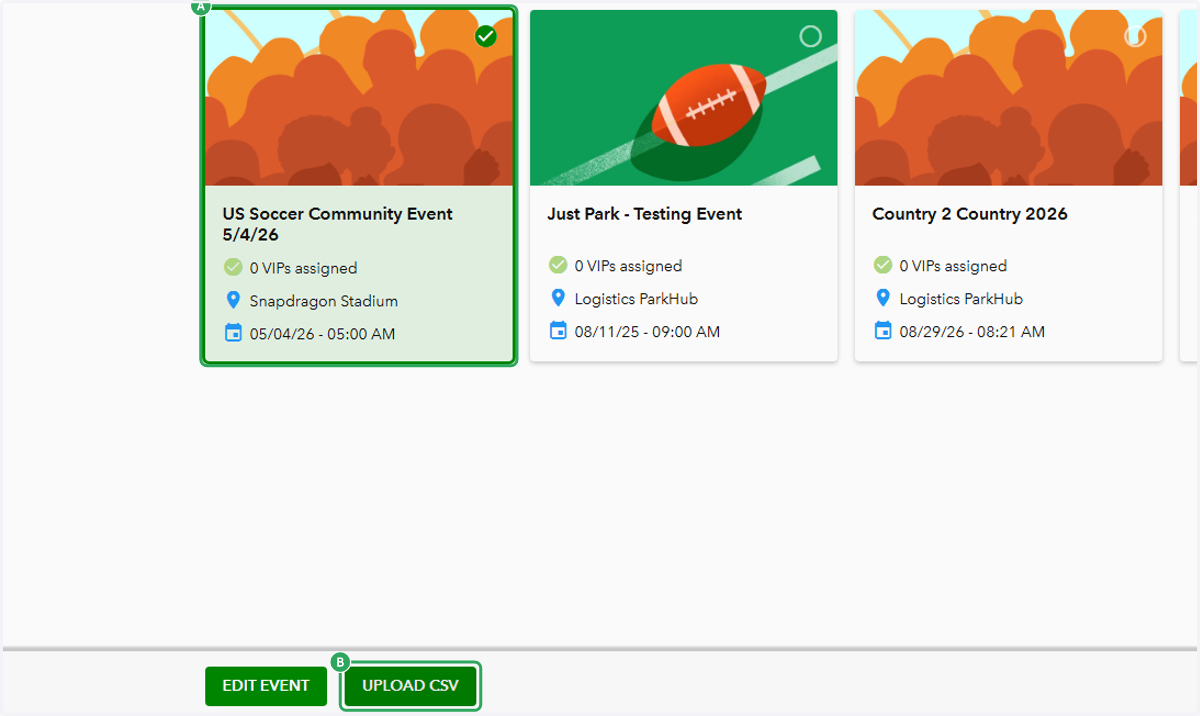
    1. 2. A. Select the event you'd like to add VIPs for

    2. 2. B. Click on Edit Event

    A. Select the event you'd like to add VIPs for B. Click on Edit Event
  2. 3. To add VIPs manually, click on "CREATE NEW VIP"
    To add VIPs manually, click on "CREATE NEW VIP"
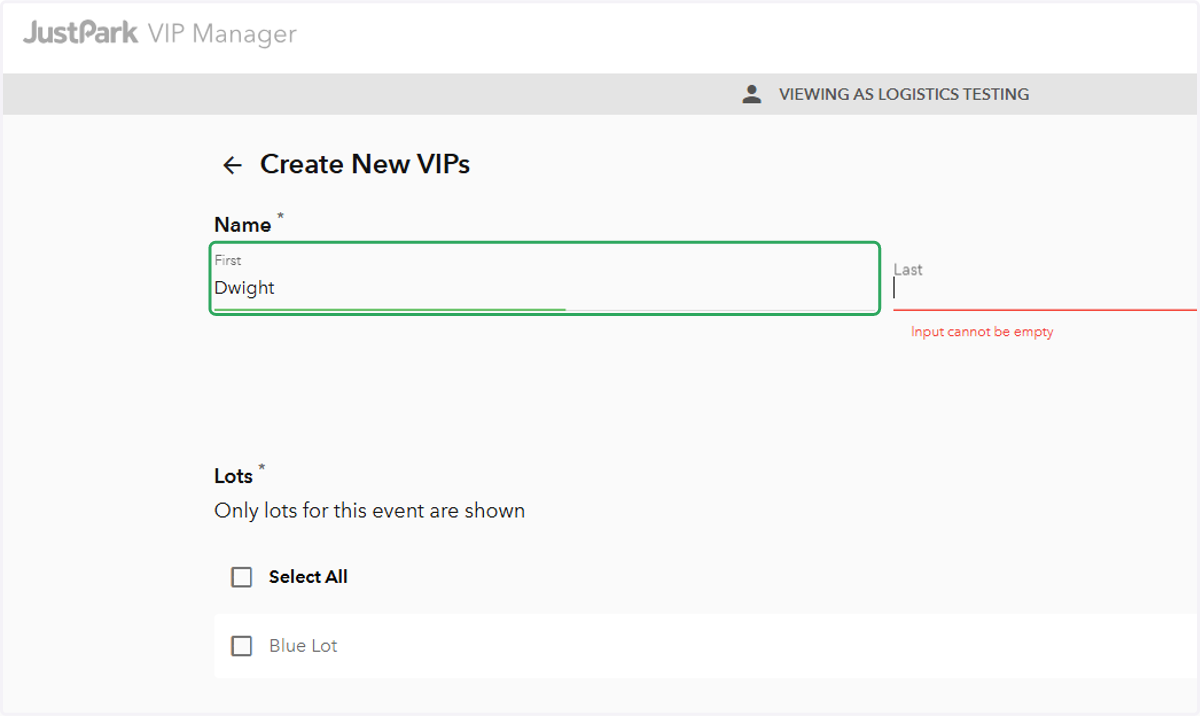
  3. 4. Enter First and Last Name

    Enter First and Last Name
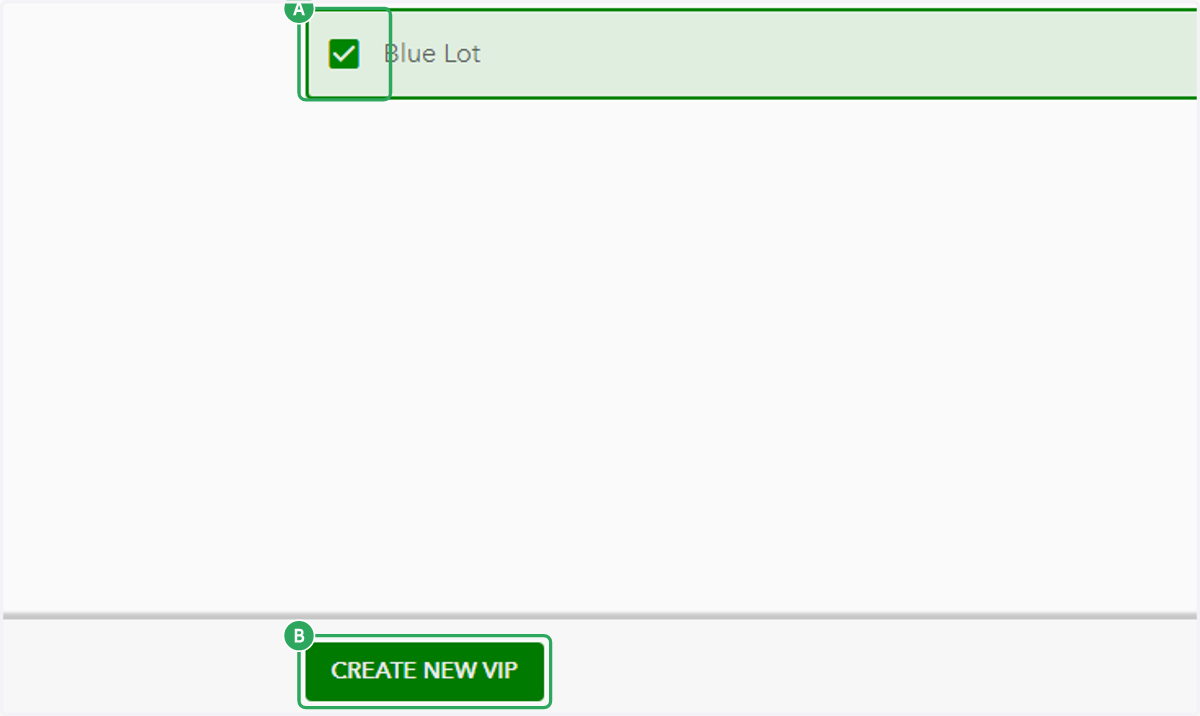
    1. 5. A. Select the lot(s) this VIP should be allowed to park
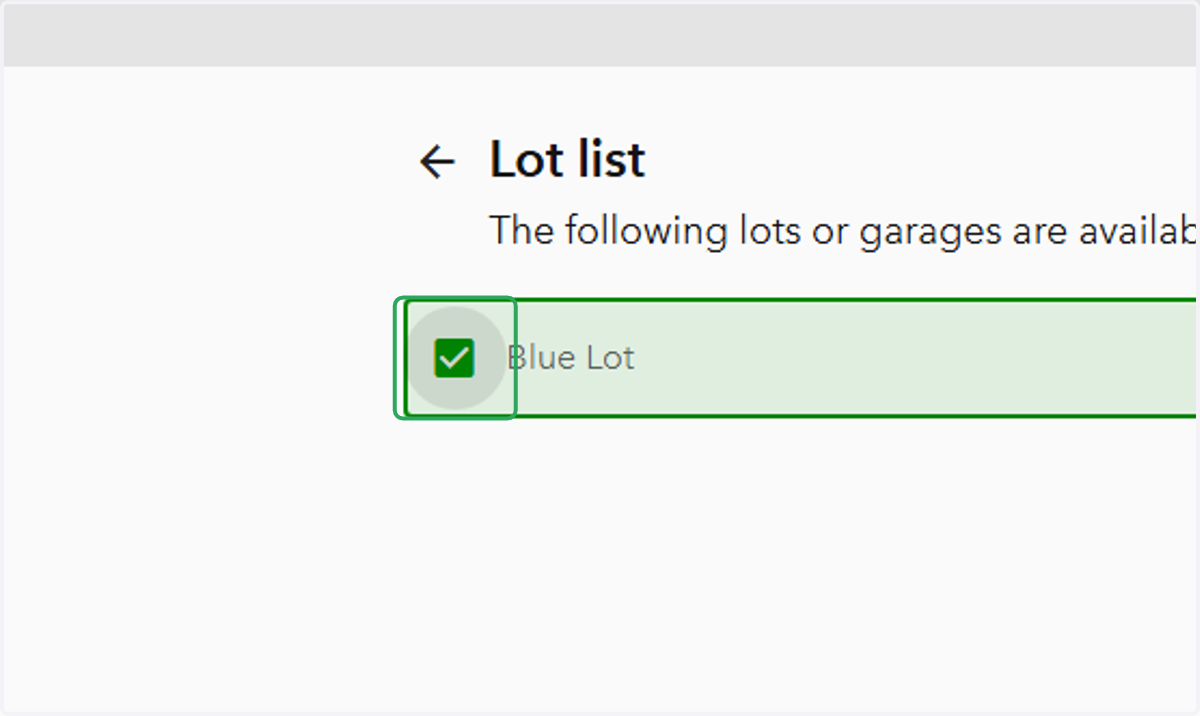
    2. 5. B. Click on "CREATE NEW VIP"

    A. Select the lot(s) this VIP should be allowed to park B. Click on "CREATE NEW VIP"
    1. 6. A. Select the event you'd like to add VIPs for

    2. 6. B. Click on "UPLOAD CSV"

    A. Select the event you'd like to add VIPs for B. Click on "UPLOAD CSV"
  1. 7. Select the lot(s) this VIP should be allowed to park

    Select the lot(s) this VIP should be allowed to park
  2. 8. Click on "NEXT: CSV UPLOAD"

    Click on "NEXT: CSV UPLOAD"
  3. 9. This is where you can download the blank VIP template. When you've entered your VIPs' first and last names, drag/upload the template here:
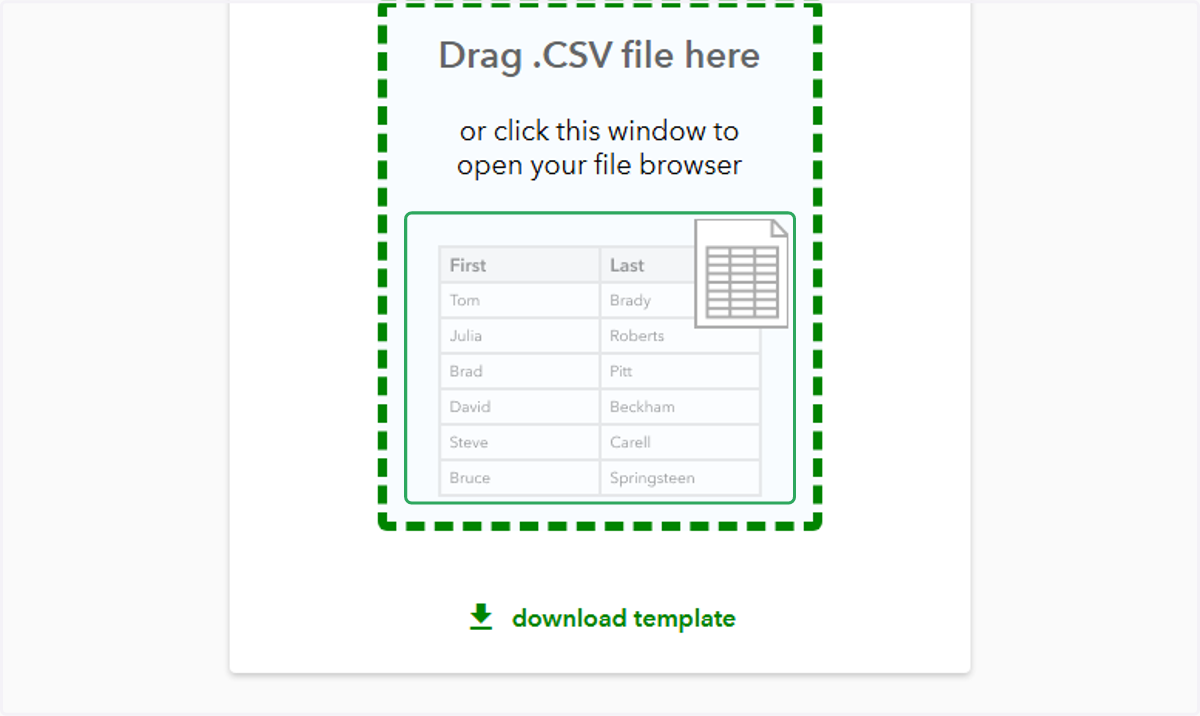
    This is where you can download the blank VIP template. When you've entered your VIPs' first and last names, drag/upload the template here:
  4. 10. You will be redirected to the VIP Manager page. To check the VIP list, select the event again and click "EDIT EVENT".
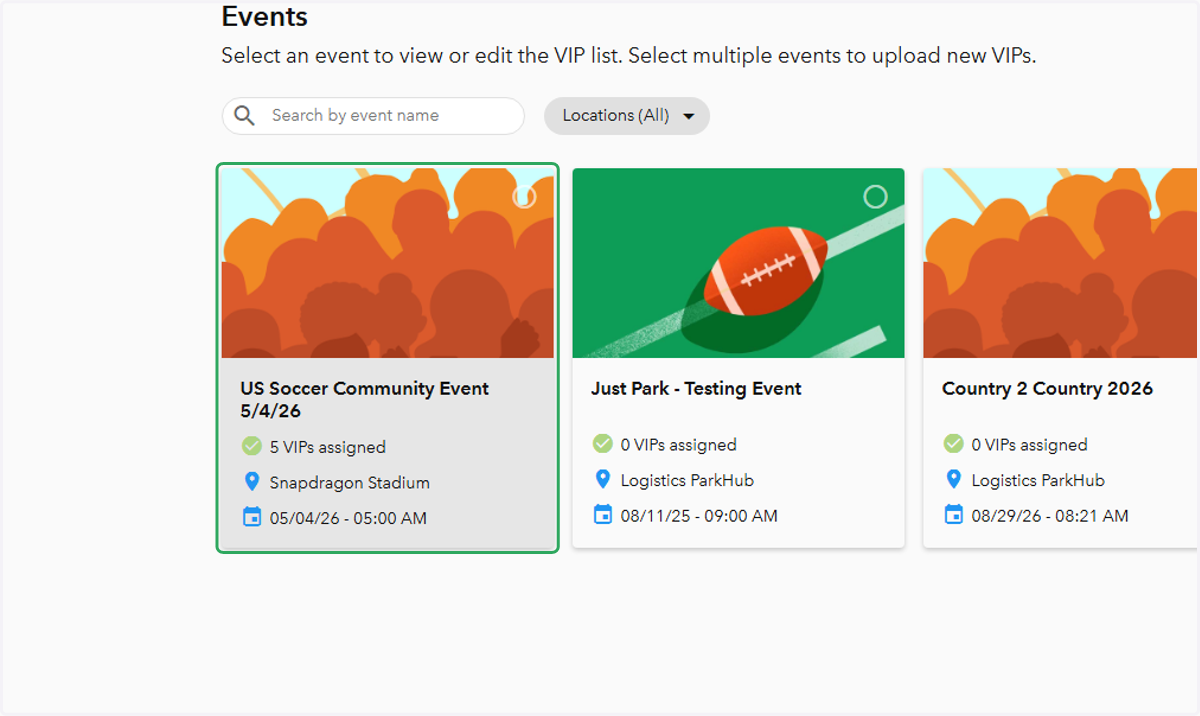
    You will be redirected to the VIP Manager page. To check the VIP list, select the event again and click "EDIT EVENT".