How do I login to my Engagifii user account?
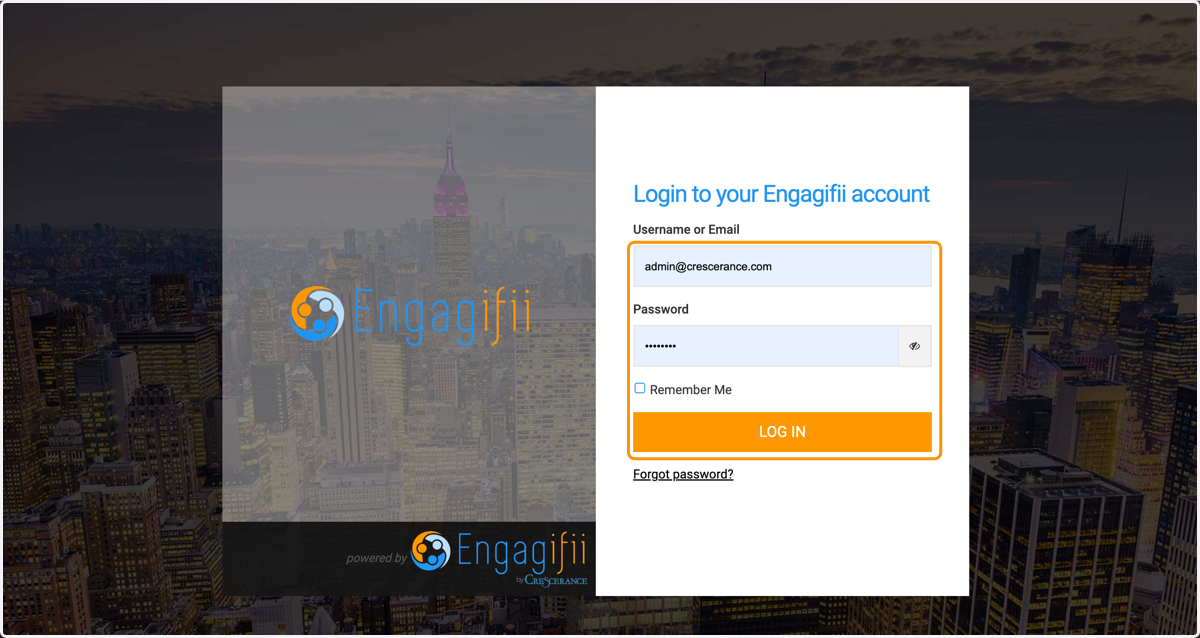
1. Enter your user name and password and click on LOG IN
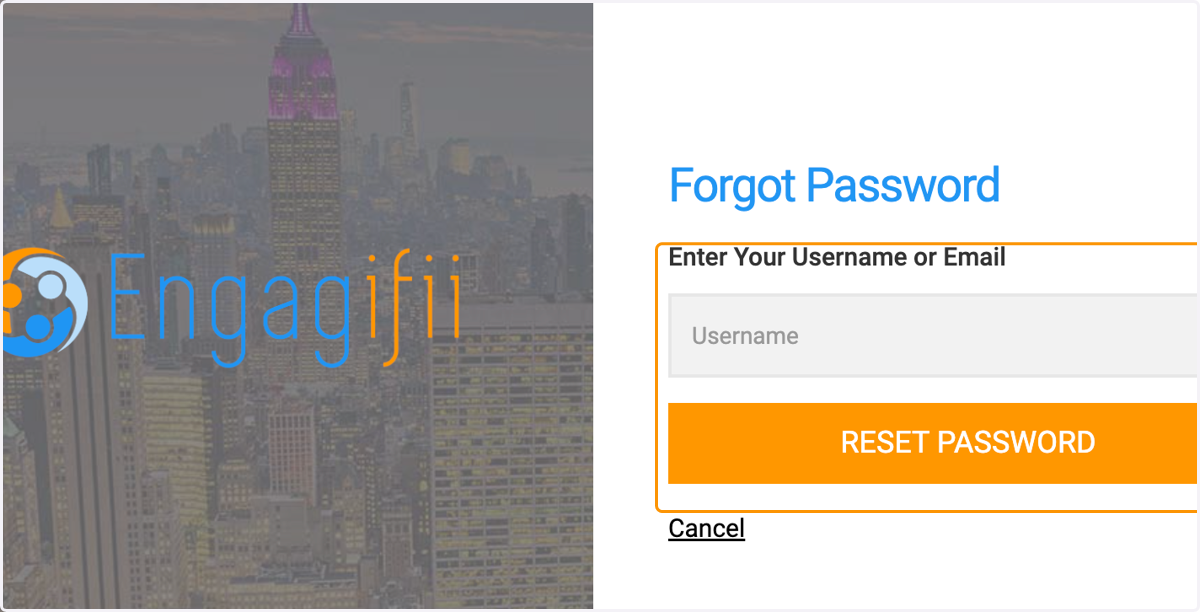
2. Click on Forgot password if you need to reset your password
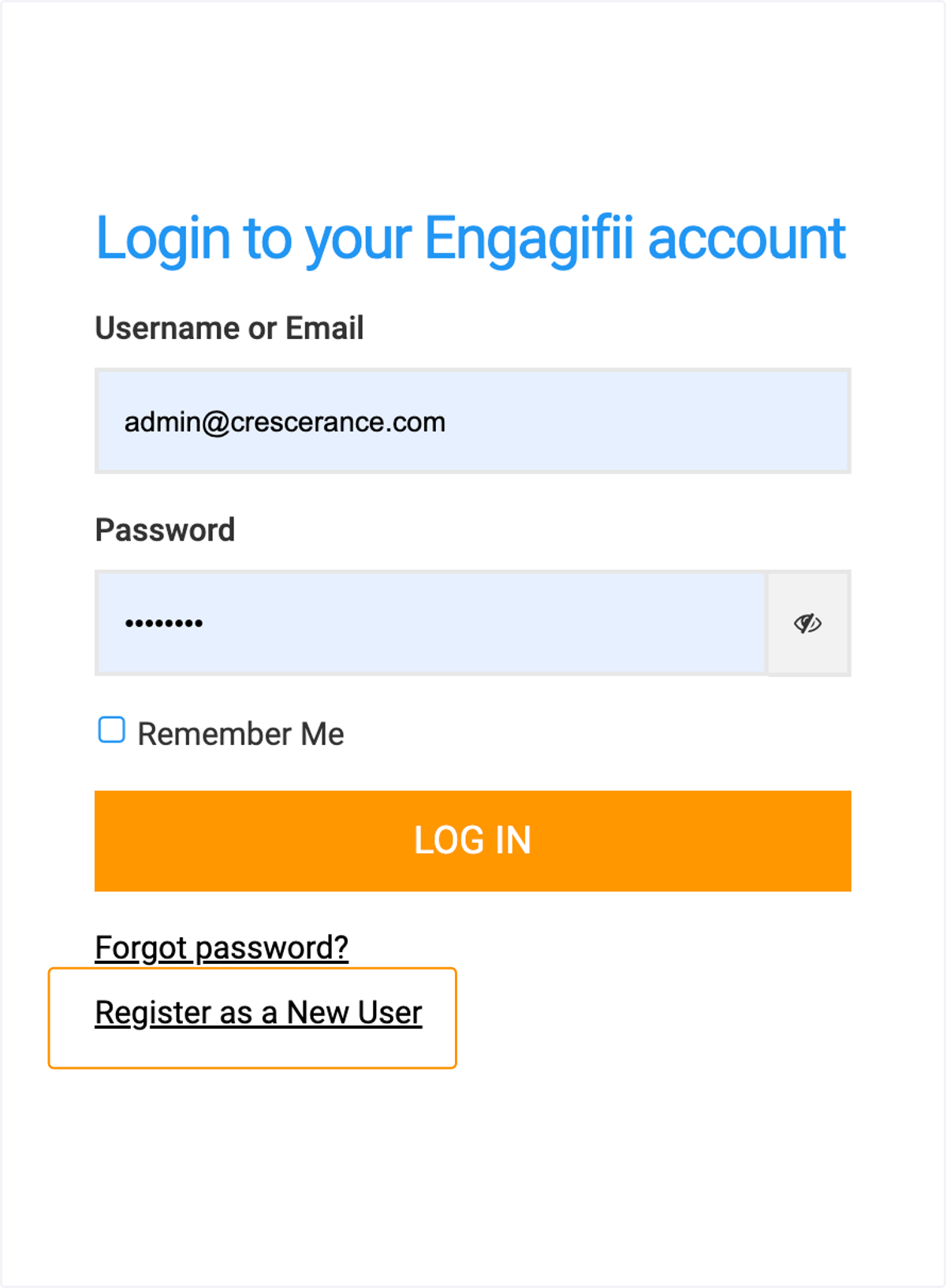
3. Depending on your workspace settings, determined by your account administrator, you may have the ability to create a new account from the Log In page.
4. Enter your details to set up your account
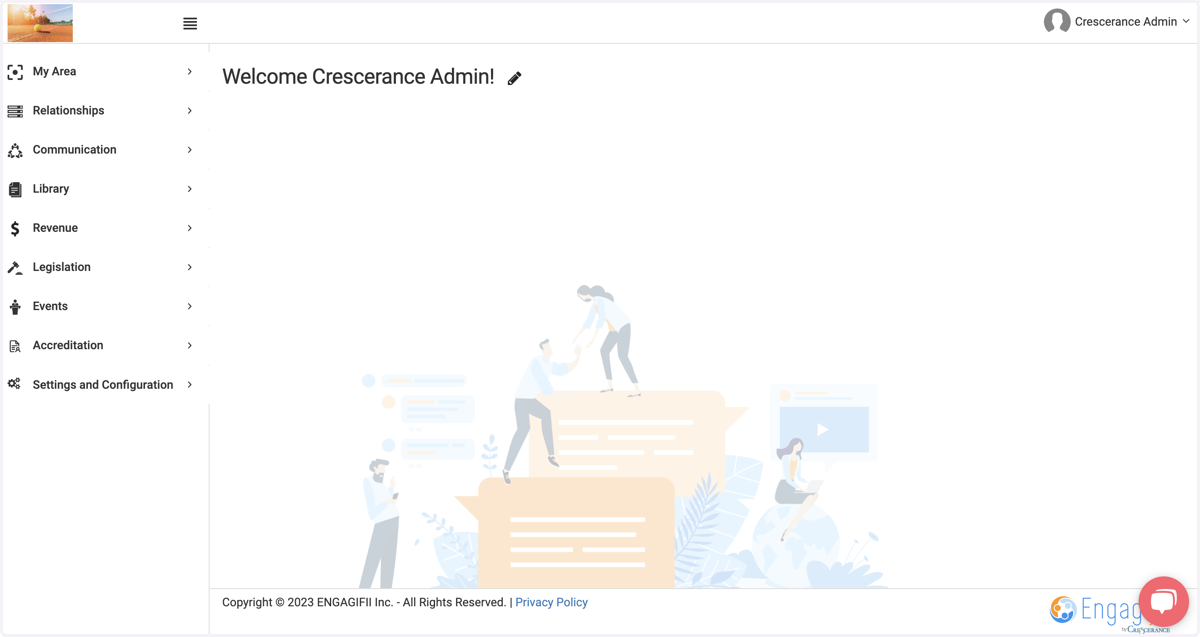
5. Once you are logged in, you will be on the Engagifi homepage