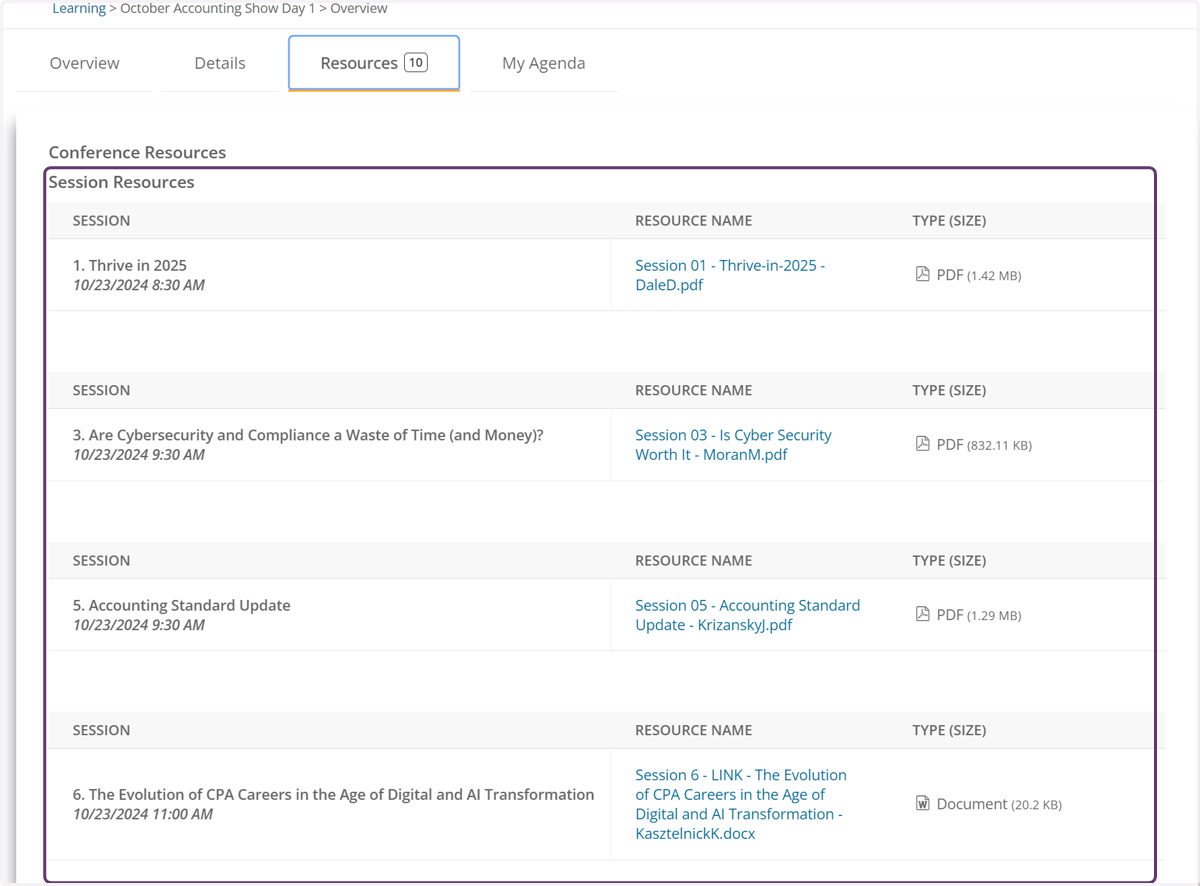
Overview of Agenda
In your learning center's current tab
1. Find the conference you would like to attend
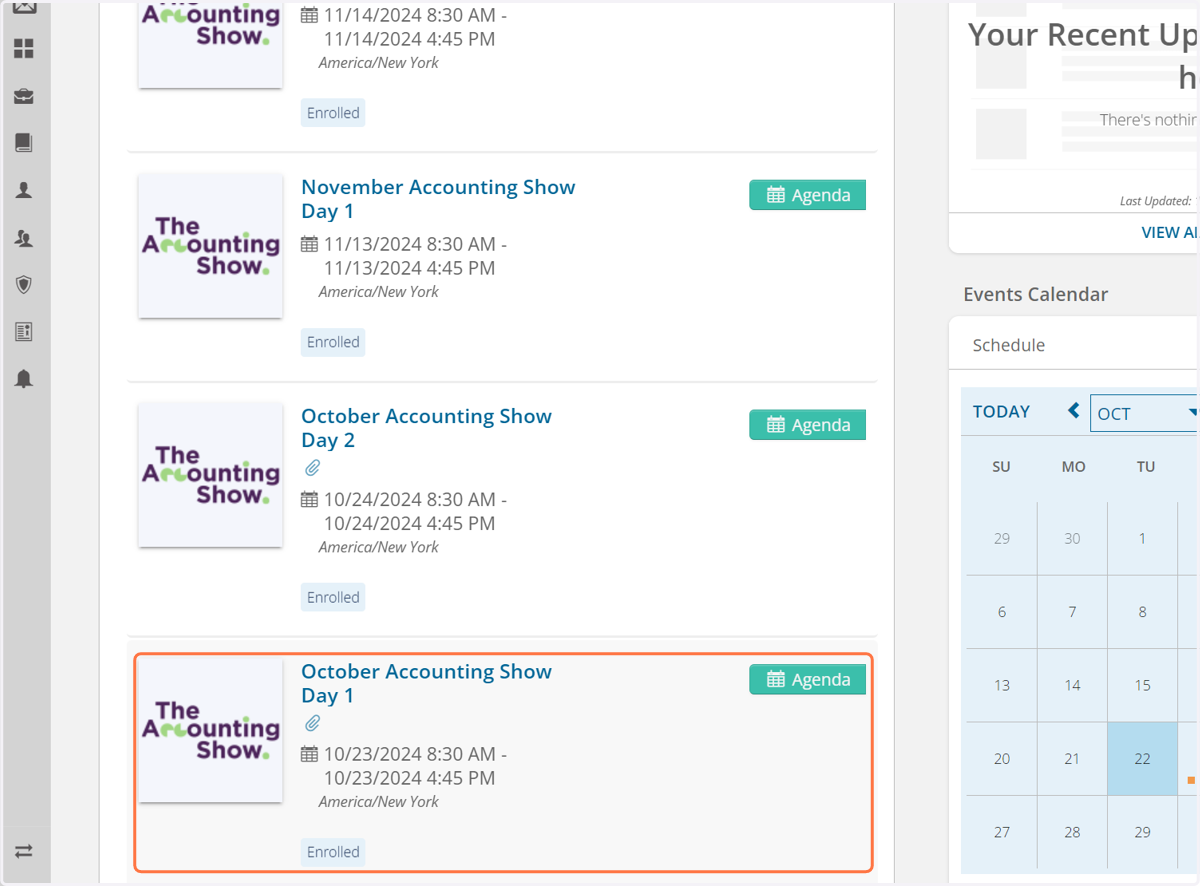
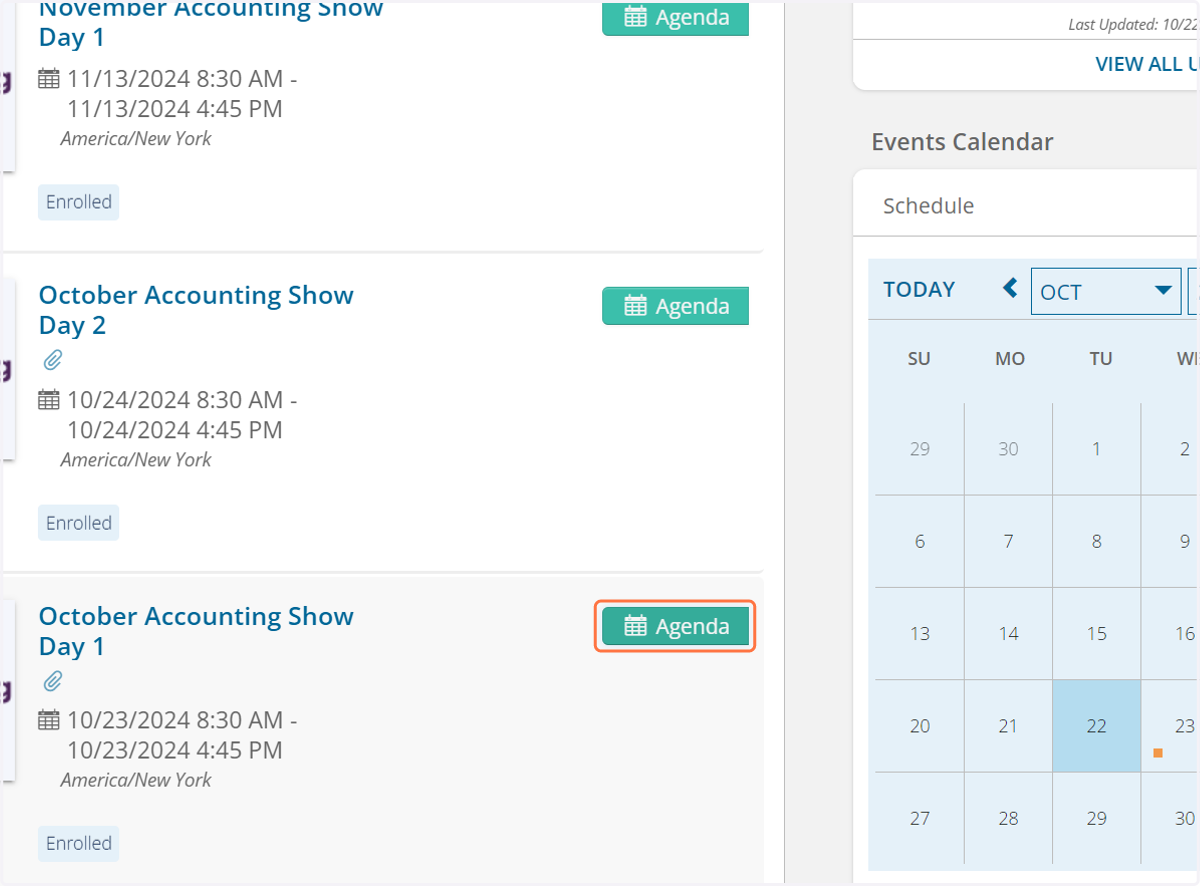
2. Click on Agenda
3. View all Sessions
By default you can view all session available to attend.
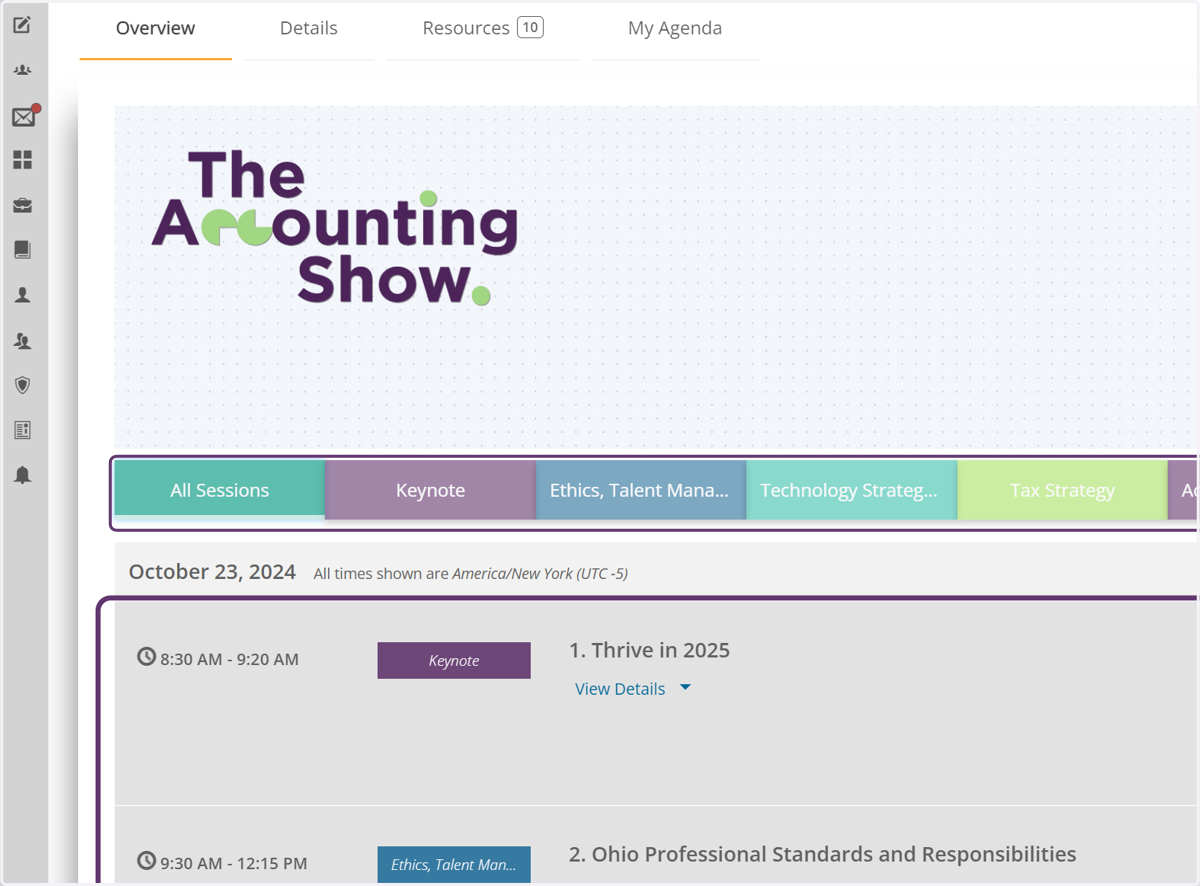
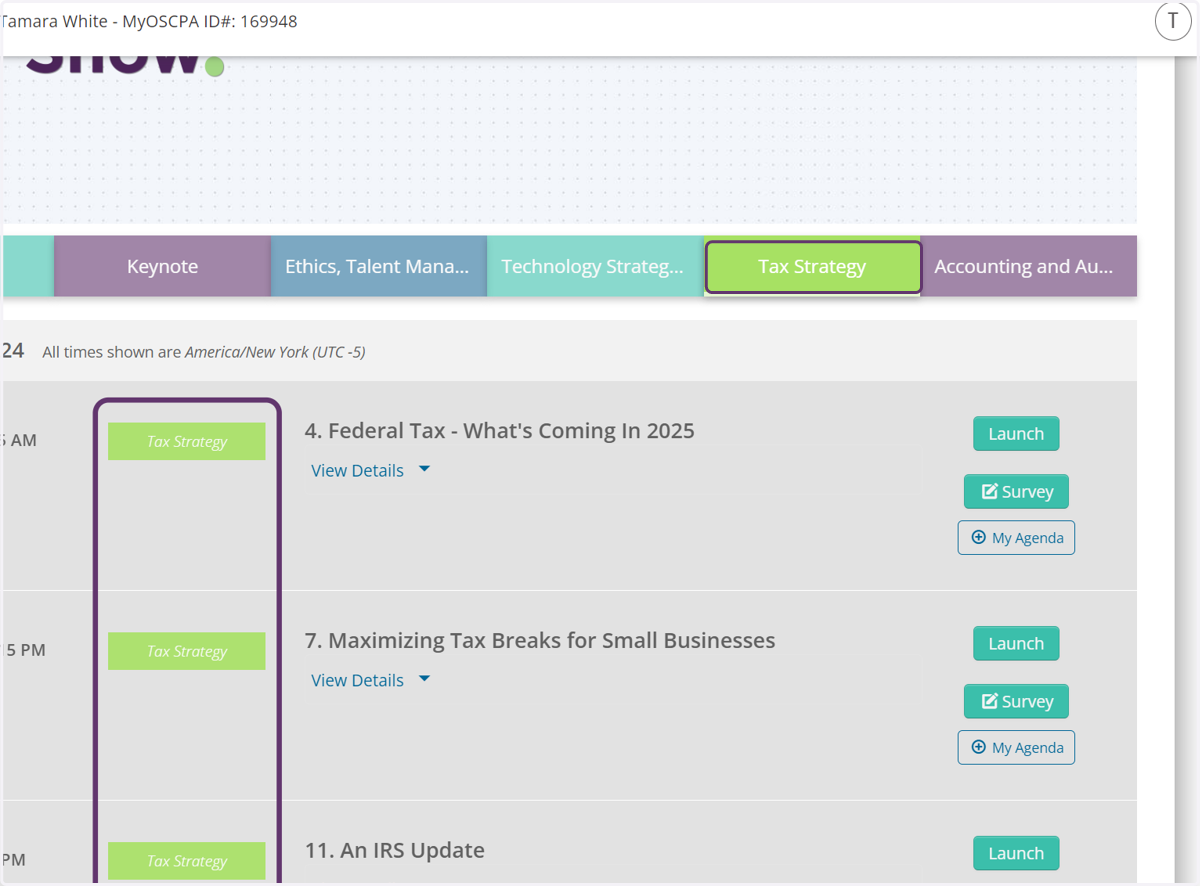
4. Narrow your Session View
You can narrow your session view by selecting a track.
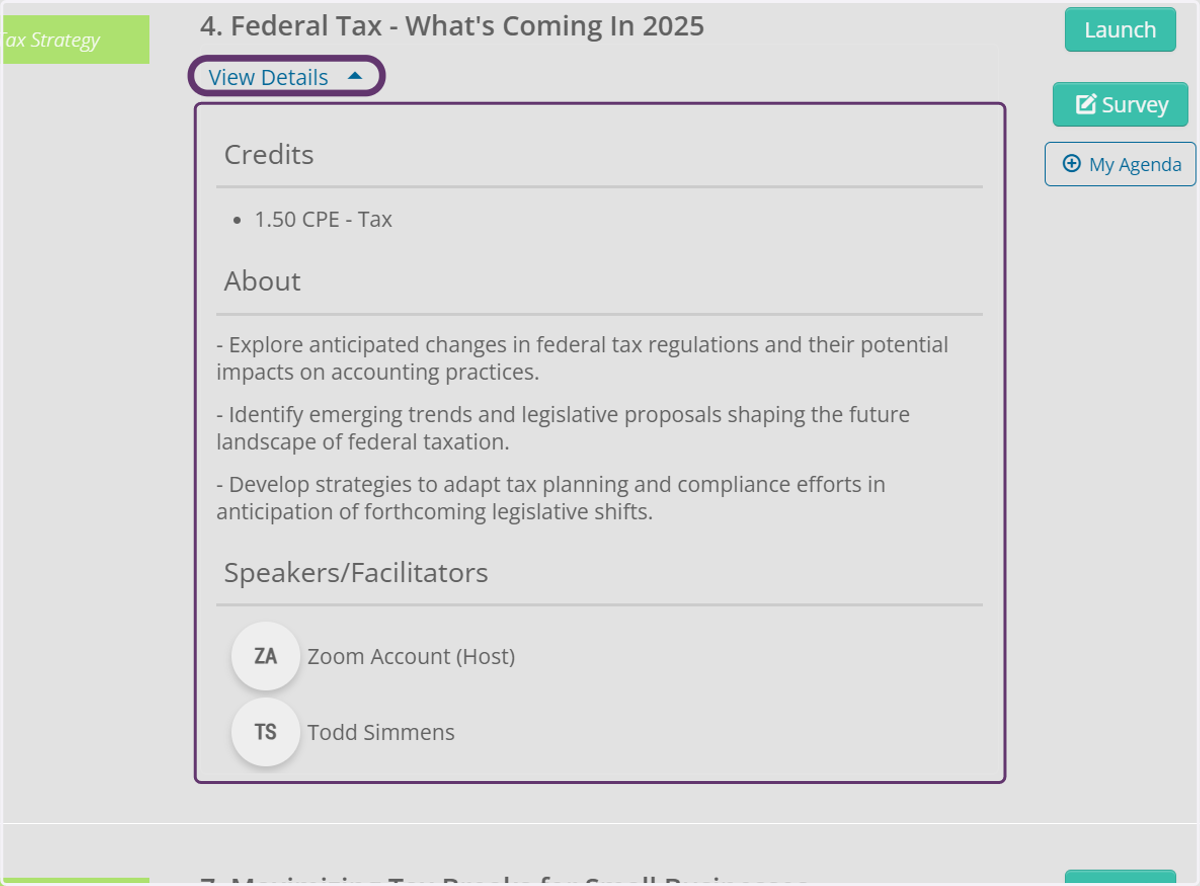
5. View Session Details
This section includes: Credit type and amount, learning objectives, and speaker(s) details
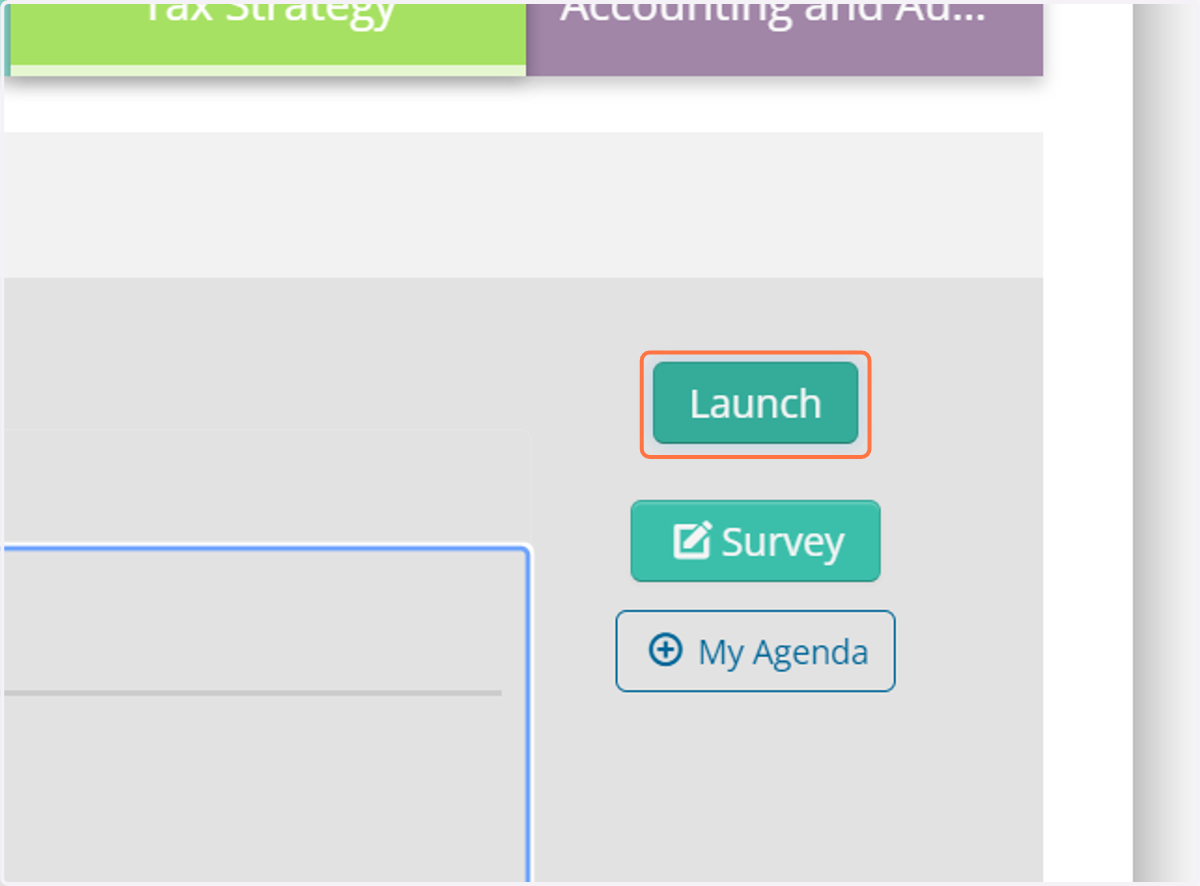
6. Click the Launch to Attend
If you would like to attend the session, click the launch button to attend the session.
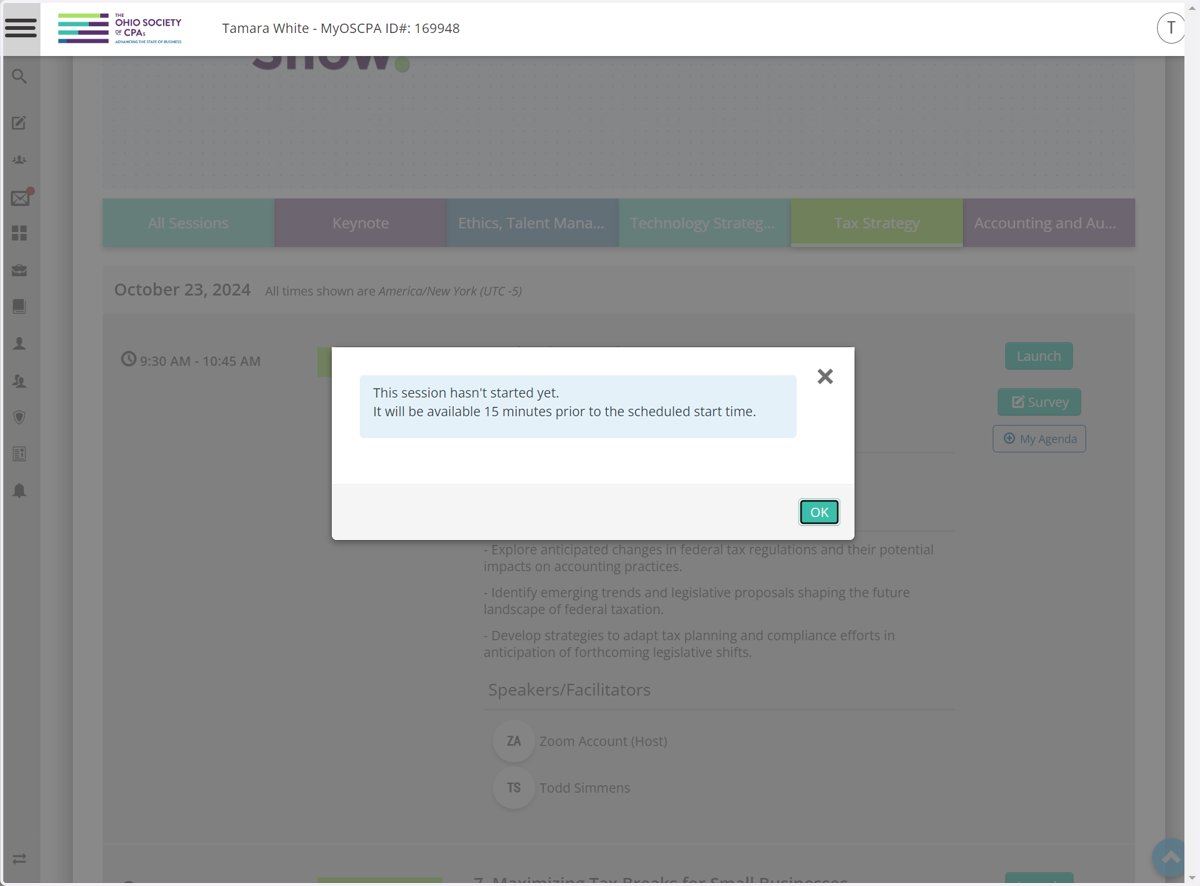
7. Example of pop-up.
Oops! You have to wait.
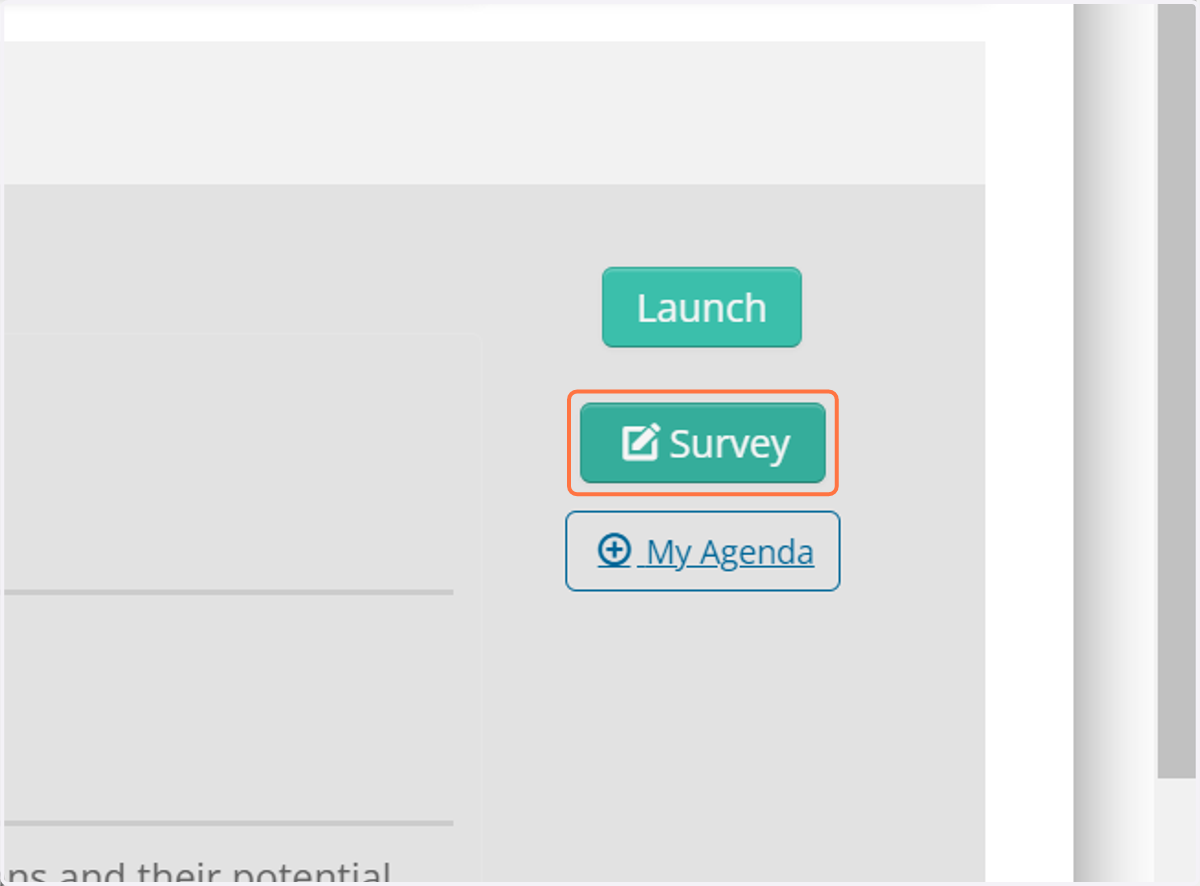
8. Survey Button
Provide your feedback by completing the session survey for each session you attend.
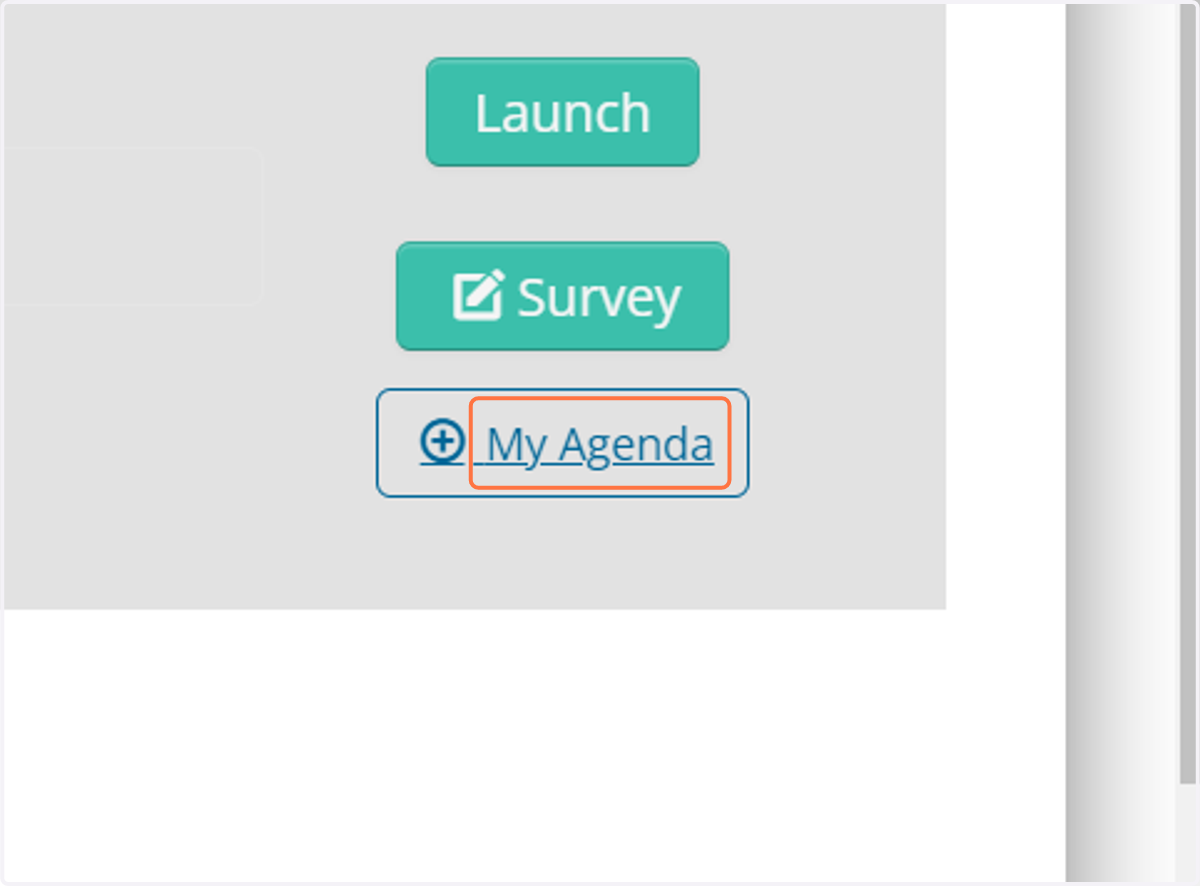
9. + My Agenda link
Click on My Agenda link to add your sessions to your personal agenda
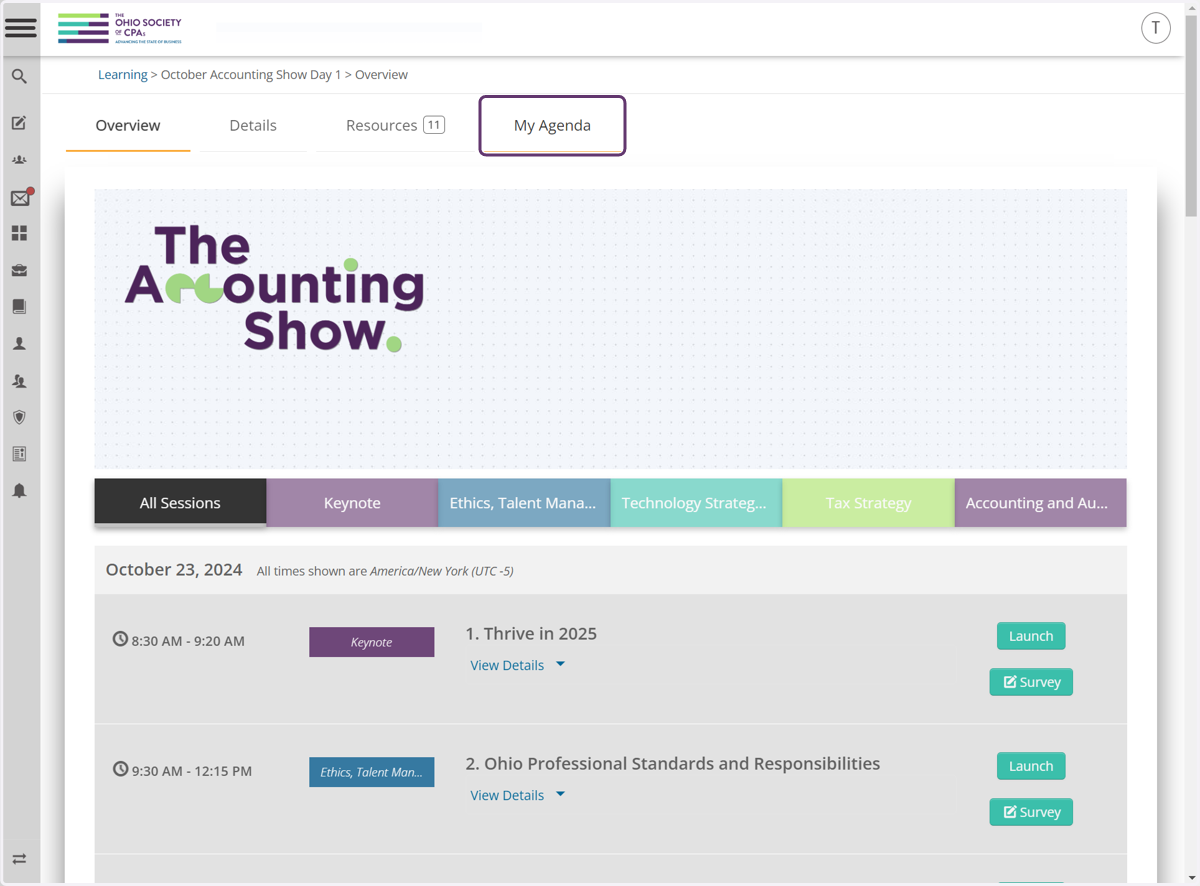
10. My Agenda Tab
You can view all of your selected sessions here.
11. Resources Tab
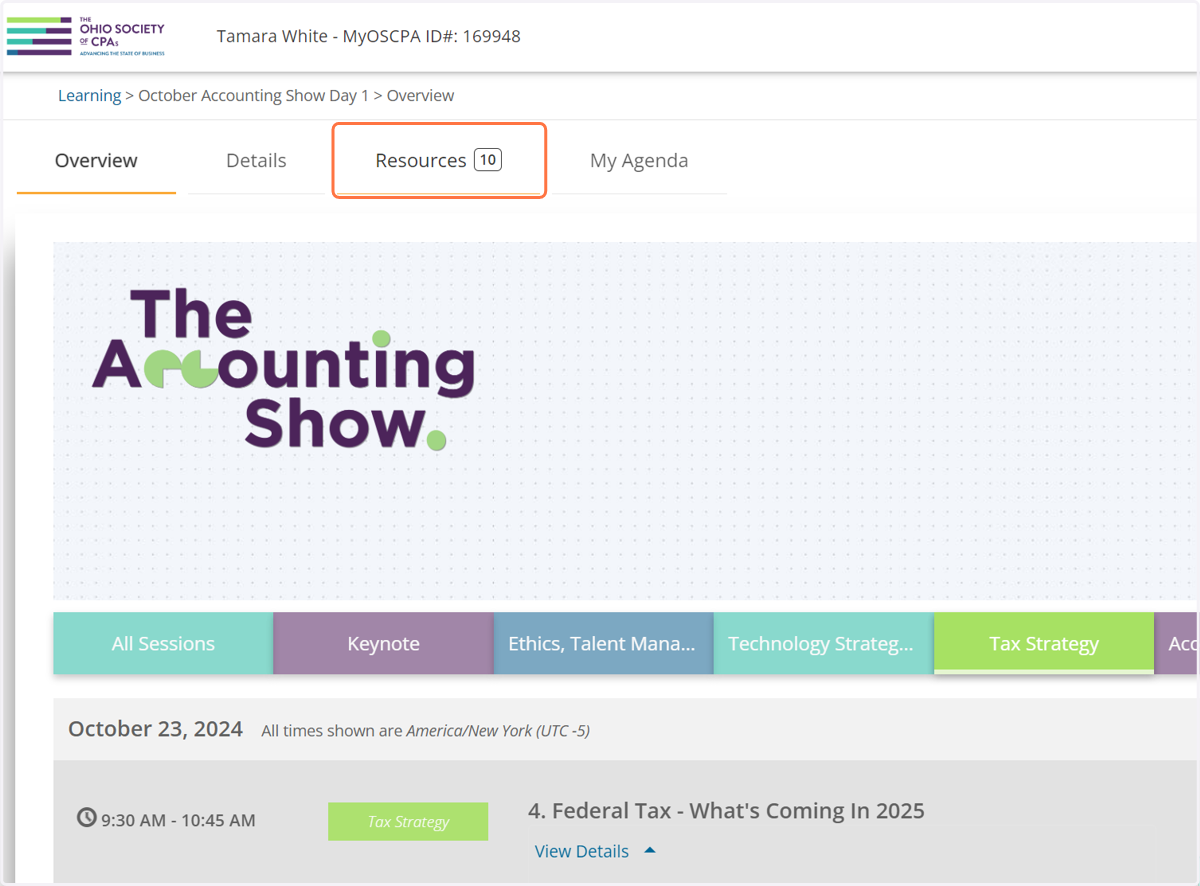
12. You can find all session materials here.