How to Create an Appointment Template
Go to the Startpage
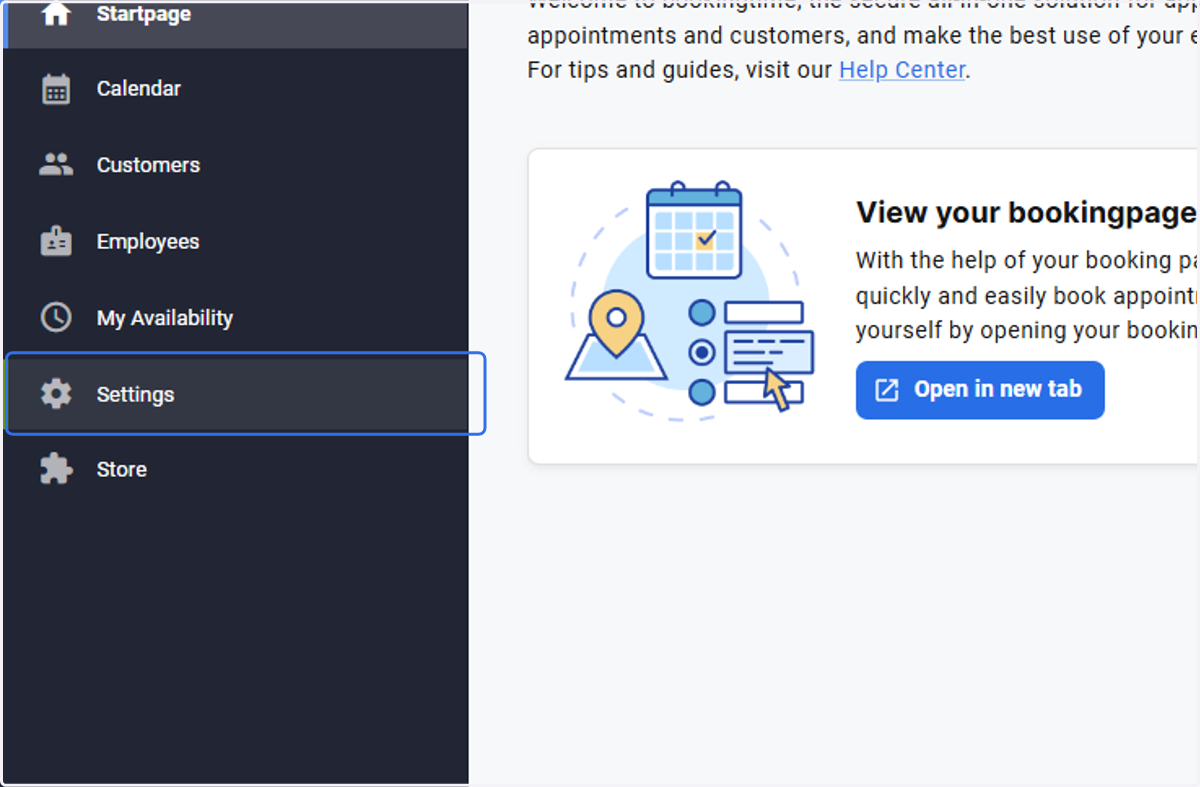
1. Select Settings
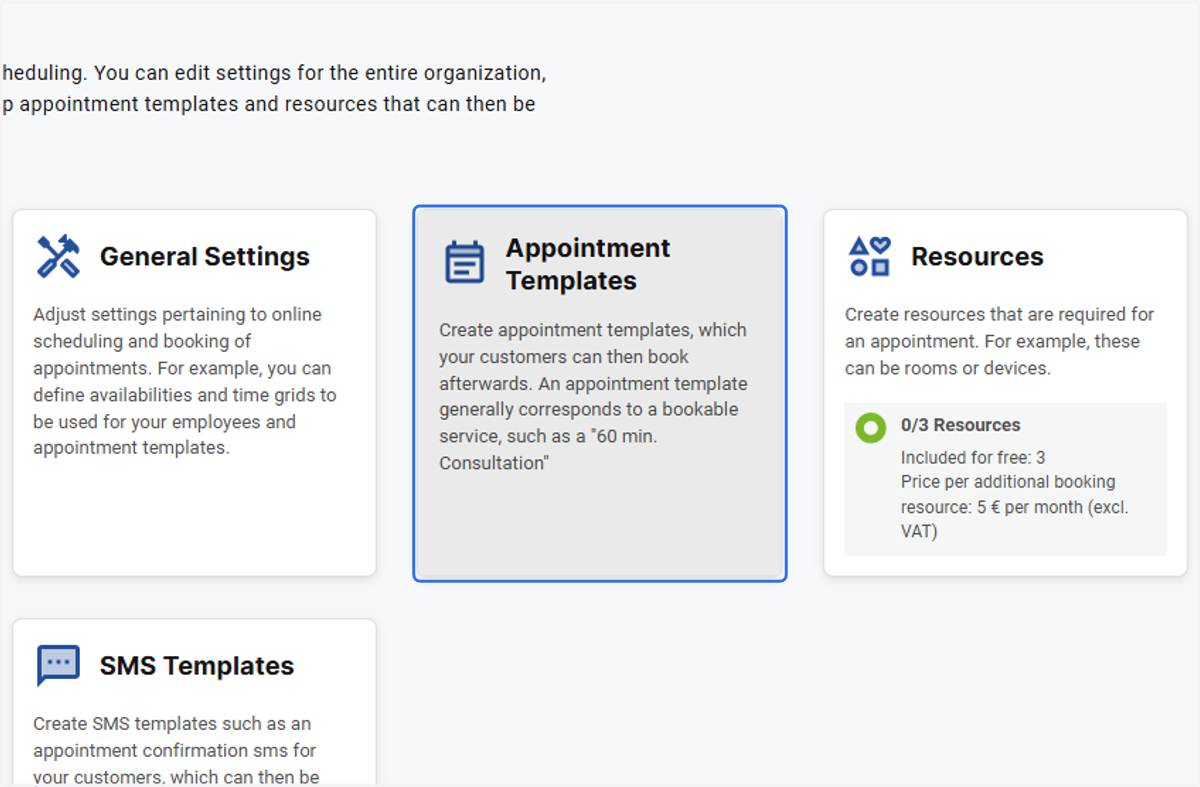
2. Click on Appointment Templates
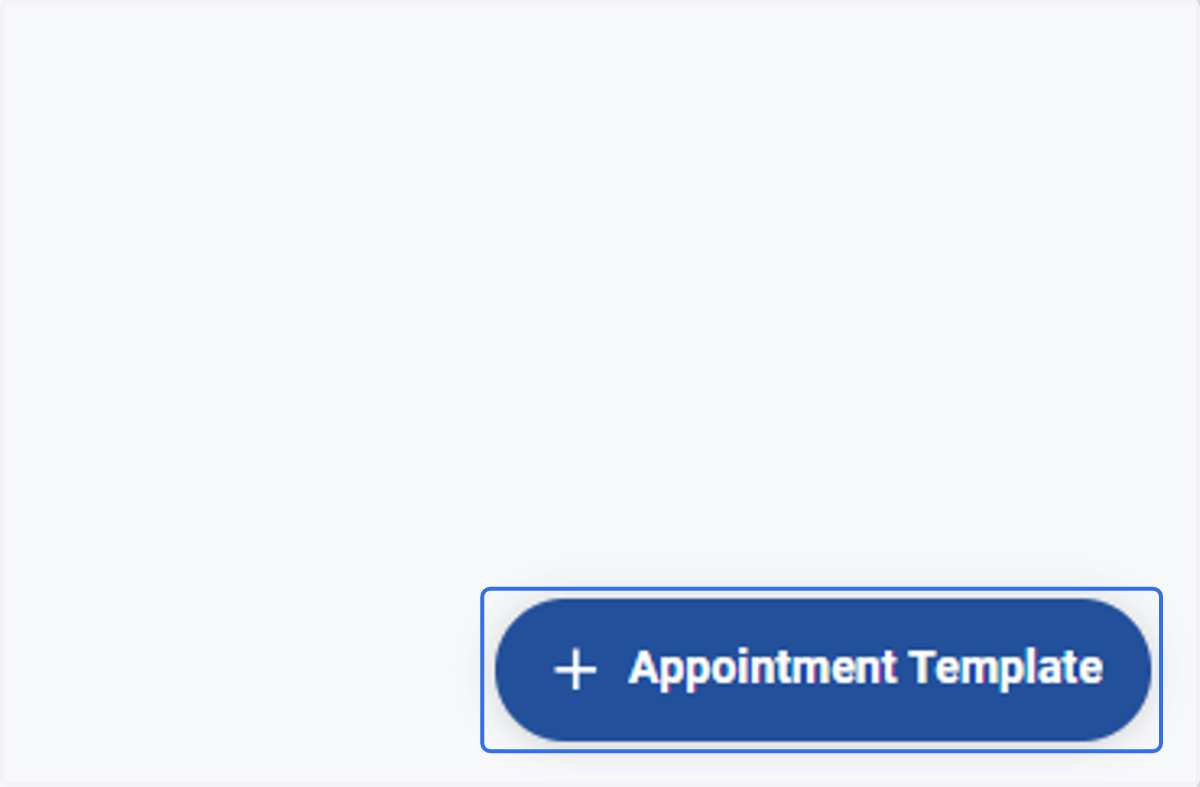
3. Click on the add Appointment Template button
4. Enter a name for the appointment and select the appointment template type
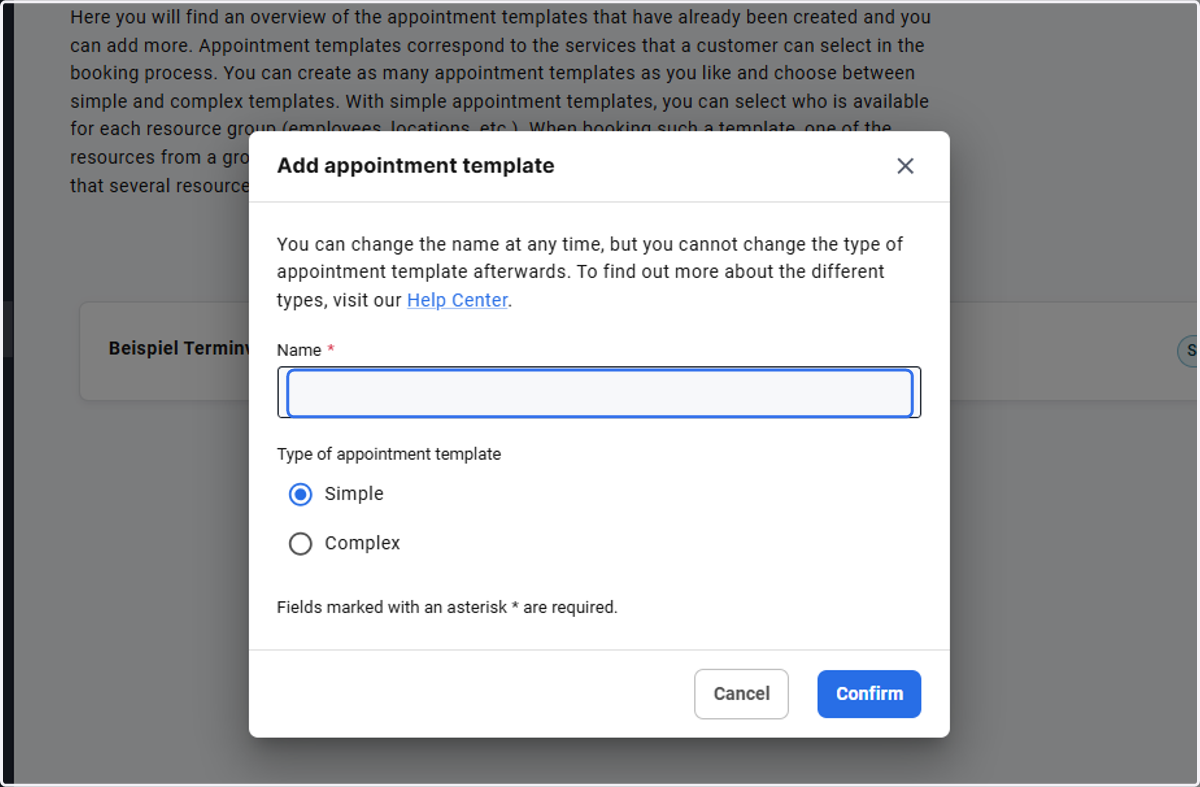
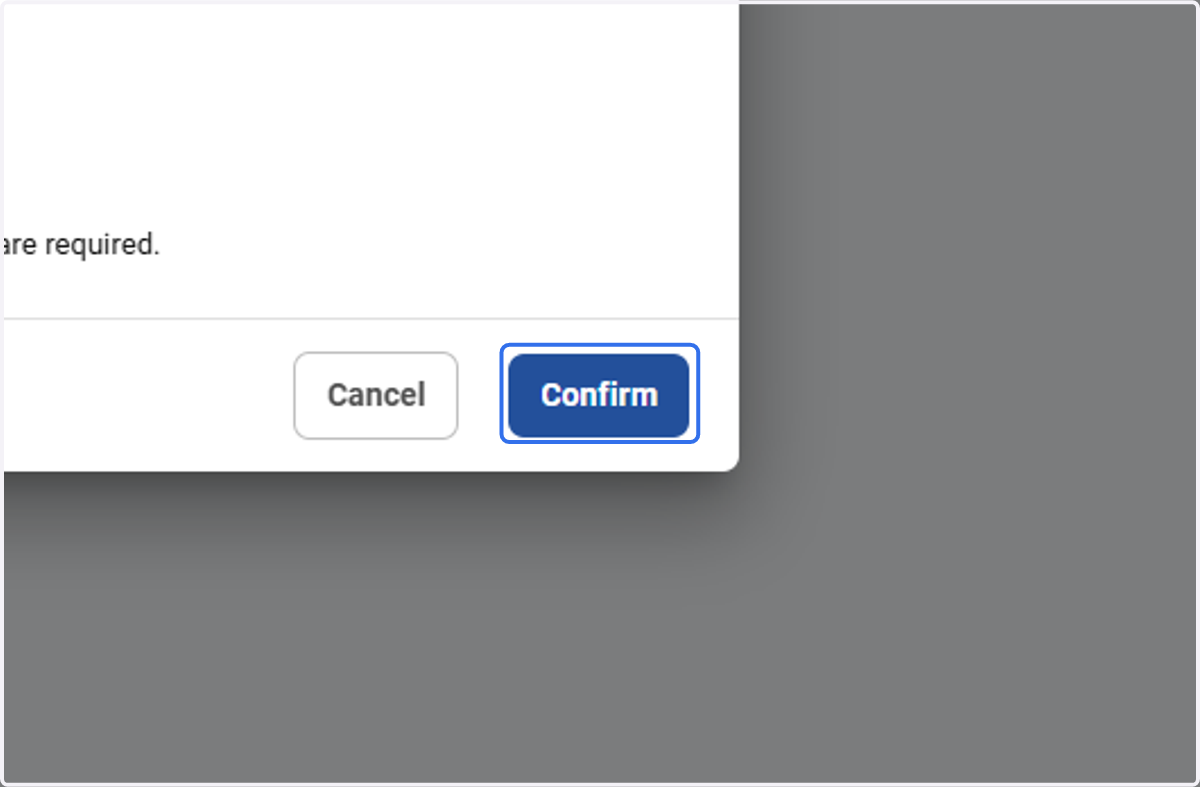
5. Click on Confirm to save your template