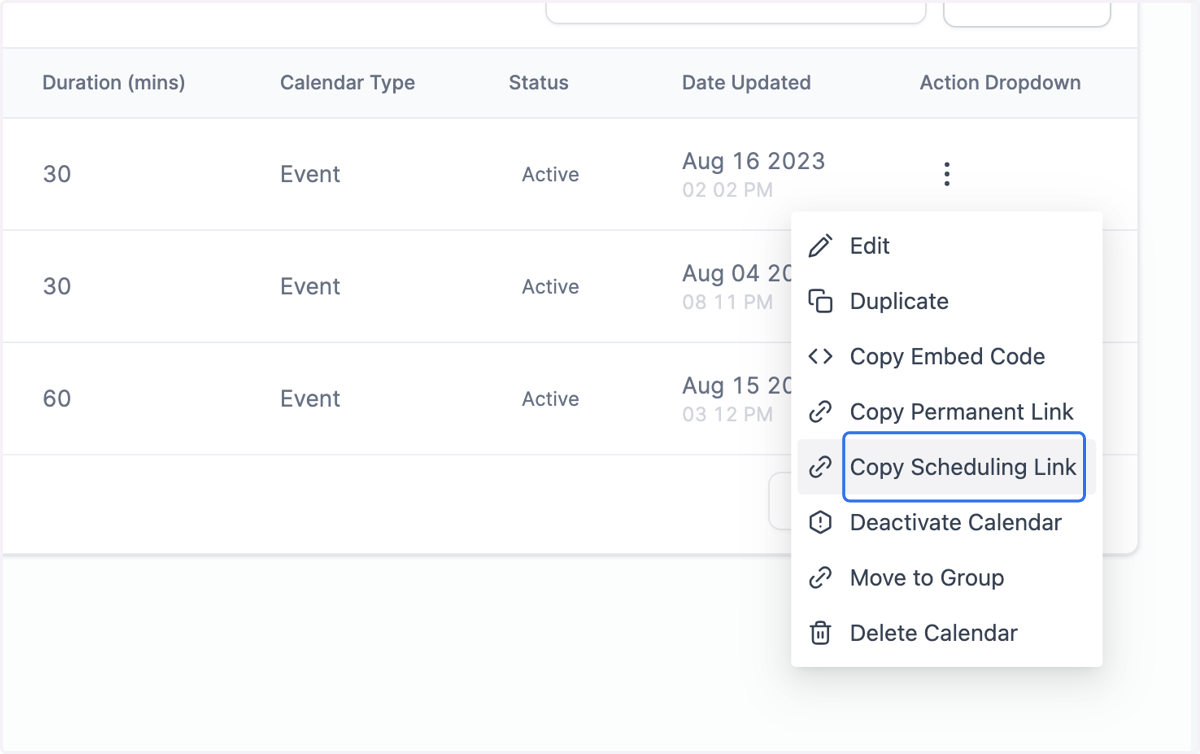
Sharing Your Calendar With a Link
Horse Business Manager
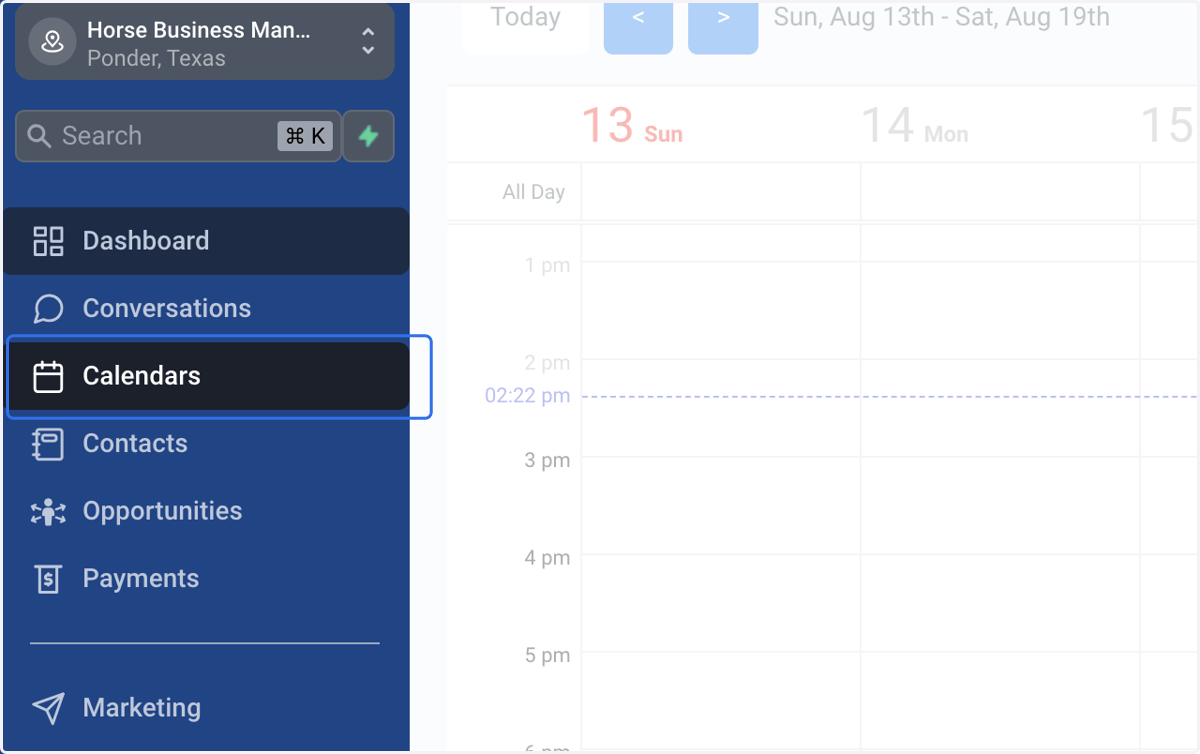
1. Click on Calendars
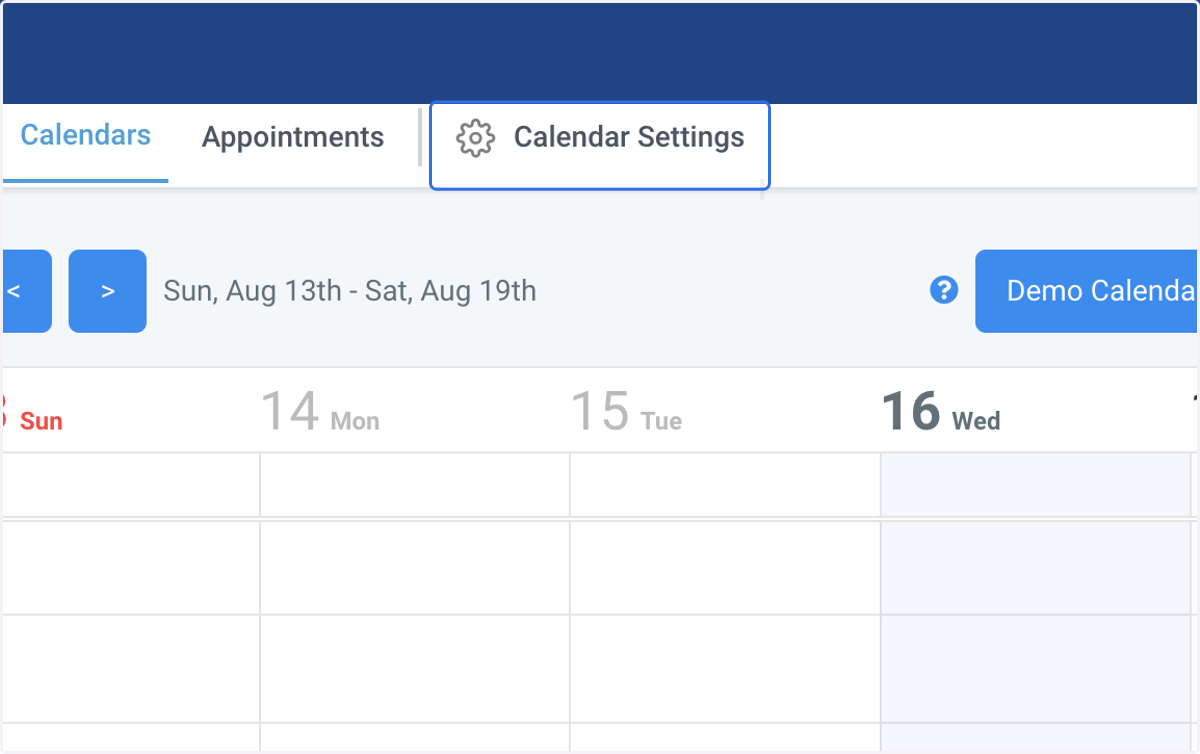
2. Click on Calendar Settings
3. Locate the calendar that you want to share
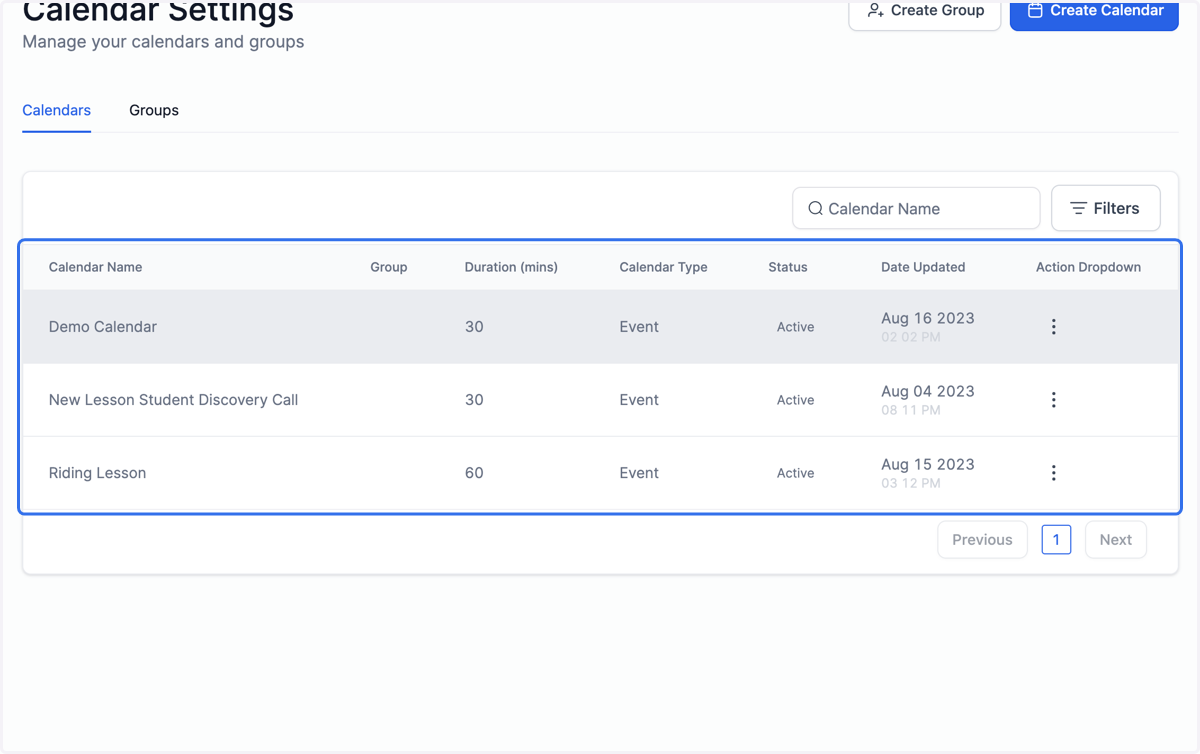
4. Click on the three dots
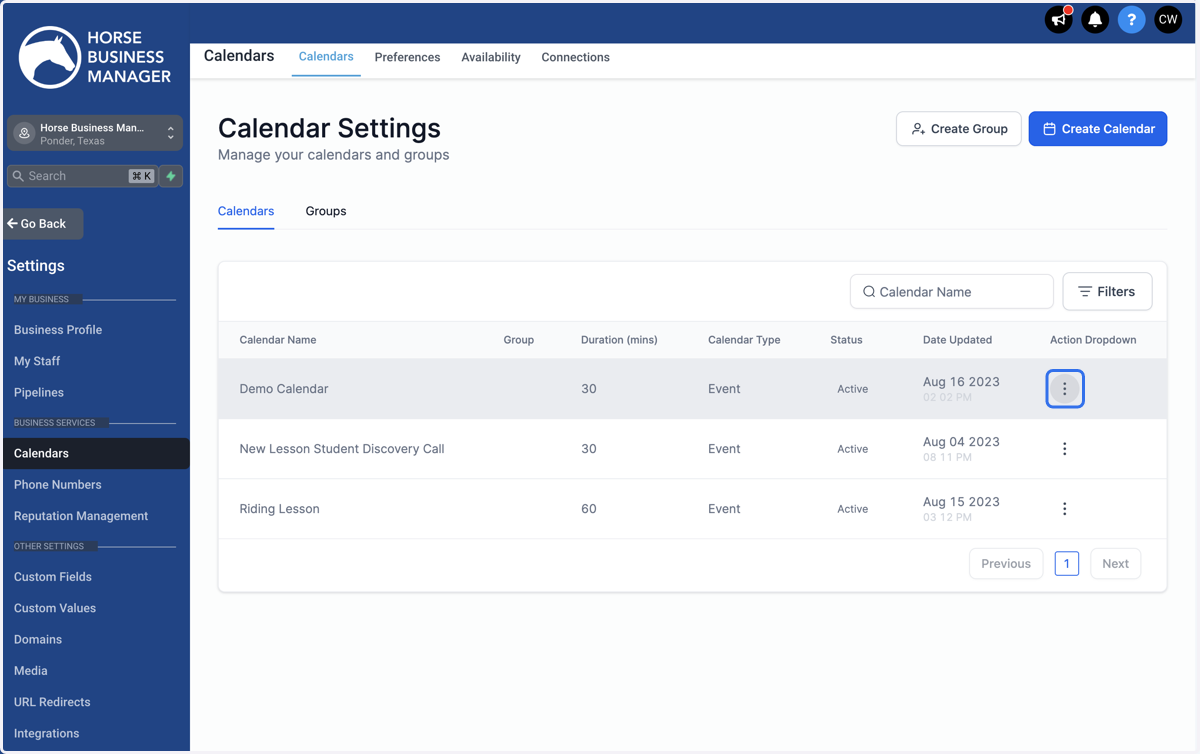
5. Click on Copy Scheduling Link. This will copy the link so that you can paste it into wherever you want to share it.