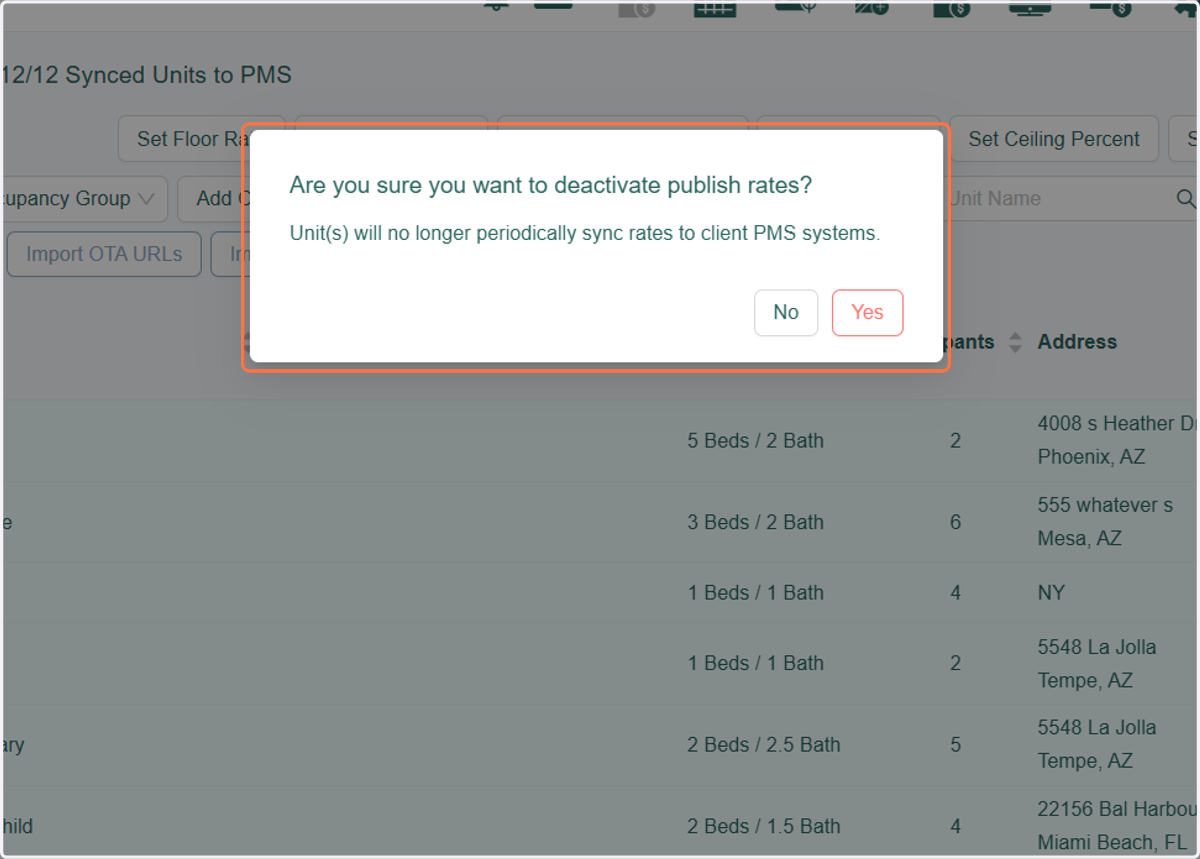
Unsyncing units from Revmax
Once you unsync a unit make sure to review the rates in Streamline since these will default back to STD.
RevMax
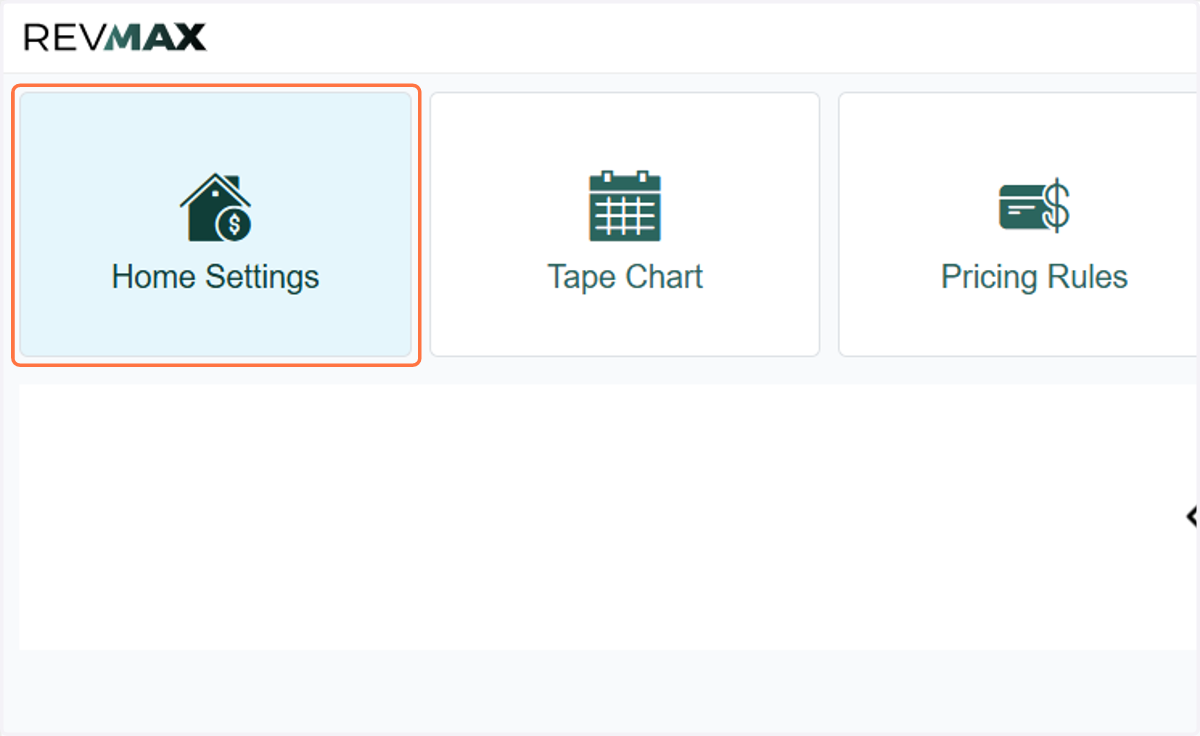
1. Click on Home Settings
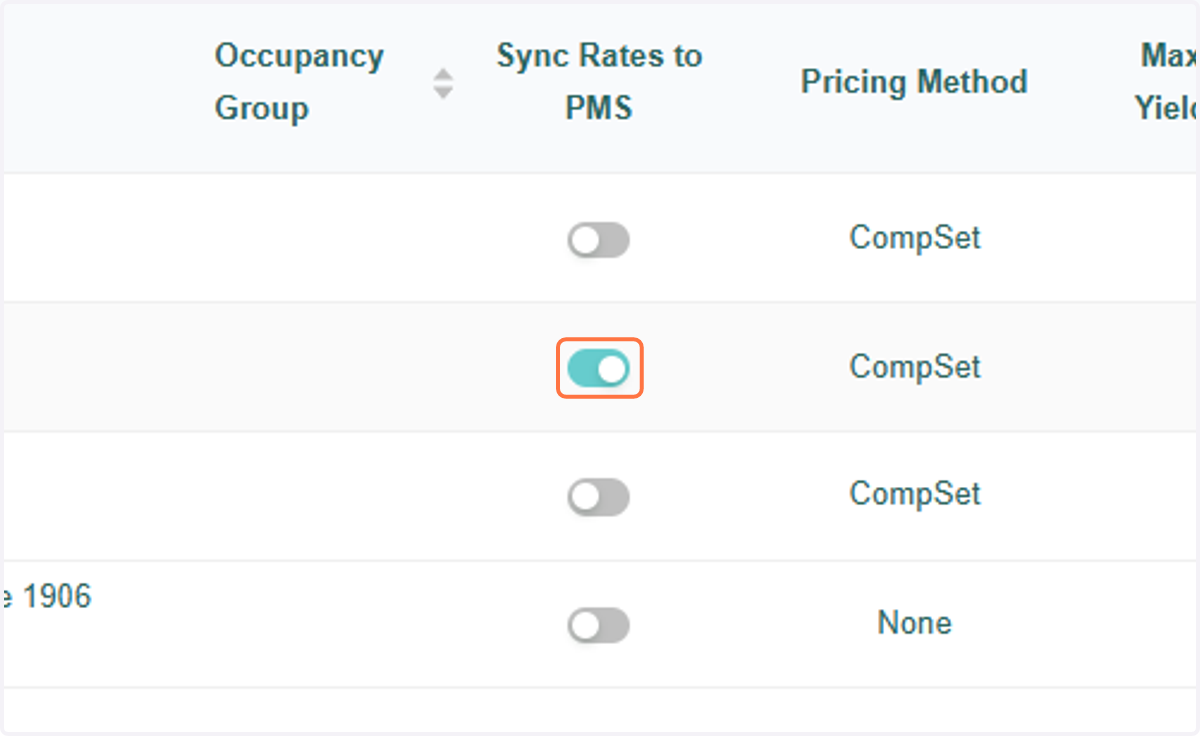
2. Under Sync Rates to PMS, toggle the unit to the off position
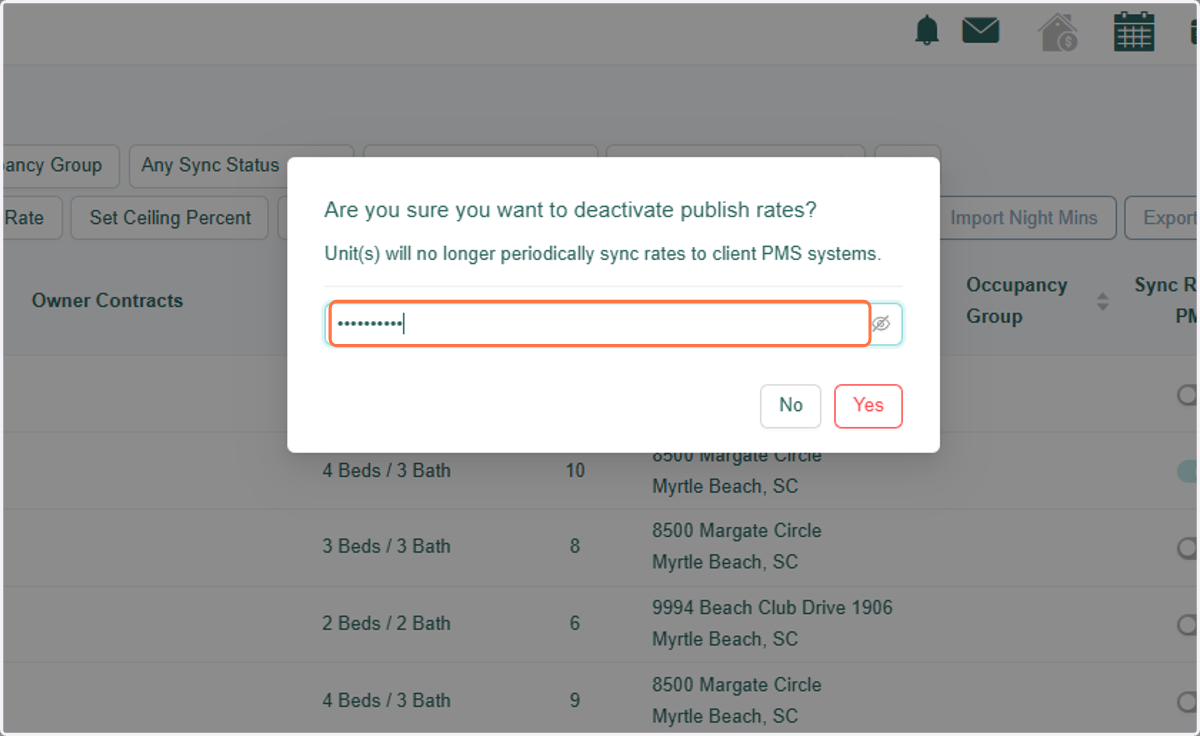
3. Type password
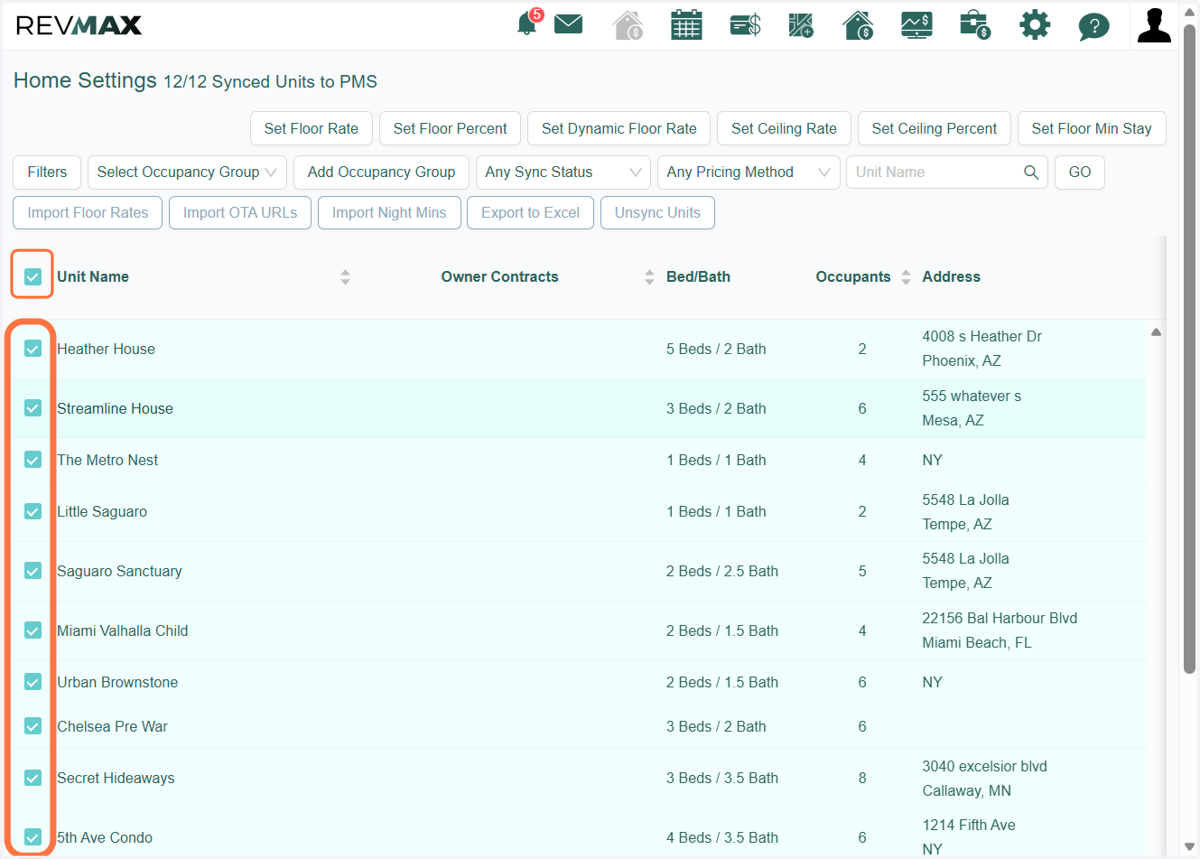
4. You can also do unsync units in bulk by selecting the units you want to unsync.
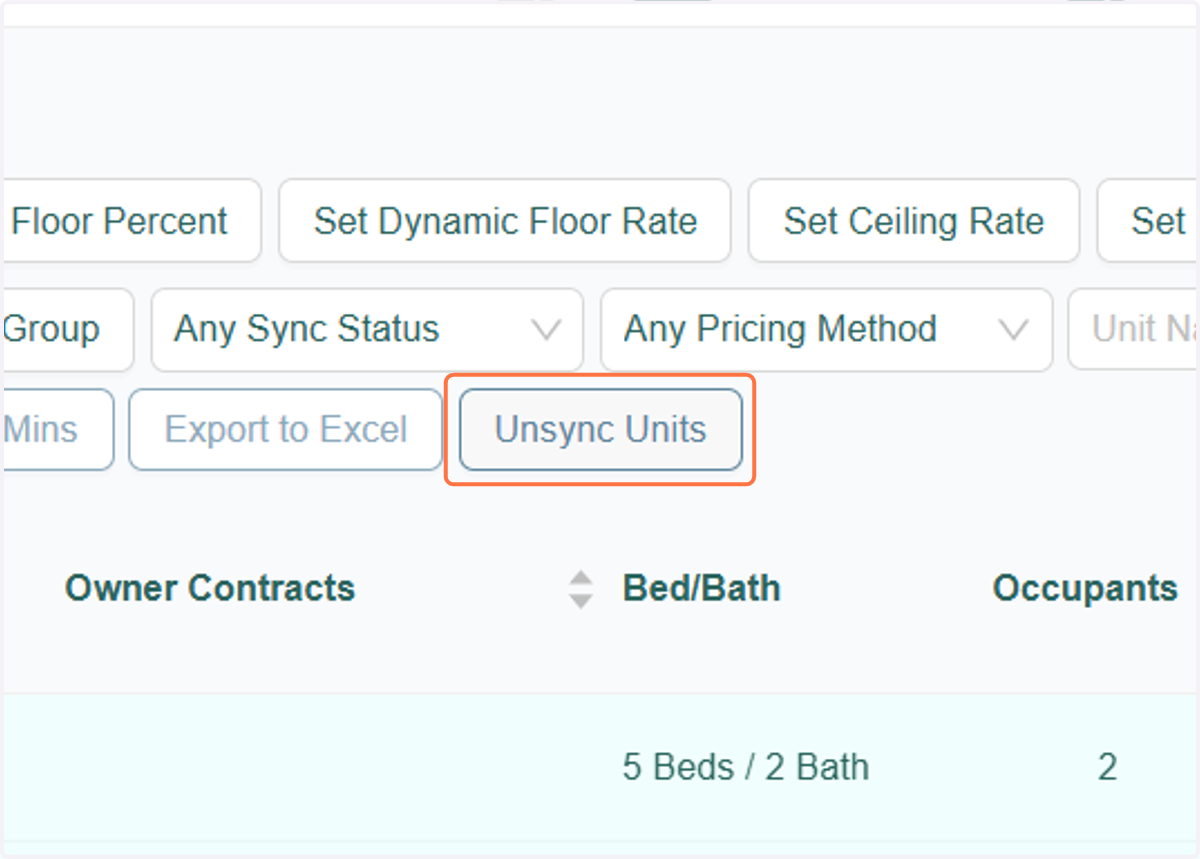
5. Click on Unsync Units" button
6. A pop-up message will show to confirm action. Click "Yes" to proceed.