Override Copay Eligibility in Osmind
Dashboard | Osmind
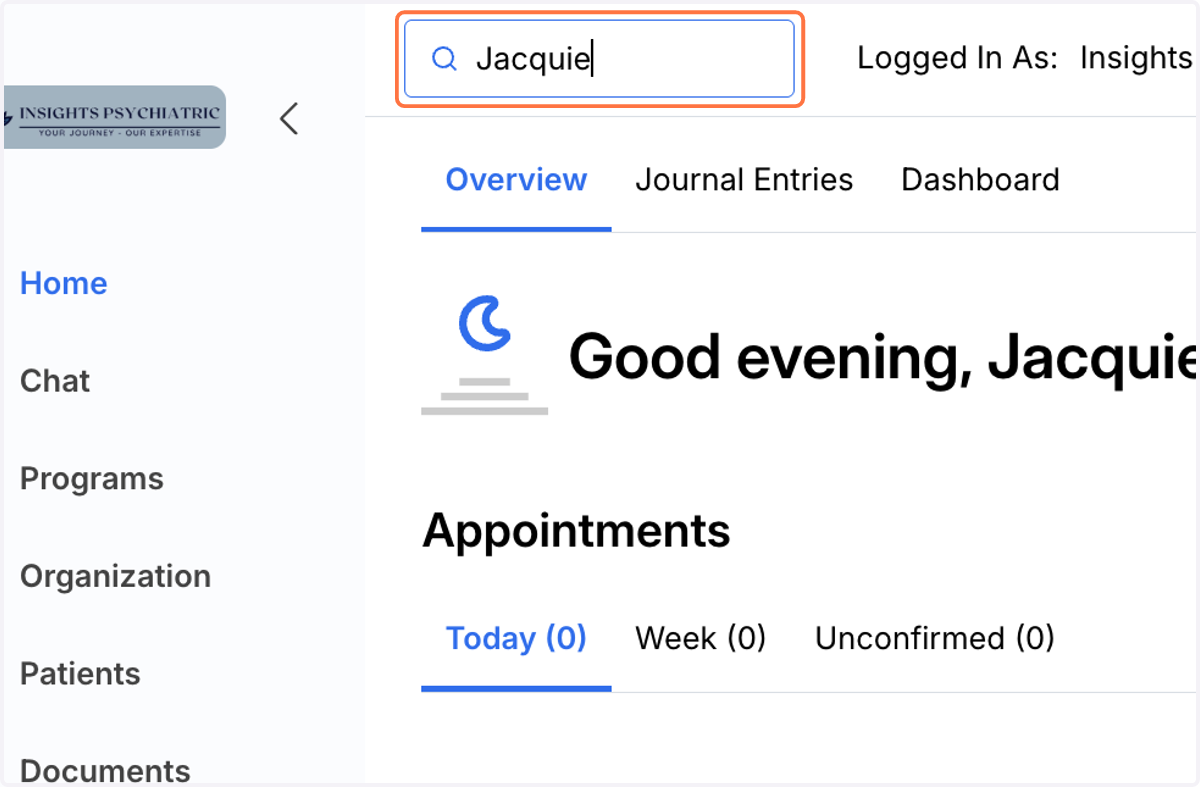
1. Search Patients
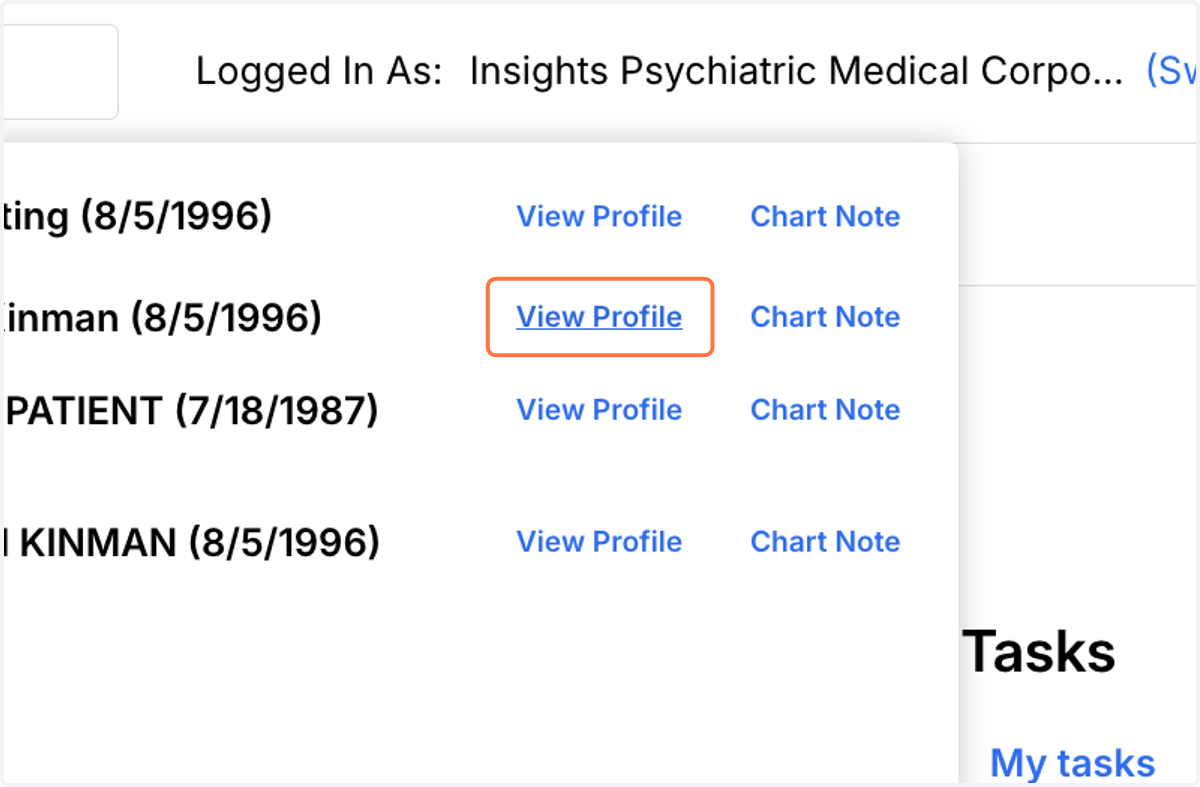
2. Click on View Profile
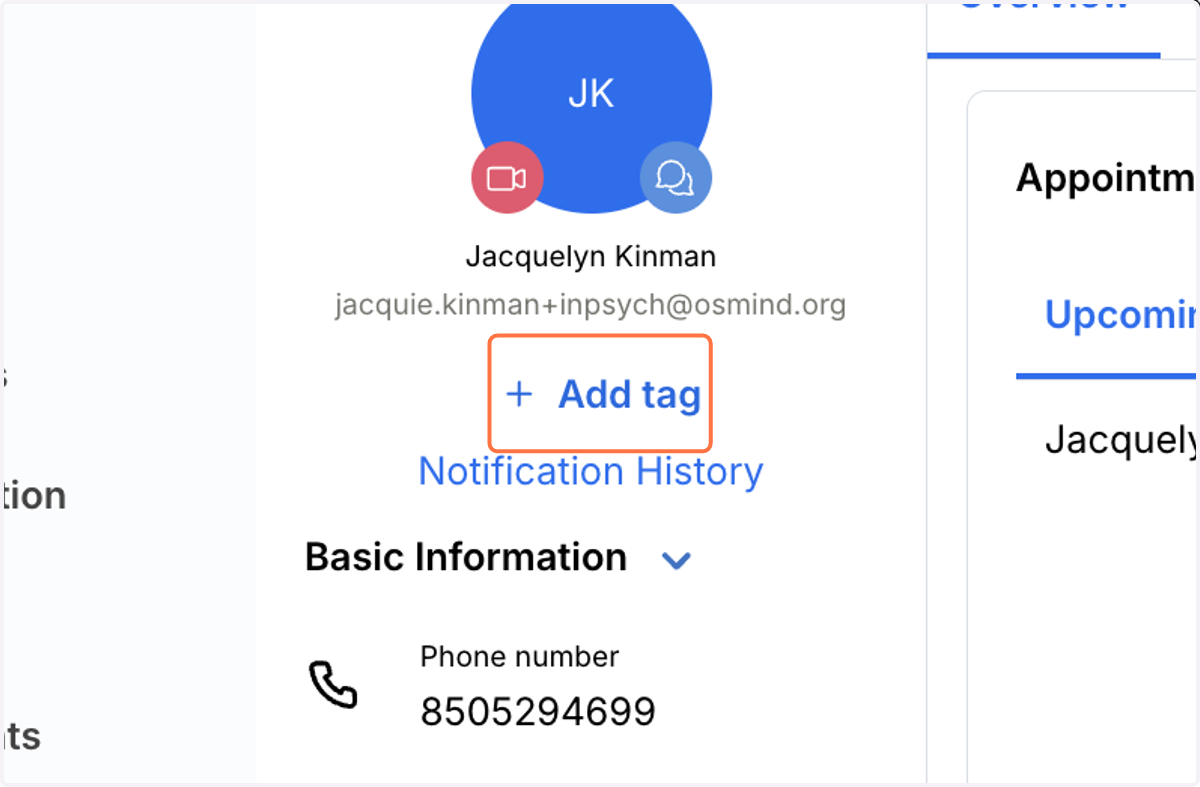
3. Click on Add tag
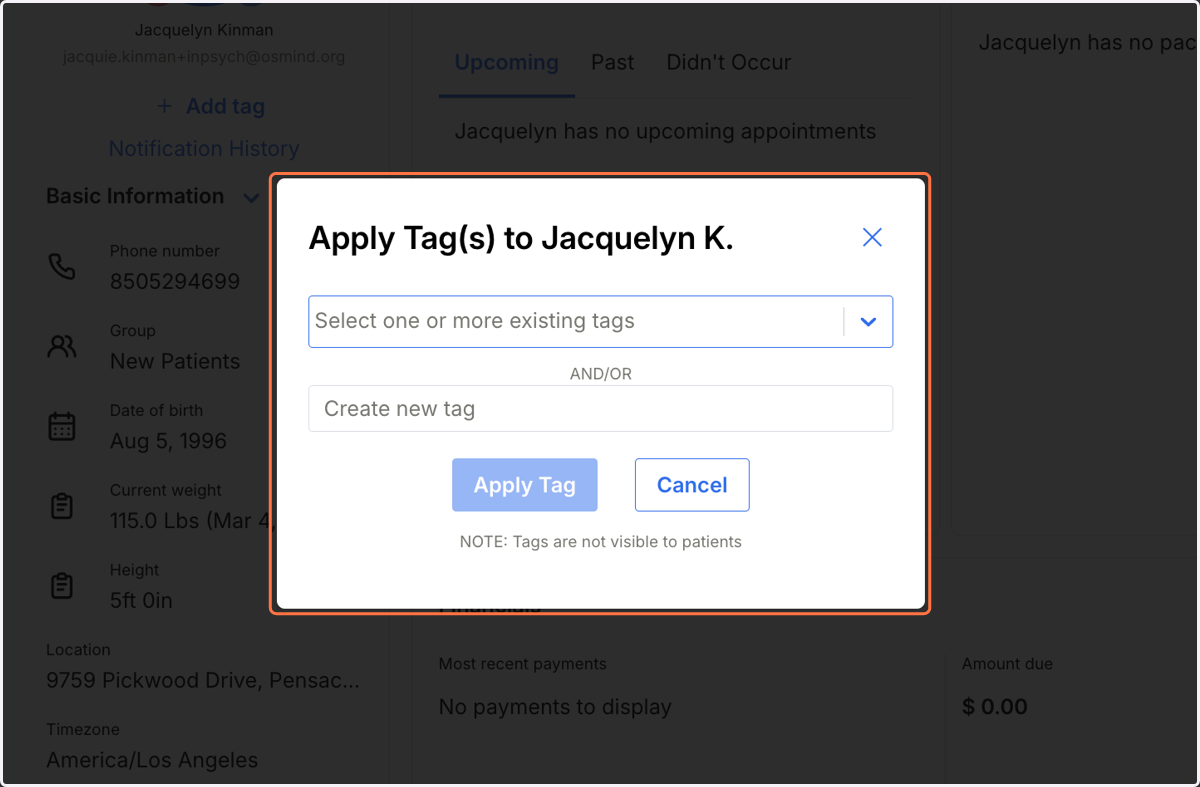
4. Click on Apply Tag(s)
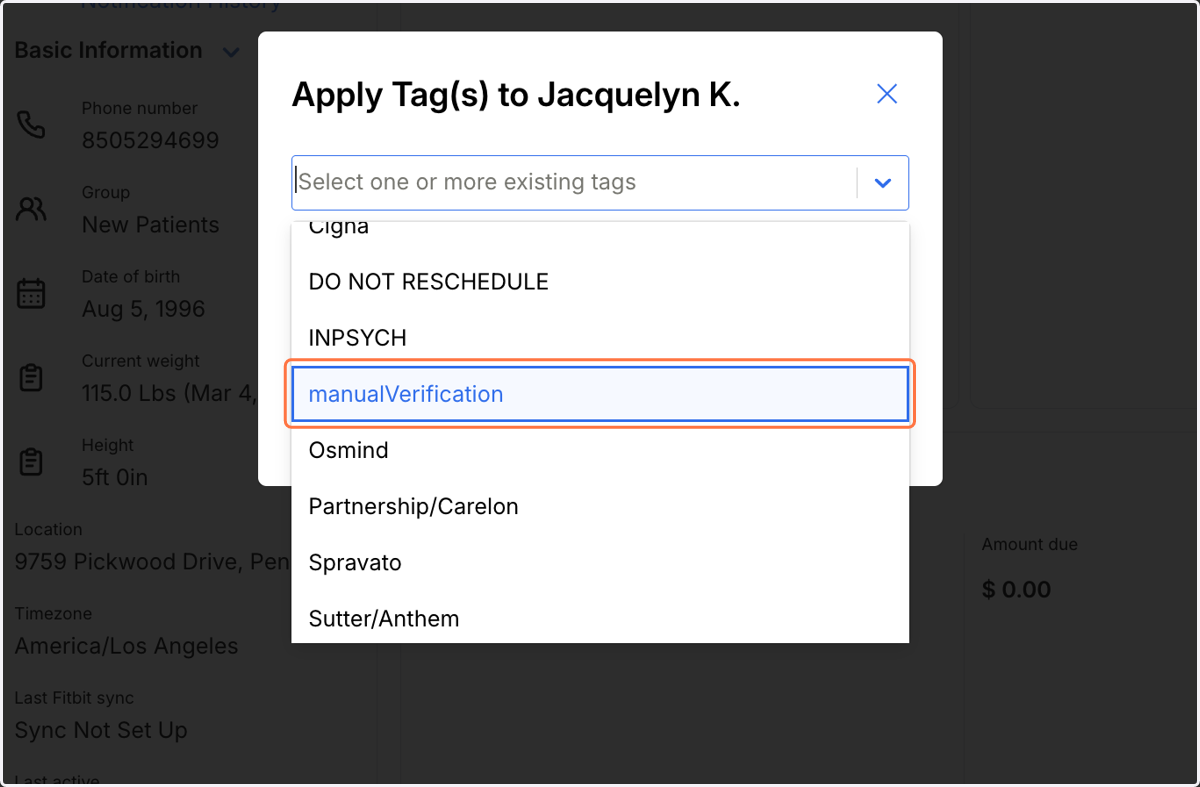
5. Select manualVerification
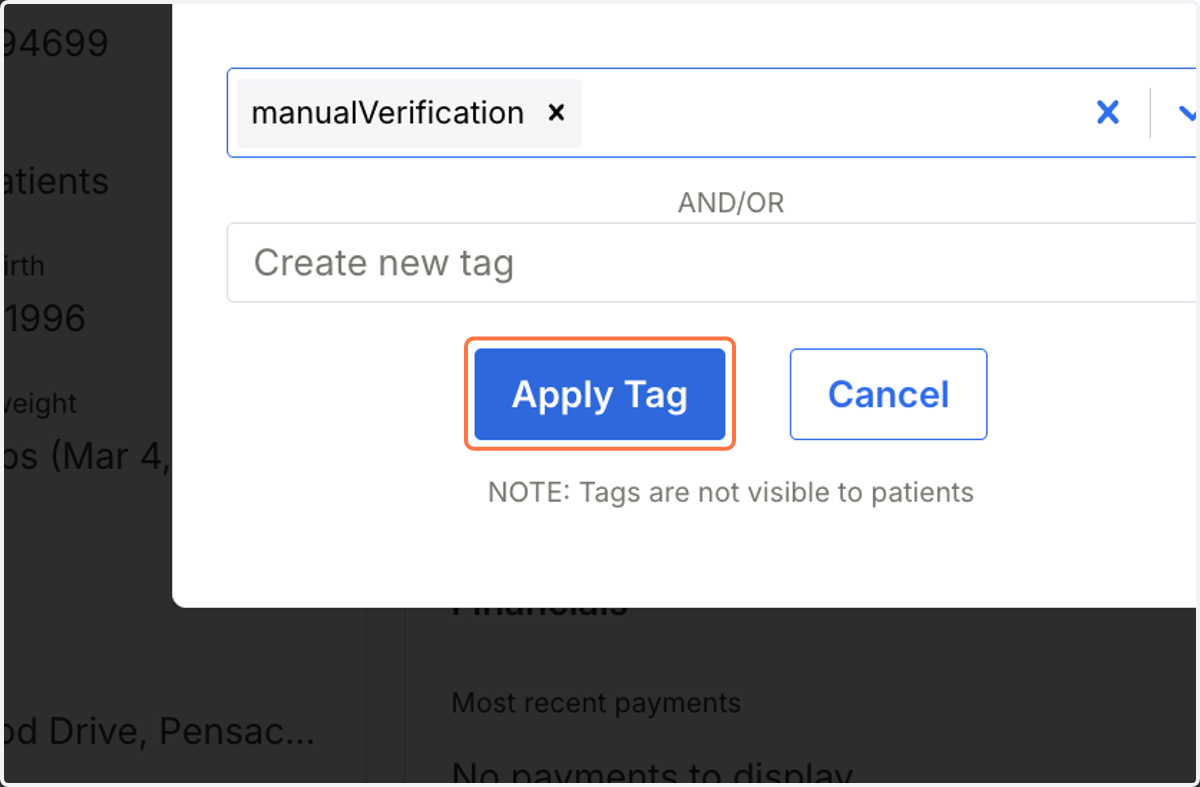
6. Click on Apply Tag
7. Scroll down to the Insurance eligibility under the Overview
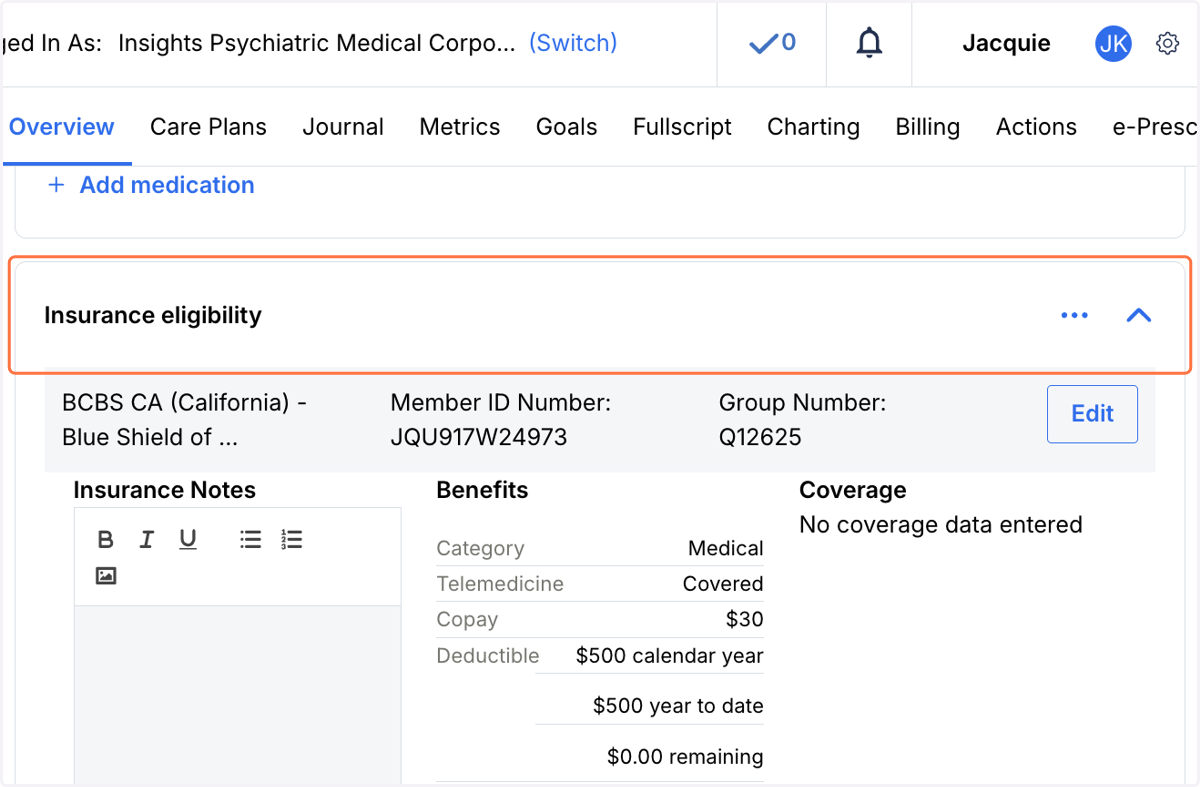
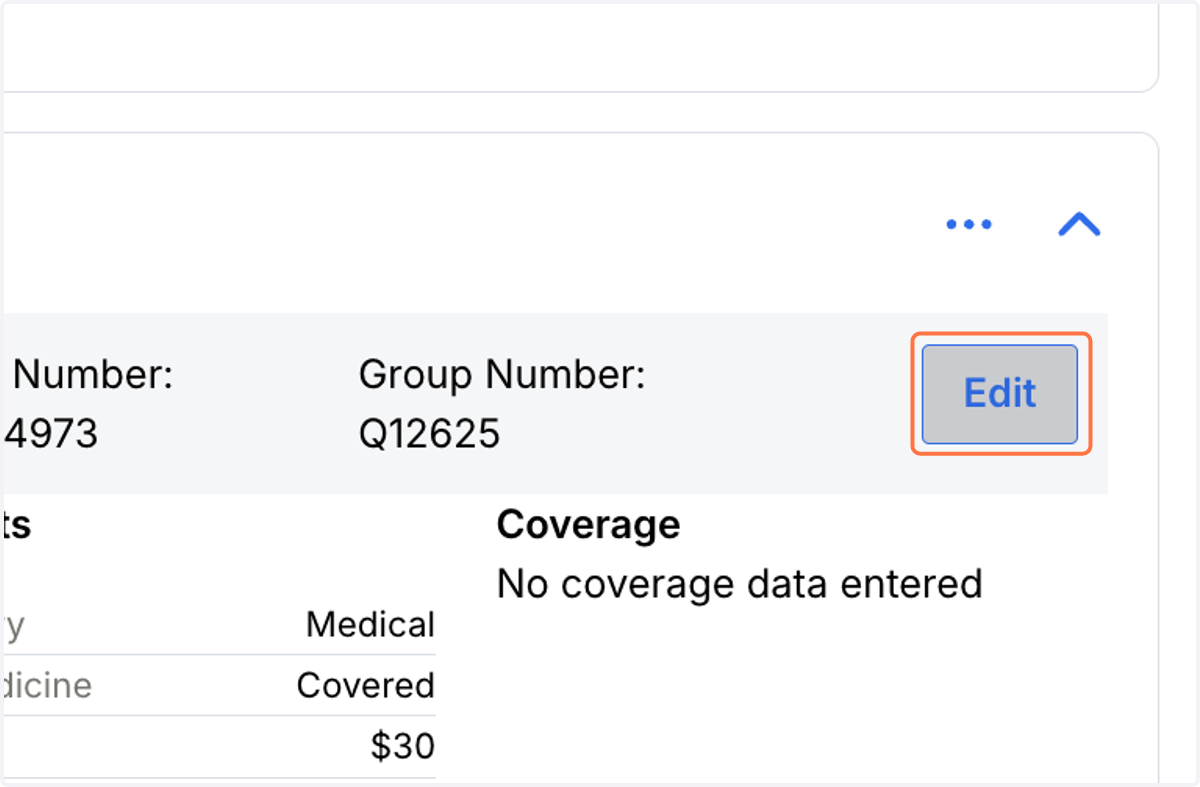
8. Click on Edit
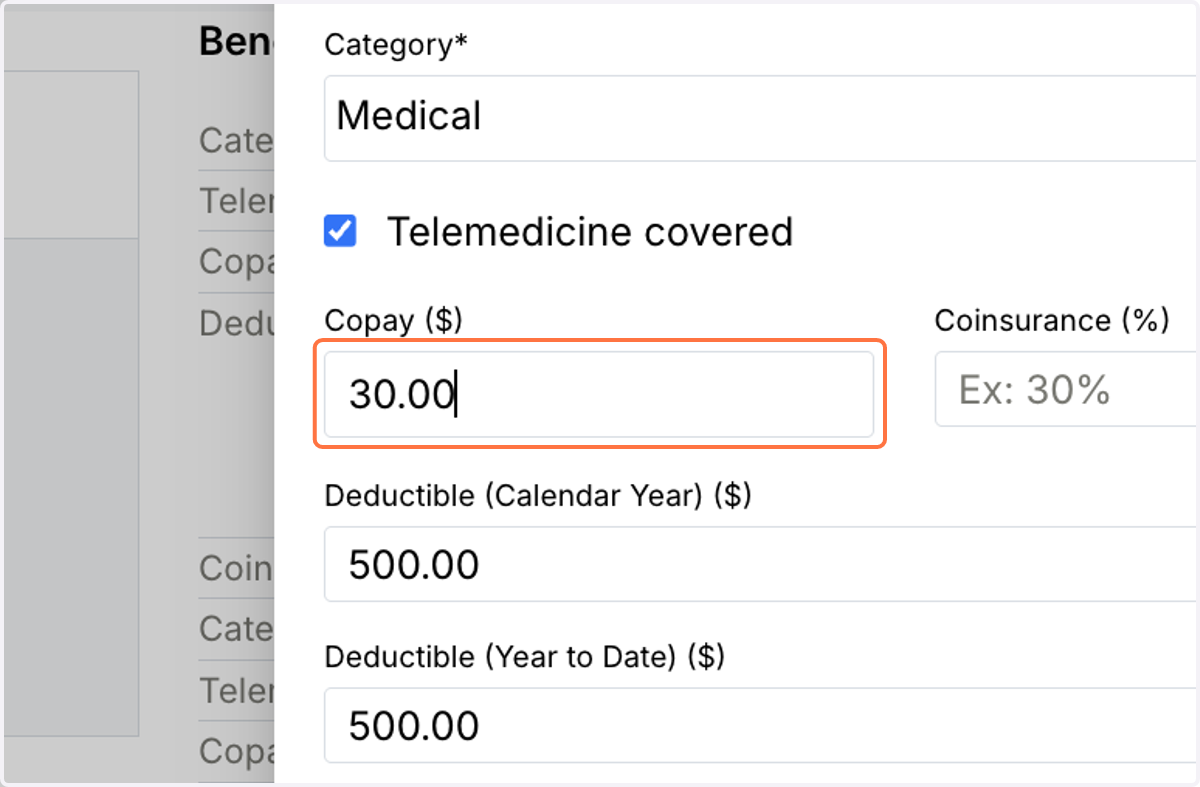
9. Under Medical, update the Copay ($)
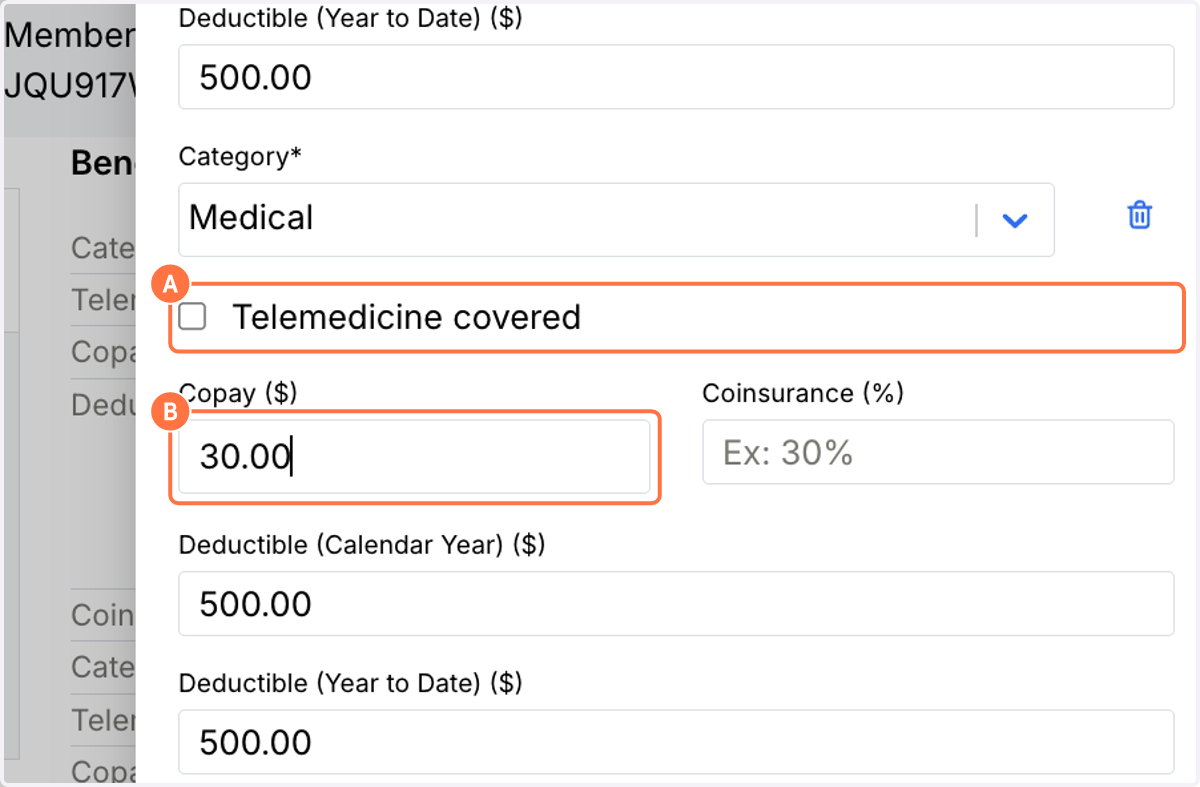
10. A. Review and update the Telemedicine
10. B. Input the correct Copay ($)
11. Click on Save