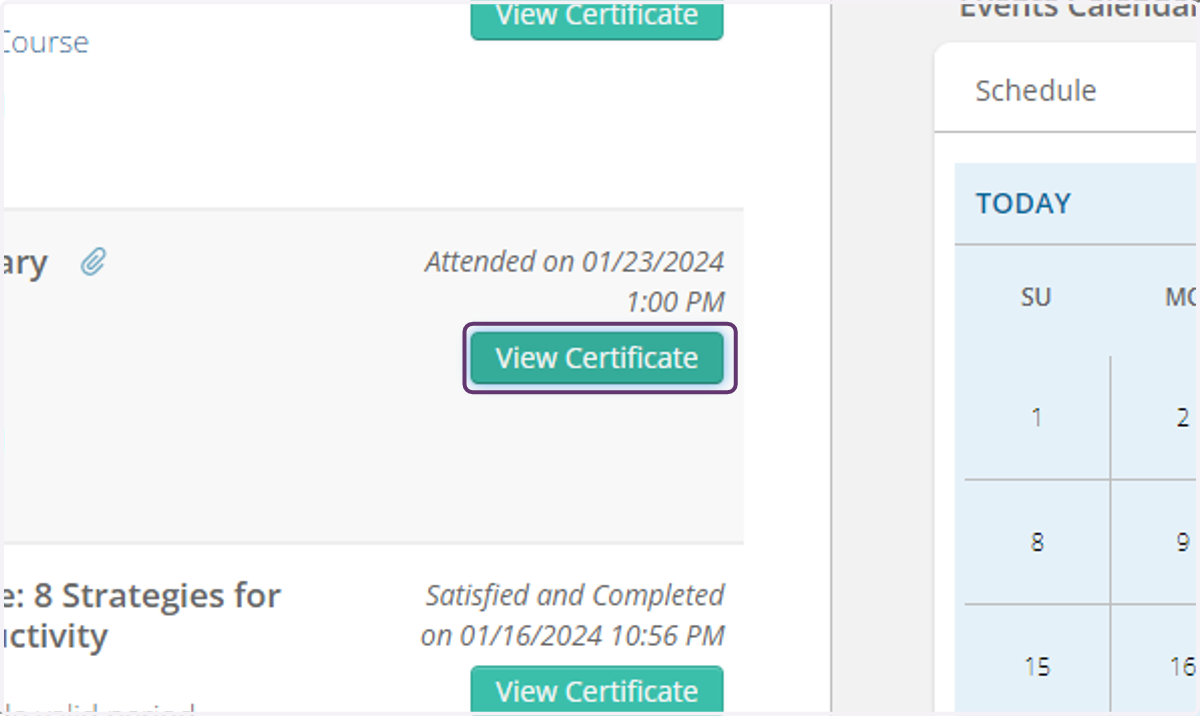
How to Access My Transcript or Certificate of Completion
The Ohio Society of CPAs
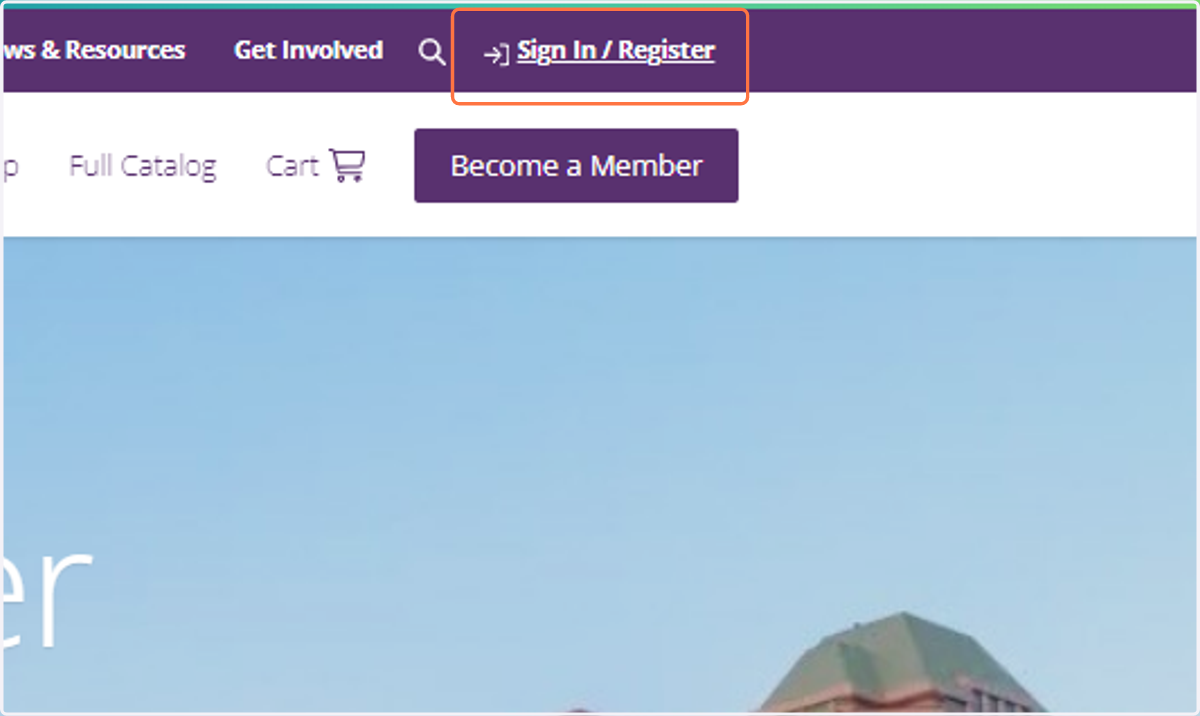
1. Click on Sign In / Register
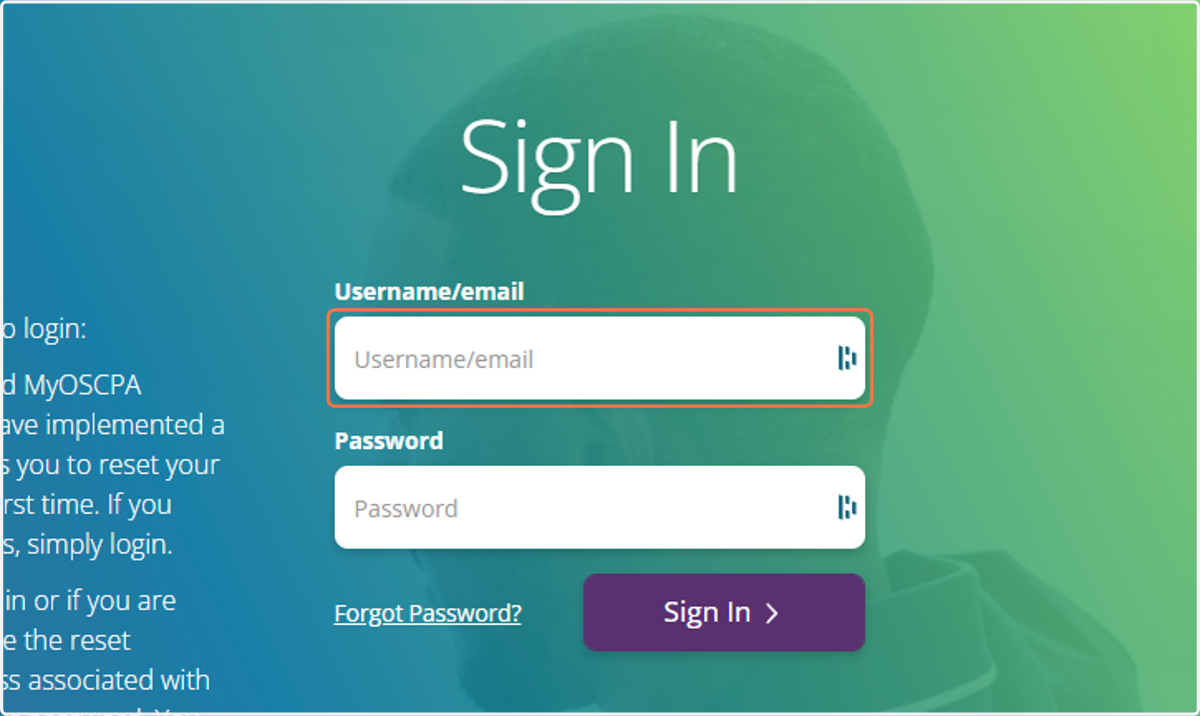
2. Enter Username/email
3. Enter Password
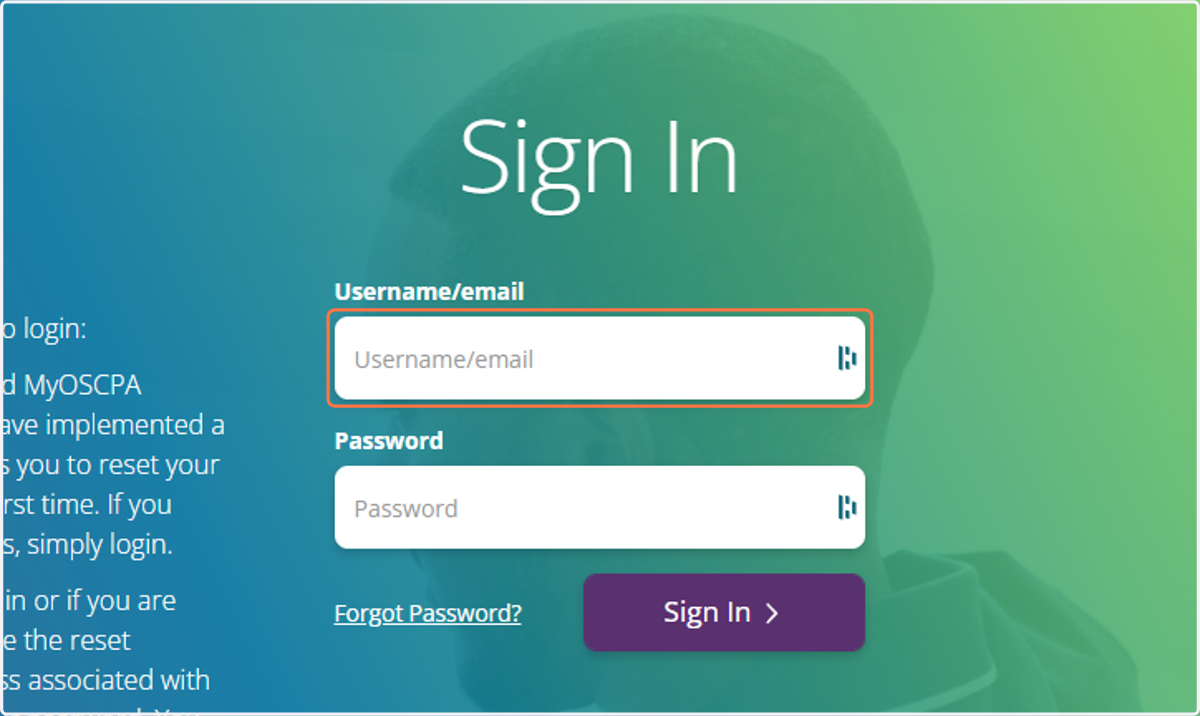
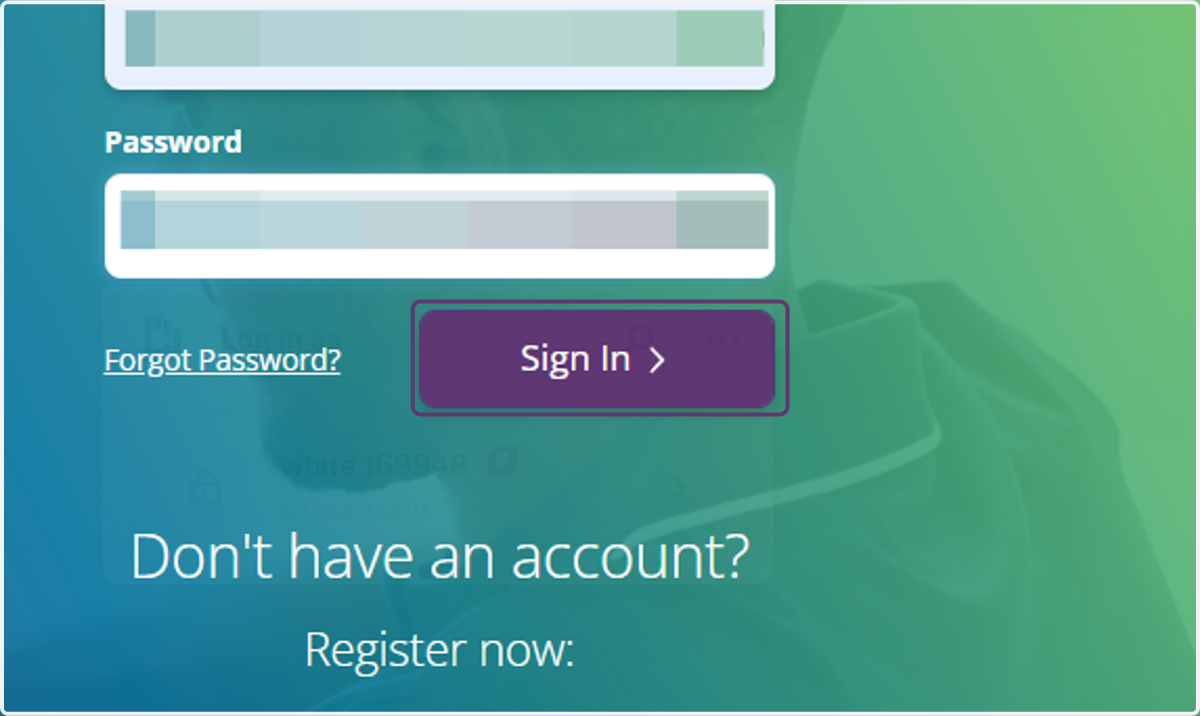
4. Click on Sign In
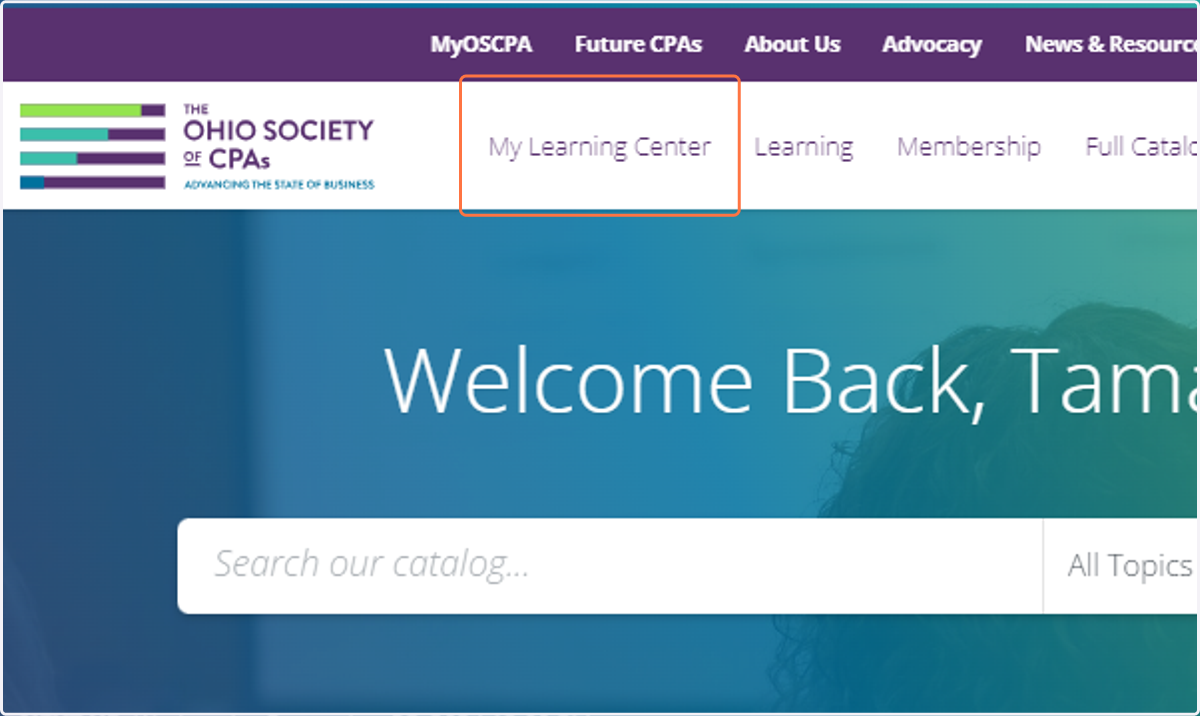
5. Click on My Learning Center
Finding Your Transcript
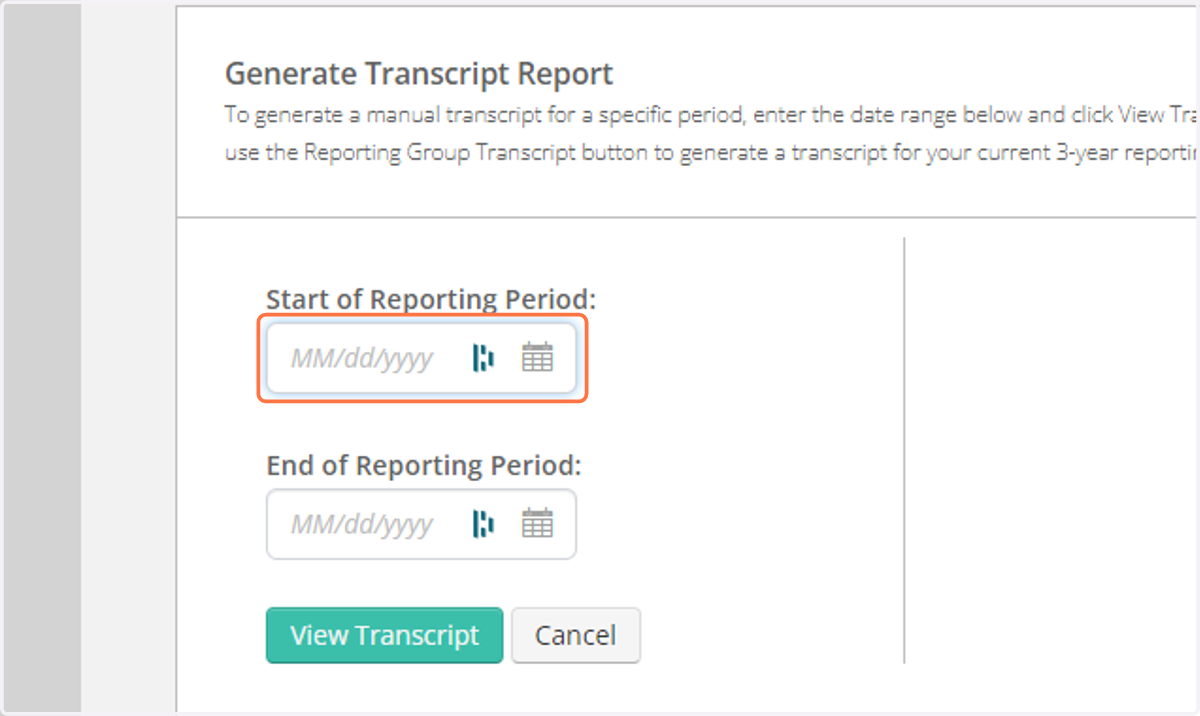
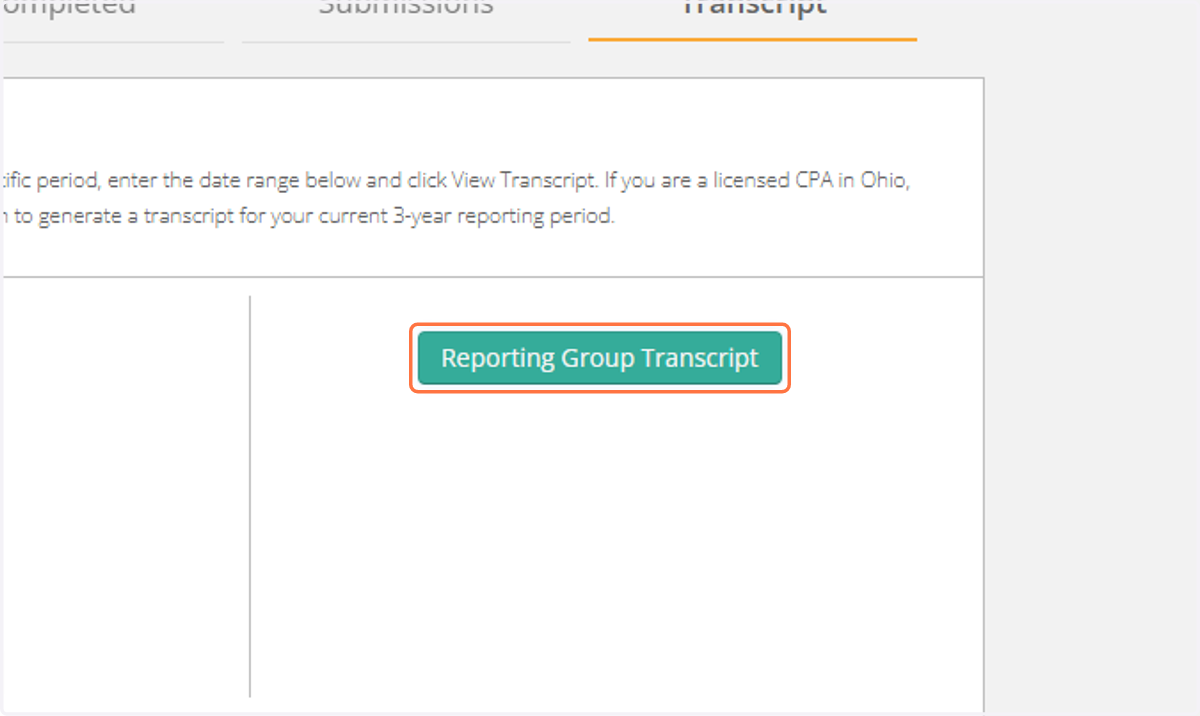
To generate a manual transcript for a specific period, enter the date range below and click View Transcript. If you are a licensed CPA in Ohio, use the Reporting Group Transcript button to generate a transcript for your current 3-year reporting period.
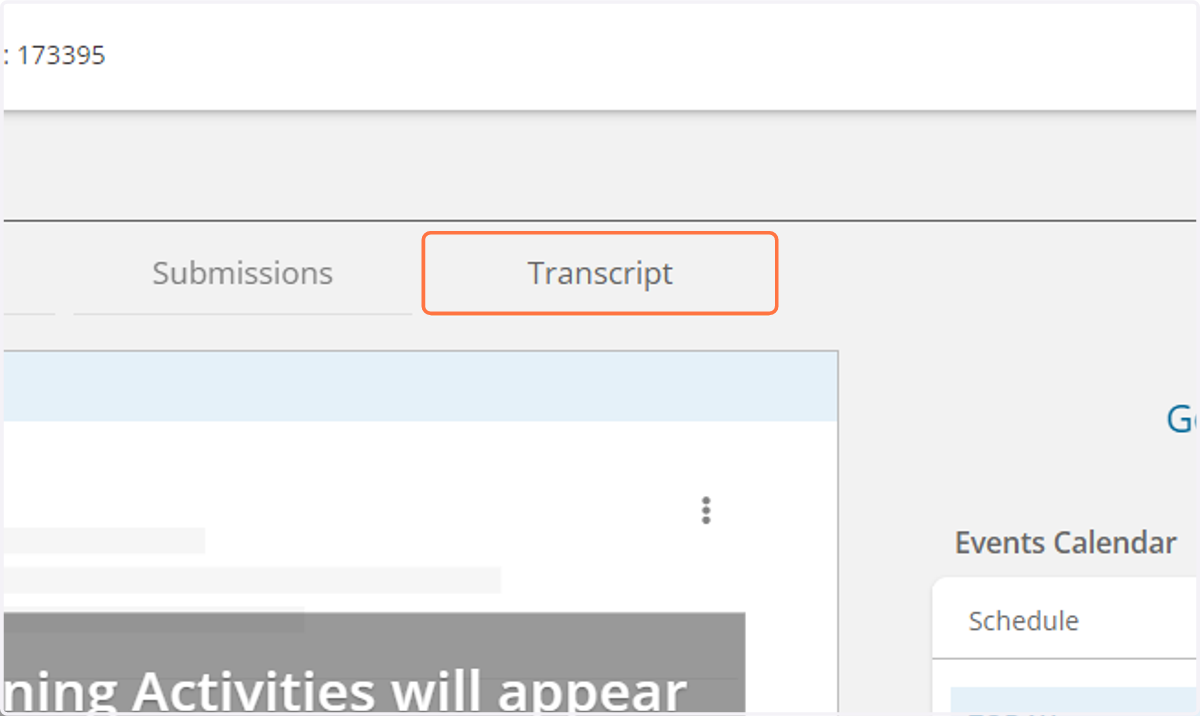
6. Click on Transcript
7. Search by a date range
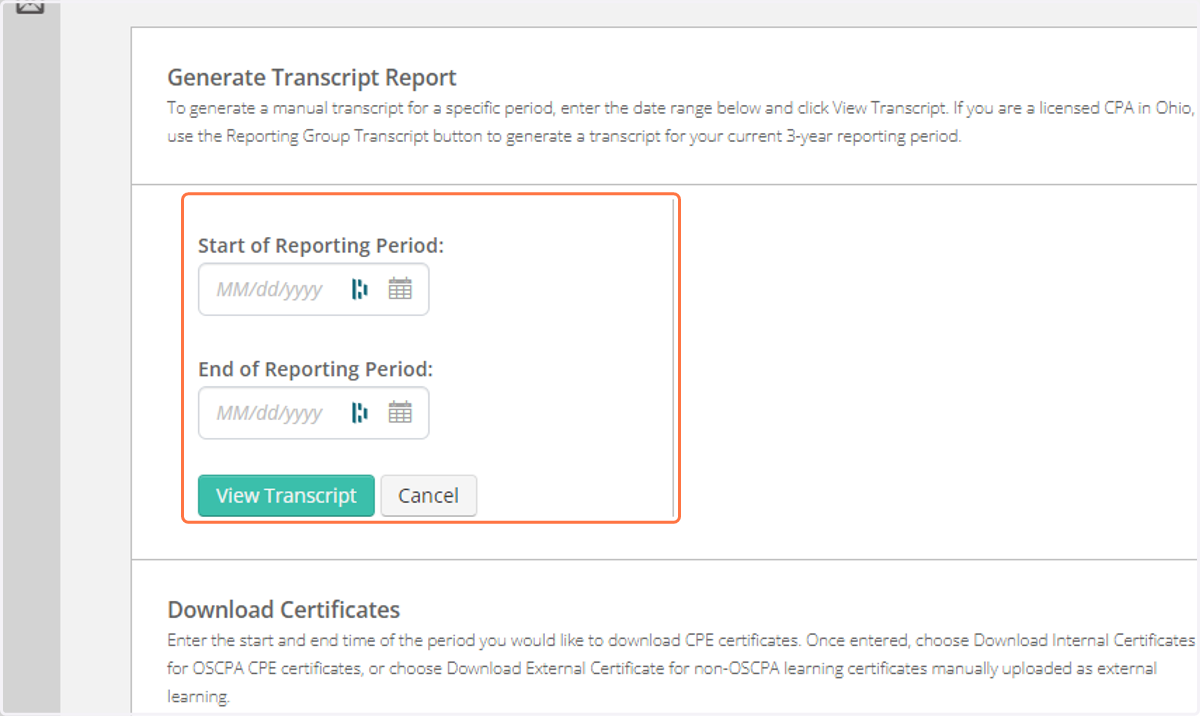
8. Click on Start of Reporting Period:
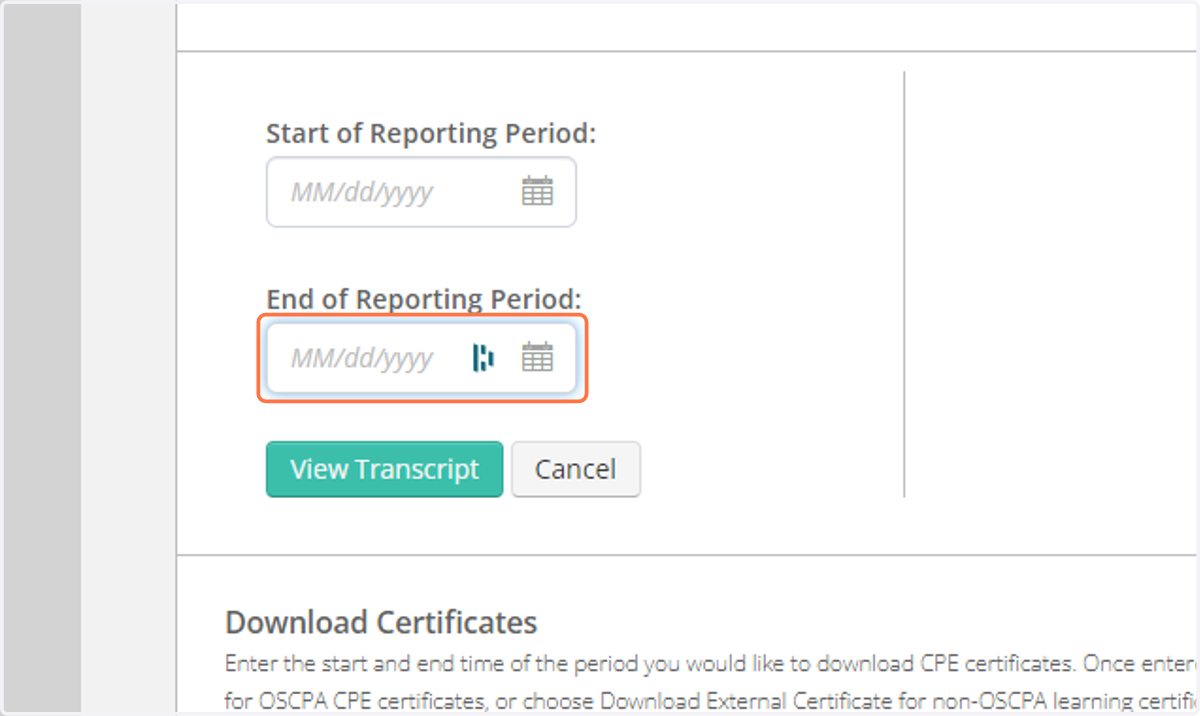
9. Click on End of Reporting Period:
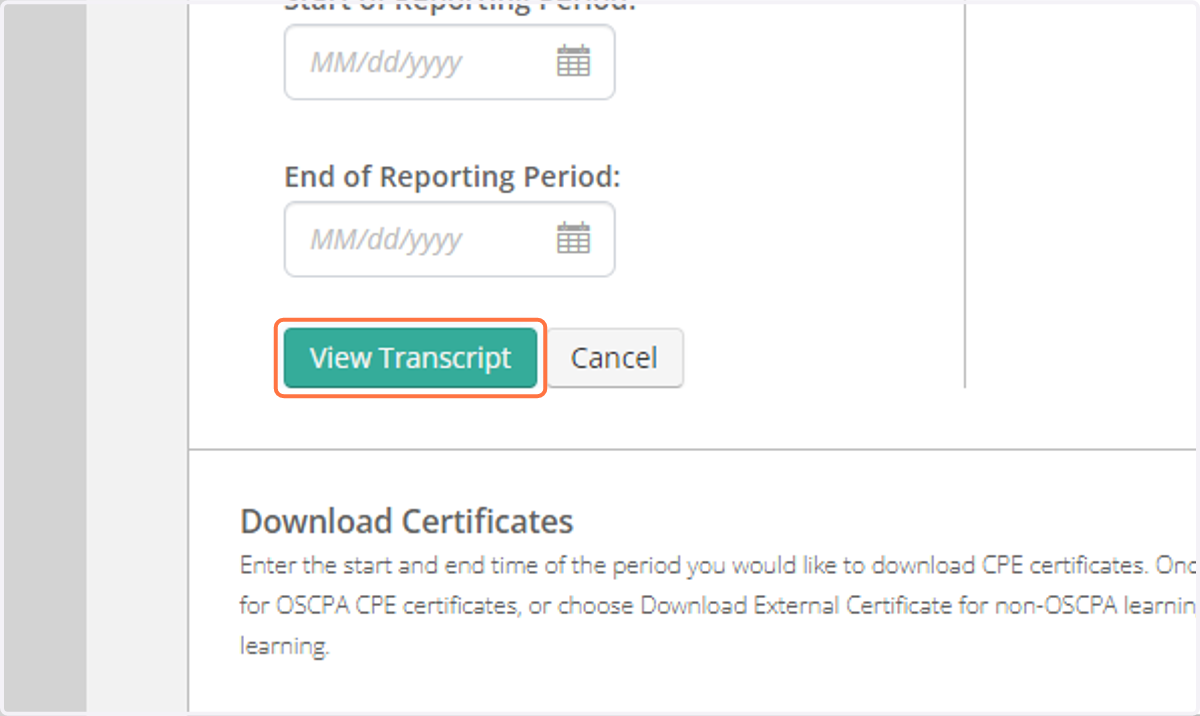
10. Click on View Transcript
11. Click on Reporting Group Transcript
Finding Your Certificate
12. Click on Completed Tab
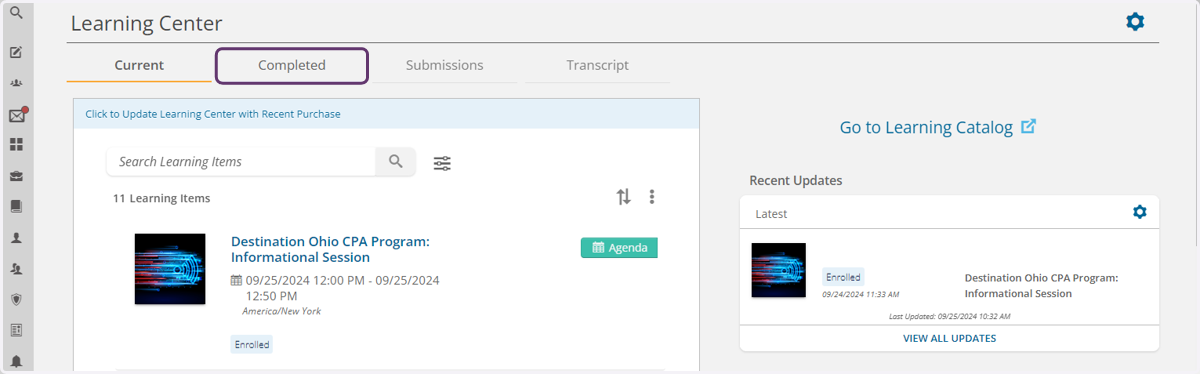
13. Click on View Certificate