Creating and Scheduling Email to Send Later

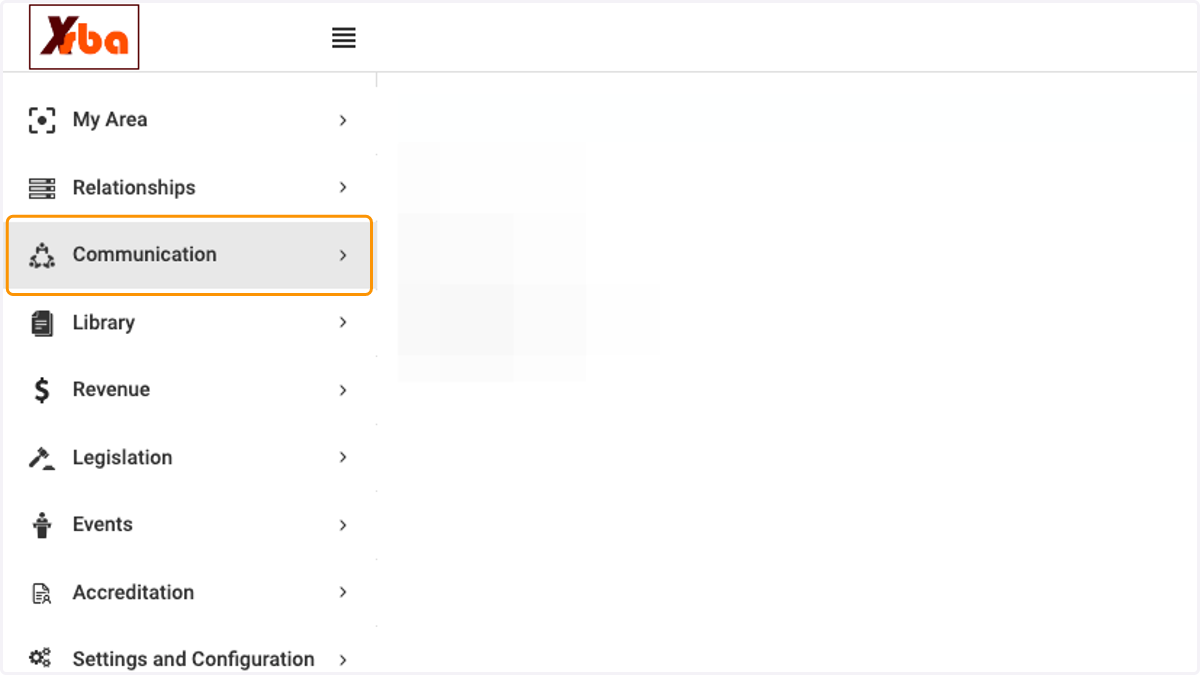
  1. 1. Click on Communication

    Click on Communication
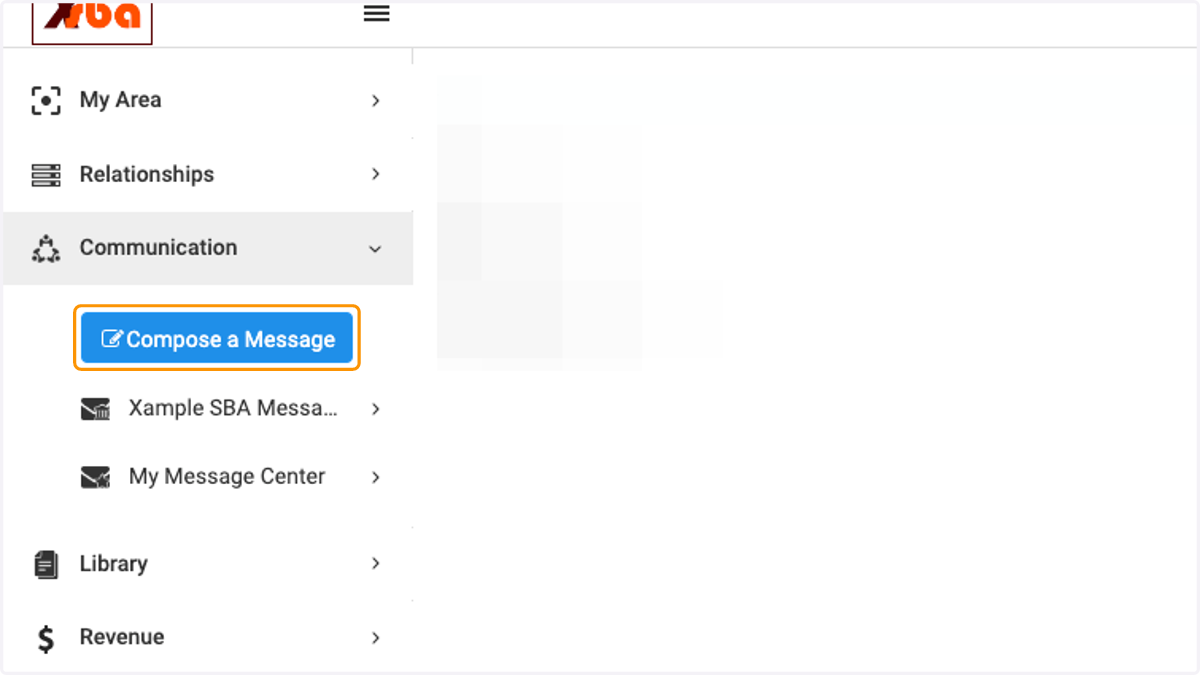
  2. 2. Click on Compose a Message

    Click on Compose a Message
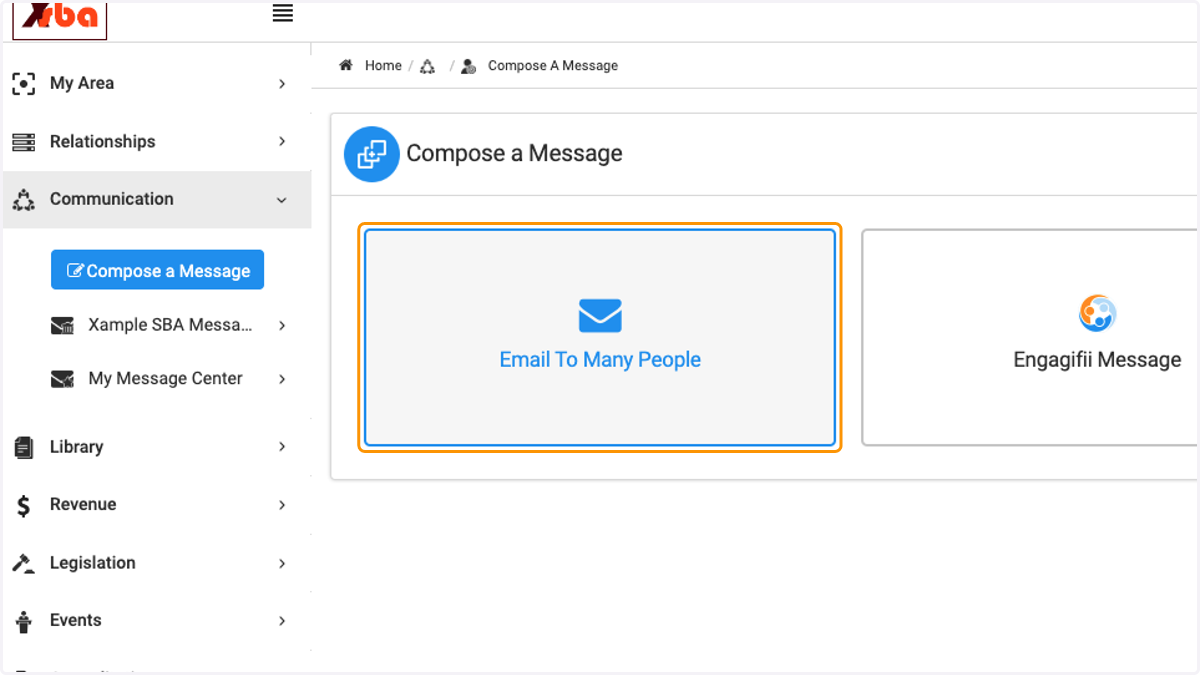
  3. 3. Click on Email To Many People

    Click on Email To Many People
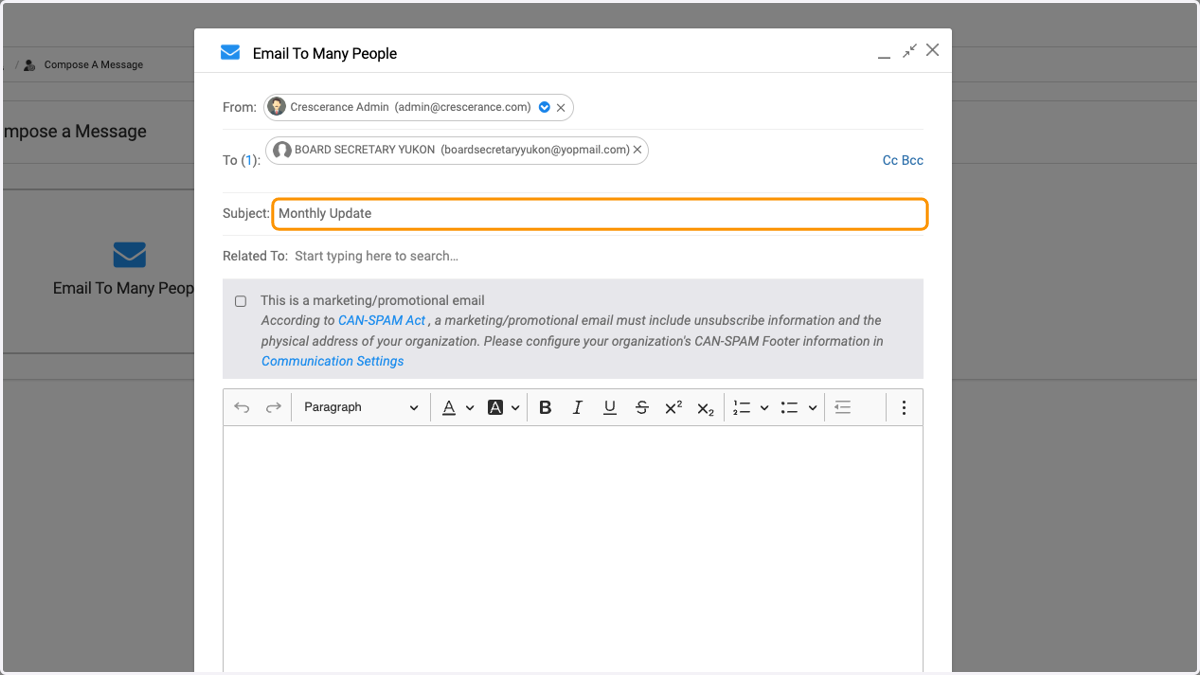
  4. 4. Select your recipients in the 'To' field
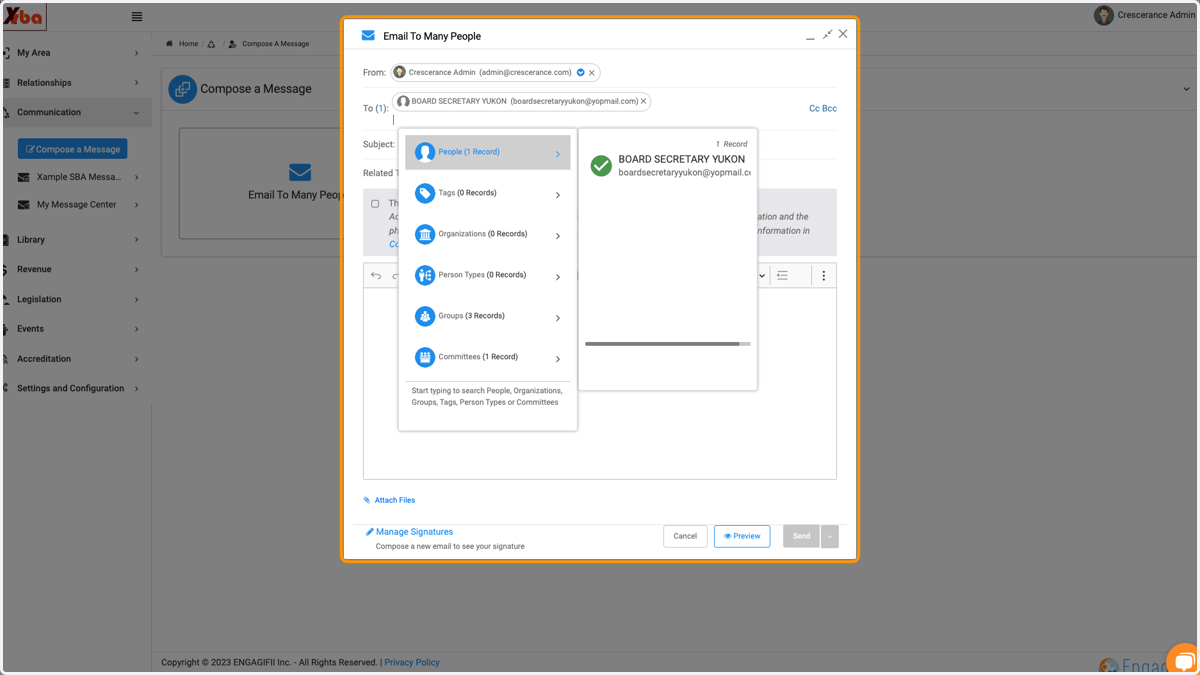
    Select your recipients in the 'To' field
  5. 5. Enter the email subject

    Enter the email subject
  6. 6. Type your email message in the body
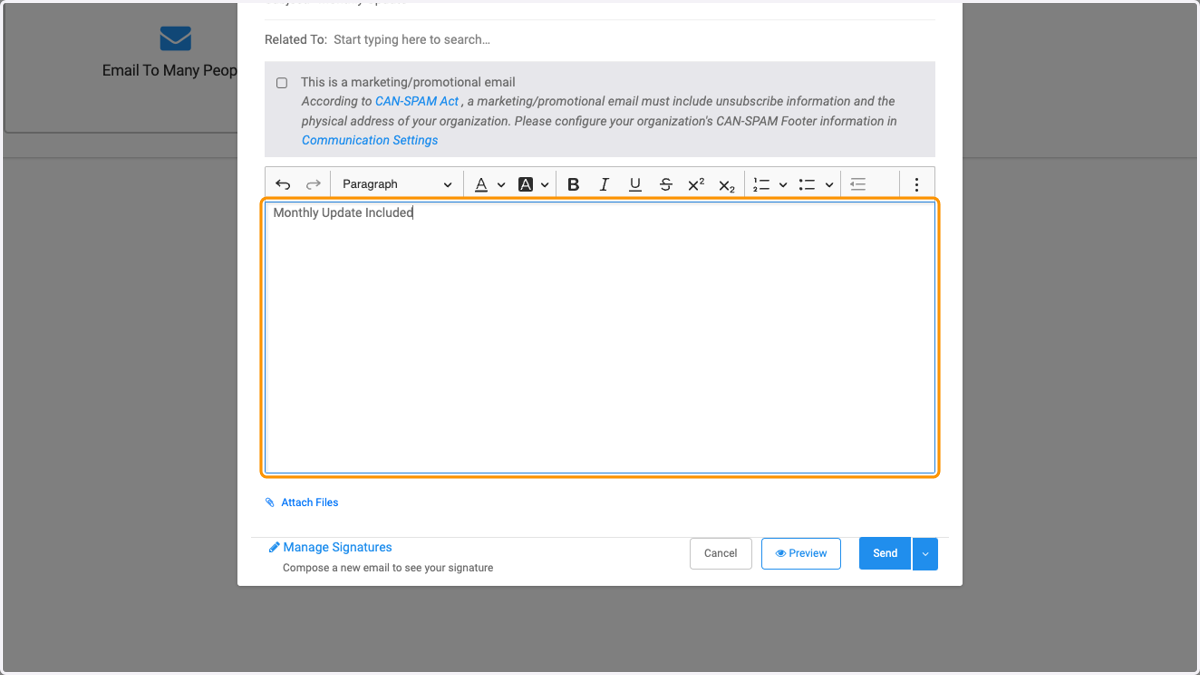
    Type your email message in the body
  7. 7. Click on dropdown arrow next to the Send button
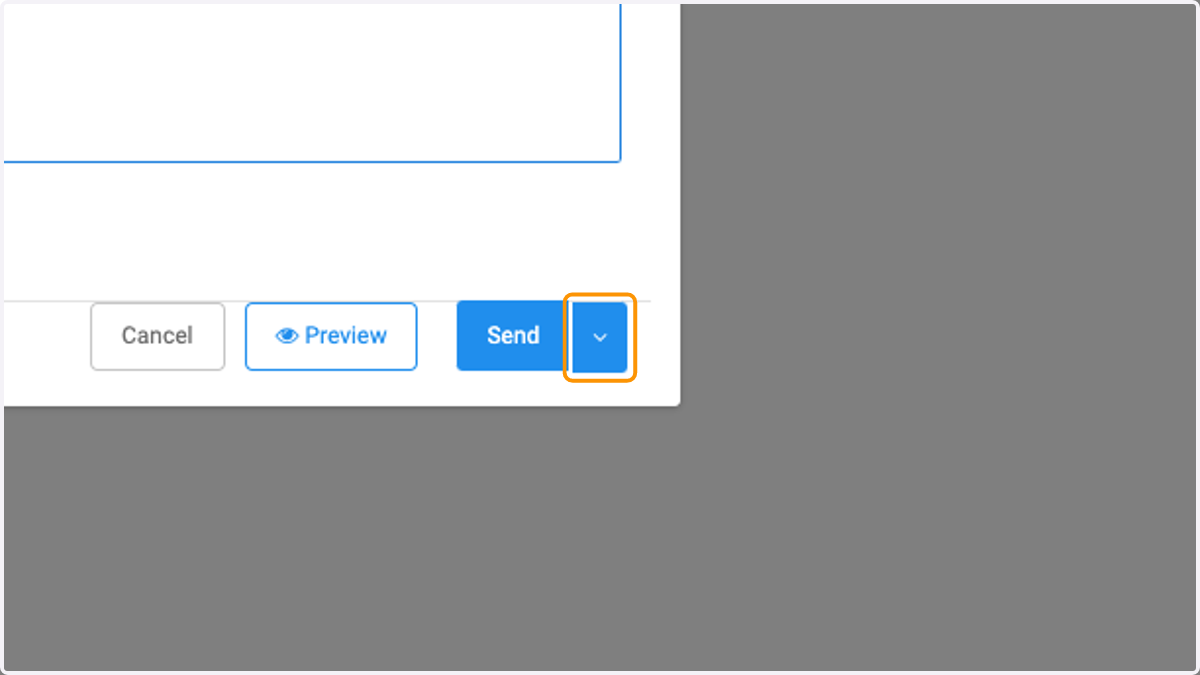
    Click on dropdown arrow next to the Send button
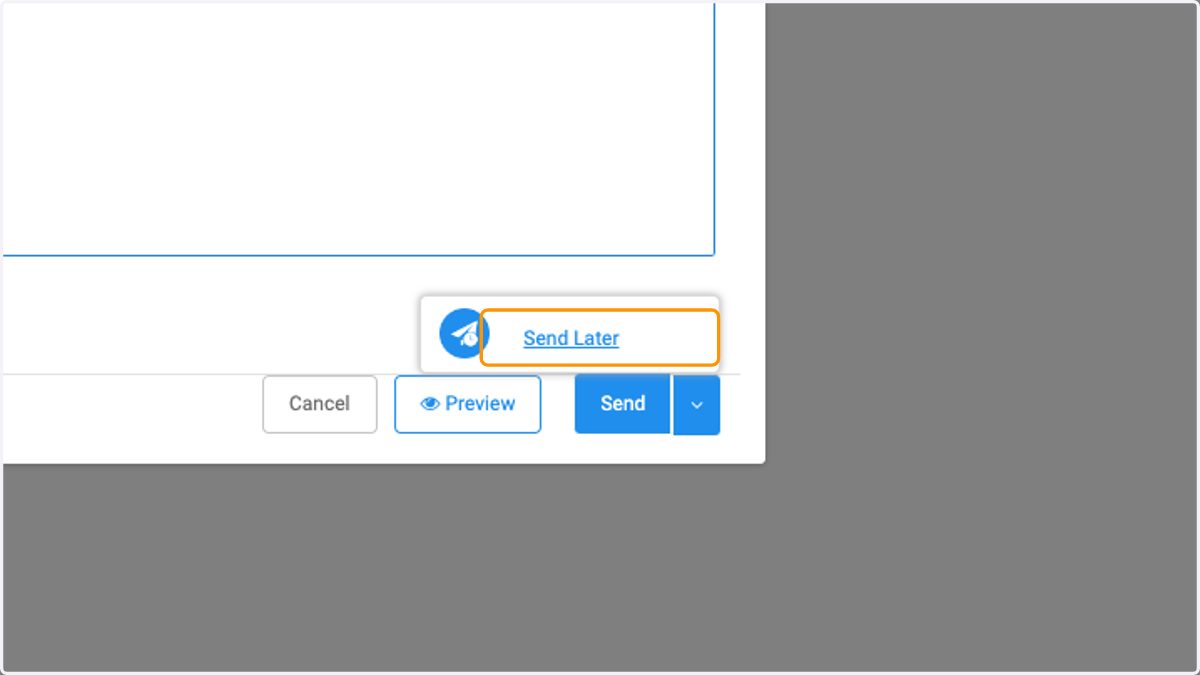
  8. 8. Click on Send Later

    Click on Send Later
  9. 9. Select your send preference from the list
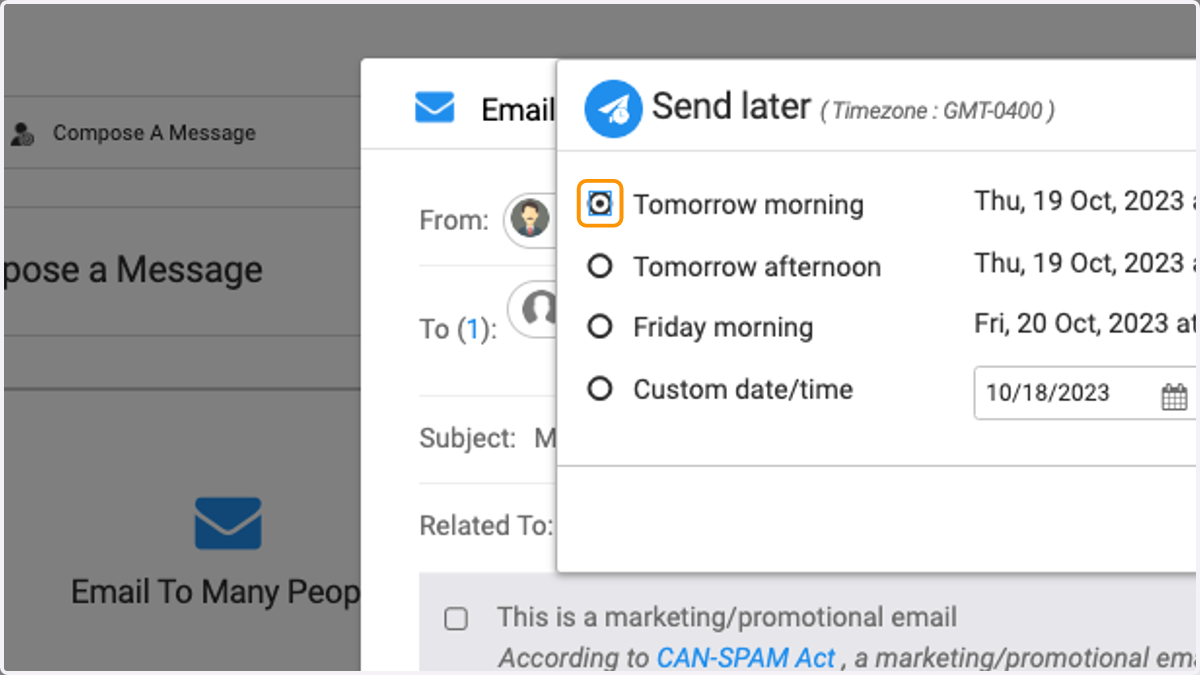
    Select your send preference from the list
  10. 10. Click on Custom date/time to create your desired send date/time
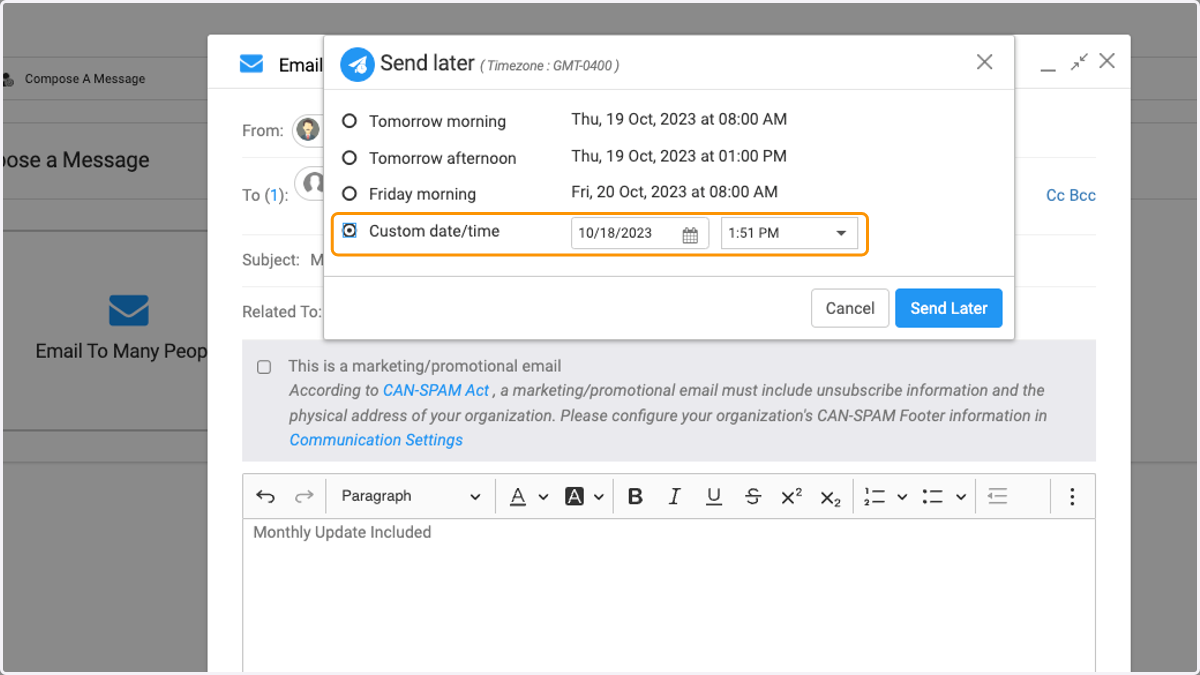
    Click on Custom date/time to create your desired send date/time
  11. 11. Click on Send later when finished
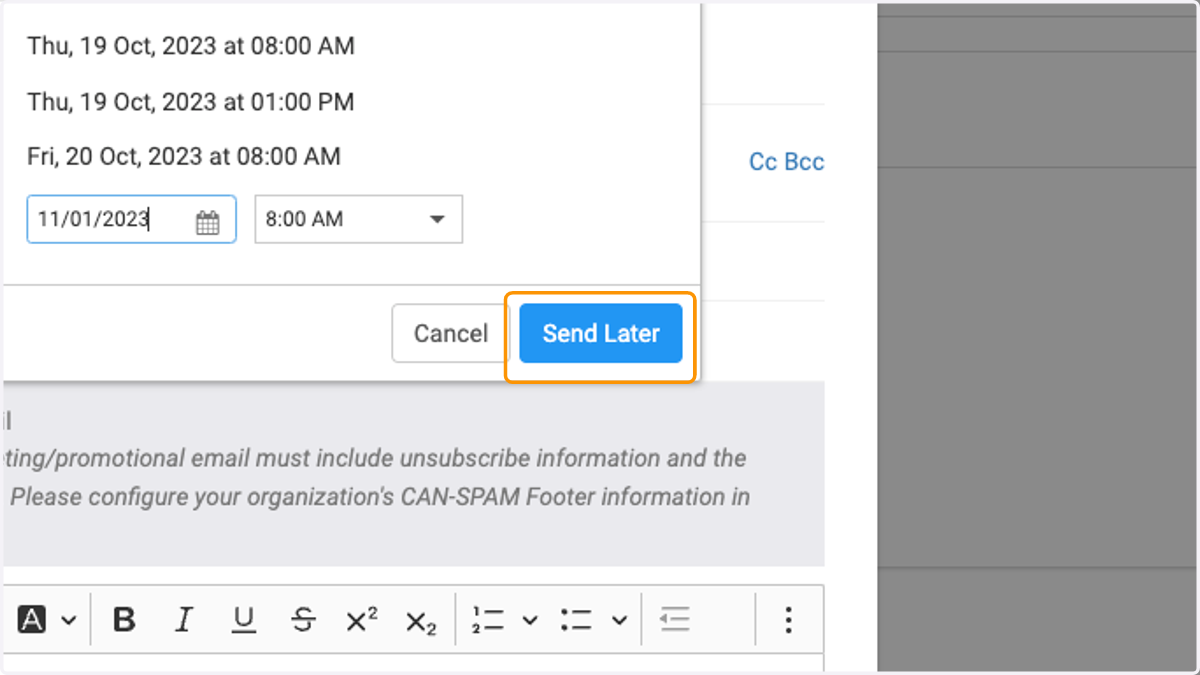
    Click on Send later when finished