Finding and Tracking Bills
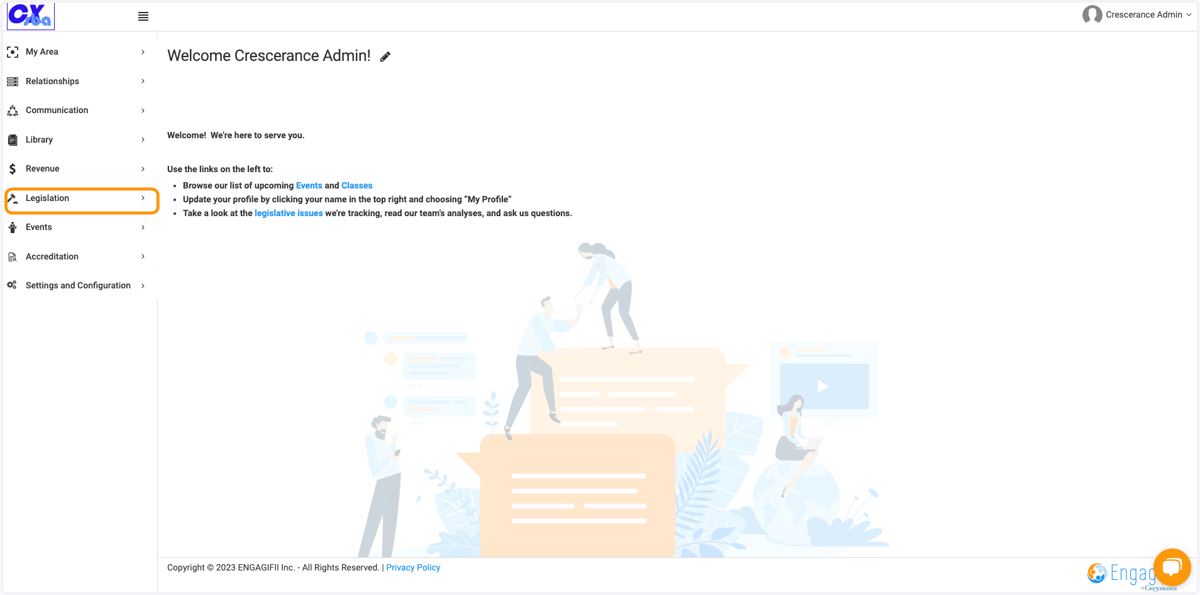
1. Click on Legislation
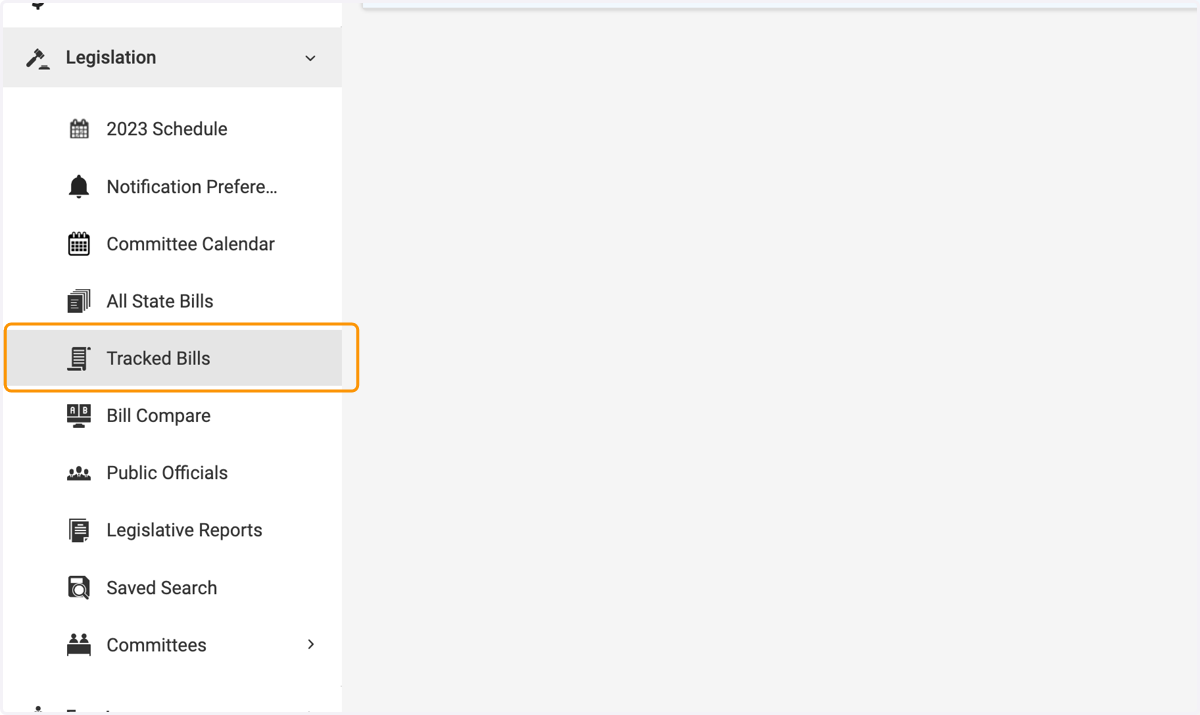
2. Click on Tracked Bills
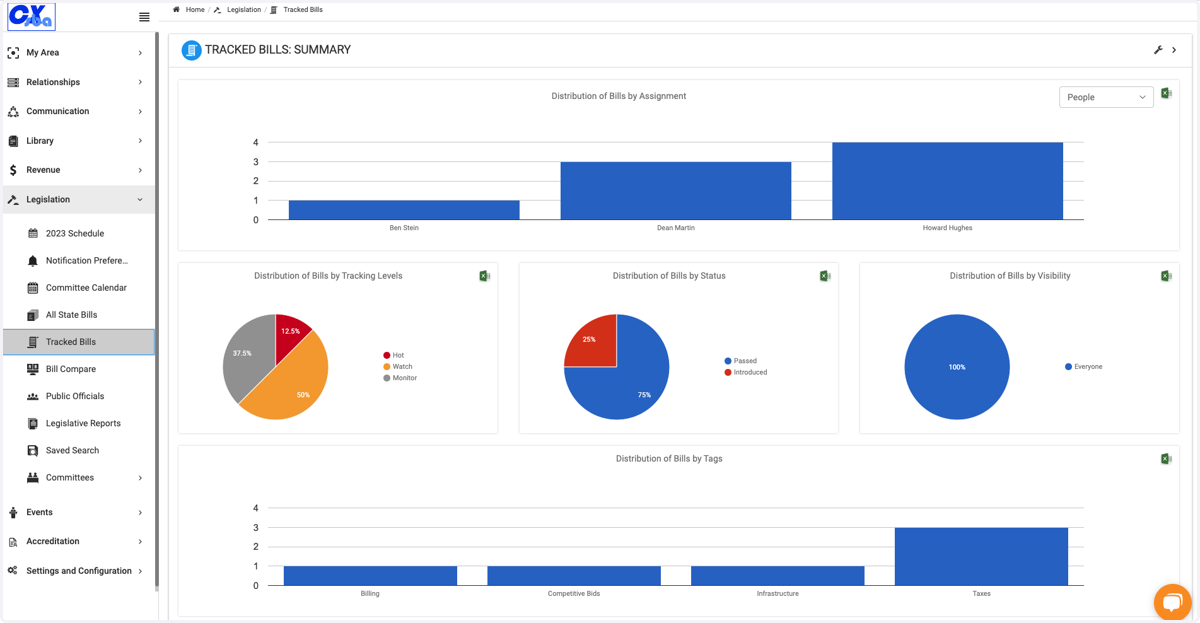
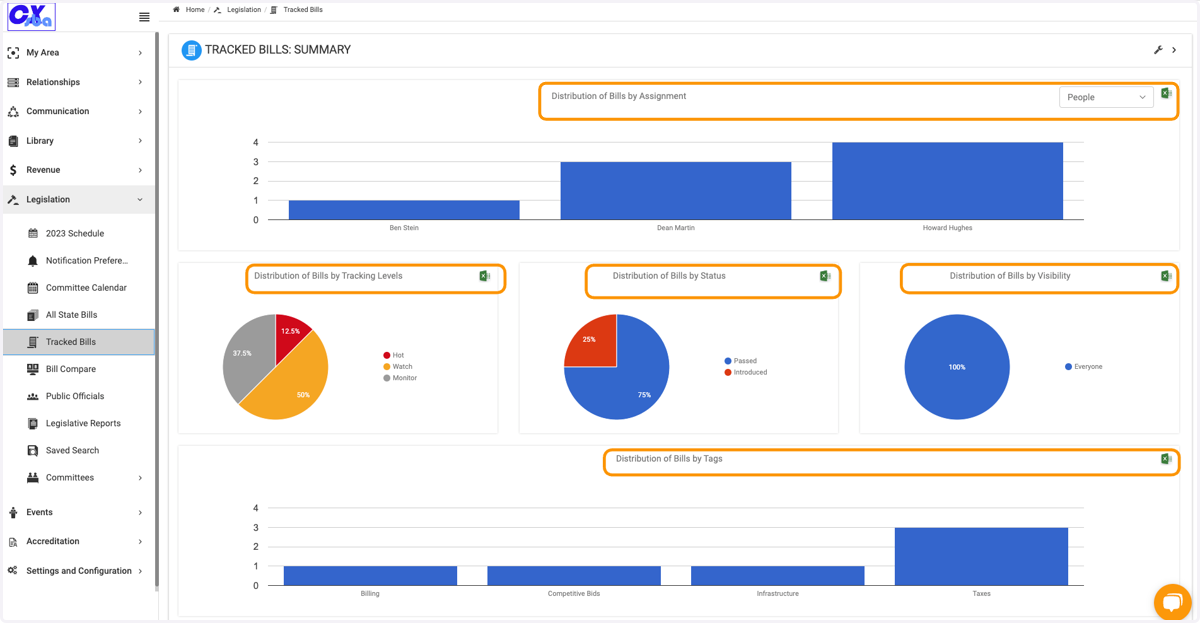
3. Here you will see your Tracked Bills Summary
You can view who has bills assigned to them and how many. You can click into any field for greater detail.
4. Click on the wrench icon to update what fields are visible
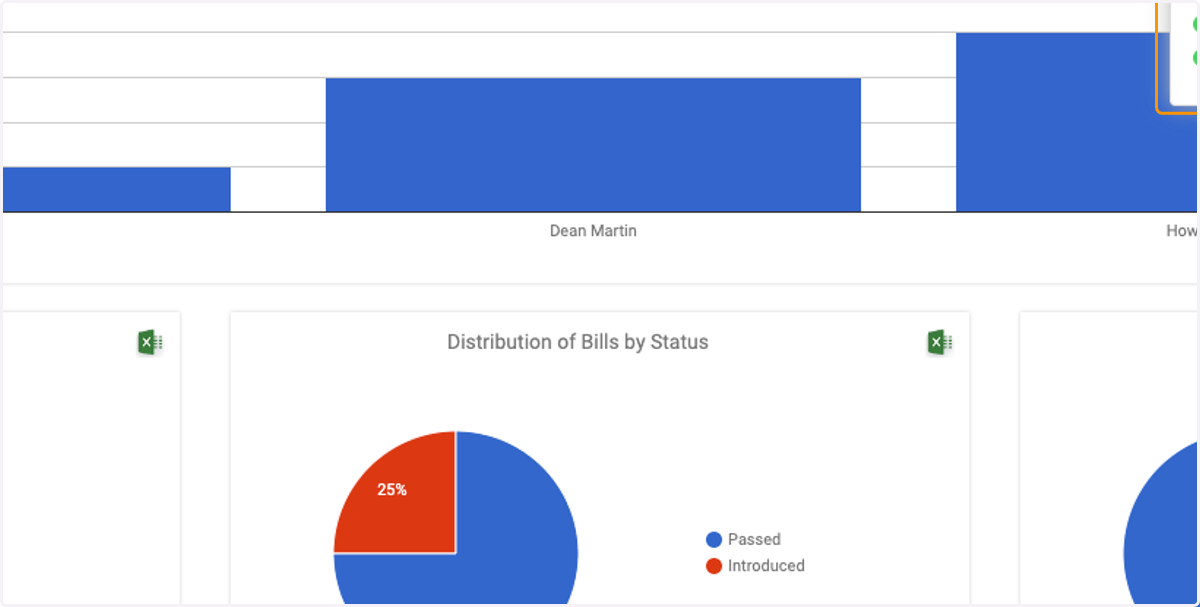
5. By clicking on the Excel icon, you can download a report based on the summary you choose.
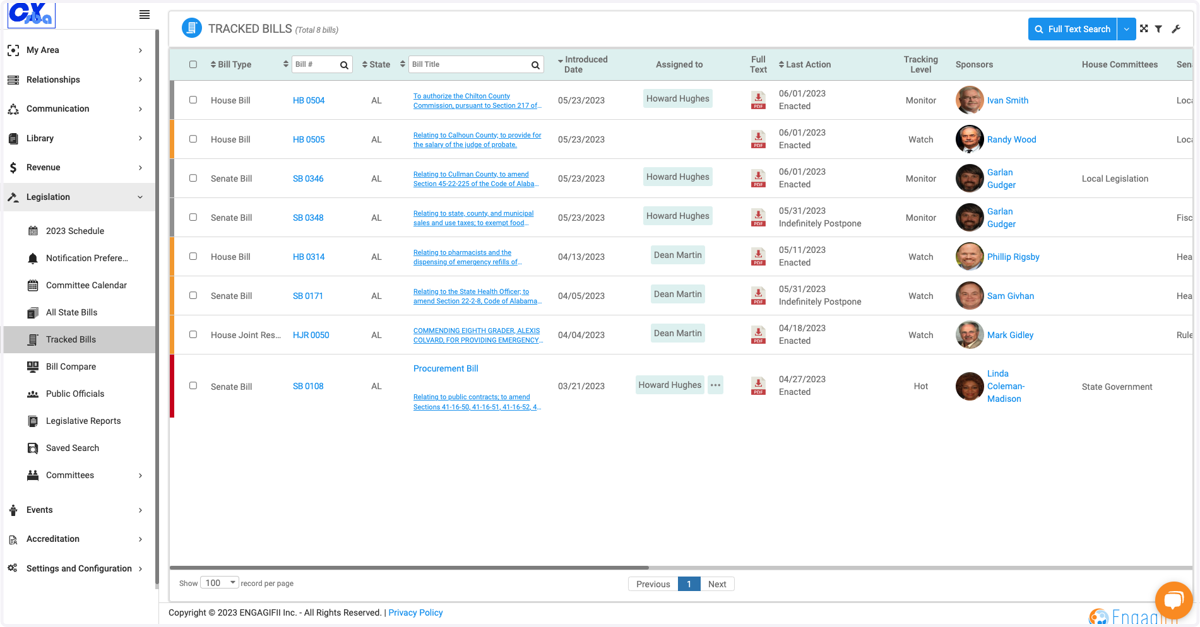
6. Scroll down to view the Tracked Bill details in a list view
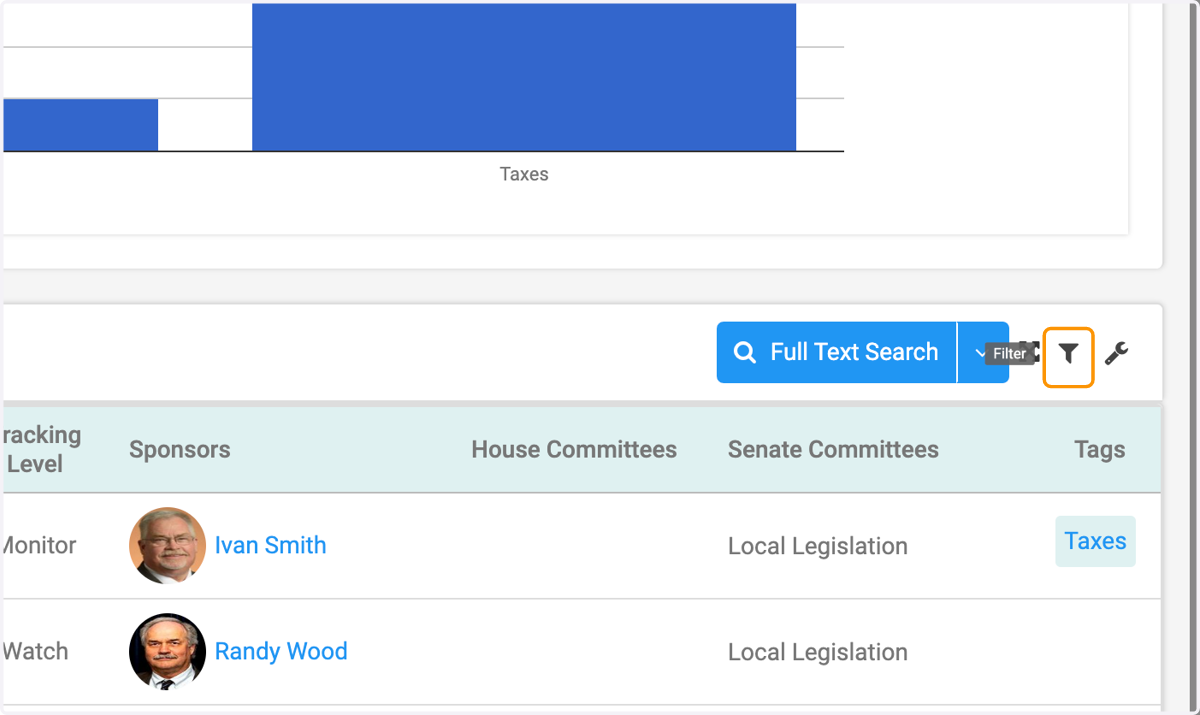
7. Click on the Filter icon to filter and sort the tracked bills
8. Scroll and choose your filter and sort options based on the criteria menu
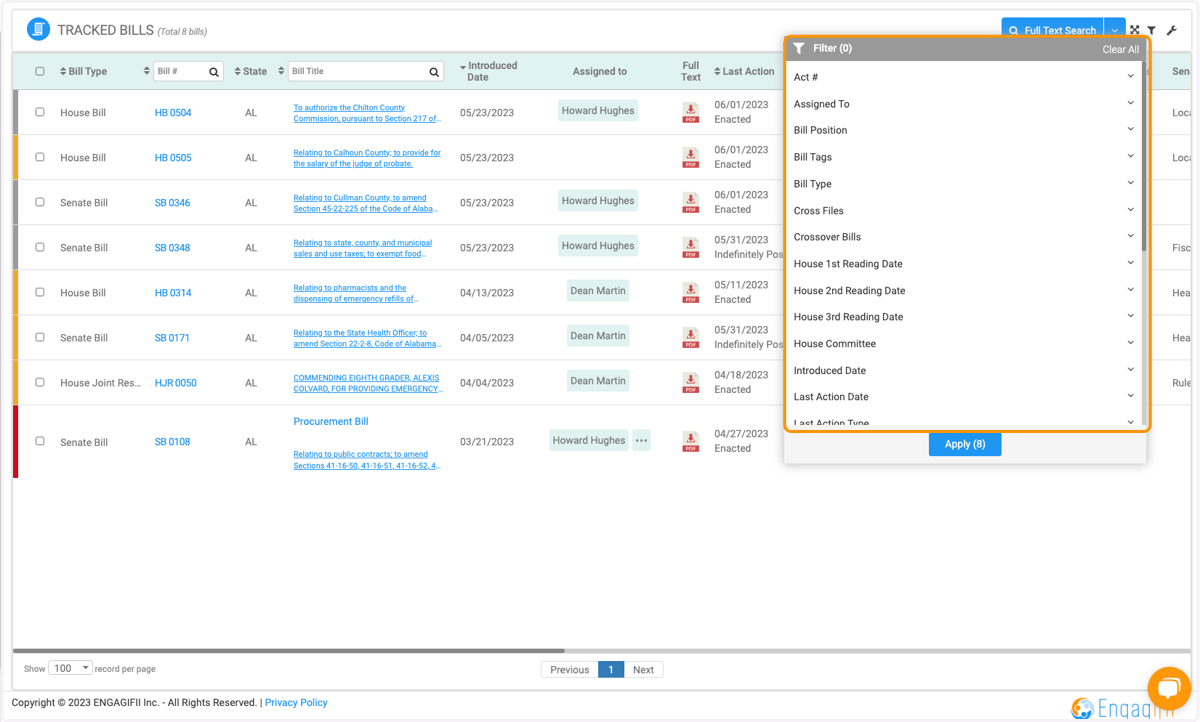
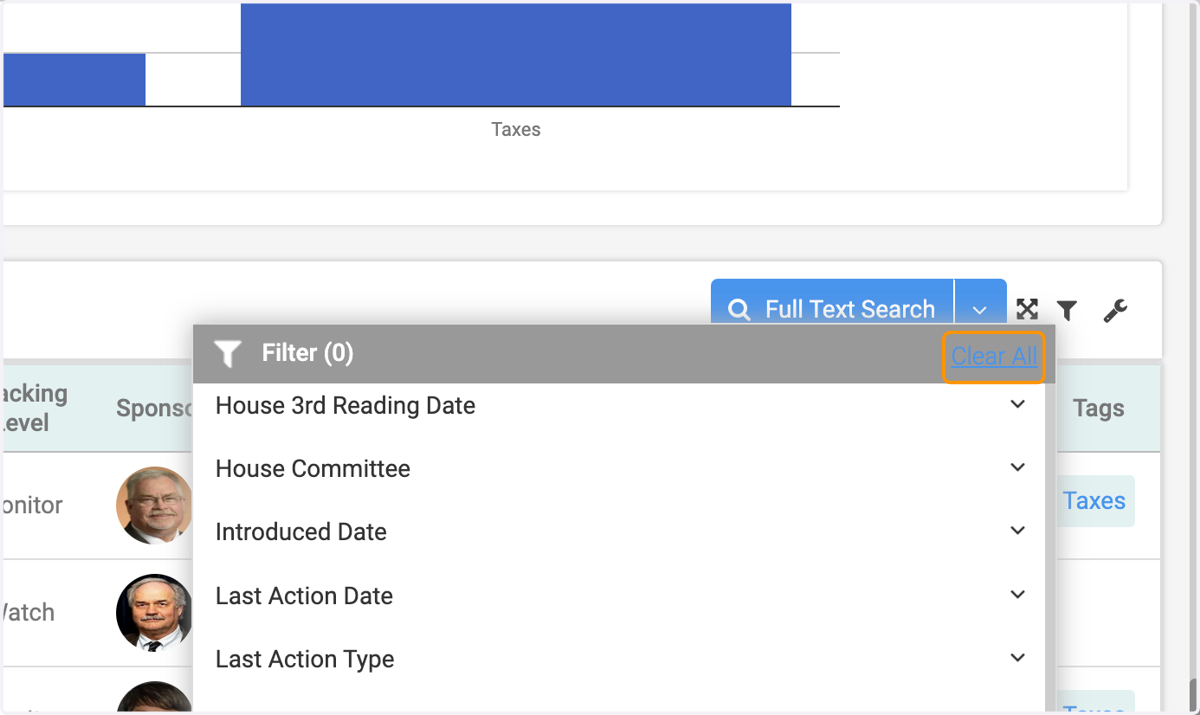
9. Remember to click on Clear All to view full list of tracked bills