Configuring 2-Factor-Authentication in the Appointment Templates
startpage
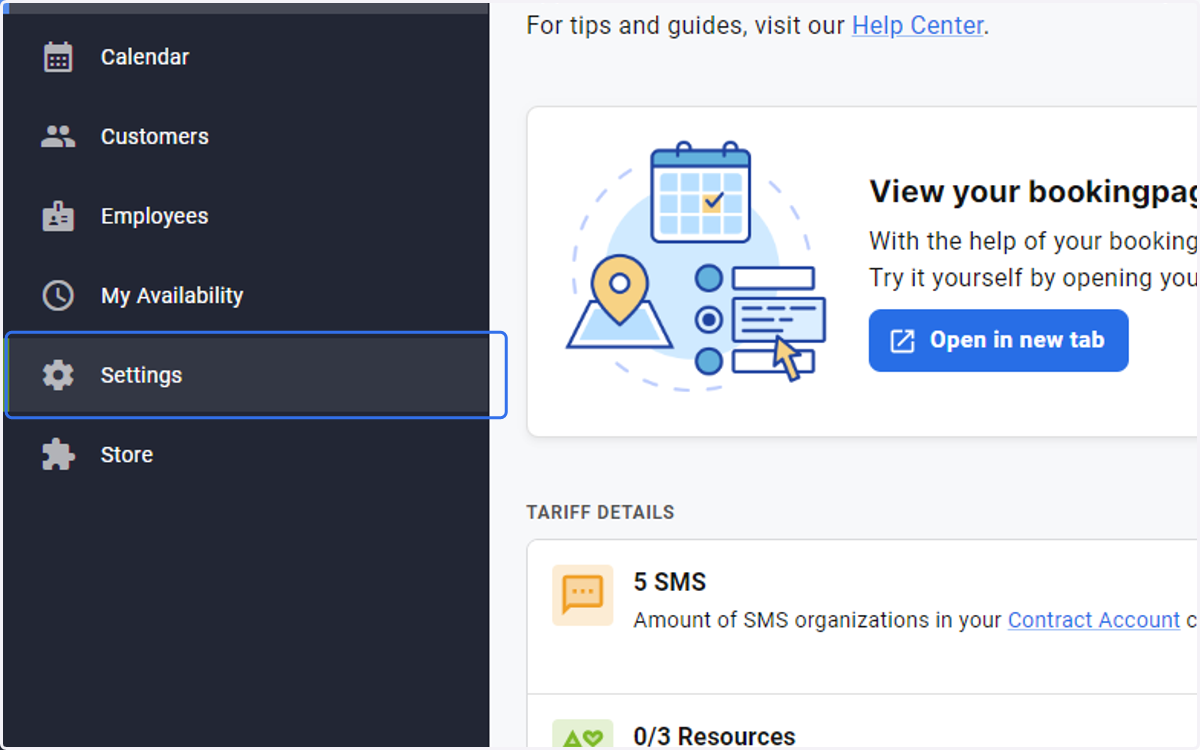
1. Click on Settings
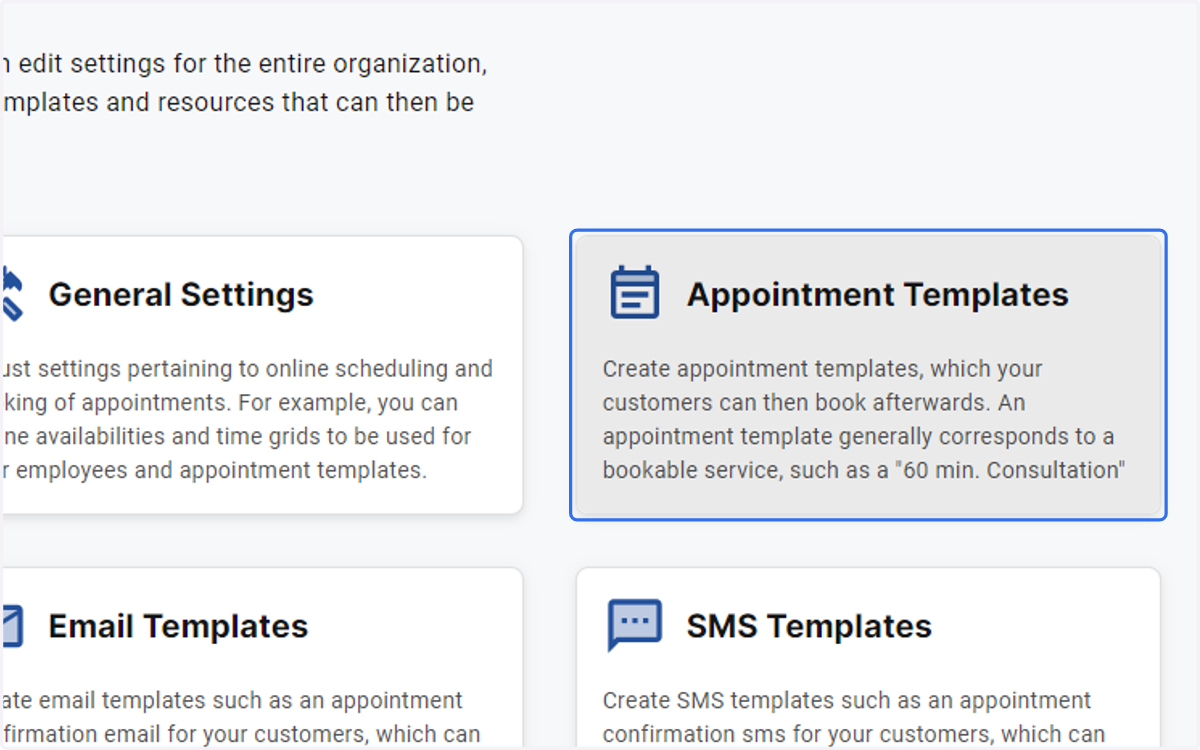
2. Click on Appointment Templates
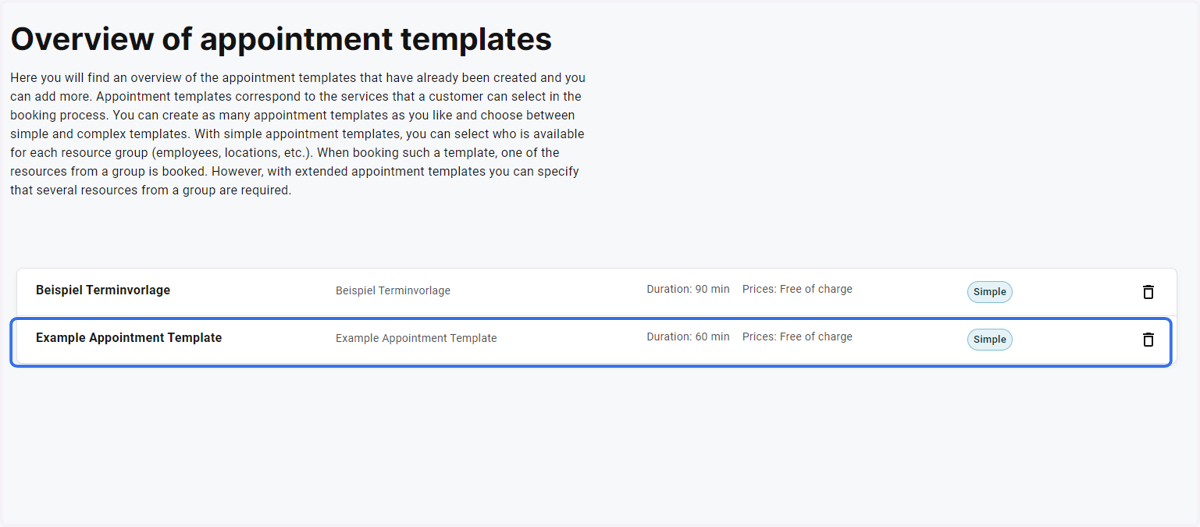
3. Click on the Template
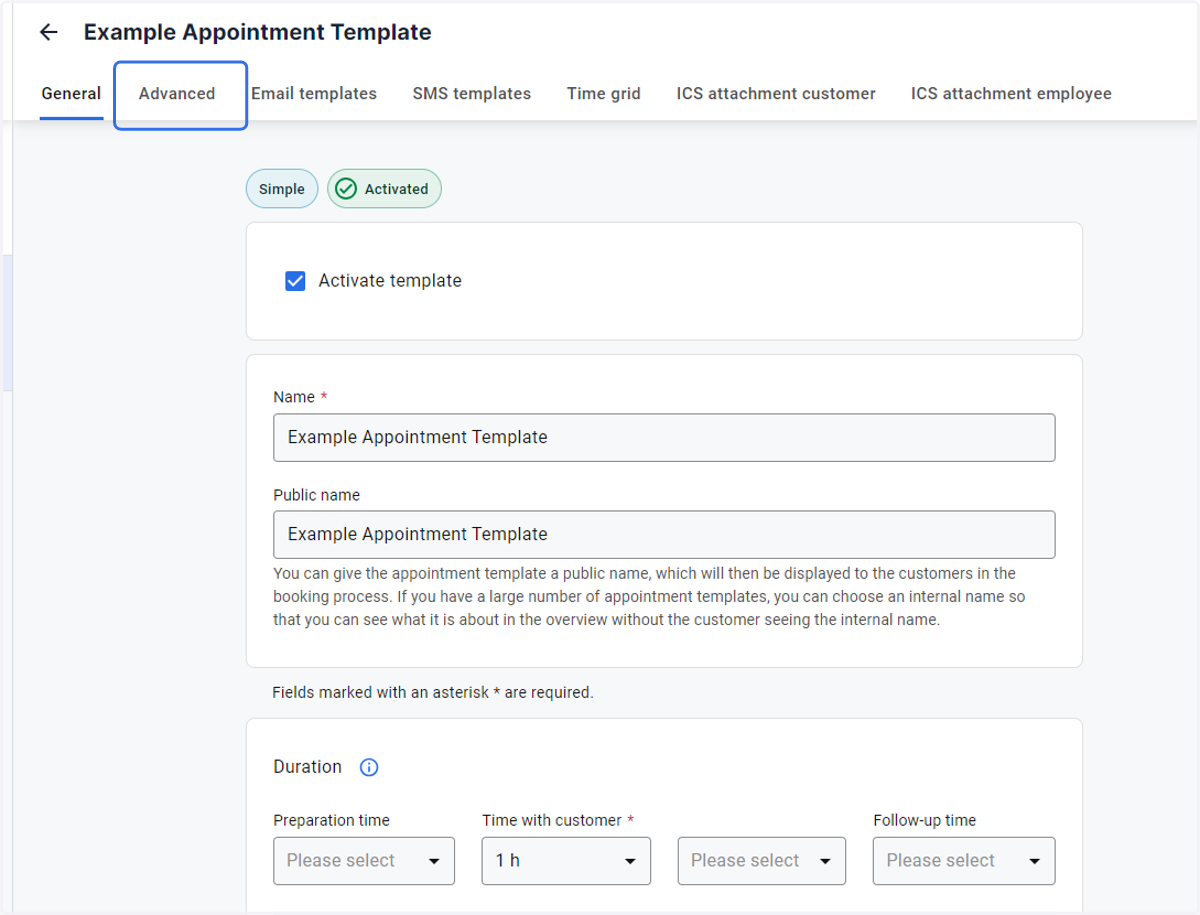
4. Click on the Advanced Tab
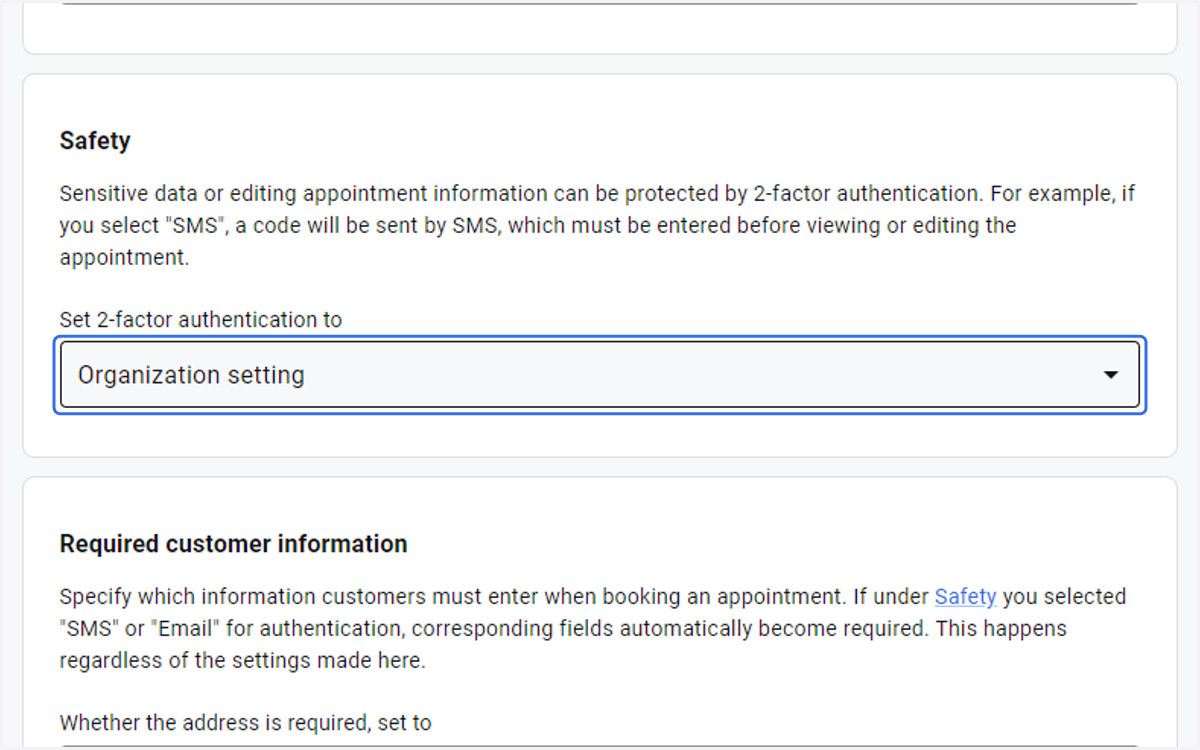
5. Click on the drop-down menu under Safety
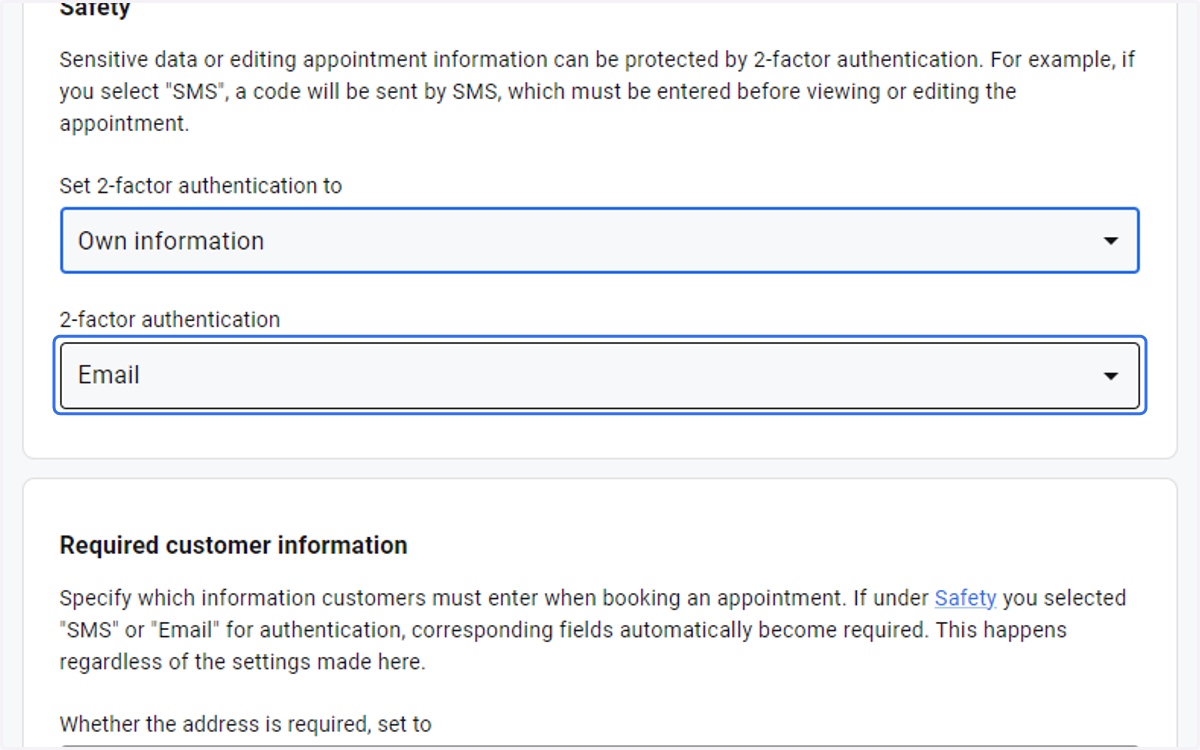
6. select Own Information
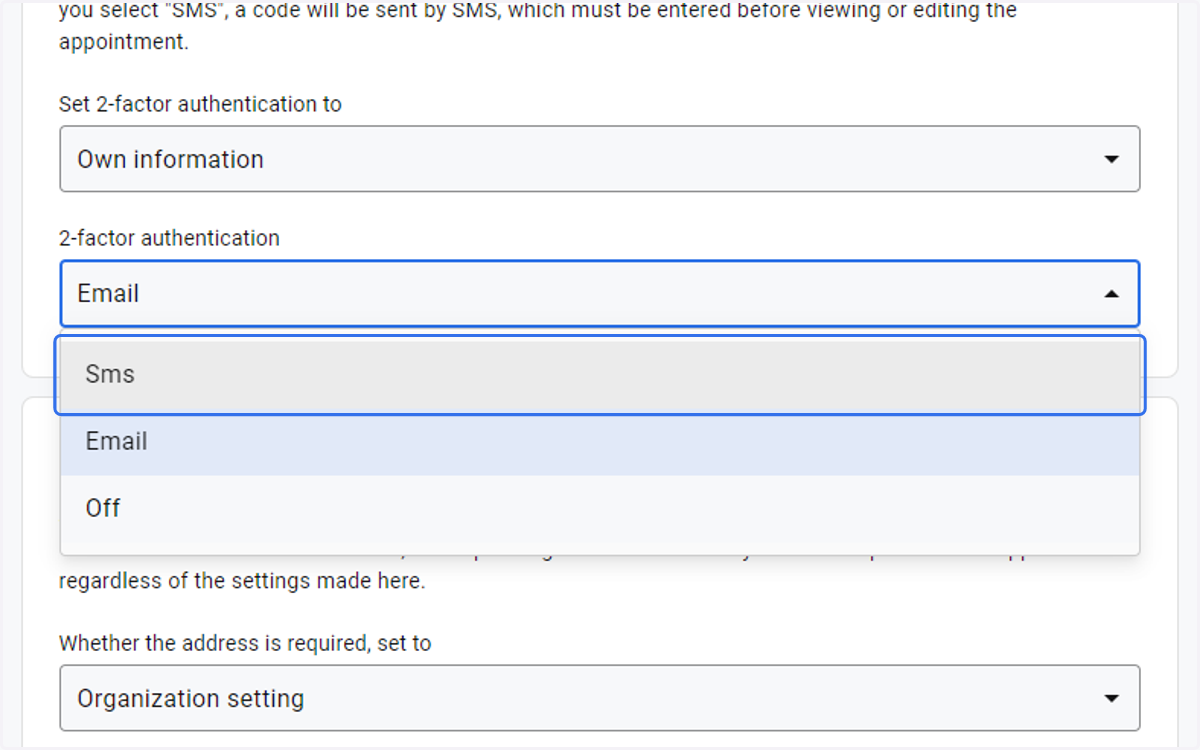
7. Click on Sms/ Email
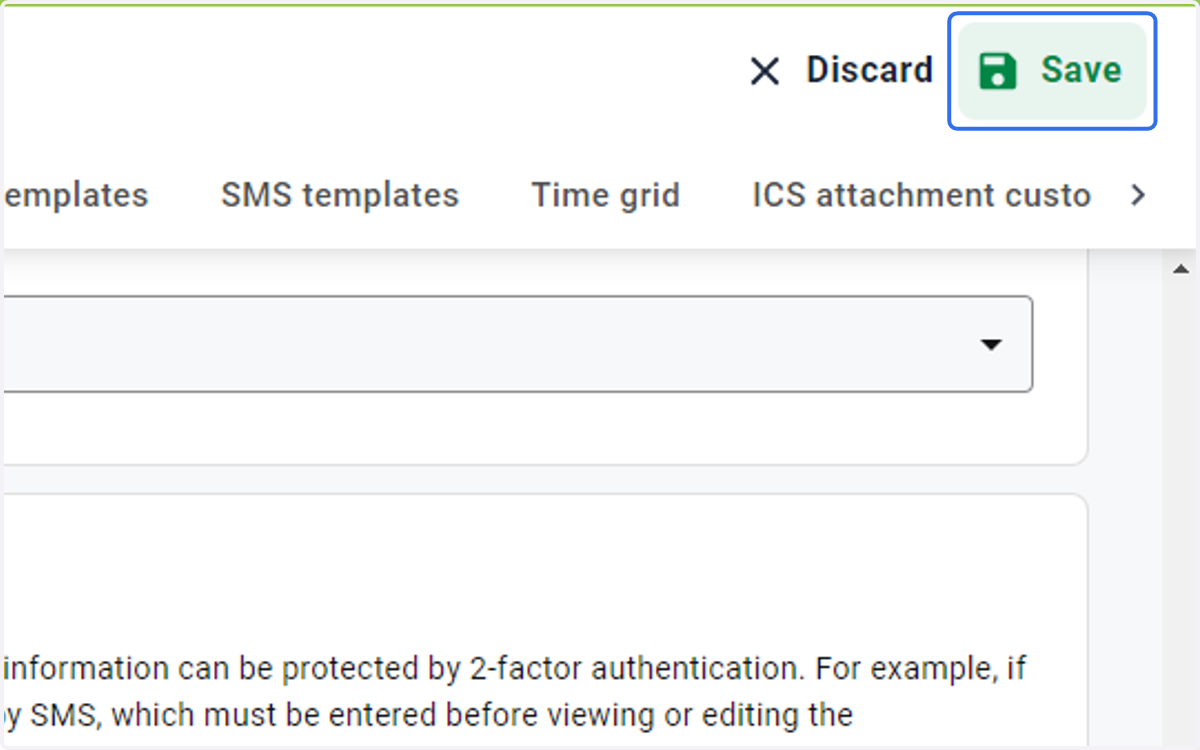
8. Save your changes