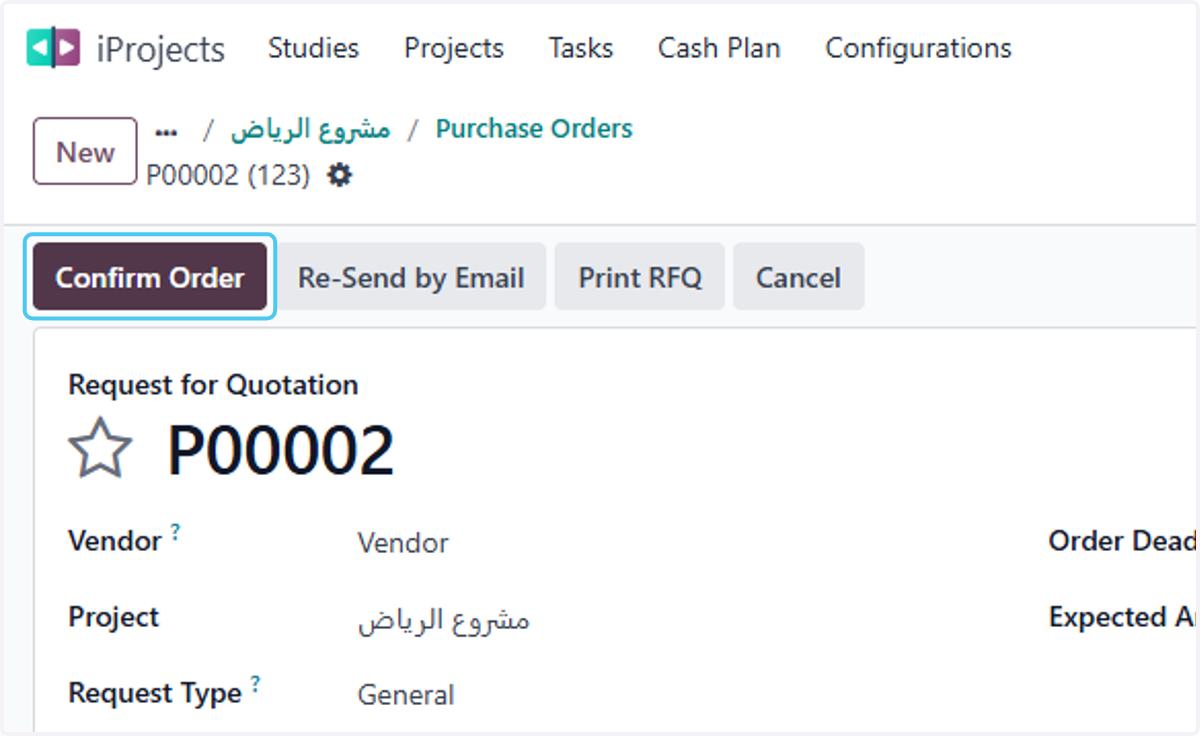
Create and Approve purchase order in projects
Odoo
1. from project screen
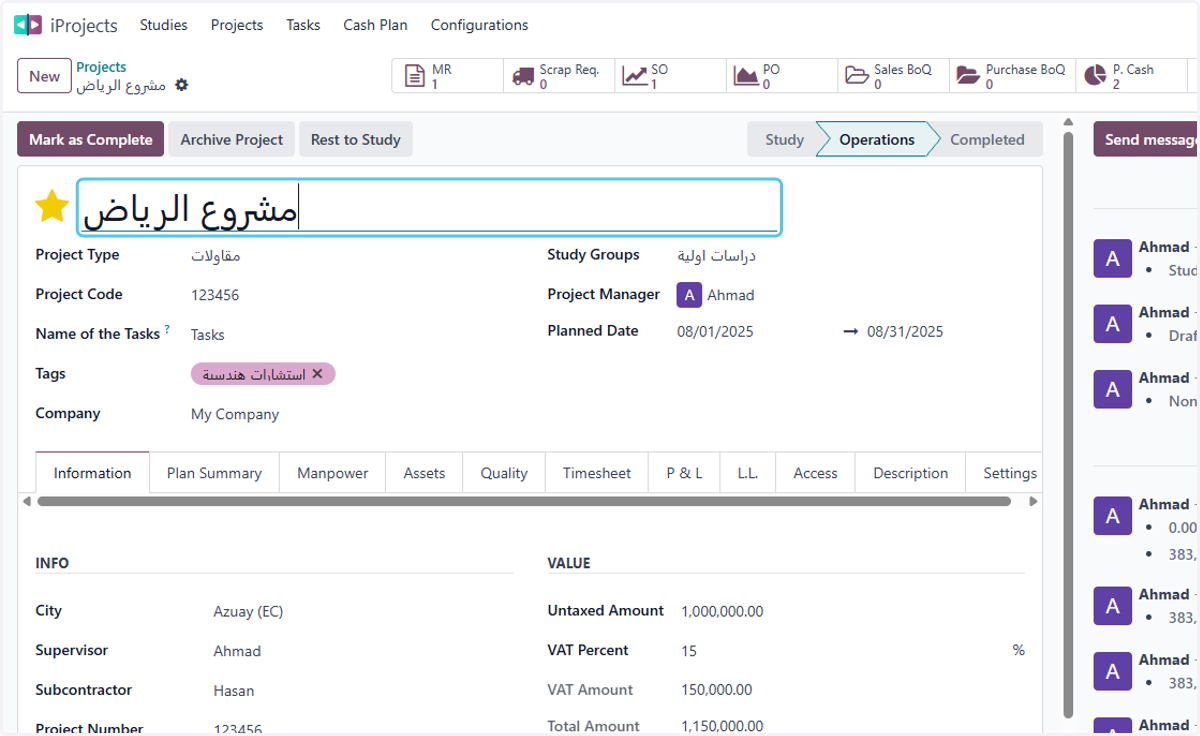
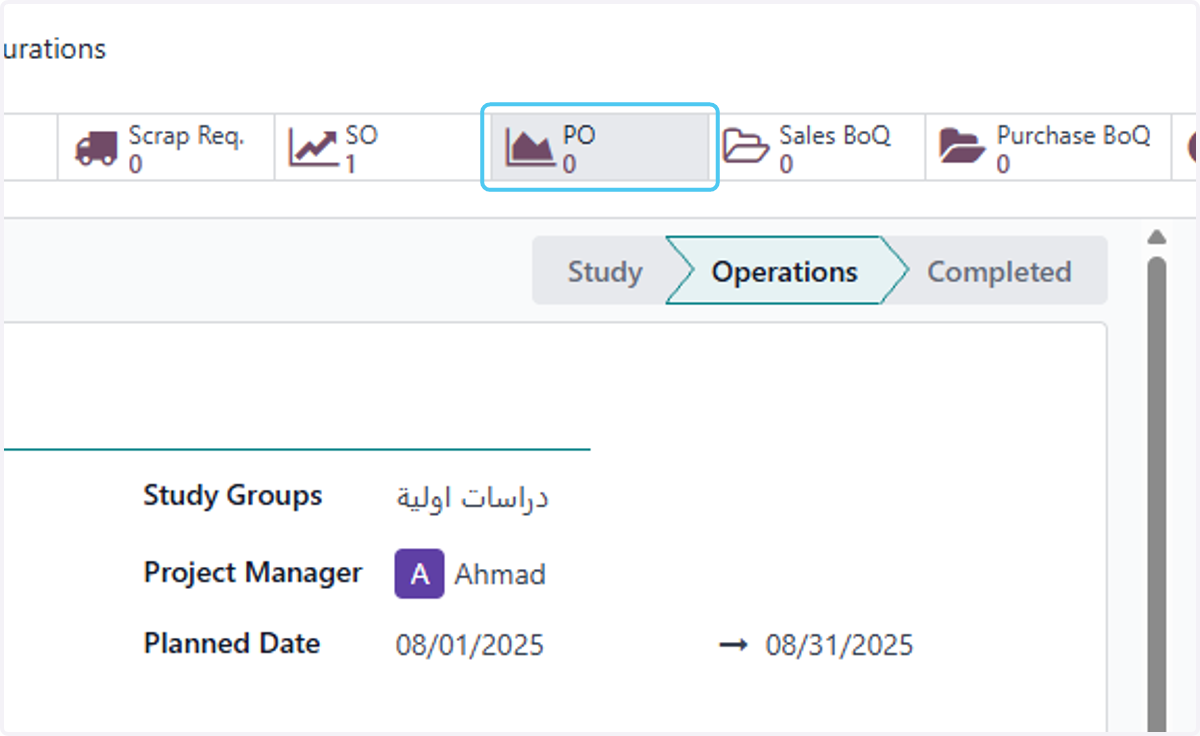
2. Click on PO
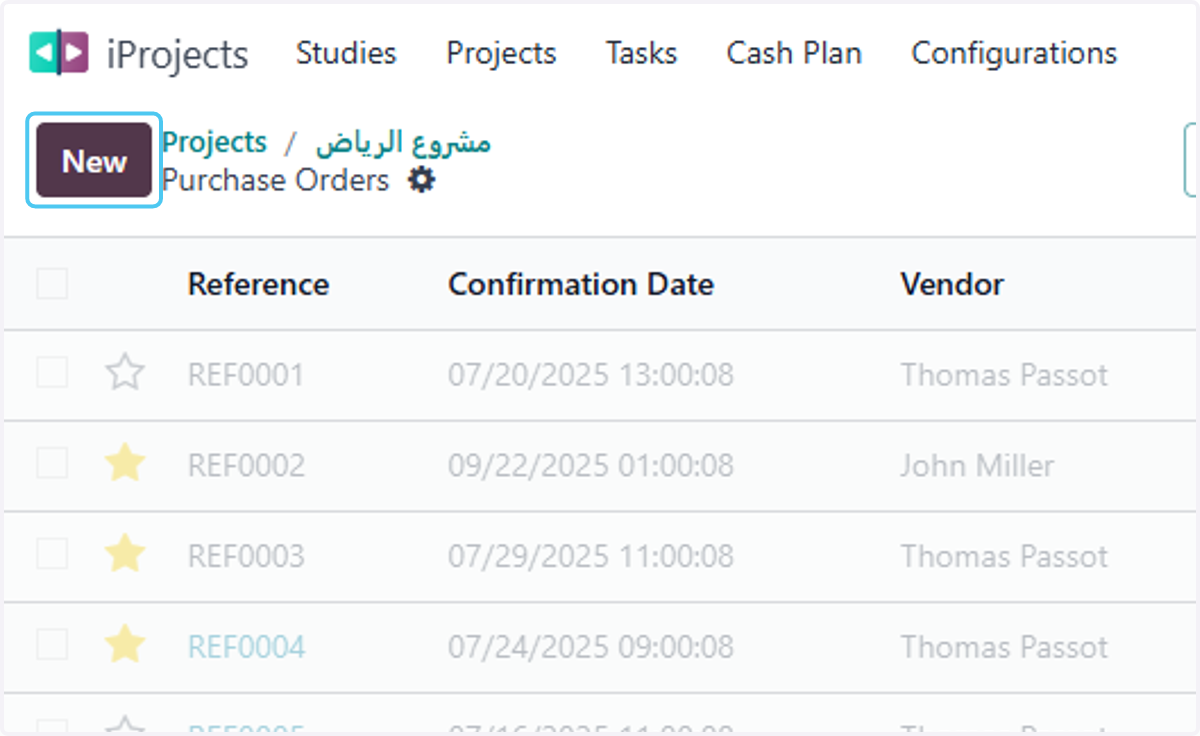
3. Click on New
4. Click on Vendor?
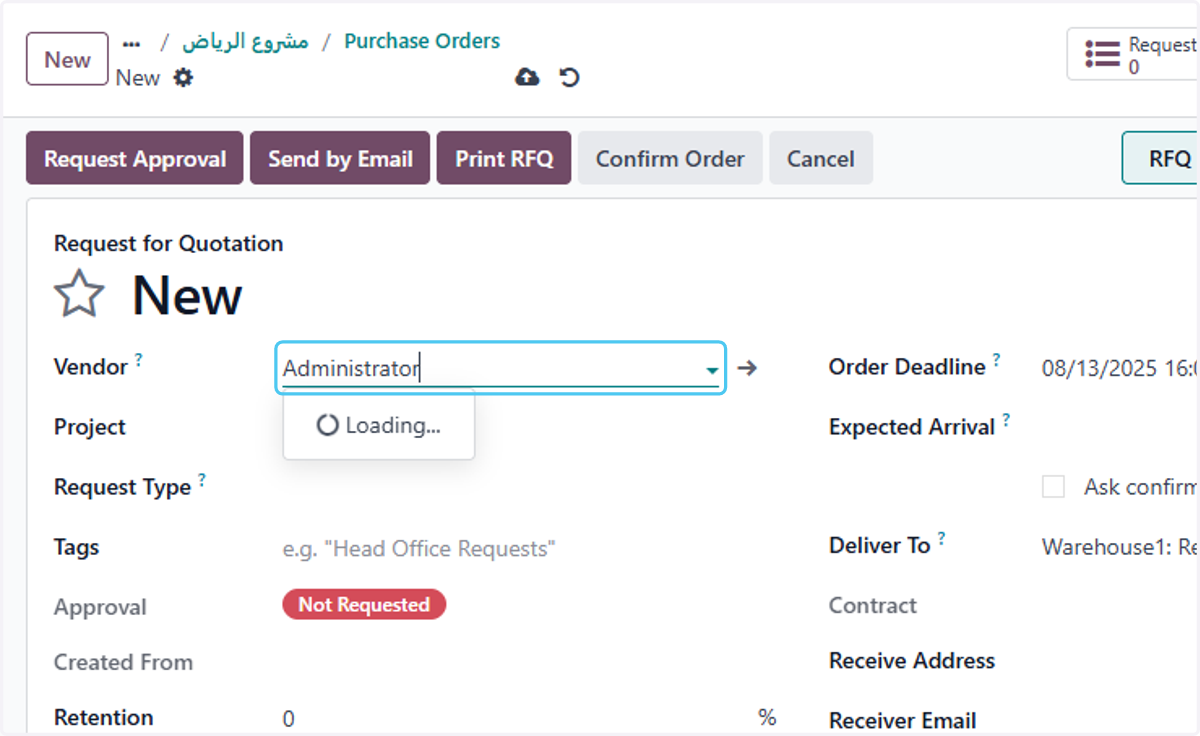
5. select the Vendor
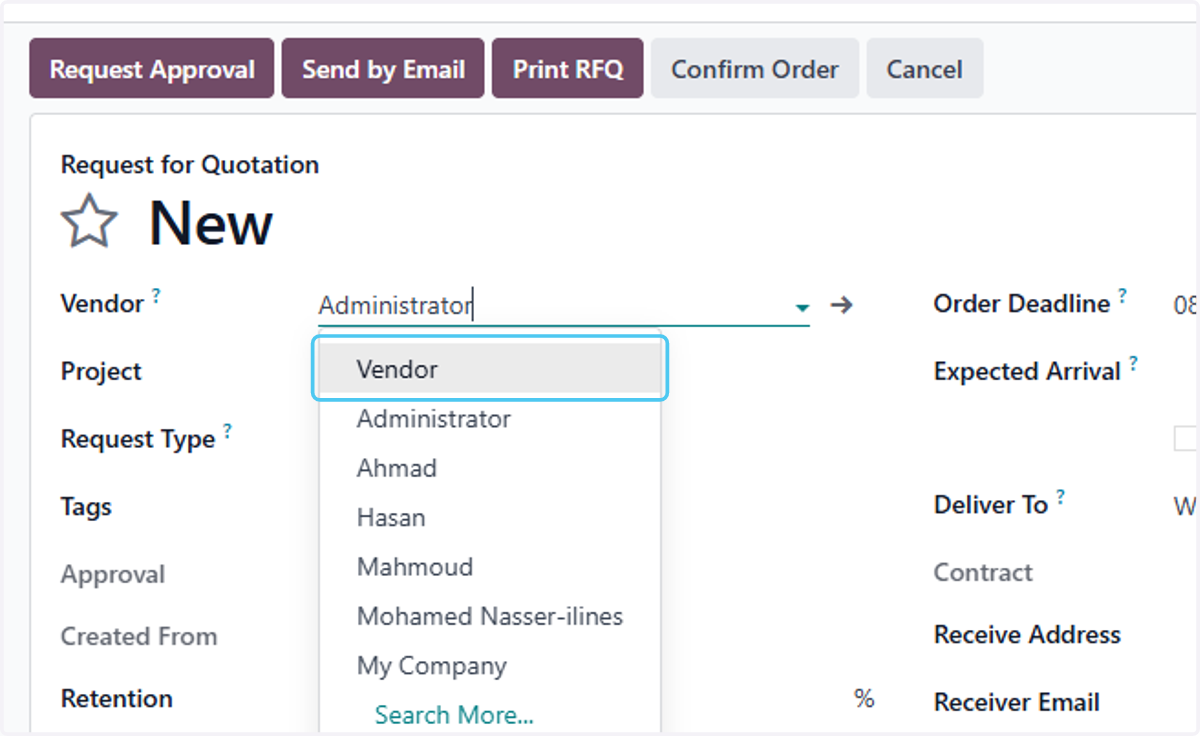
6. Click on Project
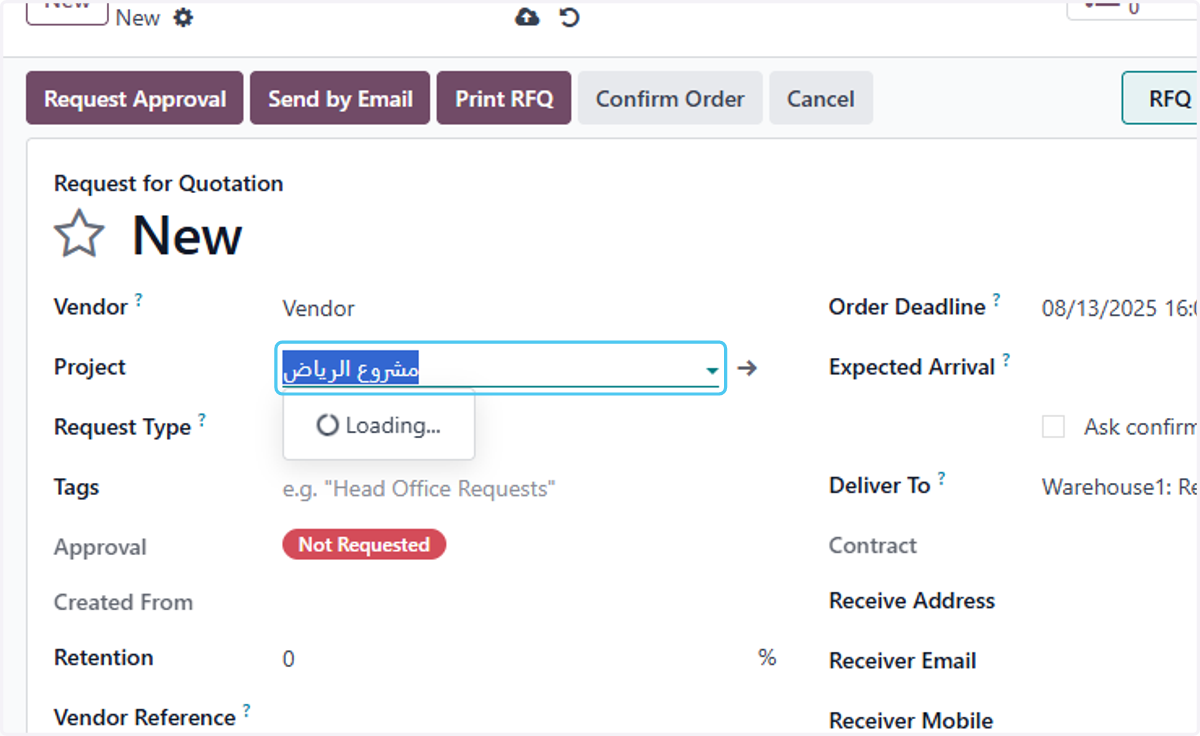
7. Click on Request Type?
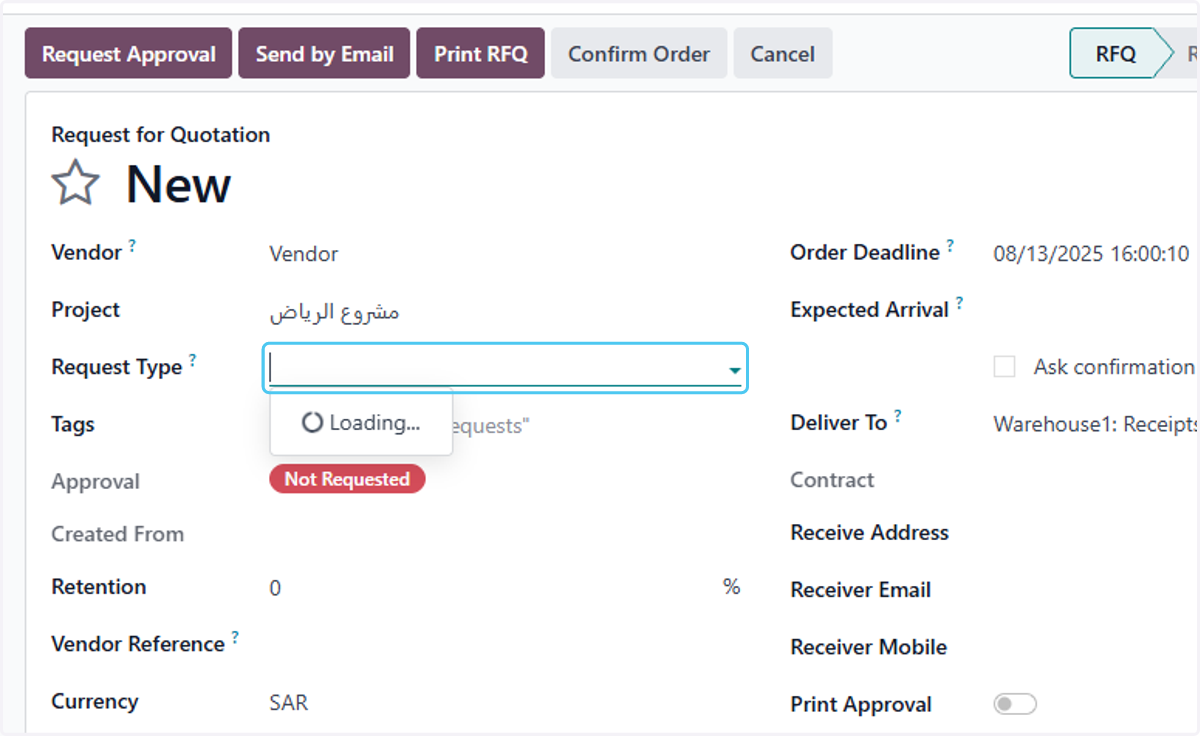
8. select the Request Type
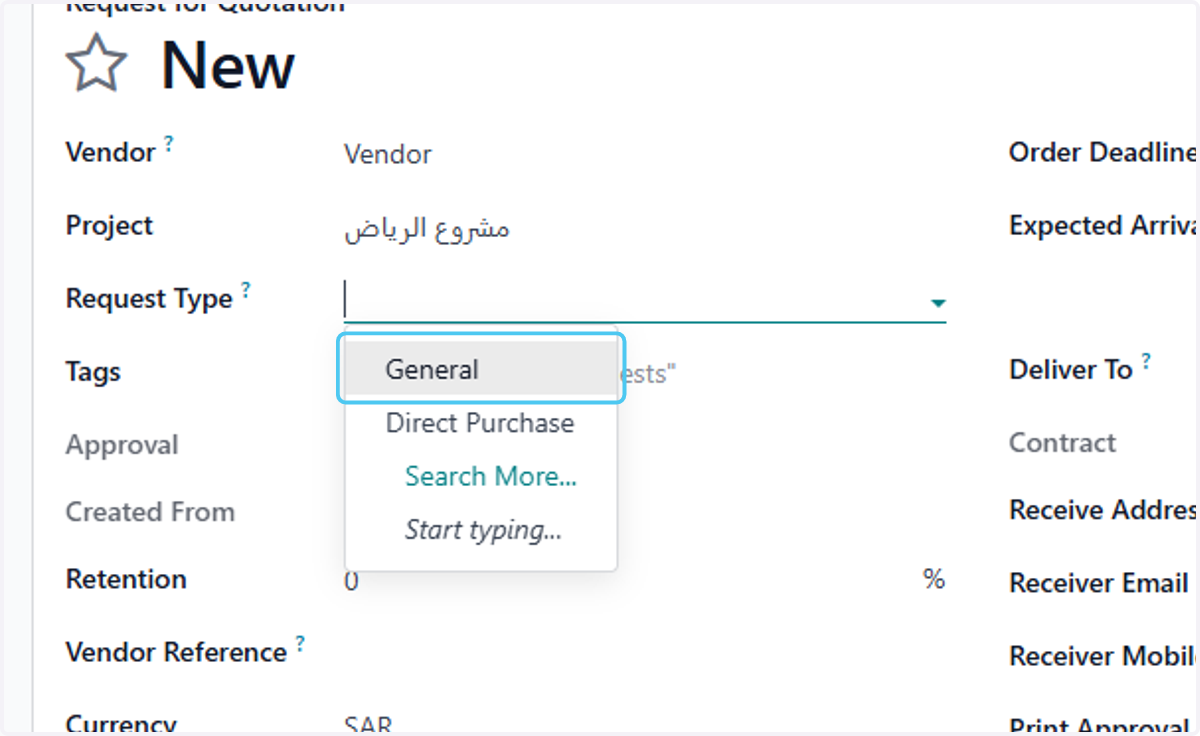
9. Click on Tags
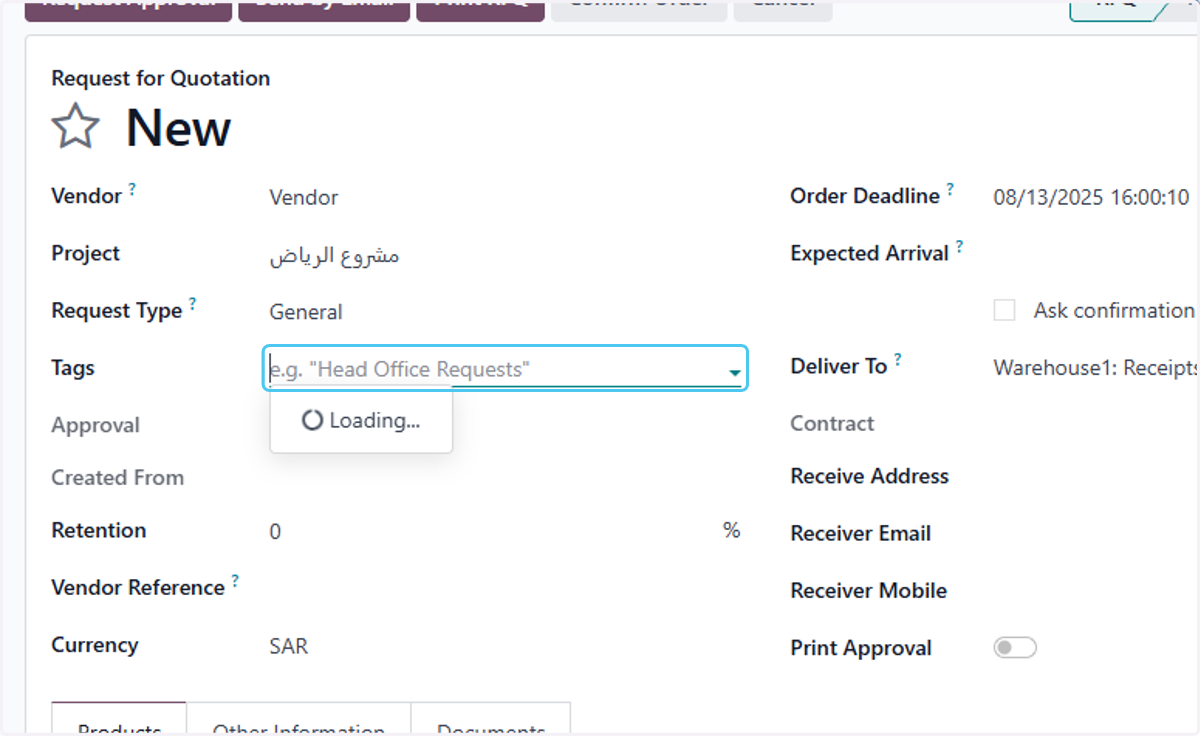
10. Type the retinsion
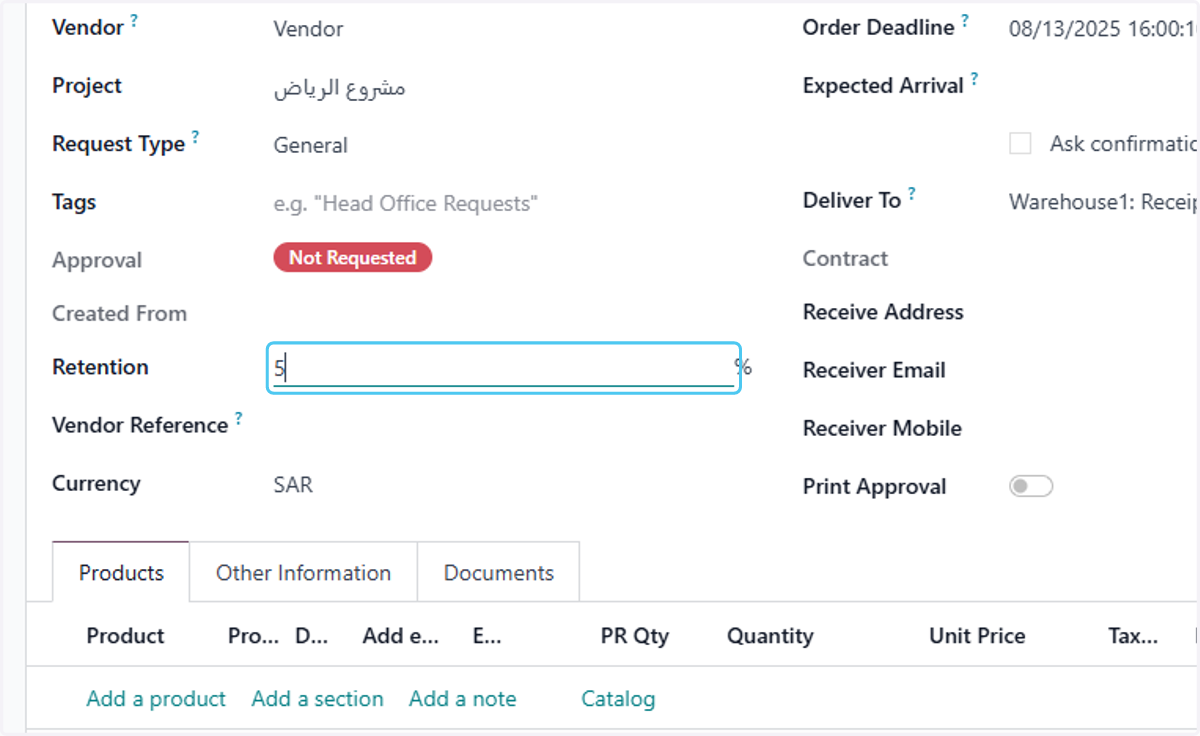
11. Type the vendor reference
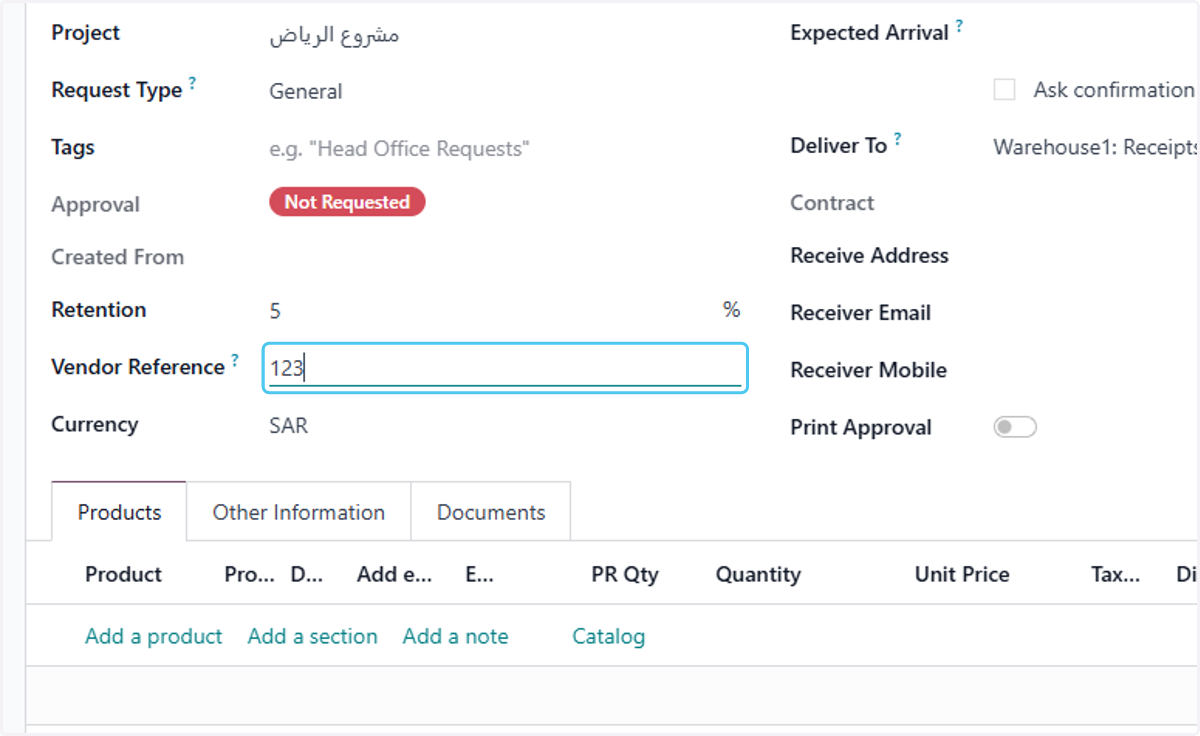
12. Click on Order Deadline?
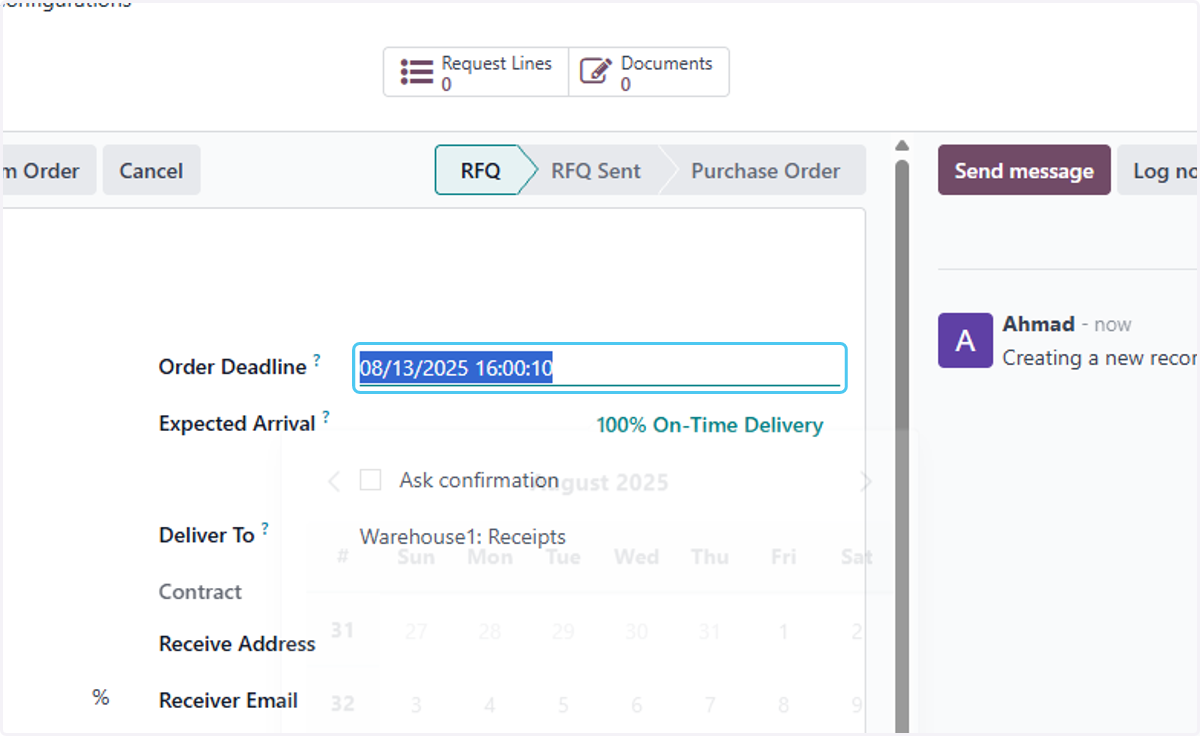
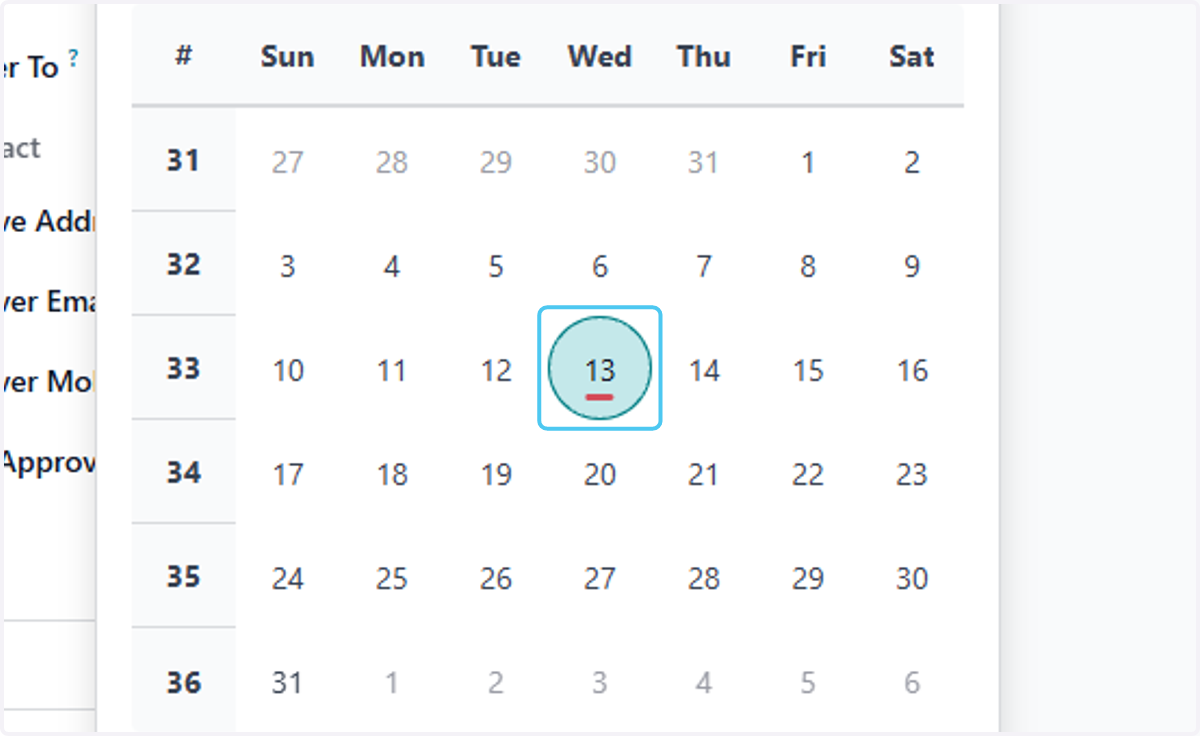
13. select the Order Deadline date
14. Click on Expected Arrival?
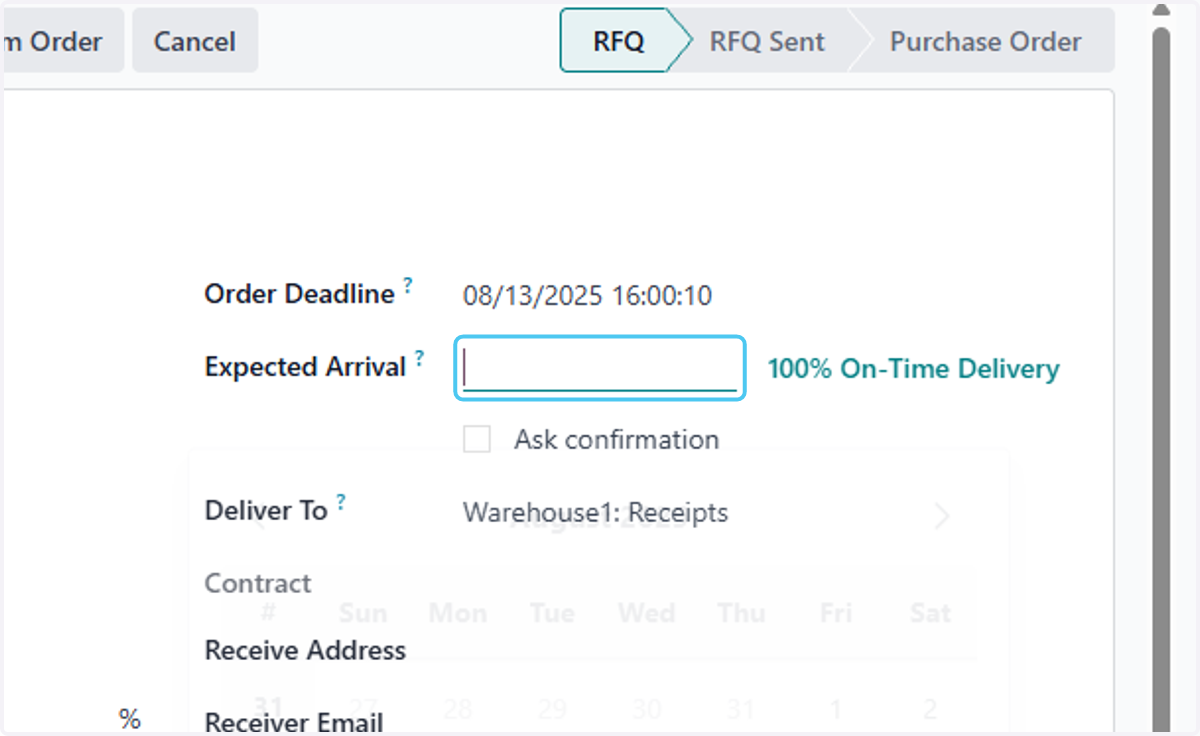
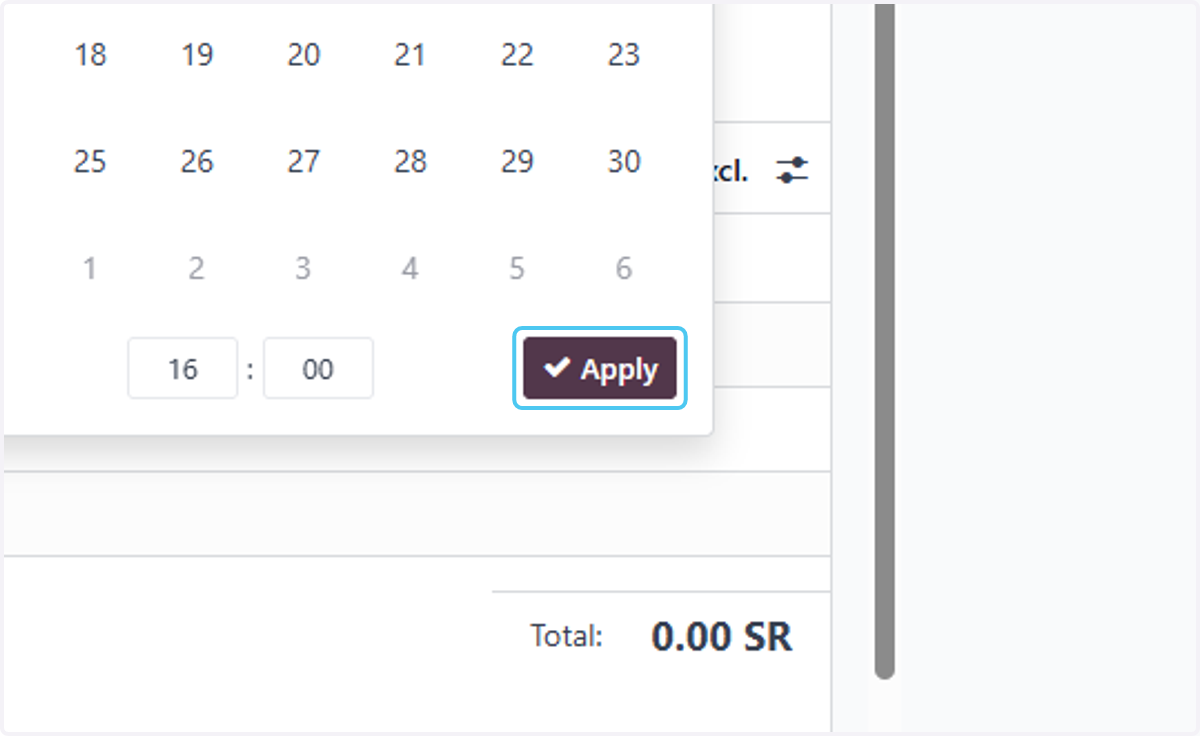
15. select the Expected Arrival date
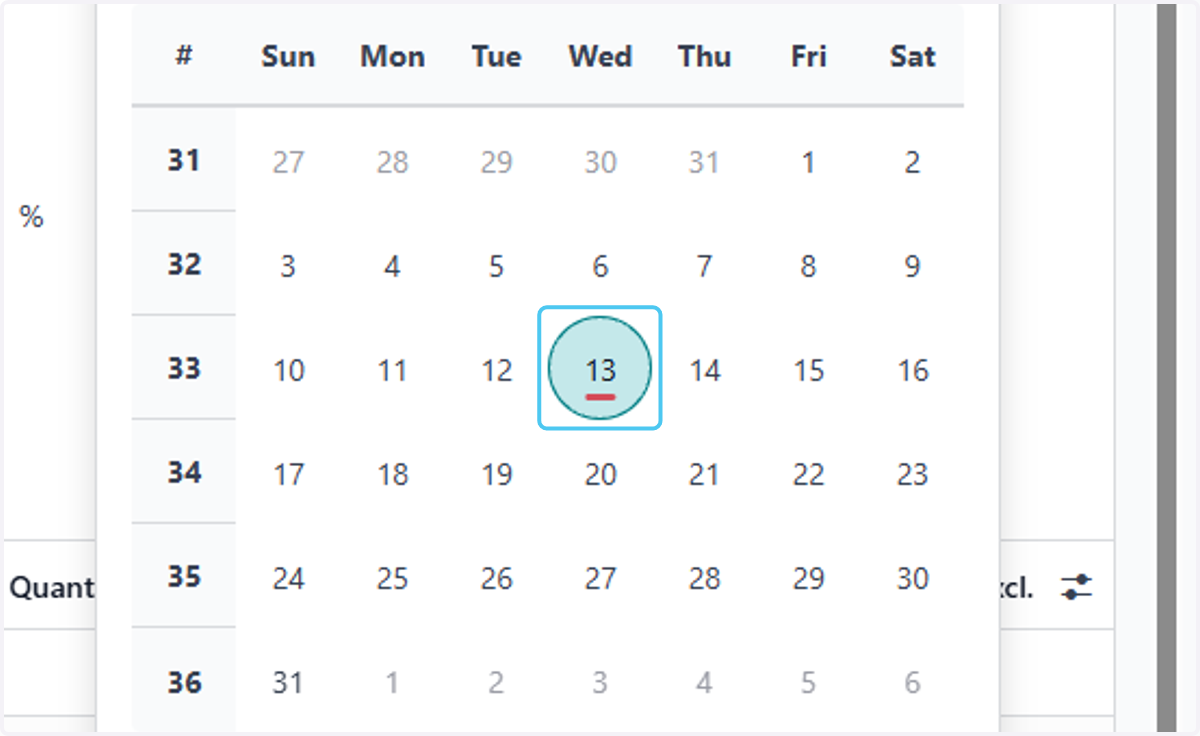
16. Click on Apply
17. Click on dropdown trigger
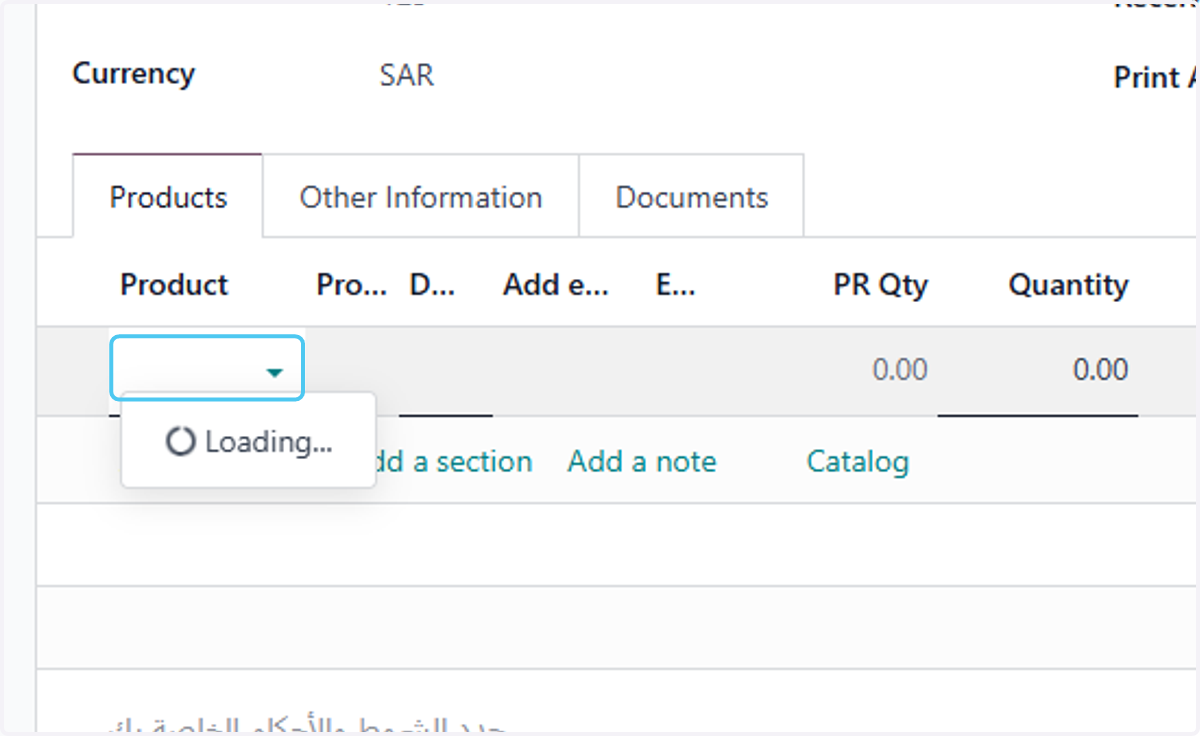
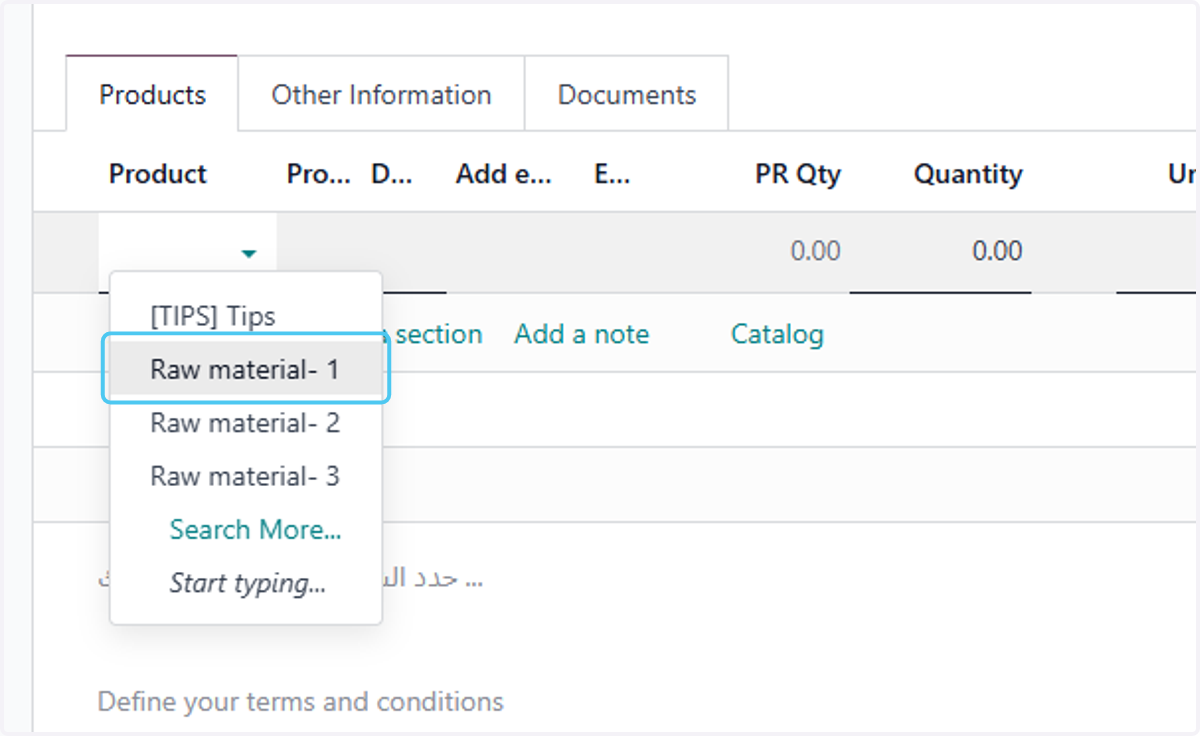
18. select the products
19. Type the quantity
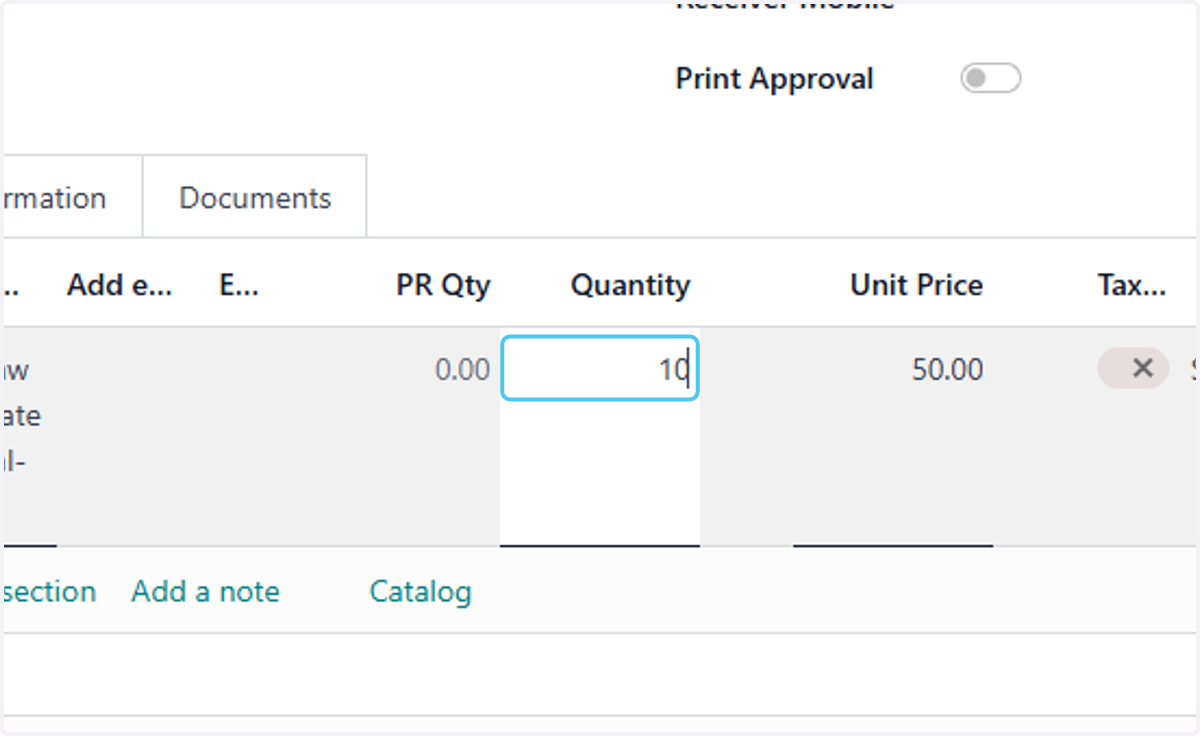
20. type the price
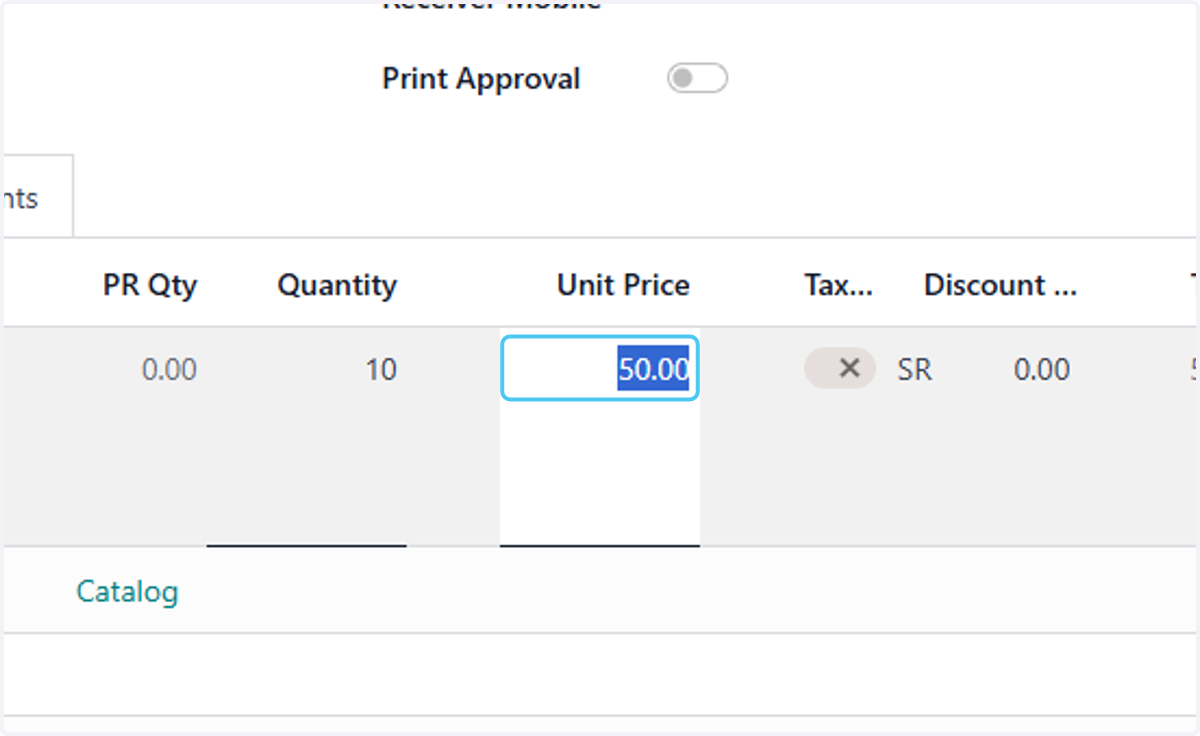
21. Click on Save manually
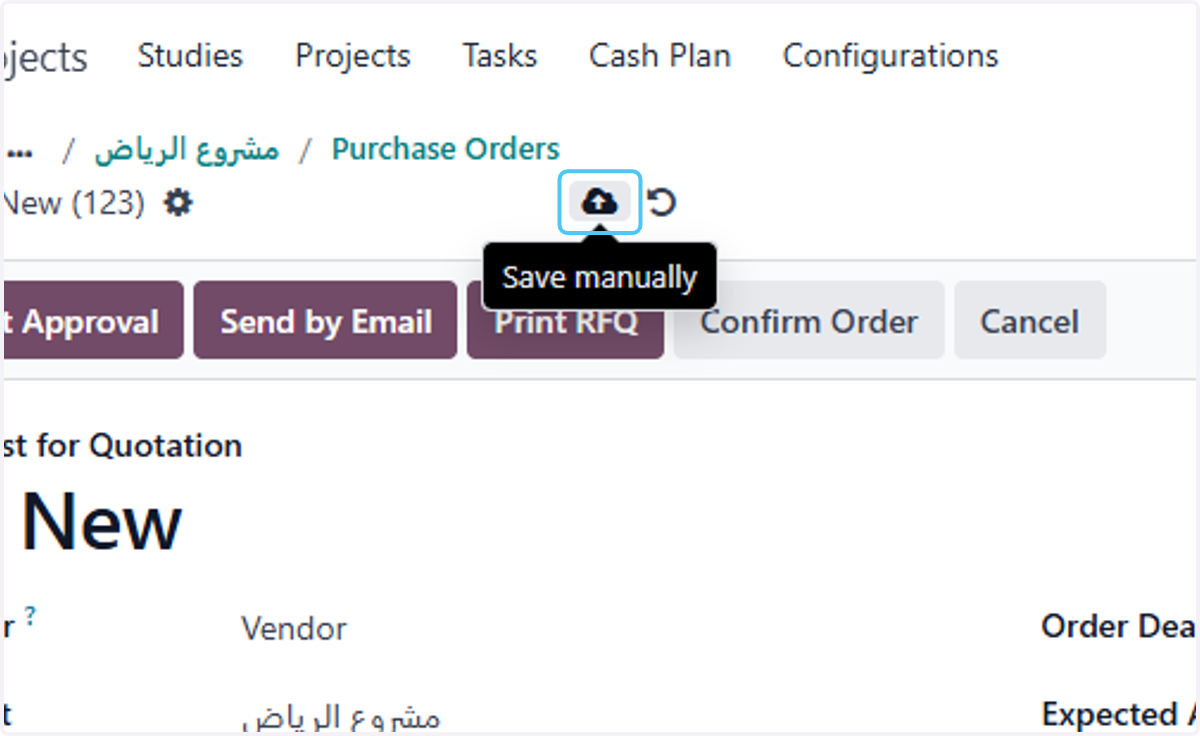
22. Click on Request Approval
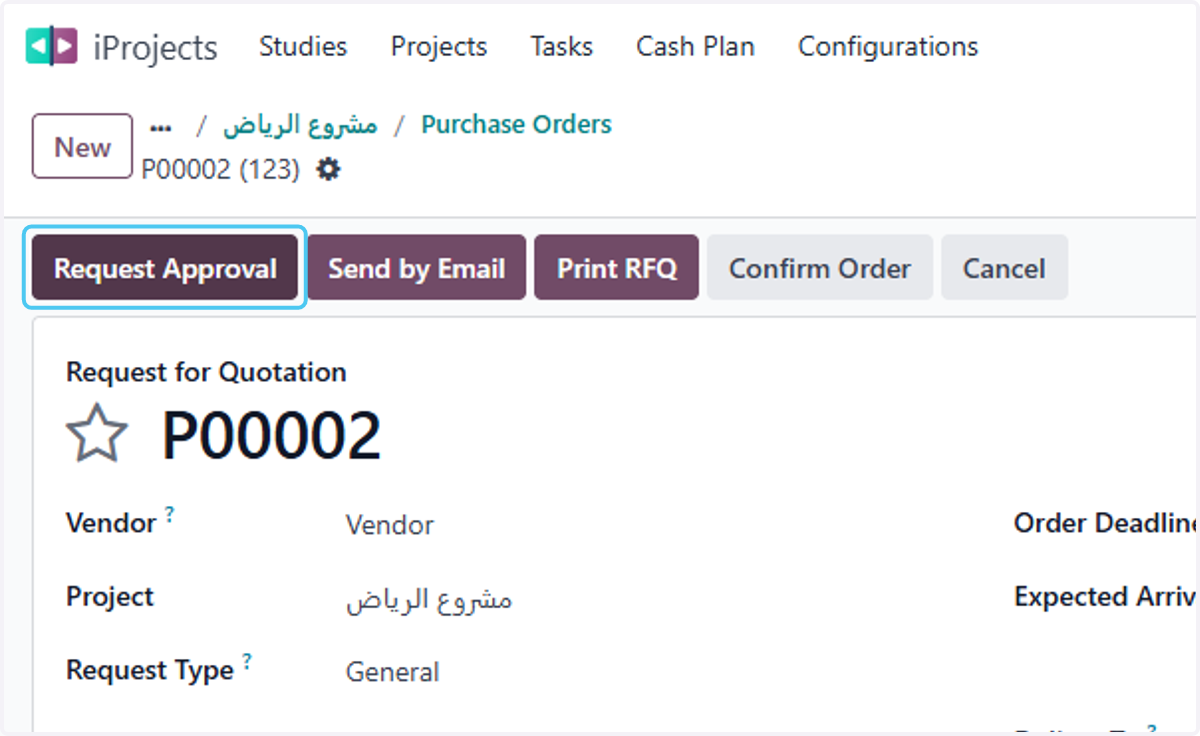
23. Click on Send by Email
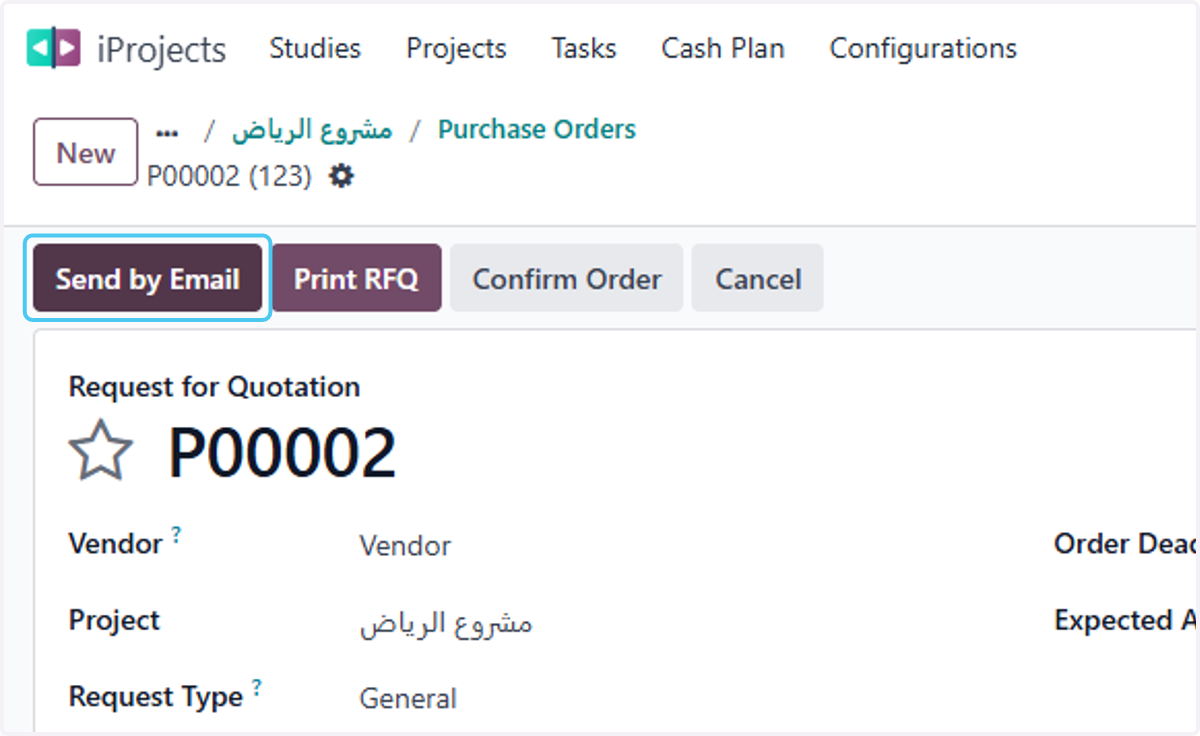
24. Click on Send
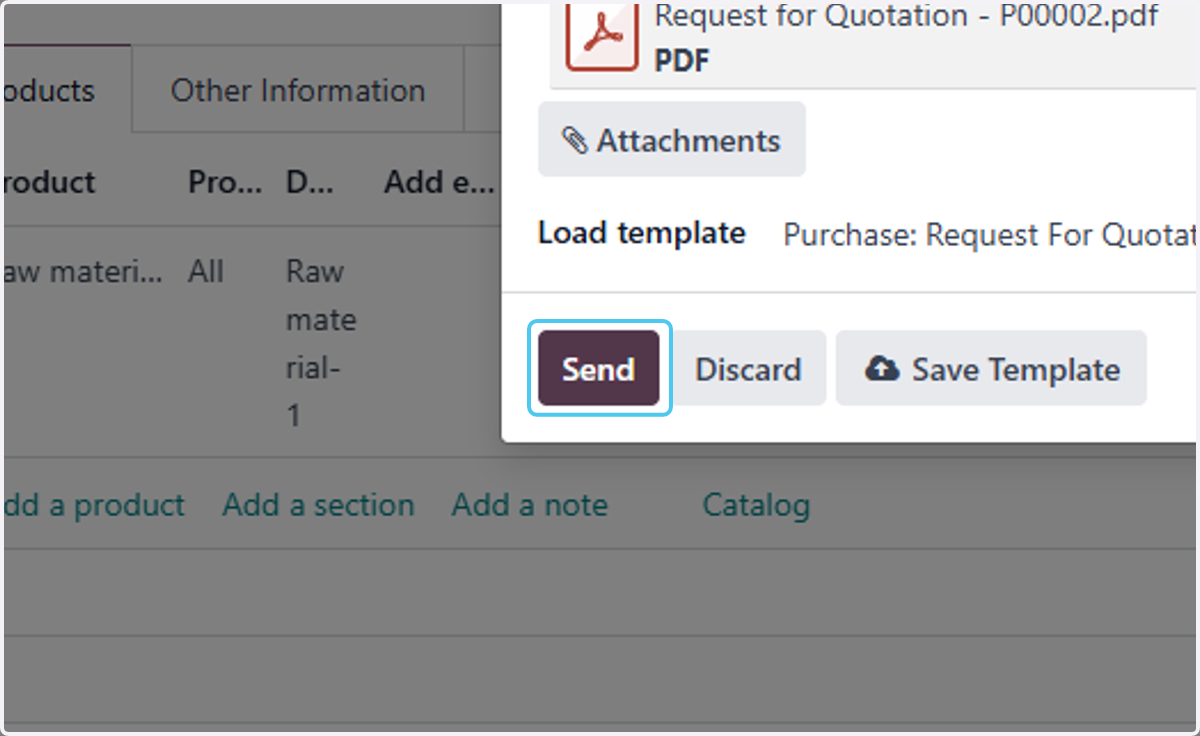
25. Click on Confirm Order