How to nest organizations
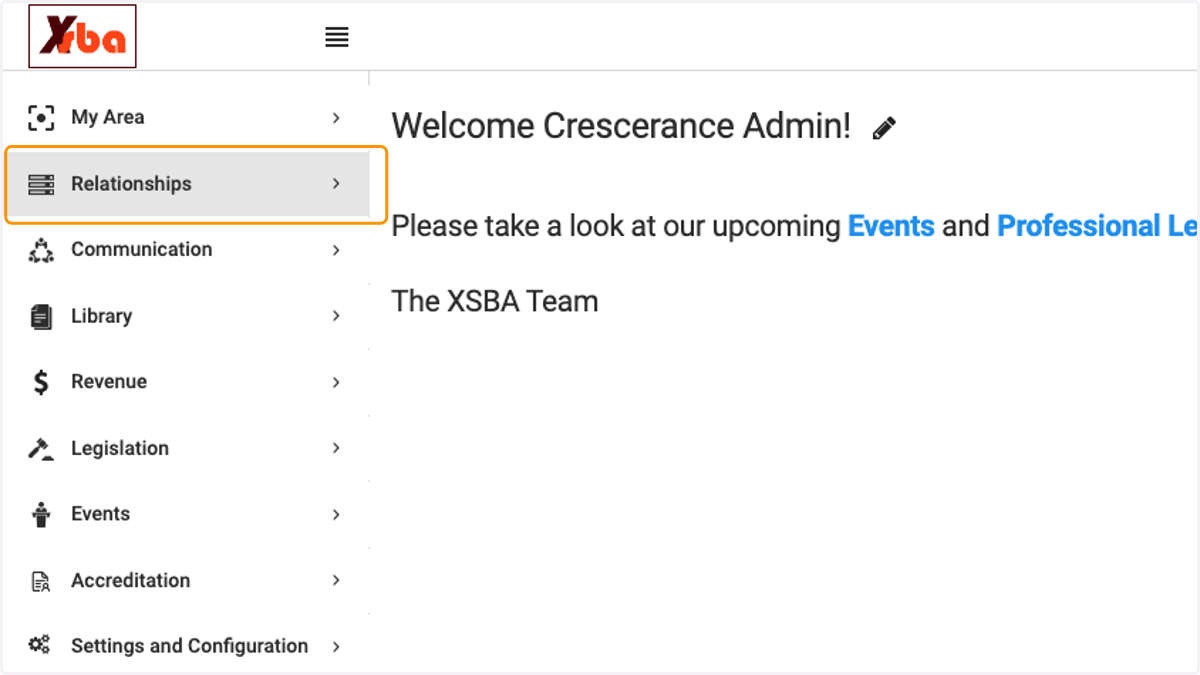
1. Click on Relationships
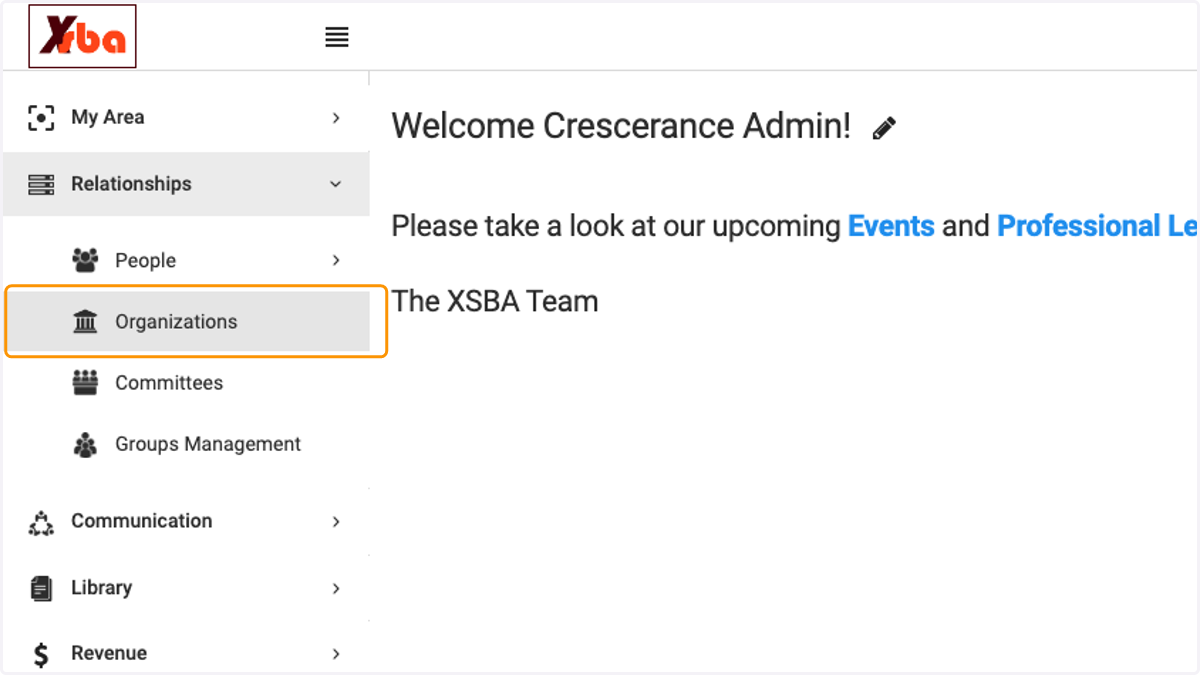
2. Click on Organizations
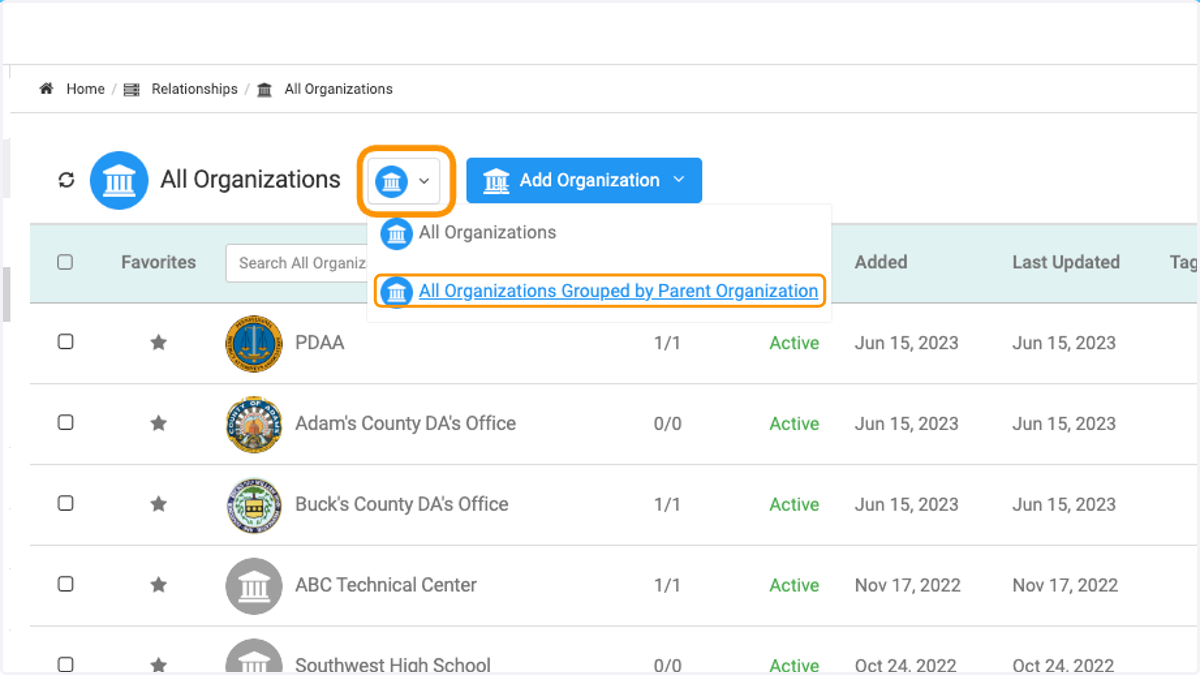
3. Click on organization icon and then click on 'All Organizations Grouped by Parent Organization'
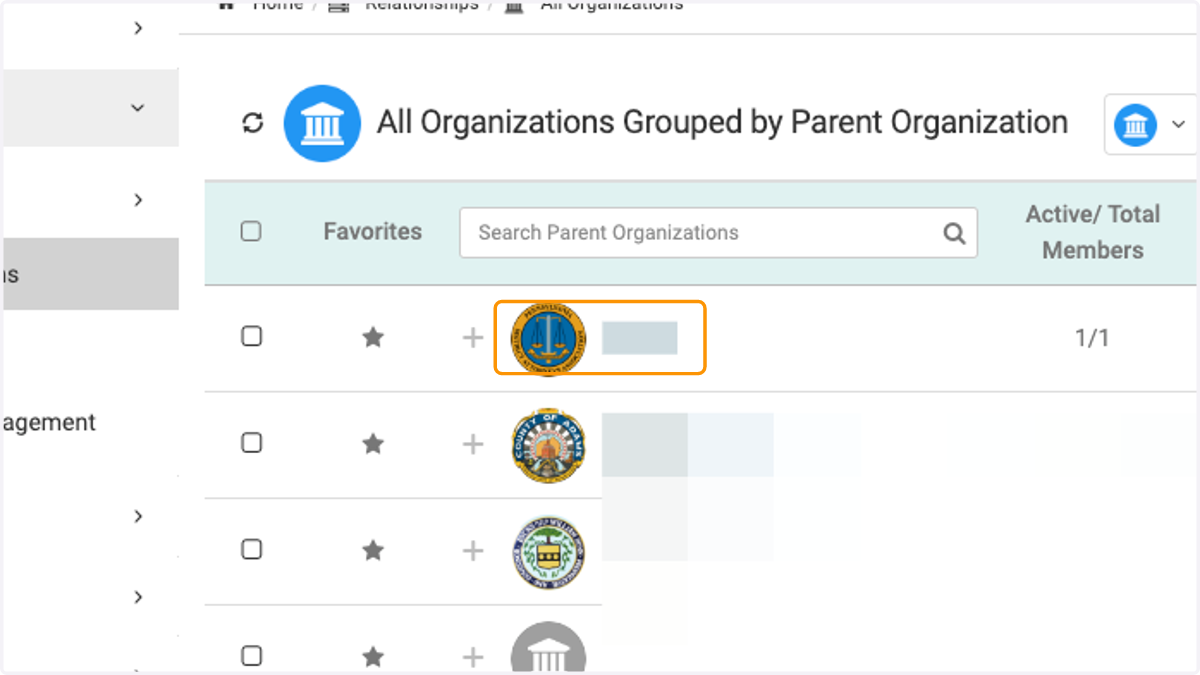
4. Click on the preferred parent organization
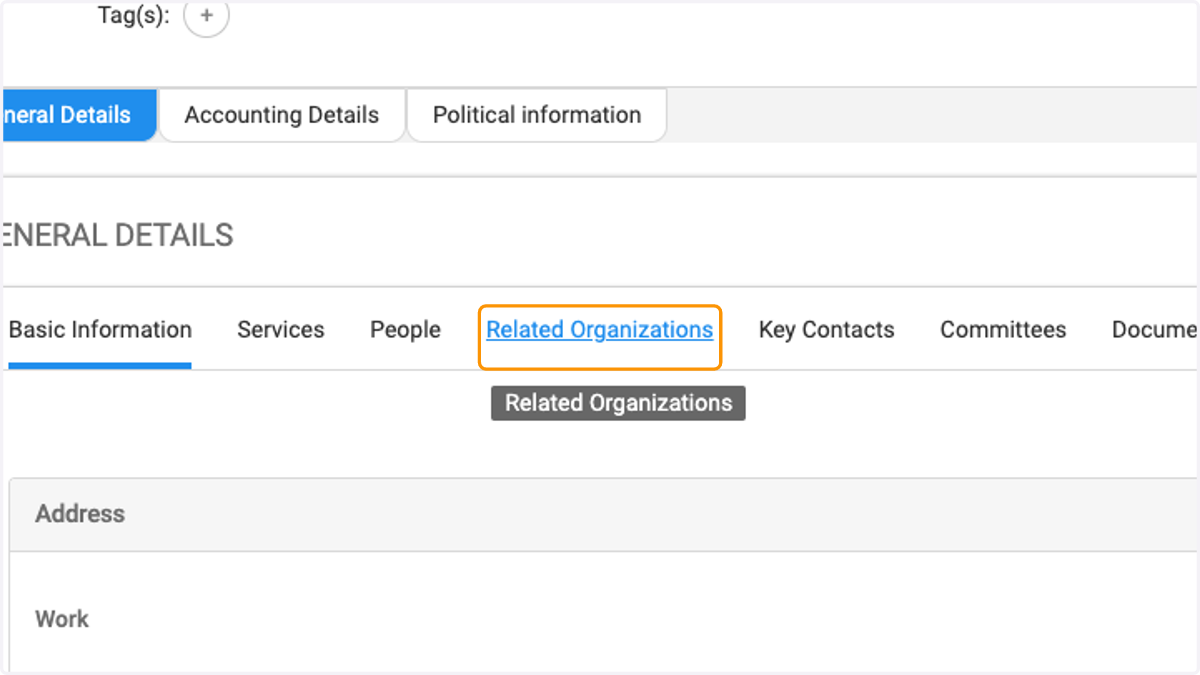
5. Click on Related Organizations
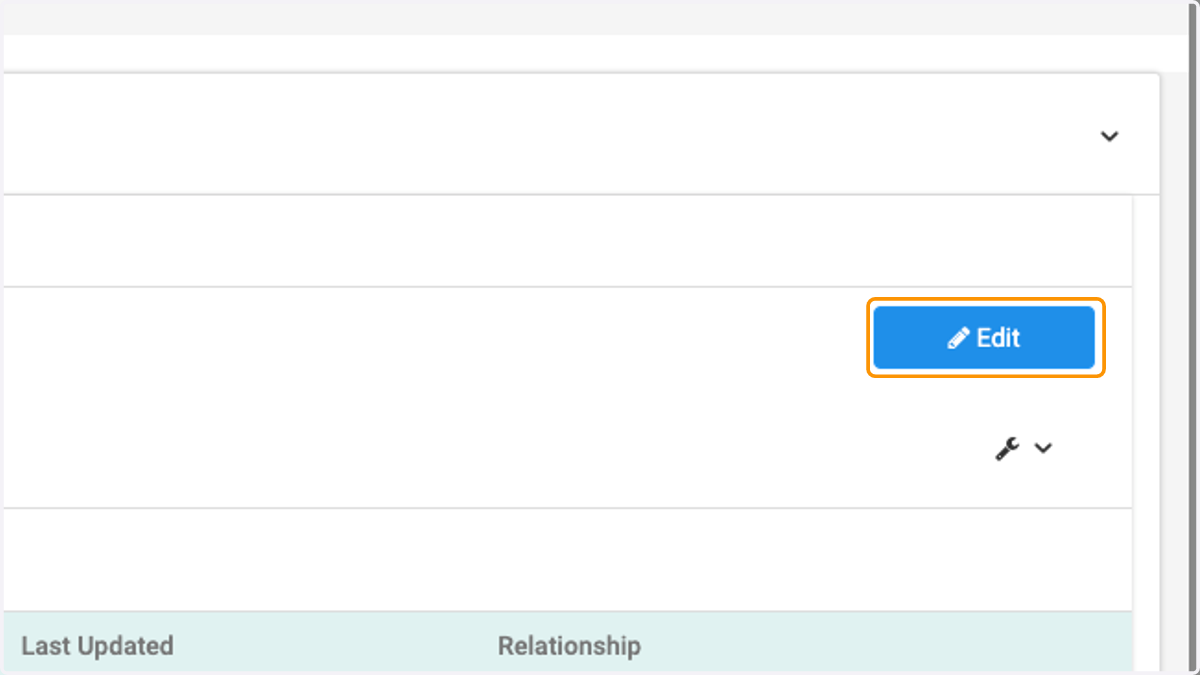
6. Click on Edit
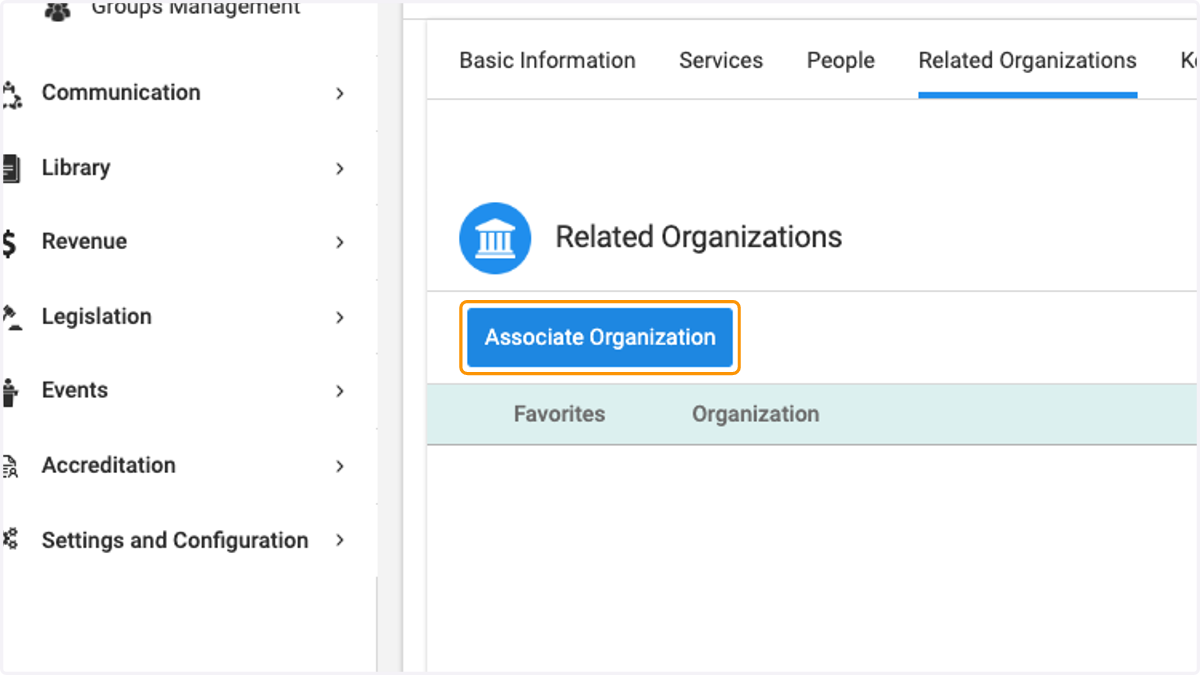
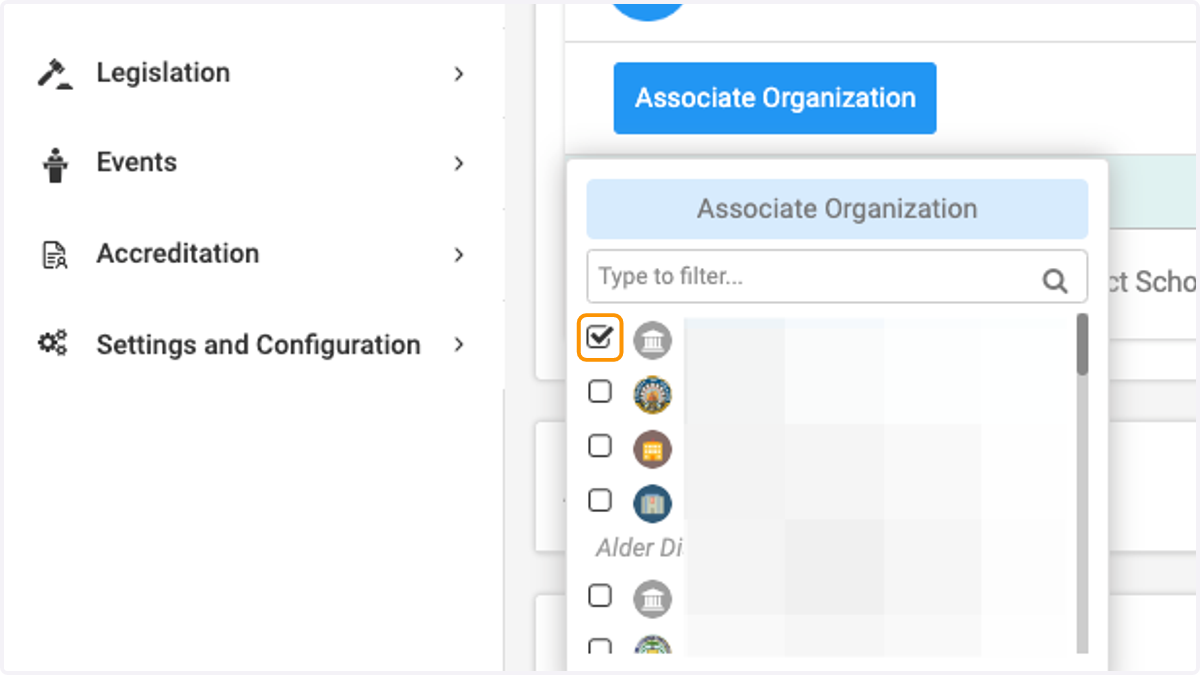
7. Click on Associate Organization
8. Either type the name of the organization or scroll and then check the box
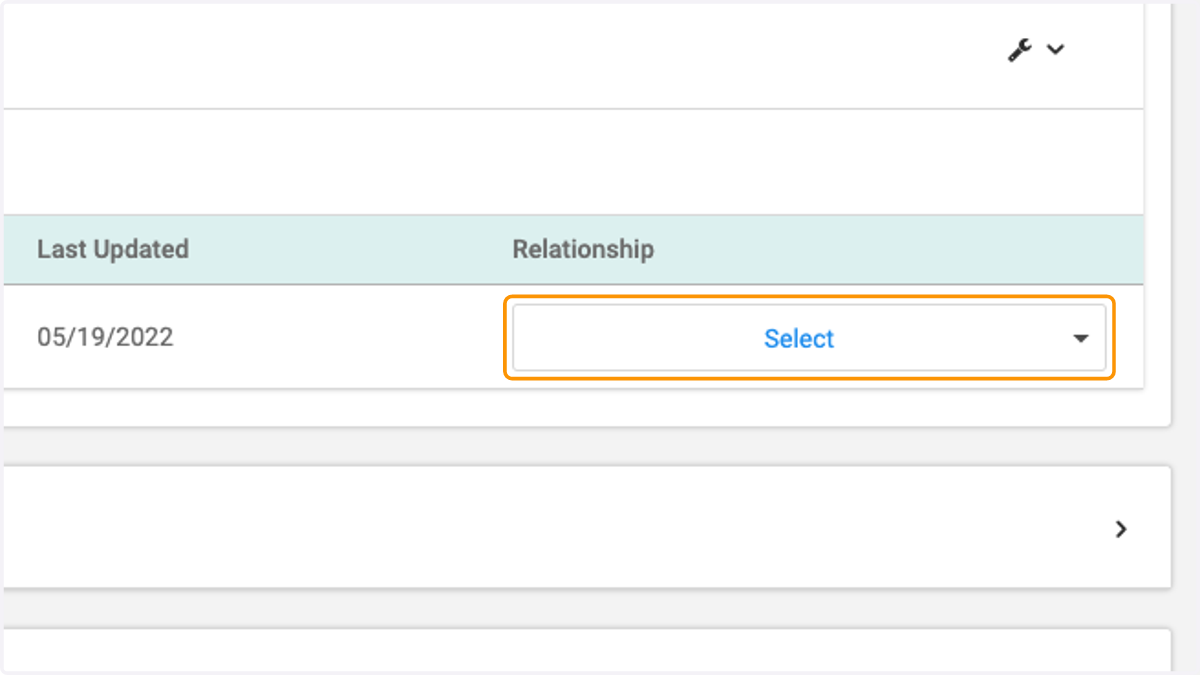
9. Click on Select
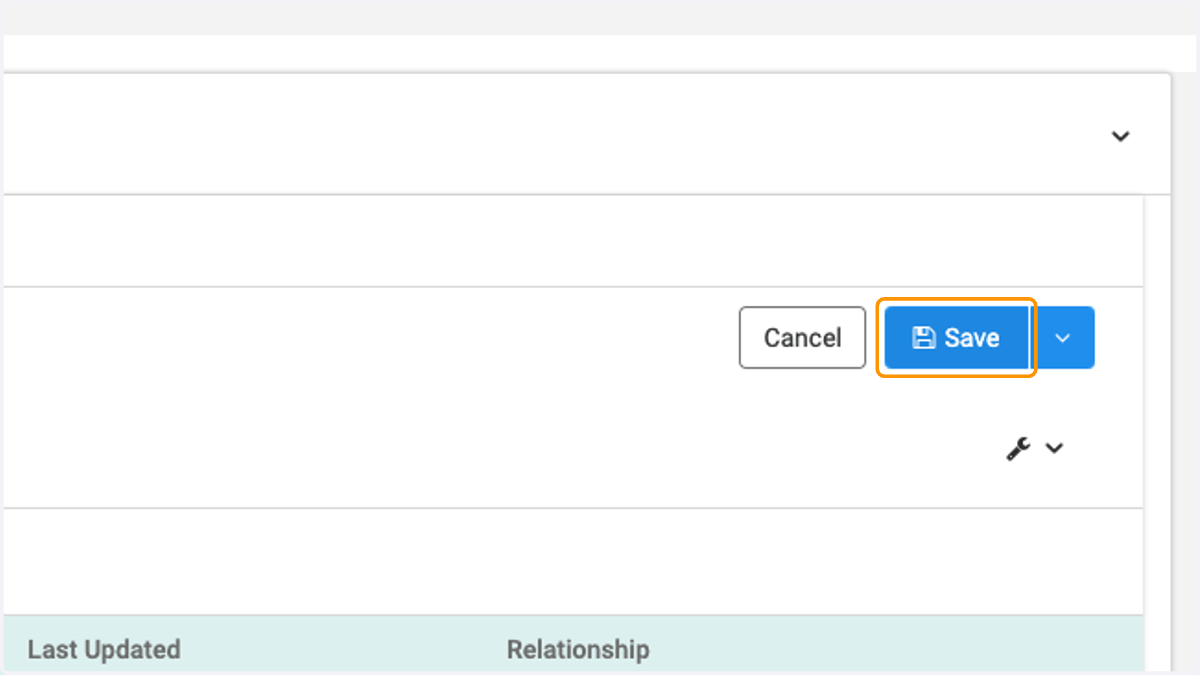
10. Click on Save