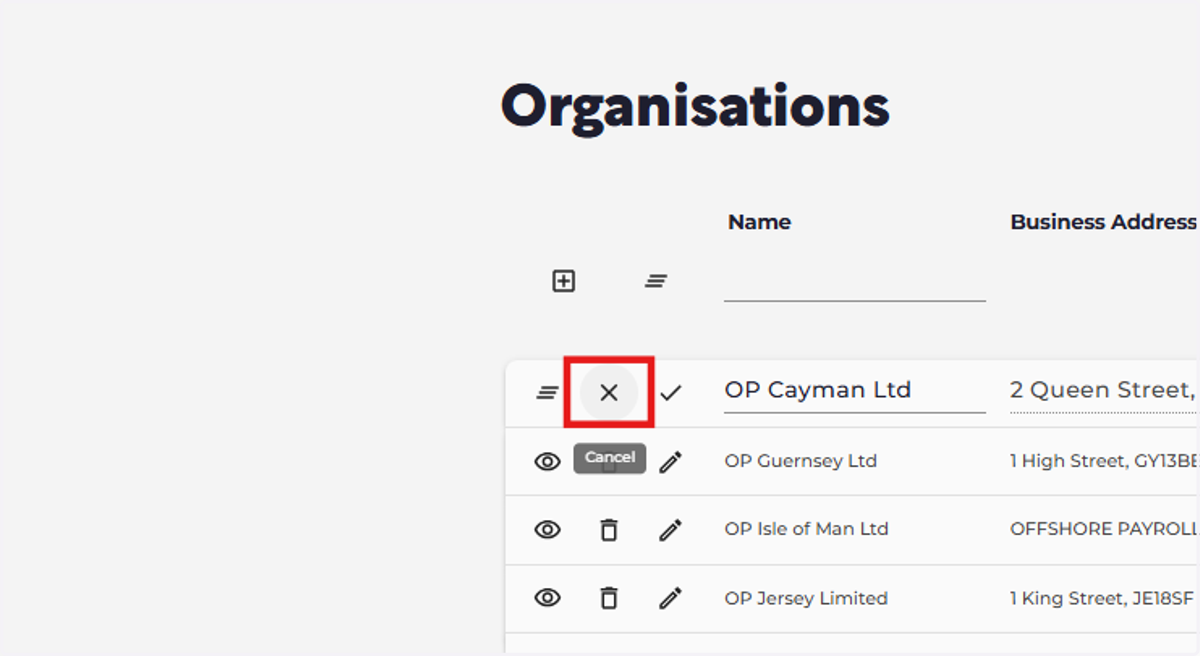
Icons guide
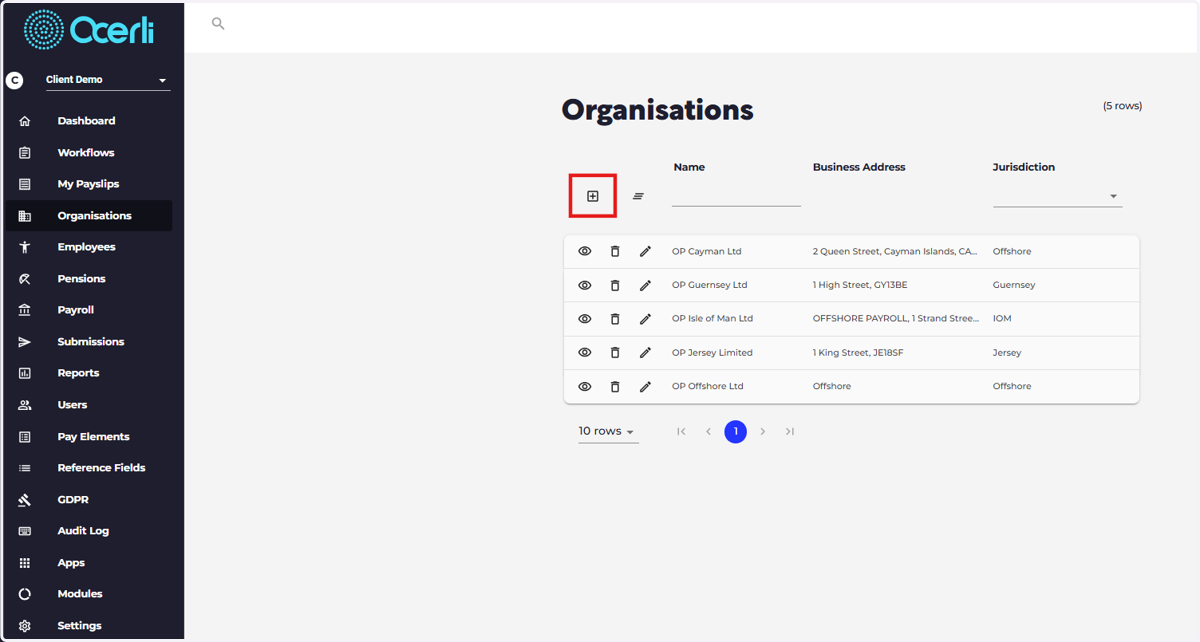
1. Add New Record
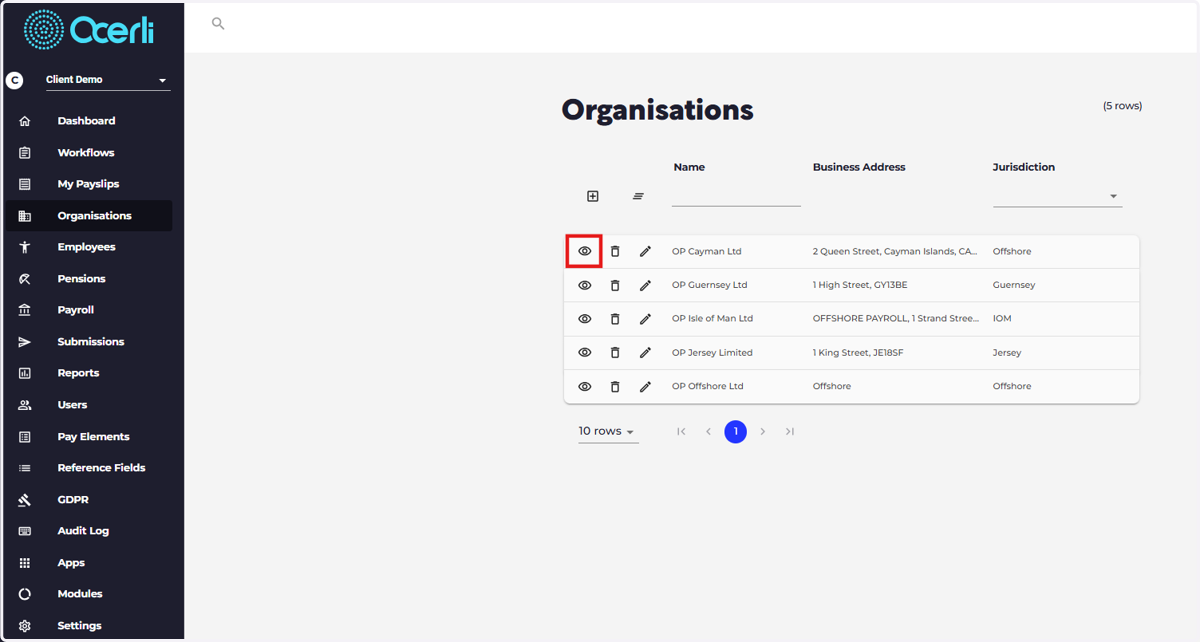
2. View
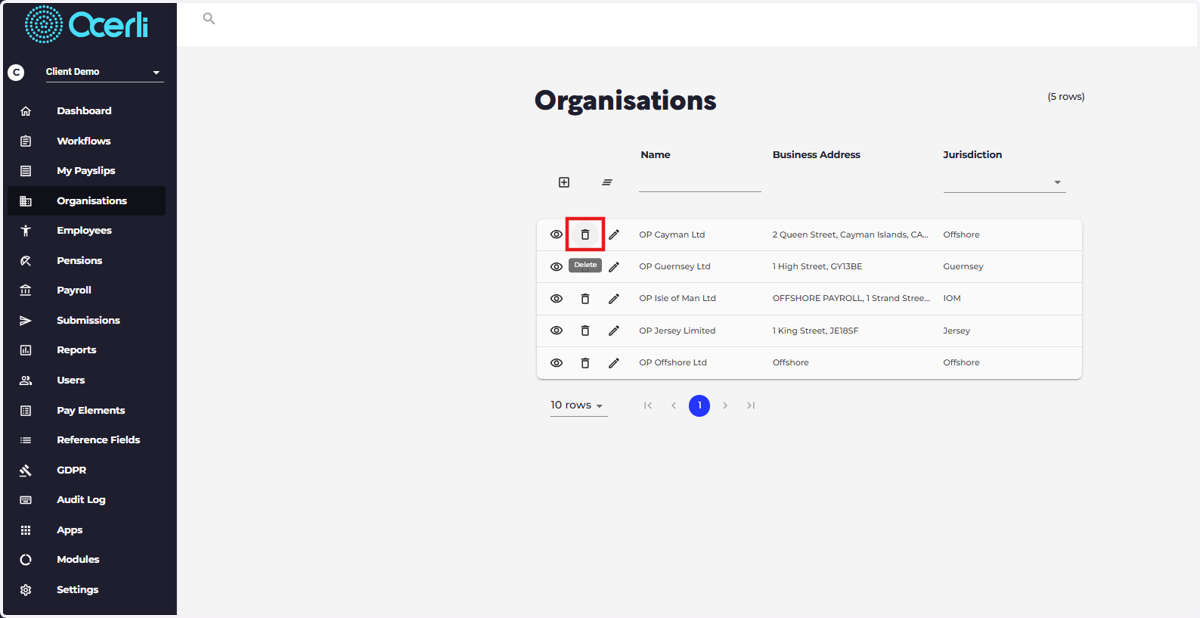
3. Delete
Note: you cannot delete full employee or organisation records that have been featured in a payslip
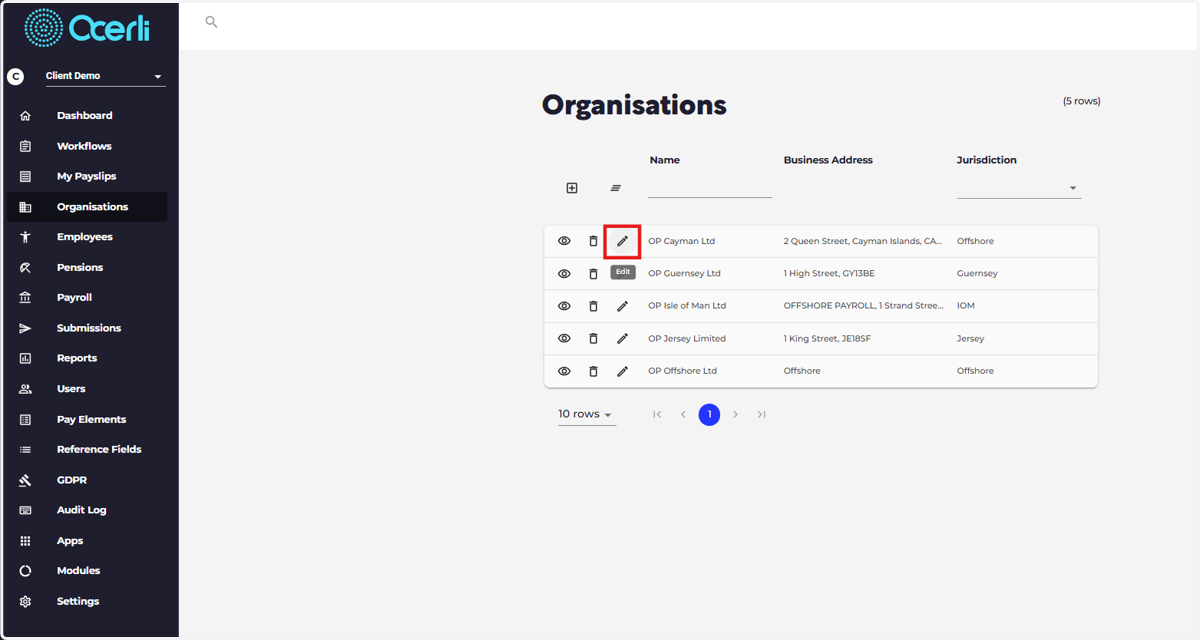
4. In-line edit - useful for quick edits to on-screen fields.
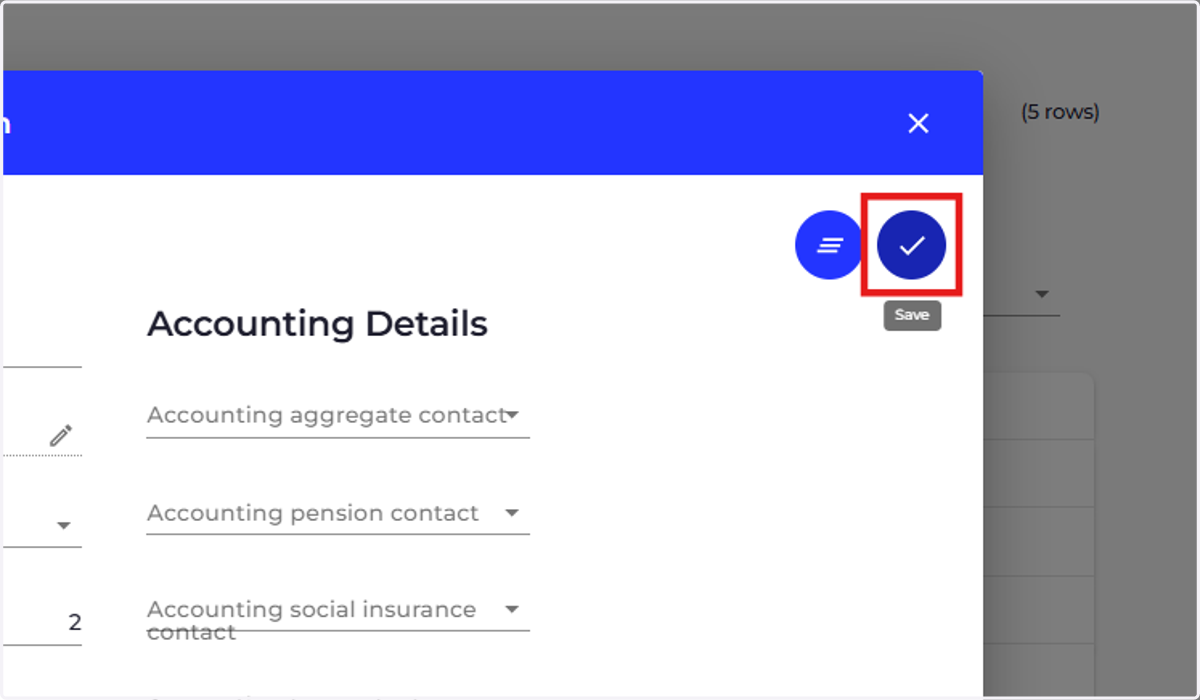
5. Save
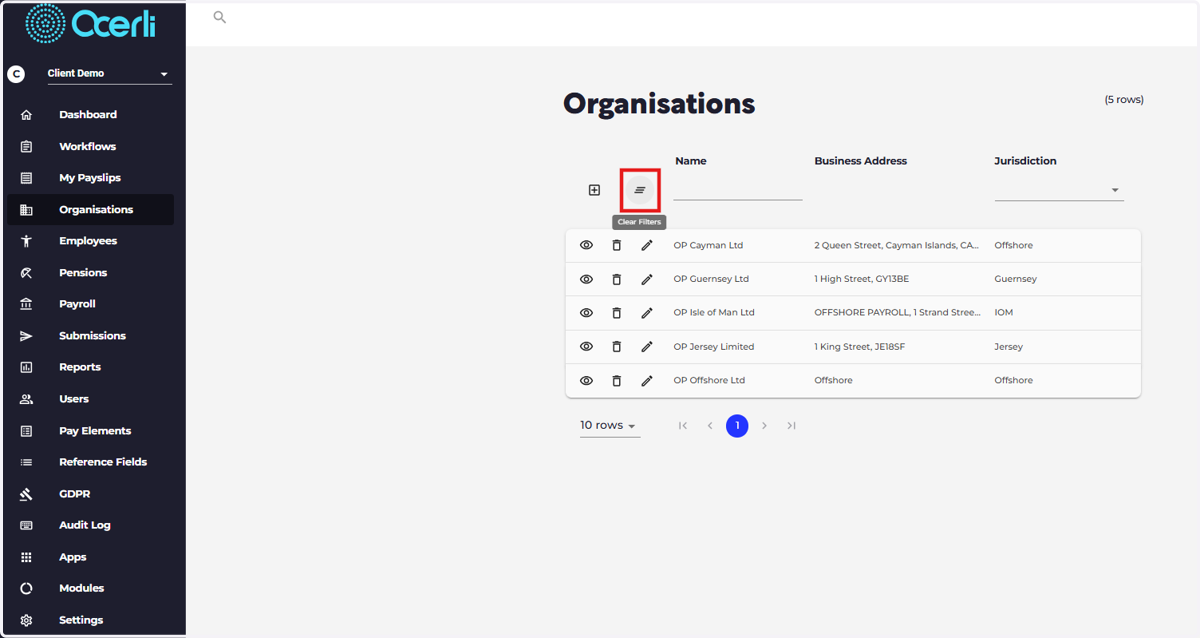
6. Clear - used to clear filters that have been set or clear changes to the record you are editing. Note: you cannot clear data from employee or organisation records that have been featured in a payslip
7. Click on Toggle "< >" Go to next or previous page
navigation from left and right between records.
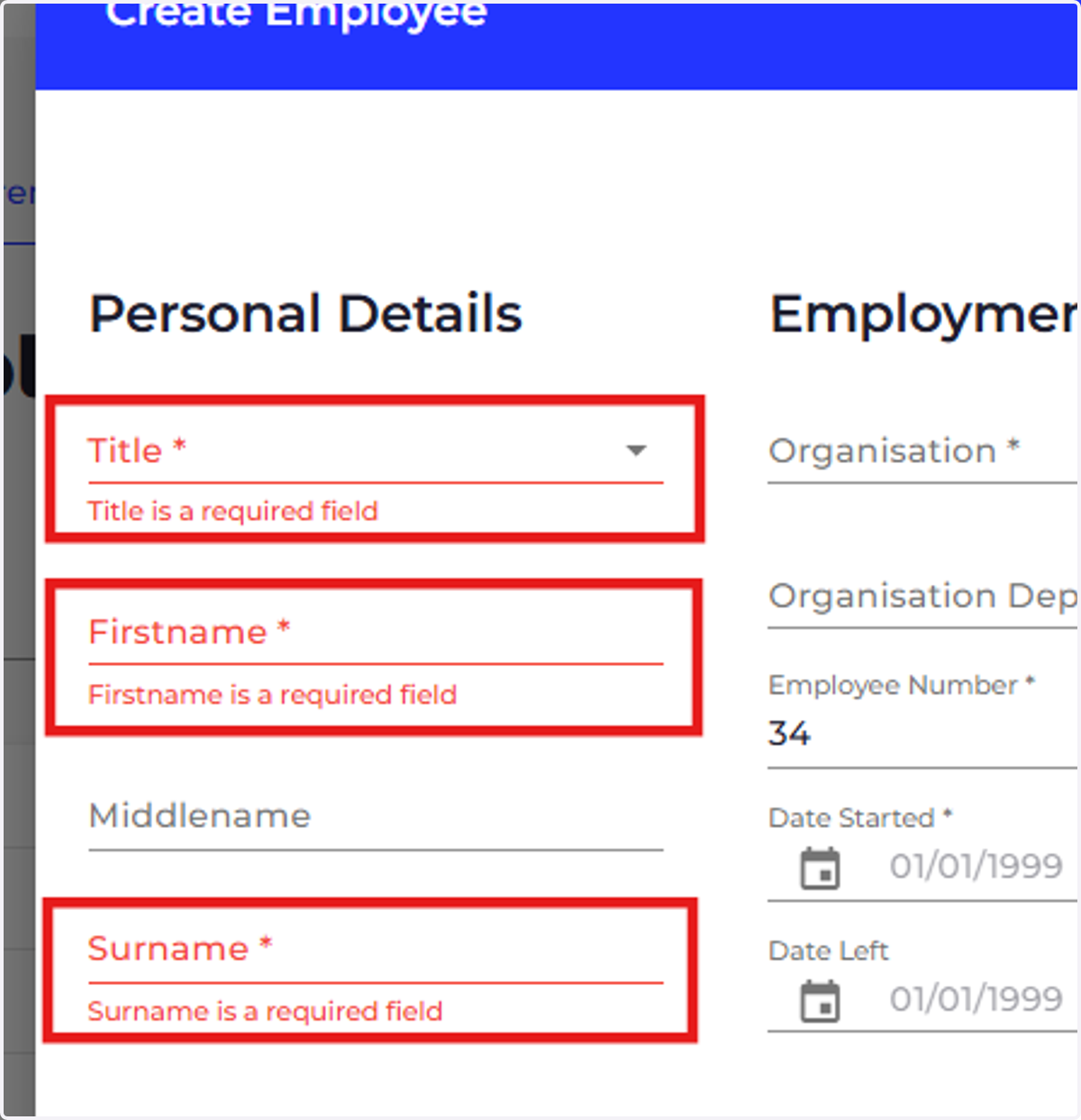
8. If you see an asterisk next to a field in the app, this means it’s a mandatory field you must complete.
9. Cancel