How to Force an SKA on Student Creation
PFS | My Students
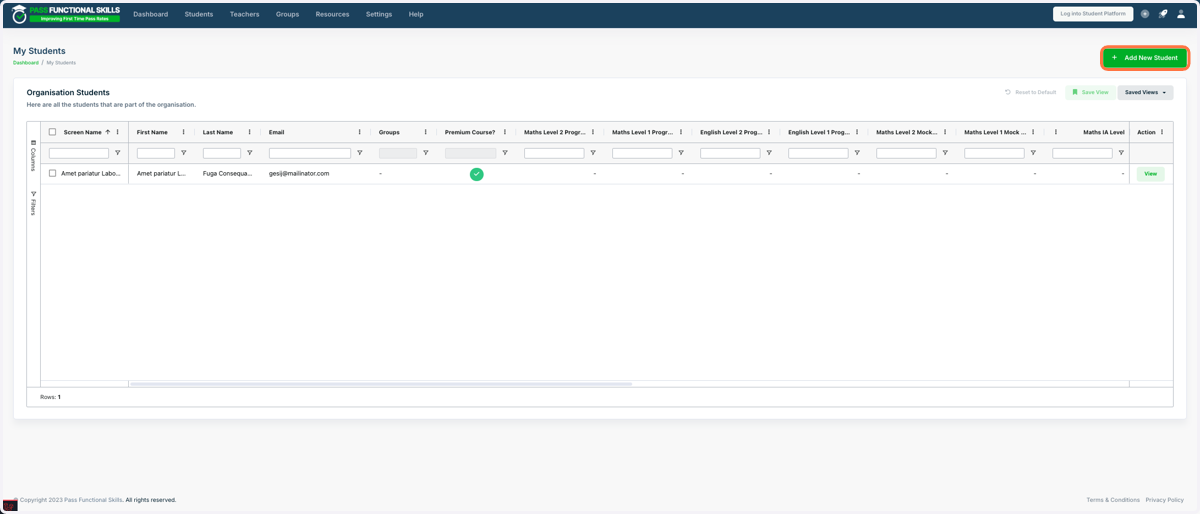
1. Go to Add New Student
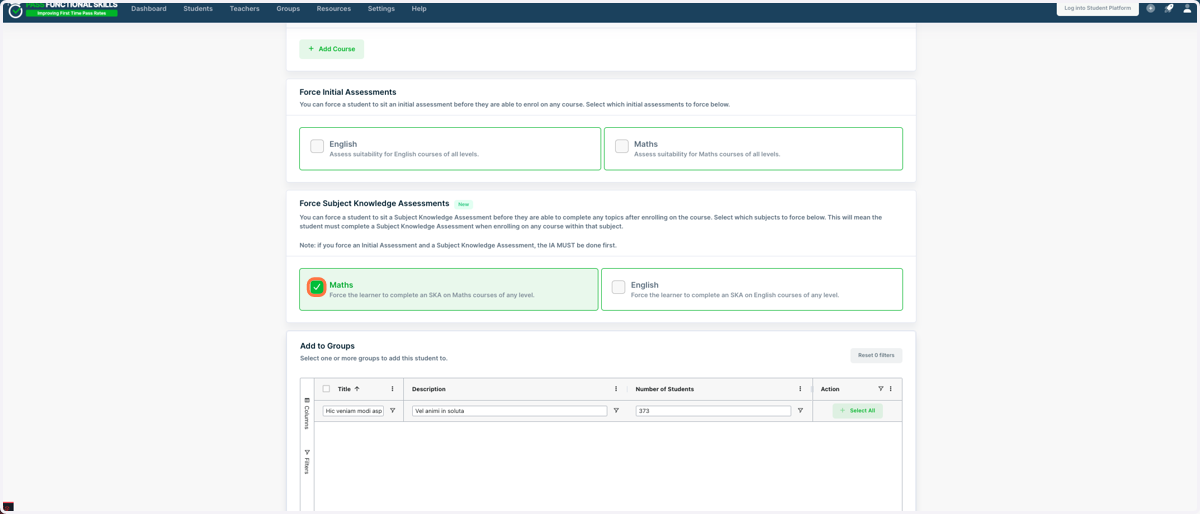
2. Fill in the student’s details as usual. When you reach the “Force Subject Knowledge Assessments” section, select the subject(s) for which you want to enforce the SKA by ticking the appropriate checkboxes.
You do not have to enroll the students in the course at the same time. Whenever they are eventually enrolled, the SKA will still be enforced as long as the relevant subject remains selected.
3. Click on “Create Student” as you normally would. The Subject Knowledge Assessment (SKA) is now enforced!